StreamFab Canal Plus Downloader
Download Canal Plus videos in 4K or 1080p as MP4 or MKV, with HDR10 or Dolby Vision picture and Dolby Atmos, EAC3 5.1, or AAC 2.0 audio. Schedule auto-downloads, grab entire seasons at once, strip ads, and keep metadata — your personal CANAL+ library, offline and always ready.


Download Canal Plus videos on Windows and Mac

Auto-download new CANAL+ episodes on a schedule

Download CANAL+ videos in 4K with HDR10 and Dolby Vision

Browse CANAL+ inside StreamFab's built-in browser
Why Do You Need StreamFab Canal Plus Downloader?
CANAL+ videos disappear due to licensing — save them offline with StreamFab
CANAL+ hosts an impressive catalog of French cinema, international blockbusters, and exclusive series — but licensing agreements mean that content can vanish without warning. When a deal expires between CANAL+ and a studio, the title disappears from the platform, sometimes permanently. That beloved French thriller you bookmarked last month, or the documentary series you half-finished, may simply be gone the next time you log in.
StreamFab Canal Plus Downloader lets you save videos for offline viewing the moment you discover them, so your personal library stays permanent even when the CANAL+ catalog changes. With over 20 years of trusted software development behind it, StreamFab ensures those saves are high quality and always playable.

Download Canal Plus videos from France Africa and overseas territories for offline viewing
Whether you are a CANAL+ subscriber in metropolitan France, in an African territory, or in an overseas region like Guadeloupe or Guyana, your connection to the platform is not always reliable. Flights, hotel Wi-Fi, countryside retreats, and data roaming costs all become obstacles the moment you want to watch your favorite French series or a live sport replay.
StreamFab Canal Plus Downloader supports canalplus.com and the regional portal paths used across supported territories, so you can download movies, full episodes, and bonus clips directly to your device before you travel. Once saved locally, your CANAL+ content plays perfectly — no buffering, no geo-blocks, no internet required.

What Can StreamFab Canal Plus Downloader Do?
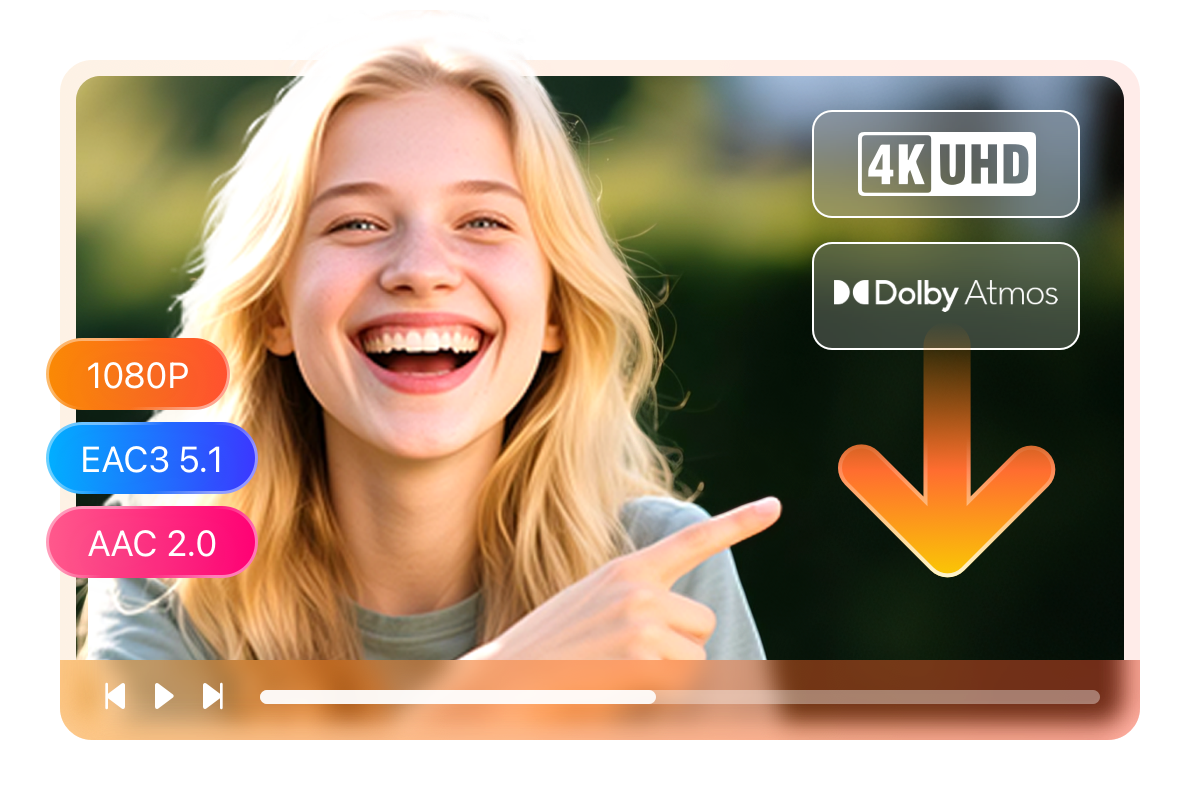
Download CANAL+ Videos in 4K with HDR10, Dolby Vision, and Dolby Atmos
You just finished watching a CANAL+ film on your laptop and realized it looked nothing like it did on your TV — the stream had downgraded the quality mid-playback and the HDR felt flat. That gap between what CANAL+ can deliver and what your internet connection actually serves is frustrating. StreamFab Canal Plus Downloader closes that gap permanently.
It saves CANAL+ videos at up to 4K resolution and preserves both HDR10 and Dolby Vision metadata where available, so the picture that reaches your screen offline is exactly as the filmmakers intended — deep shadows, brilliant highlights, and vivid color. For audio, you can keep Dolby Atmos for that immersive surround experience, or choose EAC3 5.1 for a full multichannel mix, or AAC 2.0 for everyday listening on earbuds and laptops. Whether you are playing back on a 65-inch OLED or a tablet, the quality stays consistent, without buffering or dropout.
Choose MP4 or MKV Format for Perfect Compatibility Across All Your Devices
You download a CANAL+ film to watch on your TV, only to find your media player cannot read the file format. That kind of compatibility friction is the last thing you want after spending time downloading. StreamFab Canal Plus Downloader lets you choose between MP4 and MKV at the point of download, so the output file already matches your intended playback setup.
MP4 is the universally recognized choice — it plays natively on iPhones, iPads, Android phones, smart TVs, Windows PCs, and Macs without any conversion. MKV, on the other hand, is the preferred container for home theater enthusiasts: it holds multiple audio tracks, multiple subtitle streams, and chapter markers in a single file, making it the natural choice for media servers and dedicated players. With StreamFab, you choose once and play anywhere.

Download CANAL+ Subtitles as SRT or Remux Directly Into the Video File
You are watching a French CANAL+ thriller with a non-native speaker at home, and you realize mid-film that the subtitles did not come with the downloaded file. That kind of oversight ruins a viewing session. StreamFab Canal Plus Downloader handles subtitles as part of the download process, so you never have to hunt for them separately.
Before the download begins, you can select which subtitle language you want, and then choose how it is saved. If you prefer a self-contained file, opt to remux the subtitle track directly into the video — it will always be there, perfectly synchronized, ready to toggle on or off in any player. If you prefer flexibility, save the subtitles as a standalone SRT file that you can load into any media player or share independently. Either way, your offline CANAL+ viewing experience is fully complete.

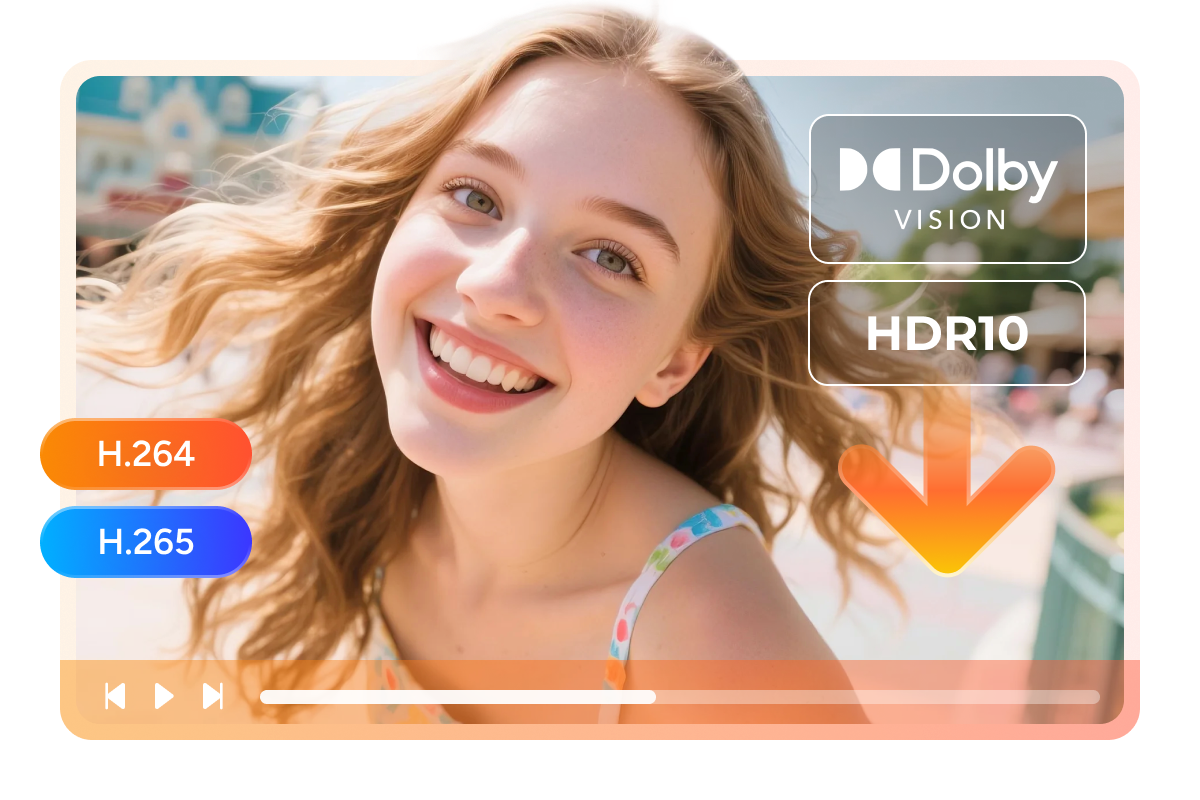
Download CANAL+ Videos in H.264 for Compatibility or H.265 for Smaller 4K File Sizes
Storage space and device compatibility are two competing pressures for anyone building an offline video library. Download everything in the highest bitrate and your hard drive fills up fast; choose the wrong codec and your older TV refuses to play the file. StreamFab Canal Plus Downloader gives you explicit control over this decision.
Select H.264 when you need the widest playback compatibility — virtually every device manufactured in the last fifteen years can handle H.264 without any special decoder, making it perfect for phones, tablets, and older smart TVs. Select H.265 when storage efficiency matters more, especially for 4K CANAL+ content: H.265 delivers the same visual quality at roughly half the file size compared to H.264, which means twice as many films on the same drive. For anyone running a NAS, an external drive, or a media server, H.265 is the smarter long-term choice.
A Downloading Experience Built Around Your Life
Never Miss a New CANAL+ Release with Schedule Mode
Once you subscribe to a series or set a schedule, the software monitors CANAL+ automatically and downloads new episodes or movies the moment they become available.

Download an Entire CANAL+ Season in One Go
Batch Mode lets you select multiple titles — full seasons, films, and bonus clips — and add them all to the download queue with just a few clicks.

Preset Audio & Subtitle Language
Preset your preferred audio language and subtitle language before the download begins, so the file you receive is already configured exactly the way you want it.

Remove Ads for Offline Playback
Strips ads automatically during the download process, so the file saved to your device contains only the actual content — no interruptions, no commercial breaks, no pre-rolls.
More Than Downloading — Build a Real Media Library
Save CANAL+ Metadata for Seamless Media Server Integration with Plex and Kodi
Once your CANAL+ offline library grows beyond a few dozen titles, finding and managing individual files becomes a genuine challenge without proper organization. StreamFab Canal Plus Downloader solves this by preserving the full metadata package alongside every downloaded video — including title, episode number, season, cast information, genre tags, and cover art. This is not just a cosmetic nicety.
When you point a media server like Plex, Kodi, or PlayerFab at your CANAL+ download folder, those applications read the embedded metadata and automatically build a beautifully organized library: cover art displayed in grid view, episode lists in the correct order, cast information on demand. Your downloaded CANAL+ films and series become indistinguishable from a professionally curated streaming library, browsable and searchable without any manual tagging. For anyone serious about long-term media management, metadata preservation is the feature that transforms a folder of files into a real personal library.

What StreamFab Canal Plus Downloader Users Are Saying

Mark
WriterAlice
CopywriterJacob
EditorMark
WriterAlice
CopywriterJacob
EditorMark
WriterAlice
CopywriterJacob
EditorMark
WriterAlice
CopywriterJacob
Editor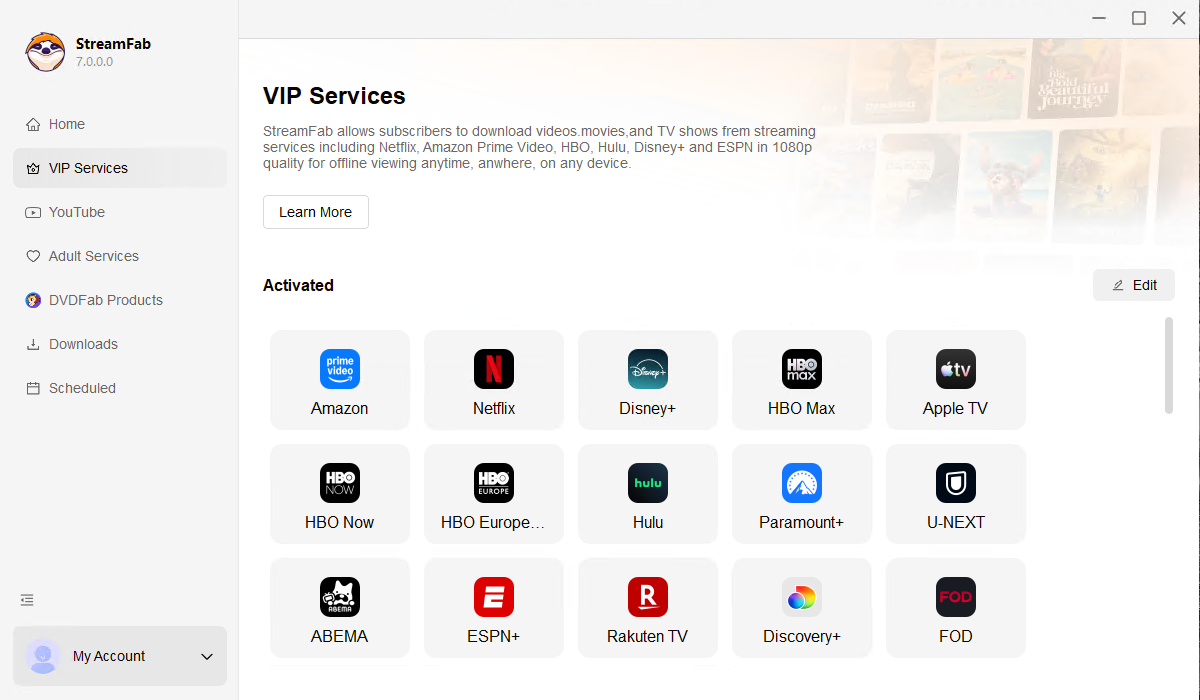
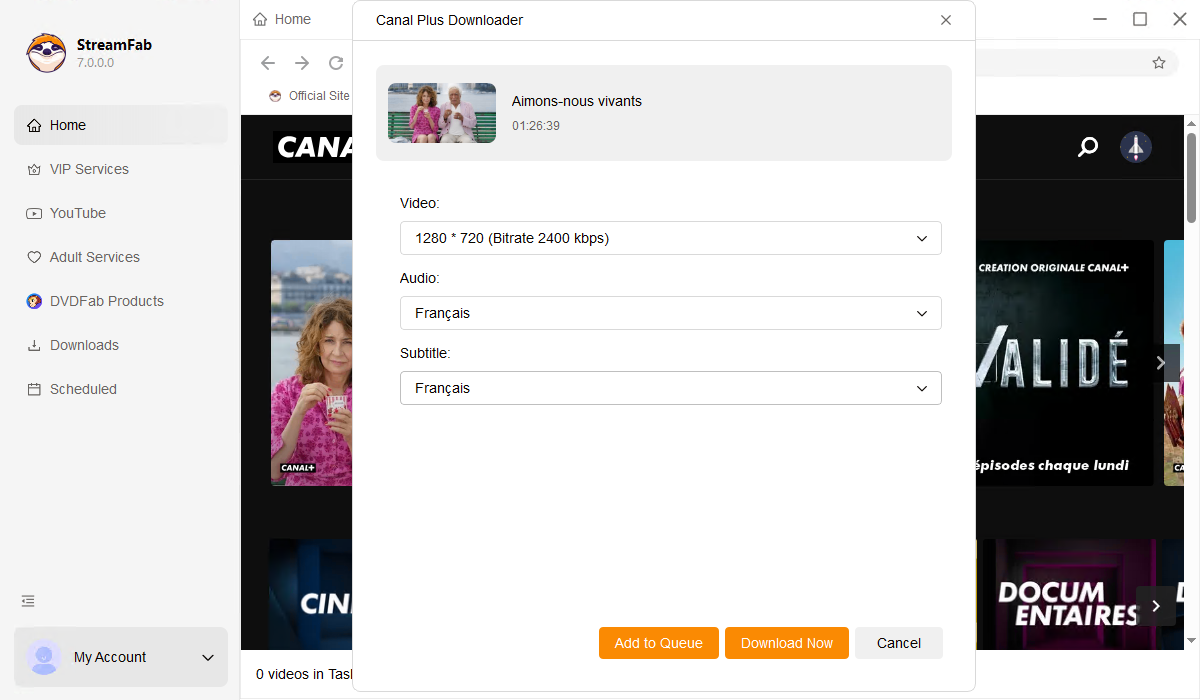
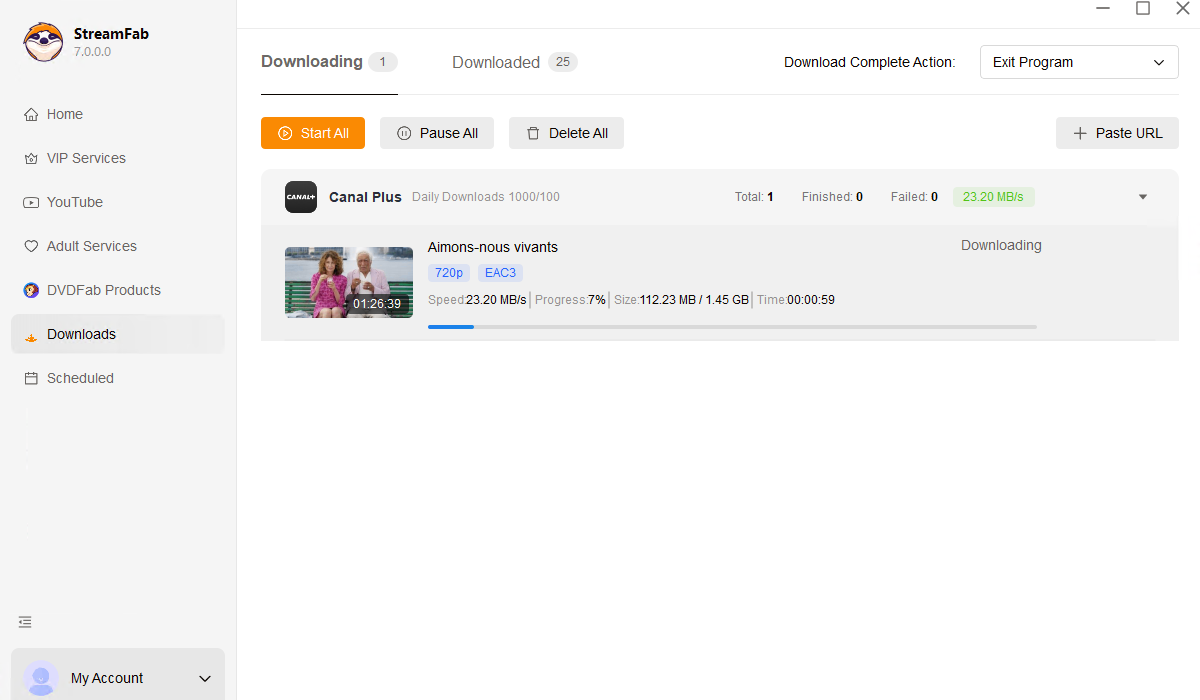
Download and install StreamFab on your Windows PC or Mac, then double-click the desktop icon to launch it. StreamFab supports both platforms, so you can start straight away without any additional setup.
Once StreamFab is open, navigate to the VIP Services panel on the left-hand side and select the Canal Plus card. The built-in browser will open the CANAL+ site — log in with your subscriber account and browse to the movie, series, or episode you want to save.
When the video begins to play in the built-in browser, StreamFab detects it automatically and displays a Download button. Click it, confirm your preferred format, resolution, codec, audio track, and subtitle language, then hit Start.
System Requirements

To avoid being blocked by streaming providers, a StreamFab licensed account has a quota of 100 downloads per day, and 700 downloads per week from each supported streaming service. Whenever some of it is used up, it will refill during the next time cycle.