StreamFab DMM Downloader
Ever rented a DMM movie only to have it expire before you finished watching? StreamFab DMM Downloader saves your DMM content in 1080p with AC3 5.1 surround or AAC 2.0 audio as MP4/MKV files that never expire — watch anywhere, anytime, on any device.

Save any DMM video for permanent offline access

Auto-download new DMM releases on schedule

Download DMM in 1080p with AC3 5.1 surround sound

Browse DMM with the built-in browser
Why DMM Fans Need StreamFab
On-demand videos come and go on streaming services
Imagine settling in for a weekend anime marathon on DMM, only to discover that the series you rented yesterday has already expired because you started playback more than 48 hours ago. This is the everyday reality of DMM's rental model: you pay for access but receive only a narrow window to watch. Purchased content fares slightly better, but it remains locked inside DMM's proprietary player with no option to export, transfer, or watch on devices outside the DMM ecosystem.
For fans of Japanese entertainment living outside Japan, the situation is even more dire — DMM's geographic restriction means your entire purchased library becomes inaccessible the moment you leave the country. A business trip, a vacation, or a permanent relocation instantly severs your connection to content you paid for. These are not edge cases; they are the daily frustrations of every serious DMM user.

A DMM downloader backed by StreamFab's 8+ years of expertise
Meet Yuki, a Japanese anime enthusiast living in Singapore. She subscribed to DMM specifically for exclusive anime releases but one morning, her entire DMM library showed a geographic access error — DMM had tightened its regional restrictions, and her Singapore IP address was no longer accepted. Yuki discovered StreamFab through a recommendation on an anime forum and tried the 3 free downloads to test it.
Today, she saves every DMM purchase as a 1080p MP4 file with AC3 5.1 audio that plays on her laptop, her TV, and her tablet regardless of where she lives. Developed by the StreamFab team — a video software company with over 8 years of experience and trusted by tens of millions of users globally — StreamFab receives weekly engine updates that resolve DMM compatibility changes within 24 to 48 hours. Featured and reviewed by technology publications including PCMag and TechRadar, this is not experimental freeware but a mature, professionally maintained media tool.
What StreamFab Does for Your DMM Content
1080p Full HD with AC3 5.1 surround — your personal home theater
Take Kenji, a film enthusiast in Fukuoka who invested in a home theater setup with a 65-inch display and a 5.1 surround sound system. When he discovered StreamFab, his first download — a live concert recording in 1080p with AC3 5.1 audio — filled his room with spatially separated instruments for the first time: drums behind, vocals centered, guitars flanking left and right.
The H.264-encoded 1080p video displayed every stage lighting detail on his large screen without the compression artifacts he noticed during browser streaming. For quieter viewing on his commute, Kenji switches to the AAC 2.0 stereo track on his headphones, enjoying clear dialogue and well-balanced mixing. This dual audio option — AC3 5.1 for home theater, AAC 2.0 for portable listening — is what makes DMM content through StreamFab genuinely superior to browser-based streaming.
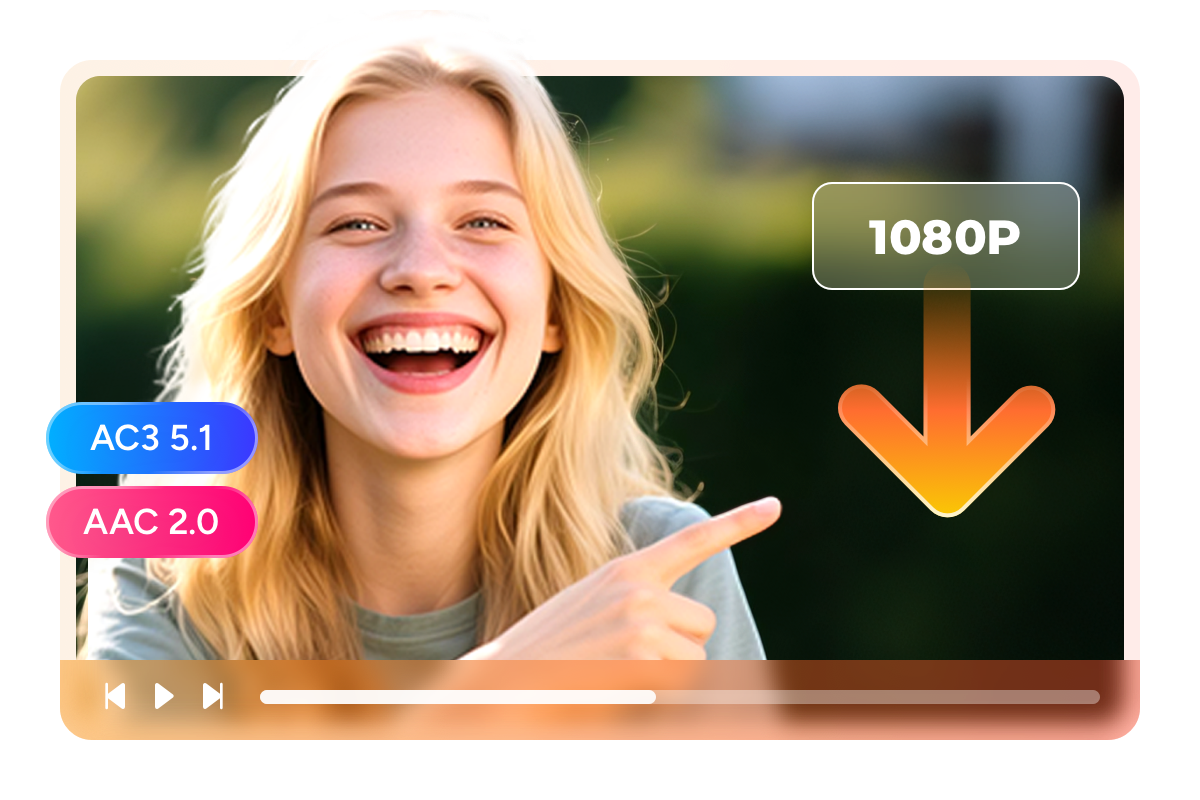
MP4 and MKV files that free your content from DMM's player
Sato-san is a Japanese businessman who frequently travels between Tokyo, Shanghai, and Bangkok for work. He loves watching DMM content during long flights and hotel stays, but DMM's proprietary player only works with a Japanese IP address and requires an active internet connection. On a 12-hour flight to Bangkok, his DMM app showed nothing but error messages.
After switching to StreamFab, Sato-san now prepares for every trip by downloading his watch list as MP4 files that play on his iPhone, his work laptop, and even the hotel smart TV via USB. For his home library, he uses MKV format to bundle both AC3 5.1 and AAC 2.0 audio tracks with subtitle files into a single container — one file holds everything. MP4 for portable simplicity, MKV for comprehensive archiving: StreamFab lets you choose the right format for every situation, breaking your content free from DMM's walled garden.

Choose DUB or SUB Before You Download — No Surprises After
Some DMM titles come in multiple versions: an original Japanese track with subtitles, a dubbed edition, or both. The problem with most download tools is that you only find out which version you got after the download finishes.
StreamFab DMM Downloader works differently — it scans the available audio and subtitle tracks ahead of time and shows you exactly what's on offer. Pick the dubbed version if you'd rather not read subtitles, or go with the subtitled original if you want to hear the source audio as intended. Your choice is set before the download begins, so what you save is precisely what you wanted.
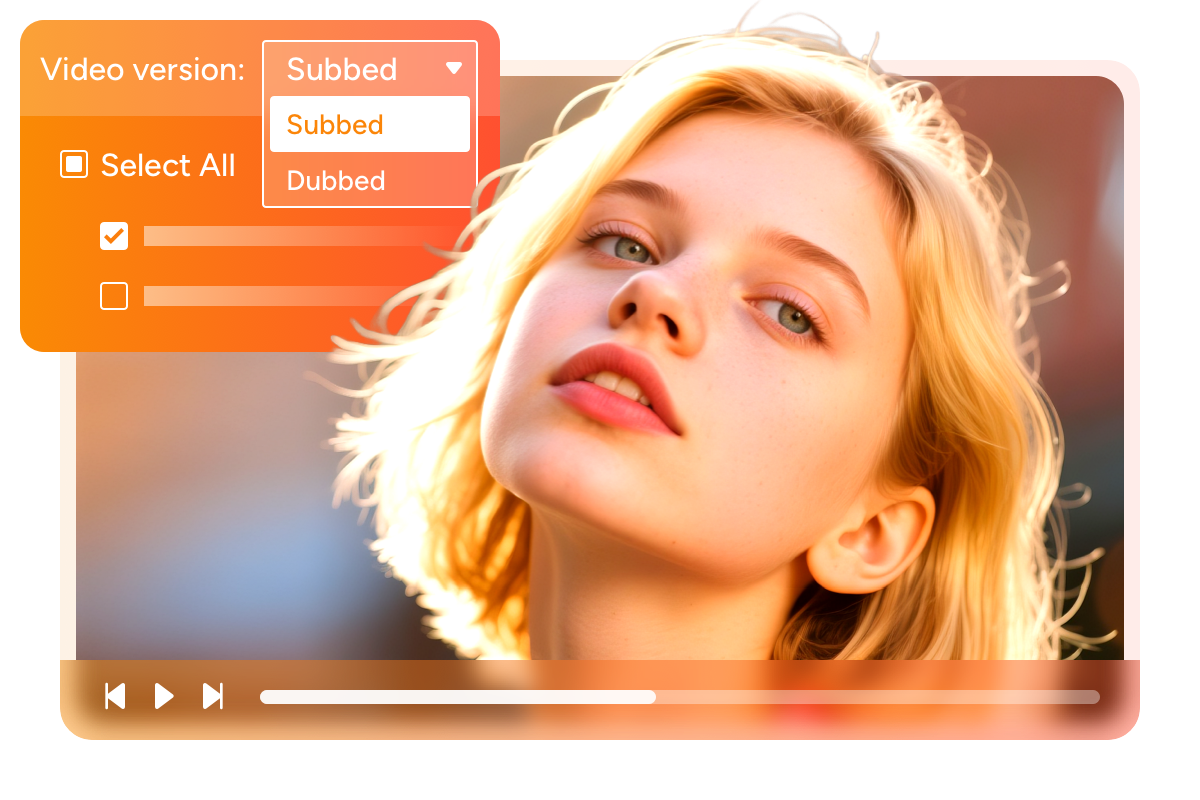
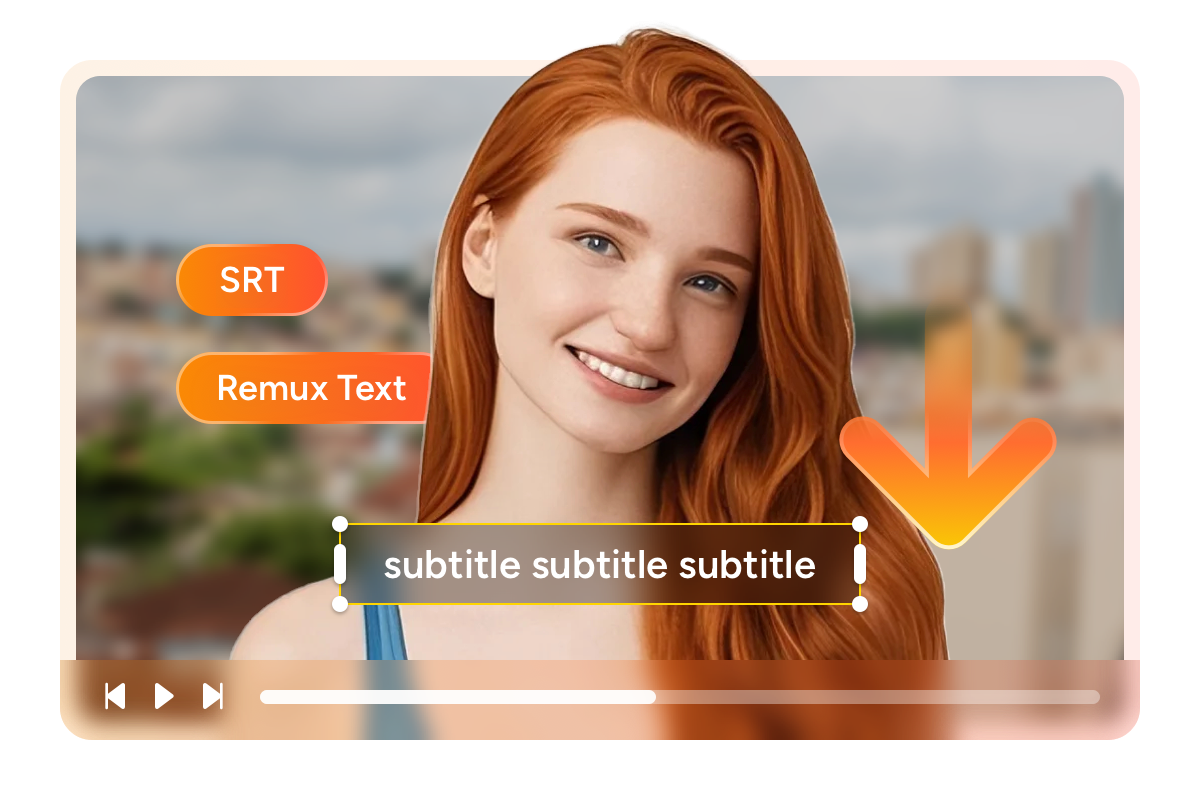
Download DMM videos with customizable subtitles
Mika is a university student in Osaka majoring in English literature. She watches Hollywood films and British dramas on DMM not just for entertainment but as study material, toggling between Japanese and English subtitles to build vocabulary and comprehension. DMM's built-in player offered no subtitle flexibility — what you saw was what you got. StreamFab changed her study workflow completely. She now downloads films with subtitles saved as external SRT files, which she opens in a text editor to create vocabulary lists, or loads into Anki flashcard software for spaced repetition study.
For films she wants to archive permanently, she uses the embedded subtitle option to remux both Japanese and English tracks into a single MKV file — one self-contained package with toggle-able subtitles. The external SRT approach gives her editing control; the embedded approach gives her portability. Both preserve DMM's original subtitle timing and formatting perfectly, making StreamFab an indispensable tool for anyone who treats DMM content as more than passive entertainment.
A Seamless Downloading Experience
Schedule Mode and Auto Download
Add the series once, set your preferred download time, and walk away. Every Thursday at 2 AM while you sleep, StreamFab checks DMM for new episodes and downloads them in 1080p with your chosen audio and subtitle settings.

Batch Mode and Fast Speed
Select the entire series, configure your output preferences once — 1080p, AC3 5.1 audio, MKV format with embedded subtitles — and start the queue before bed. The software processes each episode sequentially, and by morning your entire series is archived with full metadata.

Preset Audio & Subtitle Language
Reads your system language and automatically pre-selects English audio and English subtitles as defaults. For titles where English is not available, it falls back gracefully to whatever tracks DMM provides.
More Than Just Downloading
Every download arrives library-ready with full metadata
Think about downloading 100 DMM titles over six months and then trying to find a specific concert recording among generic filenames like 'video_001.mp4' through 'video_100.mp4.' Without metadata, your collection is chaos. StreamFab automatically saves comprehensive metadata with every download — Japanese and English titles, cast information, genre classification, release dates, episode numbers, plot synopses, and high-resolution cover artwork.
Import these files into Plex, Jellyfin, Emby, or PlayerFab and your collection transforms into a beautifully organized media library with browsable cover art galleries, genre-sorted categories, and searchable cast information. StreamFab's PlayerFab integrates particularly well, recognizing StreamFab's metadata structure natively for a seamless library-building experience.
What DMM Users Say About StreamFab

Mark
Software Developer, TokyoAlice
University Lecturer, KyotoJacob
Freelance Translator, SapporoMark
Software Developer, TokyoAlice
University Lecturer, KyotoJacob
Freelance Translator, SapporoMark
Software Developer, TokyoAlice
University Lecturer, KyotoJacob
Freelance Translator, SapporoMark
Software Developer, TokyoAlice
University Lecturer, KyotoJacob
Freelance Translator, Sapporo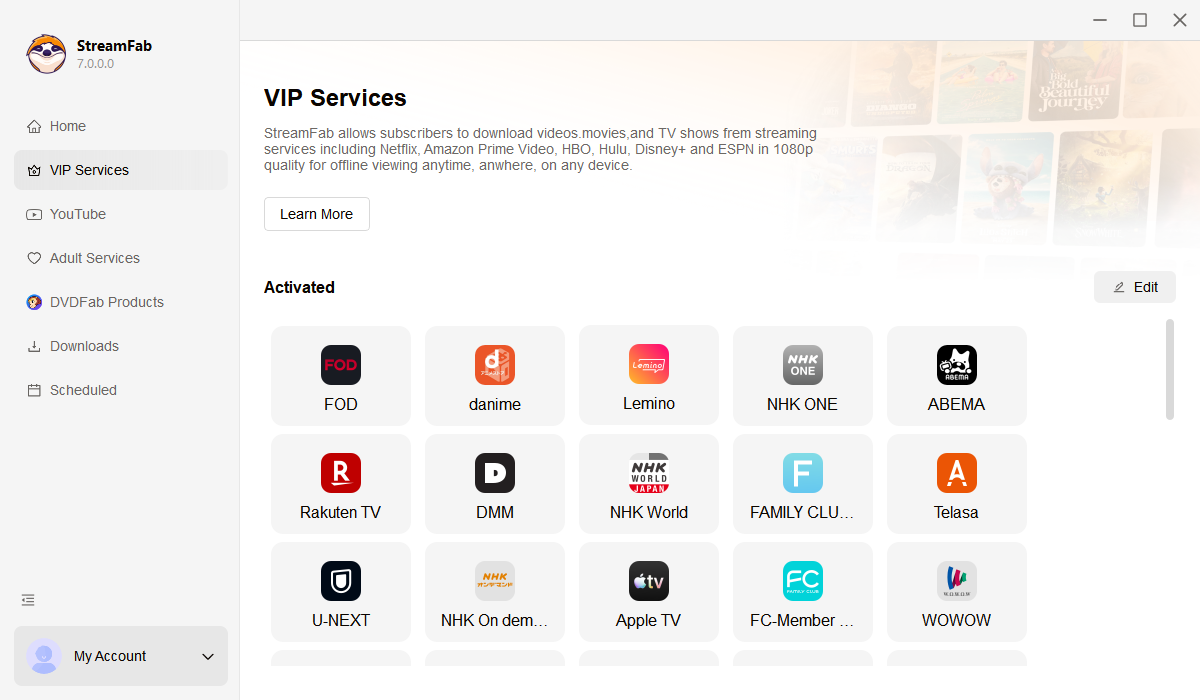
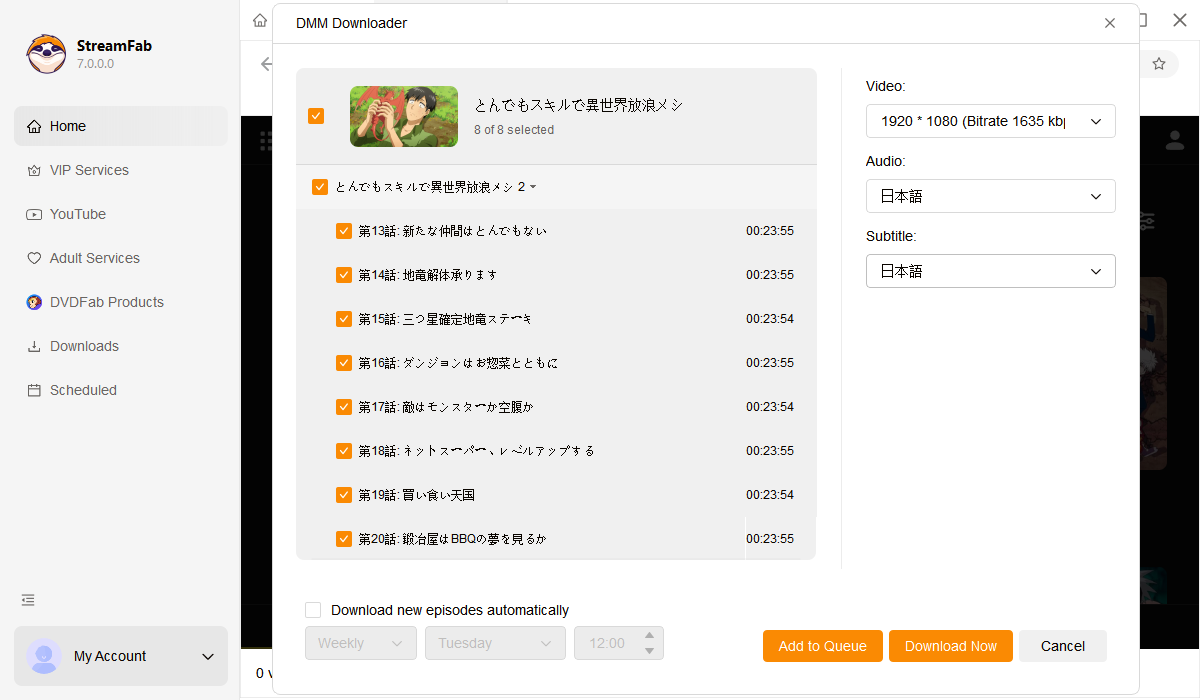
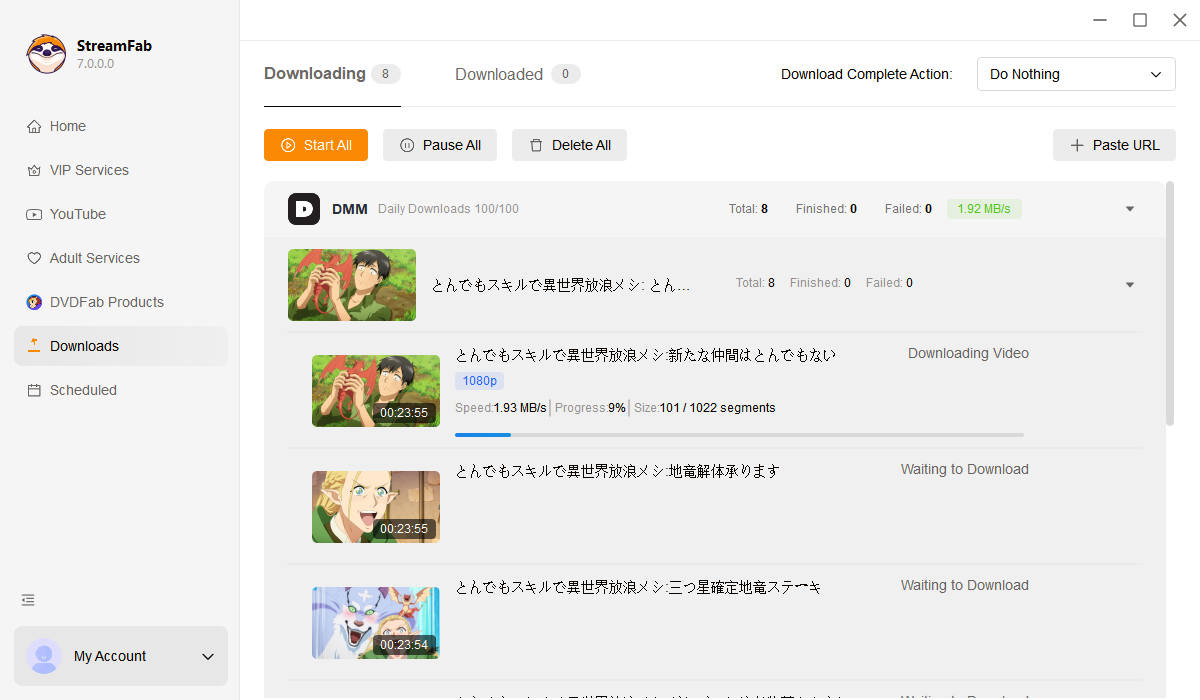
Open StreamFab by double-clicking its desktop icon. Navigate to the VIP Services section and click the DMM icon to open the integrated browser.
Log into your DMM account within the built-in browser. Browse the catalog and start playing the video you want to save.
Once playback begins, a download dialog appears automatically. Choose your resolution (up to 1080p), audio format (AC3 5.1 or AAC 2.0), subtitle preferences, and output format (MP4 or MKV), then click Download Now.
System Requirements

To avoid being blocked by streaming providers, a StreamFab licensed account has a quota of 100 downloads per day, and 700 downloads per week from each supported streaming service. Whenever some of it is used up, it will refill during the next time cycle.