StreamFab Joyn Downloader
Download Joyn videos in 1080p MP4 files with AAC 2.0 audio tracks. Keep your German favorites forever — ad-free and device-independent.

Download all Joyn videos for offline viewing

Auto-download new Joyn episodes on schedule

Save Joyn content in crisp 1080p quality

Browse Joyn seamlessly with the built-in browser
Why Do You Need StreamFab?
Joyn's catalog changes without warning — and your favorites might be next
Picture this: you have been following a gripping crime series on Joyn for weeks, saving episodes for your weekend binge. Then one Friday evening, you open the app and the entire series has disappeared — pulled from the catalog due to a licensing agreement that expired overnight. This is not a hypothetical scenario; it happens regularly across every streaming platform, including Joyn. The ProSiebenSat.1 media group negotiates content licenses on rolling schedules, and titles are added and removed constantly.
For viewers who have invested time and emotional energy into a series, losing access mid-season is genuinely frustrating. Worse still, there is no notification system — content simply vanishes, and there is no guarantee it will ever return. Developed by the StreamFab team with over 8 years of video software experience, StreamFab ensures your favorite content stays in your hands permanently.
Keep every Joyn video — from German originals to international hits
Whether you are hooked on Joyn Originals or catching up on classic German TV series from ProSieben and SAT.1, StreamFab Joyn Downloader gives you the freedom to save any video from Joyn's entire catalog. The DACH region's streaming landscape is unique — Joyn combines free ad-supported content with premium PLUS+ exclusives, live TV, and catch-up programming from Germany's biggest broadcasters. StreamFab works seamlessly with both tiers, downloading content in 1080p quality with AAC 2.0 audio and packaging it as MP4 or MKV files that play on any device.
Weekly engine updates resolve platform changes within 24 to 48 hours, so downloads never stay broken for long. Reviewed by technology publications including PCMag and TechRadar, with a 4.9-star Trustpilot rating, StreamFab is built by the StreamFab team with over 8 years of video software expertise — trusted by tens of millions of users worldwide.
What Can StreamFab Do?
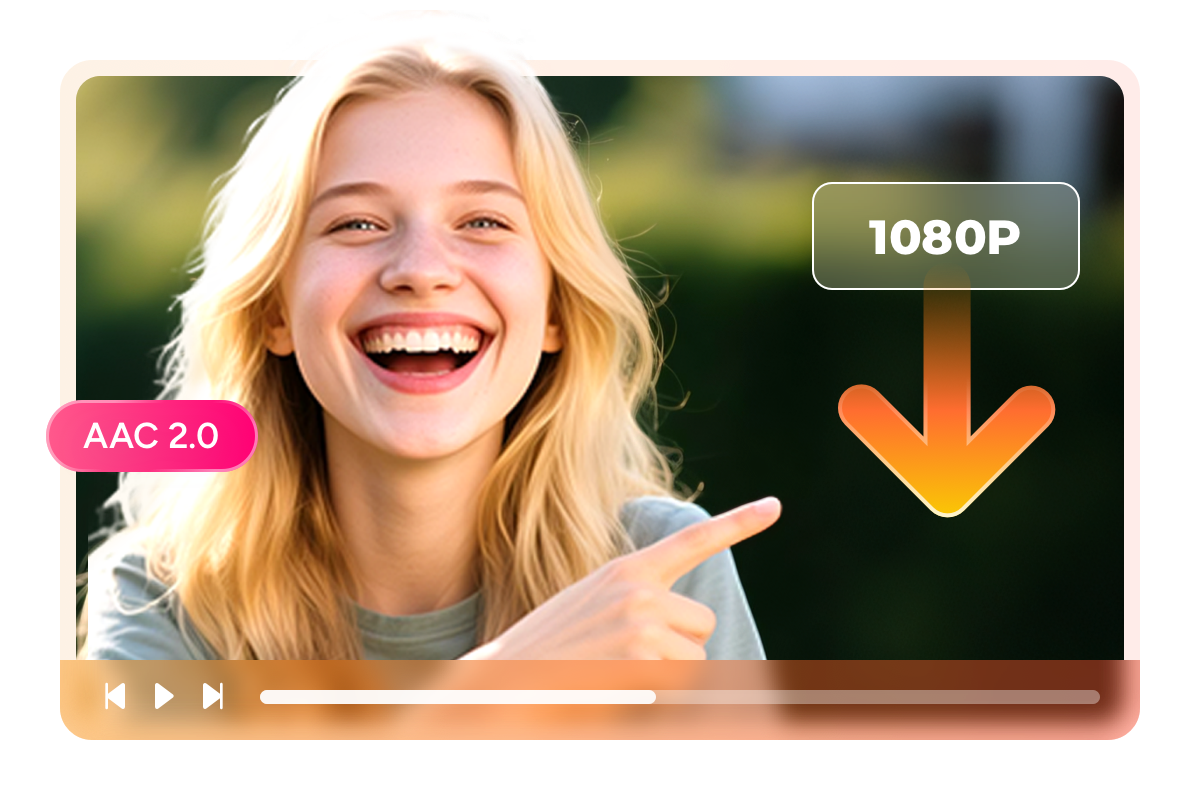
Enjoy Joyn videos in stunning 1080p with rich AAC 2.0 audio
Have you ever downloaded a video only to find it looks blurry and washed out compared to what you watched online? That frustration disappears with StreamFab. This Joyn Downloader captures content at the full 1080p resolution Joyn provides, and StreamFab preserves the original H.264 encoding so every visual detail stays intact — from the moody lighting of a Berlin crime thriller to the vibrant colors of a cooking show set.
The AAC 2.0 stereo audio track comes through crystal clear, ensuring dialogue is sharp and background music maintains its intended richness. Unlike screen recorders or browser-based tools that degrade quality during capture, StreamFab works directly with the video stream to deliver a local file that looks and sounds identical to what you experience during online playback.
Save Joyn videos as MP4 or MKV files for universal playback
One of the biggest limitations of Joyn's official offline feature is device dependency — downloads only work within the Joyn app on that specific device. StreamFab removes this restriction entirely by saving your content as standard MP4 or MKV files. Choose MP4 for maximum compatibility — it plays natively on iPhones, Android phones, tablets, laptops, and smart TVs without any additional software.
Prefer MKV? This format supports multiple audio tracks and subtitle streams within a single file, making it perfect for media library enthusiasts who organize their collections through Plex or similar platforms. Either way, your Joyn content breaks free from the app ecosystem and becomes a truly portable media file you can transfer and play anywhere.

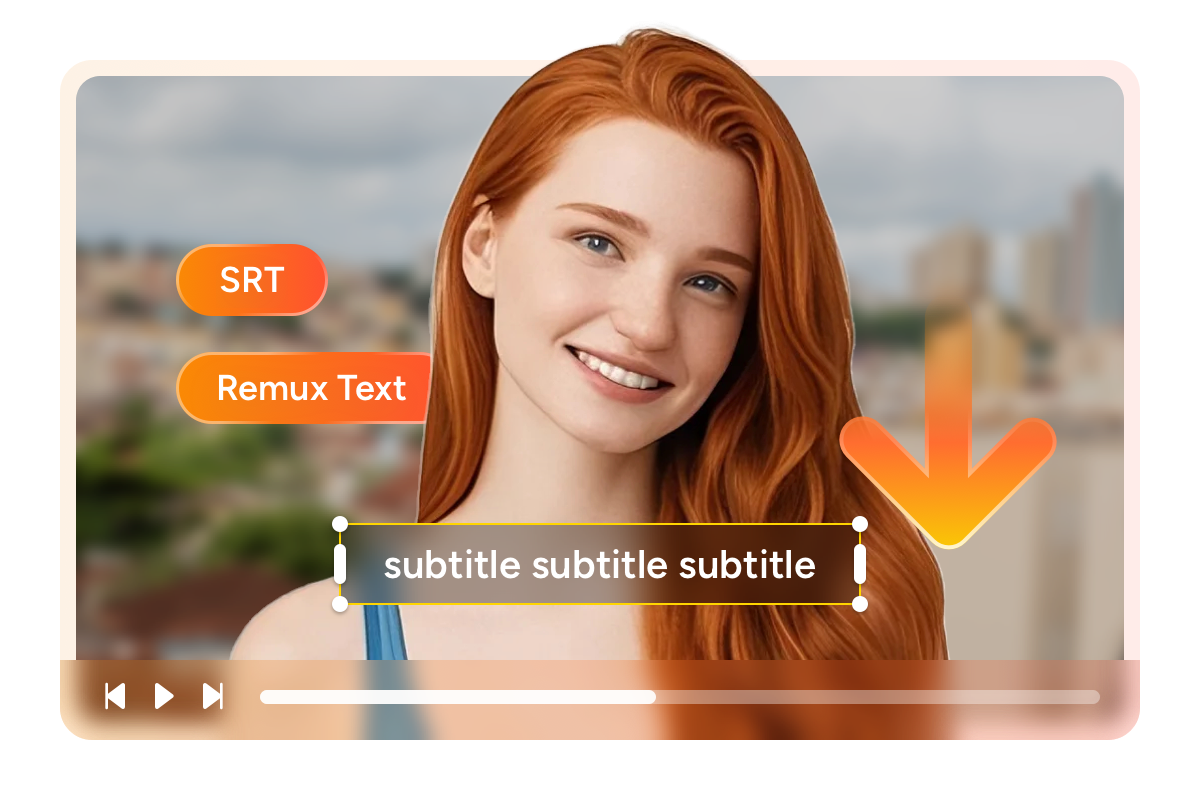
Download Joyn videos with external SRT or embedded subtitles
Subtitles make the difference between following a story and getting lost in translation — especially when exploring Joyn's diverse content library that spans German, English, and other languages. StreamFab gives you two ways to handle subtitles. External SRT files sit alongside your video as a separate text file, giving you the flexibility to toggle them on or off during playback or even edit timing to your preference.
Embedded subtitles are remuxed directly into the video container as a selectable stream, creating a self-contained file where the subtitles can never get separated or lost. For language learners practicing German through TV shows or international viewers navigating unfamiliar content, having full control over subtitle format is a genuine quality-of-life improvement.
A Downloading Experience You Will Love
Schedule Mode and Auto Download
Set your favorite Joyn series to auto-download new episodes at a time you choose — wake up to fresh content every morning.

Batch Mode and Fast Speed
Queue an entire season at once and let StreamFab handle the rest. Fast, efficient, and perfect for binge-watchers preparing for a trip.

Preset Audio & Subtitle Language
StreamFab matches your system language automatically or lets you manually select from all available audio and subtitle tracks.

Ad-Free Downloads for Every Joyn Plan
Enjoy every show without commercial interruptions. StreamFab removes all ads during the download process for smooth uninterrupted playback.
More Than Just Downloading
Save metadata to build your personal media library
After downloading dozens of Joyn shows, finding the right episode in a sea of generic file names can become a real headache. StreamFab solves this by saving comprehensive metadata alongside every download — including the show title, season and episode numbers, cast information, plot synopsis, and cover artwork. Feed these properly tagged files into a media server like Plex, Jellyfin, or PlayerFab, and you have a beautifully organized personal streaming library that rivals Joyn's own interface.
Browse by series, see episode descriptions, and enjoy professional cover art — all from your local collection. For viewers who are building a long-term archive of German television, this metadata preservation ensures your library stays navigable and organized for years to come.
What Joyn Fans Say About StreamFab

Jacob
Marketing ManagerDiana
Travel BloggerAmber
University StudentJacob
Marketing ManagerDiana
Travel BloggerAmber
University StudentJacob
Marketing ManagerDiana
Travel BloggerAmber
University StudentJacob
Marketing ManagerDiana
Travel BloggerAmber
University Student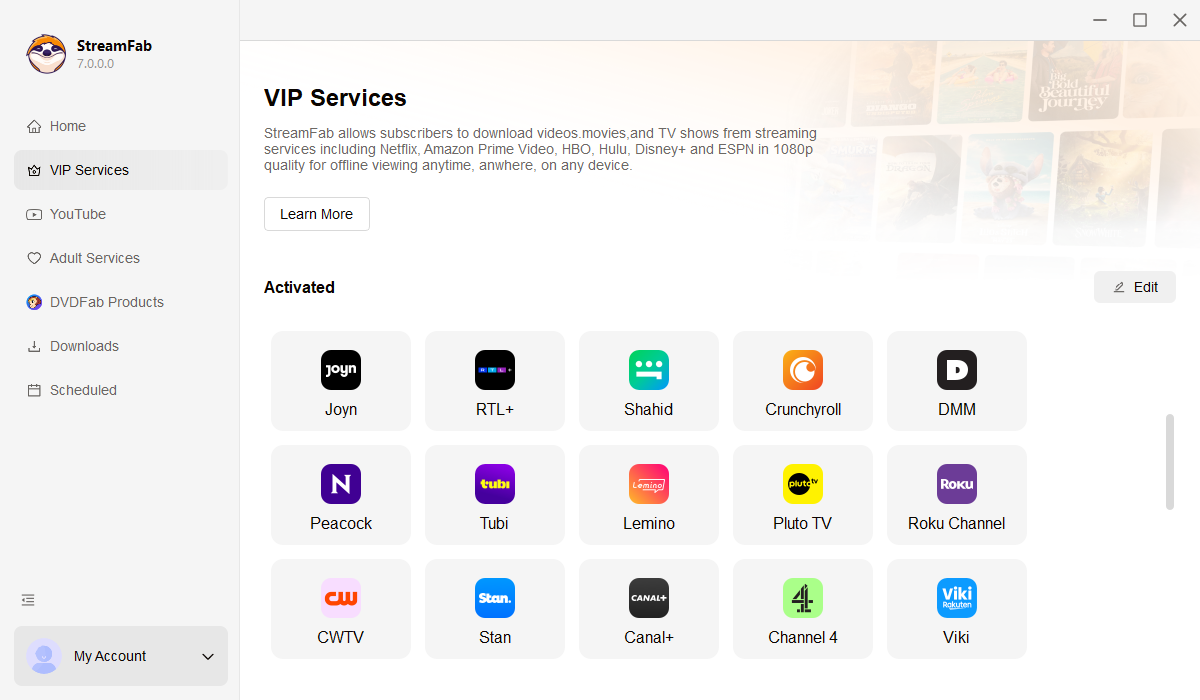
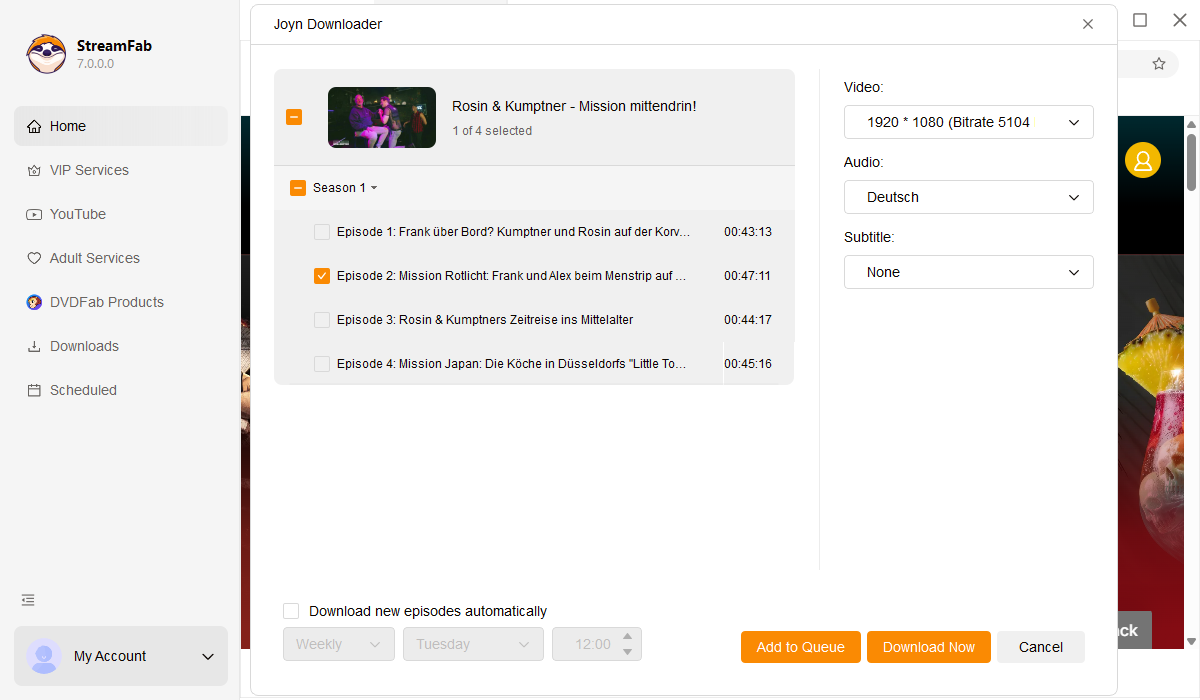
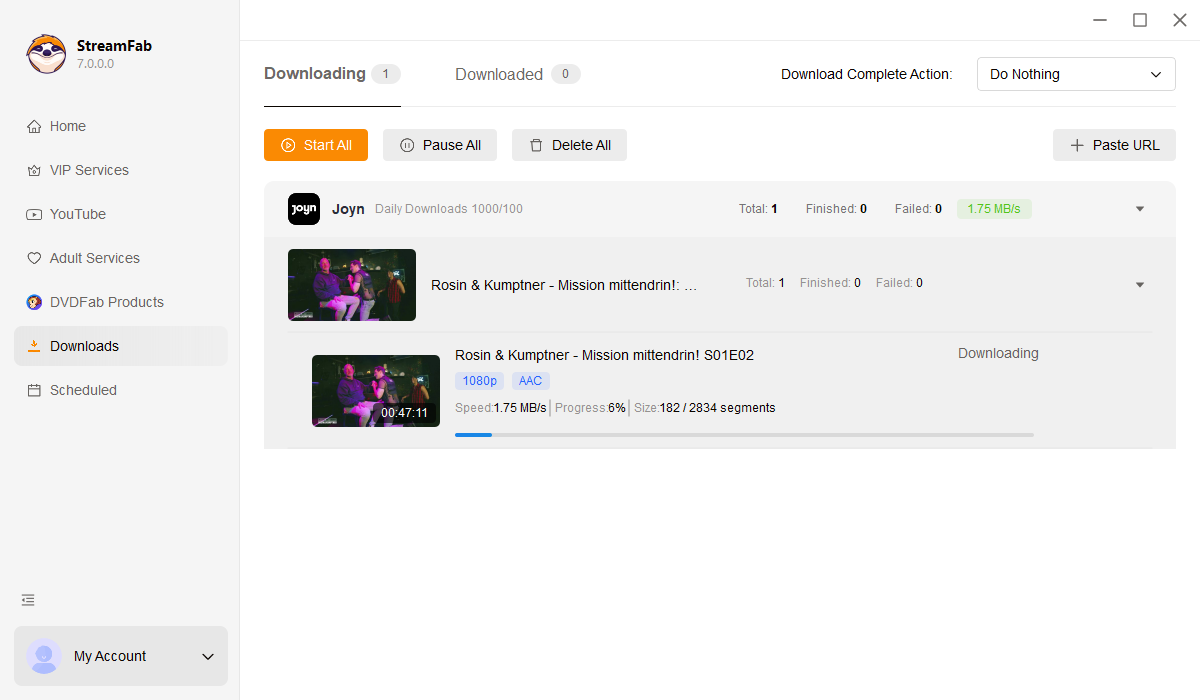
Open StreamFab and click on the Streaming Services panel on the left. Select Joyn from the list to open the integrated browser.
Sign into your Joyn account and browse or search for the movie series or show you want to download.
Play the video and a download dialog appears automatically. Choose your preferred quality and format, then click Download Now.
System Requirements

To avoid being blocked by streaming providers, a StreamFab licensed account has a quota of 100 downloads per day, and 700 downloads per week from each supported streaming service. Whenever some of it is used up, it will refill during the next time cycle.