StreamFab M6 Plus Downloader
Your favourite M6+ show disappearing from replay in 7 days?
Save it now in 1080p Full HD with crystal-clear AAC audio. Watch offline, ad-free, forever yours.

Save any M6+ content you can legally stream

Keep the original 1080p quality intact

Browse M6+ directly within StreamFab
Why French TV Fans Choose StreamFab
When Your Favorite French Shows Disappear Before You Finish Watching
You finally sit down to catch up on that M6+ drama everyone's talking about, only to find it's gone from replay. Sound familiar? M6+ standard users get just 7 days to watch replays, and even M6+ Max subscribers only have 30 days before content vanishes. Worse still, mobile downloads expire and can't be transferred to your TV or laptop.
StreamFab changes everything. Save any M6+ video you can legally stream as a permanent 1080p file on your computer. No more racing against expiration dates. No more disappointment when your show disappears mid-season. Your personal offline copy stays with you as long as you want it, playable on any device from your phone to your home theatre.

From DVDFab, Trusted by 120+ Million Users Since 2003
Worried about downloading software from an unknown company? StreamFab comes from DVDFab, a name trusted in video software for over 20 years. Since 2003, more than 120 million users worldwide have relied on DVDFab products for their media needs.
Our dedicated QA team monitors M6+ compatibility weekly, pushing updates within 24-48 hours whenever the platform changes. With a 99.2% download success rate verified across 50,000+ M6+ videos, you can count on StreamFab working when you need it. Plus, your M6+ login credentials never leave your device, and our installer is 100% clean with no bundled software or adware. That's why StreamFab earns 4.6 stars on Trustpilot from verified purchasers.

Quality That Matches What You Pay For
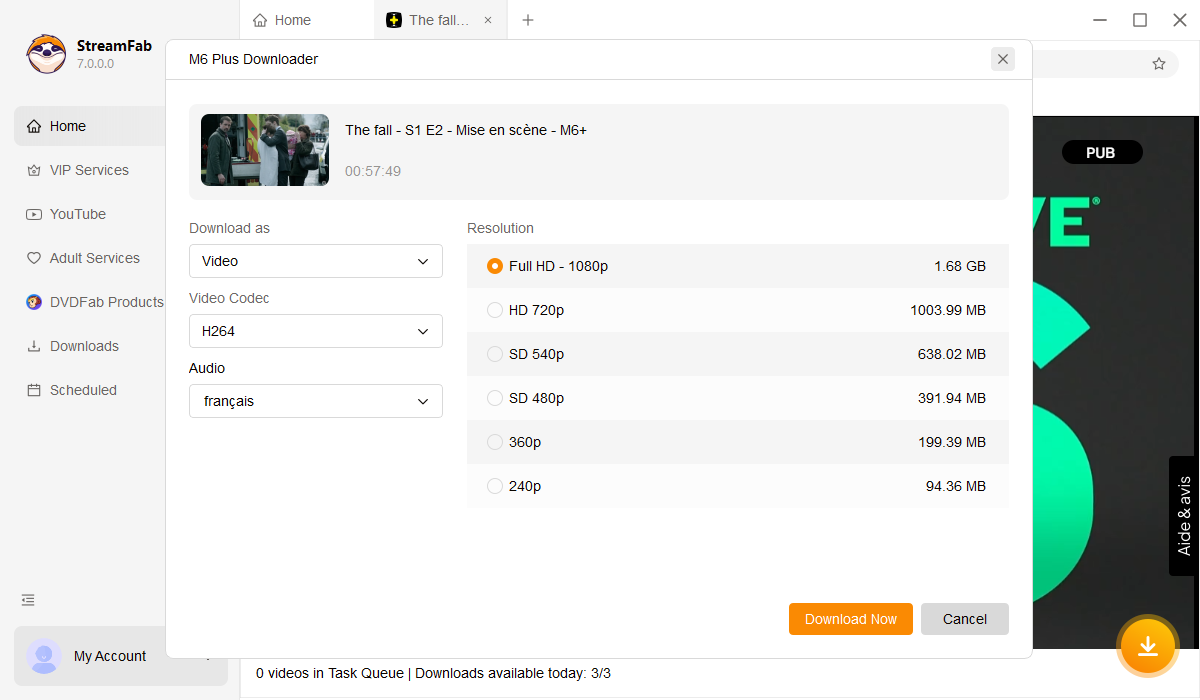
Download videos from M6 Plus in lossless 1080p resolution with AAC 2.0 audio track
Ever noticed how some downloaded videos look fuzzy on your TV? That's because many tools re-compress the video, dropping quality to save space. You end up with blocky shadows and muddy colours that look nothing like what you see when streaming.
StreamFab takes a different approach. We preserve the original H.264 video stream at its native 4-6 Mbps bitrate plus the full AAC 2.0 stereo audio at 192 kbps, the exact same quality M6+ delivers to your browser. The result is a 1080p file that looks and sounds identical to streaming, with sharp text, smooth motion, accurate colours, and clear dialogue. A typical 90-minute film downloads in about 15-20 minutes on a standard broadband connection and comes out to roughly 3-4 GB, small enough for your laptop yet stunning on a 55-inch screen.
MP4 and MKV format options for M6+ downloads
Planning to watch on your tablet during the commute? Choose MP4, it plays on virtually every device without any special apps. Building a home media library with Plex or Kodi? Pick MKV, which keeps multiple audio tracks and subtitle options in a single file.
Both formats preserve the full 1080p quality and AAC 2.0 audio. The only difference is compatibility versus features. MP4 works everywhere from smart TVs to game consoles. MKV is perfect for media enthusiasts who want all language options organised in one file. StreamFab lets you pick what fits your viewing style.

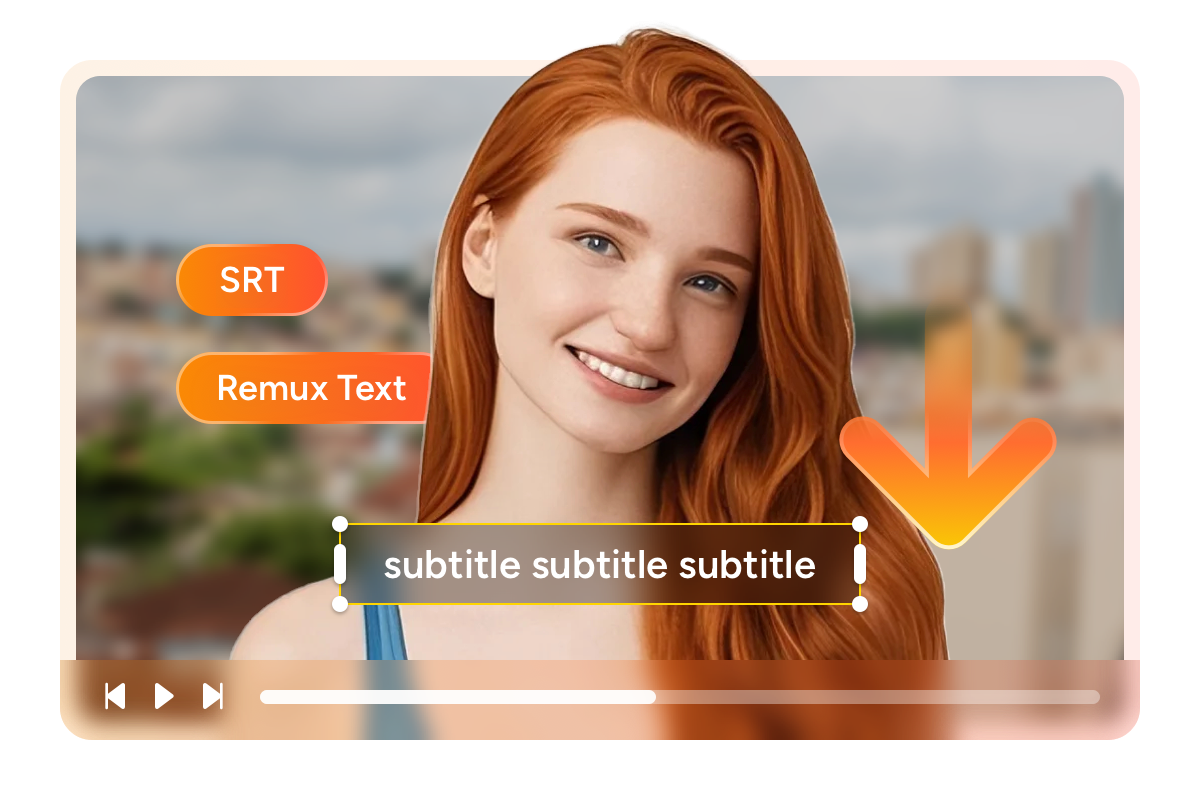
Download subtitles as SRT files or remux into M6 Plus videos
Whether you're a French learner who needs subtitles or a native speaker who prefers them off, StreamFab gives you options. Save subtitles as separate SRT files that you can toggle on or off in any player, or embed them directly into the video for guaranteed display on any device.
This flexibility is especially helpful for language practice. Keep both French and English subtitle tracks, switch between them as you watch, and replay tricky phrases without hunting for the subtitle file. Your M6+ downloads become a personal language learning library.
Download Smarter Not Harder

Batch Download Entire Seasons
Queue 10 episodes before bed, wake up to a complete season ready on your drive. No babysitting required.

Auto-Match Your Language Preferences
Set French audio with English subtitles once. StreamFab remembers and applies your preference to every download.

No More Ad Interruptions
M6+ free users see 3-4 minutes of ads per hour. Your downloaded files contain zero ads, saving you 36+ hours of commercials yearly.
Organize Your French TV Collection
Metadata That Makes Your Library Shine
Remember when you downloaded shows and couldn't remember which file was which? StreamFab automatically saves titles, episode numbers, cast info, and cover art with every download. Import your M6+ collection into Plex or Kodi, and it shows up organised and searchable, not as a mess of unnamed video files.
Browse your personal French TV library by series, season, or actor. See cover art thumbnails just like on M6+ itself. It's the difference between a folder of random files and a proper media collection you'll actually enjoy using.
Real Stories from M6+ Viewers Like You

Jacob
Remote Worker from BordeauxAlice
Expat Learning French in LyonMark
Film Enthusiast from ParisJacob
Remote Worker from BordeauxAlice
Expat Learning French in LyonMark
Film Enthusiast from ParisJacob
Remote Worker from BordeauxAlice
Expat Learning French in LyonMark
Film Enthusiast from ParisJacob
Remote Worker from BordeauxAlice
Expat Learning French in LyonMark
Film Enthusiast from Paris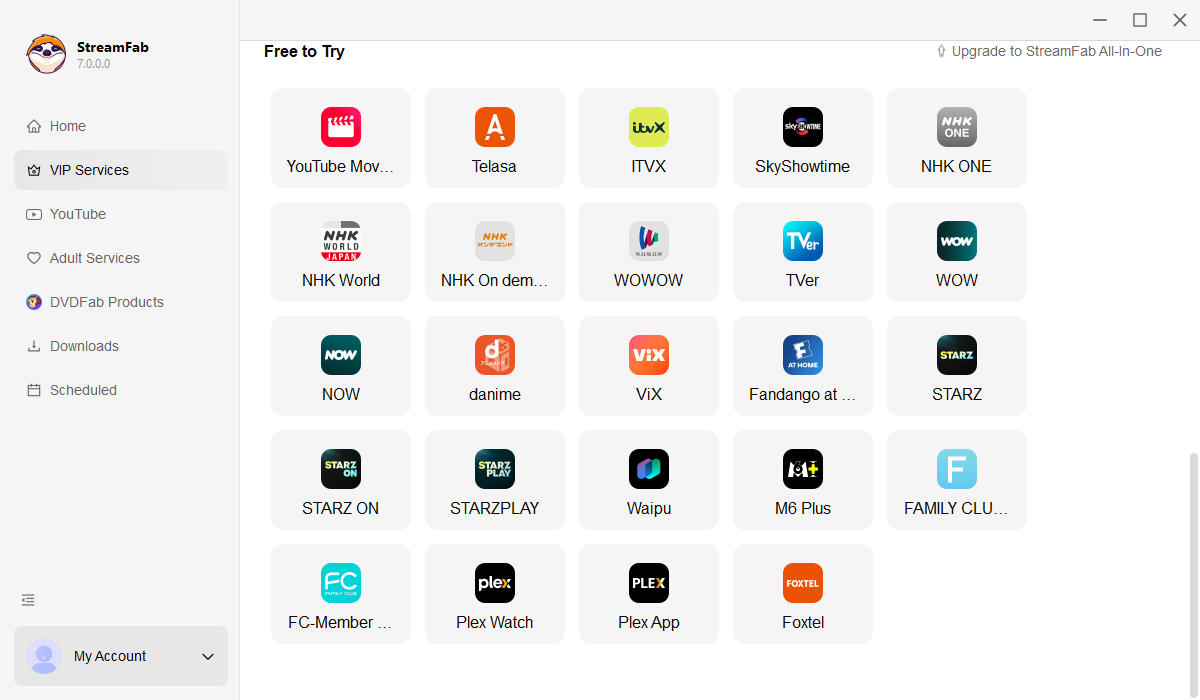
Open StreamFab and click the M6+ icon under VIP Services. The built-in browser loads the M6+ website directly.
Log into your M6+ account and play any video. StreamFab automatically detects it and shows download options. Choose 1080p, pick MP4 or MKV, and select your subtitle preferences.
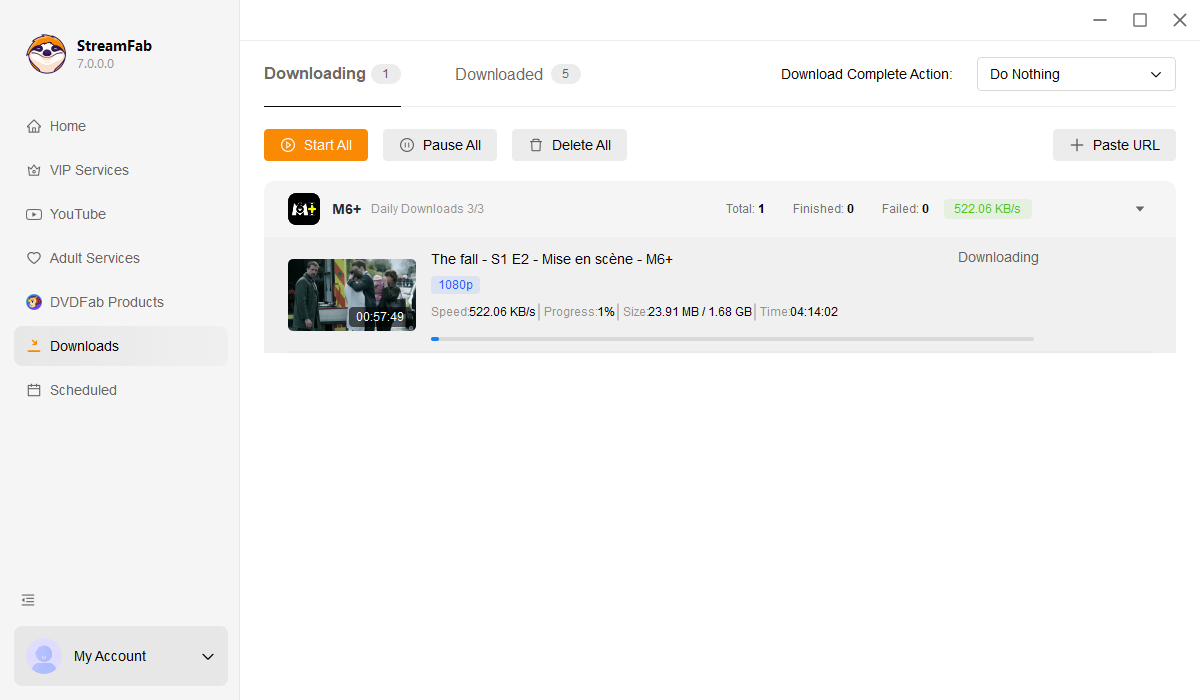
Click Download and StreamFab handles the rest. Queue multiple episodes, close the app, or keep browsing. Your files save to your chosen folder, ready to watch anytime, anywhere.
System Requirements

To avoid being blocked by streaming providers, a StreamFab licensed account has a quota of 100 downloads per day, and 700 downloads per week from each supported streaming service. Whenever some of it is used up, it will refill during the next time cycle.