StreamFab MGStage Downloader
MGStage purchased videos only play in the proprietary MGS player — and your entire library disappears if your membership lapses. StreamFab saves MGStage content as permanent 1080p MP4/MKV files. No player lock. No expiry. Backed by StreamFab's 8+ years.

Download MGStage purchase with permanent ownership

Save MGStage in 1080p Full HD & AAC 2.0

Browse MGStage privately with the integrated browser
Why MGStage Purchasers Need StreamFab
MGStage's purchase model creates ownership that evaporates with your subscription
MGStage occupies a unique and frustrating position among Japanese premium content platforms. Unlike subscription services where content is rented by the month, MGStage allows individual title purchases — you pay a premium price per video and expect to own that content permanently. The catch arrives when you attempt to watch your purchases: MGStage requires its proprietary MGS player, a piece of software that ties every video you have purchased to an active account with standing subscription status. Cancel your membership, let a payment lapse, or simply switch to a device where the player is unavailable, and your purchased library becomes inaccessible — content you paid for individually, title by title.
StreamFab MGStage Downloader, engineered by StreamFab's team with over 8 years of media technology experience, captures MGStage video streams at their native 1080p resolution and saves them as standard MP4 or MKV files. No proprietary player required. No account status dependency. Your purchased MGStage content becomes genuinely, permanently yours — playable on any device, any time.

A platform millions rely on to protect their media purchases
MGStage titles represent real financial investment — premium Japanese content sold at individual purchase prices accumulates quickly for collectors building comprehensive libraries over years. Losing access to that investment through a subscription lapse or a device change is a real risk that StreamFab eliminates. Trusted by over 80 million users worldwide with more than 100 million downloads, the StreamFab engineering team behind StreamFab publishes weekly engine updates, typically resolving any content delivery changes within 24 to 48 hours.
Technology publications including PCMag and TechRadar have reviewed and recommended the platform, and it holds a 4.9-star Trustpilot rating from verified users. All logins through StreamFab's built-in browser use SSL-encrypted connections, with no account credentials stored on StreamFab servers. Three free downloads are available before any purchase commitment — enough to verify the 1080p output quality and subtitle download accuracy against your actual MGStage library content with zero financial risk. All purchases include a money-back guarantee: 7 days for monthly licenses, 14 days for annual and lifetime plans.

High-Quality Local Downloads — Free from the MGS Player
1080p H.264 capture with AAC 2.0 audio — the native MGStage production standard
MGStage produces its premium content in H.264 at up to 1080p Full HD — the encoding that delivers the best balance of visual quality and broad device compatibility. StreamFab captures this stream directly from MGStage's delivery infrastructure without re-encoding, meaning the H.264 bitrate profile arrives on your drive exactly as MGStage transmitted it. This direct-capture approach matters because re-encoding always introduces quality loss: a screen recorder compresses the video a second time, introducing macroblocking in high-contrast scenes and blurring fine detail that belongs in premium purchased content.
StreamFab's direct H.264 preservation ensures every download matches MGStage's own streaming quality without any secondary compression. The AAC 2.0 audio is equally preserved without transcoding, delivering clear stereo performance that matches the platform's original audio encoding. A standard MGStage title at 1080p downloads within 15 to 8 minutes — significantly faster than real-time playback.
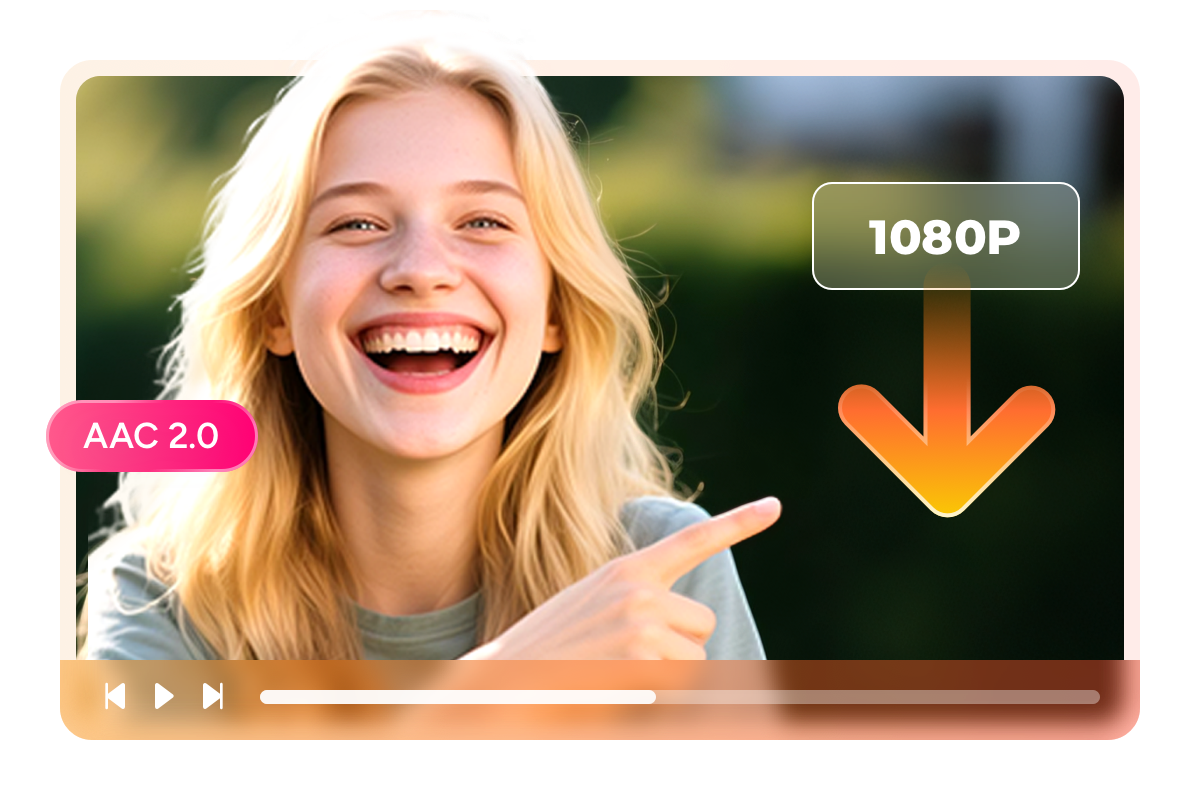
MP4 and MKV — standard formats that free your content from MGS player dependency
The fundamental problem with MGStage's download system is that purchased content exists inside a proprietary player — your library is real, but its accessibility depends on software you do not control. StreamFab eliminates this dependency by saving every download as a standard MP4 or MKV file. MP4 plays on every device without additional software: iPhone, Android, Windows, macOS, smart TVs, and portable media players all handle it natively.
MKV supports multiple subtitle tracks in a single self-contained file — critical for MGStage content where subtitle options add viewing flexibility — and integrates with Plex, Jellyfin, and PlayerFab for professional media library organization. Both formats preserve the native 1080p H.264 video and AAC 2.0 audio, giving you locally stored copies of your MGStage purchases that play anywhere the MGS player cannot reach.

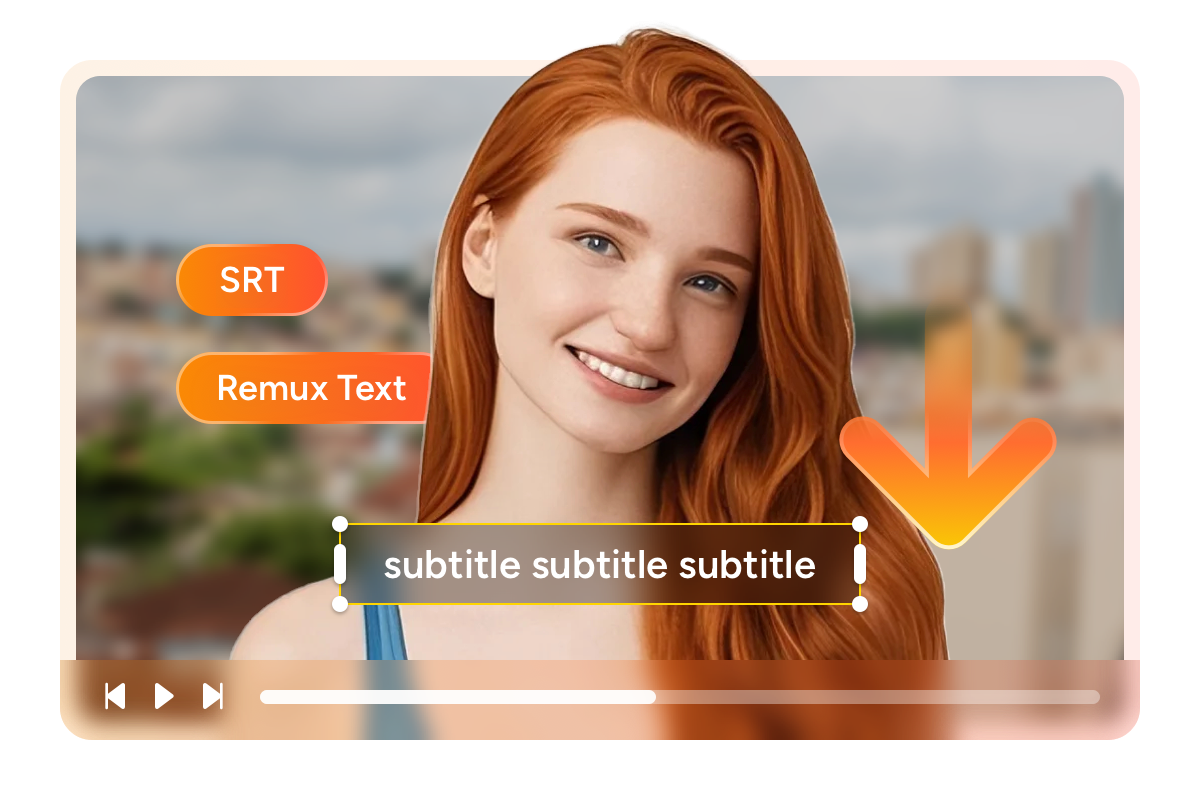
Download subtitles as SRT files or embed them directly in MKV
MGStage includes subtitle options for some content, but in the MGS player, subtitle control is limited to the proprietary playback interface. StreamFab downloads MGStage subtitles and gives you complete control over how they are handled. Save subtitles as separate SRT files — the universal subtitle format compatible with VLC, Plex, every media player, and every subtitle editor — for flexible standalone use.
Alternatively, remux the subtitle track directly into the MKV container alongside the video, creating a single self-contained file where subtitles are embedded as a selectable track. This dual approach gives you the subtitle flexibility that MGStage's own player denies, letting you turn subtitles on or off in any player, sync them with external tools, or permanently embed them for archive copies.
Complete Downloading Control

Batch Mode and Fast Speed
StreamFab's batch mode lets you queue every purchased title from your MGStage library simultaneously and process the entire collection in a single session. A standard 1080p MGStage title downloads in 15 to 8 minutes — meaning a library of 30 titles can be archived in an overnight run without any manual intervention.
StreamFab supports up to 100 downloads per day and 700 per week, making large-scale archiving practical. This is the practical difference between treating your MGStage library as a passive streaming account and actively protecting a media investment accumulated over years.
More Than Just Downloads — A Properly Organized Library
Your MGStage downloads arrive with complete title, cast, and cover metadata
After archiving dozens of MGStage titles, navigating a folder of generic filenames becomes practically impossible without proper tagging. StreamFab downloads every MGStage video with comprehensive metadata: title, cast information, genre, release date, and cover artwork. These structured files integrate automatically with media servers — Plex, Jellyfin, Emby, and PlayerFab all recognize and display the metadata correctly, creating a browsable library that mirrors MGStage's own polished interface.
The cover art and descriptive information make it easy to identify specific titles at a glance, and the cast tagging enables filtering by actor or category. For collectors who have invested significantly in their MGStage purchase history, this metadata preservation ensures the library remains navigable and visually organized as it grows — fully searchable, beautifully presented, and permanently accessible without any internet connection.
What MGStage Purchasers Say About StreamFab

Mark
IT Engineer, TokyoAlice
Nurse, NagoyaJacob
Sales Manager, OsakaMark
IT Engineer, TokyoAlice
Nurse, NagoyaJacob
Sales Manager, OsakaMark
IT Engineer, TokyoAlice
Nurse, NagoyaJacob
Sales Manager, OsakaMark
IT Engineer, TokyoAlice
Nurse, NagoyaJacob
Sales Manager, Osaka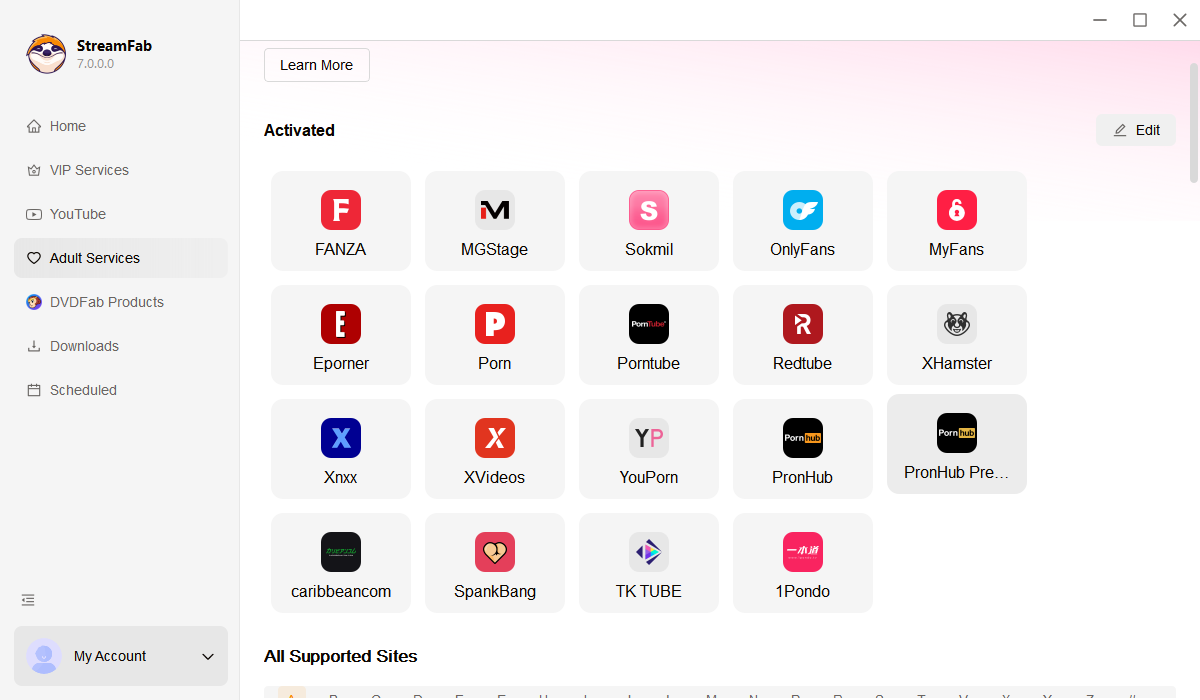

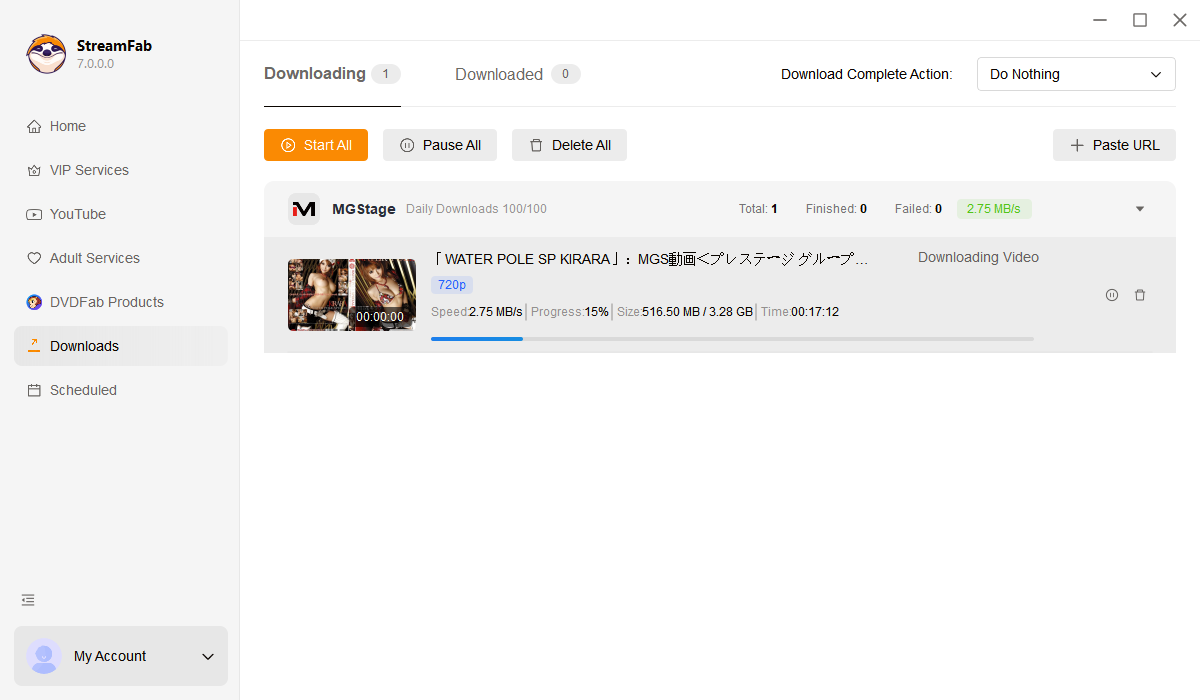
Download and install StreamFab on your PC or Mac. Click "VIP Services" in the left panel and select the MGStage logo to open the built-in browser.
Log in to MGStage through the built-in browser. Search for the title you want to download and begin playback. A download dialog appears after a few seconds.
Select resolution (1080p or 720p) and output format (MP4 or MKV). For MKV, choose whether to embed subtitles or save as a separate SRT file. Click Download Now and monitor progress under "Downloading" in the left panel.
System Requirements

To avoid being blocked by streaming providers, a StreamFab licensed account has a quota of 100 downloads per day, and 700 downloads per week from each supported streaming service. Whenever some of it is used up, it will refill during the next time cycle.