StreamFab NHK Downloader
You finally found that perfect NHK documentary, only to discover it will be removed next week. StreamFab NHK Downloader lets you save NHK One, NHK On Demand, and NHK World videos in 1080p before they vanish — so your personal collection is always yours to enjoy.

Save videos from all NHK platforms

Auto-download new episodes on your schedule

Crystal-clear 1080p quality for every download

Browse and download with the built-in browser
Why You Need StreamFab NHK Downloader
NHK Programs Disappear Without Warning
Imagine spending weeks following a gripping taiga drama on NHK On Demand, only to find the entire series removed before you could finish the final episodes. This happens more often than most viewers realize. NHK operates under strict licensing windows, and programs — especially premium documentaries and classic dramas — are regularly pulled without advance notice.
For international fans relying on NHK World for English-subtitled Japanese content, the availability window can be even shorter. StreamFab NHK Downloader, backed by StreamFab's 8+ years of multimedia expertise, ensures you can create personal copies of these culturally rich programs before they vanish from streaming.
Save Content from NHK One NHK On Demand and NHK World
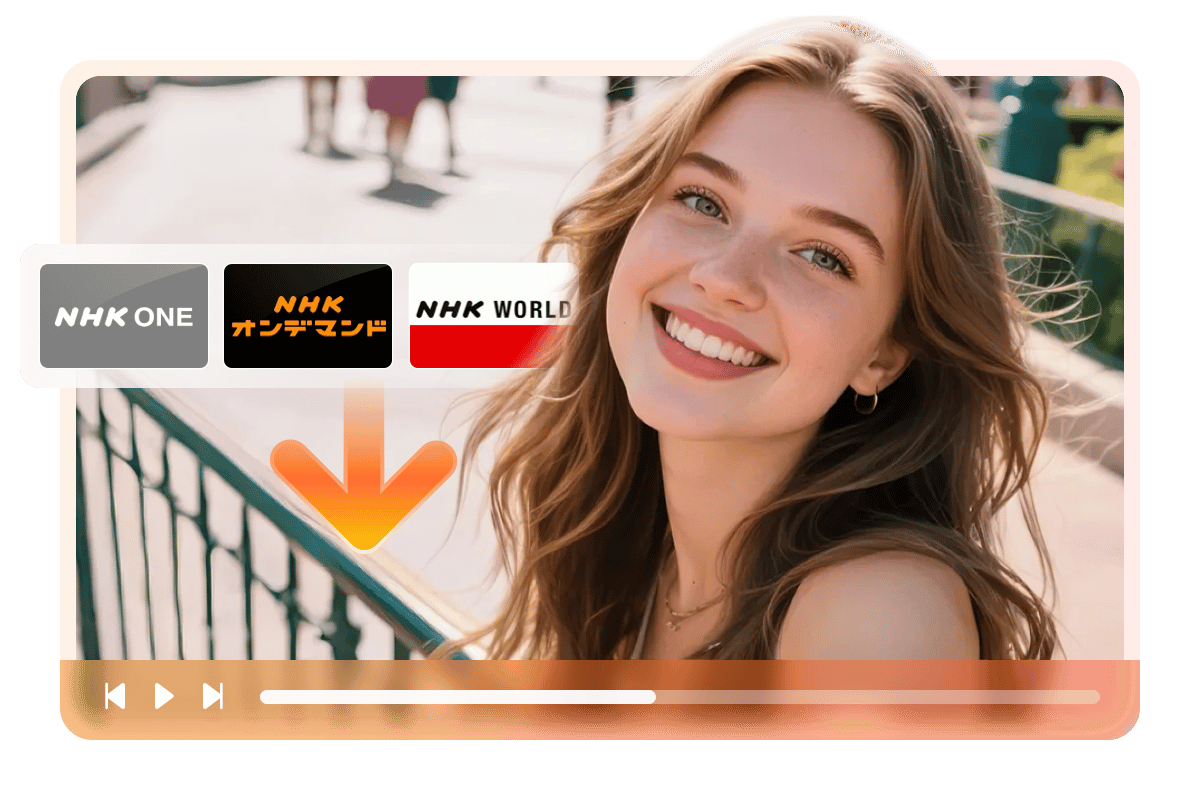
Whether you are a fan of morning dramas on NHK One, a history buff exploring the archives on NHK On Demand, or an international viewer enjoying English-subtitled content on NHK World, juggling different platforms can be frustrating. StreamFab NHK Downloader brings all three services together in one easy-to-use application.
Just open the built-in browser, log into your NHK account, and start saving the content that matters to you. With StreamFab's 8+ years of development behind it, StreamFab is continuously updated to stay compatible with every platform change NHK makes.
What StreamFab NHK Downloader Can Do for You
Watch Your Saved NHK Videos in Beautiful 1080p with Clear Audio
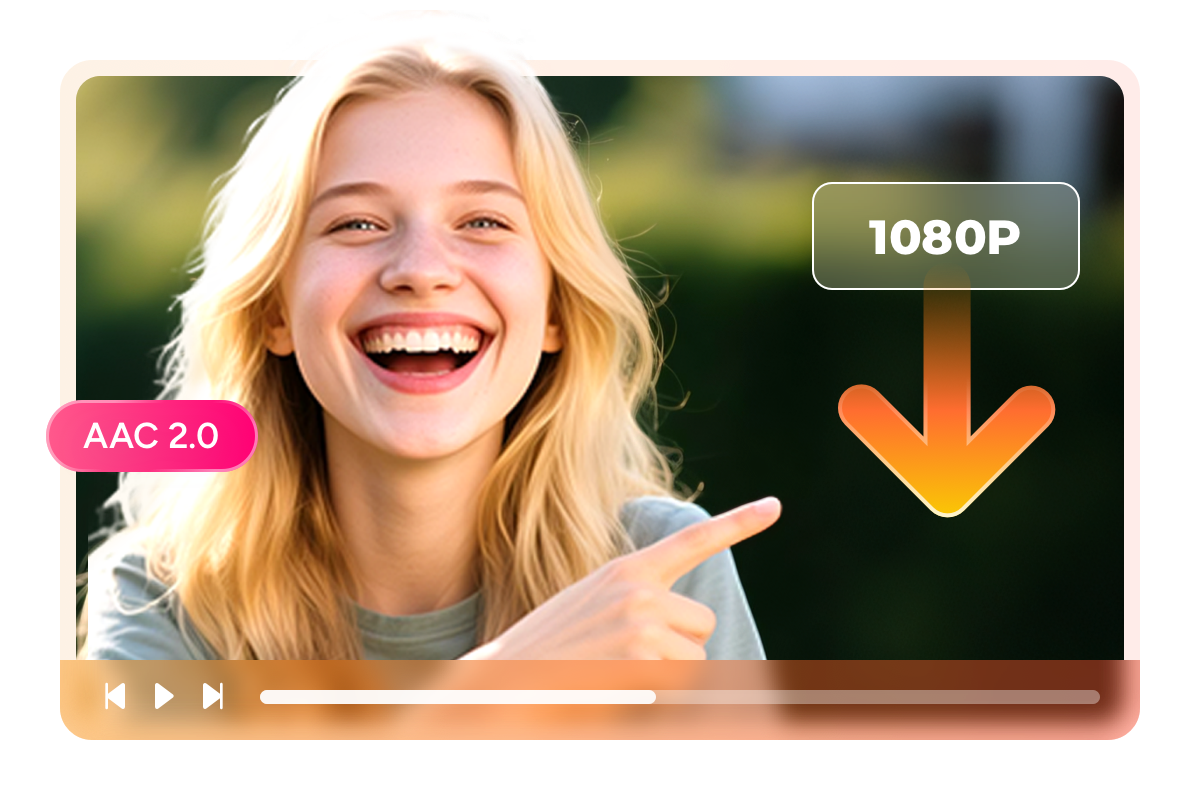
There is nothing worse than saving a video only to find the quality is disappointing on a larger screen. StreamFab NHK Downloader solves this by preserving the full broadcast quality of your NHK content. Choose between 1080p Full HD and 720p HD resolution depending on your storage preferences, and every download comes with crisp AAC 2.0 stereo audio.
Whether it is the sweeping cinematography of an NHK nature documentary or the intimate dialogue of a morning drama, what you save looks and sounds just as good as the original stream — ready to enjoy on your TV, laptop, tablet, or phone.
Save as MP4 or MKV — Play on Any Device You Own
Want to watch your saved NHK programs on your phone during a commute? Or stream them to your living room TV? StreamFab NHK Downloader lets you choose between MP4 and MKV formats before each download. MP4 works out of the box on virtually every device — phones, tablets, laptops, smart TVs, and gaming consoles.
MKV gives you the added bonus of storing subtitle tracks within the file, which is perfect for NHK World content with embedded English subtitles. Either way, your content is ready to play wherever life takes you.

Choose How You Want Your Subtitles Saved
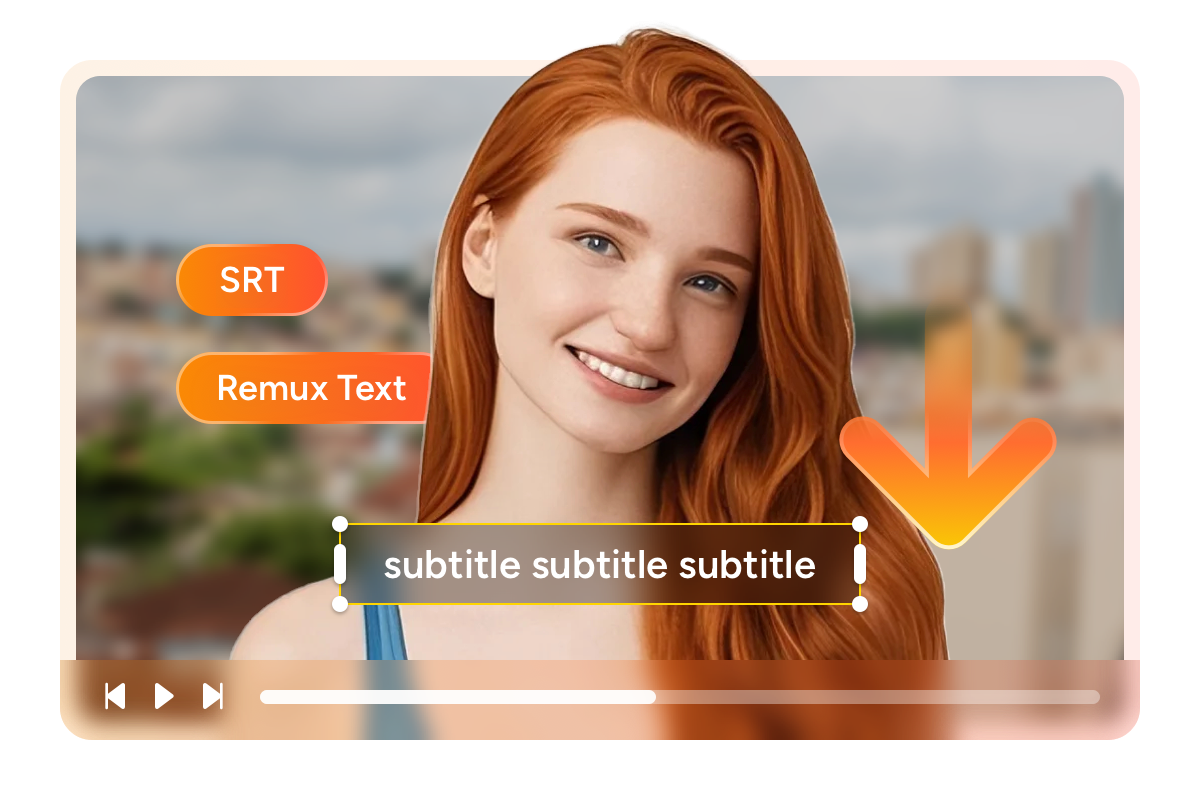
Subtitles can make or break your viewing experience, especially with Japanese-language content. StreamFab NHK Downloader puts you in control by offering two subtitle options. Save subtitles as separate SRT files if you like toggling them on and off — this is ideal for Japanese learners who want to study dialogue at their own pace.
Or embed subtitles directly into the video file so they are always displayed automatically. For NHK World viewers who depend on English subtitles, having them permanently attached means you never have to worry about missing subtitle files when transferring videos between devices.
A Downloading Experience Designed Around Your Life
Schedule Mode and Auto Download
Add a series to your schedule, set a daily or weekly check time, and the software will automatically detect and download new episodes as soon as they appear. It is the perfect set-and-forget solution for busy viewers who follow taiga dramas, morning serials, or weekly documentary series on NHK.

Batch Mode and Fast Speed
Select every episode at once and queue them all with a single click. The software handles the rest while you go about your day. Whether you are archiving a complete season of a drama or building a personal collection of NHK's renowned nature documentaries, batch downloading turns what could be an hour-long chore into a 30-second task.
More Than Just Downloading Videos
Your Downloads Come with Full Metadata for Easy Organization
After downloading dozens of NHK programs, finding the one you want to watch should not feel like searching for a needle in a haystack. StreamFab NHK Downloader automatically saves metadata with every video — including program title, episode name, cast details, season information, and cover artwork.
If you use a media server like Plex, Kodi, or PlayerFab, all this information imports seamlessly, giving you a beautifully organized personal library that looks just as polished as the streaming platforms themselves. No more guessing which file is which from cryptic filenames.
What Real Users Say About StreamFab NHK Downloader

Amber
Travel BloggerDiana
Japanese Language TeacherJacob
Home Theater EnthusiastAmber
Travel BloggerDiana
Japanese Language TeacherJacob
Home Theater EnthusiastAmber
Travel BloggerDiana
Japanese Language TeacherJacob
Home Theater EnthusiastAmber
Travel BloggerDiana
Japanese Language TeacherJacob
Home Theater Enthusiast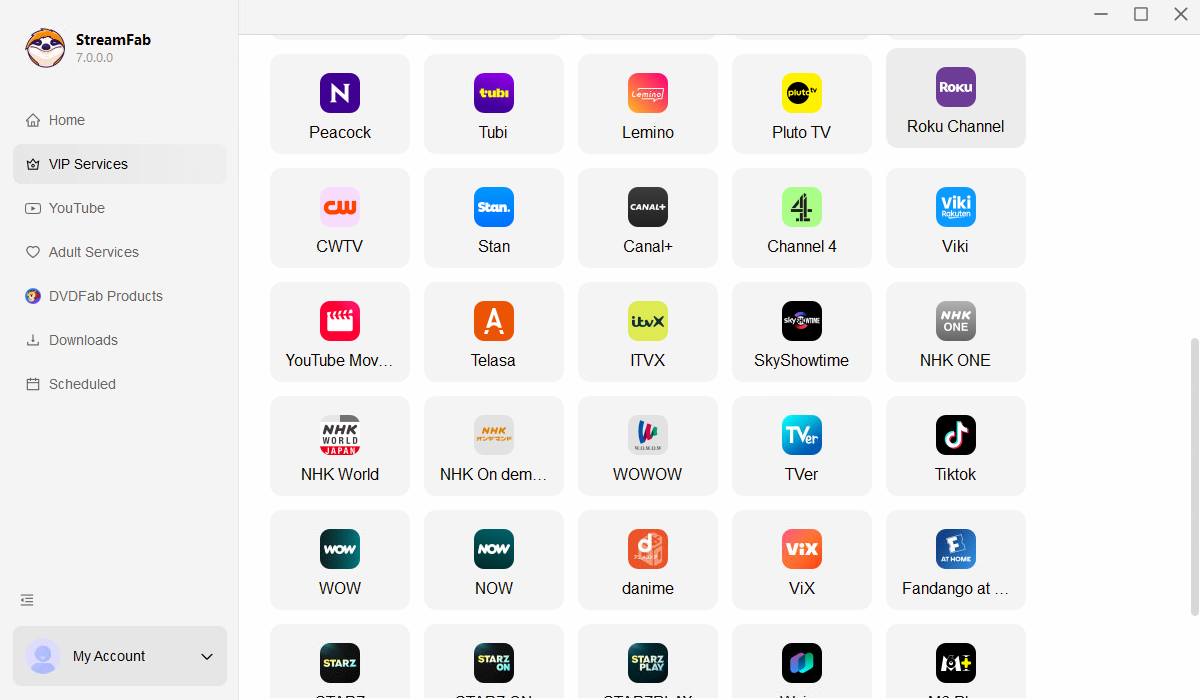
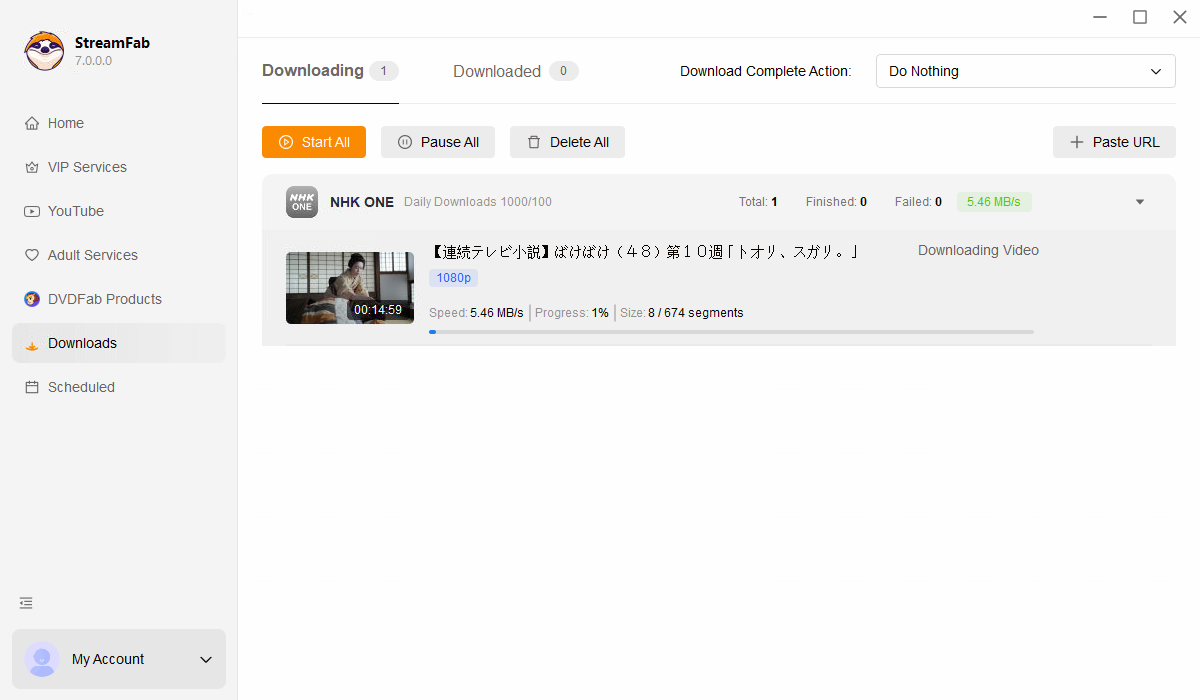
Download StreamFab NHK Downloader from the official website and install it on your Windows or Mac. Open the application and navigate to the Streaming Services section in the left panel, then click the NHK logo to get started.
Use the built-in browser to log into your NHK account. Browse through NHK One, NHK On Demand, or NHK World to find the program you want to save, and start playing it.
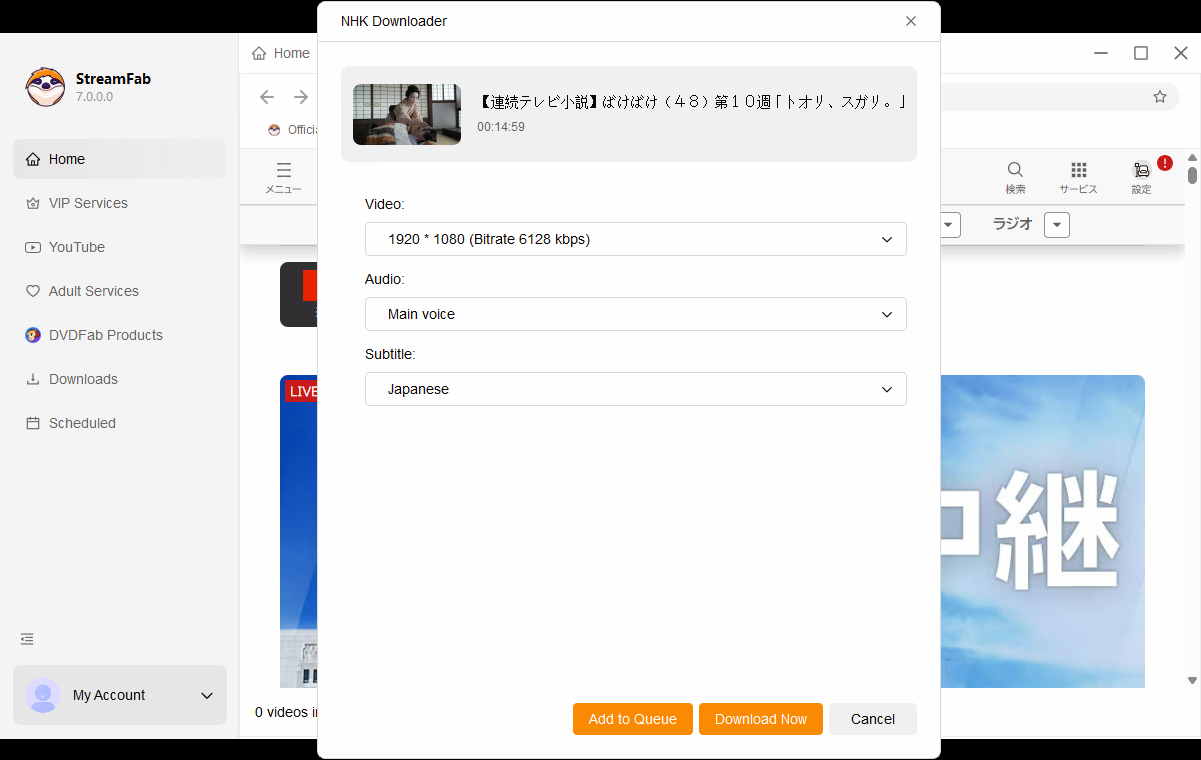
A download window will pop up as soon as the video begins playing. Pick your preferred resolution, format, and subtitle settings, then click "Download Now" to save the video to your computer.
System Requirements

To avoid being blocked by streaming providers, a StreamFab licensed account has a quota of 100 downloads per day, and 700 downloads per week from each supported streaming service. Whenever some of it is used up, it will refill during the next time cycle.