StreamFab Rakuten TV Downloader
Imagine downloading your favorite anime series on Rakuten TV for a weekend binge, only to find the episodes expired before Saturday morning. StreamFab Rakuten TV Downloader captures Rakuten TV content in 720p with AAC 2.0 audio and saves it as MP4 or MKV files that never expire — permanently yours on any device.

Download videos from Rakuten TV with ease

Auto-download new Rakuten TV episodes on schedule

Download Rakuten TV videos in native 720p quality

Browse and download Rakuten TV with the built-in browser
Why Rakuten TV Subscribers Need StreamFab
You pay for Rakuten TV content — your downloads should not have an expiry date
Picture this: you have carefully saved five episodes of your favorite anime on Rakuten TV for a long holiday trip, but when you board the Shinkansen and open the app, the viewing window has expired on three of them. Rakuten TV caps your download count, locks files to one device, and enforces expiry windows that delete content you have already paid for. Rental content is even more restrictive — playback triggers a 48-hour countdown regardless of how much you actually watched.
Content can also disappear entirely when licensing agreements expire or seasonal catalogs rotate. StreamFab Rakuten TV Downloader, built on StreamFab's 8+ years of media technology expertise, captures Rakuten TV streams at their native 720p resolution with AAC 2.0 audio and saves them as permanent MP4 or MKV files. No expiry, no device locks, no download limits — your content stays yours.
A downloader millions trust for their Rakuten TV library
When a Rakuten TV anime series you have been rewatching for months suddenly vanishes from the catalog, you need a tool you can trust to have captured it correctly the first time. StreamFab's download engine, refined over 8+ years and trusted by millions of users worldwide, receives weekly engine updates resolving content delivery changes within 24 to 48 hours. The platform has been reviewed by technology publications with a 4.9-star Trustpilot rating.
The H.264 capture preserves the original encoding without re-compression, and comprehensive metadata — titles, cast, cover art, episode numbers — ensures every download integrates seamlessly into media libraries like Plex, Jellyfin, and PlayerFab. This is not experimental software; it is a mature platform built for reliable, long-term archiving of your Rakuten TV content. Not sure yet? 3 free downloads available to test before purchase — experience the quality firsthand with no commitment.
Flexible Output for Every Viewing Scenario
720p HD that preserves every frame of your Rakuten TV content
You are watching a tense J-drama scene on Rakuten TV and the subtle lighting shift in the protagonist's close-up tells the whole story — that visual detail matters. StreamFab captures Rakuten TV streams at the full 720p HD ceiling using the H.264 codec, preserving the original bitrate profile and encoding structure frame for frame without re-compression.
Unlike screen recorders that introduce compression artifacts and motion blur, StreamFab's direct H.264 capture maintains every visual nuance from the precise line art of an anime production to the cinematic lighting of a Japanese thriller. The AAC 2.0 audio is preserved without transcoding, delivering clear dialogue and faithful sound reproduction whether you are watching through headphones on a crowded commuter train or through speakers in your living room.
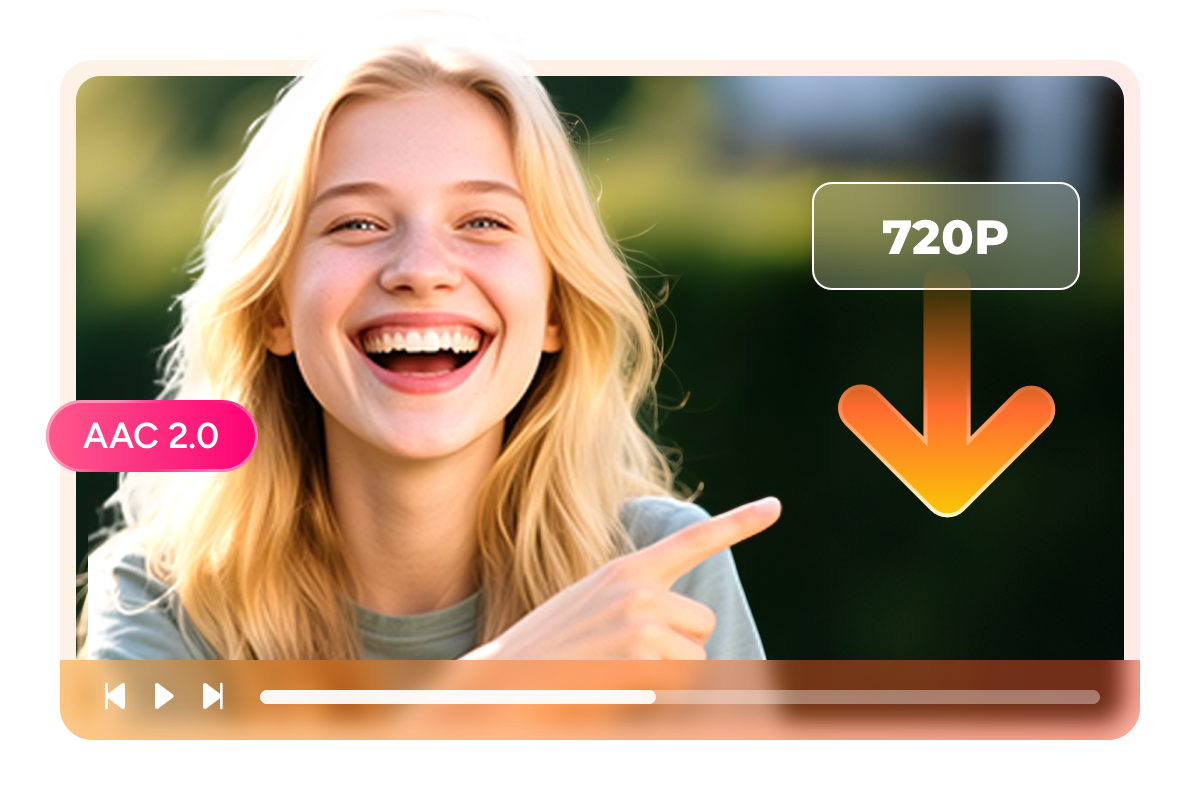
MP4 and MKV files that play on every device you own
Rakuten TV's official app restricts offline playback to mobile devices — no PC, no Mac, no TV. You paid for the content but cannot watch it on your preferred screen. StreamFab saves your downloads as standard MP4 or MKV files that play everywhere. MP4 works natively on iOS, Android, Windows, macOS, smart TVs, and portable players.
MKV embeds multiple subtitle tracks and audio streams in a single file, perfect for Rakuten TV content that offers both Japanese and foreign language audio options. Whether you want to watch anime on a large monitor at home, a J-drama on your laptop during a business trip, or a variety show on a tablet while riding the Shinkansen, the format flexibility ensures your Rakuten TV content plays wherever the official app cannot reach.

Capture every subtitle track from Rakuten TV content
You are watching a foreign film on Rakuten TV with Japanese subtitles when you realize the nuance of the original dialogue adds a layer the translation misses — so you want both. StreamFab downloads subtitle tracks alongside the video as external SRT files or embedded streams within the MKV container.
For Rakuten TV's catalog of dubbed foreign films, anime with multiple language tracks, and international content, this means preserving both the original-language subtitles and the Japanese translations that Rakuten TV provides. External SRT files let language learners toggle between tracks or edit timing with any text editor, while embedded subtitles create self-contained files ideal for permanent archiving. Every subtitle is captured with original formatting and precise timing intact.

The Complete Rakuten TV Downloading Experience
Schedule Mode and Auto Download
Monitors your selected series and automatically downloads new episodes at your specified time. Set it once, and every new installment arrives in your library without manual intervention — ideal for Rakuten TV's weekly releases.

Batch Mode and Fast Speed
Queue every episode with a single selection and processes downloads sequentially without manual monitoring. A standard episode at 720p downloads quickly, meaning a full season can be archived in a single session.

Preset Audio & Subtitle Language
Detects your system's UI language and automatically pre-selects matching tracks for every download. Japanese system gets Japanese audio with Japanese subtitles; English system gets English tracks where available.
More Than Just Downloading
Every download comes with rich metadata for organized libraries
After downloading 50 Rakuten TV titles, finding the right one in a folder of generic filenames becomes impossible. StreamFab solves this by including comprehensive metadata with every download — title in Japanese and English where available, episode and season numbers, cast information, genre tags, plot synopsis, and cover artwork.
This structured data integrates seamlessly with Plex, Jellyfin, Emby, and PlayerFab, transforming a plain folder into a beautifully organized media library. The cover art and episode descriptions replicate Rakuten TV's own browsing experience, but within your personal server — accessible permanently even after content leaves the streaming platform.

What Rakuten TV Viewers Say About StreamFab

Jacob
Graphic Designer, OsakaAlice
English Teacher, NagoyaMark
Freelance Writer, SapporoJacob
Graphic Designer, OsakaAlice
English Teacher, NagoyaMark
Freelance Writer, SapporoJacob
Graphic Designer, OsakaAlice
English Teacher, NagoyaMark
Freelance Writer, SapporoJacob
Graphic Designer, OsakaAlice
English Teacher, NagoyaMark
Freelance Writer, Sapporo


Open StreamFab and click the Rakuten TV icon in the Streaming Services panel to open the integrated browser.
Log into your Rakuten TV account, find the video you want, and start playback.
A download dialog appears during playback. Select resolution, subtitle format, and output container, then click Download Now.
System Requirements

To avoid being blocked by streaming providers, a StreamFab licensed account has a quota of 100 downloads per day, and 700 downloads per week from each supported streaming service. Whenever some of it is used up, it will refill during the next time cycle.