StreamFab RTL Plus Downloader
Download RTL+ shows and movies in 1080p with AAC 2.0 audio. No ads, no expiry dates — German TV on your terms.

Save your entire RTL+ library locally

Auto-download new RTL+ episodes overnight

Full HD 1080p with crystal-clear AAC audio

Browse RTL+ content with built-in browser
Why do you need StreamFab?
That RTL+ series you love could vanish from the catalog tomorrow
Picture this: you have been following a gripping RTL+ crime series for weeks, saving episodes for a quiet weekend binge — only to discover that the entire series has vanished from the catalog without warning. RTL+ rotates its on-demand library constantly as licensing agreements with production houses like UFA and Constantin Film expire and shift. Free-tier content disappears especially quickly, often cycling out within weeks, while even Premium subscribers at €6.99 per month face unpredictable catalog changes.
Developed by the StreamFab team with over 8 years of video software expertise, StreamFab RTL Plus Downloader lets you save any RTL+ content permanently in 1080p quality before it rotates out. StreamFab offers 3 free downloads so you can test every feature before committing.
Keep every RTL+ show permanently — ad-free and in Full HD
Whether you are an expat missing German television abroad, a language learner studying dialogue from RTL dramas, or simply someone who wants to watch GZSZ on the train without buffering, StreamFab gives you complete control over your RTL+ content. Download shows and movies in up to 1080p with AAC 2.0 audio, saved as MP4 or MKV files that play on any device — phone, tablet, laptop, or smart TV. The ad removal feature strips every commercial break, including the heavy ad load on RTL+'s free tier that can exceed 8 to 10 minutes per hour.
Batch downloading grabs entire seasons in one click, while scheduled auto-downloads capture new episodes the moment they drop. With weekly engine updates that resolve platform changes within 24 to 48 hours, trusted by tens of millions of users worldwide and featured by technology publications including PCMag and TechRadar, StreamFab transforms RTL+ from a restricted streaming app into your personal, permanent German TV archive.
What can StreamFab do?
Watch RTL+ offline in stunning 1080p with clear AAC 2.0 stereo audio
Have you ever tried watching a recorded RTL+ show on a long Deutsche Bahn journey, only to find the stream buffering endlessly in a tunnel or between cities? Streaming quality on mobile connections fluctuates wildly, and even at home, peak evening hours can degrade your viewing experience. StreamFab RTL Plus Downloader solves this by capturing RTL+ content at its maximum quality — up to 1080p Full HD with AAC 2.0 stereo audio at approximately 192 kbps — and saving it locally where playback is always smooth and consistent.
The AAC 2.0 audio ensures dialogue clarity for German dramas and crisp commentary for live sports replays. Unlike screen recording tools that often compress video to low bitrates and degrade audio to mono, StreamFab preserves the original stream quality without re-encoding, delivering files that look and sound exactly as the broadcaster intended.
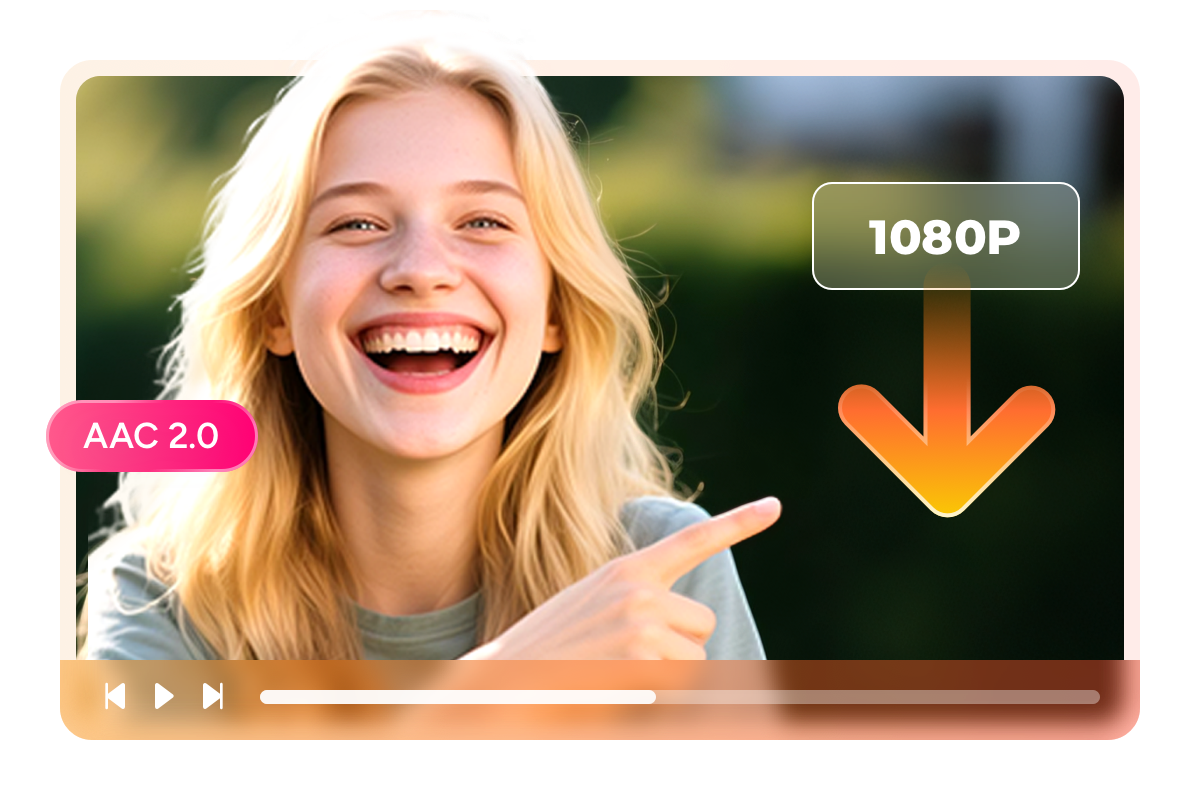
Save RTL+ content as MP4 or MKV — your choice, your device
There is nothing more frustrating than downloading your favorite RTL+ show only to discover the file will not play on your tablet during a flight. StreamFab eliminates this problem entirely by offering two universally compatible output formats. MP4 works natively on virtually every device — iPhones, Android phones, Windows laptops, macOS machines, Samsung smart TVs, and gaming consoles — requiring no additional codecs or players.
MKV is the preferred choice for media server enthusiasts using Plex, Kodi, or PlayerFab, as it supports multiple audio tracks and embedded subtitles within a single file. Both formats use the same H.264 video and AAC audio streams with negligible file size difference, so your choice comes down purely to playback preference. A standard 45-minute RTL+ episode in 1080p typically produces a file of 1.5 to 2.5 GB — manageable for any modern device.

Download RTL+ with subtitles — as SRT files or embedded in video
For language learners studying German through RTL+ shows, or hearing-impaired viewers who rely on text, subtitles transform the viewing experience from passive entertainment into active engagement. StreamFab RTL Plus Downloader gives you two flexible subtitle options. Save subtitles as external SRT files — the industry standard compatible with VLC, Plex, and most smart TVs — so you can toggle them on or off and customize font size during playback.
Alternatively, remux subtitles directly into the MKV container for a single self-contained file where subtitles are always available, even on devices that do not support external SRT loading. Both methods preserve original timing and full character encoding, including German umlauts (ä, ö, ü) and special characters essential for accurate German text display.

Perfect Downloading Experience You Get
Schedule mode and auto-download
Set your favorite RTL+ series to download new episodes automatically. Wake up to fresh content ready for your morning commute.

Grab videos in bulk and fast speed
Queue entire RTL+ seasons or multiple shows and let StreamFab handle everything. Fast, efficient, and ideal for building your offline library.

Download RTL Plus with Subtitles
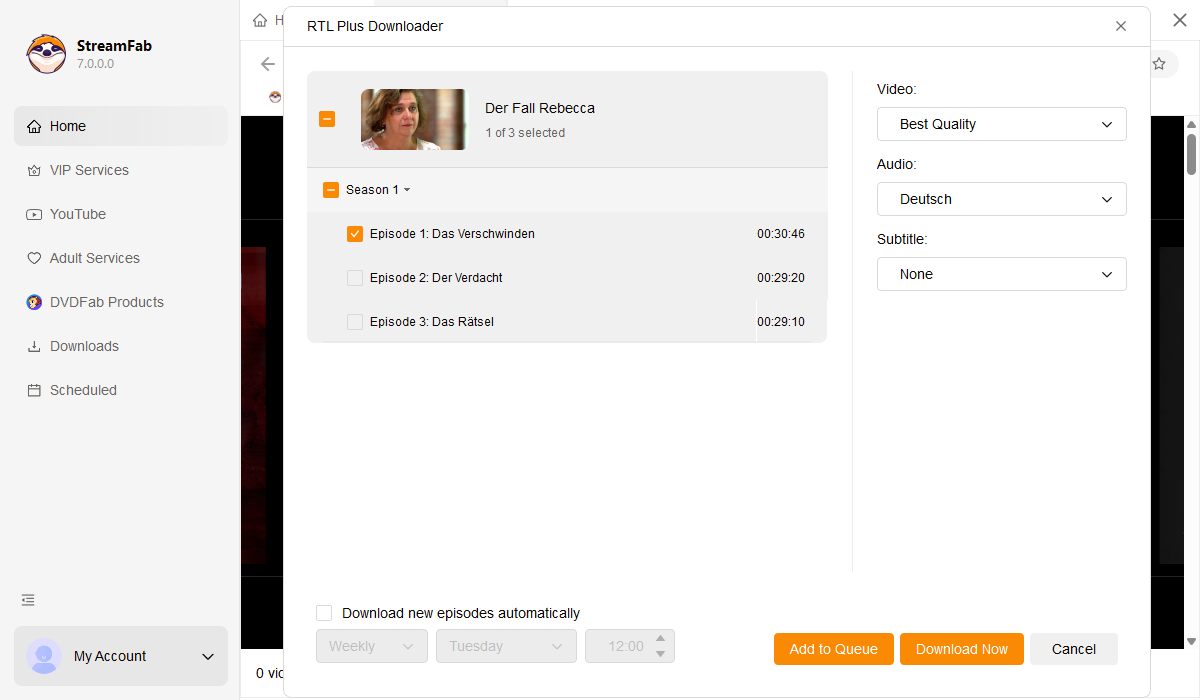
Select your preferred audio and subtitle language before downloading. Settings persist across sessions for hassle-free future downloads.

Remove ads with RTL Plus Premium plan
StreamFab removes all ads during download — including the heavy commercial load on RTL+'s free tier. Pure, uninterrupted German TV.
More Than Just Downloading
Save metadata to organize your RTL+ collection professionally
After downloading dozens of RTL+ episodes, finding a specific show in a folder of generic video files becomes a real headache. Which file was that Bauer sucht Frau finale? Was that RTL Exclusiv special from season three or four? StreamFab solves this by attaching comprehensive metadata to every download — show title, episode number, season, cast details, synopsis, and cover artwork are all embedded automatically.
Import these tagged files into a media server like Plex, Jellyfin, or PlayerFab, and you have a professionally organized German TV library that rivals any streaming interface. Browse by series, view episode descriptions, and enjoy proper cover art — all from your personal collection. For dedicated German TV enthusiasts, metadata transforms a simple download folder into a searchable, browsable entertainment archive.

What RTL+ Fans Say About StreamFab

Mark
Software Developer, StuttgartAlice
Language Teacher, ZurichJacob
IT Consultant, ViennaMark
Software Developer, StuttgartAlice
Language Teacher, ZurichJacob
IT Consultant, ViennaMark
Software Developer, StuttgartAlice
Language Teacher, ZurichJacob
IT Consultant, ViennaMark
Software Developer, StuttgartAlice
Language Teacher, ZurichJacob
IT Consultant, Vienna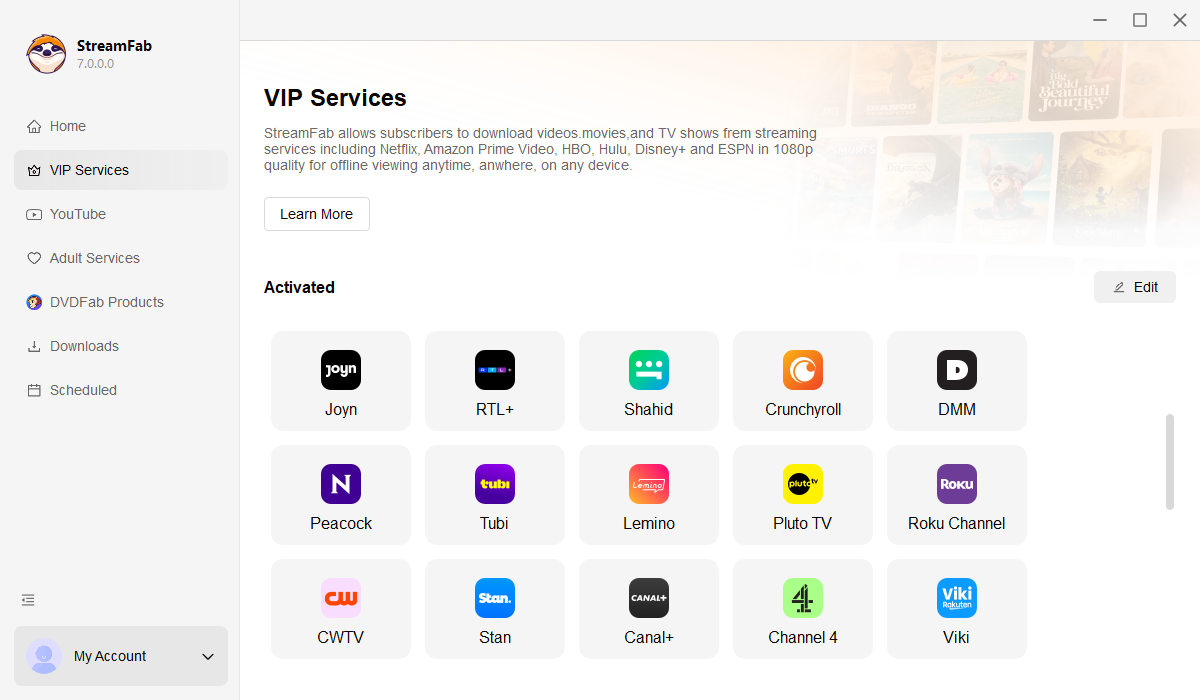
Open StreamFab and choose RTL Plus from the Streaming Services panel on the left sidebar.
Log into your RTL+ account, browse shows, movies, or live TV, and start playing the content you want to save.
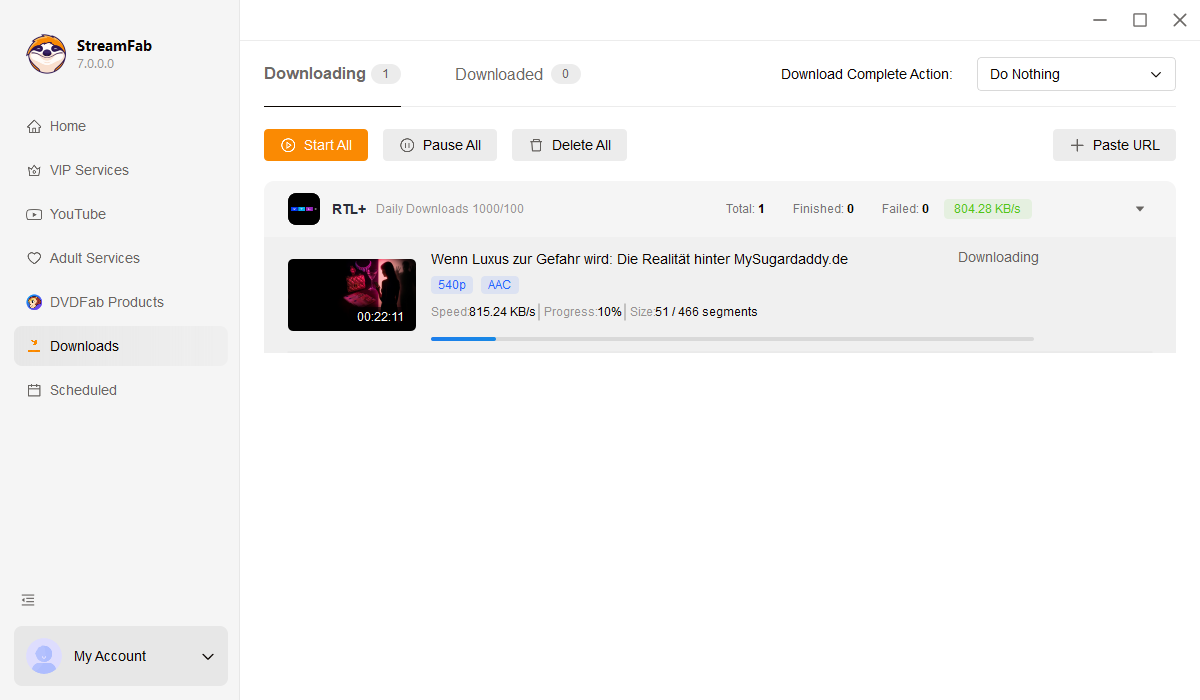
A download dialog appears during playback. Select quality, audio, and format preferences, then click Download Now.
System Requirements

To avoid being blocked by streaming providers, a StreamFab licensed account has a quota of 100 downloads per day, and 700 downloads per week from each supported streaming service. Whenever some of it is used up, it will refill during the next time cycle.