StreamFab WOW Downloader


Save WOW movies and series offline

Auto-download new WOW episodes on schedule

Download WOW videos in 1080p quality

Browse WOW with the built-in browser
StreamFab: Have for Binge-Watching Fantasy!
Your WOW Downloads Should Not Come with an Expiry Date
You have just downloaded the season finale of your favorite Sky Original on WOW, planning to watch it on the weekend. But life gets busy, and suddenly that 30-day timer has expired -- your download is gone. Or maybe you played a Bundesliga match and got called away, only to discover the 48-hour playback window has closed.
WOW's built-in download feature means well, but its restrictions -- 30-day expiry, 48 hours after first play, 2 downloads per title, and everything erased if you reinstall the app -- can feel frustrating. StreamFab WOW Downloader gives you a better way. Every movie, series episode, or sports event you save becomes a permanent local file on your device. No countdown timers, no download limits, no content that vanishes. Watch your WOW library whenever you want, wherever you are.

Over 80 Million Users and 8 Years of StreamFab Innovation
When you trust a tool with your media library, reliability matters. StreamFab comes from StreamFab, a company with over 8 years of experience in digital media solutions. The software has been downloaded over 100 million times by more than 80 million users worldwide, earning strong reviews on Trustpilot, G2, and Reviews.io.
For WOW content specifically, StreamFab maintains a 99% success rate across movies, series, and live sport recordings. Weekly updates ensure the downloader stays compatible with any changes WOW makes to its platform, so your download workflow remains uninterrupted season after season.

Enjoy Flexible Outputing with StreamFab Now
1080p Video + EAC3 5.1 Audio — Every Scene, Every Sound Preserved
StreamFab WOW Downloader now preserves the full experience at 1080p Full HD resolution. Every frame captures the detail and color depth you see when streaming live — from the sweeping landscapes of epic dramas to the subtle facial expressions in intimate dialogue scenes. The audio comes through in EAC3 5.1 surround sound for a home-theater experience, or AAC 2.0 stereo at full clarity for headphone listening. No re-encoding, no forced compression — what plays on WOW is exactly what lands on your drive.

Save WOW videos in MP4/MKV format to play on any device
You saved a WOW movie on your laptop, but now you want to watch it on your tablet during a flight or cast it to your smart TV over the weekend. With StreamFab WOW Downloader, that is never a problem.
Every download exports as either MP4 or MKV -- two universally supported formats that play on computers, smartphones, tablets, smart TVs, and gaming consoles without conversion or special apps. MP4 is perfect for maximum device compatibility, while MKV is ideal when you want to include multiple subtitle tracks. Your WOW content goes wherever you go.

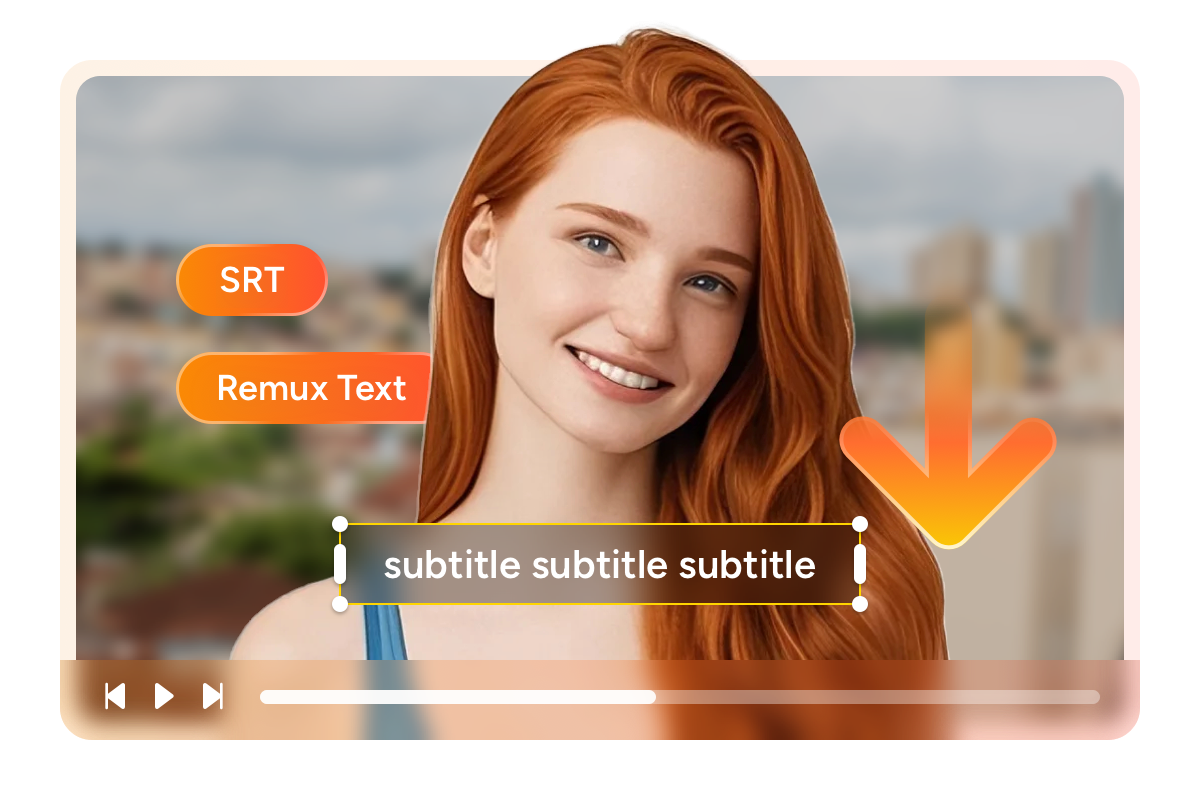
Save WOW subtitles as SRT files or remux into video
Maybe you prefer watching HBO series in English with German subtitles, or you like having the option to turn subtitles off entirely when rewatching a familiar show. StreamFab WOW Downloader supports both workflows.
You can save subtitles as separate external SRT files, giving you the freedom to toggle them on or off in any media player. Or you can remux subtitles directly into the video file for a clean, single-file experience. Either way, every available subtitle language on WOW is at your fingertips during the download configuration.
Perfect Downloading Experience You Get
Schedule Mode and Auto Download

Batch Mode and Fast Speed

Preset Audio & Subtitle Language

Remove ads
More Than Downloading
Your Downloads Come with All the Details -- Ready for Plex and Kodi
Imagine opening Plex or Kodi and seeing your entire WOW collection beautifully organized -- cover artwork displayed, episodes sorted by season, cast information just a click away. StreamFab WOW Downloader makes this happen automatically.
Every download includes full metadata: episode titles, season numbers, cast lists, director credits, cover images, and content descriptions. Media server software like PlayerFab, Plex, Kodi, and JRiver reads this metadata instantly, turning your downloads into a professionally curated library without any manual tagging.
80+ Millions of People Like Us

Jacob
Expat in LondonAlice
Film EnthusiastMark
Sports BloggerJacob
Expat in LondonAlice
Film EnthusiastMark
Sports BloggerJacob
Expat in LondonAlice
Film EnthusiastMark
Sports BloggerJacob
Expat in LondonAlice
Film EnthusiastMark
Sports Blogger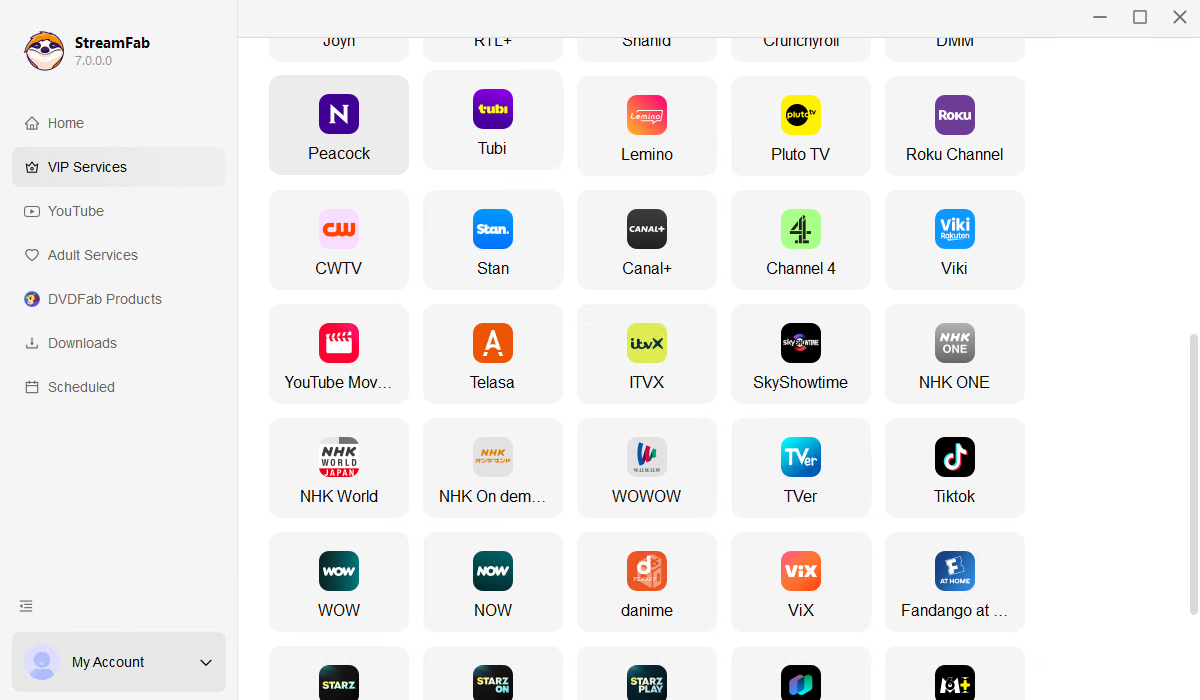
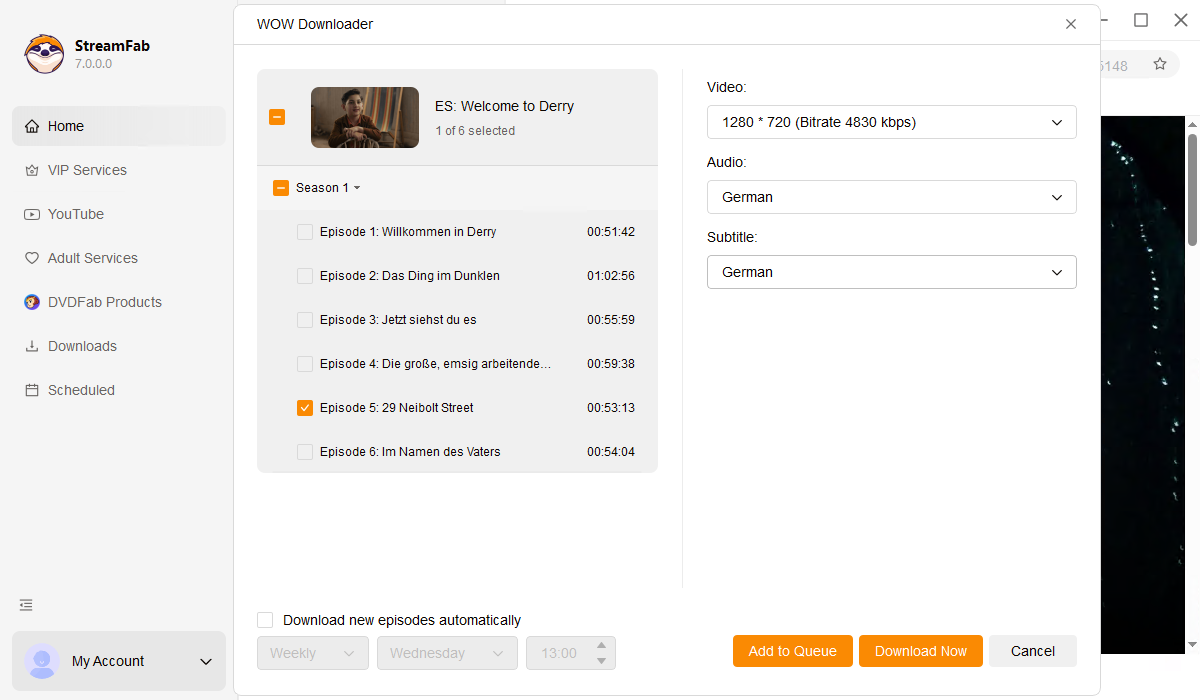
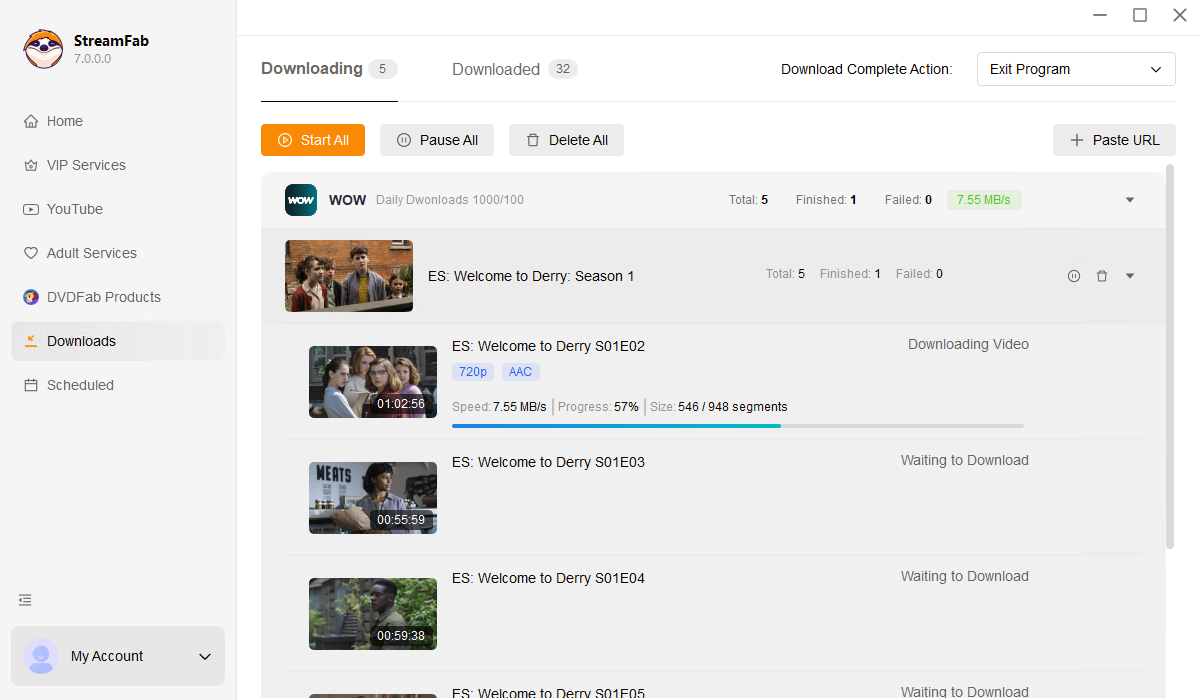
After installing StreamFab, open the application and navigate to Streaming Services. Select the WOW icon from the list of supported platforms to open the built-in WOW browser.
Sign into your WOW account within the browser. Browse or search for the movie, series, or sports content you want to save, then start playing it. StreamFab will automatically analyze the video.
A download dialog will pop up where you can pick your preferred resolution, audio language, subtitle options, and output format. Click Download Now and your WOW content will be saved to your local drive.
System Requirements

To avoid being blocked by streaming providers, a StreamFab licensed account has a quota of 100 downloads per day, and 700 downloads per week from each supported streaming service. Whenever some of it is used up, it will refill during the next time cycle.