Download Pornhub VR Videos: Save, Transfer, and Play

Summary: When satisfying porn fantasy is not so pocket friendly in reality, Pronhub VR download can be your constant companion in reality and fantasy.
Warning: This content is for adults only (18+) and follows best practices.
- I follow all local laws and the terms of service for the platform I use. I only use the content I buy for my own private collection and never share, disseminate, or resell it. I follow the regulations of artists' rights, age-gating, and keeping data private.
- Digital Security: I keep my computer safe by using current antivirus and software, downloading apps only from trusted sites, limiting admin permissions, checking permissions, and backing up data on encrypted media.
A Pornhub VR download is useful only when the saved file can be transferred, opened in the right player, and displayed with matching projection settings. For adults 18+, the practical workflow is to save authorized content, verify the file locally, move it to your playback device, and fix common VR playback issues.
Streaming can fail at the exact moment a headset, player, or connection becomes the weak link. If you want to download Pornhub videos for private offline VR viewing, this guide covers the Pornhub VR download process, file choices, transfer, playback, and troubleshooting for content you are authorized to access where platform terms and applicable law permit it.
StreamFab for Pornhub VR Downloads
- 👍 Install the software from the official StreamFab product page.
- 👉 Avoid unofficial installers and popup-heavy web downloaders.
For adults 18+ who want a desktop local-file workflow, StreamFab Pornhub Downloader can save supported VR videos as MP4 or MKV at up to 4K when that quality is available from the source and authorized account access. Use the official installer, avoid unofficial modified builds and popup-heavy web downloaders, and save only content you are authorized to access for private viewing where platform terms and applicable law permit it.
It is a practical fit for Windows and Mac users who want to verify and transfer local files. It is less useful for viewers who only stream or do not have room for large VR files.

Whether you use Pornhub’s free tier or hold a Premium subscription, StreamFab Pornhub Downloader helps you save VR videos at up to 4K resolution in MP4 or MKV format. Pornhub focuses on streaming rather than downloads, but this tool enables you to organize eligible VR content for personal offline viewing only when such saving is allowed under Pornhub’s terms and applicable copyright laws.
VR Formats, Quality, and Compatibility
Choose the file based on the player you plan to use, not on a promise of universal compatibility. StreamFab can save up to 4K when that quality is available from the source and authorized account access; playback still depends on the file, codec, projection mode, player, and device.
| Output format | Resolution | Projection mode | Audio | Playback destination |
|---|---|---|---|---|
| MP4 | Up to 4K* | Match 180° or 360° | AAC 2.0 | Meta Quest local player |
| MKV | Up to 4K* | Match 180° or 360° | AAC 2.0 | Compatible PC player |
| MP4 or MKV | Up to 4K* | Match 180° or 360° | AAC 2.0 | Compatible mobile VR player |
*Available source quality and authorized account access determine the available resolution. Specifications as of August 2026.
If storage and headset support are your deciding factors, the details behind a Pornhub 4K video download workflow can help you choose a realistic resolution.
For a standard local-file workflow, Pornhub to MP4 is often the simpler choice, while MKV can suit players that handle it well. Test either format on your computer before moving it to a headset.
Queue eligible tasks: Organize several authorized files for later local playback.
Save Pornhub VR Videos in 4 Steps
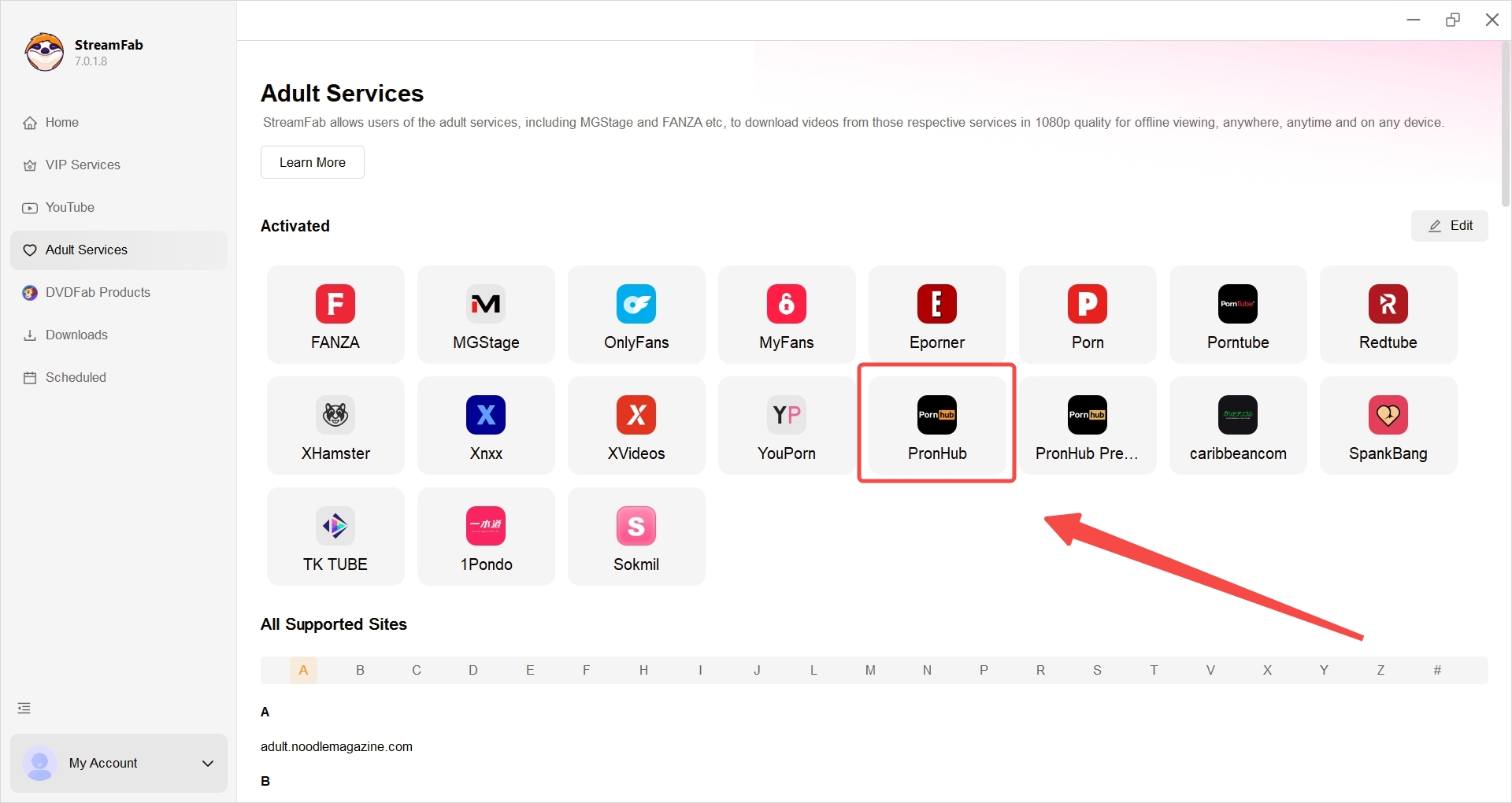
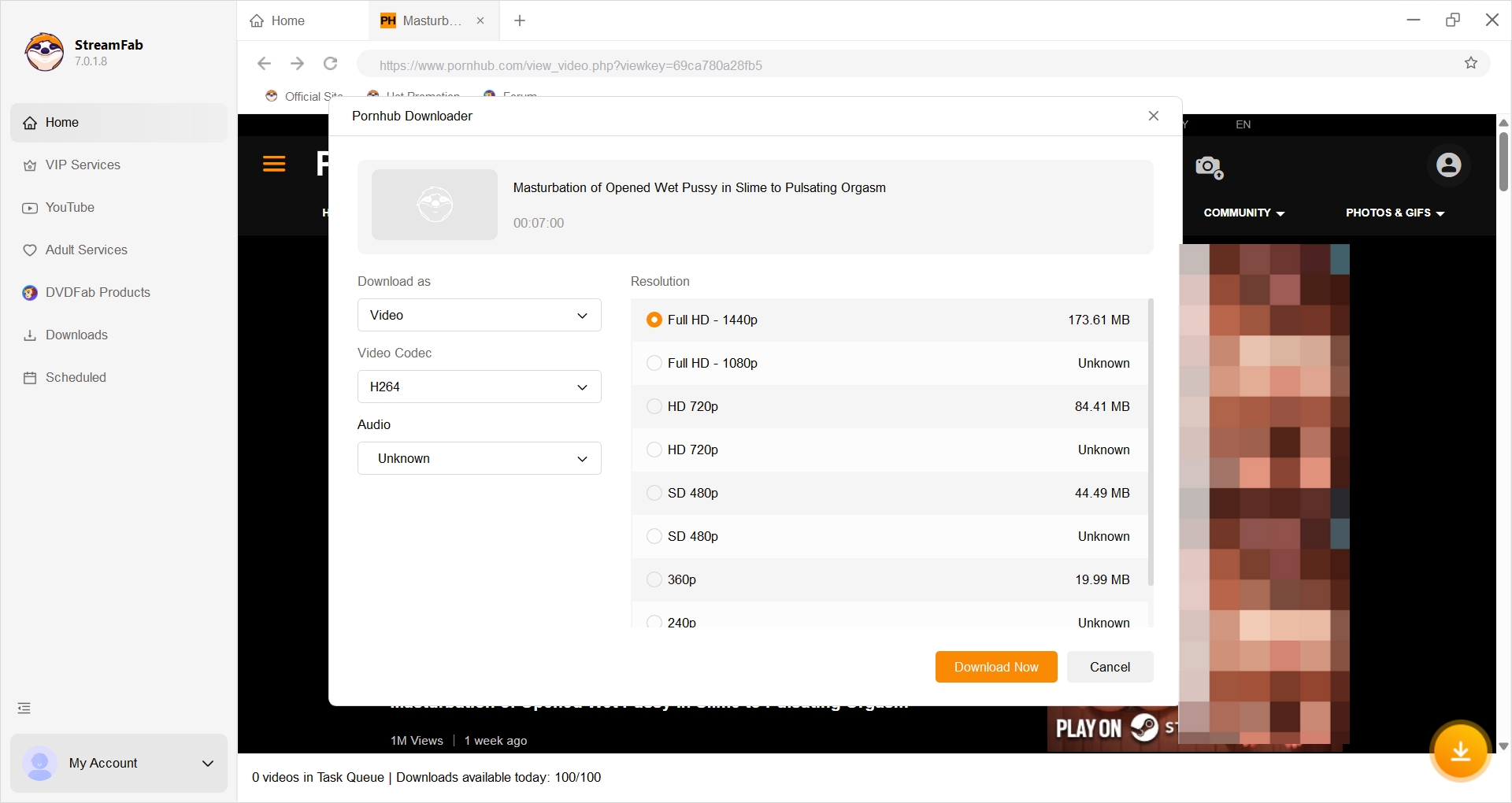
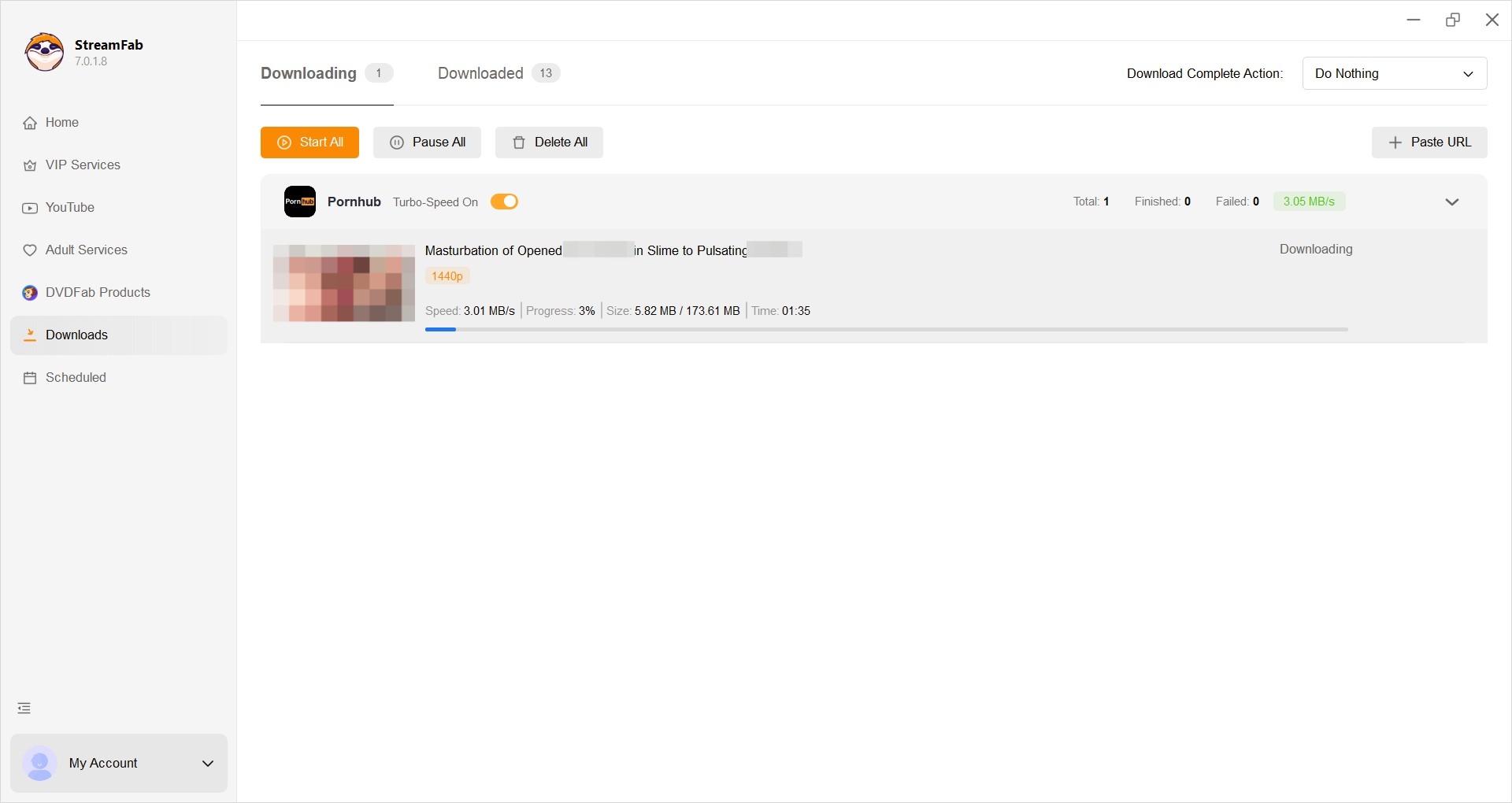
After the authorized file is saved, open it on your computer first. Then transfer it to the intended device and select the matching VR player and projection mode. A saved file is not the finish line if the headset displays the wrong layout.
Transfer, Play, and Troubleshoot VR Files
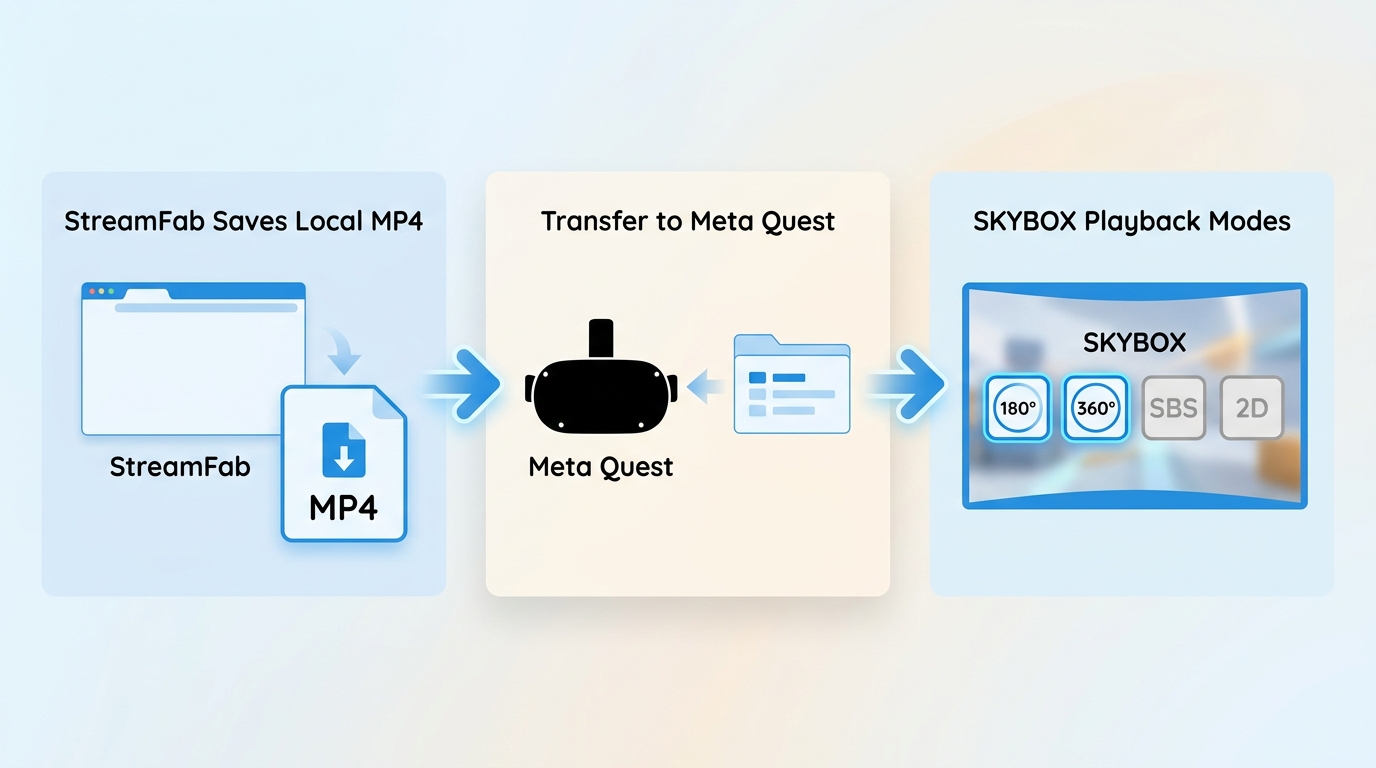
Move Files to Meta Quest
First, confirm that the local file opens on your computer. Next, connect your Quest or use your preferred transfer method to place the file in your own headset storage. Open it in a compatible local VR player, such as SKYBOX, then select the matching 180° or 360° projection and the appropriate 2D or stereoscopic layout.
My practical rule is to test the file on the computer before transfer. That separates a damaged file from a headset, player, or projection-setting issue in minutes instead of turning troubleshooting into guesswork.
Fix Black Screens and Distortion
Work through the checks in this order before downloading again:
- Open the file on the computer to confirm that it is complete and playable.
- Try a VR player that supports the file's format and codec, and enable hardware decoding if the player offers it.
- For audio with a black or green image, check decoding, codec support, player compatibility, and file integrity.
- For freezing or blur, reduce playback demands where your player allows it and confirm that the file copied fully to the device.
- For a stretched, split, or distorted image, match 180° versus 360° and the stereoscopic layout before replacing the file.
In practice, distortion usually points to a projection mismatch. Audio with a black or green image points first to decoding or player compatibility, not automatically to the download itself.
FAQs About Pornhub VR Video Downloads
Can I watch saved VR videos without a headset?
Yes, a local file can also be opened on a computer or phone with a compatible player. The immersive view and available controls depend on the display, player, projection mode, codec support, and device.
Can StreamFab save Pornhub VR videos in 4K?
StreamFab can save up to 4K when the source and authorized account access provide that quality. Choose based on available storage, player support, and the display you plan to use.
Why does a 180° video look distorted?
A mismatched projection or stereoscopic layout is a common cause. In your player, choose 180° rather than 360° when appropriate, then check whether the video is side-by-side, top-and-bottom, or 2D before replacing the file.
What content may I save for personal viewing?
Save only content you are authorized to access and keep for private offline viewing where platform terms and applicable law permit it. Do not share, resell, or redistribute downloaded content.
Can I queue several VR downloads overnight?
Yes. StreamFab supports batch downloads for eligible tasks. Plan around available storage and review saved files before transferring them to a headset or another playback device.
Conclusion: A Practical Offline VR Workflow
The dependable sequence is straightforward: save authorized content through a trusted desktop workflow, choose MP4 or MKV for the intended player, test the file on your computer, transfer it, match the projection settings, and troubleshoot playback before downloading again.
If local files fit your viewing setup and storage, use the workflow above to make sure the file plays correctly where you intend to watch it.
Warning: This content is for adults only (18+) and follows best practices.
- I follow all local laws and the terms of service for the platform I use. I only use the content I buy for my own private collection and never share, disseminate, or resell it. I follow the regulations of artists' rights, age-gating, and keeping data private.
- Digital Security: I keep my computer safe by using current antivirus and software, downloading apps only from trusted sites, limiting admin permissions, checking permissions, and backing up data on encrypted media.

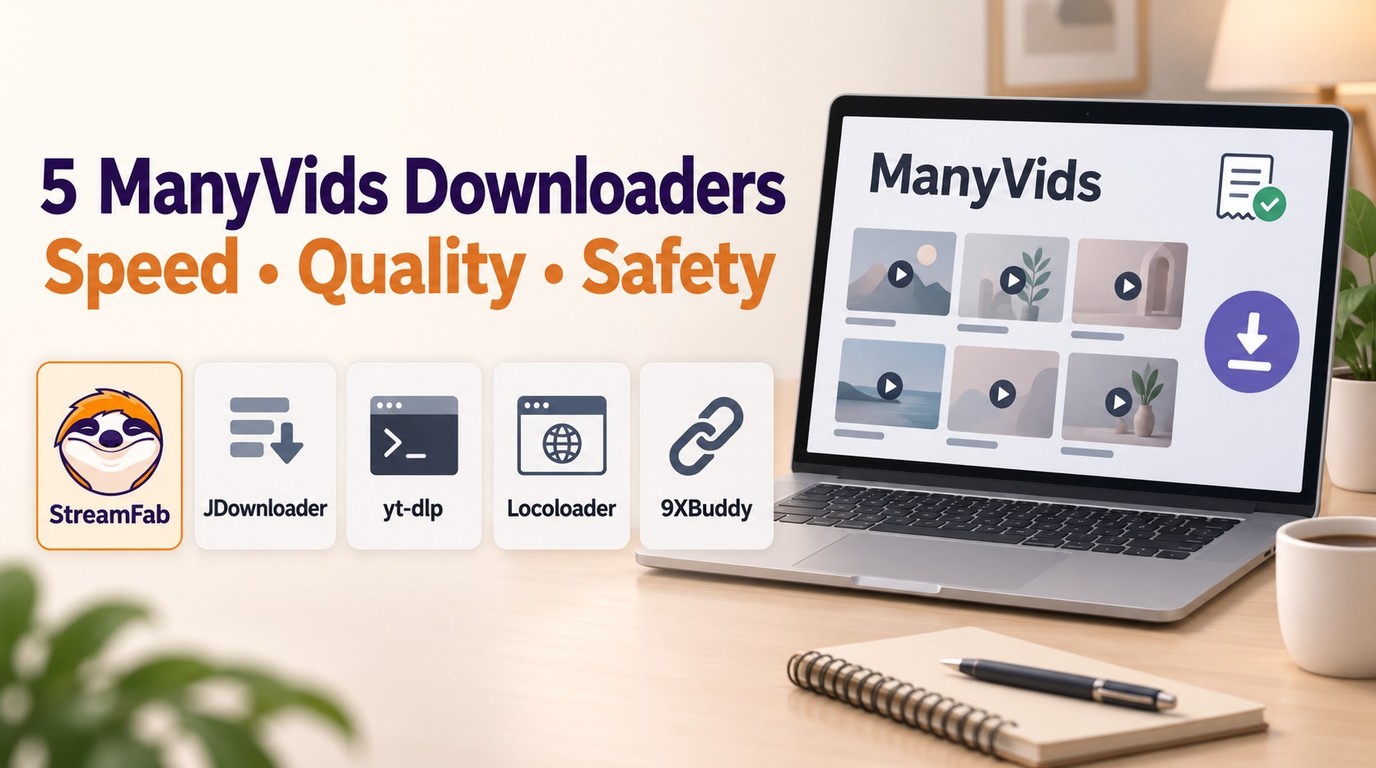
In July 2026, I tested 5 ManyVids video downloaders on a 47-title Vid Bundle archive project. Only one delivered consistent 1080p with batch automation. Here's the ranked breakdown — with legal context, safety checks, and a full comparison table.
By Jacob Harrison - Oct 13, 2026
Pornhub Premium has no official download button. Compare local-file methods by device, understand 1080p and 4K output, and follow the StreamFab workflow. Practical checks address access errors, incomplete files, wrong resolution, and blank or green playback.
By Erika Leen - Sep 24, 2026
R18.com was closed in 2022 and is no longer accessible. It is advisable to consider other alternatives.
By Erika Leen - Aug 19, 2026

Want to download Pornhub 4K video? Follow our detailed guide for a seamless download experience and enjoy ultra-high-definition content offline anytime, anywhere.
By Erika Leen - Aug 19, 2026