
ManyVids Download: 5 Downloader Options for Purchased Videos

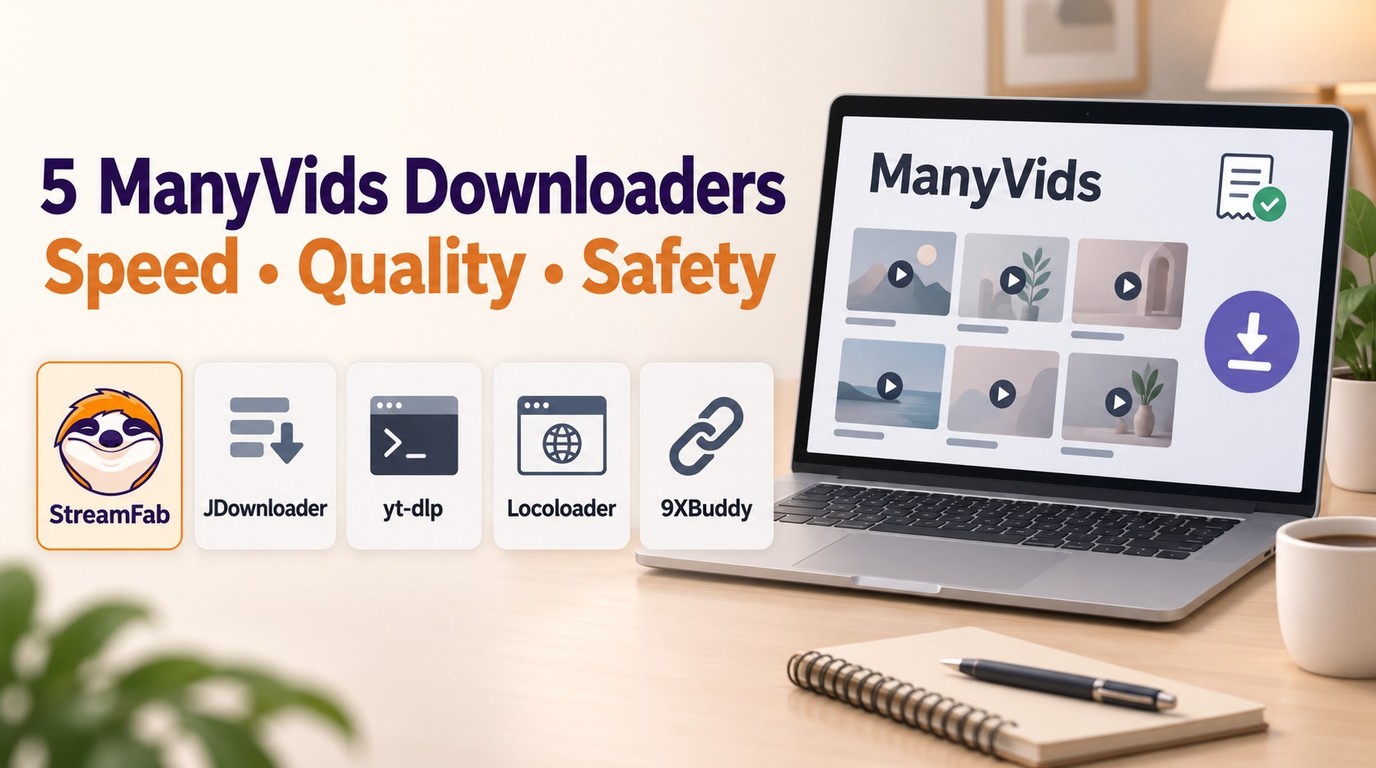
Summary: In July 2026, I tested 5 ManyVids video downloaders on a 47-title Vid Bundle archive project. Only one delivered consistent 1080p with batch automation. Here's the ranked breakdown — with legal context, safety checks, and a full comparison table.
Table of Contents
A ManyVids download is available when a creator enables the official option for a purchased video. If the button is missing or a ManyVids downloader saves only a short preview, check Purchase History and the full purchased item before trying another authorized workflow.
This guide starts with creator-enabled official downloads, then compares five downloader workflows for permitted content and explains how to troubleshoot preview-only files. My rule is straightforward: confirm access and download permission first, then choose a tool for queue or file-management needs.
This article is for adults 18+. Use official sites and installers, keep your operating system and browser updated, and save only content you are authorized and permitted to copy for personal offline viewing.
Can You Download ManyVids Videos? Legal and Technical Overview
Yes, when the creator enables downloading for the purchased item. Start in Purchase History and use the official download choices when they appear; otherwise, separate your right to view the content from permission to save a local file.
Technical Reality: Creator-Controlled Download Settings
ManyVids operates on a creator-controlled model. Whether you can download a video depends entirely on how the content creator has configured it — not your subscription tier.
- 1. Open Purchase History, find the purchased video, open its menu, and choose Download.
- 2. When the choices appear, select Download Original to keep the source file unchanged or Download Optimized for a compressed file. ManyVids creators control whether these options are available.
- 3. Right-click the available file link, or use a two-finger click on Mac, then choose Save Link As.
Legal Framework: Authorized Personal Offline Viewing
Authorized access and permission to download are separate requirements. For adults 18+, save only content you are authorized to access, where permitted by platform terms and applicable law; keep any local copy for personal offline viewing; do not redistribute it; and confirm that permission covers the specific item and use. An active account, subscription, or purchase does not by itself grant permission to save every video.
StreamFab uses screen-recording technology, does not decrypt DRM or change access permissions, and is an alternative workflow only where private copying is permitted under applicable law, including, where applicable and subject to its conditions, Section 30. For content you are authorized to access, where permitted by platform terms and applicable law, it can save a local copy for personal offline viewing. Install it from the official download page and keep it updated; if an authorized item is not detected, use the troubleshooting and support paths.
With those boundaries in place, the comparison below focuses on five workflows and the queue, file, and setup needs each one addresses.
5 ManyVids Downloaders: Options for Purchased Videos
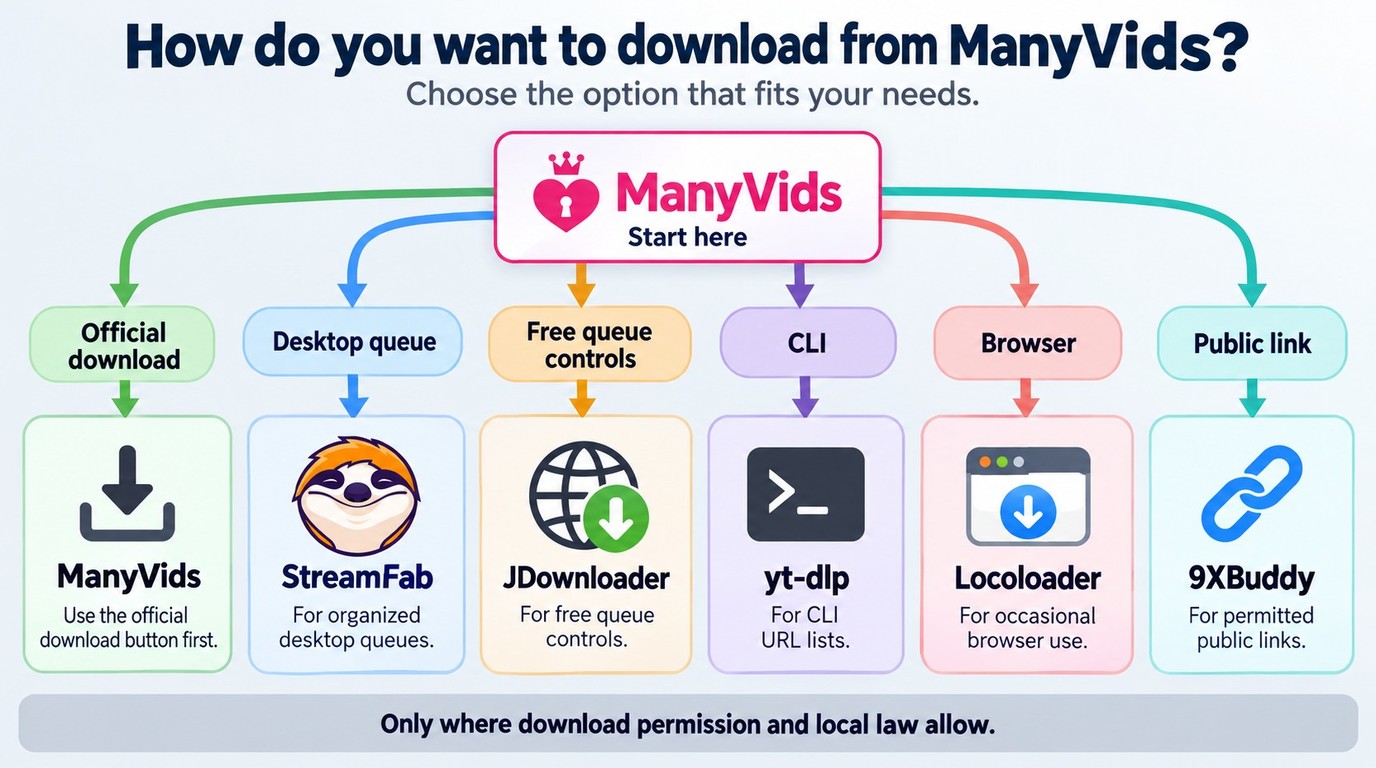
Start with the official download control when a creator has enabled it. For other permitted local-file workflows, my recommendation is to choose by setup and organization needs rather than an unsupported quality or success ranking. Saving content you can lawfully watch as a local file is different from gaining access to a paid video, and none of these options guarantees the full file. This is a workflow comparison, not a universal “Tested for Speed, Quality & Safety” claim.
JDownloader, yt-dlp, and Locoloader information describes general capabilities and does not establish access to every ManyVids file.
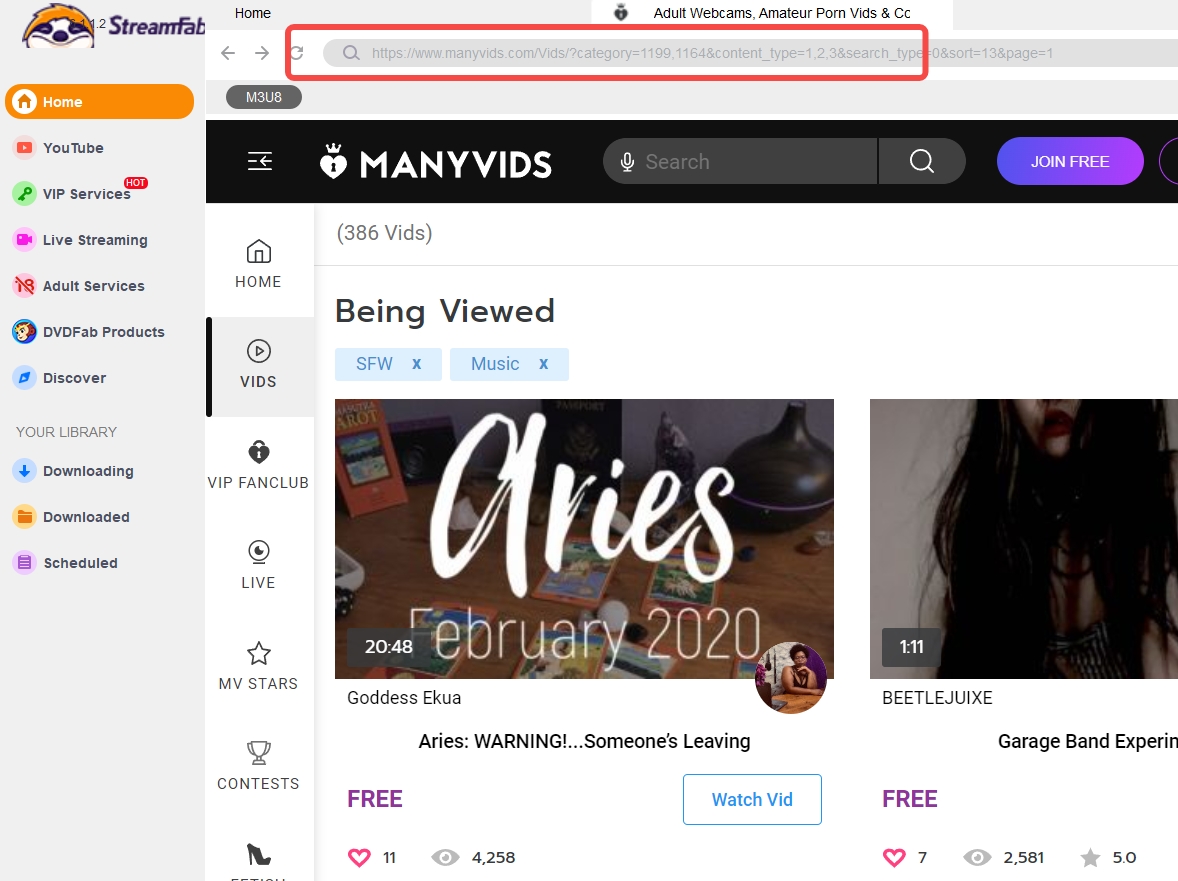
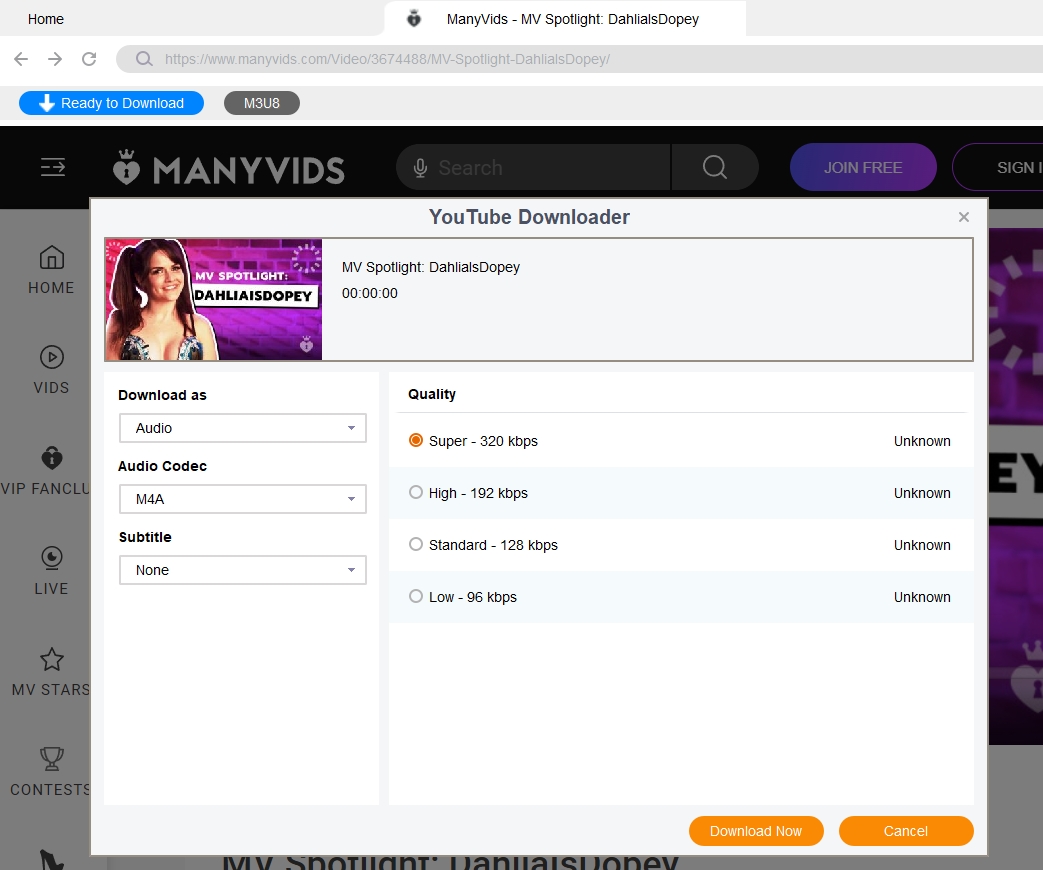
1. StreamFab All-In-One: ManyVids Downloader With MP4/MKV Batch Controls
- For adults 18+, StreamFab All-In-One uses screen-recording technology for personal offline viewing; use it only with a valid account, authorized content, and permission under applicable law and platform terms.
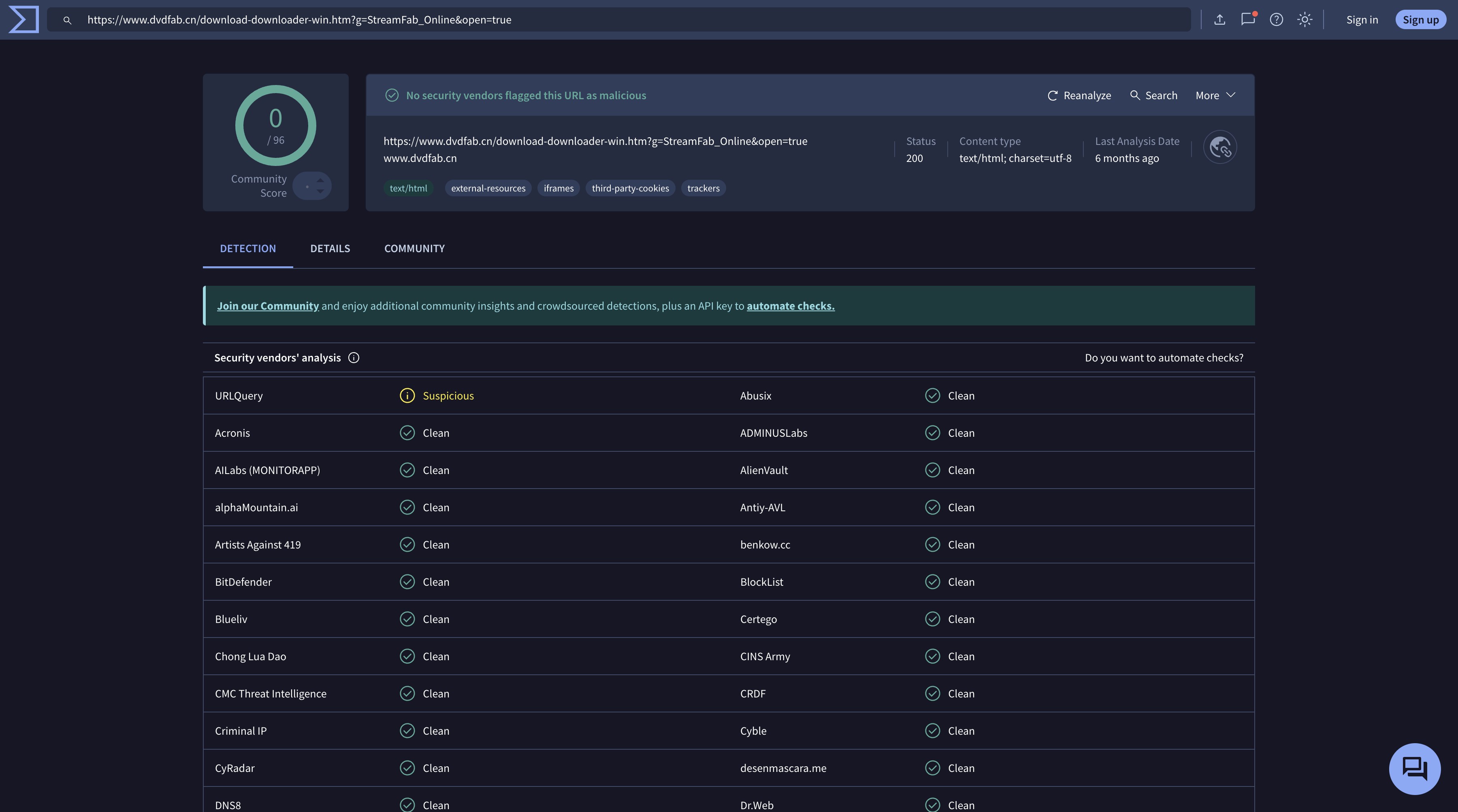
- Install StreamFab from the official StreamFab download page to reduce third-party bundling risks.
For creator-enabled items, use the official ManyVids Download button first. StreamFab All-In-One is better suited to authorized multi-item workflows that need a desktop queue and organized local files; for the broader local-file workflow across supported services, see this guide to downloading streaming videos.

- Save authorized ManyVids content as MP4 or MKV files with batch controls and metadata writing on Windows or macOS.

2. JDownloader: Free ManyVids Downloader With Batch Management
JDownloader is free software; use its official site and documentation for installation and setup.
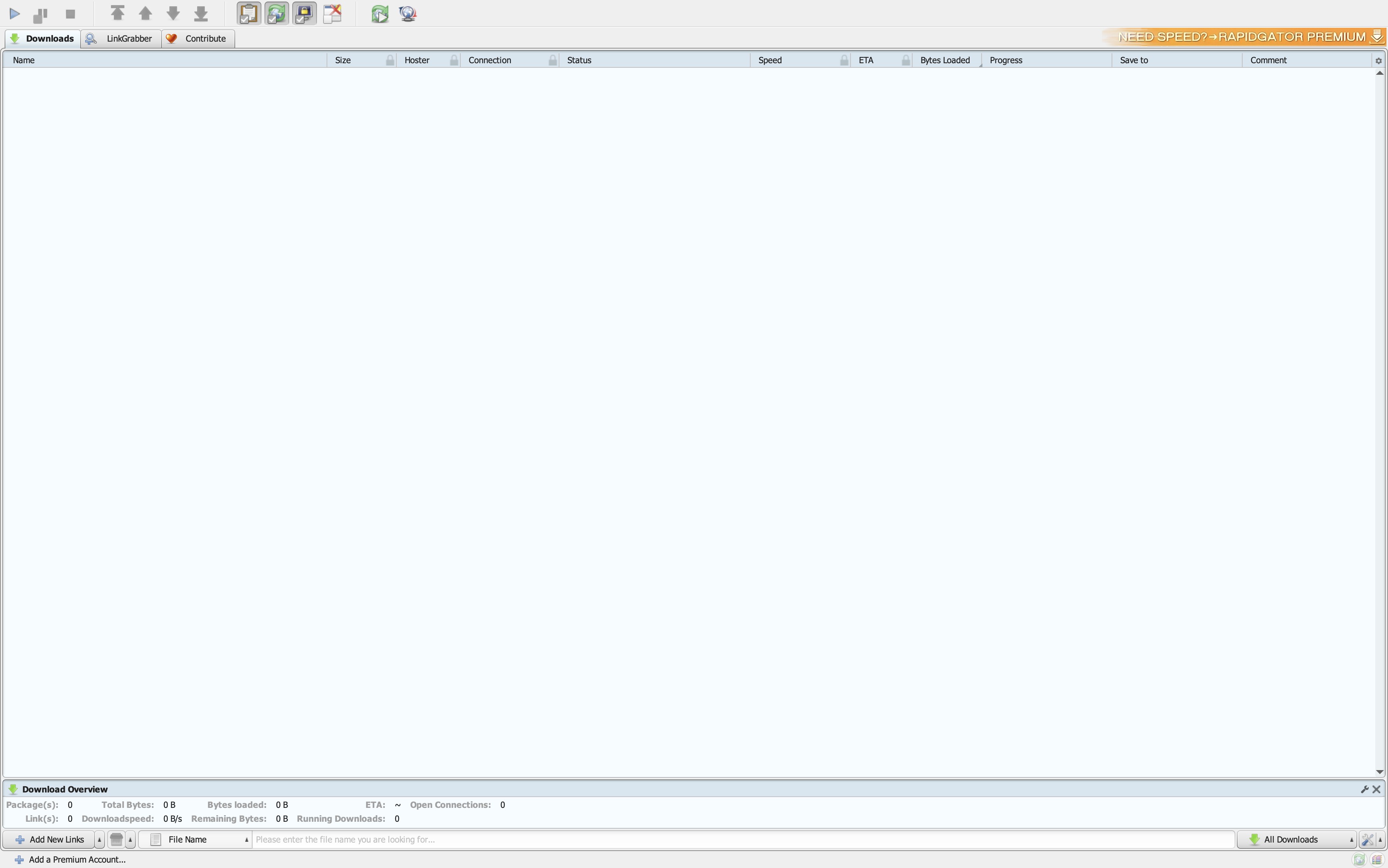
JDownloader is a free download manager designed for bulk queue management. Its LinkGrabber detects copied links, while bandwidth controls and automatic retries support longer queues. For ManyVids, availability still depends on the submitted link and the creator's permissions, so its queue controls do not guarantee access to every purchased video.
- Free download manager
- Strong batch queue management with auto-retry
- Bandwidth throttling controls for background downloads
- Does not automatically discover an entire ManyVids purchase library
- Site-specific setup may require additional configuration
- Platform changes may require software or plug-in updates
3. yt-dlp: ManyVids Downloader With URL-List Queues
yt-dlp is free, open-source software maintained on GitHub; install it from the official project repository.
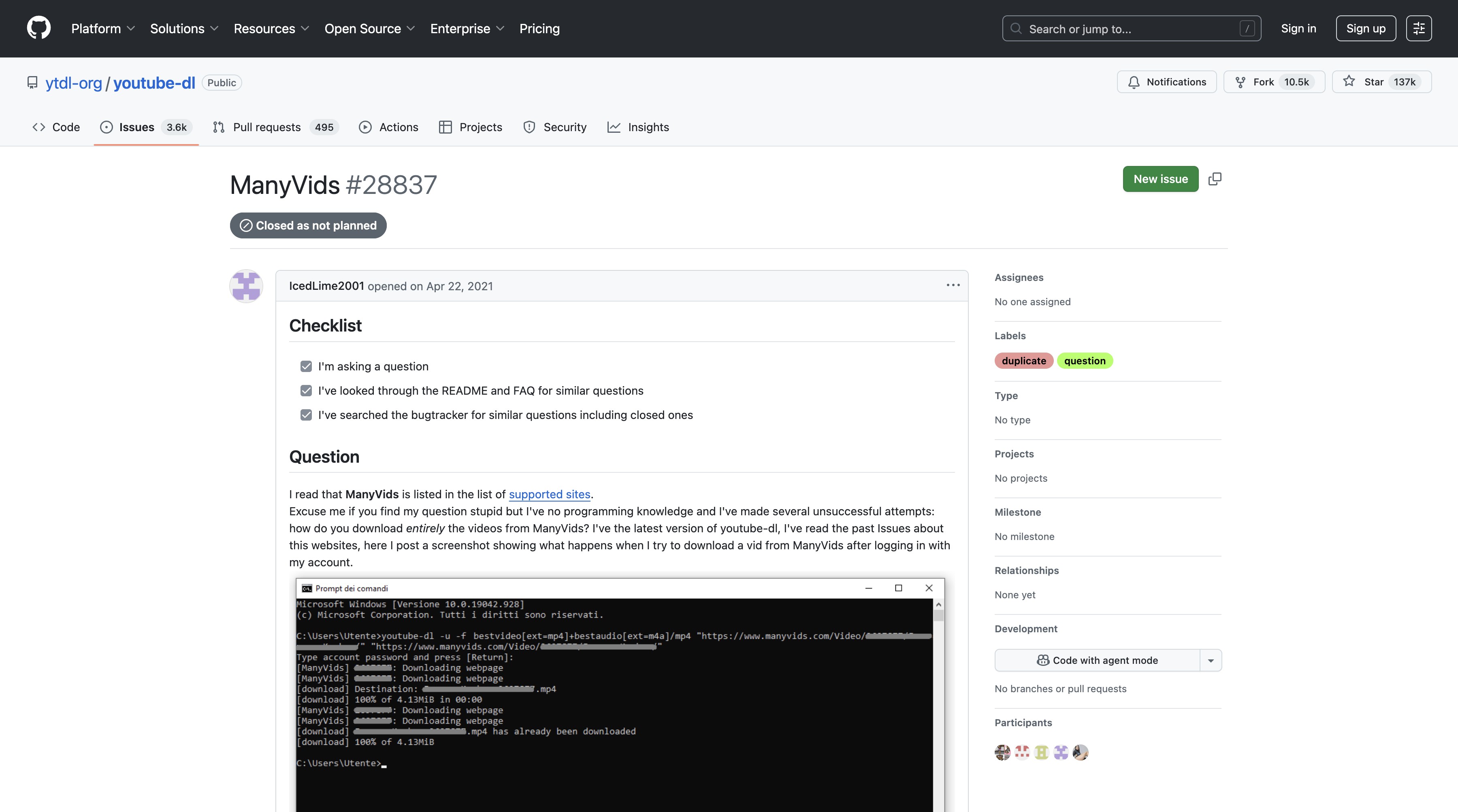
yt-dlp is a command-line video downloader that accepts individual URLs or a text file containing a list of authorized URLs. Its ManyVids extractor distinguishes preview, transcoded, and original-file paths, so a short preview should not be treated as the purchased full video. The main limitation is usability: it requires Terminal or PowerShell familiarity and does not automatically discover every item in a ManyVids purchase library.
- Free and open-source
- Supports URL-list queues through --batch-file
- Highly scriptable for technical users
- Command-line interface requires technical familiarity
- Does not automatically enumerate a ManyVids purchase library
- Available paths may return a preview instead of the purchased full item
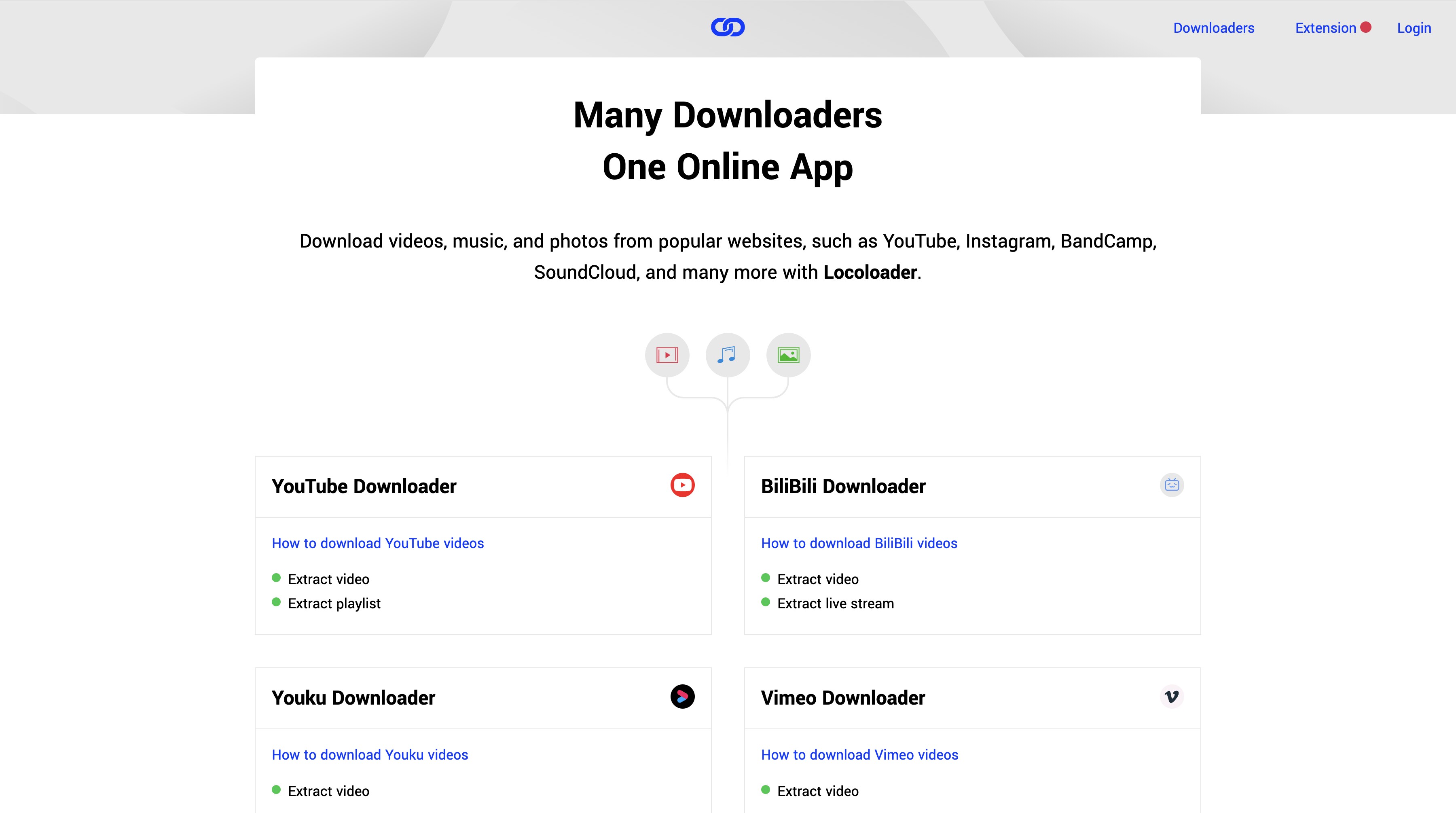
4. Locoloader: ManyVids Video Downloader for Browser Use
Locoloader provides a browser-based workflow without requiring a desktop application.
It is best suited to occasional link-by-link use rather than large archive queues. Locoloader lists two free extractions every six hours, a $15 monthly subscription, or an annual subscription billed at $96, equivalent to $8 per month. Available formats depend on what is exposed for the submitted link and do not guarantee access to a paid full video.
- No desktop installation required
- Two free extractions every six hours
- Best suited to occasional link-by-link use
- Does not automatically discover a purchase library
- Available formats depend on the submitted link
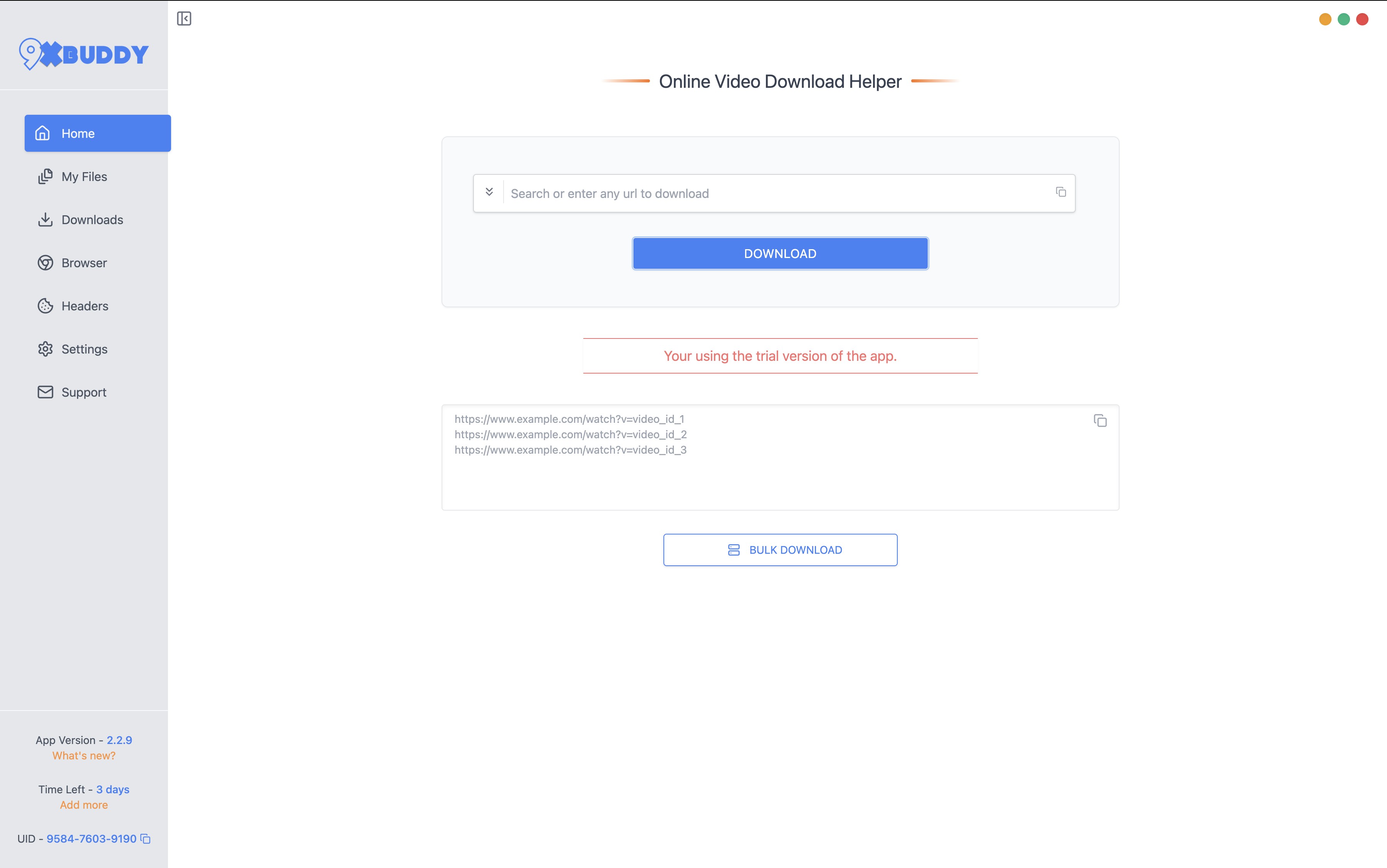
5. 9XBuddy: Online Downloader for Public Video Links
9XBuddy is a free, advertising-supported web downloader that works without a desktop installation. Its single-link interface is best suited to publicly accessible video links that the user is permitted to save.
For purchased ManyVids content, start with the creator-enabled official download controls. 9XBuddy does not grant purchase rights or creator permission, and its online workflow should not be treated as a way to unlock restricted content.
- No desktop installation required
- Simple interface for permitted public video links
- Advertising-supported interface
- Designed around one submitted link at a time
- Does not grant access or permission for restricted paid content
Frequently Asked Questions
Why don't I see a download button for videos I purchased on ManyVids?
ManyVids gives creators control over download permissions, so purchasing a video does not automatically make an official download available. Sign in to the account used for the purchase, open Purchase History, and check the full purchased item rather than a public teaser. If a saved file is unexpectedly short, compare its duration with the full video before treating it as complete. If StreamFab reports that no video was found, update the app and follow its official troubleshooting or support path.
Can I download ManyVids videos in 1080p resolution?
1080p is available only when the authorized source provides a 1080p stream or file. A format selector, including a yt-dlp height ceiling, limits the requested output but does not establish the resolution available for a specific ManyVids video. StreamFab All-In-One has a product-wide maximum of 8K, but available quality is limited by the source, platform, and plan.
Is it safe to log in to ManyVids via StreamFab?
StreamFab can be used safely when you install it from the official StreamFab download page and enter your credentials only on the genuine ManyVids sign-in page. Keep StreamFab and your operating system updated. If login or video detection does not work as expected, use StreamFab's official troubleshooting and support channels rather than installing a copy from an unofficial distribution site.
How do I watch downloaded ManyVids videos on my iPhone or Android?
Transfer the downloaded MP4 file to your phone via USB cable (Android) or AirDrop/Files app sync (iPhone). Both platforms support MP4/H.264 playback natively through the Photos or Files apps. For MKV files, install VLC for Mobile on iOS or Android; it plays both MP4 and MKV containers without conversion. VLC also supports local network streaming from a NAS or desktop if you want to access your archive without transferring files to the phone itself.
How can I watch and download ManyVids videos for free?
A free downloader does not provide access to a paid full video. You can watch creator-provided public previews or free videos, and save them only when the creator enables or permits downloading. Claims of permanent storage or unlimited saving do not create permission to copy paid content.
Does a ManyVids bypass or hack unlock paid videos?
No. A downloader does not grant a purchase, creator permission, or access to paid content. Do not attempt DRM removal, access-control evasion, or any other method of obtaining paid videos without authorization; doing so may violate platform terms and applicable law. Use public previews, authorized purchases, and the download controls available for your account.
Does saving a ManyVids video count as piracy?
Unauthorized copying or redistribution may constitute piracy; saving a file locally is not the deciding factor. The distinction depends on whether the specific copying and use are permitted.
What should I do if a purchased ManyVids video disappears?
ManyVids provides Purchase History for locating purchased videos. Check it first, and contact ManyVids support with the order details if the item is unavailable. A permitted local copy that you already saved can still be used for personal offline playback under the applicable terms.
Conclusion
For adults 18+, start with ManyVids' official download control whenever a creator has enabled it for a purchased video. When you are permitted to save content you can lawfully watch as a local file, StreamFab All-In-One supports MP4 and MKV output, batch controls, metadata writing, Windows, and macOS. Its product-wide maximum is 8K, while available quality is limited by the source, platform, and plan.
Use the official installers below for a permitted desktop workflow with batch controls and MP4/MKV file output.

Pornhub Premium has no official download button. Compare local-file methods by device, understand 1080p and 4K output, and follow the StreamFab workflow. Practical checks address access errors, incomplete files, wrong resolution, and blank or green playback.
By Erika Leen - Sep 24, 2026
R18.com was closed in 2022 and is no longer accessible. It is advisable to consider other alternatives.
By Erika Leen - Aug 19, 2026

Want to download Pornhub 4K video? Follow our detailed guide for a seamless download experience and enjoy ultra-high-definition content offline anytime, anywhere.
By Erika Leen - Aug 19, 2026

When satisfying porn fantasy is not so pocket friendly in reality, Pronhub VR download can be your constant companion in reality and fantasy.
By Erika Leen - Aug 19, 2026