StreamFab Udemy Downloader
Udemy's app-only offline downloads use a proprietary encrypted format that expires in 30 days and can't play outside the Udemy app. StreamFab saves any Udemy lecture as permanent 1080p MP4 or MKV — playable on any device, with subtitles, forever.

Download Udemy courses globally

Save Udemy lectures in 1080p MP4 or MKV

Browse Udemy in the built-in browser
StreamFab: Must-Have for Course Binge-Learning Fantasy!
Udemy's offline mode traps your courses in a proprietary app format that expires
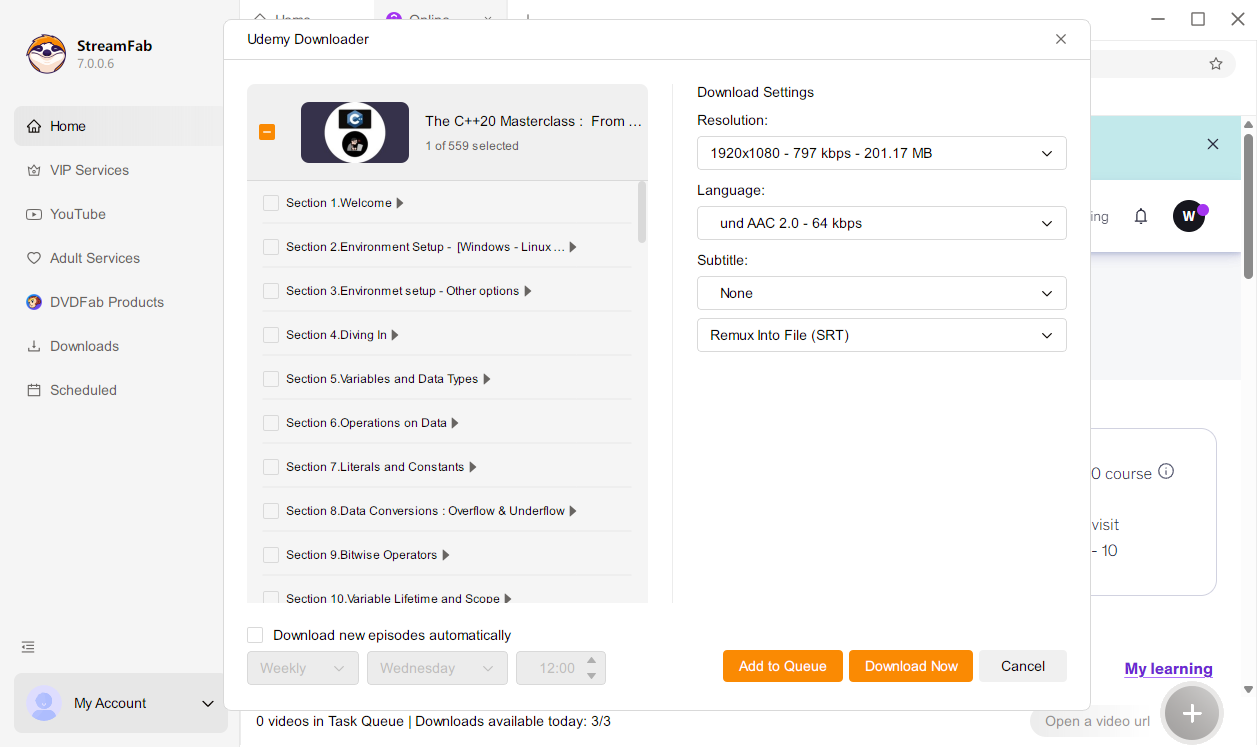
With StreamFab, you can save supported Udemy lectures in 1080p MP4 or MKV with AAC 2.0 audio, export subtitles as SRT or remux them into the video, and select subtitle and audio languages when available. Keep whole courses on your local drive and learn offline on any device, without app limits interrupting your schedule.
StreamFab makes your Udemy library truly yours — permanent portable app-free
Once your lessons are saved, they play smoothly on phones, laptops, tablets, smart TVs, and media servers, without expiration timers, app-only playback, or special encoding in the way. Whether you download a few chapters for travel or build a long-term learning archive across topics, StreamFab is designed to be a reliable companion for organizing and maintaining your offline Udemy course collection.

Study-Ready Output for Every Learning Setup
Download Udemy lectures in sharp 1080p — perfect for reading slide text and code
Standard AAC 2.0 audio keeps instructors’ voices clear and balanced across laptops, headphones, and mobile devices when you learn offline. Whether you are revisiting a tricky chapter during a commute or studying an entire course while traveling, the combination of 1080p video and AAC 2.0 audio delivers a consistent, comfortable learning experience without depending on your internet connection.
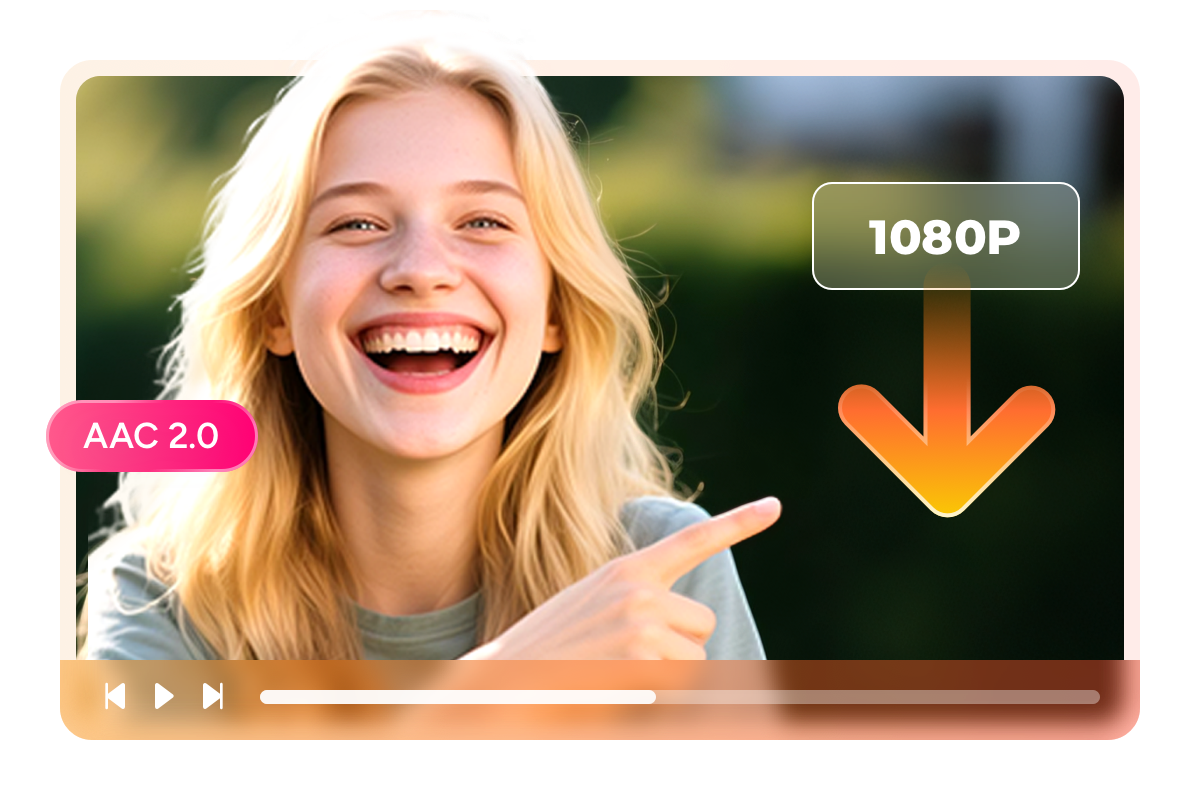
Save Udemy courses as MP4 or MKV — study on any device any player
These flexible formats make it easy to organize your personal Udemy course library, move files between devices, and play them in different players without conversion or quality loss.

Download Udemy course subtitles as SRT files or embed them in the lecture
If you prefer a tidy offline library, you can also remux subtitles directly into the MP4/MKV video file. That way your captions stay synced in popular players and on smart TVs, with no need to manage separate subtitle files.

Perfect Udemy Downloading Experience You Get

Batch Download Entire Udemy Courses Fast
Select a full course, section, or lecture range and download them all at once. StreamFab processes multiple lectures simultaneously — your course is offline-ready in one go.

Choose Your Preferred Subtitle Language
When a Udemy course offers multiple subtitle languages, select yours before downloading. StreamFab applies your language preference to every lecture in the batch automatically.
Your Udemy Library Organized and Permanent
Preserve Udemy course metadata so your media server organizes your learning library
Imagine you've downloaded 30 Udemy courses over the past year. Without metadata, they're folders of numbered video files with no context. StreamFab preserves metadata — course title, instructor name, section headings, lecture number, episode title, and artwork — for each downloaded lecture.
Media server apps like PlayerFab or Plex display your Udemy library with organized course playlists, instructor thumbnails, and proper episode naming. Your self-paced study library looks as polished and browsable as any streaming service — with the added benefit that it's entirely offline, permanent, and accessible on any device.

Lifelong Learners Love StreamFab Udemy Downloader

Mark
Software DeveloperAlice
UX DesignerJacob
Marketing ManagerMark
Software DeveloperAlice
UX DesignerJacob
Marketing ManagerMark
Software DeveloperAlice
UX DesignerJacob
Marketing ManagerMark
Software DeveloperAlice
UX DesignerJacob
Marketing Manager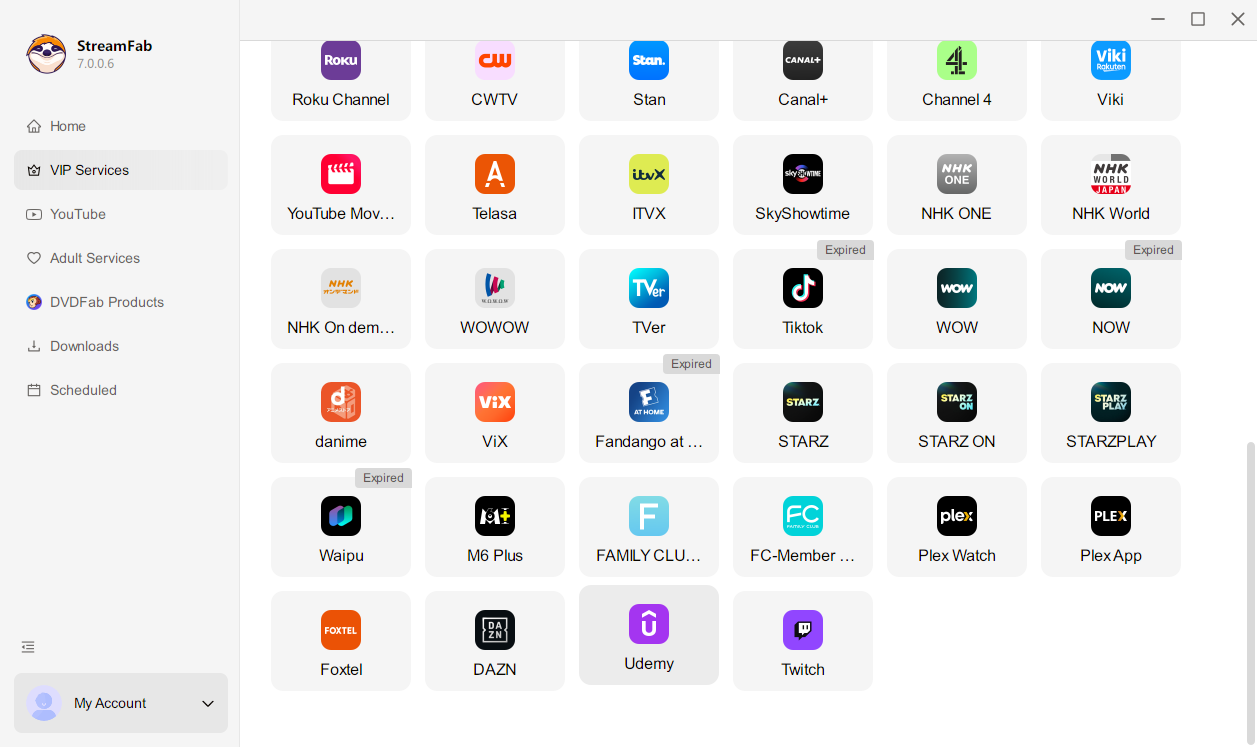
Launch StreamFab and open Udemy Downloader from VIP Services. Sign in to your Udemy account in the built-in browser and navigate to the course you want to save.
Open the lecture you want to save. StreamFab detects the stream and shows a popup — select 1080p or 720p, MP4 or MKV, subtitle language (if available), and the lecture or section range for batch downloading.
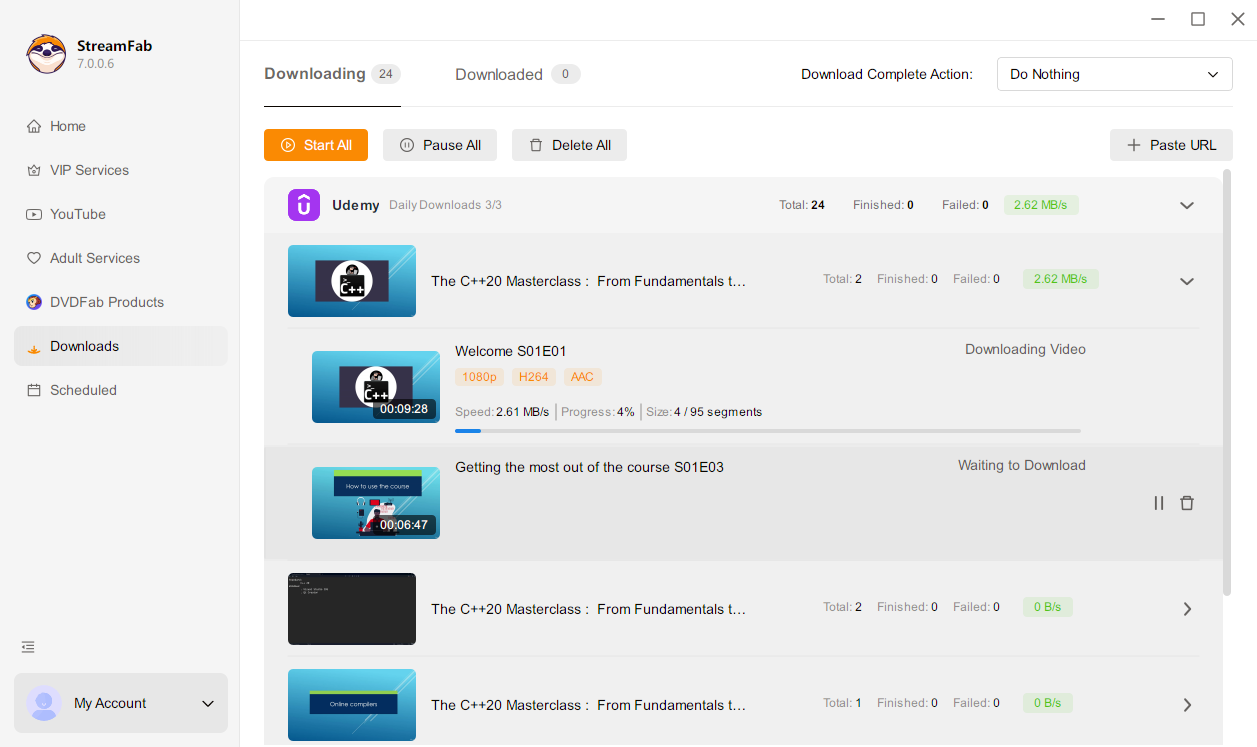
Click Download Now and monitor progress in the task list. Finished lectures save to your output folder with full metadata.
System Requirements