StreamFab U-NEXT Downloader
U-NEXT limits offline downloads to 25 mobile-only titles that expire 48 hours after first play, and offers no download option on PC at all. StreamFab U-NEXT Downloader saves any U-NEXT or H-NEXT video as a permanent local file in up to 4K with EAC3 5.1 surround audio.

Save any U-NEXT or H-NEXT video offline

Auto-download new U-NEXT episodes on schedule

Download U-NEXT videos in 4K or 1080p

Download U-NEXT videos in 4K or 1080p Browse U-NEXT in StreamFab's built-in browser
Why Do You Need StreamFab U-NEXT Downloader?
The Download Limitations That Waste Your Monthly Subscription
Imagine you are paying ¥2,189 every month for U-NEXT — Japan's largest streaming library with over 370,000 titles — yet the moment you try to take your favorite anime on a business trip, the platform tells you that you can only hold 25 downloads on a single mobile device, and each one self-destructs 48 hours after you press play. Even more frustrating, if you prefer watching on your PC or Mac at home, U-NEXT offers no download function at all through the browser. This means your full subscription only delivers real portability on one phone or tablet.
Developed by StreamFab — a company with over 8 years of video software experience and millions of users worldwide — StreamFab U-NEXT Downloader was built precisely to solve this problem. It creates permanent local copies of any U-NEXT video without expiration timers or device locks, so you finally get the full value of every yen you spend.
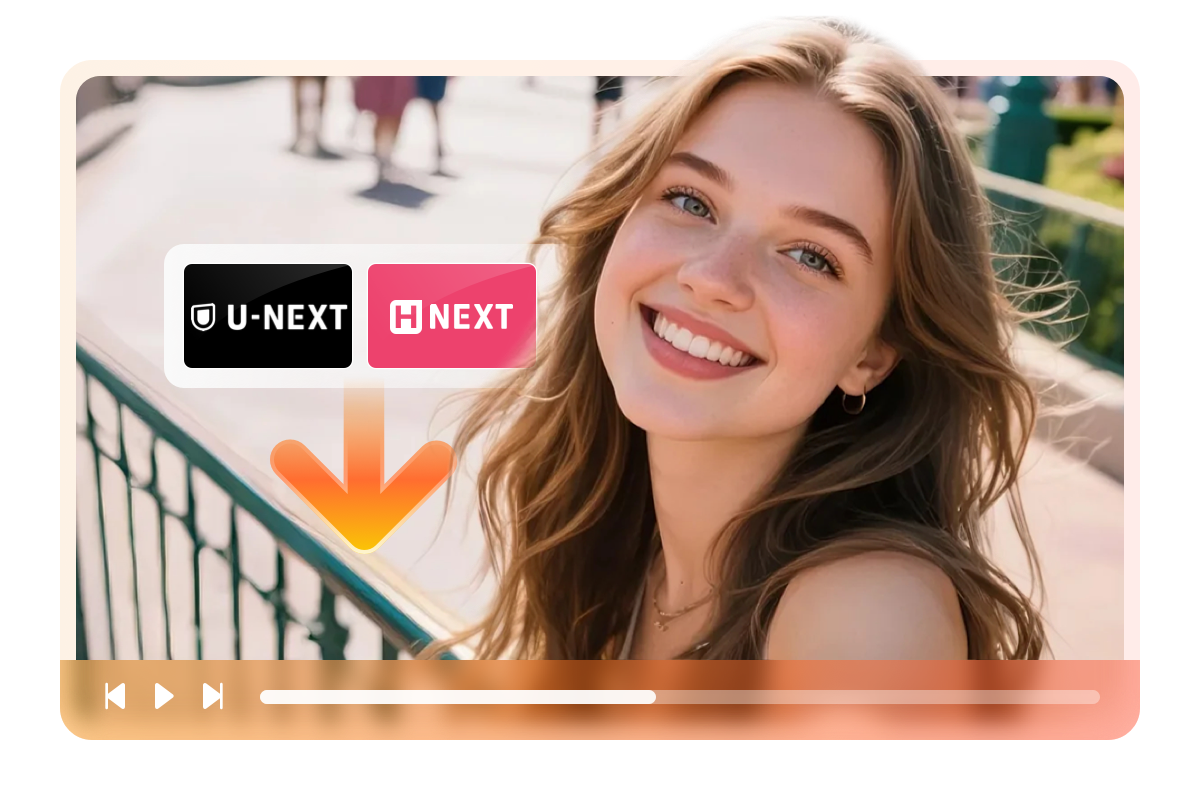
Save Any Video from Both U-NEXT and H-NEXT in Premium Quality
Picture yourself discovering a critically acclaimed J-drama on U-NEXT that everyone at the office is talking about, only to realize the series is scheduled for removal next week due to licensing changes. With the official app, you would be racing to watch 12 episodes before the deadline, squeezed onto a phone screen during your commute.
StreamFab U-NEXT Downloader lets you save the entire series — and any H-NEXT adult content — in up to 4K resolution with EAC3 5.1 surround sound as standard MP4 or MKV files within minutes. Because StreamFab's engineering team pushes weekly compatibility updates that resolve delivery-system changes within 24 to 48 hours, this downloader has maintained consistent reliability across platform updates, earning the trust of a global user base that counts on it season after season.
What Can StreamFab U-NEXT Downloader Do for You?
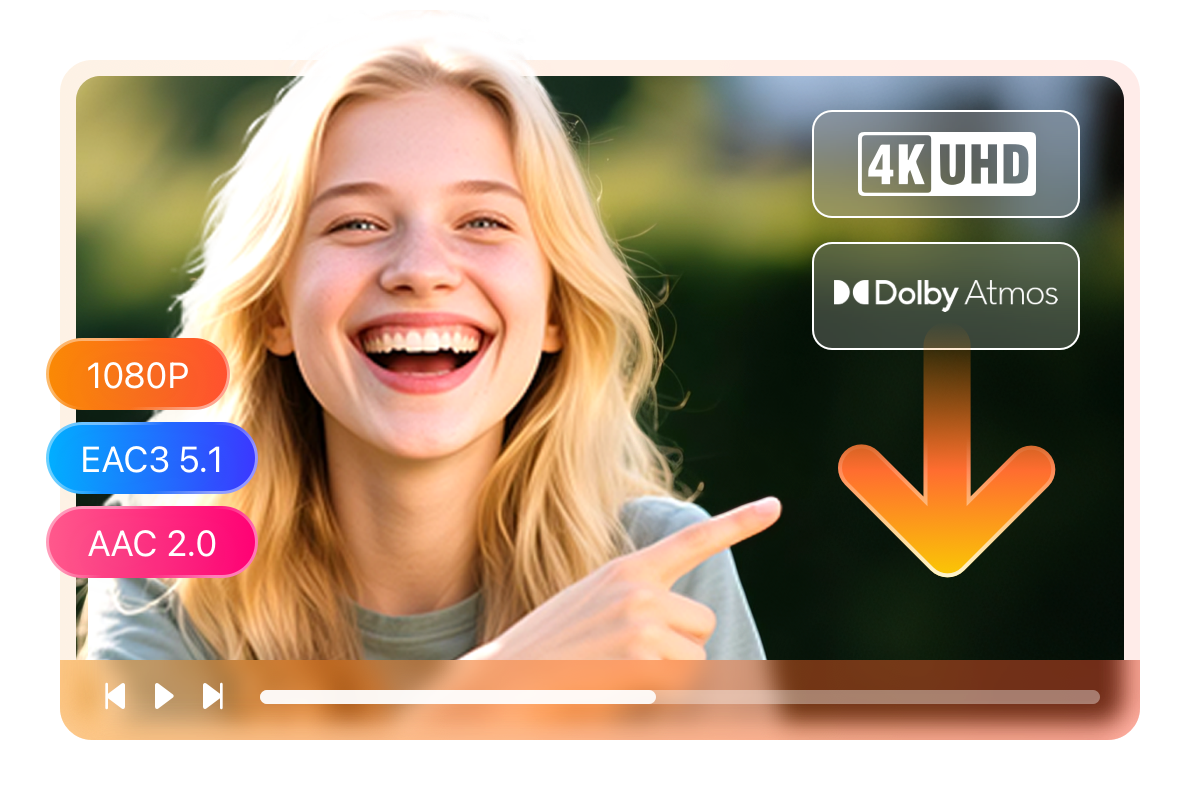
Save U-NEXT Videos in 4K/1080p with Dolby Atmos Surround Audio
The offline file plays smoothly on your new display without a single stutter, and the six-channel surround audio fills the room exactly the way the sound engineers intended. No buffering, no quality drops, no dependency on your internet speed — just cinema-grade playback from a local file.
Save U-NEXT Videos as MP4 or MKV — Play on Any Device
You want to watch a U-NEXT anime marathon on the flight to Osaka, but the official app locks every download to your phone with no way to transfer it to your laptop or tablet. StreamFab U-NEXT Downloader solves this by saving every title as a standard MP4 or MKV file that plays anywhere. Choose MP4 when you need instant compatibility across iPhones, Android tablets, smart TVs, and game consoles without installing extra codecs.
Choose MKV when you want to bundle multiple audio tracks and subtitle streams into a single file for your Plex, Kodi, or Jellyfin media server. The video and audio data inside remain identical regardless of the container — 4K or 1080p resolution with EAC3 5.1 surround or AAC 2.0 stereo, exactly as U-NEXT delivers it. No app dependency, no expiration date, and no device restrictions — just your content in a format that works everywhere you need it.

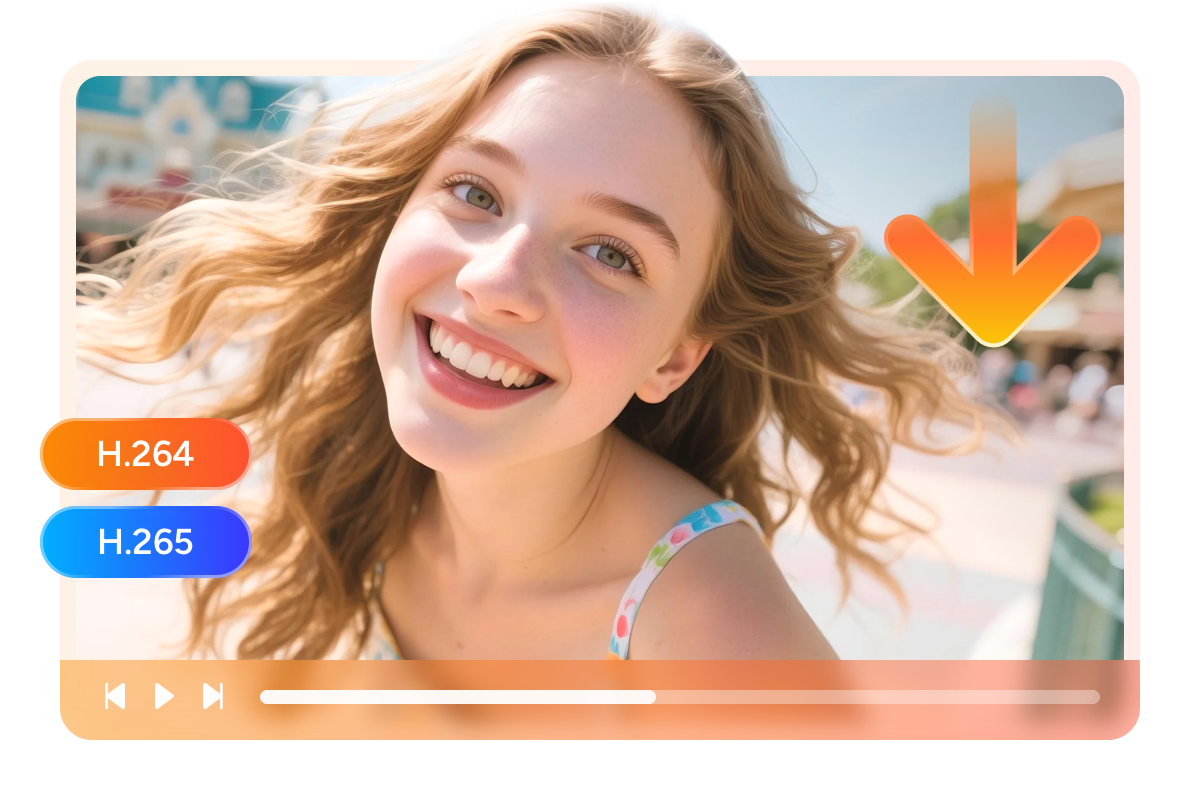
Choose H.264 for Compatibility or H.265 for Storage Savings
You have been collecting anime from U-NEXT for months, and your laptop's 512 GB SSD is already three-quarters full. Should you buy an external drive, or is there a smarter approach? StreamFab U-NEXT Downloader gives you the answer by offering a choice between two codecs before every download. H.264 is the universally compatible standard that plays on every device from decade-old smart TVs to modern game consoles.
H.265, on the other hand, produces files roughly 40 to 50 percent smaller at equivalent visual quality, meaning the same anime library that consumed 200 GB in H.264 would fit into approximately 110 GB in H.265. StreamFab displays both options in a simple dropdown so you can make the right call on a title-by-title basis — broad compatibility or maximum storage efficiency.
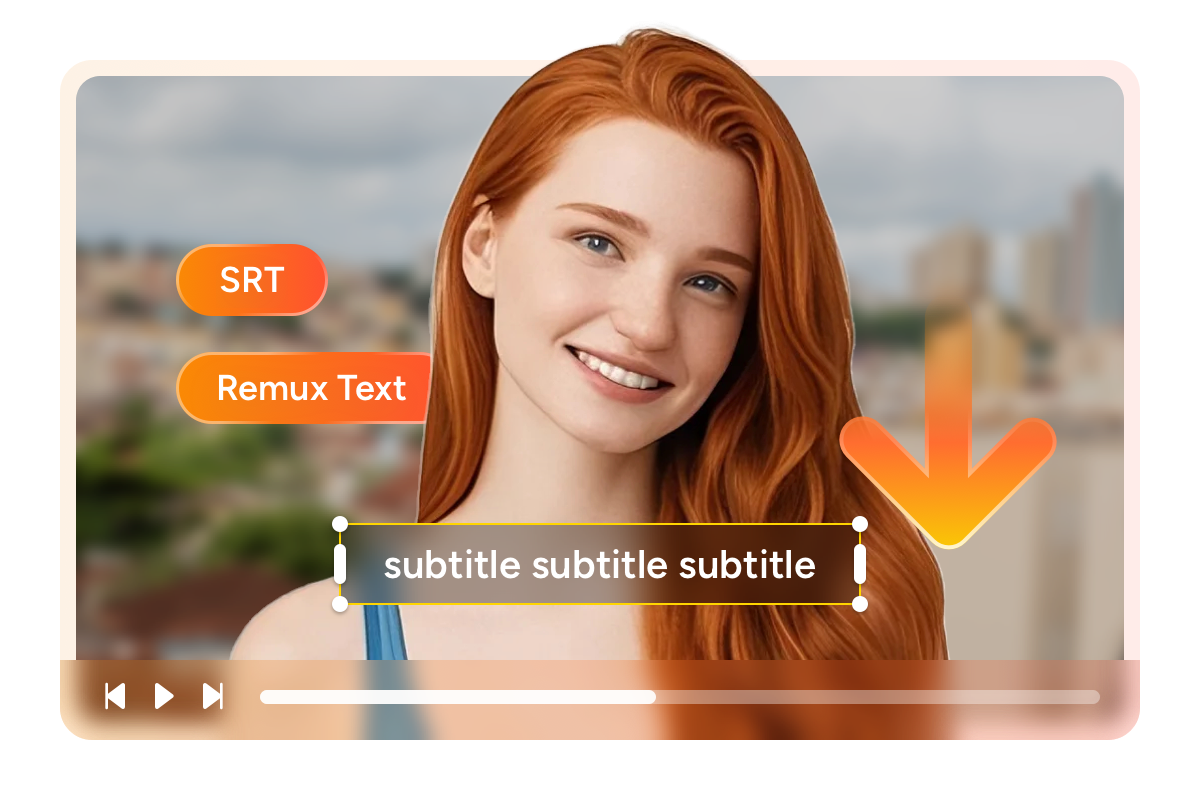
Download Subtitles as External SRT or Embedded Captions
You are studying Japanese and want to toggle subtitles on and off while watching anime on U-NEXT to test your listening comprehension, but the official app locks captions into the video stream with no flexibility. StreamFab U-NEXT Downloader lets you save subtitles as standalone SRT files that you can show, hide, or even edit in a text editor to add study notes.
Alternatively, if you prefer the simplicity of a single file with no sidecar tracks, you can remux the subtitles directly into the MP4 or MKV container as embedded soft captions. Either way, you choose the subtitle language before the download begins, so every file arrives exactly the way you need it.
A Perfect Downloading Workflow Tailored to Your Needs
Schedule Mode and Auto Download
Instead of staying up or scrambling in the morning, you set StreamFab's auto-download schedule before bed. You can configure the schedule to check daily or weekly, and StreamFab will silently handle every series you follow without any further input.

Batch Download & Fast Speed
Select the entire season and start all 24 downloads with a single click. The downloader processes each episode sequentially at high speed — a typical two-hour feature film finishes in roughly ten minutes — so even a full season of standard-length episodes completes well within your departure window.

Preset Audio & Subtitle Language
Choose preferred audio and subtitle language before each download, so both versions can coexist on the same drive. You can also set a persistent default in StreamFab's preferences, which means every future download automatically uses your chosen combination without requiring manual selection.
More Than Just a Downloader — Your Personal Media Archive
Build a Professional-Grade Media Library from Your U-NEXT Collection
You have been a loyal U-NEXT subscriber for years and your watchlist has grown to hundreds of titles across anime, J-dramas, and feature films. The idea of losing access to any of them — whether from platform removal, subscription changes, or travel — keeps nagging at the back of your mind. StreamFab U-NEXT Downloader transforms that anxiety into peace of mind by letting you build a permanent, fully organized personal archive.
Every downloaded file carries its original title, cast information, season and episode data, synopsis, and cover art, making it instantly recognizable in any media server. Backed by StreamFab's 20-plus years of software development, this metadata engine is refined to work flawlessly with Plex, Kodi, Jellyfin, and PlayerFab, so your offline U-NEXT library looks and feels as polished as the streaming service itself.
Real Stories from StreamFab U-NEXT Downloader Users

Mark
Freelance PhotographerDiana
Language TeacherAmber
Home Theater EnthusiastMark
Freelance PhotographerDiana
Language TeacherAmber
Home Theater EnthusiastMark
Freelance PhotographerDiana
Language TeacherAmber
Home Theater EnthusiastMark
Freelance PhotographerDiana
Language TeacherAmber
Home Theater Enthusiast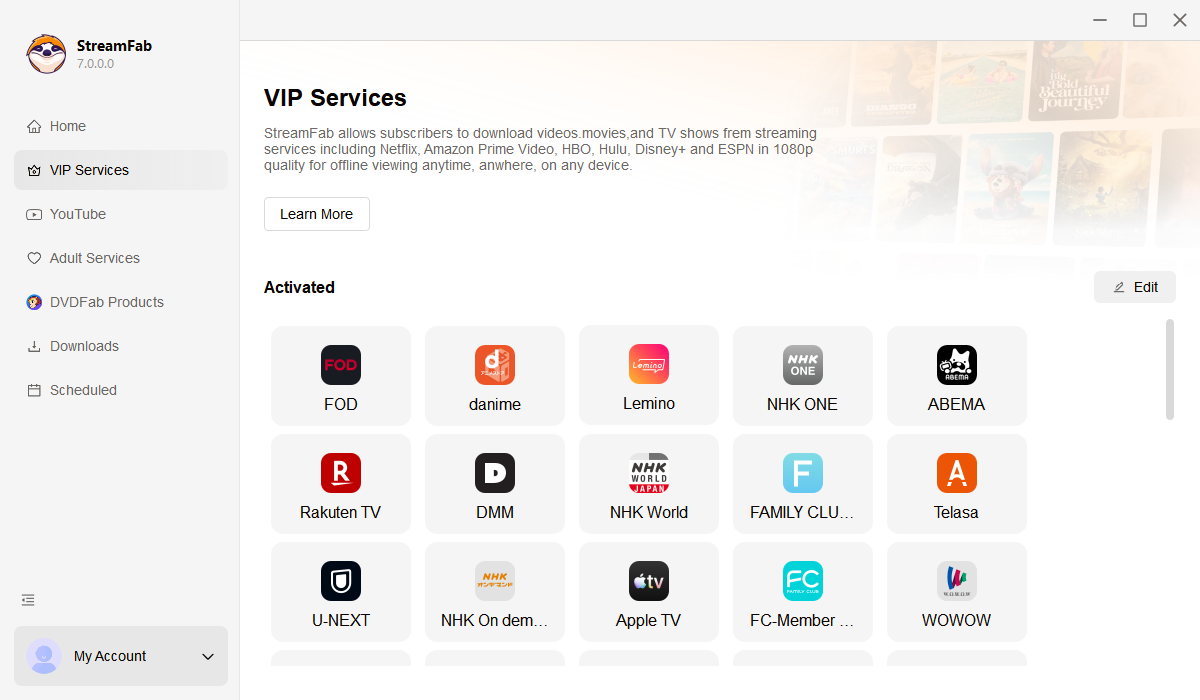
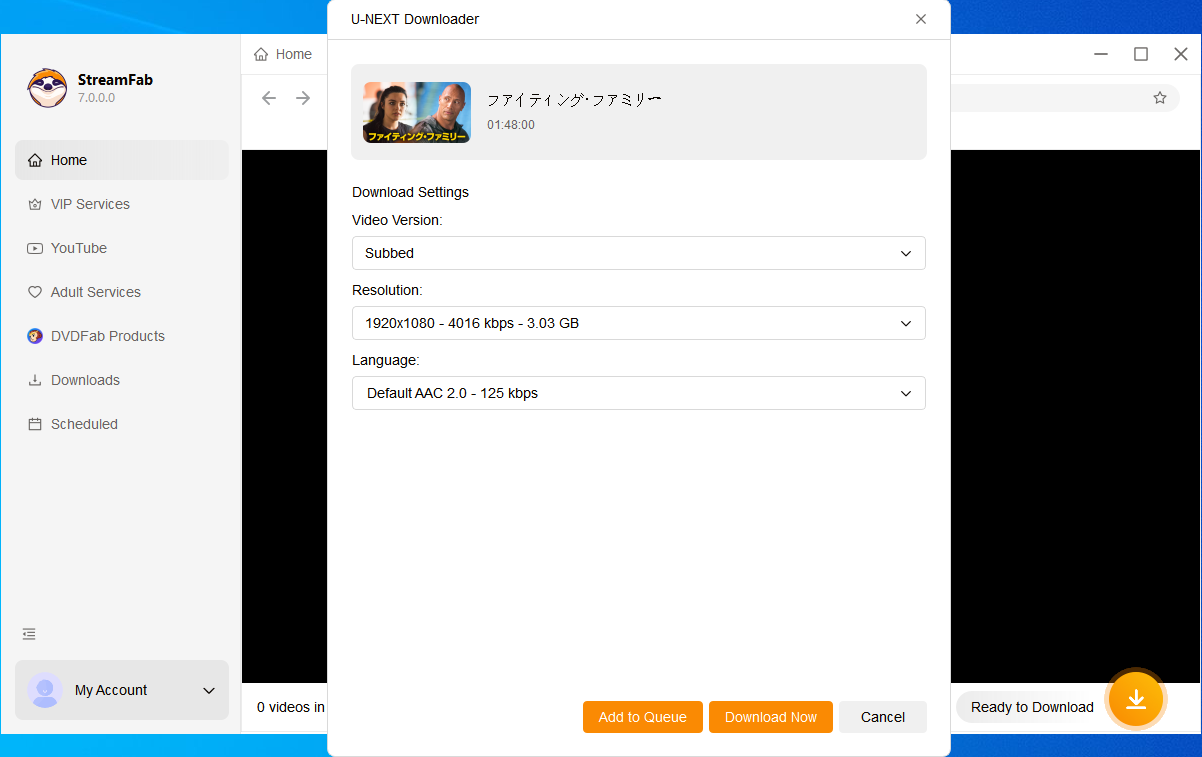
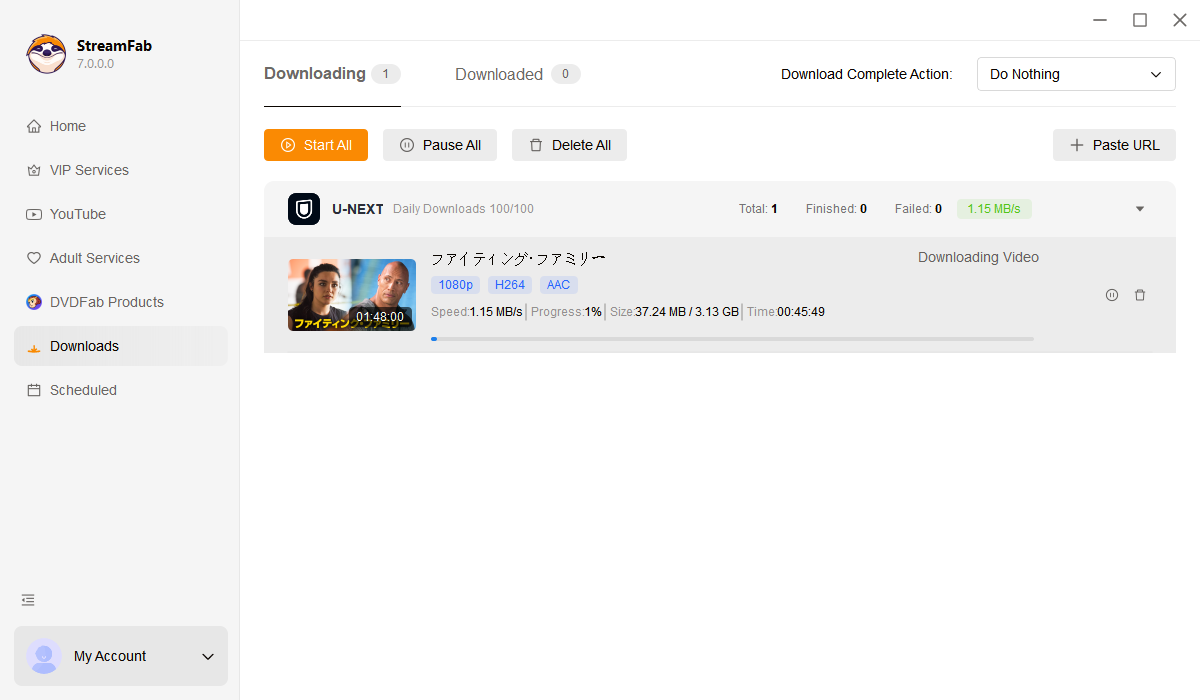
Open StreamFab on your Windows or Mac computer, navigate to the VIP Services section in the left panel, and click the U-NEXT icon to open the built-in browser.
Sign in to your U-NEXT account within StreamFab's browser, browse to the anime, J-drama, or movie you want to save, and click play. A download dialog will appear showing available quality, audio, codec, and subtitle options.
Select your preferred resolution (4K or 1080p), audio track (EAC3 5.1 or AAC 2.0), codec (H.264 or H.265), and subtitle format, then click Download Now. Your video will be saved to your local drive as an MP4 or MKV file.
System Requirements

To avoid being blocked by streaming providers, a StreamFab licensed account has a quota of 100 downloads per day, and 700 downloads per week from each supported streaming service. Whenever some of it is used up, it will refill during the next time cycle.