StreamFab Video Downloader for Browser
Effortlessly download YouTube videos directly from your browser including music, live streams, playlists, and content from 1000+ sites in stunning up to 8K resolution with 320kbps audio quality.
Also Available on:Desktop SoftwareLast Update: Aug 6, 2026
100% Safe & Clean
4.8(113)


For version on Chrome Web Store, the function to download from YouTube hasn't been activated. Check the details >
Why Choose StreamFab Video Downloader for Browser?
Download from YouTube and 1000+ Sites
Effortlessly Download Videos from YouTube and Beyond
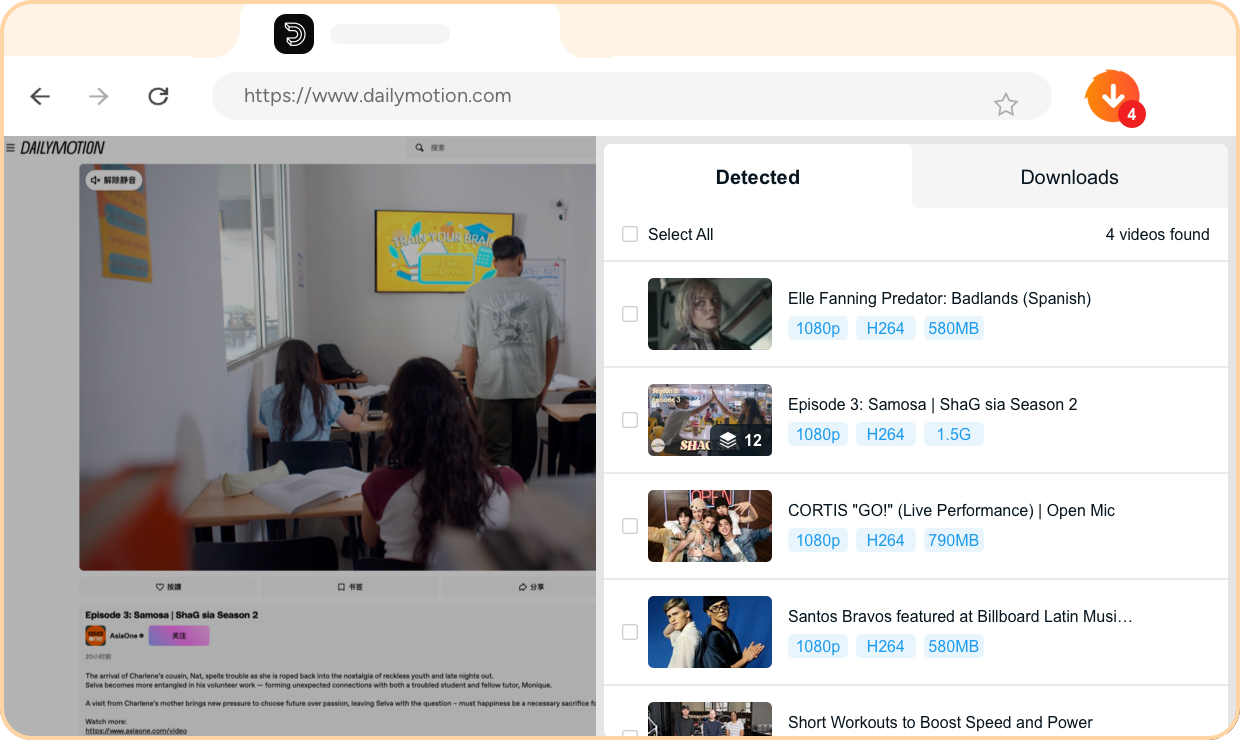
StreamFab Video Downloader for Browser supports downloading videos from YouTube and over 1000+ popular video hosting sites including Facebook, Vimeo, Twitter, and more. Whether you want to save trending music, viral videos, or educational content StreamFab has you covered. The browser extension automatically detects videos as you browse, eliminating the need to copy URLs or switch between applications.
Simply navigate to any supported site and start downloading your favorite content instantly. This seamless integration saves you valuable time and provides a hassle-free downloading experience.
Simply navigate to any supported site and start downloading your favorite content instantly. This seamless integration saves you valuable time and provides a hassle-free downloading experience.



















Archive Your Favorite Videos
Your Videos Forever Safe and Accessible
Online videos do not last forever, with research showing that nearly 25% of online videos are deleted or restricted within a year. StreamFab Video Downloader for Browser lets you archive them instantly and securely to your local library, ensuring 100% access even if content disappears online. By downloading videos in universal MP4, MKV, or MP3 formats you gain permanent ownership of your favorite content.
The downloaded files remain on your device storage without expiration as long as you do not delete them. This creates a personal media collection that you can enjoy offline anytime, anywhere, without relying on internet connectivity or worrying about content removal.
The downloaded files remain on your device storage without expiration as long as you do not delete them. This creates a personal media collection that you can enjoy offline anytime, anywhere, without relying on internet connectivity or worrying about content removal.
Direct Browser Download
Seamless Browser Integration
Unlike traditional downloaders that require separate desktop applications, StreamFab Video Downloader for Browser works entirely within your Chrome or Edge browser. It operates as a lightweight extension that integrates seamlessly with your browsing experience. Simply install the extension from the Chrome Web Store or Edge Add-ons and navigate to YouTube or any supported site.
The extension intelligently detects available videos on the page and presents download options instantly. This completely eliminates the need to copy URLs, switch applications, or manage complex settings, making video downloading more convenient than ever before.
The extension intelligently detects available videos on the page and presents download options instantly. This completely eliminates the need to copy URLs, switch applications, or manage complex settings, making video downloading more convenient than ever before.
Flexible Output Settings
Excellent Download Quality
YouTube Videos in Up to 8K with 320kbps Audio
YouTube offers premium content with stunning visual quality streaming at up to 20 Mbps for 8K resolution when available. StreamFab Video Downloader for Browser supports true up to 8K downloads, preserving every visual detail exactly as the creators intended. For audio, the downloader supports Hi-Fi quality ranging from 96kbps to 320kbps, ensuring your music downloads sound crisp and clear.
This is achieved at the same high bitrates when the source supports it. Whether you are downloading cinematic 8K content or high-quality music tracks, StreamFab delivers an authentic viewing and listening experience that rivals the original streaming quality.
This is achieved at the same high bitrates when the source supports it. Whether you are downloading cinematic 8K content or high-quality music tracks, StreamFab delivers an authentic viewing and listening experience that rivals the original streaming quality.
Multiple Format Available
Download Videos as MP4, MKV, or MP3
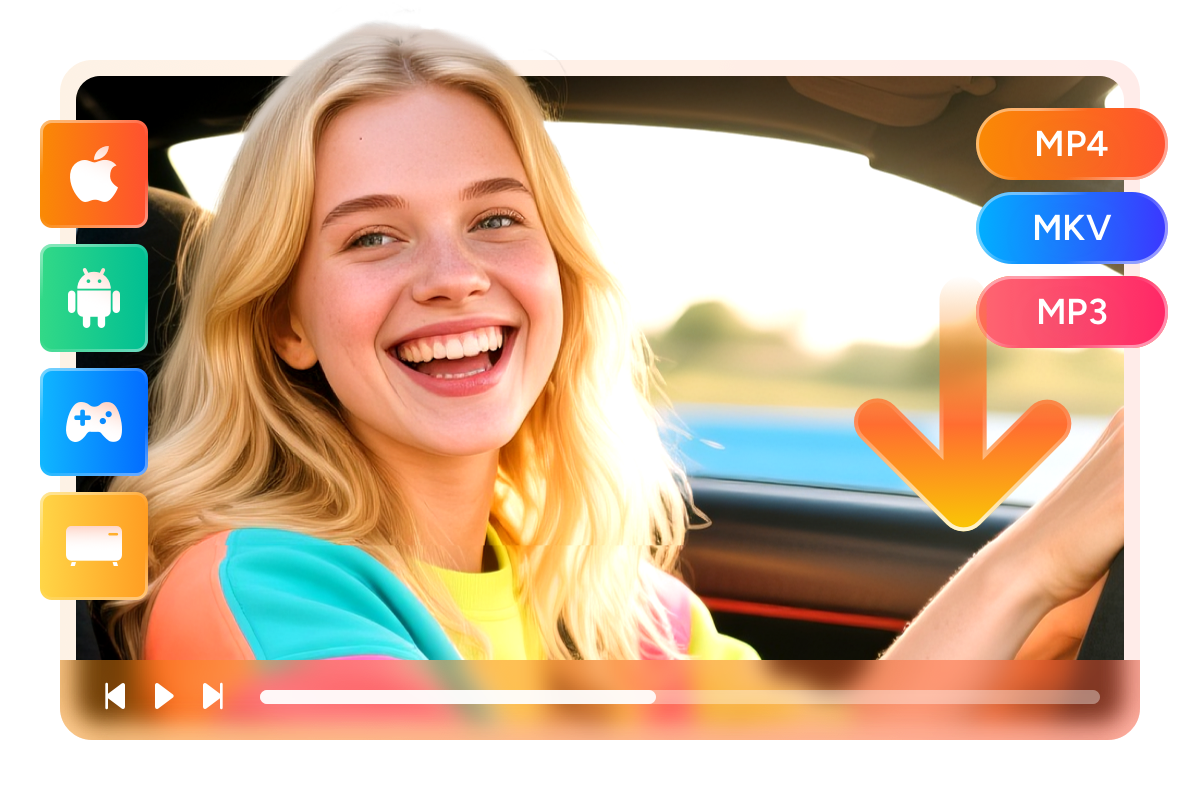
StreamFab Video Downloader for Browser liberates your content by saving videos in universally compatible MP4 or MKV formats and audio in MP3 format. This enables flexible playback across a wide range of devices, including PCs running Windows or Mac. Mobile devices including both Android smartphones and iPhones are fully supported along with popular gaming consoles, smart TVs, and dedicated media players.
The downloaded files work without any compatibility issues, allowing you to enjoy your content on any device you choose.
The downloaded files work without any compatibility issues, allowing you to enjoy your content on any device you choose.
Flexible Video Codec
Choose from H.264, VP9, or AV1 Codecs
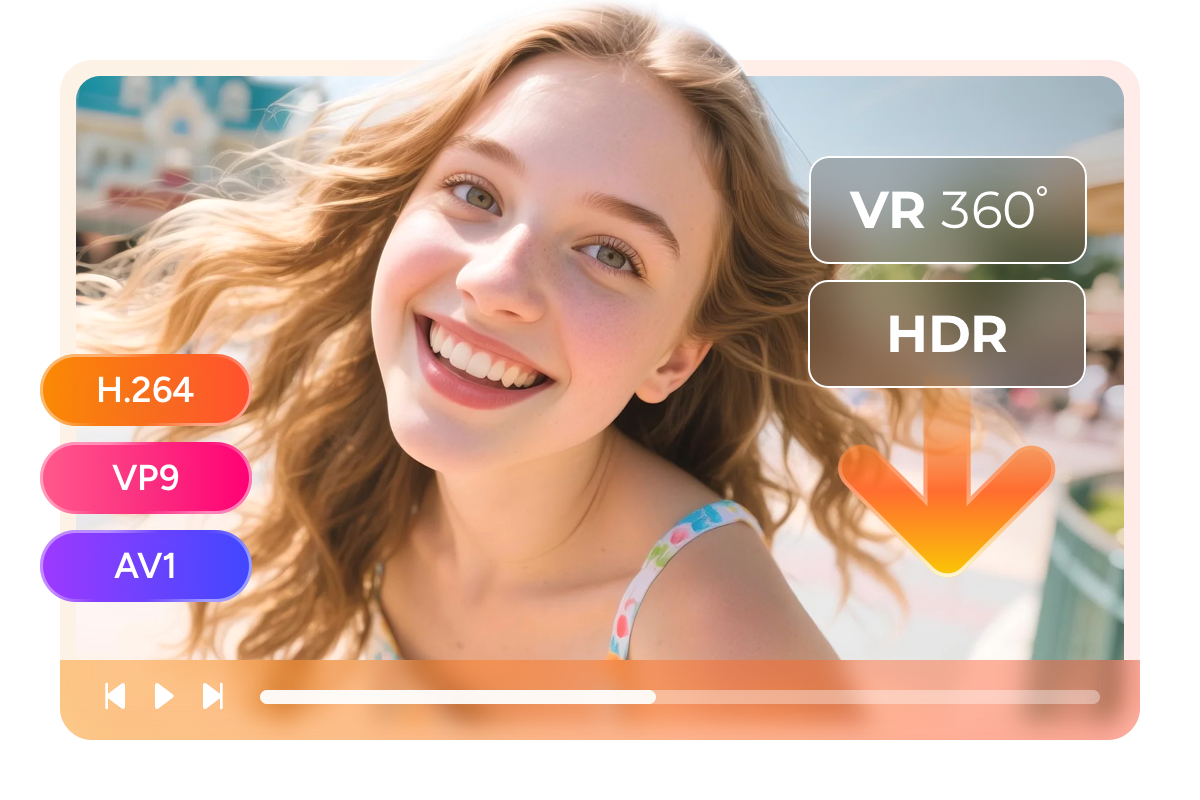
StreamFab provides flexible encoding options to match your specific playback needs. You can choose from H.264, VP9, or AV1 codecs according to your preference and device compatibility. H.264 offers maximum compatibility with older devices while VP9 and AV1 deliver superior compression efficiency for storing more content at smaller file sizes.
Even for HDR and VR 360 degree videos on YouTube, StreamFab allows you to save this kind of premium content. This flexibility ensures you get the best balance of quality and file size for your specific use case.
Even for HDR and VR 360 degree videos on YouTube, StreamFab allows you to save this kind of premium content. This flexibility ensures you get the best balance of quality and file size for your specific use case.
Save and Remux SRT Files
Flexible Subtitle Options
YouTube provides extensive subtitle options for their diverse content library. StreamFab can automatically detect and extract multiple subtitle languages from YouTube videos, listing all available options separately. You can download one or all language subtitles as SRT files or remux them directly into the video.
This includes original language presentations and professionally translated versions. The downloaded subtitles can be permanently embedded into the video file or saved as separate external SRT files for maximum flexibility.
This includes original language presentations and professionally translated versions. The downloaded subtitles can be permanently embedded into the video file or saved as separate external SRT files for maximum flexibility.

Perfect Downloading Experience

Download Entire YouTube Playlists
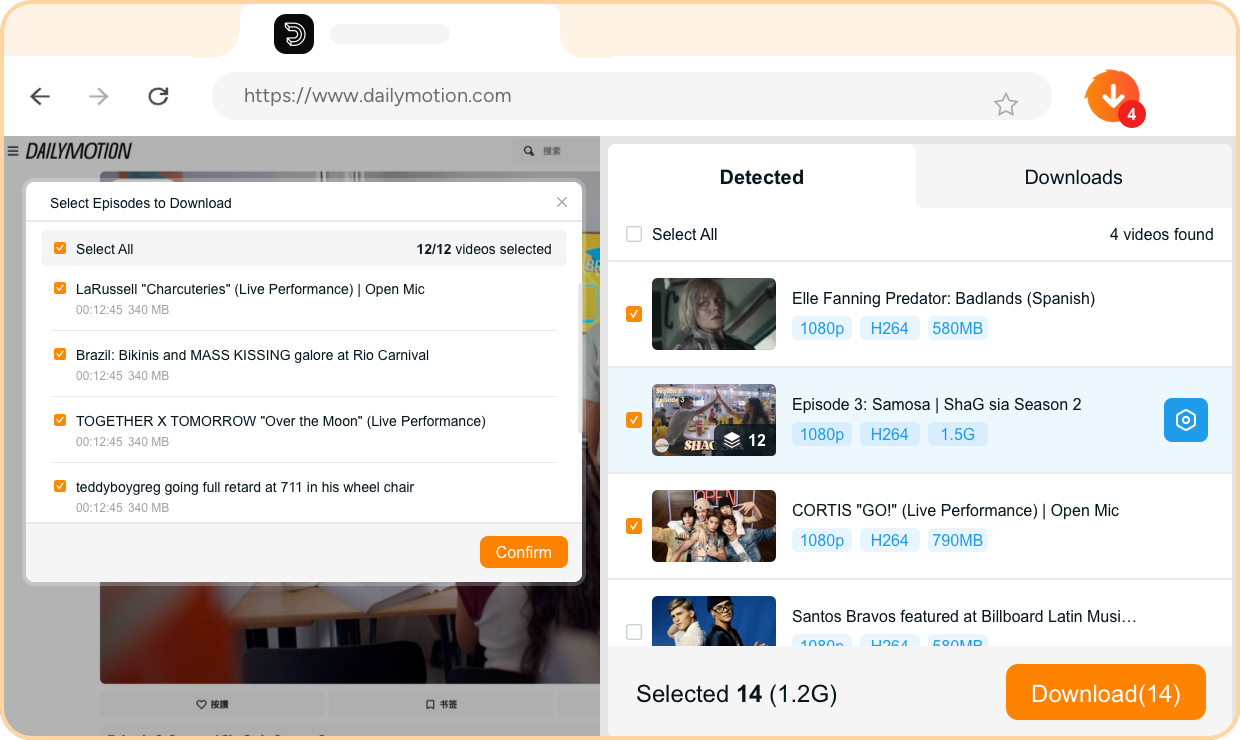
StreamFab empowers you to download entire YouTube playlists at one go, without the need to download each single video individually. The sophisticated batch processing system can analyze and queue all videos in a playlist automatically, saving you incredible amounts of time.

Multi-Task Download
Instead of downloading YouTube videos individually, StreamFab performs up to 5 download tasks simultaneously. This parallel processing capability significantly reduces total download time and enhances your workflow efficiency.

Download at Superfast Speed
StreamFab downloads YouTube videos at blazing-fast speed, utilizing advanced connection management and multi-threading technology. A typical video can be downloaded in just minutes, depending on your internet connection.
More Than Downloading
Download Metadata
Download YouTube Video Metadata
StreamFab not only downloads videos and subtitles but also extracts comprehensive metadata from YouTube videos. This includes details like title, description, upload date, view count, and more. This creates a professional-grade media library with complete information to better organize and manage your files. The metadata integrates seamlessly with popular media server platforms.

Video Downloader for Browser: Free vs. Full Version
Due to Chrome Web Store’s policy restrictions, the Free features are currently available only in the Edge Add-ons Store and the official StreamFab website version
Free | Full Version 40% OFF | |
|---|---|---|
$59.99 Buy Now |
Download YouTube Videos | ||
|---|---|---|
Download video up to 8K | Up to 720p | |
Download from other 1000+ sites | ||
Download Playlist | 1 playlist for trial | |
Turbo-Speed Download | 5 files for trial | |
Multi-Task Download | 5 files for trial | |
Download Metadata | ||
Download YouTube video to MP3 | ||
Download MP3 up to 320kbps |
Step 1. : Install the Browser Extension and Log In
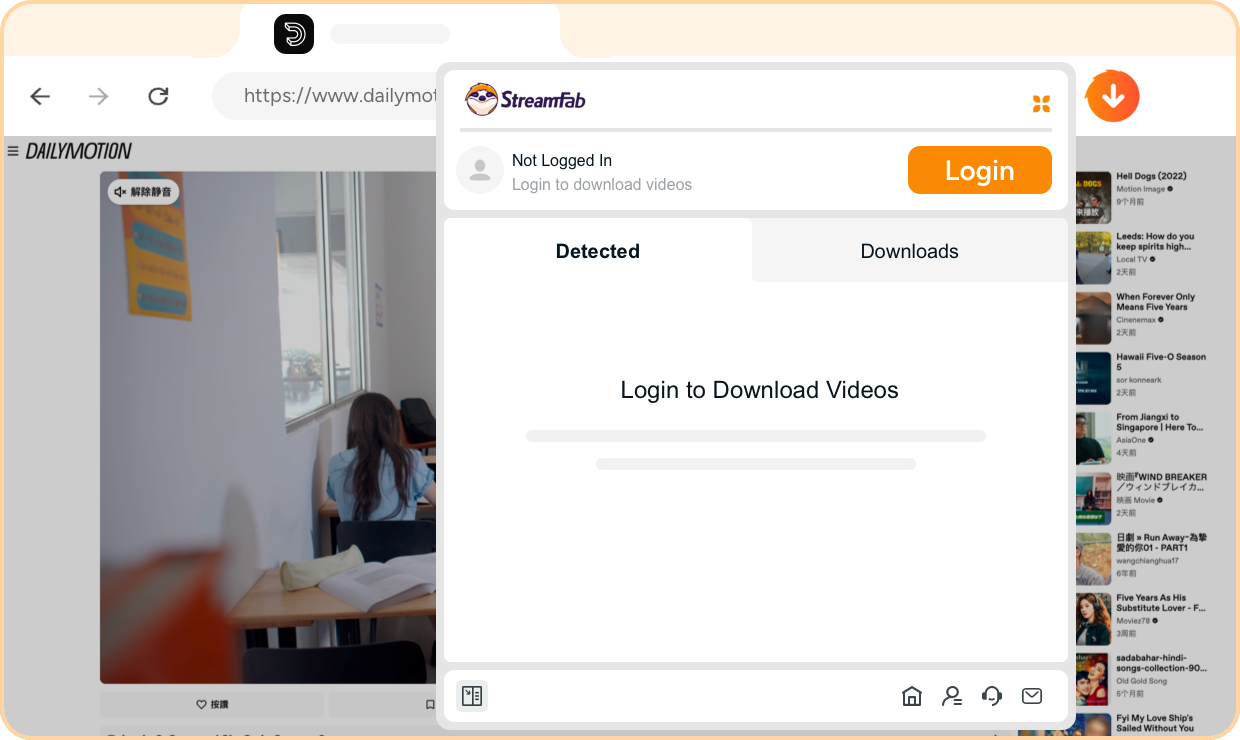
Install the StreamFab Video Downloader for Browser extension from the Chrome Web Store or Edge Add-ons marketplace. Once installed, click the extension icon in your browser toolbar and log in with your StreamFab account to activate the download capabilities.
Step 2. : Install the CoApp
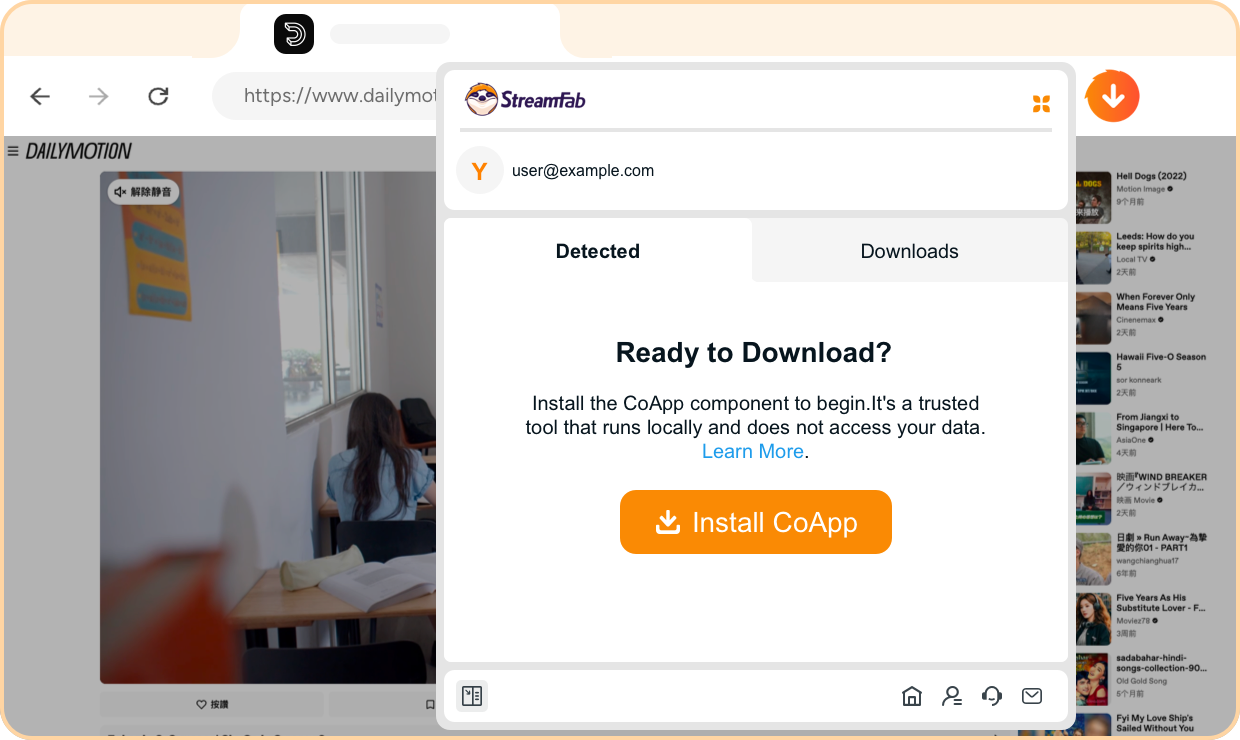
Download and install the StreamFab CoApp companion application on your Windows or Mac computer. This helper application works in the background to process video downloads with maximum quality and speed, ensuring seamless integration with your browser extension.
Step 3. : Open YouTube in Your Browser
Navigate to the YouTube website in your browser. Browse the extensive catalog featuring music videos, live streams, tutorials, and trending content to find the videos you want to download.
Step 4. : Select Videos and Click Download
Play the video you want to download on YouTube. The StreamFab extension will automatically detect the video and display a download button. Click the download button, select your preferred quality settings including up to 8K resolution, choose your audio and subtitle preferences and start the download process.
System Requirements

Windows 11/10 (32/64 bit)
Intel i3 or above
4GB of RAM or above
40GB of free hard disk space or above
Live Internet connection required
Microsoft Edge 88 or above
Google Chrome (Chromium) 88 or above