StreamFab WOWOW Downloader
Imagine downloading a WOWOW drama series for your weekend, only to find the episodes expired before Saturday morning. StreamFab WOWOW Downloader captures WOWOW On Demand content in 720p with AAC 2.0 audio and saves it as MP4 or MKV files that never expire — permanently yours on any device.


Download videos from WOWOW JP with ease

Auto-download new WOWOW episodes on schedule

Download WOWOW videos in native 720p quality

Browse and download WOWOW with the built-in browser
StreamFab: Have for Binge wowow Offline Fantasy!
You paid — but your downloads have an expiry date
Picture this: you have carefully saved five episodes of an HBO drama on WOWOW for a long weekend trip, but when you board the Shinkansen and open the app, the viewing window has expired on three of them. WOWOW On Demand caps your download count, locks files to one device, and enforces expiry windows that delete content you have already paid for.
Content can also disappear entirely when licensing agreements expire or seasonal catalogs rotate. StreamFab WOWOW Downloader, built on 8+ years of media technology expertise, captures WOWOW streams at their native 720p resolution with AAC 2.0 audio and saves them as permanent MP4 or MKV files. No expiry, no device locks, no download limits — your content stays yours.

A downloader millions trust for their WOWOW library
When a WOWOW documentary you have been rewatching for months suddenly vanishes from the catalog, you need a tool you can trust to have captured it correctly the first time. StreamFab's download engine, refined over 8+ years and trusted by millions of users worldwide, receives weekly engine updates resolving changes within 24 to 48 hours. The platform has been reviewed by technology publications with a 4.9-star Trustpilot rating.
This is not experimental software; it is a mature platform built for reliable, long-term archiving. Not sure yet? 3 free downloads available to test before purchase — experience the quality firsthand with no commitment.

Enjoy Flexible Outputing with StreamFab Now
720p HD that preserves every frame of your WOWOW content
You are watching a tense courtroom drama on WOWOW and the subtle lighting shift in the defendant's close-up tells the whole story — that visual detail matters. StreamFab captures WOWOW streams at the full 720p HD ceiling using the H.264 codec, preserving the original bitrate profile and encoding structure frame for frame without re-compression.
Unlike screen recorders that introduce compression artifacts, StreamFab's direct H.264 capture maintains every visual nuance from the cinematography of a Japanese crime thriller to the fast-motion clarity of a tennis rally. The AAC 2.0 audio is preserved without transcoding, delivering clear dialogue and faithful sound reproduction whether you are watching through headphones during a commute or speakers in your living room.

MP4 and MKV files that play on every device you own
WOWOW's official app restricts offline playback to mobile devices — no PC, no Mac, no TV. You paid for the content but cannot watch it on your preferred screen. StreamFab saves your downloads as standard MP4 or MKV files that play everywhere. MP4 works natively on iOS, Android, Windows, macOS, smart TVs, and portable players.
MKV embeds multiple subtitle tracks and audio streams in a single file, perfect for WOWOW's foreign dramas with both Japanese and original-language audio. Whether you want to watch on a large monitor at home, a laptop during a business trip, or a tablet on the Shinkansen, the format flexibility ensures your WOWOW content plays wherever the official app cannot reach.

Capture every subtitle track from WOWOW's foreign drama library
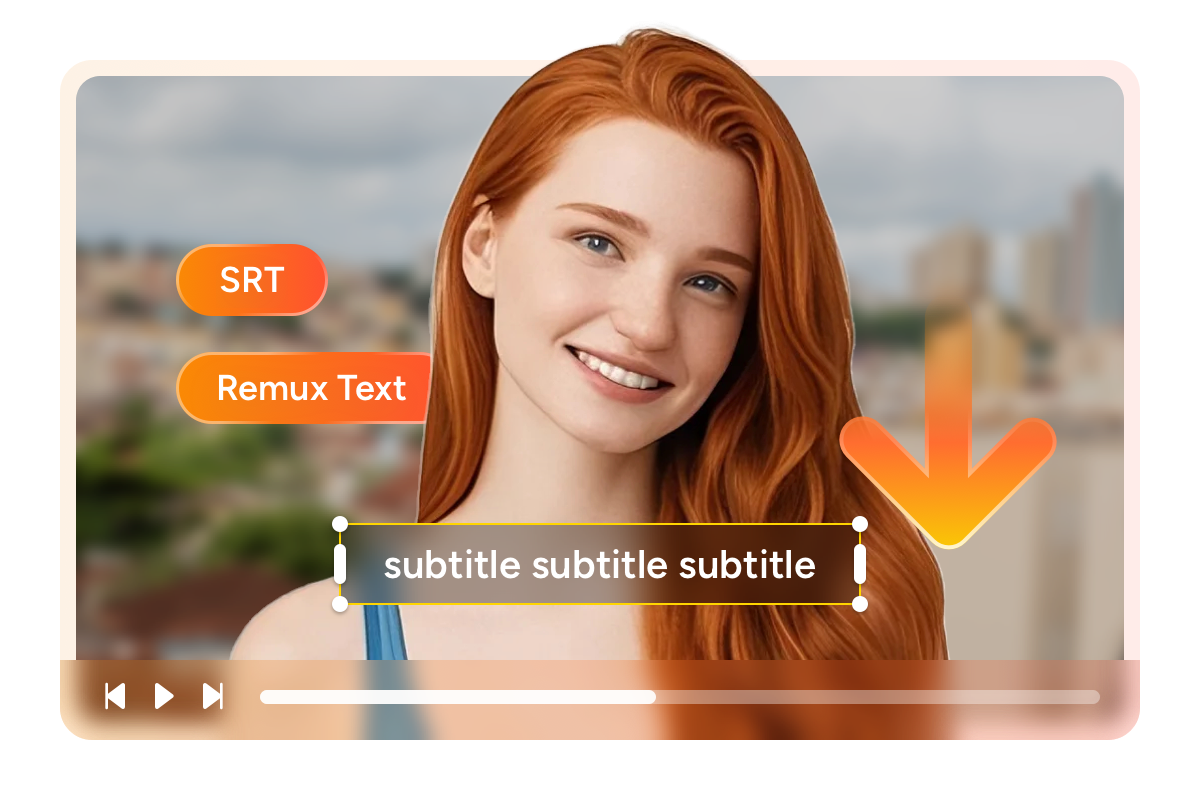
You are watching an HBO courtroom drama on WOWOW with Japanese subtitles when you realize the nuance of the original English dialogue adds a layer the translation misses — so you want both. StreamFab downloads subtitle tracks alongside the video as external SRT files or embedded streams within the MKV container.
For WOWOW's extensive foreign drama catalog — HBO series, BBC thrillers, Korean dramas — this means preserving both the original-language subtitles and the Japanese translations that WOWOW provides. External SRT files let language learners toggle between tracks or edit timing with any text editor, while embedded subtitles create self-contained files ideal for permanent archiving. Every subtitle is captured with original formatting and precise timing intact.
The Complete WOWOW Downloading Experience
Schedule Mode and Auto-Download
Your favorite WOWOW foreign drama releases new episodes every Wednesday at midnight, but you want them ready for your Thursday morning commute. StreamFab's subscription feature monitors your selected series and automatically downloads new episodes at your specified time.

Batch Mode and Turbo Speed
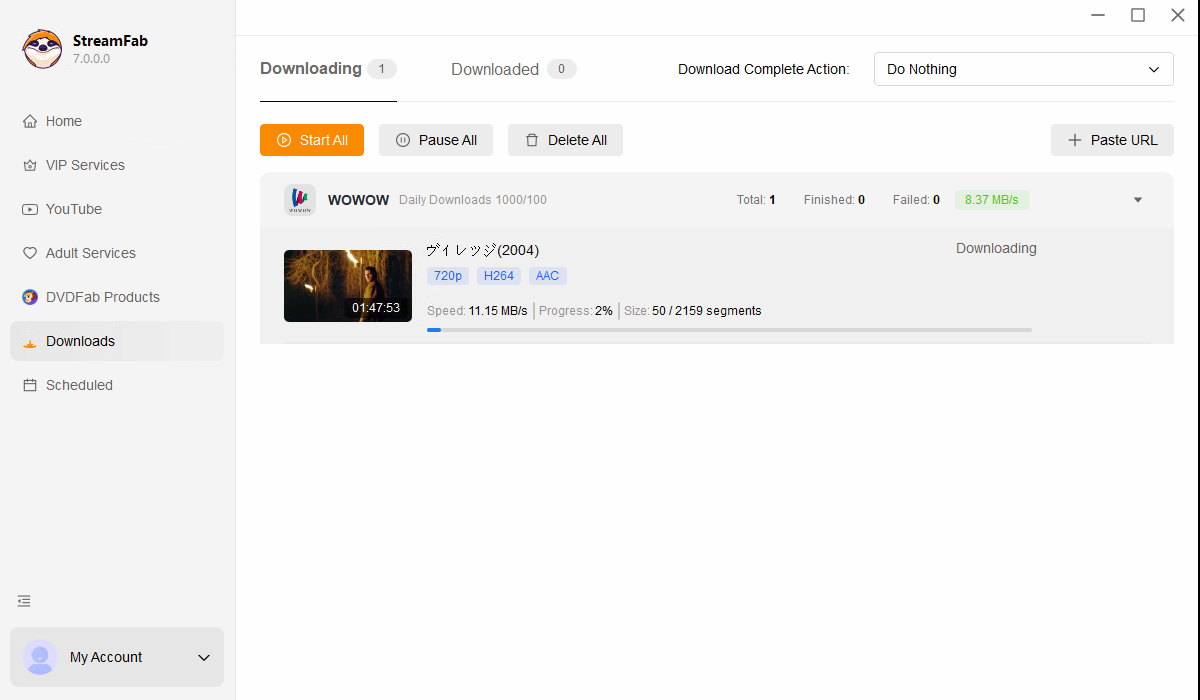
、StreamFab's batch mode lets you queue every episode with a single selection and processes downloads sequentially without manual monitoring. A standard 45-minute episode at 720p downloads quickly, meaning a full season can be archived in a single session.

Preset Audio & Subtitle Language
StreamFab's language engine detects your system's UI language and automatically pre-selects matching tracks for every download. Japanese system gets Japanese audio with Japanese subtitles; English system gets English tracks where available. You can always override manually.
More Than Just Downloading
Every download comes with rich metadata for organized libraries
After downloading 50 WOWOW titles, finding the right one in a folder of generic filenames becomes impossible. StreamFab solves this by including comprehensive metadata with every download — title in Japanese and English where available, episode and season numbers, cast information, genre tags, plot synopsis, and cover artwork.
This structured data integrates seamlessly with Plex, Jellyfin, Emby, and PlayerFab, transforming a plain folder into a beautifully organized media library. The cover art and episode descriptions replicate WOWOW On Demand's own browsing experience, but within your personal server — accessible permanently even after content leaves the streaming platform.

What WOWOW Viewers Say About StreamFab

Erika Leen
English Teacher, NagoyaJacob
Graphic Designer, OsakaJohn
Freelance Writer, SapporoErika Leen
English Teacher, NagoyaJacob
Graphic Designer, OsakaJohn
Freelance Writer, SapporoErika Leen
English Teacher, NagoyaJacob
Graphic Designer, OsakaJohn
Freelance Writer, SapporoErika Leen
English Teacher, NagoyaJacob
Graphic Designer, OsakaJohn
Freelance Writer, Sapporo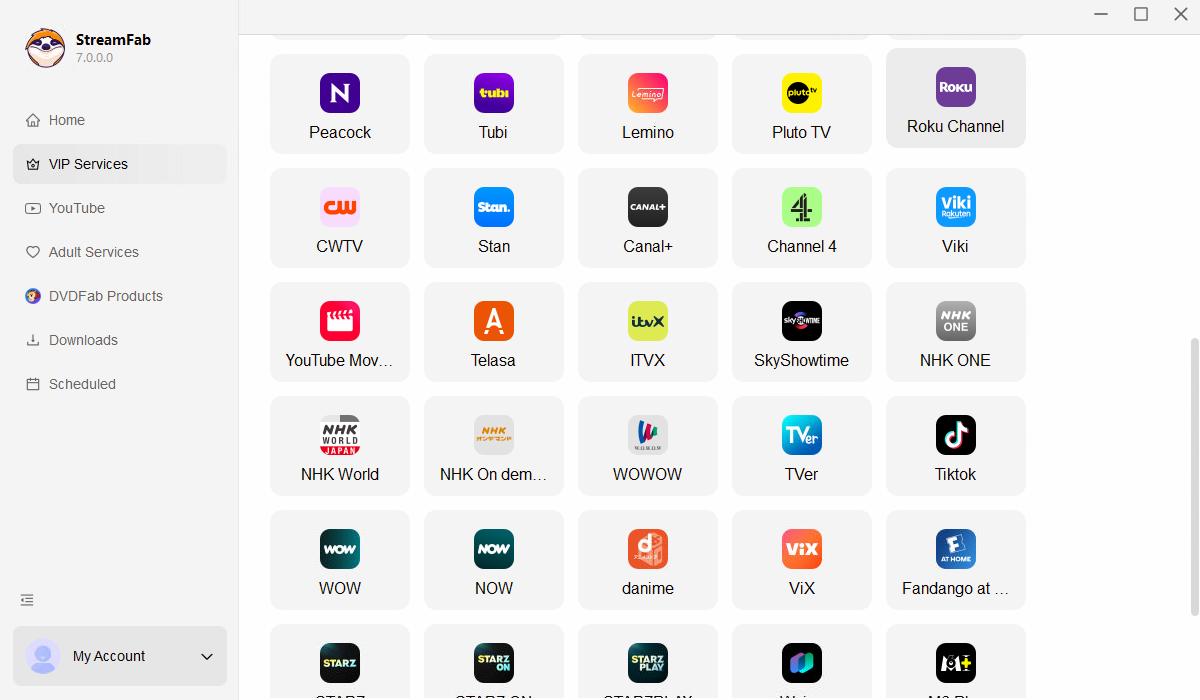
Open StreamFab and click the WOWOW icon in the VIP Services panel to open the integrated browser.
Log into your WOWOW account at wod.wowow.co.jp, find the video you want, and start playback.
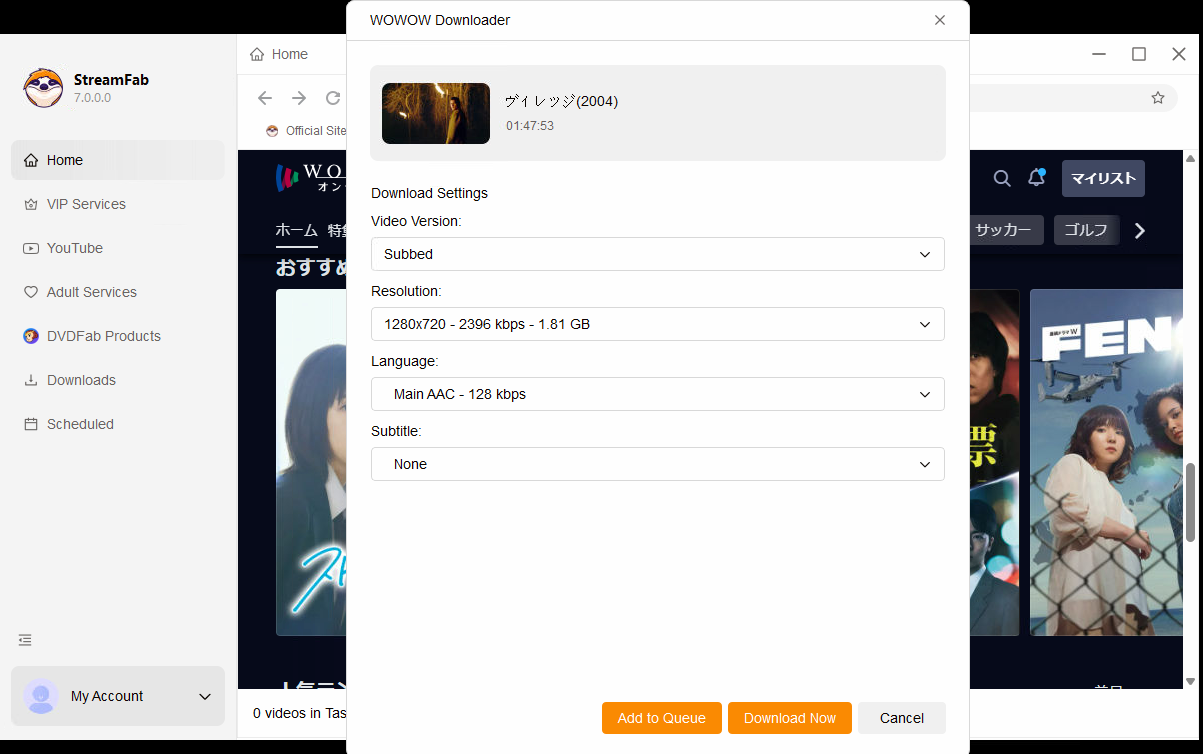
A download dialog appears during playback. Select resolution, subtitle format, and output container, then click Download Now.
System Requirements

To avoid being blocked by streaming providers, a StreamFab licensed account has a quota of 100 downloads per day, and 700 downloads per week from each supported streaming service. Whenever some of it is used up, it will refill during the next time cycle.