StreamFab Amazon Downloader for Browser
Effortlessly download Amazon Prime videos directly from your browser, including movies, TV series, originals, and exclusive content in stunning 1080p resolution with EAC3 5.1 audio support.
Also Available on:Desktop SoftwareLast Update: Apr 13, 2026
100% Safe & Clean
4.8(113)



Save Amazon Prime videos from any region worldwide

Download Amazon Prime videos in 1080p resolution

Download directly from Chrome or Edge browser
Why Choose StreamFab Amazon Downloader for Browser?
Advanced Technology
Industry's Leading Download Solution
StreamFab maintains a dedicated team of engineers who constantly monitor and adapt to updates in Amazon's evolving DRM technology. We are consistently among the first in the industry to implement technological breakthroughs that resolve Amazon Prime download challenges. As of now, StreamFab is the first solution capable of supporting Amazon video downloads at remarkable 1080P resolution with EAC3 5.1 audio. While other downloaders on the market max out at 720P with limited audio support, StreamFab delivers true cinematic quality.
Our advanced encoding pipeline preserves every visual detail exactly as the creators intended. This ensures that Amazon Originals like The Boys and Rings of Power look absolutely stunning on any display device you choose for viewing.
Our advanced encoding pipeline preserves every visual detail exactly as the creators intended. This ensures that Amazon Originals like The Boys and Rings of Power look absolutely stunning on any display device you choose for viewing.

Trusted & Verified
Trusted by 80+ Million Users Worldwide
With its intuitively designed user-friendly interface and consistently reliable advanced features, StreamFab has been downloaded over 100 million times across all platforms. It has firmly established itself as the preferred video downloading solution for more than 80 million satisfied users worldwide. On esteemed independent review platforms like Trustpilot, StreamFab has been consistently reviewed and rated as one of the best Amazon Prime downloaders available. It has garnered widespread recognition and numerous industry accolades for its exceptional reliability and outstanding performance.
When you choose StreamFab as your downloading solution, you join a thriving global community. This community consists of satisfied users who trust our proven technology to meet their entertainment needs.
When you choose StreamFab as your downloading solution, you join a thriving global community. This community consists of satisfied users who trust our proven technology to meet their entertainment needs.

Direct Browser Download
Seamless Browser Integration
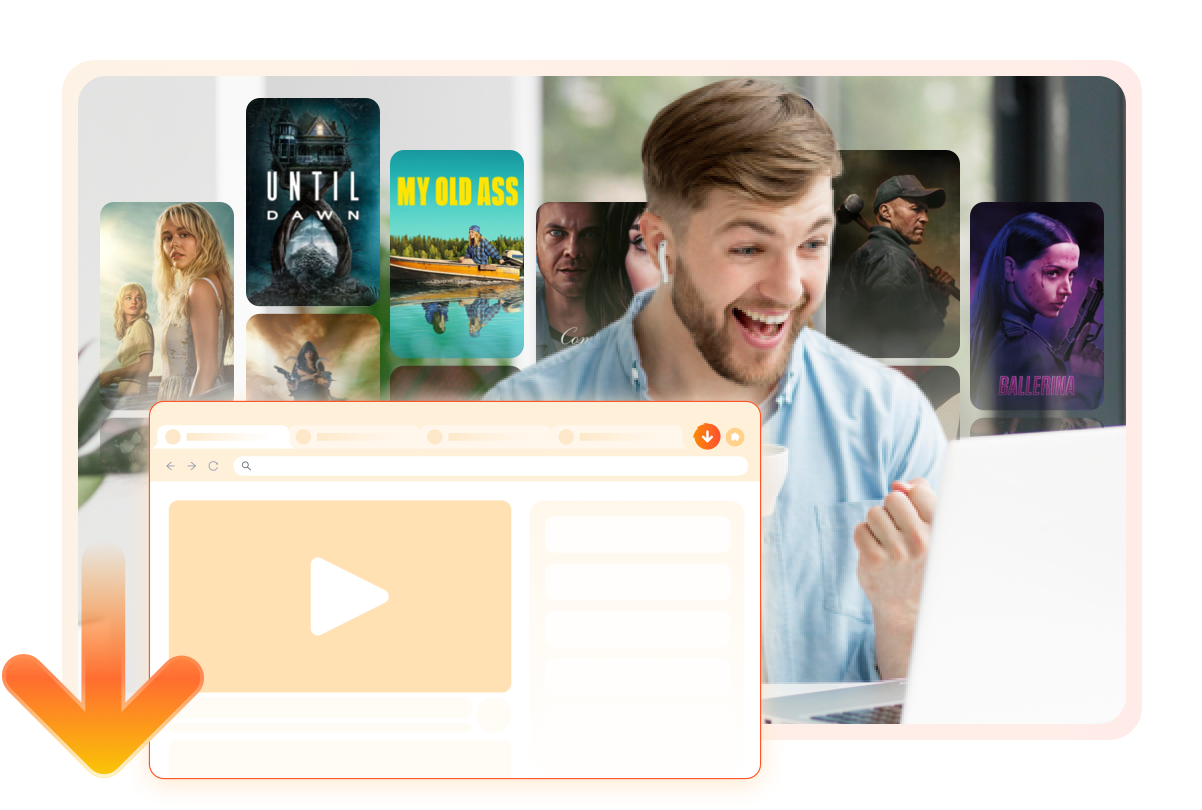
Unlike traditional downloaders that require separate desktop applications and constant switching between programs, StreamFab Amazon Downloader for Browser works entirely within your browser. It operates as a lightweight extension for Chrome or Edge. Simply install the browser extension from your preferred store and navigate to Amazon Prime Video.
You can start downloading your favorite Amazon Originals movies or series while you continue browsing naturally. The extension intelligently detects available videos on the page and presents download options instantly. This completely eliminates the need to copy URLs, switch applications, or manage complex settings.
You can start downloading your favorite Amazon Originals movies or series while you continue browsing naturally. The extension intelligently detects available videos on the page and presents download options instantly. This completely eliminates the need to copy URLs, switch applications, or manage complex settings.
Flexible Output Settings
Excellent Download Quality
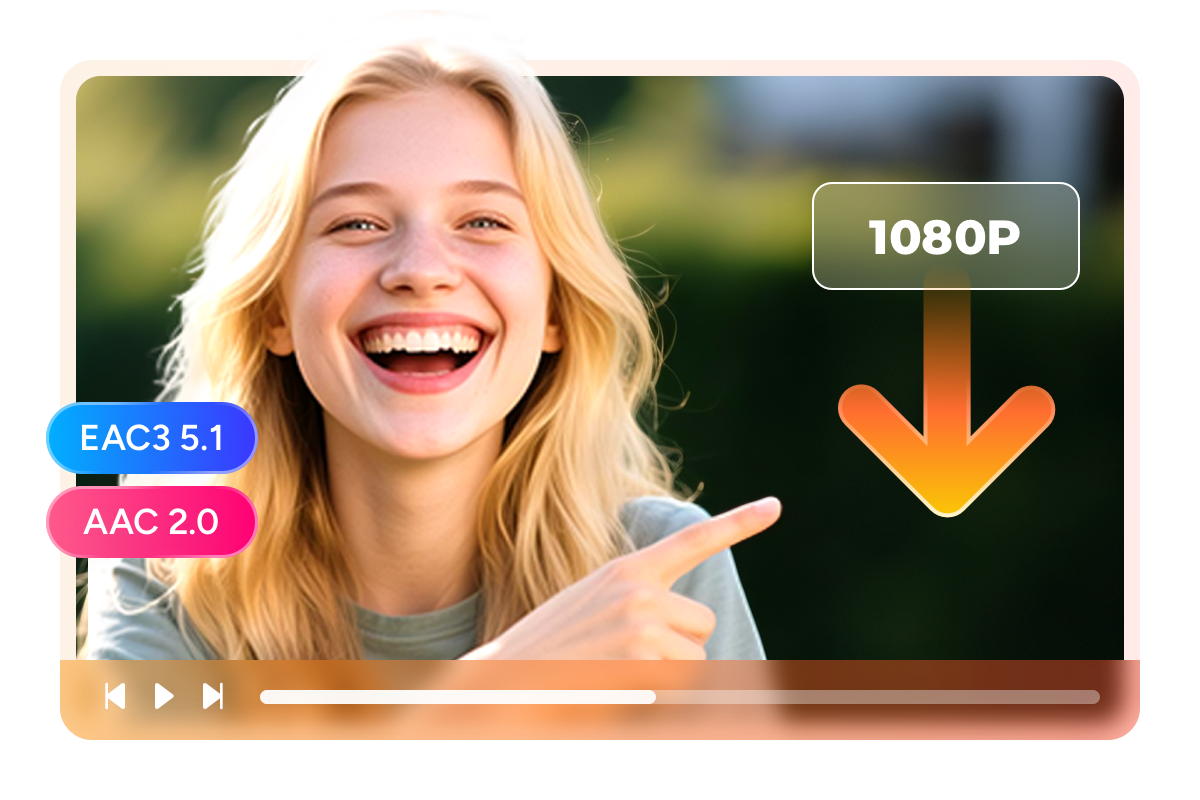
Amazon Prime Videos in 1080p with EAC3 5.1 Audio
Amazon Prime Video offers premium content with stunning visual quality streaming at up to 8.7 Mbps for 1080p resolution. While many competing downloaders can only capture Amazon Prime videos at 720P, StreamFab supports true 1080P downloads. This is achieved at the same high bitrates when the source supports it. You can preserve the cinematic experience of Amazon Originals like The Boys and Rings of Power.
The immersive audio with EAC3 5.1 surround sound is preserved exactly as the creators intended. This ensures an authentic viewing experience that rivals the original streaming quality.
The immersive audio with EAC3 5.1 surround sound is preserved exactly as the creators intended. This ensures an authentic viewing experience that rivals the original streaming quality.
Multiple Format Available
Download Videos as MP4 or MKV
Videos downloaded through the official Amazon Prime app are subject to expiration limits and cannot be played offline on PC. StreamFab Amazon Downloader for Browser completely liberates your content by saving videos in universally compatible MP4 or MKV formats. This enables flexible playback across a wide range of devices, including PCs running Windows or Mac.
Mobile devices, including both Android smartphones and iPhones, are fully supported. Popular gaming consoles, smart TVs, and dedicated media players work without any compatibility issues. The downloaded files are truly yours to keep permanently on your device storage without expiration.
Mobile devices, including both Android smartphones and iPhones, are fully supported. Popular gaming consoles, smart TVs, and dedicated media players work without any compatibility issues. The downloaded files are truly yours to keep permanently on your device storage without expiration.

Optional Video Codec
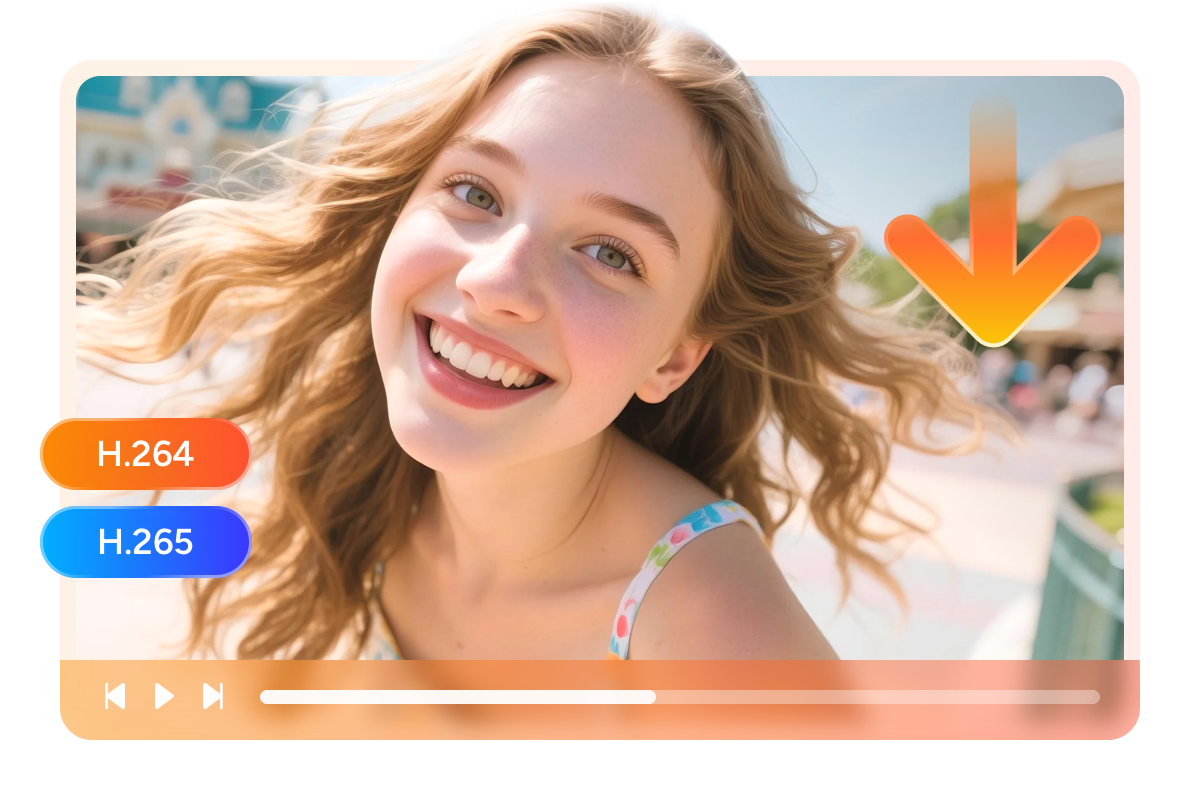
Download in H.264 or H.265 Video Codec
StreamFab provides two professional encoding options to match your specific playback needs. H.264 offers maximum compatibility with older devices and legacy media players. H.265 delivers superior compression efficiency for storing more content.
You can maintain pristine visual quality at significantly smaller file sizes with H.265. This flexibility extends to approximately 50 percent storage savings compared to H.264. A typical movie requiring 8GB in H.264 can be stored in just 4GB with H.265. This allows you to build a larger offline library without sacrificing quality.
You can maintain pristine visual quality at significantly smaller file sizes with H.265. This flexibility extends to approximately 50 percent storage savings compared to H.264. A typical movie requiring 8GB in H.264 can be stored in just 4GB with H.265. This allows you to build a larger offline library without sacrificing quality.
Save and Remux SRT Files
Flexible Subtitle Options
Amazon Prime Video provides extensive subtitle and audio language options for their diverse content library. When using StreamFab Amazon Downloader for Browser, you can select your preferred audio language from multiple tracks. This includes original language presentations and professionally dubbed versions.
You can simultaneously download subtitle files in multiple languages to suit your viewing preferences. The downloaded subtitles can be permanently embedded into the video file through remuxing. Alternatively save them as separate external SRT files for maximum flexibility.
You can simultaneously download subtitle files in multiple languages to suit your viewing preferences. The downloaded subtitles can be permanently embedded into the video file through remuxing. Alternatively save them as separate external SRT files for maximum flexibility.

Perfect Downloading Experience

Batch Mode and Fast Speed
StreamFab empowers you to process multiple download tasks simultaneously, revolutionizing how you build your offline library. The sophisticated batch processing system can analyze and queue entire seasons automatically, downloading a full-length movie in approximately 20 minutes.

Preset Audio & Subtitle Language
StreamFab intelligently detects your browser's interface language and Amazon Prime account preferences to automatically preselect the most appropriate audio and subtitle options. The system supports multiple languages for audio and subtitles across the entire Amazon Prime catalog.

Remove Ads from Downloads
Amazon Prime subscribers on ad-supported plans experience commercial interruptions during their favorite content. StreamFab completely eliminates all advertisements from your downloaded videos, ensuring you enjoy a seamless, uninterrupted viewing experience from opening credits to final scenes.
More Than Downloading
Download Metadata
Download Media Server Friendly Metadata Info
StreamFab automatically captures comprehensive metadata for every Amazon Prime title you download, including movie posters, episode thumbnails, cast information, plot summaries, release years, genres, and ratings. This creates a professional-grade media library that integrates seamlessly with popular media server platforms like PlayerFab, Plex, Kodi, and Jellyfin.

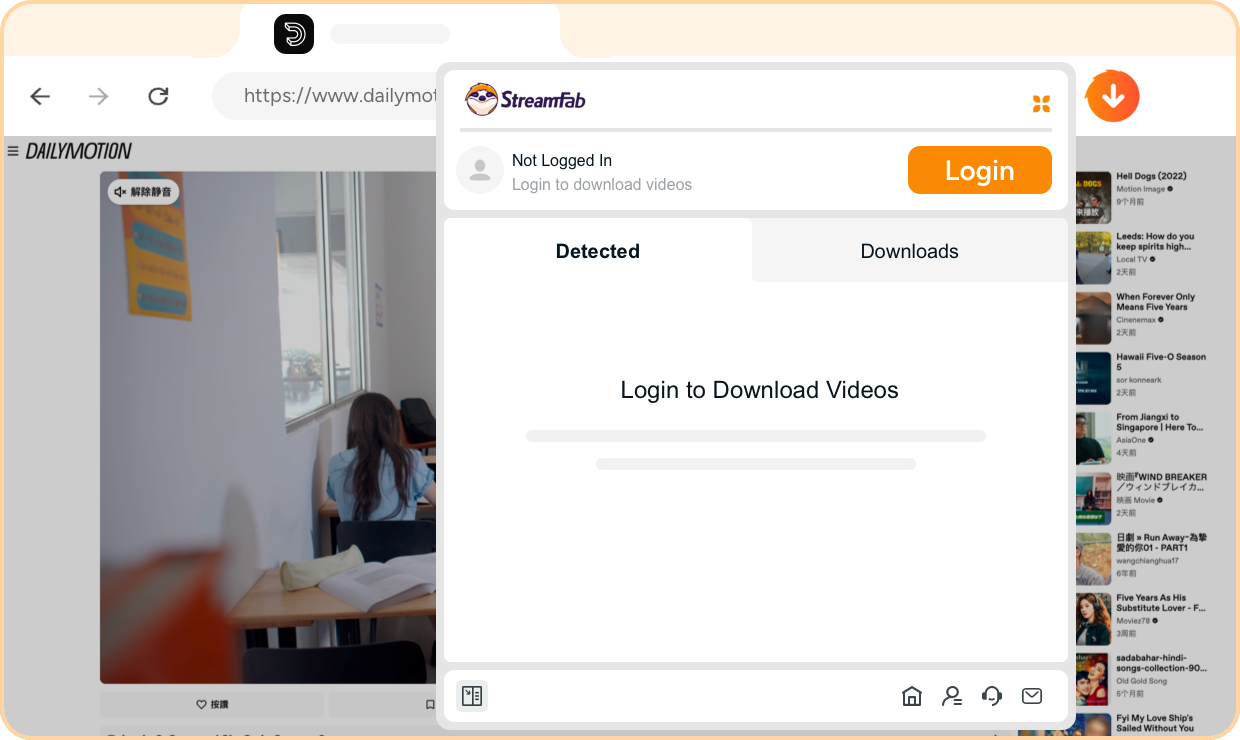
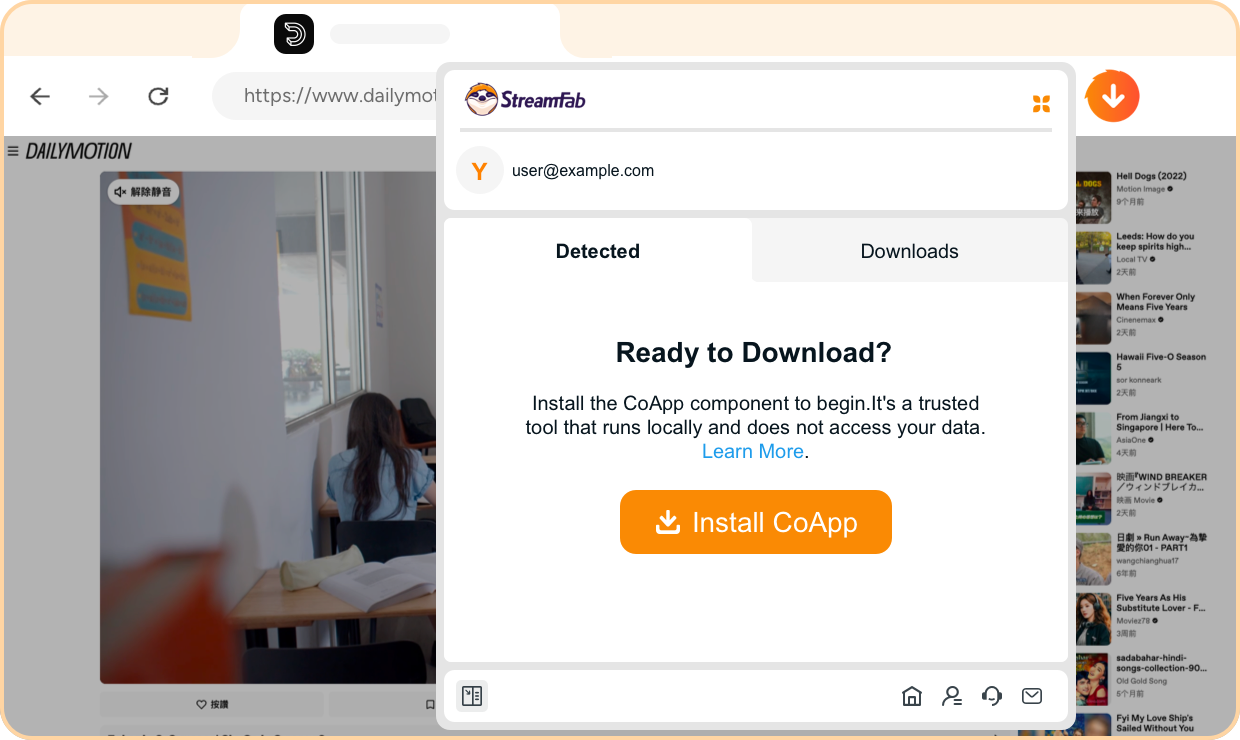
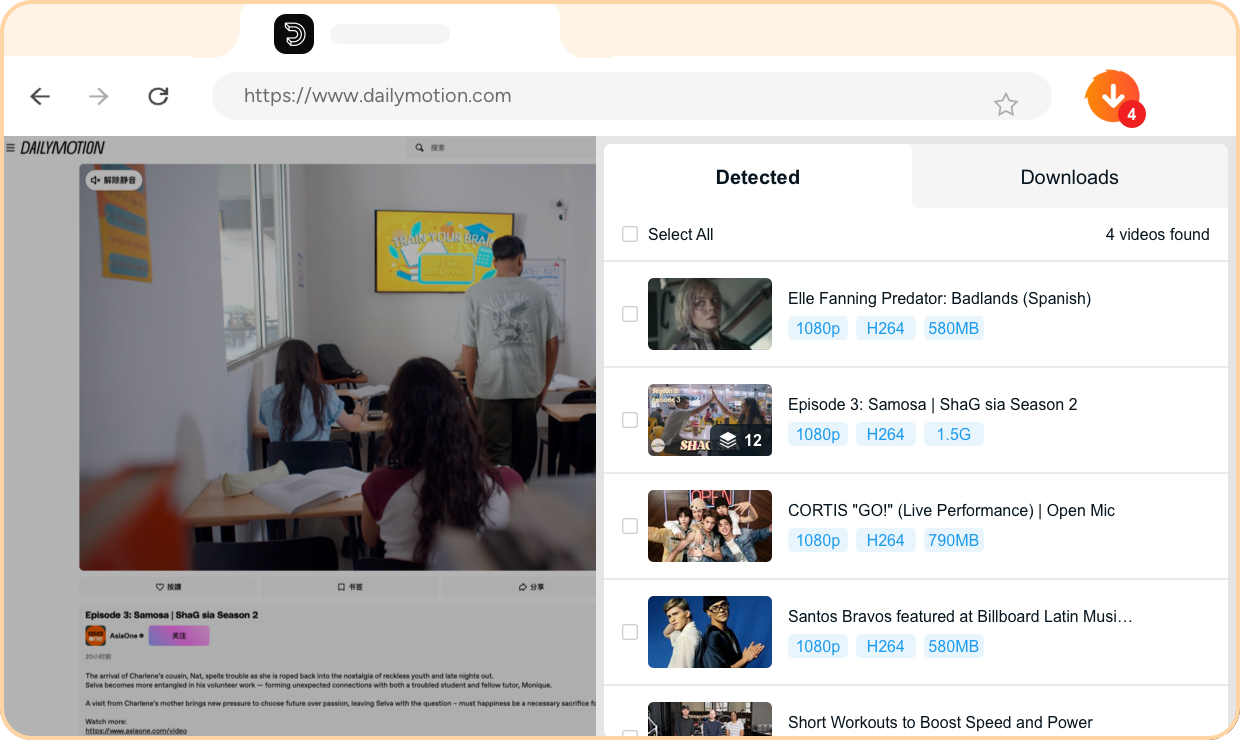
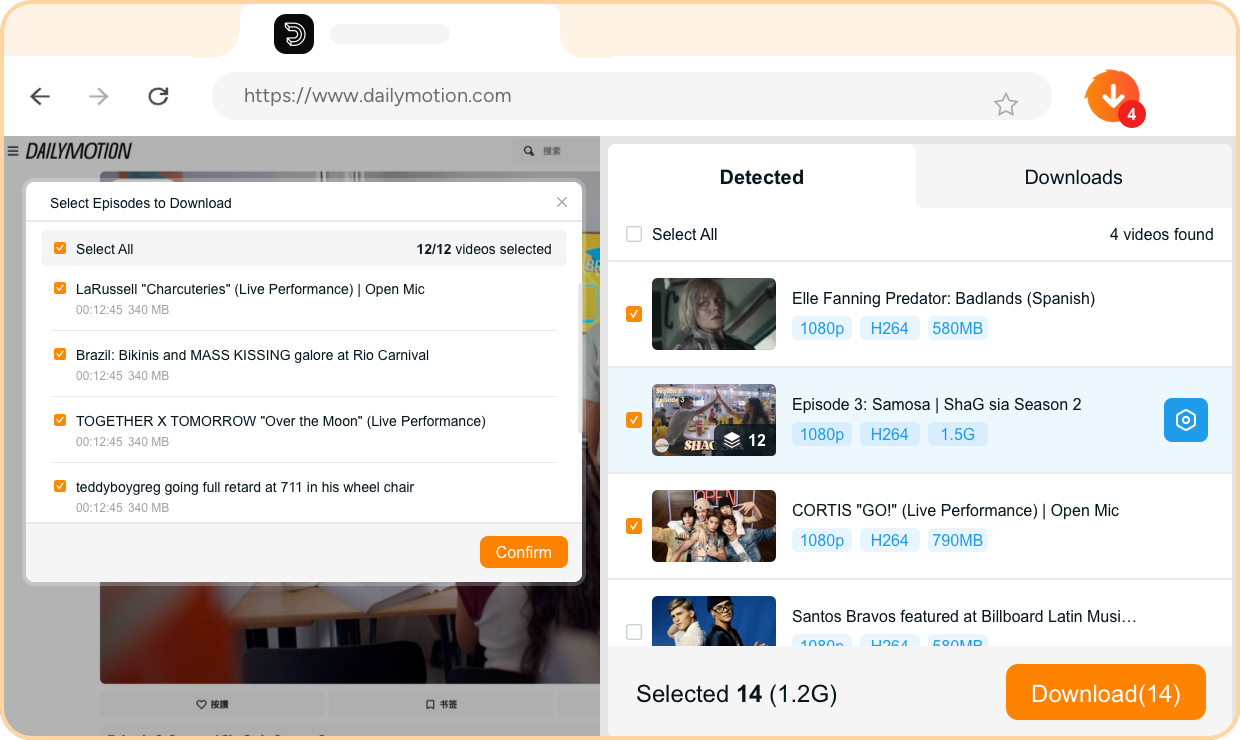
Step 1. : Install the Browser Extension and Log In
Install the StreamFab Amazon Downloader for Browser extension from the Chrome Web Store or Edge Add-ons marketplace. Once installed, click the extension icon in your browser toolbar and log in with your StreamFab account to activate the download capabilities.
Step 2. : Install the CoApp
Download and install the StreamFab CoApp companion application on your Windows or Mac computer. This helper application works in the background to process video downloads with maximum quality and speed, ensuring seamless integration with your browser extension.
Step 3. : Open Amazon Prime in Your Browser
Navigate to the Amazon Prime Video website in your browser and log in to your Amazon Prime account. Browse the extensive catalog featuring Amazon Originals, blockbuster movies, and exclusive series to find the content you want to download.
Step 4. : Select Videos and Click Download
Play the video you want to download on Amazon Prime Video. The StreamFab extension will automatically detect the video and display a download button. Click the download button, select your preferred quality settings, choose your audio and subtitle preferences, and start the download process.
System Requirements

Windows 11/10 (32/64 bit)
Intel i3 or above
4GB of RAM or above
40GB of free hard disk space or above
Live Internet connection required
Microsoft Edge 88 or above
Google Chrome (Chromium) 88 or above