





• Download from all Prime Video regional sites

    Save videos from all Amazon Prime regional sites

  • Save new episodes at scheduled time

    Auto-save new episodes on a schedule you set

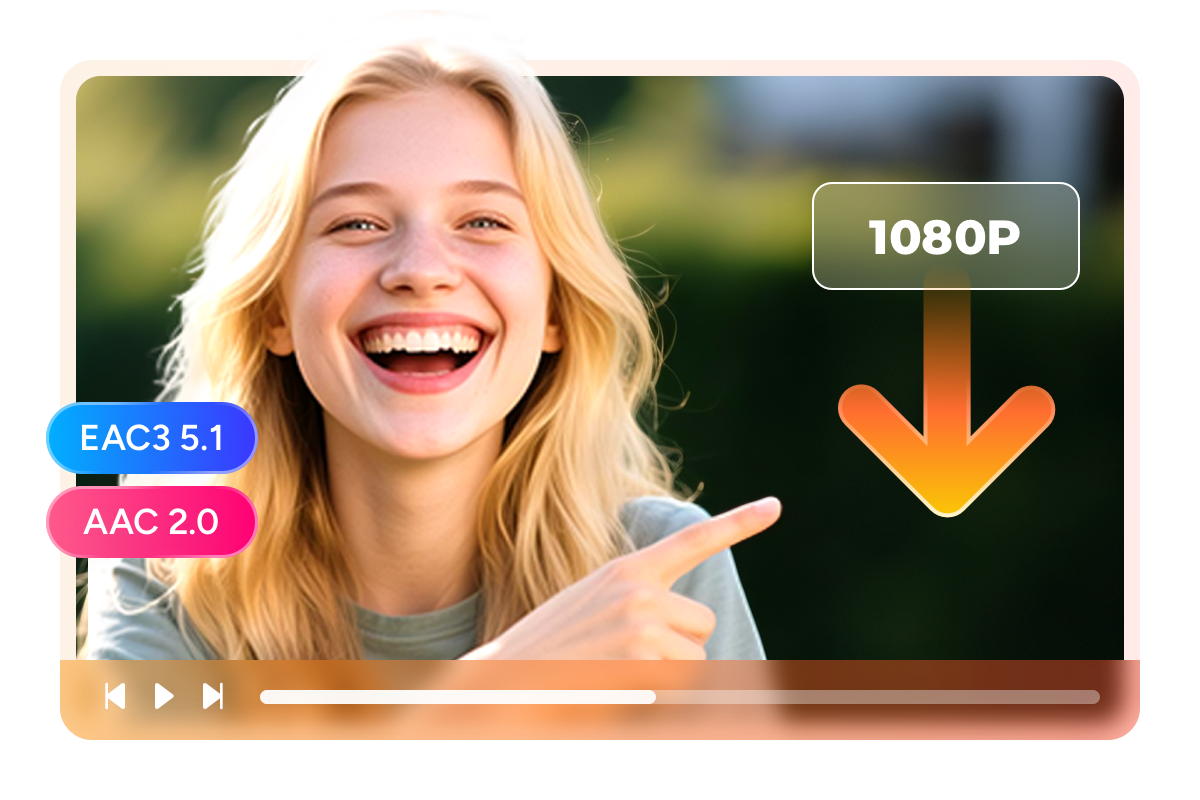
  • Download Prime videos in 1080P MP4 format

    Save Prime videos in 1080p with EAC3 5.1 audio

  • Explore Prime videos with its in-built browser

    Browse and save Prime videos with built-in browser

Why Millions of Amazon Prime Subscribers Trust StreamFab

Your Library Is More Restricted Than You Think

Amazon's Hidden Limits — and How StreamFab Solves Every One of Them

If you have been a Prime subscriber for a while, you have probably noticed the changes. In January 2024, Amazon introduced ads into every Prime Video stream — roughly three minutes of commercials per hour that break right into the tension of a thriller or the punchline of a comedy. The only way to get rid of them through Amazon is to pay an extra $2.99 per month, which adds up to $35.88 per year on top of your existing $14.99 monthly membership. But ads are just the beginning. Every video you save through the Prime Video app carries a hidden countdown: it expires after 30 days, and once you press play, a 48-hour clock starts ticking. Miss that window — say, because a work trip interrupted your weekend binge — and the download simply vanishes. And those rich X-Ray details you love browsing during a movie, the cast bios, the trivia, the scene-by-scene soundtrack info? They disappear entirely the moment you go offline.


StreamFab Amazon Downloader was built to solve all of these frustrations at once. It saves your Prime videos as permanent 1080p local files in MP4 or MKV format — no expiration dates, no playback countdown, and absolutely no ads regardless of which Prime plan you are on. The X-Ray metadata, including cast information, episode titles, and cover art, is preserved alongside every download so your personal media library stays as rich and browsable as the streaming version. Developed by the DVDFab team — a video software company with over 20 years of experience — StreamFab is trusted by tens of millions of video software users worldwide, and the engine receives weekly compatibility updates to keep pace with platform changes.

amazon prime video download
Safe and Built to Last

A Track Record You Can Verify Before You Buy

Trusting a piece of software with your streaming account is a big decision, so here is what makes StreamFab different from anonymous tools you might find elsewhere. StreamFab is developed by the DVDFab team, a company that has been building video software for over 20 years and has earned the trust of tens of millions of users worldwide. The product has been featured and reviewed by technology publications including PCMag and TechRadar, so you can read independent assessments before you ever install it. The StreamFab installer is virus-free and contains no bundled adware, toolbars, or third-party software — what you download is exactly what you get.

On the account-safety side, StreamFab uses a built-in private browser that keeps your credentials local to your own machine. Your login information is never transmitted to external servers. The StreamFab engine receives weekly compatibility updates, typically resolving platform-side changes within 24 to 48 hours, which means you are always running a current, tested build. And if you are not satisfied, every paid license includes a money-back guarantee — 7 days for monthly plans and 14 days for annual plans — so you can try it with zero financial risk. You also get 3 free trial downloads before purchasing, enough to confirm the quality meets your expectations. And most importantly, your Amazon account stays safe while using StreamFab — see more details about StreamFab security upgrade on Amazon.

reliable amazon video downloader

Cinema-Grade Quality Saved to Your Hard Drive

Video and Audio Quality

Full 1080p Video with EAC3 5.1 Surround Sound — Exactly as Amazon Streams It

Anyone who has compared a scene on their TV to the same scene from a re-encoded download knows the difference instantly — muddy dark sequences, color banding in sunsets, and dialogue that sounds like it is coming through a tin can. That happens because most tools compress the original stream to save bandwidth, stripping away the very detail you are paying Amazon to deliver. StreamFab takes a fundamentally different approach. It preserves the native 1080p video stream at the same quality level Amazon transmits, keeping every frame intact whether you are saving a slow-burning drama or a fast-cut action sequence. A typical 1080p movie saved in H.265 lands between 3 and 5 GB, while the same title in H.264 runs 7 to 10 GB — both faithfully representing what Amazon's servers originally delivered.


The audio side matters just as much, especially if you have invested in a surround-sound setup. StreamFab gives you the choice between EAC3 5.1 at 640 kbps — six discrete channels delivering directional dialogue, ambient effects, and a dedicated subwoofer track — and AAC 2.0 at 192 kbps for situations where stereo is all you need, like watching on a laptop during a flight. That EAC3 track carries roughly three times the audio data of the AAC alternative, and on a proper 5.1 home theater system the difference between hearing rain fall all around you versus hearing it flatly from two speakers is the difference between watching a movie and being inside one.

amazon prime video downloader
Video Format Options

Save as MP4 or MKV — Play Anywhere and Keep Forever

If you have ever tried to move an Amazon download to a different device, you already know the frustration — the file is locked to the Prime Video app and simply will not open anywhere else. StreamFab frees your content from that restriction by downloading Amazon Prime videos to MP4 and MKV format files. MP4 is the universal choice: it plays natively on iPhones, Android phones, tablets, smart TVs, game consoles, and virtually every media player ever made. MKV is ideal when you want to bundle multiple audio tracks and subtitle streams into a single file for a home-theater server like Plex or Jellyfin. Either way, the file belongs to you with no expiration date, no app dependency, and no internet connection required for playback.


Beyond video, StreamFab can also extract the audio track as an MP3 file — perfect for saving a concert special, a podcast-style documentary, or a soundtrack you want to listen to on the go. The key difference from Amazon's own offline mode is permanence: your MP4 and MKV files will still be playable five or ten years from now, long after a streaming catalog has reshuffled. For anyone building a personal media library, that kind of lasting access turns a monthly subscription into a collection you actually own.

download amazon video in mp4
Video Codec Selection

Choose H.264 or H.265 — Balance Quality and File Size to Fit Your Storage

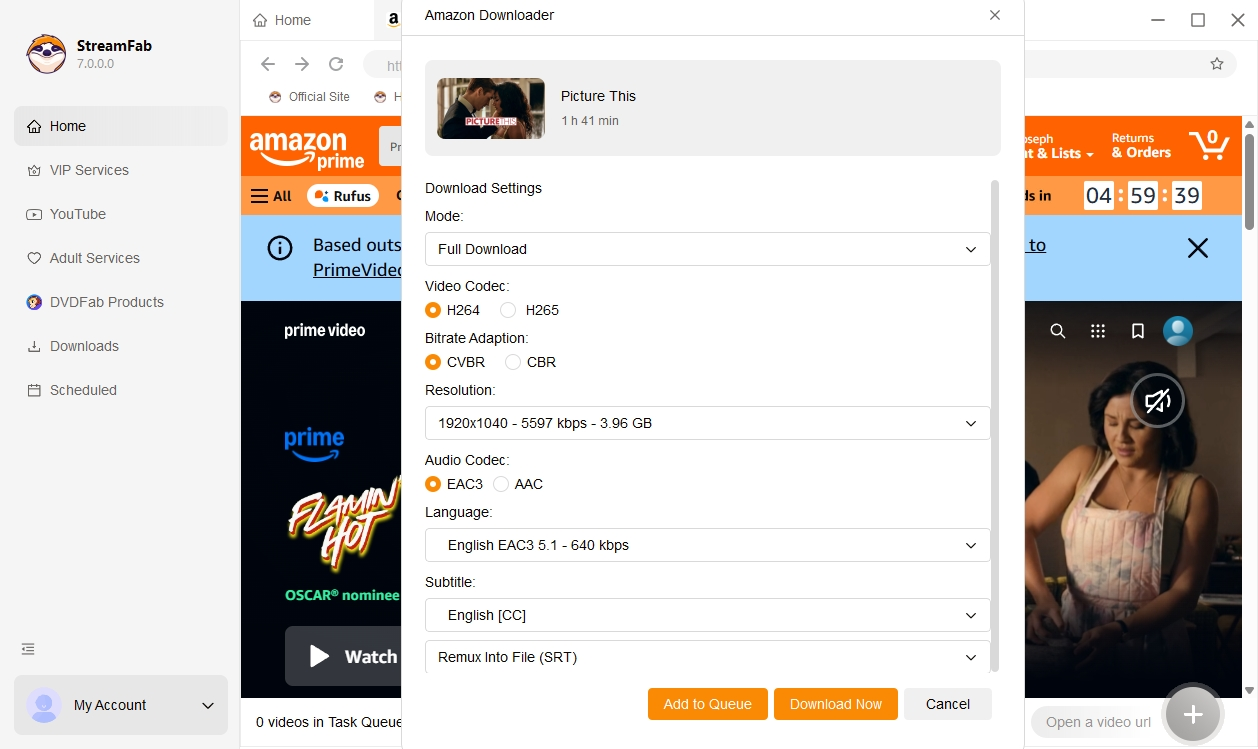
Storage fills up faster than most people expect, especially once you start saving entire seasons. That is why StreamFab lets you choose between two video codecs before every download. H.265 (also known as HEVC) is the newer, more efficient standard — a typical 1080p movie comes in at just 3 to 5 GB, making it the smart pick if you are archiving a large library or working with a laptop that has limited disk space. H.264, the older and more universally compatible codec, produces larger files — roughly 7 to 10 GB for the same movie — but it plays smoothly on virtually every device made in the last decade, including older smart TVs and budget Android tablets that may not have hardware H.265 decoding.


StreamFab also lets you pick between CBR (constant bitrate) and CVBR (constrained variable bitrate) encoding modes. CBR delivers a steady, predictable file size, which is useful if you need to fit downloads onto a USB drive with a fixed capacity. CVBR allocates more data to visually complex scenes and less to static moments, often achieving slightly better visual quality at the same overall file size. The choice is yours, and you can change it on a per-download basis — no need to commit to one setting for your entire library.

download amazon prime video
Subtitle Options

Save Subtitles as Separate SRT Files or Embed Them Directly into the Video

Subtitles can make or break an offline viewing experience — watching a foreign-language thriller without them is not much fun, and hardcoded captions you cannot turn off are almost as annoying. StreamFab gives you two clean options. The first is Remux mode, which embeds the subtitle track directly inside the MP4 or MKV container. The subtitles become a selectable layer in any compatible player, so they travel with the file wherever it goes — no extra files to keep track of, and no risk of the subtitle file getting separated from the video when you copy it to another device.


The second option saves subtitles as standalone SRT files alongside the video. SRT is the most widely supported subtitle format in existence, and because it is a plain-text file you can edit it, re-time it, or even translate it yourself if needed. During the download setup, StreamFab lets you select multiple languages at once, so a single download session can produce English, Spanish, French, and German subtitle files in one batch. For bilingual households or language learners, this means having instant access to subtitles in two or more languages without ever re-downloading the same video.

save amazon prime video subtitles srt remux multilingual

Smart Features That Save You Time

amazon prime video downloader

Schedule Mode and Auto Download

Set it once and never miss an episode — StreamFab monitors your favorite series and automatically saves new releases at the day and time you choose.

amazon prime video downloader

Batch Mode and Fast Speed

Queue an entire season with one click and let StreamFab work through the list — a full two-hour movie typically finishes in about 20 minutes.

amazon video downloader

Preset Audio & Subtitle Language

Choose your preferred audio track and subtitle language in settings, and StreamFab applies that choice to every future download automatically.

amazon prime video downloader

Remove Ads

Every Prime plan — including the standard ad-supported tier — produces clean, ad-free local copies, saving you the $2.99/mo Amazon charges for ad-free streaming.

Your Personal Media Library — Organized Automatically

X-Ray Metadata Preservation

Keep X-Ray Metadata So Your Library Looks and Feels Like a Streaming App

One of the biggest complaints about building a personal video library is that downloaded files often end up as cryptic filenames in a folder — no cover art, no episode descriptions, no cast information. StreamFab solves this by automatically saving the rich X-Ray metadata that makes Amazon Prime Video unique. Every download includes the movie or episode title, season and episode numbers, cast and director credits, genre tags, and high-resolution cover art. X-Ray is a feature exclusive to Amazon, and StreamFab is one of the few tools that preserves this data in the offline copy.


The practical payoff is immediate: drop your saved files into a media server like Plex, Jellyfin, Kodi, or PlayerFab, and they are automatically sorted, categorized, and displayed with full artwork and descriptions — no manual tagging required. Your personal library ends up looking and feeling like a professional streaming interface, complete with browsable cast pages and organized seasons. For anyone who takes their home media setup seriously, this metadata preservation turns a pile of video files into a curated collection that rivals the streaming experience itself.

amazon video downloader

80+ Millions of People Like Us

launch amazon downloader
Step 1. Launch StreamFab and Select the Amazon Module

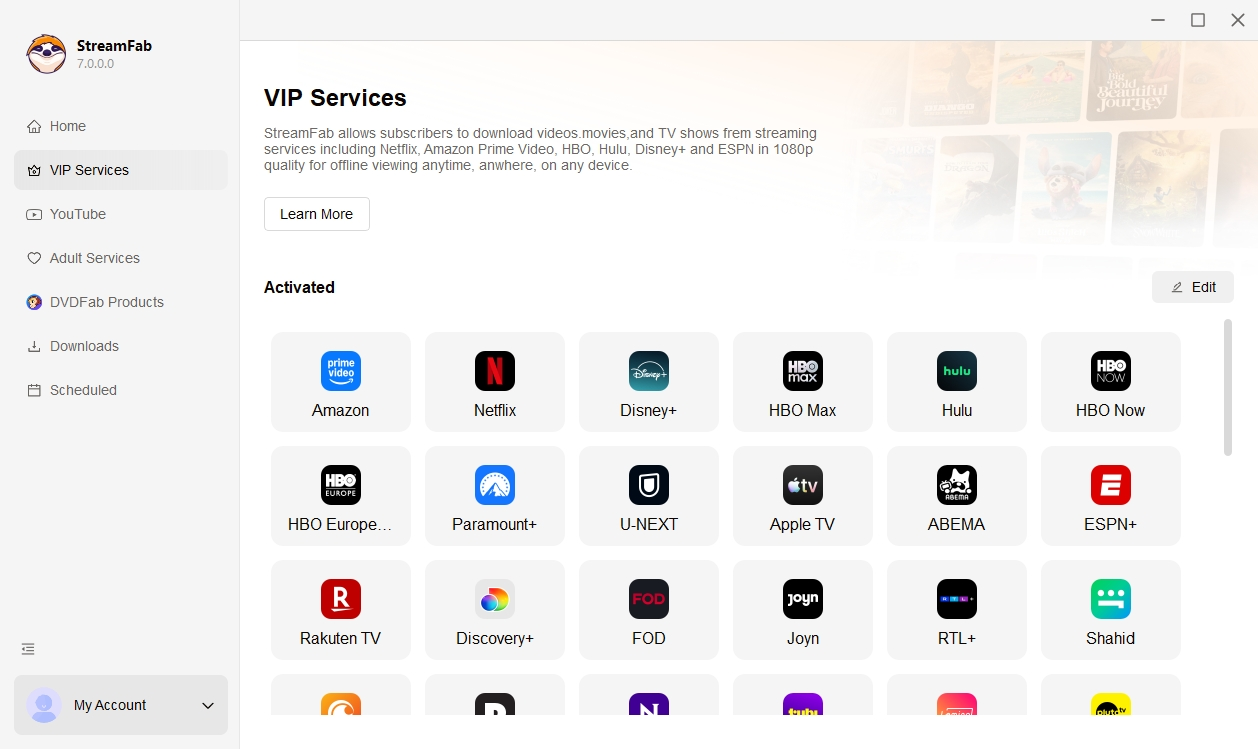
Install StreamFab on your Windows or Mac computer, open it, and click the Amazon module from the streaming services panel.

Step 2. Browse and Choose Your Video

Use the built-in browser to log into your Amazon account, find the video you want, and start playback. StreamFab will automatically detect and analyze the stream.

Step 3. Save Your Video

Choose your preferred resolution, audio track, and subtitle options, then click Download Now or add the video to your queue for batch processing.

System Requirements

Icon
Windows 11/10 (32/64 bit)
Intel i3 or above
4GB of RAM or above
40GB of free hard disk space or above
Live Internet connection required

Tips & Tricks for Amazon Prime Video Download

  • TOP 7 Verified Amazon Video Downloader Reviews on Win & Mac 2026
    TOP 7 Verified Amazon Video Downloader Reviews on Win & Mac 2026

    Wanna have a more flexible offline viewing experience on Amazon Prime? What are these Amazon Video downloaders? How can they help us? Which is the best for you? This latest selected the top 7 popular Amazon video downloaders and reviewed their output video quality, audio codec, and using experience.

    By Nicole Lopez - Mar 25, 2026
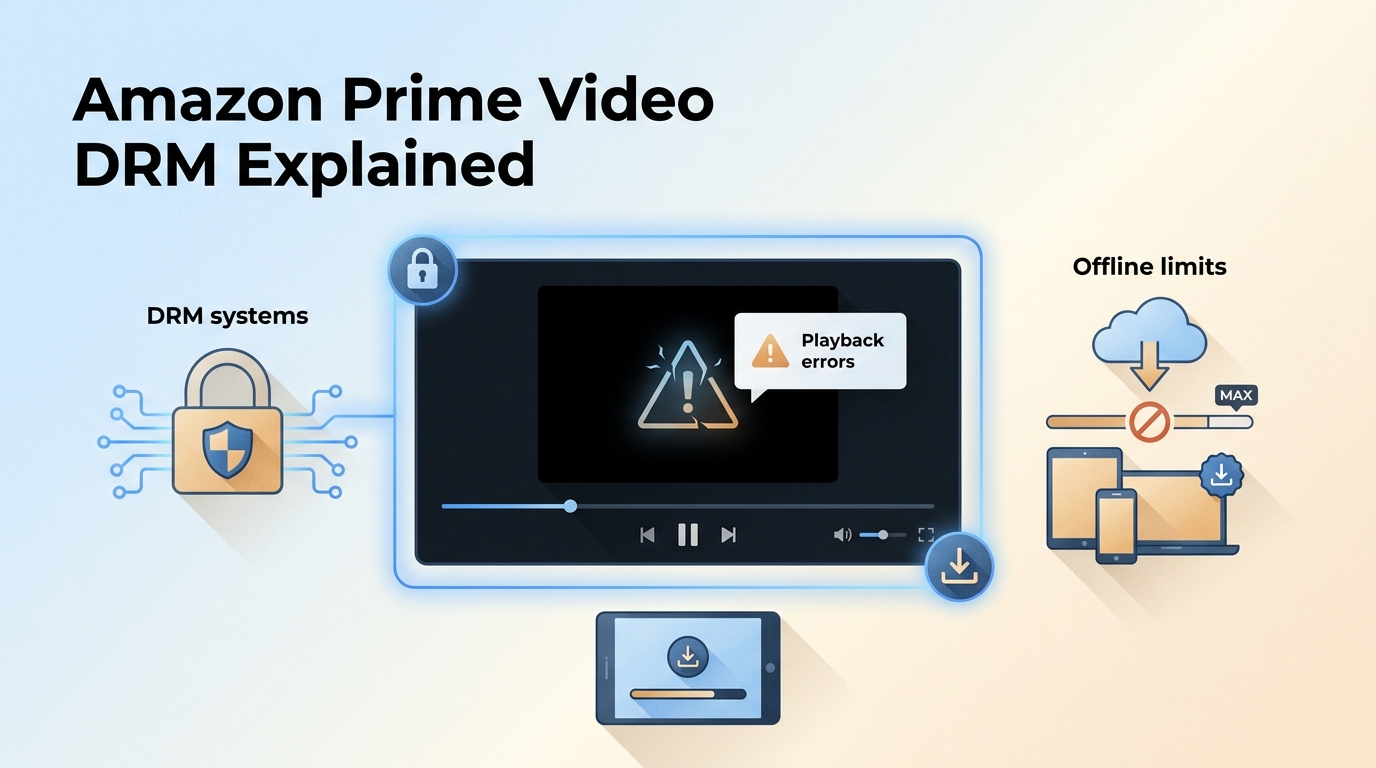
  • Amazon Prime Video DRM: Real Reasons It Fails and Safe Ways to Remove
    Amazon Prime Video DRM: Real Reasons It Fails and Safe Ways to Remove

    Amazon Prime Video protects all its content with DRM, which means you can’t freely keep or transfer downloads using the official app. This article explains what Amazon Prime DRM is and why it limits offline viewing. We then test a solution to save Amazon Prime videos locally for flexible playback.

    By Marcia Hatcher - Feb 4, 2026
  • 4 Methods to “Rip” Amazon Prime Video on Computer with Custom Settings
    4 Methods to “Rip” Amazon Prime Video on Computer with Custom Settings

    Amazon Prime Video’s official download feature has many limitations: limited quantity, short validity period, and no direct PC support. I’ve tested four methods for safely saving Amazon videos locally for personal and family offline viewing during a valid subscription.

    By Nicole Lopez - Feb 4, 2026
Fair Use Policy: StreamFab is legal only for personal needs and it's not allowed to share the downloaded content with any third party. 

To avoid being blocked by streaming providers, a StreamFab licensed account has a quota of 100 downloads per day, and 700 downloads per week from each supported streaming service. Whenever some of it is used up, it will refill during the next time cycle. Amazon Extra Download Pack allows you to increase your daily download limit from 100 to 200 videos, ideal for users with higher download demands. You can purchase it to enjoy extended download capacity and smoother downloading experience.