StreamFab Fandango Downloader for Browser
Watch your Fandango purchases offline, anytime. StreamFab captures 4K HDR video and lossless 5.1 audio directly through your browser—no extra software needed.
Also Available on:Desktop SoftwareLast Update: Jul 8, 2026
100% Safe & Clean

Download Fandango videos right in your browser

4K HDR, EAC3 5.1 surround sound quality

Batch download your entire Fandango library
Why You Need StreamFab Fandango Downloader for Browser
True Ownership
Your Purchases, Yours to Keep Forever
You paid for those movies on Fandango—but can you actually watch them offline, anytime, without an internet connection? Streaming libraries shift. Licenses expire. Titles disappear without warning.
StreamFab Fandango Downloader for Browser solves that. It captures your purchased content directly through your browser as it plays, saving each video as a local MP4 or MKV file. Backed by DVDFab's 20+ years of multimedia technology, StreamFab delivers bit-accurate downloads with no quality loss. Once saved locally, your Fandango movies are yours permanently—viewable on any device, on any flight, in any room of your house, forever.
StreamFab Fandango Downloader for Browser solves that. It captures your purchased content directly through your browser as it plays, saving each video as a local MP4 or MKV file. Backed by DVDFab's 20+ years of multimedia technology, StreamFab delivers bit-accurate downloads with no quality loss. Once saved locally, your Fandango movies are yours permanently—viewable on any device, on any flight, in any room of your house, forever.

Proven Reliability
Built on 20+ Years of Multimedia Trust
Have you ever tried other browser download tools, only to end up with watermarked clips, corrupted files, or videos that stopped working after a platform update?
With StreamFab, that frustration ends. DVDFab has been developing multimedia software since 2003—over 20 years of keeping pace with every streaming platform update, every codec shift, every evolution. StreamFab Fandango Downloader for Browser undergoes weekly updates to ensure compatibility, so the tool that works today keeps working next month. Millions of users trust DVDFab products for exactly this reason: consistent, reliable performance every time.
With StreamFab, that frustration ends. DVDFab has been developing multimedia software since 2003—over 20 years of keeping pace with every streaming platform update, every codec shift, every evolution. StreamFab Fandango Downloader for Browser undergoes weekly updates to ensure compatibility, so the tool that works today keeps working next month. Millions of users trust DVDFab products for exactly this reason: consistent, reliable performance every time.

Browser Native
Download Without Leaving Your Browser
Most download tools ask you to install heavy desktop software, learn complicated settings, or jump through technical hoops just to save a single video. That's not how it should be.
StreamFab Fandango Downloader for Browser works right inside your existing browser. Install the extension, browse Fandango as you always do, and StreamFab detects and captures your content automatically as it streams. No separate application window, no VPN, no screen recording, no quality compromise. The entire download process happens invisibly in the background—simple, clean, and exactly as fast as your internet connection allows.
StreamFab Fandango Downloader for Browser works right inside your existing browser. Install the extension, browse Fandango as you always do, and StreamFab detects and captures your content automatically as it streams. No separate application window, no VPN, no screen recording, no quality compromise. The entire download process happens invisibly in the background—simple, clean, and exactly as fast as your internet connection allows.
Uncompromising Download Quality
4K + EAC3 Audio
Premium Picture & Sound in One Download
You're not just downloading a video—you're downloading the complete audiovisual experience. StreamFab Fandango Downloader for Browser captures every dimension of quality your purchased content deserves, in a single browser session.
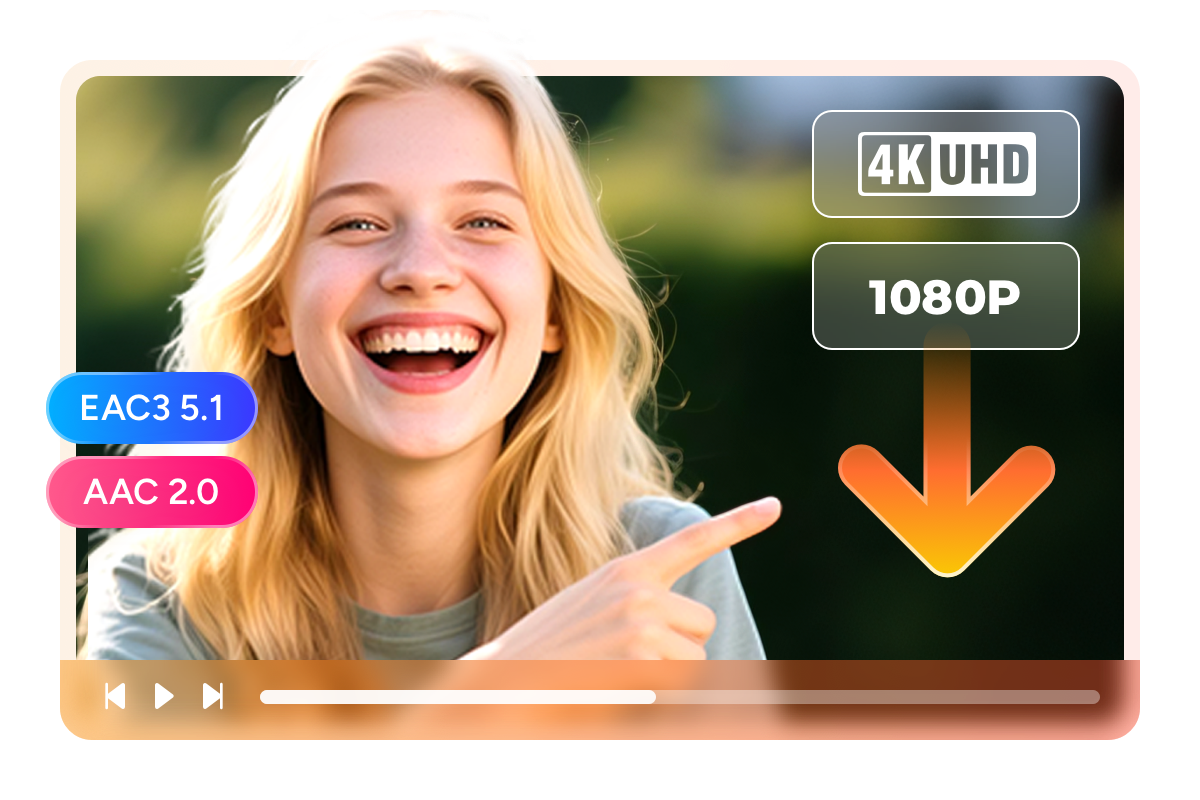
On the video side, StreamFab downloads at up to 4K UHD (2160p) for supported titles, or Full HD 1080p when 4K isn't available—preserving the original picture quality without re-encoding. On the audio side, EAC3 5.1 surround sound at 640kbps is captured intact for Dolby Digital Plus titles, bringing theater-grade multi-channel audio to your local file. Standard content saves with AAC 2.0 stereo at 192kbps. Every pixel, every audio channel—exactly as DVDFab's 20+ years of multimedia expertise would have it.
On the video side, StreamFab downloads at up to 4K UHD (2160p) for supported titles, or Full HD 1080p when 4K isn't available—preserving the original picture quality without re-encoding. On the audio side, EAC3 5.1 surround sound at 640kbps is captured intact for Dolby Digital Plus titles, bringing theater-grade multi-channel audio to your local file. Standard content saves with AAC 2.0 stereo at 192kbps. Every pixel, every audio channel—exactly as DVDFab's 20+ years of multimedia expertise would have it.
MP4 / MKV
Save in the Format That Fits Your Setup
Your downloaded video is only as useful as its compatibility with the devices you own. StreamFab Fandango Downloader for Browser lets you choose between two industry-standard container formats—so your files work anywhere you want to watch.
MP4 is the universal choice. Apple TV, Chromecast, Roku, smart TVs, iPhones, Android devices, and gaming consoles all play MP4 natively—no converting, no buffering. MKV offers more room for complexity: multiple audio tracks, embedded multilingual subtitles, full HDR metadata, and chapter markers all fit inside a single file without limitations. Whether you're building a Plex library, loading content onto a tablet for travel, or archiving to a NAS, StreamFab saves your Fandango content in the format that works best for you.
MP4 is the universal choice. Apple TV, Chromecast, Roku, smart TVs, iPhones, Android devices, and gaming consoles all play MP4 natively—no converting, no buffering. MKV offers more room for complexity: multiple audio tracks, embedded multilingual subtitles, full HDR metadata, and chapter markers all fit inside a single file without limitations. Whether you're building a Plex library, loading content onto a tablet for travel, or archiving to a NAS, StreamFab saves your Fandango content in the format that works best for you.

H.264 / H.265 & HDR
Choose Your Codec—and Keep Your HDR
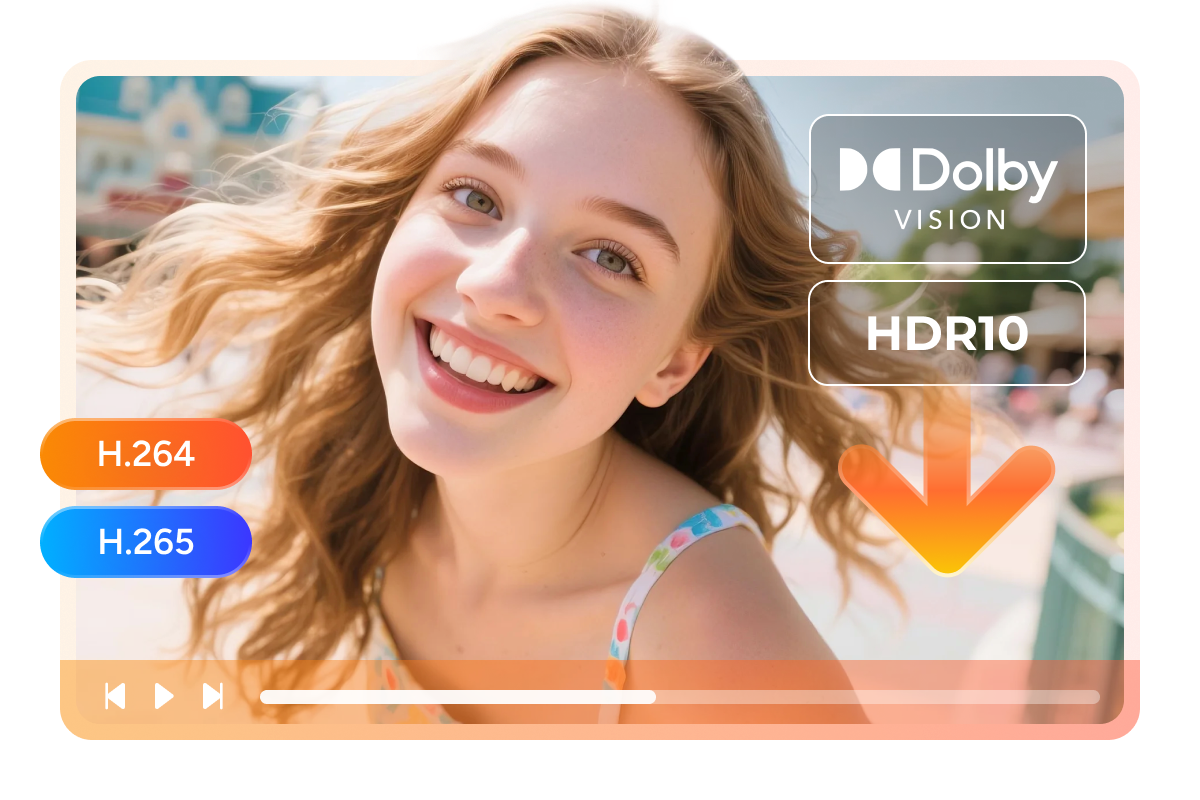
Not all devices handle every codec equally. StreamFab Fandango Downloader for Browser gives you both H.264 (AVC) and H.265 (HEVC) encoding options, so you can match the output to your playback environment—and it preserves HDR10 and Dolby Vision metadata for titles that support it.
H.264 is the compatibility standard—supported universally by every modern device, browser, and smart TV with zero playback friction. H.265 delivers the same visual quality at roughly half the file size, making it ideal for 4K content where storage efficiency matters. For HDR and Dolby Vision titles, StreamFab retains the full dynamic range metadata through H.265 HEVC encoding, so your downloaded movies display correctly on any HDR-capable TV or monitor. Cinema-grade color science, saved locally.
H.264 is the compatibility standard—supported universally by every modern device, browser, and smart TV with zero playback friction. H.265 delivers the same visual quality at roughly half the file size, making it ideal for 4K content where storage efficiency matters. For HDR and Dolby Vision titles, StreamFab retains the full dynamic range metadata through H.265 HEVC encoding, so your downloaded movies display correctly on any HDR-capable TV or monitor. Cinema-grade color science, saved locally.
Subtitle Download
Download Subtitles With Every Video
Watching foreign-language films, animated features for the kids, or anything where you need captions—subtitles are non-negotiable. Losing them in a download is genuinely frustrating.
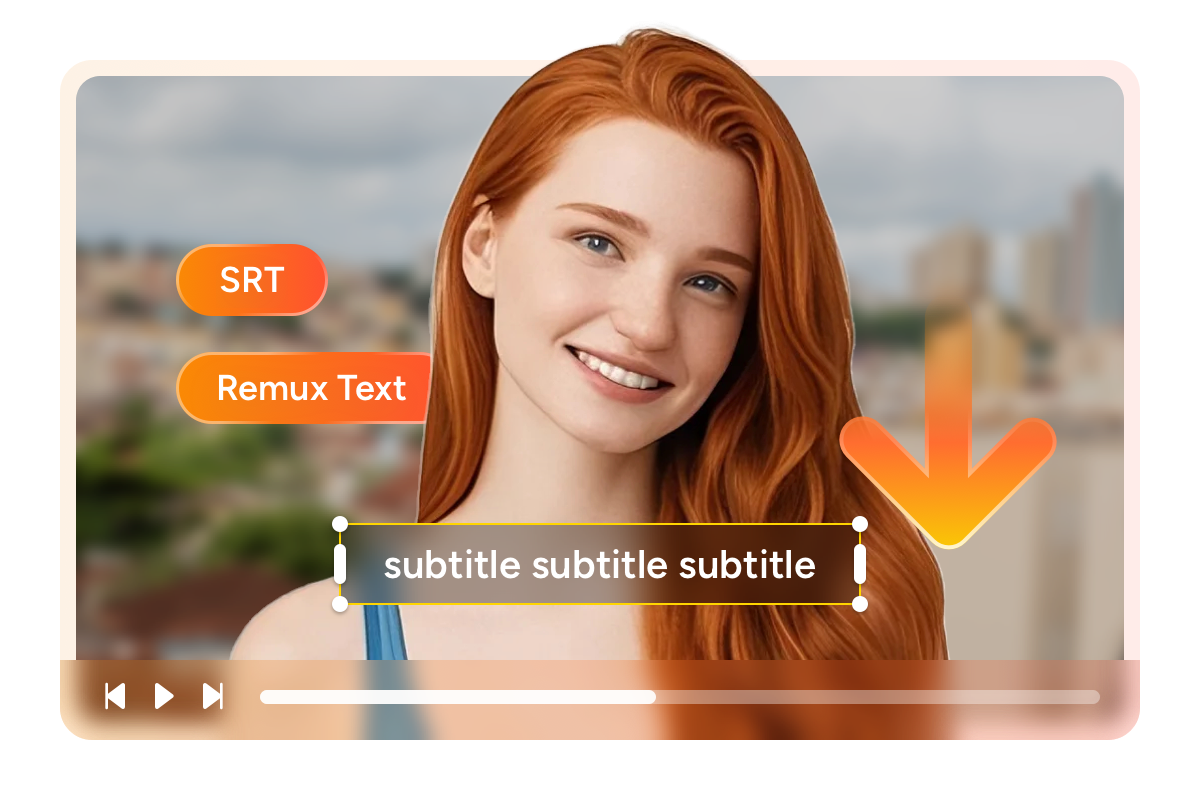
StreamFab Fandango Downloader for Browser automatically detects and saves subtitle tracks alongside your downloaded videos. Choose to save them as separate SRT files for maximum compatibility, or mux them directly into the MP4 or MKV container so they travel with the video. Multiple subtitle languages are supported where available, so your entire household can watch in the language that works best for them.
StreamFab Fandango Downloader for Browser automatically detects and saves subtitle tracks alongside your downloaded videos. Choose to save them as separate SRT files for maximum compatibility, or mux them directly into the MP4 or MKV container so they travel with the video. Multiple subtitle languages are supported where available, so your entire household can watch in the language that works best for them.
More Ways to Download Smarter

Queue Your Entire Fandango Library
Add multiple movies or episodes to the queue and download them all at once. StreamFab handles everything automatically while you step away.

Watch Without Interruption
Downloaded Fandango files play completely ad-free. No pre-roll, no mid-roll breaks—just the movie or show you paid for.
Build a Perfect Local Library
Download Metadata
Download Titles, Covers, and Cast Info
A downloaded movie is only half the picture. Without proper metadata—title, year, genre, cast, synopsis, and cover art—your local library becomes a disorganized folder of files that's hard to browse.
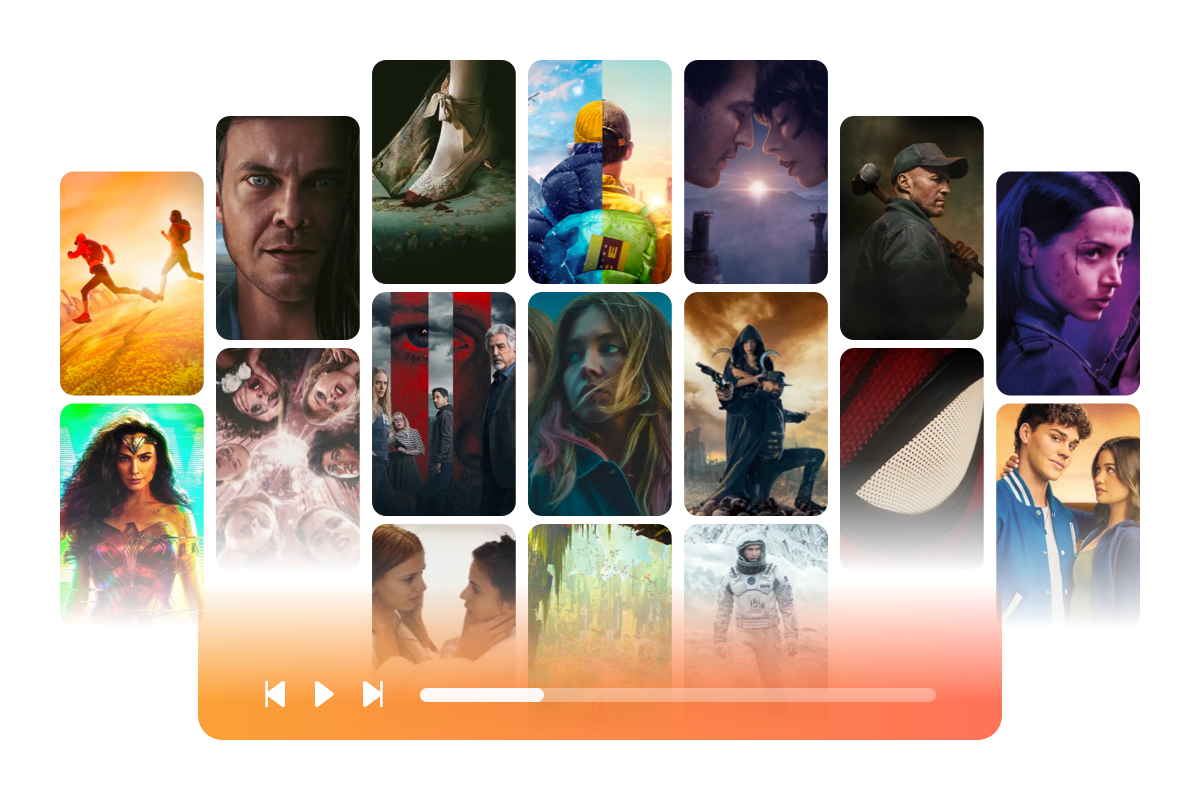
StreamFab Fandango Downloader for Browser automatically downloads the full metadata package alongside each video. Your movies appear in Plex, Infuse, Emby, or any media server exactly as they should: properly named, categorized, and illustrated with official poster art. Build a well-organized local library that works completely offline, anytime you want to watch.
StreamFab Fandango Downloader for Browser automatically downloads the full metadata package alongside each video. Your movies appear in Plex, Infuse, Emby, or any media server exactly as they should: properly named, categorized, and illustrated with official poster art. Build a well-organized local library that works completely offline, anytime you want to watch.
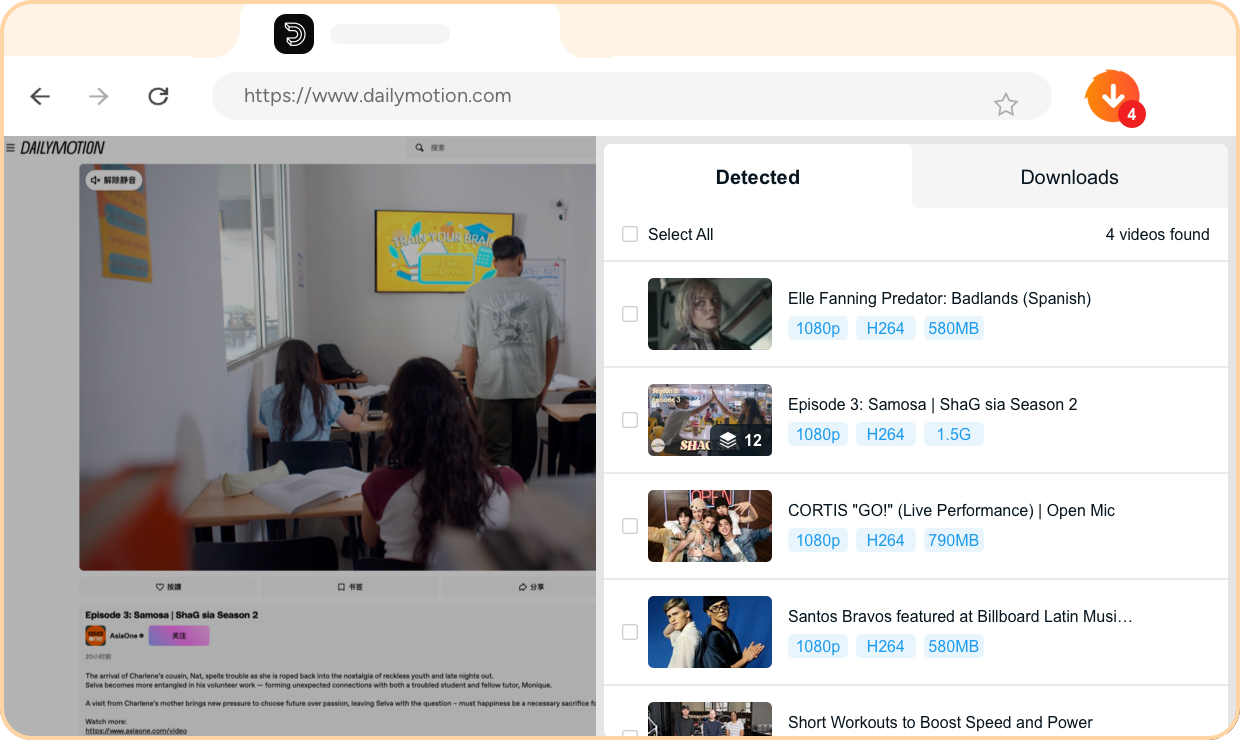
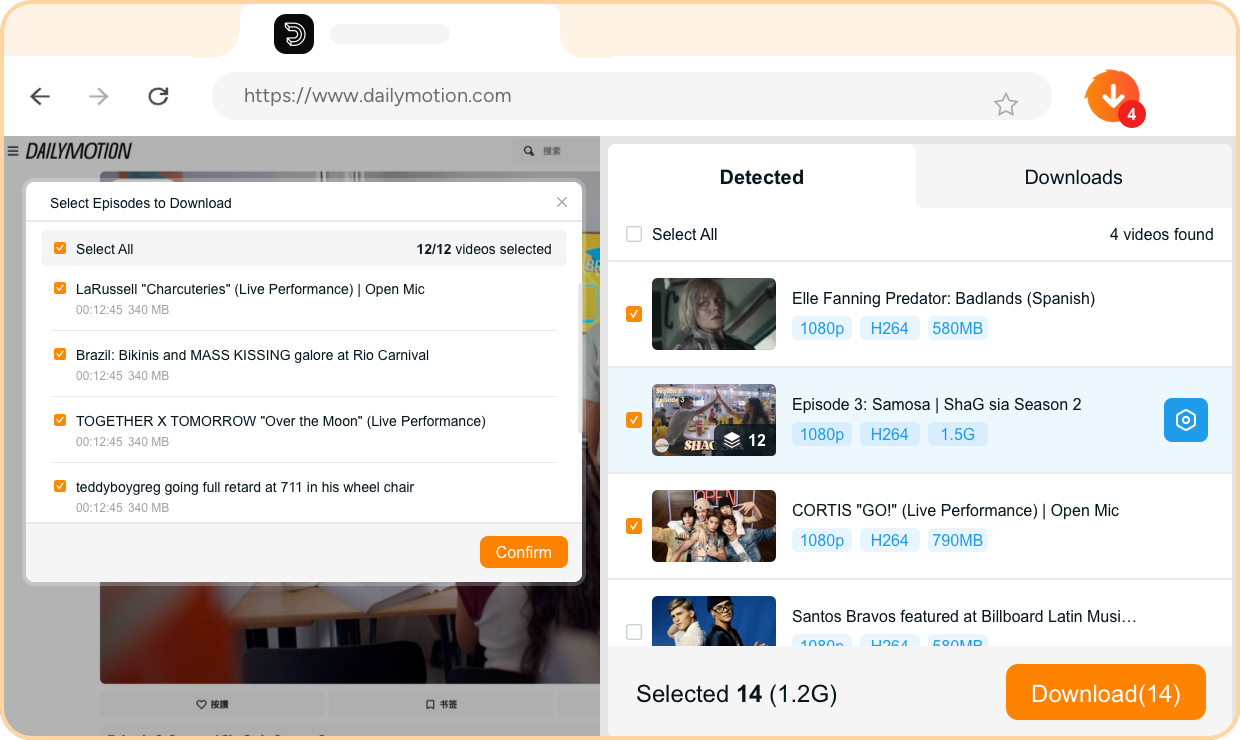
Step 1. Install the StreamFab Browser Extension
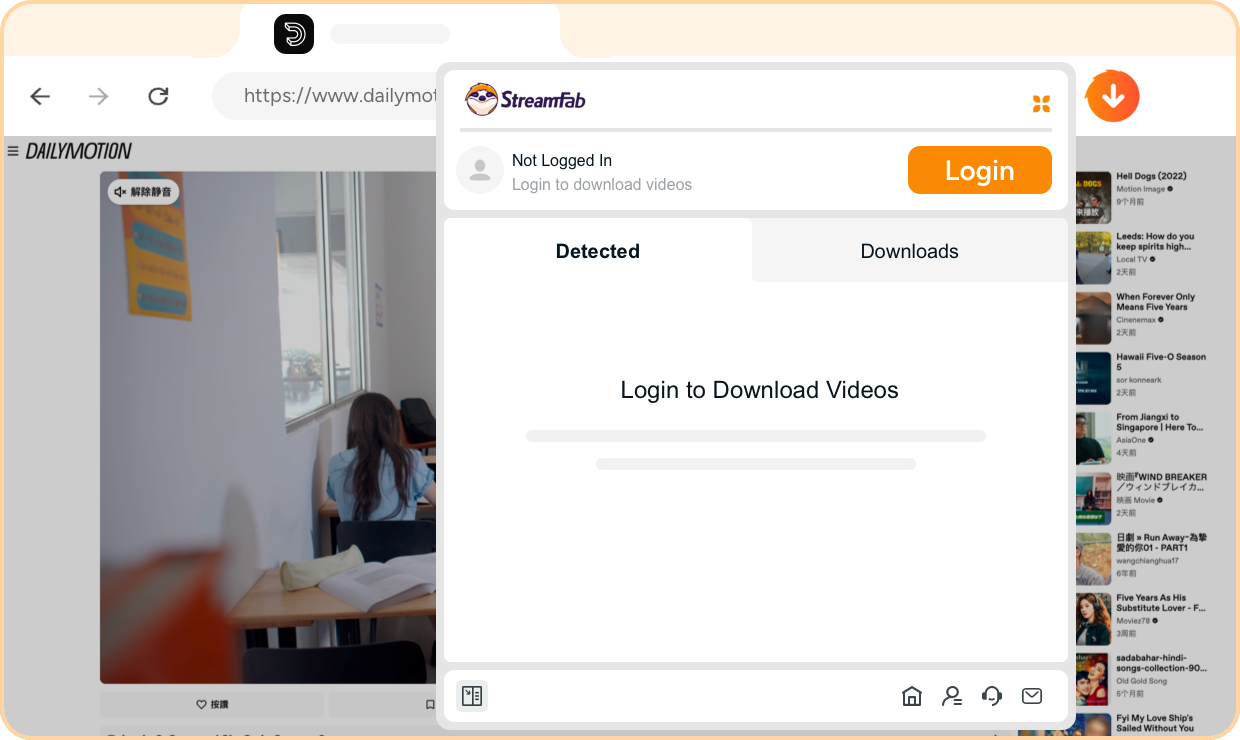
Add StreamFab Fandango Downloader for Browser from the extension store. Then install the companion CoApp on your computer to enable high-quality local saving.
Step 2. Install the CoApp Companion
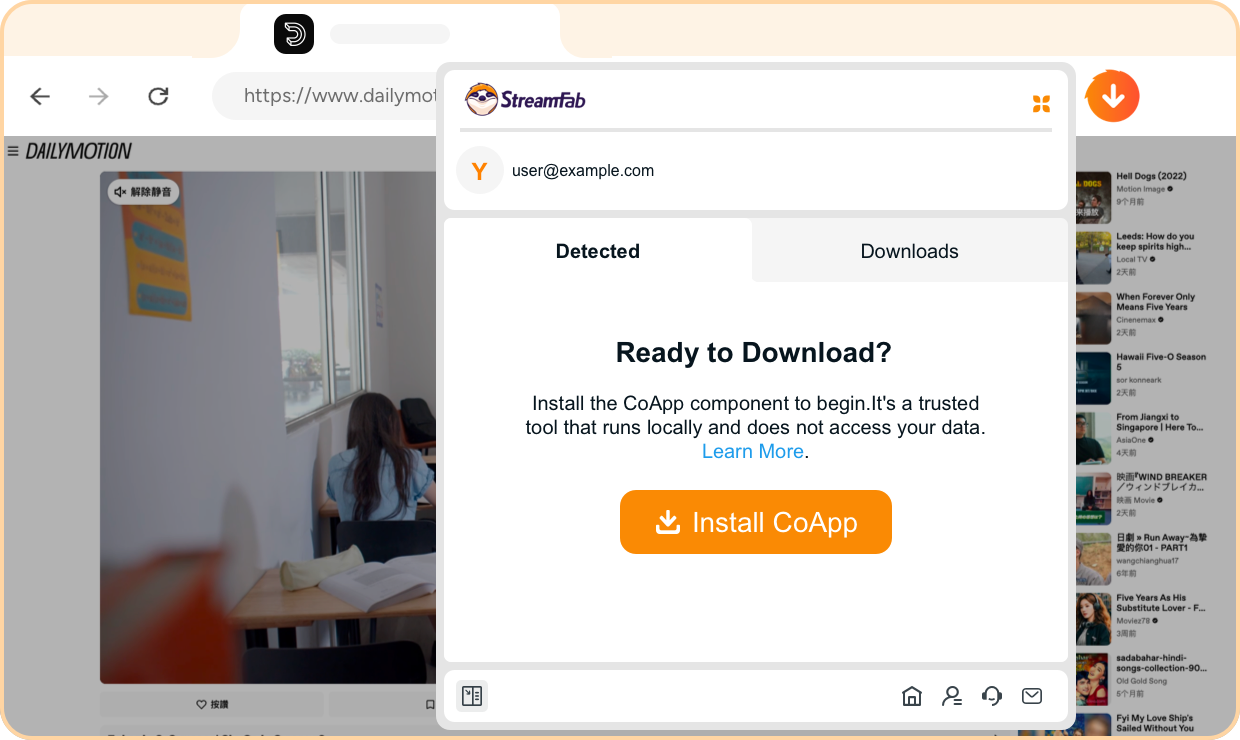
Download and run the StreamFab CoApp installer. CoApp works alongside the browser extension to handle local file writing and format muxing.
Step 3. Open Fandango and Start Playing
Browse Fandango in your browser and log in. Navigate to any title and start playback—StreamFab detects the video automatically.
Step 4. Choose Settings and Download
A download panel appears with your quality options. Select resolution, audio, subtitles, and format (MP4 or MKV), then click Download. Your file saves locally in the background.
System Requirements

Windows 11/10 (32/64 bit)
Intel i3 or above
4GB of RAM or above
40GB of free hard disk space or above
Live Internet connection required
Microsoft Edge 88 or above
Google Chrome (Chromium) 88 or above