





• Download ITVX videos from worldwide

    Watch ITVX content anywhere in the world

  • Save new ITVX episodes at scheduled time

    Auto-download new ITVX episodes on your schedule

  • Preserve ITVX broadcast quality in universally compatible MP4 or MKV format

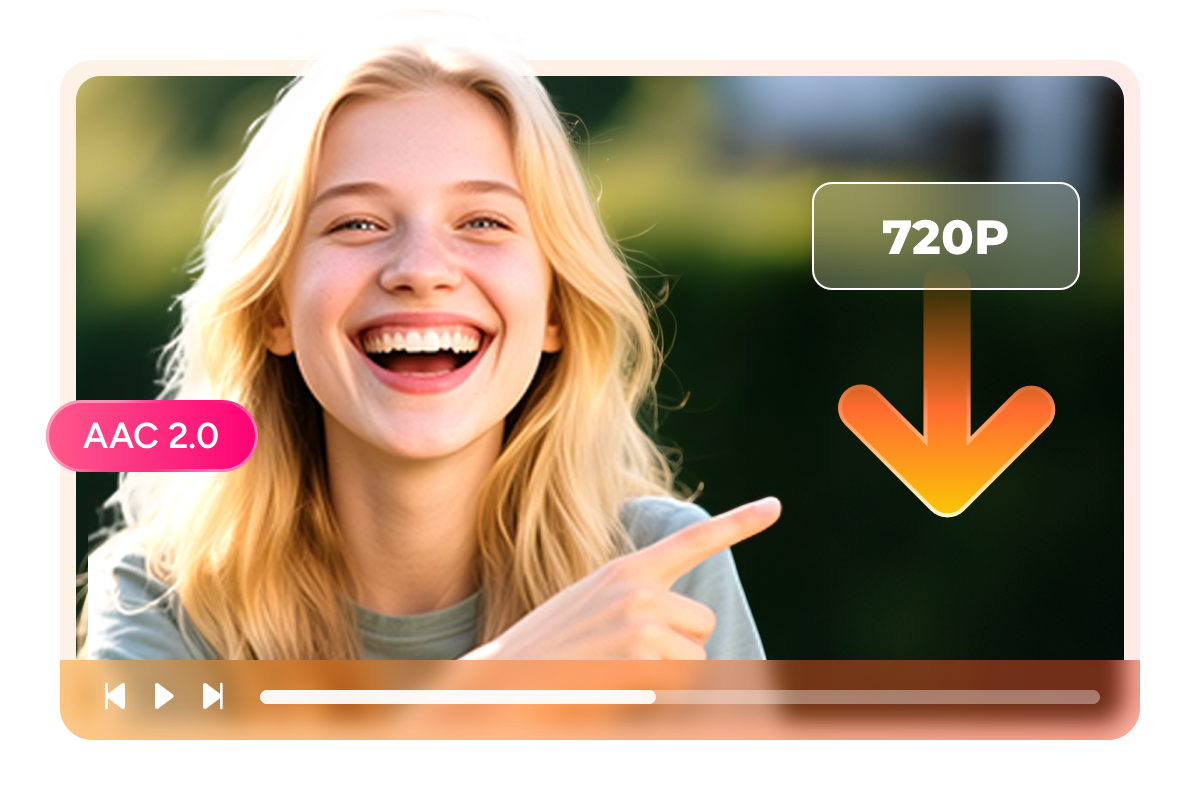
    720p HD quality with original AAC audio

  • Browse and download directly within StreamFab, no switching between apps

    Built-in browser for seamless ITVX access

Why British TV Fans Choose StreamFab

Advanced Technology

30-Day Expiry? 48-Hour Viewing Window? Not Anymore

If you have ever saved an episode on the ITVX app only to find it vanished before your weekend binge, you know the frustration. ITVX downloads expire after 30 days, and once you press play, a 48-hour countdown begins. For commuters catching shows on the morning train, parents saving programmes for long car journeys, or travellers wanting entertainment on flights abroad, these restrictions make reliable offline viewing nearly impossible. 

StreamFab ITVX Downloader creates permanent local copies that stay on your device forever. No expiry dates, no countdown timers, no surprises. Built on DVDFab technology refined over 20+ years, the software receives weekly updates to maintain compatibility as ITVX evolves its platform.

download ITVX videos
Reliable and Verified

Backed by 80+ Million Users and Two Decades of Video Expertise

When downloading copyrighted content for personal use, software reliability and security matter. StreamFab comes from the DVDFab team, a video software company operating since 2003. Over 80 million users worldwide trust DVDFab products, and the StreamFab engine has been downloaded more than 100 million times. The installer is 100% virus-free, verified by major antivirus vendors, and contains no bundled adware, toolbars, or third-party software.

Your ITVX login credentials are processed locally through an encrypted browser session and never transmitted to external servers. Our dedicated QA team tests every weekly update against ITVX before release, ensuring a 99% download success rate. If you ever encounter an issue, our support team responds within 48 hours. And if StreamFab does not meet your expectations, monthly plans include a 7-day money-back guarantee, while yearly and lifetime licences offer 14 days.

ITVX video download

Preserve ITVX Quality Exactly As Broadcast

Original Broadcast Quality

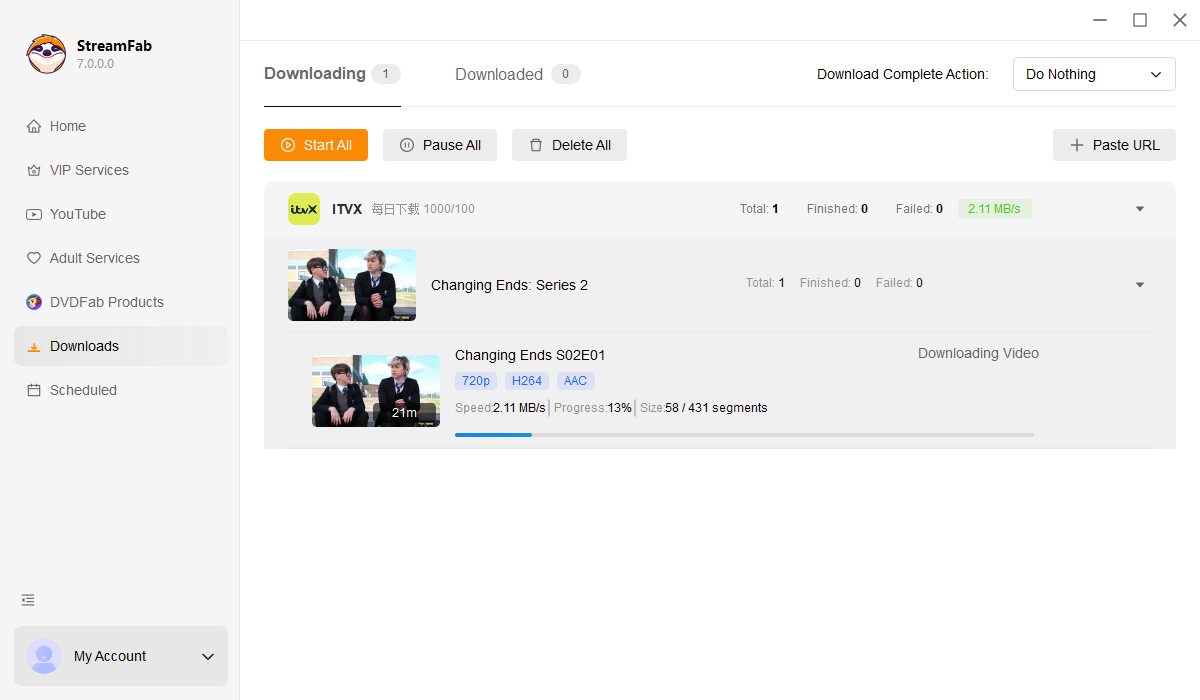
720p HD with 192 kbps AAC 2.0: Exactly What ITVX Streams

ITVX broadcasts at 720p HD using the H.264 codec, with audio delivered in AAC 2.0 stereo at 192 kbps. Many download tools re-encode the video to save space, introducing compression artefacts that blur fine details in period dramas or muddy dialogue in crowded pub scenes. 

StreamFab takes a different approach. The software captures the original ITVX stream directly, preserving every frame at the native bitrate without re-encoding. The result is a local file indistinguishable from streaming, perfect for watching on your living room TV, tablet on the commute, or laptop on holiday.

720p video quality comparison showing StreamFab preserving original ITVX bitrate
Universal Compatibility

MP4 for Every Device, MKV for Media Centres

The question of file format comes down to how you watch. MP4 is the universal standard: it plays on iPhones, Android phones, Amazon Fire Sticks, smart TVs, and virtually any device manufactured in the last decade. If you want to transfer programmes to a tablet for the kids or share with family members on different devices, MP4 is the safest choice. 

MKV offers more flexibility for home theatre enthusiasts using media servers like Plex, Kodi, or PlayerFab. MKV containers handle embedded subtitles and rich metadata more elegantly, making library organisation effortless. StreamFab lets you set your preferred format once in Settings; every future download follows your choice automatically.

MP4 and MKV format options for different device compatibility
Subtitles Your Way

Separate SRT Files or Embedded, Your Choice

British television features a wonderful variety of regional accents, from Glaswegian to Geordie, Scouse to West Country. Subtitles help ensure you catch every word of dialogue, and they are essential for viewers who are deaf or hard of hearing. 

StreamFab preserves ITVX subtitles in two ways. Download them as separate SRT files to toggle on and off in any media player, or embed them directly into MKV containers so they appear automatically. Either way, the timing synchronisation is preserved exactly as ITVX intended.

Subtitle options showing SRT file and embedded subtitle modes

Download Smarter, Not Harder

Auto-download schedule settings for weekly ITVX series

Never Miss a New Episode of Your Favourite Series

Auto-download ITVX videos including the newest episodes at a scheduled time
Batch download queue showing multiple ITVX episodes downloading simultaneously

Queue Entire Series for Overnight Download

Save multiple ITVX videos at once with bulk download mode at super fast speed
Ad removal feature comparison showing clean playback vs ad interruptions

Watch Ad-Free Without Paying £71.88 a Year

Remove ads when downloading movies and TV shows from ITVX

Organise Your Personal ITVX Library

Media Server Ready

Automatic Metadata for Plex, Kodi, and PlayerFab

A growing collection of downloaded programmes quickly becomes unmanageable without proper organisation. StreamFab automatically retrieves and embeds comprehensive metadata for every download: programme titles, series and episode numbers, original broadcast dates, cast information, synopses, and cover artwork. 

This metadata is essential for media servers. Plex, Kodi, Jellyfin, and PlayerFab all read embedded metadata to generate rich browsing interfaces and enable search. Instead of a folder full of cryptically named files, your ITVX collection presents itself as a professionally organised archive, searchable by title, genre, or cast member.

Plex media library showing organised ITVX content with artwork and metadata

What British TV Fans Say About StreamFab

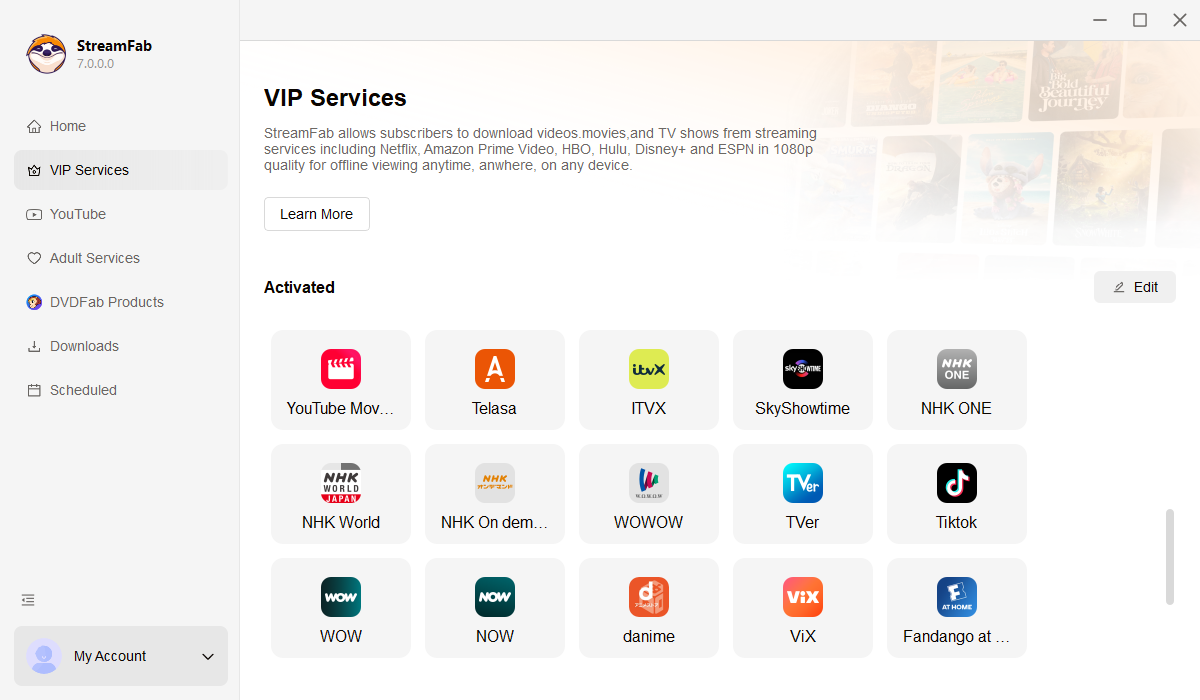
StreamFab VIP Services panel with ITVX Downloader highlighted
Step 1. Launch StreamFab and Open ITVX

After installing StreamFab, click the VIP Services tab on the left side of the interface. You will see ITVX listed among the supported streaming services. Click to open the built-in ITVX browser.

Step 2. Find and Play Your Programme

Log into your ITVX account (free or Premium) and browse to the programme you want to download. Play the video normally. StreamFab automatically detects and analyses the stream in the background.

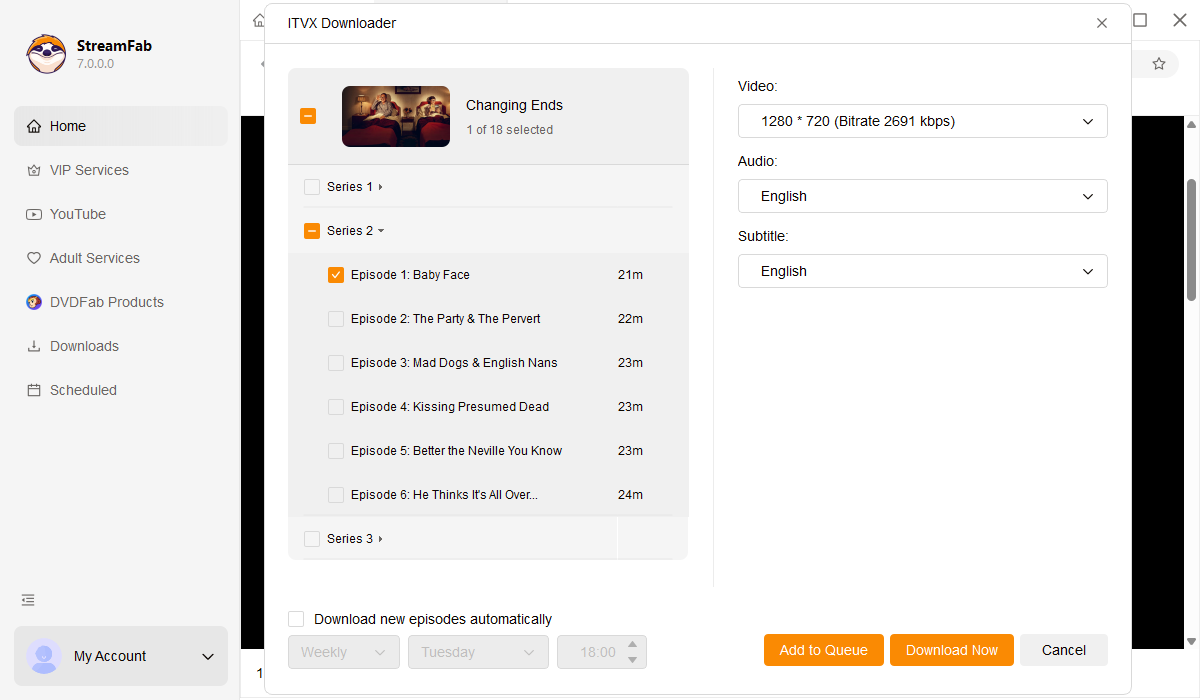
Step 3. Customise Settings and Download

When analysis completes, a download window appears. Choose your preferred video quality (720p or 480p), output format (MP4 or MKV), and subtitle options. Click Download Now to save the programme to your library.

System Requirements

Icon
Windows 11/10 (32/64 bit)
Intel i3 or above
4GB of RAM or above
40GB of free hard disk space or above
Live Internet connection required

Tips & Tricks for ITVX Videos Download
Fair Use Policy: StreamFab is legal only for personal needs and it's not allowed to share the downloaded content with any third party.

To avoid being blocked by streaming providers, a StreamFab licensed account has a quota of 100 downloads per day, and 700 downloads per week from each supported streaming service. Whenever some of it is used up, it will refill during the next time cycle.