• Download videos from all Roku regional sites

    Download Roku Channel videos from all available regions

  • Download new Roku videos at a scheduled time

    Auto-download new Roku episodes on a set schedule

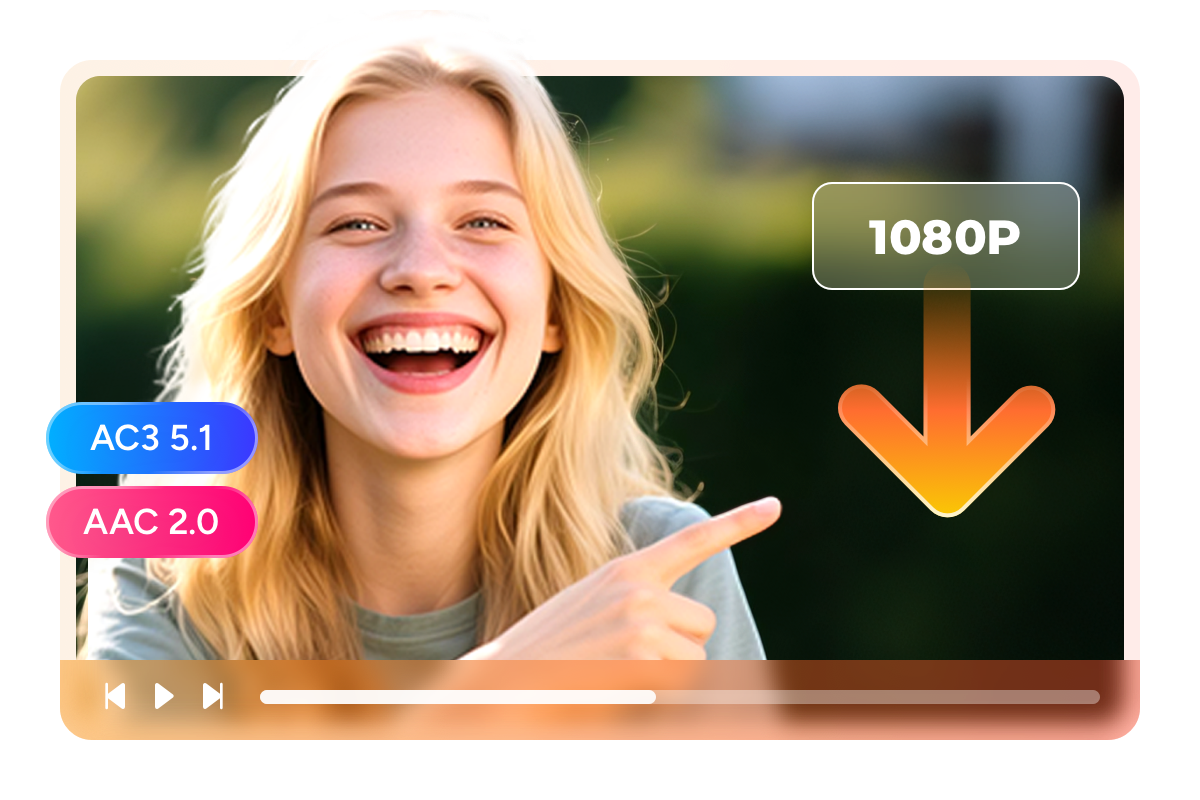
  • Download Roku videos in 1080p

    Save Roku videos in 1080p with AC3 5.1 surround audio

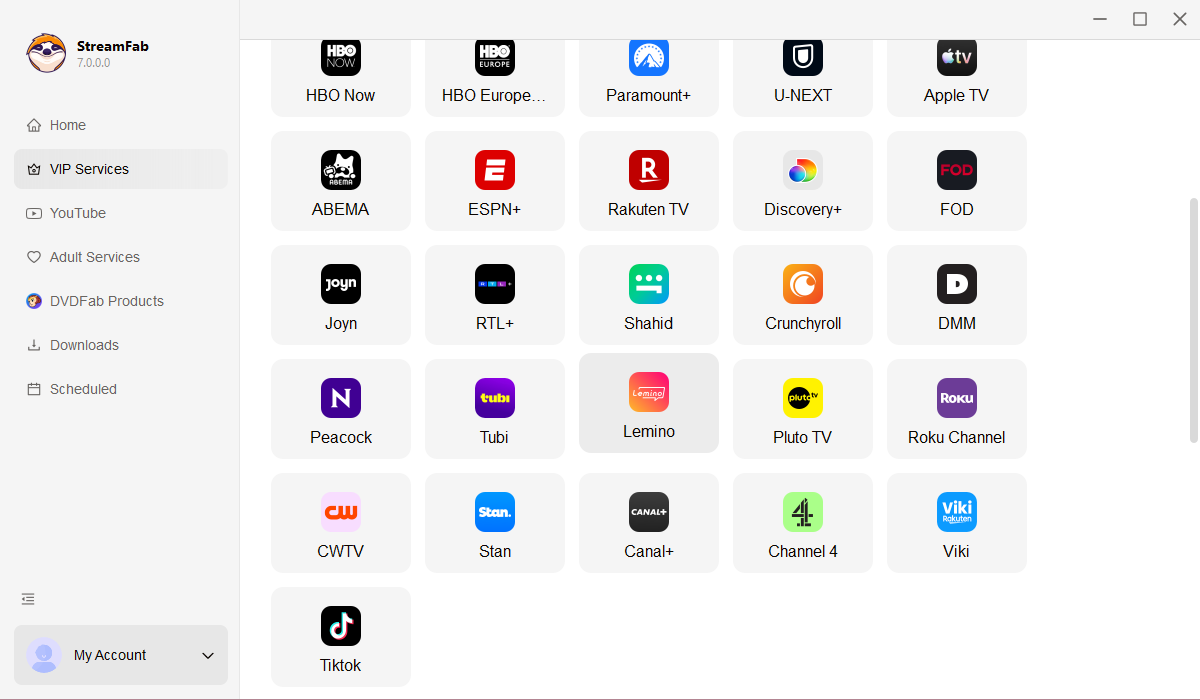
  • Explore Roku videos with its in-built browser

    Browse and discover Roku content with the built-in browser

Why Do You Need StreamFab?

Free content disappears without warning

Your favorite free Roku Channel movies can vanish overnight

You finally find a great movie on the Roku Channel — it is free, the quality looks solid, and you add it to your watchlist for the weekend. But when Saturday rolls around, the title is gone. No warning, no explanation. This happens constantly on free streaming platforms because their content depends on temporary licensing agreements with studios. When the deal expires, the movie disappears — and there is no guarantee it will ever return.


The Roku Channel rotates its library of 80,000+ titles regularly, and because the content is free and ad-supported, licensing deals tend to be shorter than those on paid platforms. DVDFab's StreamFab Roku Channel Downloader lets you save any title to your hard drive the moment you find it, so content rotation never costs you a film you wanted to watch.

On-demand videos come and go on streaming services
Enjoy Roku without limits

Watch Roku Channel content ad-free and offline — anytime you want

Imagine settling in for a movie night. You pick a film on the Roku Channel, hit play — and within the first ten minutes, a loud commercial break cuts in. Then another one fifteen minutes later. By the end of a two-hour movie, you have sat through over ten minutes of ads you cannot skip or fast-forward. Now imagine the same movie without a single interruption, playing smoothly from start to finish — even on a plane or in a cabin with no Wi-Fi.


That is exactly what StreamFab Roku Channel Downloader gives you. It downloads any Roku Channel video — free movies, Roku Originals, live TV recordings, kids' shows — and strips out every ad automatically. The result is a clean 1080p file with full AC3 5.1 surround sound, stored permanently on your device. Twenty years of DVDFab engineering make it reliable and effortless.

roku channel downloader

What Can StreamFab Do for Roku Channel Viewers?

Theater-quality video and audio

Watch your free Roku content in 1080p with cinema-grade AC3 5.1 surround sound

You love movies — and free movies on the Roku Channel sound like a great deal. But what if downloading them meant losing picture clarity or ending up with tinny, flat audio? That would defeat the purpose. StreamFab Roku Channel Downloader preserves the full quality you see and hear during streaming: 1080p HD video and AC3 5.1 surround sound with six discrete audio channels, including a dedicated subwoofer channel for deep bass.


Most free streaming platforms only offer stereo audio, but the Roku Channel is one of the few that delivers true 5.1 surround — and StreamFab captures every channel at the original bitrate. For titles that stream in stereo, AAC 2.0 at 192 kbps is also preserved. Whether you are watching on a home theater setup or through headphones on a laptop, the audio quality matches what you would hear streaming live.

roku channel video downloader
Multiple Format Available

Save Roku Channel videos as MP4 or MKV — your choice for any device

You have downloaded a great movie from the Roku Channel and want to watch it on your tablet during a flight, then later on the living room TV via USB. Will the file actually play on both? With StreamFab, the answer is always yes. MP4 format works on virtually every device made in the last decade — phones, tablets, laptops, smart TVs, and car entertainment systems all play it natively without extra apps.


If you are building a larger media library with a server like Plex or Jellyfin, MKV format is the better choice. MKV lets you embed both the AC3 5.1 surround track and the AAC 2.0 stereo track in one file, so your server can automatically send the right audio to each device. Both formats keep the original 1080p resolution without re-encoding.

Save Roku Channel downloads as MP4 or MKV files
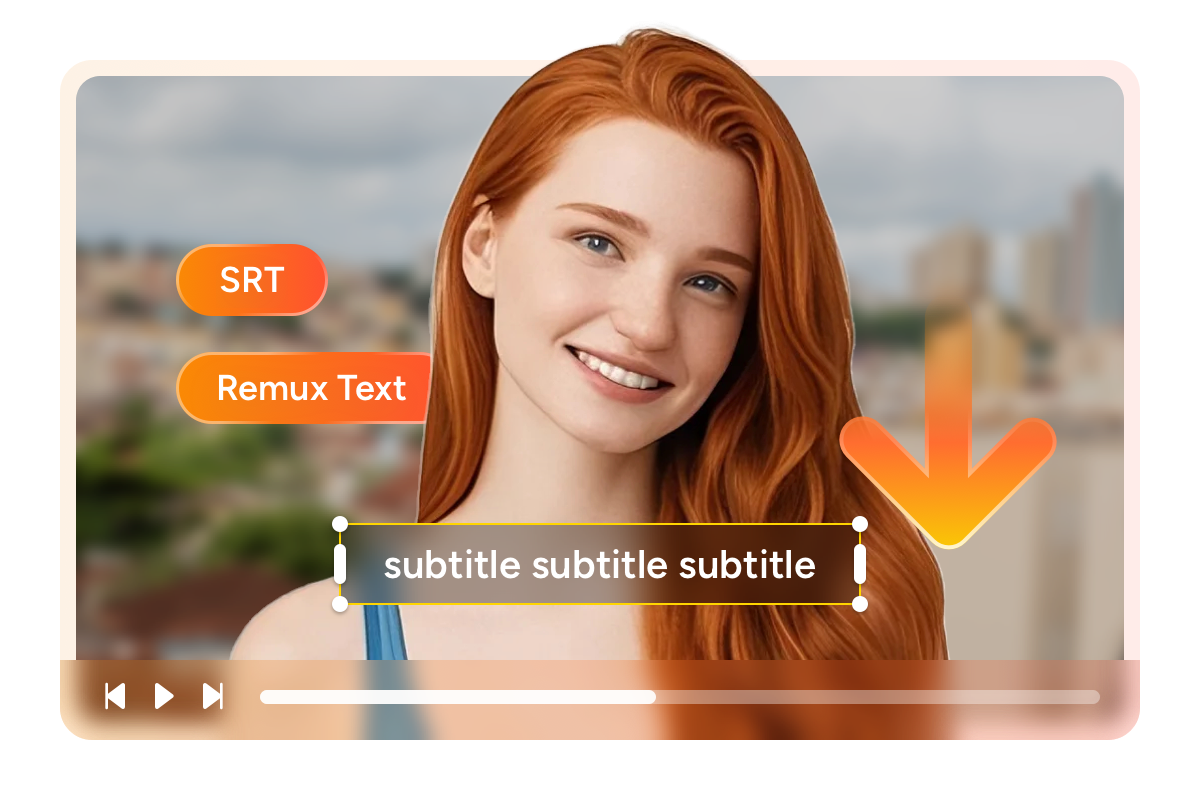
Save and Remux SRT Files

Save subtitles as external SRT files or remux them directly into the video — your choice

StreamFab Roku Channel Downloader gives you full control over how you manage and view your subtitles, offering two professional-grade options to fit your viewing habits.


Option 1: Remux Subtitles Directly Into the Video. If you prefer a clean, single-file setup, StreamFab can remux (embed) the subtitles directly into the MP4 or MKV container. They won’t be hardcoded (burned) onto the image, meaning you can still turn them on or off with a single click on your TV remote or media player, keeping your movie folder clutter-free.

Option 2: Save as External SRT Files. For those who use advanced media servers like Plex, Kodi, or VLC, saving subtitles as independent, external .srt files is the ultimate solution. This allows you to easily edit the text, adjust the font size and color, or fix timing sync issues on the fly. It also ensures maximum compatibility with older devices that might struggle to read embedded subtitle tracks.
free roku channel downloader

A Downloading Experience Built Around You

download as mp4

Schedule Mode and Auto Download

You are following a Roku Original series and new episodes drop weekly — but you keep forgetting to download them, or worse, they leave the catalog before you get around to it. StreamFab's auto-download feature monitors for new releases and captures them automatically on your chosen schedule, so every new episode is waiting for you ad-free.

download fast

Batch Mode and Fast Speed

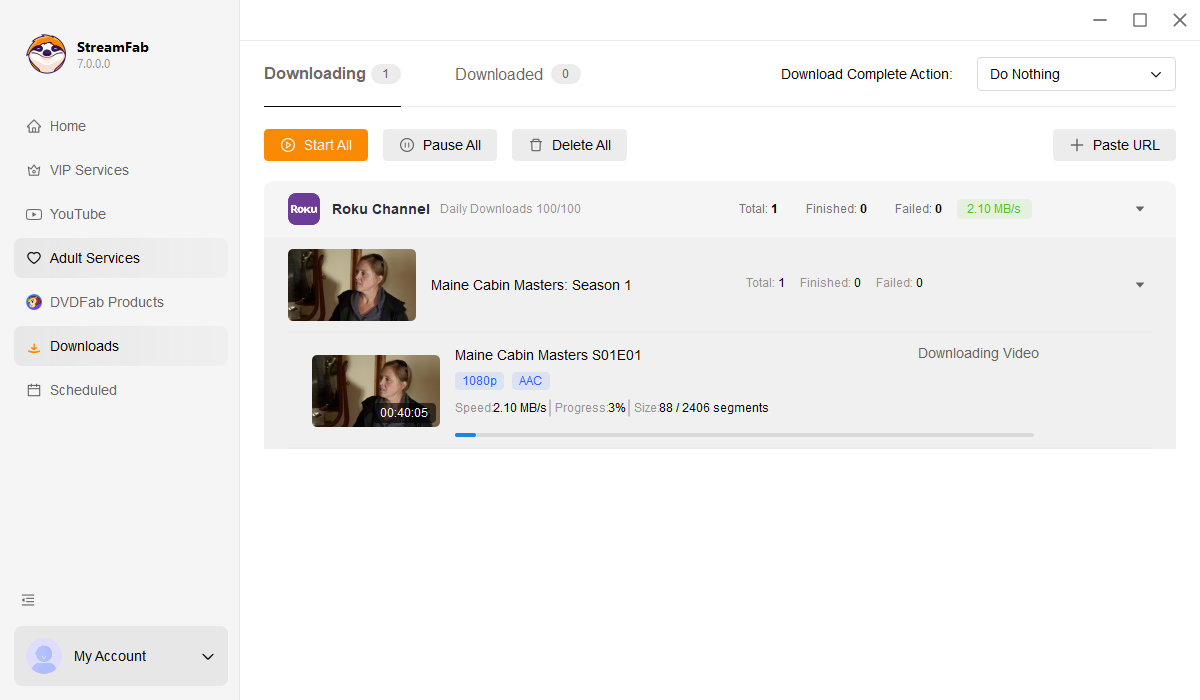
Planning a road trip and want to load up on entertainment? Instead of downloading Roku movies one by one, batch mode lets you queue an entire TV season or a dozen films and process them all at once. A full season of a Roku Original downloads in about 90 minutes to 2 hours at 1080p — ready to watch ad-free wherever you go.

download max shows subtitles

Preset Audio & Subtitle Language

Tired of manually selecting English audio and Spanish subtitles every single time? Set your preferred languages once in StreamFab, and every Roku Channel download — whether it is a single film or a batch of twenty — uses those settings automatically. If a title offers multiple audio tracks, you choose which one to keep.

download without ads

Remove Ads for All Plan Members

The Roku Channel is free, but the price you pay is sitting through ad breaks every 10 to 15 minutes — adding up to over 10 minutes of commercials per 2-hour film. StreamFab strips out every ad automatically during download. No manual editing, no extra steps. The file you get plays from beginning to end without a single interruption.

More Than Downloading

Save Metadata

Turn your downloaded Roku films into a beautifully organized personal library

You have downloaded fifty movies from the Roku Channel — but now they are just a jumble of files on your hard drive with meaningless names. Finding the one you want to watch tonight turns into a chore. StreamFab solves this by automatically saving metadata with every download: movie title, release year, genre, director, cast, season and episode numbering for series, and cover artwork.


Plug these files into a media server like Plex, Emby, or PlayerFab, and your collection transforms into a Netflix-style browsing experience — complete with poster art, genre categories, and proper episode ordering. It turns a folder of free Roku Channel downloads into a polished personal library.

download videos from roku channel

What Roku Channel Viewers Are Saying

Launch StreamFab Roku Channel Downloader
Step 1. Install StreamFab and Open Roku Channel Downloader

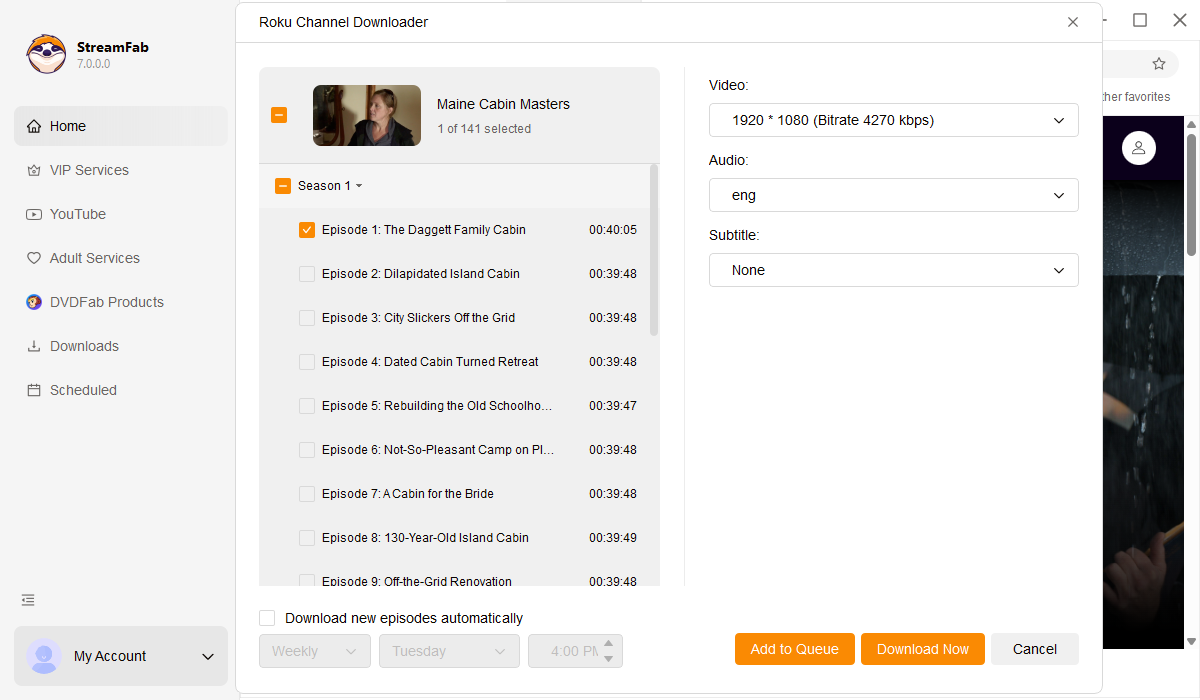
Download and install StreamFab on your Windows or Mac computer. Launch the program, click VIP Services in the left panel, and select the Roku Channel Downloader.

Step 2. Browse and Choose Your Roku Content

Use the built-in browser to explore the Roku Channel library. Search for or browse to the movie, Roku Original, or TV show you want to download.

Step 3. Download Ad-Free with One Click

Play the video and a download panel appears automatically. Select your preferred resolution, audio track, and format, then click Download Now. All ads are removed during the process — your file plays clean from start to finish.

System Requirements

Icon
Windows 11/10 (32/64 bit)
Intel i3 or above
4GB of RAM or above
40GB of free hard disk space or above
Live Internet connection required

Related Articles

Fair Use Policy: StreamFab is legal only for personal needs and it's not allowed to share the downloaded content with any third party.

To avoid being blocked by streaming providers, a StreamFab licensed account has a quota of 100 downloads per day, and 700 downloads per week from each supported streaming service. Whenever some of it is used up, it will refill during the next time cycle.