• Download videos from Stan

    Download videos from Stan

  • Auto-save new Stan episodes at the scheduled time

    Auto-save new Stan episodes at the scheduled time

  • Save Stan videos in 4K/1080p quality with EAC3 5.1 audio.

    Save Stan videos in 4K/1080p quality with EAC3 5.1 audio.

  • Explore Stan videos with its in-built browser

    Explore Stan videos with its in-built browser

Why do you need StreamFab?

Videos come and go

On-demand videos come and go on streaming services

Most on-demand videos on a streaming service, including Netflix, Prime Video, Max, and many others, come and go due to the licensing agreements between the streaming service and the studios that produce them.

The movies, TV shows, and other videos will be removed if the licensing agreement is due and not renewed. What’s more, if a title is gone, no one knows for sure whether or not it will come back in the future. It could be gone forever.
On-demand videos come and go on streaming services
Download all Stan videos

Download any video and TV show from Stan

As a loyal fan of Stan, have you ever had the experience of disconnecting from the Internet but still thirsting for a Stan movie or show. From now on, Stan Downloader can help you quench your thirst.

With the Stan Downloader, you can download any video from Stan, from newly released movies to TV shows you are binge-watching, to save for offline viewing.
stan downloader

What can StreamFab do?

Excellent Downloading Quality

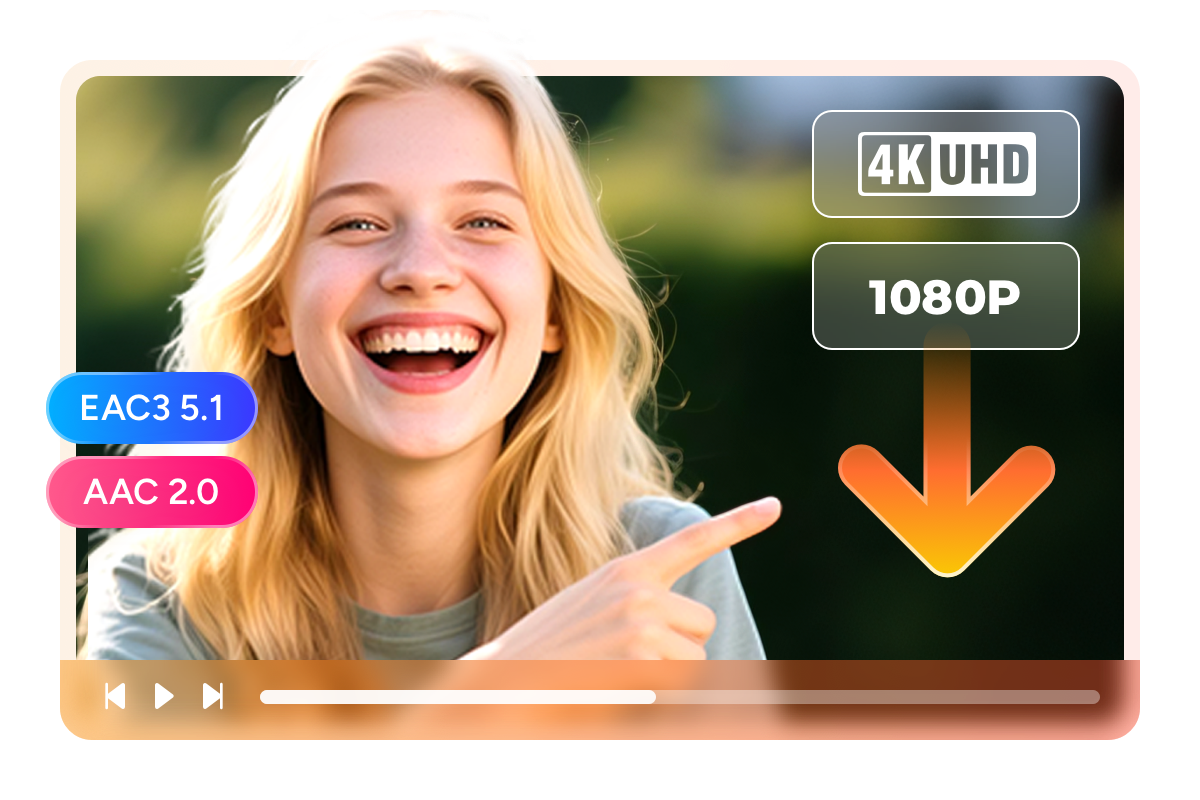
Download Videos from Stan in 4K/1080p Resolution with EAC3 5.1 Audio

Stan programs, from blockbuster movies to binge-worthy TV series, deserve to be seen in the absolute best quality. StreamFab downloads videos in stunning 4K Ultra HD or 1080p, preserving every detail from action-packed scenes to the subtle expressions in drama shows. The picture remains incredibly sharp and vibrant, perfect for big-screen viewing.


Accompanying the crystal-clear video is premium EAC3 5.1 or standard AAC 2.0 audio, which delivers rich, theater-like surround sound. Whether it’s the intense dialogue or the immersive background score, the audio quality ensures a captivating viewing experience on any device, perfectly matching the visual fidelity of the original stream.

download stan videos in 4k/1080p with eac3 5.1 audio
Multiple Format Available

Save downloads in MP4 format to play on any device

Maybe there are times when the downloaded videos are not compatible with your devices, which puts all your efforts before in vain. Stan Downloader can avoid this situation.

Stan Downloader allows you to save downloaded videos as MP4 files, which means that movies and TV shows will be compatible on any device, such as iPhone, iPad, or your PC and other players.
free stan downloader
H.264 / H.265 / HDR10 Codecs

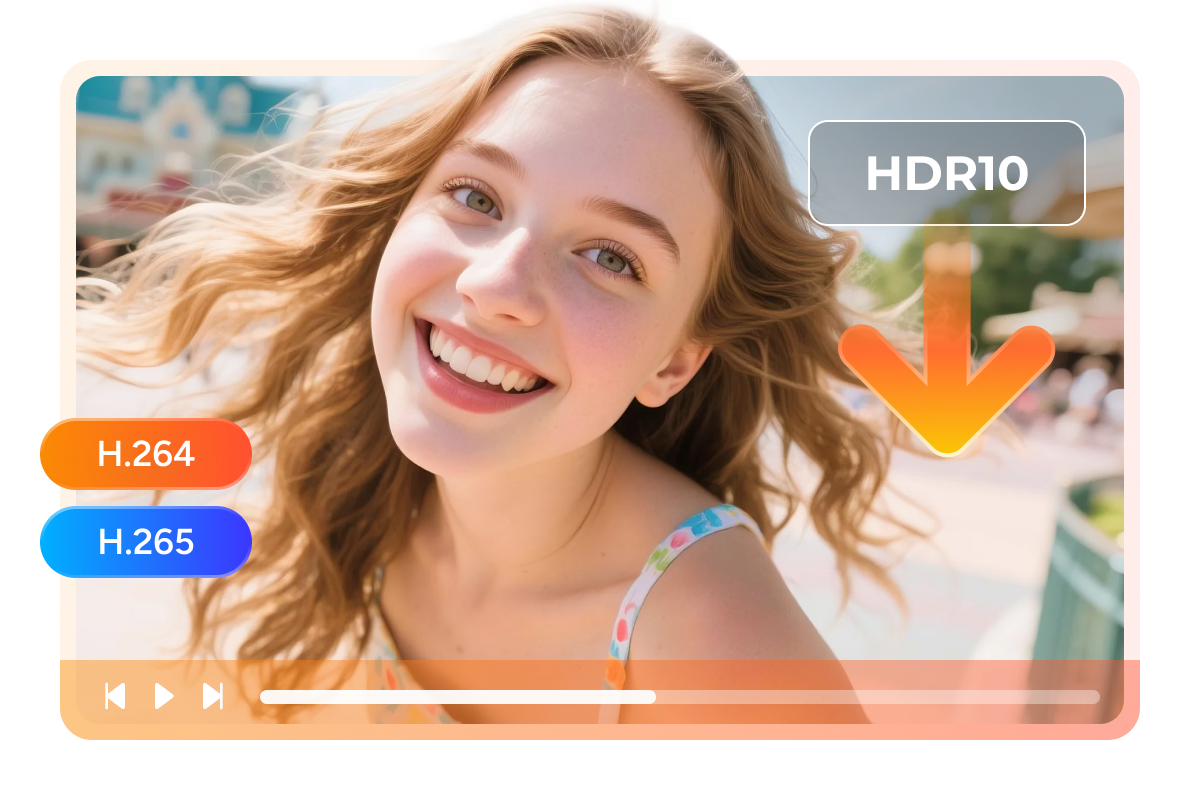
Support H.264, H.265 and HDR10 for Optimized Storage and Visuals

StreamFab gives you full control over your video files by supporting H.264, H.265 codecs, and HDR10. H.264 provides the widest compatibility, ensuring your downloaded Stan videos play on virtually any device, making it the safe choice for older hardware.


H.265 offers superior compression efficiency, delivering the same 4K high visual quality at a smaller file size, perfect for users with limited storage space. Furthermore, with added HDR10 support, you can enjoy a high-resolution library of Stan content with richer colors, deeper contrast, and lifelike brightness. Choose the options that best fit your viewing preferences and storage needs.

download stan videos with h.264, h.265, and hdr10
Save and Remux SRT Files

Remux subtitle into video file or save as extend.SRT format

In order to have a better understanding of the video, many of you have the habit of watching movies with subtitles. Stan Downloader respects your habit.

Even better, Stan Downloader offers two options for you to download subtitles. You can Remux subtitle into video file or save as extend.SRT format.
free stan downloader

Perfect Downloading Experience You Get

download as mp4

Schedule Mode and Auto Download

Download newly released Stan episodes or movies in mp4/mkv format automatically at a set time
download fast

Batch Mode and Fast Speed

Add multiple episodes of Stan series and films to the download queue. Typically, a 2-hour Max film can be downloaded in just 20 minutes.
download max shows subtitles

Preset Audio & Subtitle Language

Select the audio and subtitle tracks of Stan videos based on the default UI language.

More Than Downloading

Save Metadata

Download media server friendly metadata info

If you are bothered by managing all your videos, you can arrange your video files by categorizing their metadata, such as titles, cast, season, cover, etc.

Stan Downloader has the function of preserving metadata info of the downloaded videos during the downloading process, helping you to manage your videos with the help of media servers like PlayerFab, Kodi or Plex.
download videos from stan

Feedbacks on StreamFab Stan Downloader

launch stan downloader
Step 1. Launch up StreamFab
Install StreamFab on your PC and double-click its desktop icon to launch it up.
Step 2. Select Stan on the main interface
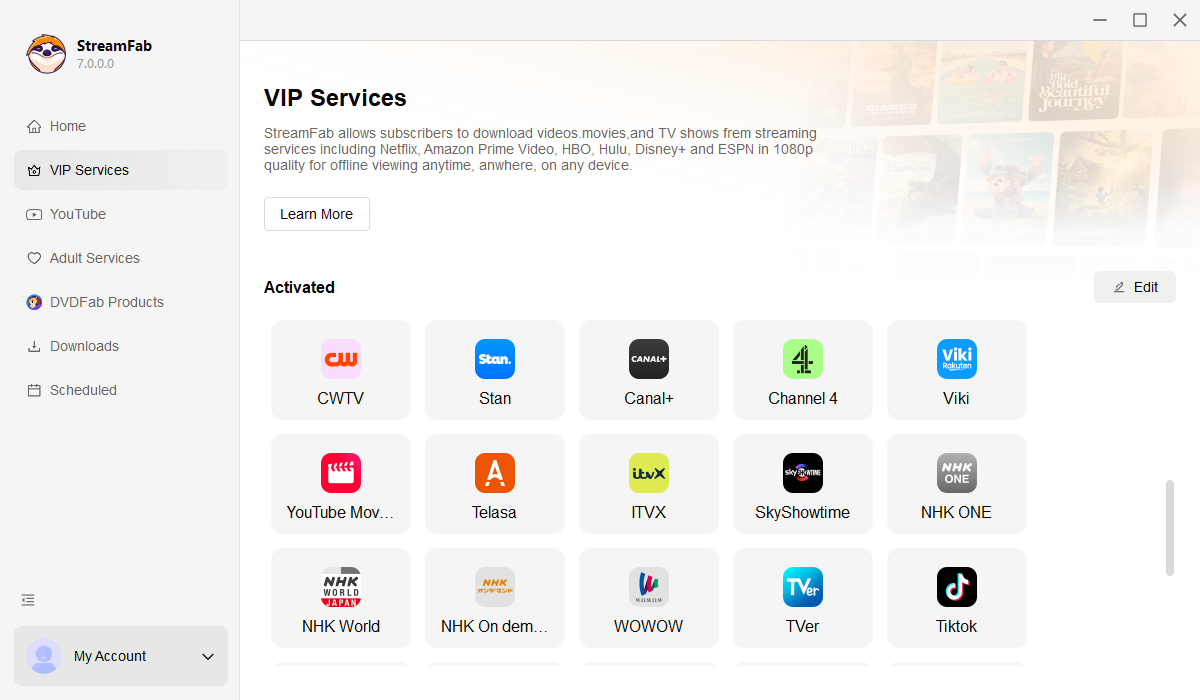
As soon as you enter the main interface of StreamFab, go to the VIP Services on the left column and then select the Stan card. Enter and browse the Stan site to search for a video you are interested in.
Step 3. Start the download process
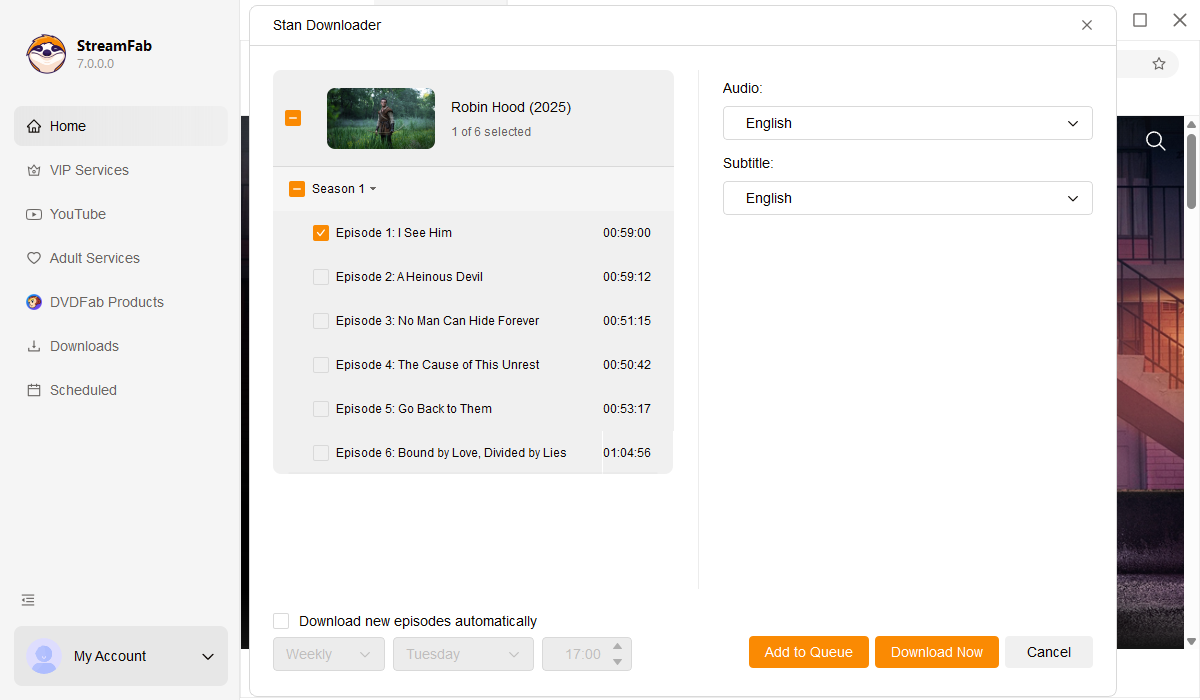
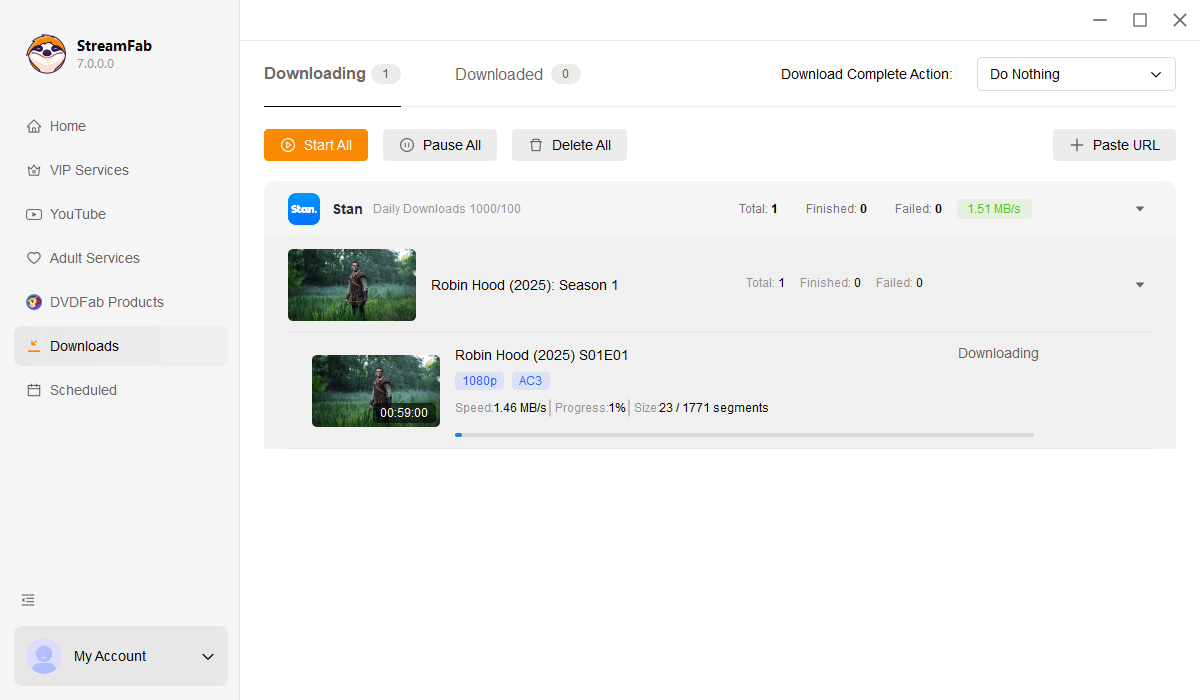
Click the download button directly and wait for the final result. Or add the chosen video to your list and then start to download.

System Requirements

Icon
Windows 11/10 (32/64 bit)
Intel i3 or above
4GB of RAM or above
40GB of free hard disk space or above
Live Internet connection required

Related Articles

  • How to Download  Shows on Stan in 2026: Latest Mobile & PC Guide
    How to Download Shows on Stan in 2026: Latest Mobile & PC Guide

    Are you troubled by the various restrictions of Stan? This guide will give you a detailed introduction to the restrictions of Stan downloads, as well as how to download high-definition, non-regional and time-restricted video content on mobile and PC, suitable for offline viewing anytime, anywhere.

    By Jacob Harrison - Mar 5, 2026
Fair Use Policy: StreamFab is legal only for personal needs and it's not allowed to share the downloaded content with any third party.

To avoid being blocked by streaming providers, a StreamFab licensed account has a quota of 100 downloads per day, and 700 downloads per week from each supported streaming service. Whenever some of it is used up, it will refill during the next time cycle.