StreamFab TVer Downloader
Download any TVer program — drama, anime, or variety show — as a 1080p MP4 file on your PC or Android. No ads. No 7-day expiry. No internet needed to watch.

Download TVer videos on Windows & Mac

Auto-download newly released TVer videos on schedule

Download TVer videos losslessly at original 1080p

Browse and find TVer videos via in-app browser
StreamFab: Have for Binge TVer Offline Fantasy!
Beat TVer's expiry limit and watch ad-free — forever
TVer's catch-up service gives you just seven days to watch most programs before they disappear. And during those seven days, you have to sit through ad breaks you can't skip. Miss the window — even by a day — and an entire episode of a show you've been following is simply gone.
StreamFab TVer Downloader was built to eliminate both problems at once. It saves any TVer program as a permanent 1080p MP4 file on your PC, and it removes all ads from the download during the process. You get the full, uninterrupted episode — on your device, forever — regardless of when TVer's catch-up window closes.

Trusted by millions — backed by 8+ years of StreamFab development
Picture the moment a TVer program you've been following for months hits its catch-up deadline. The window closes at midnight, and there's no archive option. That frustration is exactly what StreamFab was designed to solve.
StreamFab is developed by StreamFab, a name trusted in digital media software for over 20 years. Its TVer Downloader is built on that same foundation — reliable download performance, regular engine updates to keep pace with platform changes, and an interface simple enough for first-time users to master within minutes. Whether it's your first TVer download or your thousandth, StreamFab delivers consistently. Its download engines are updated every week to stay ahead of TVer's platform changes. Try it first with 3 complimentary downloads — no purchase required.

Enjoy Flexible Outputing with StreamFab Now
Download TVer videos in crisp 1080p HD with AAC 2.0 audio
Settling for a pixelated stream of your favorite TVer drama on a long commute is not the experience the production team intended. StreamFab TVer Downloader captures every TVer video at its highest available quality — up to 1080p full HD resolution with AAC 2.0 stereo audio, preserving every detail exactly as it appears on the platform.
Whether you're downloading a visually rich TV Asahi drama, a high-energy variety show, or an animated series, the image stays crisp and the audio stays clear. StreamFab's processing pipeline, refined over more than two decades, ensures your offline copies are indistinguishable from a perfect live stream.
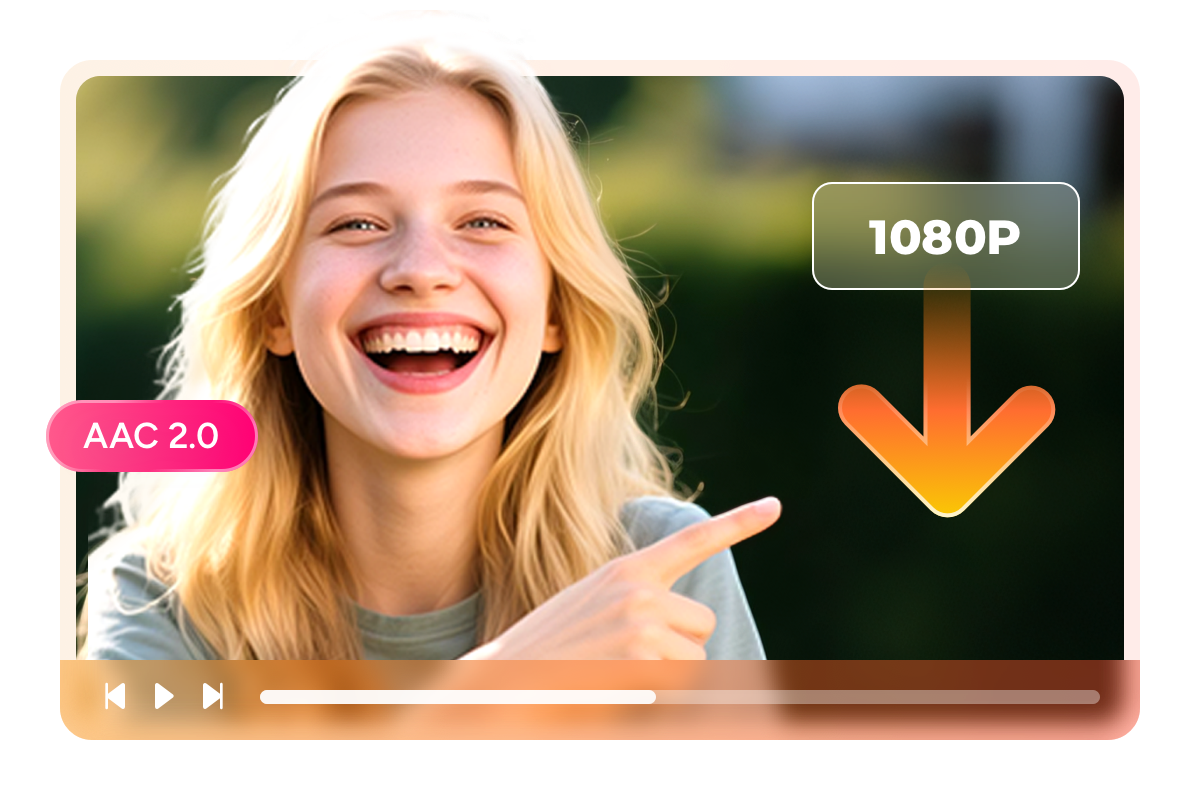
Download and save TVer videos as widely compatible MP4 or MKV files
No matter which device you plan to watch on, StreamFab TVer Downloader ensures compatibility. It saves TVer downloads as either MP4 or MKV — the two most universally supported video formats available today.
MP4 is the format of choice for maximum device compatibility: it plays natively on Windows PCs, Macs, Android phones, smart TVs, game consoles, and media players like PlayerFab, with no additional software required. MKV is ideal when you want to preserve multiple audio tracks or subtitle streams in a single container file. Choose the format that fits your setup before downloading — the selection takes seconds.

Download TVer subtitle files as SRT or embedded in the video
TVer's animated programs often include subtitle tracks, and StreamFab TVer Downloader captures them precisely. When downloading an animated series or a subtitled program from TVer, StreamFab saves the subtitle data alongside the video — ready to use immediately.
You can export the subtitles as a separate SRT file, which gives you flexibility to edit them, use them in any media player, or archive them independently from the video. Alternatively, you can embed the subtitles directly into the MP4 file, ensuring they display automatically every time you play the download, on any device.
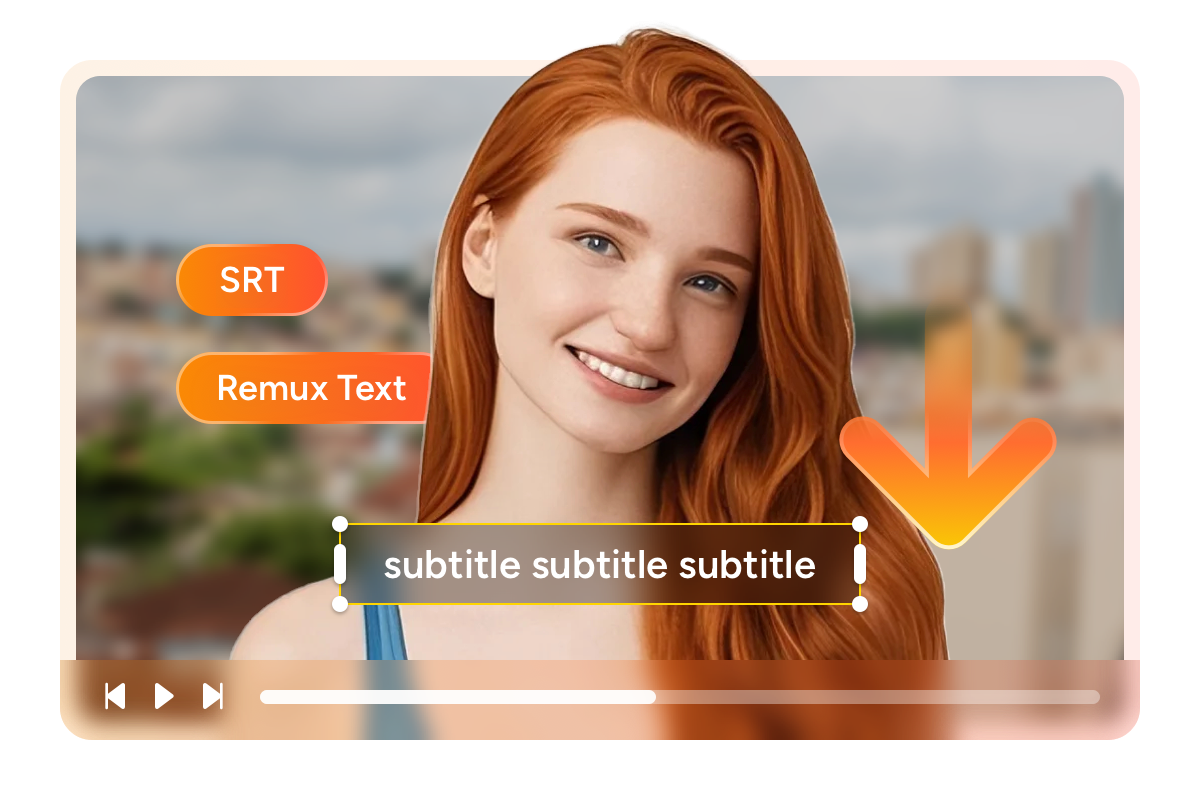
Perfect TVer Video Downloading Experience You Get
Schedule Mode and Auto-Download
Add TVer dramas and anime series to the schedule queue and StreamFab downloads each new episode automatically at your chosen time — never miss an update within TVer's 7-day window again.

Batch Mode and Fast Speed
Add multiple TVer episodes or an entire drama series to the download queue at once. A full-length TVer movie typically downloads in just 20 minutes with StreamFab.

Remove Ads
Removes all ads from your downloads during the encoding process, so every video you save plays from start to finish without a single interruption. Watch TV Asahi dramas, anime, and variety shows exactly as they were filmed, with nothing between you and the content.
More Than Downloading
Download metadata to organize your TVer media library effortlessly
As your TVer collection grows across multiple drama seasons and anime series, keeping hundreds of files organized becomes genuinely difficult without the right information attached to each one. StreamFab TVer Downloader automatically saves the metadata for every download — including the show title, episode title, season number, cast information, production date, and cover artwork — alongside the video file.
This metadata makes your downloads immediately compatible with popular media server applications like Kodi, Plex, PlayerFab, and JRiver. Your library displays with proper thumbnails, episode lists, and show details, just like a professionally curated streaming service — but stored locally and entirely under your control.
Feedbacks on StreamFab TVer Downloader

Erika Leen
Tech writerMarcia
Marketing ManagerJohn
Travel BloggerErika Leen
Tech writerMarcia
Marketing ManagerJohn
Travel BloggerErika Leen
Tech writerMarcia
Marketing ManagerJohn
Travel BloggerErika Leen
Tech writerMarcia
Marketing ManagerJohn
Travel Blogger
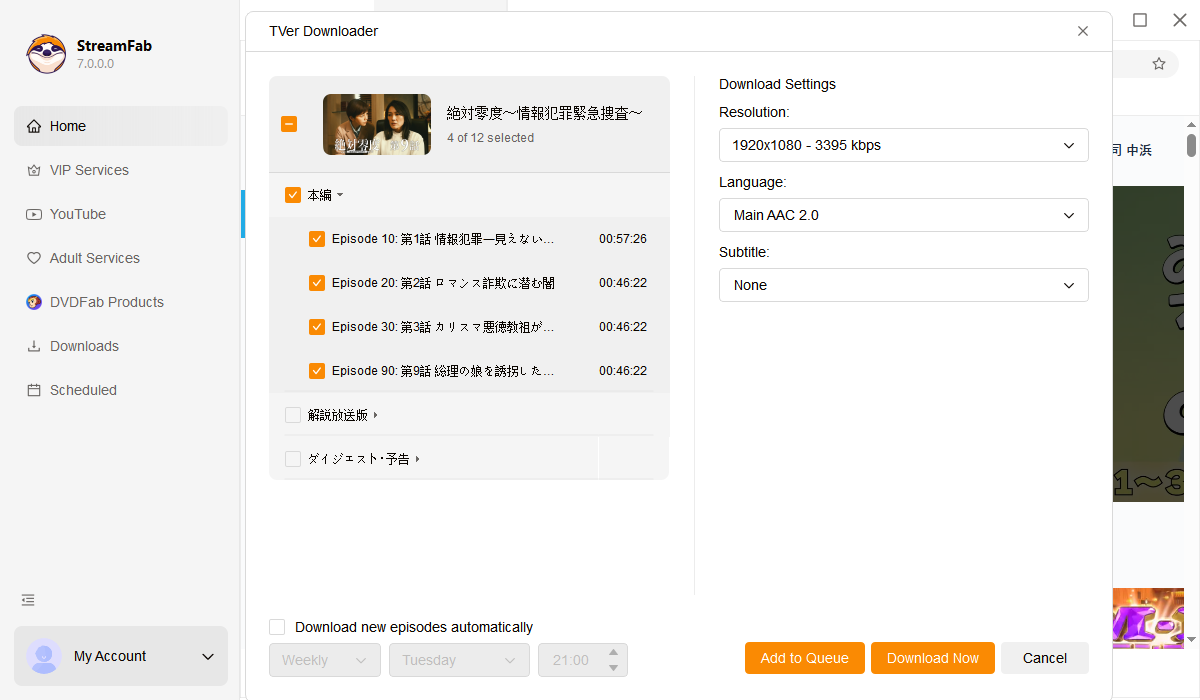
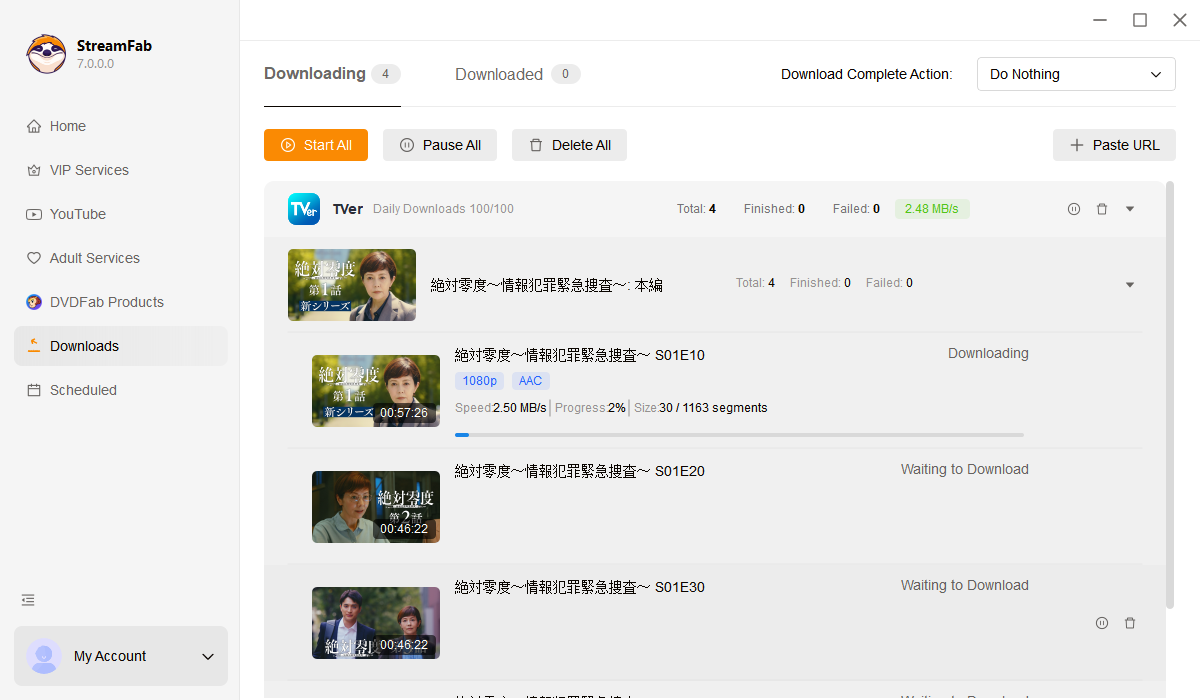
Download and install StreamFab on your Windows PC, Mac, or Android device. Launch the app, select VIP Services from the left panel, and click on TVer to open the built-in browser.
Browse the TVer library within StreamFab's integrated browser to find the drama, anime, or variety show you want. Select your preferred output resolution — up to 1080p — then press play.
As playback begins, StreamFab automatically detects the stream and starts downloading the TVer video at your chosen quality setting. All ads are removed during the process. Find your finished files in the Downloaded section.
System Requirements

To avoid being blocked by streaming providers, a StreamFab licensed account has a quota of 100 downloads per day, and 700 downloads per week from each supported streaming service. Whenever some of it is used up, it will refill during the next time cycle.