



• Download from all Viki regional sites

    Save dramas from every Viki regional library worldwide

  • Save new Viki episodes at scheduled time

    New episodes downloaded automatically on release day

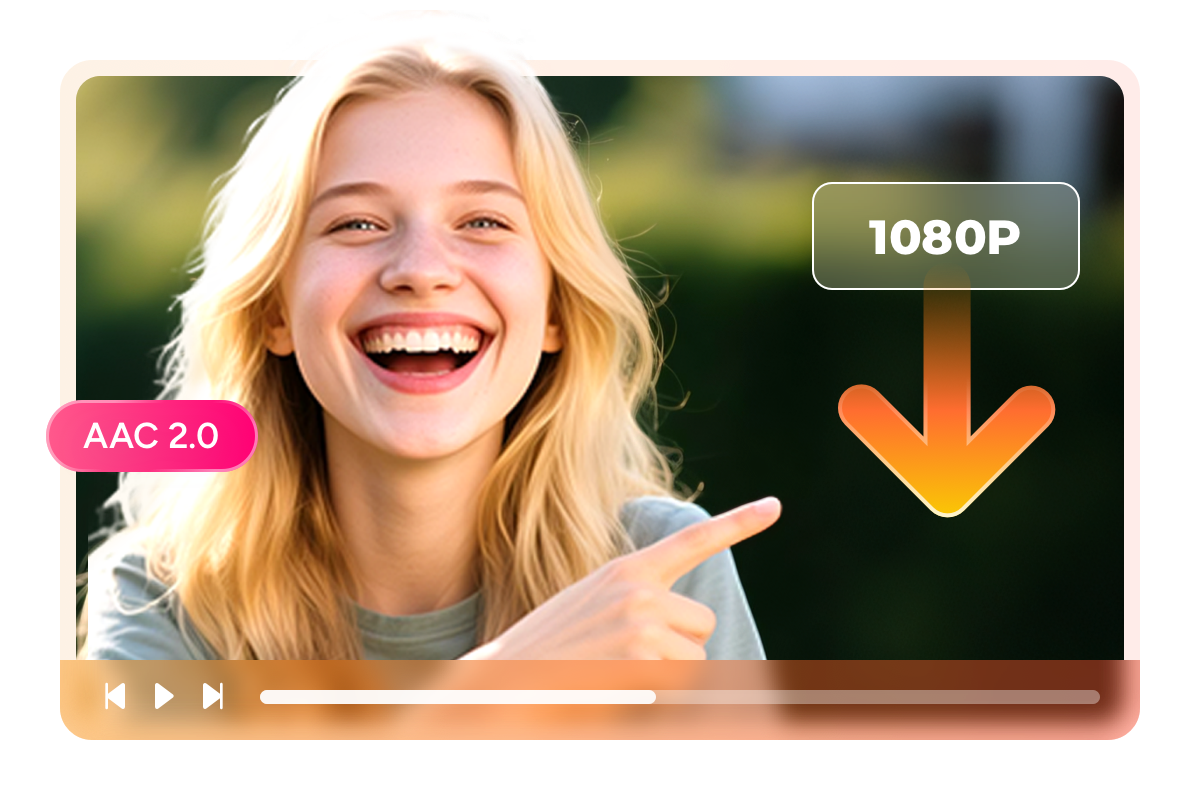
  • Download Viki videos in 1080p

    Full 1080p video quality with AAC 2.0 stereo audio

  • Explore Viki videos with its in-built browser

    Browse and download Viki content via the built-in browser

Why Thousands of Asian Drama Fans Trust StreamFab

Your favorite dramas can disappear overnight

That K-Drama You Love Could Vanish from Viki Tomorrow

Imagine this: you have been watching a 50-episode Chinese drama every evening after work, and one night you open Viki only to find the show is gone. Licensing deals between Rakuten Viki and Asian studios expire and get renegotiated all the time, and when they fall through, entire drama catalogs disappear without warning. 


Fans in online communities regularly share stories of losing access to shows mid-season, with no way to finish the story. StreamFab has witnessed this pattern across streaming platforms for over 8 years. StreamFab Viki Downloader was built to solve exactly this problem by letting you create permanent offline copies of any Viki content you have access to, so the dramas you love stay in your collection no matter what happens on the platform.

On-demand videos come and go on streaming services
Watch your dramas on your schedule

Stop Relying on Wi-Fi and Watch Viki Dramas Whenever You Want

We have all been there: you settle in for an evening K-drama session and the Wi-Fi starts buffering at the worst possible moment, right in the middle of a confession scene or a plot twist. Or maybe you are on a long flight with no internet access and nothing downloaded to watch. These everyday frustrations are exactly why StreamFab created the StreamFab Viki Downloader. 


Instead of depending on a stable internet connection every time you want to watch, you simply download your favorite Rakuten Viki episodes in advance and watch them offline on any device you own. Whether you are commuting on the train, relaxing at a cafe, or traveling internationally where Viki content may be region-locked, your personal drama library travels with you. Over 8 years of StreamFab user feedback shaped this tool to fit the real-world habits of Asian drama fans.

StreamFab Viki Downloader

Everything You Need to Build Your Perfect Drama Collection

Stunning 1080p Quality

Watch Every Scene in Full 1080p — Just Like Streaming but Without the Buffering

Picture yourself watching a beautifully shot historical C-drama on your laptop screen, and the image looks just as sharp and vibrant as it did when you were streaming it online. That is exactly what StreamFab Viki Downloader delivers. You choose your preferred resolution anywhere from 480p up to full 1080p, and the downloader saves episodes at that exact quality with AAC 2.0 stereo audio that keeps dialogue crisp and soundtracks rich.


Thousands of StreamFab users have confirmed in reviews that the downloaded files are visually indistinguishable from the streaming originals. Whether you plan to watch on a phone screen during your commute or on a large TV at home, every episode looks and sounds the way the creators intended.

StreamFab Viki Downloader
MP4 and MKV Formats

Choose MP4 or MKV — Play Your Downloads on Literally Any Device

Have you ever downloaded a video file only to discover your phone or TV cannot play it? That frustration disappears with StreamFab Viki Downloader because every episode is saved as either MP4 or MKV, the two most universally supported video formats in existence. MP4 works seamlessly on iPhones, Android phones, iPads, Windows PCs, Macs, smart TVs, and gaming consoles. 


MKV is perfect for users who want to keep multiple subtitle tracks bundled into a single file for flexible viewing. Just pick your preferred format in the settings, and every download follows suit. StreamFab designed this format flexibility based on 8+ years of user feedback about compatibility headaches, so you never have to worry about converting files again.

download videos from Rakuten Viki
Subtitle Download Options

Download Subtitles in Any Language and Choose How to Save Them

Watching a Korean drama without subtitles when you do not speak Korean would be like reading a book with half the pages missing. Subtitles are the bridge that connects international fans to Asian storytelling, and StreamFab Viki Downloader gives you complete control over them. You can download subtitles in any language available on Rakuten Viki, from official translations to fan-contributed ones in dozens of languages. 


Then you decide how to handle them: embed the subtitles directly into the video file for seamless playback, or save them as separate SRT files if you prefer to toggle them on and off or use custom subtitle styling in your media player. StreamFab built these options because community feedback showed that subtitle flexibility is the single most requested feature among international drama viewers.

StreamFab Viki Downloader

A Downloading Experience Designed Around How You Actually Watch

download as mp4

Schedule Mode and Auto Download

Monitoring the Viki platform for your selected series and automatically downloading new episodes the moment they appear. You subscribe once and your computer handles the rest, so fresh episodes are waiting on your hard drive before you even think to check.

download fast

Batch Mode and Fast Speed

Select an entire season and queue every episode with a single click. The download engine handles everything in the background while you go about your day, and a notification lets you know when your full season is ready to watch.

download max shows subtitles

Preset Audio & Subtitle Language

Detects your system language and automatically selects matching audio and subtitle tracks for every download. If you speak English but love watching dramas in their original Korean or Mandarin audio, you can override the default with one settings change.

download without ads

Remove Ads for All Plan Members

Removes all pre-roll and mid-roll advertisements during the download process, so your saved episodes play smoothly from start to finish without any commercial interruptions. 

Your Drama Collection Deserves Professional Organization

Complete Metadata Included

Automatically Save Metadata So Your Library Looks as Good as a Streaming App

After downloading 200 drama episodes, how do you find the one you want to rewatch? If all your files are named video_001 through video_200, good luck. StreamFab Viki Downloader automatically saves complete metadata with every download, including drama title, episode number, season information, plot synopsis, cast details, genre tags, and cover artwork. 


When you load your collection into a media server like Plex or Emby, everything displays beautifully with cover art and organized episode lists, just like browsing Viki itself. StreamFab built this metadata engine because users told us that a great download tool should care about what happens after the download too.

download videos from Rakuten Viki

Real Stories from Asian Drama Fans

launch StreamFab Viki downloader
Step 1. Download and install StreamFab

Head to the StreamFab website and download the installer for your operating system. Run the setup and the installation is complete in about a minute. No extra plugins or codecs needed.

Step 2. Find Your Drama on Viki

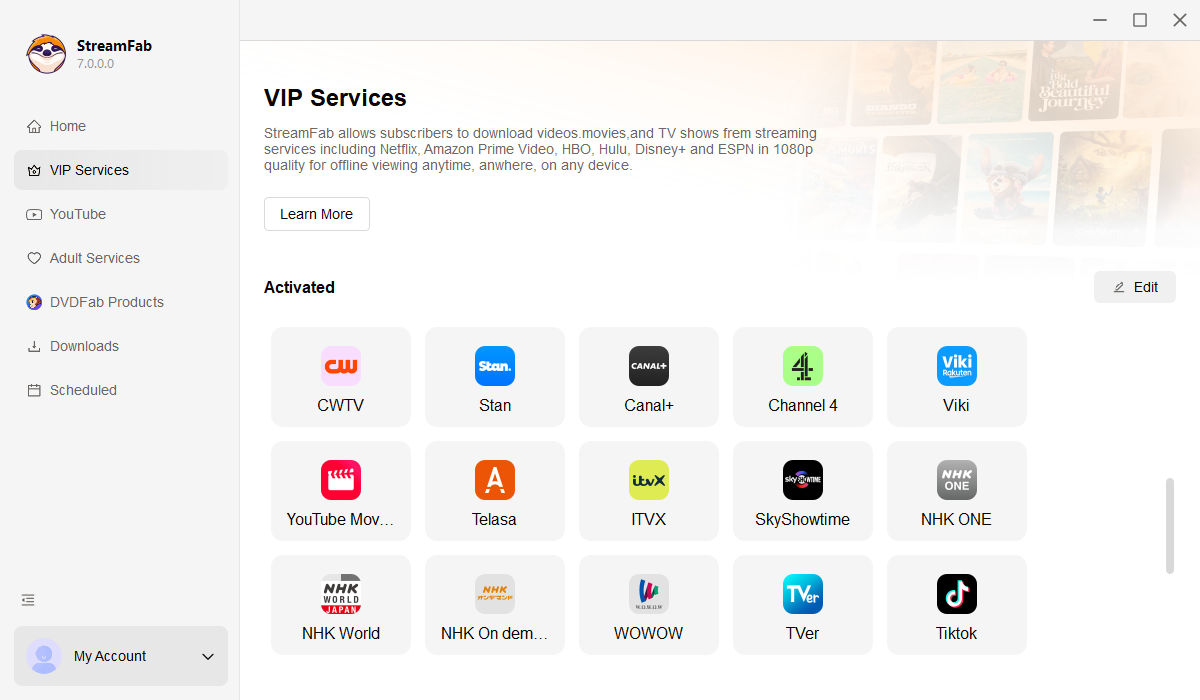
Open StreamFab and go to the VIP Services section. Click on Rakuten Viki, browse the drama catalog or search for a specific title, and start playing the episode you want to save. Sign in with your Viki account for access to premium 1080p content.

Step 3. Hit Download and Enjoy Offline

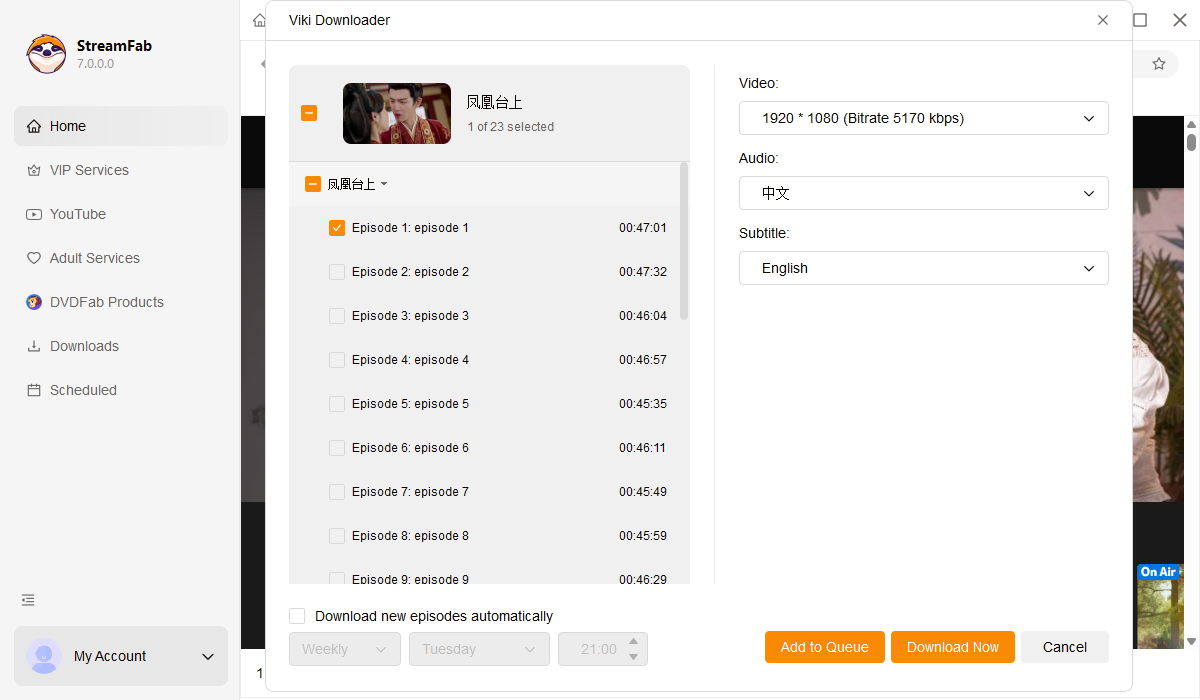
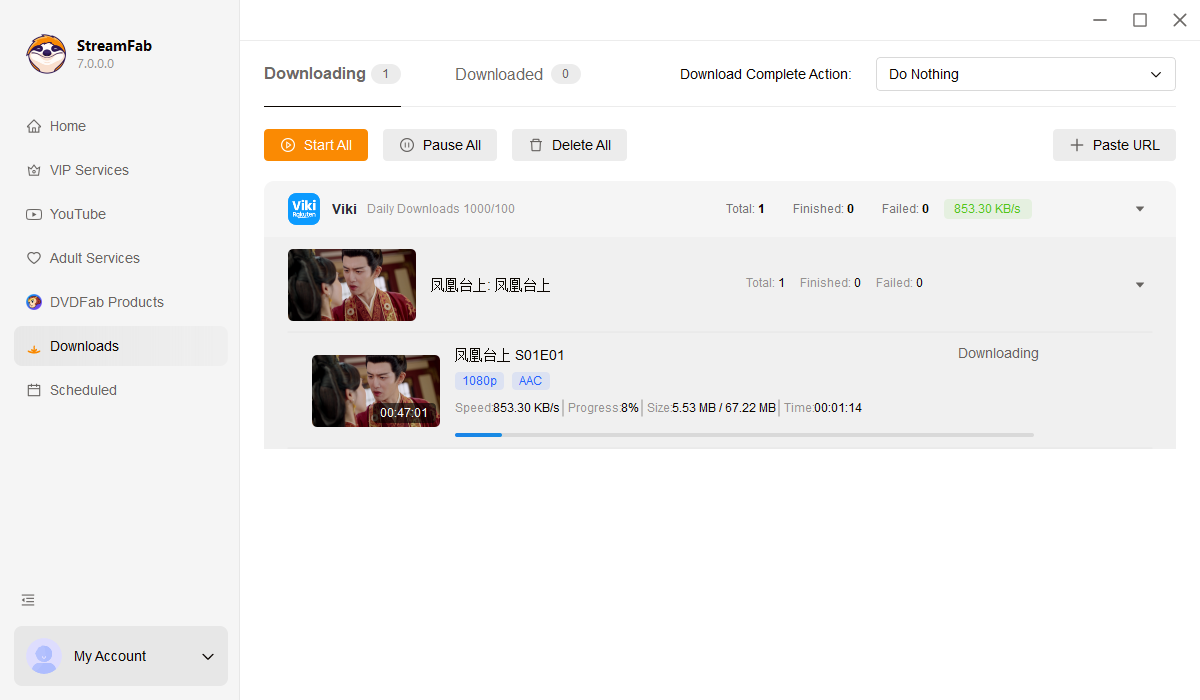
Once playback starts, a download window pops up where you pick your video quality, subtitle language, and output format. Click Download Now for a single episode, or select multiple episodes and hit Add to Queue for a full batch download.

System Requirements

Icon
Windows 11/10 (32/64 bit)
Intel i3 or above
4GB of RAM or above
40GB of free hard disk space or above
Live Internet connection required

Related Articles

  • A Complete Analysis of Viki Offline Downloads: 2026 Status Update
    A Complete Analysis of Viki Offline Downloads: 2026 Status Update

    As of 2026, Viki remains one of the more restrictive platforms when it comes to offline viewing. While the demand for high-quality Asian dramas is at an all-time high, the technical barriers for users outside the Americas—or those on a PC—haven't changed much in the last year.

    By Erika Leen - Jan 27, 2026
  • Rip Viki Videos on PC & Mobile in 2026: Two Reliable Methods
    Rip Viki Videos on PC & Mobile in 2026: Two Reliable Methods

    Viki currently does not offer official offline viewing or local caching features on PC. However, if you desire a smoother and more controllable personal viewing experience on your computer, please see the sharing in this article.

    By Erika Leen - Feb 20, 2026
  • Fixing Viki Download Fails: 2026 MP4 & Subtitle Extraction Guide
    Fixing Viki Download Fails: 2026 MP4 & Subtitle Extraction Guide

    Viki has an official feature for downloading videos on iPhones, iPads, Android tablets, Android TVs, Apple TV HD, and many other devices. However, the official download feature also has many limitations. This article offers an efficient method for conveniently downloading Viki to MP4 without download restrictions.

    By Erika Leen - Mar 19, 2026
Fair Use Policy: StreamFab is legal only for personal needs and it's not allowed to share the downloaded content with any third party.

To avoid being blocked by streaming providers, a StreamFab licensed account has a quota of 100 downloads per day, and 700 downloads per week from each supported streaming service. Whenever some of it is used up, it will refill during the next time cycle.