





• Download from all regional sites

    Save YouTube Movies locally for offline viewing

  • Save new YouTube Movies at scheduled time

    Auto-download new YouTube Movies on schedule

  • Save YouTube Movies in 1080P MP4 format

    Save YouTube Movies in 1080p MP4 & AAC 2.0 audio

  • Explore YouTube Movies with its in-built browser

    Explore YouTube Movies inside in-built browser

Why StreamFab YouTube Movies Downloader?

Advanced Technology

YouTube Movies free films carry heavy ads — and you can not download them

"Picture this: you find a classic film in YouTube's free library, settle in to watch, and within the first five minutes you have already sat through three pre-roll ads and two mid-roll breaks. YouTube Movies free titles carry up to 4 to 8 ads per movie, each running 15 to 30 seconds, and there is no premium tier that specifically removes ads from the free film library. Worse, the free titles are stream-only — no download option exists anywhere in the platform.


Paid rentals and purchases are downloadable only via the YouTube app on mobile, they expire in 30 days, and they cannot be played outside the YouTube ecosystem. If a rental window closes while you are mid-movie, you pay again to finish it. StreamFab ends that cycle."

download youtube movies
Reliable and Verified

StreamFab saves YouTube Movies as permanent ad-free local copies

Imagine you have spent $3.99 renting a film, you want to watch it on a long flight without WiFi, but the YouTube app only allows offline playback through its own interface — and the file expires before you land on your return trip. 


StreamFab, trusted by 80 million or more users worldwide and developed by the StreamFab team with over 20 years of video software experience, saves YouTube Movies as permanent 1080p MP4 or MKV files that are ad-free, playable on any device, and never expiring. Try StreamFab with 3 free downloads, backed by a 14-day refund guarantee on annual plans.

YouTube Movies download

Crystal-Clear Quality Saved to Your Device

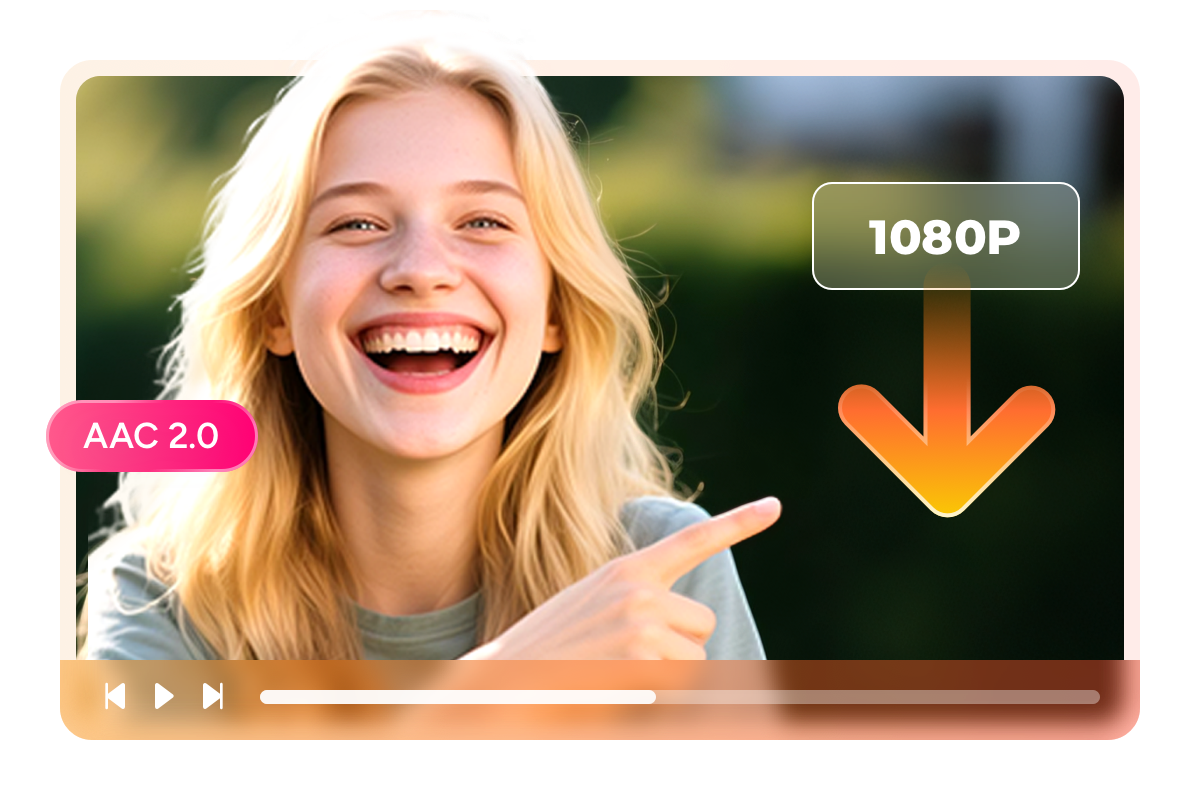
1080p · AAC 2.0

Download YouTube Movies in 1080p Full HD with clean AAC 2.0 audio

"Imagine a YouTube Movies free library film you want to enjoy on your living room TV at the best quality you can manage. YouTube Movies streams up to 1080p for most titles, and StreamFab captures the video at your chosen resolution — 1080p for the sharpest picture on larger screens, or 720p or 480p to save storage when you are loading up a mobile device. 


AAC 2.0 stereo audio is preserved cleanly without re-encoding, so dialogue and musical scores stay as clear and crisp as the online stream. Whether it is a classic Hollywood drama or a rented indie film, your saved copy delivers the same quality you would see streaming live.


*Note: purchased titles are currently saved in 480p; higher resolutions for purchased content are expected to become available soon."

YouTube Movies downloader
MP4 · MKV

Save YouTube Movies as MP4 for universal playback on any device

Think about every screen you use to watch films — a Smart TV in the living room, a MacBook for travel, a gaming console, your phone. StreamFab saves YouTube Movies as MP4, the most universally compatible video format available, supported natively by virtually every device and media player without special apps, codecs, or streaming requirements. 


Alternatively, choose MKV for your home media server setup — ideal for Plex, Kodi, PlayerFab, and Jellyfin libraries where embedded subtitles and multi-track audio are handled elegantly. Either way, your downloaded film plays anywhere you want it, any time you want, with no account login or active internet connection required.

download movies from youtube
SRT · Embedded

Download YouTube Movies subtitles as SRT or embed them into the video file

You're watching a late-night movie with the volume low so you won't wake anyone up, or you're in a coffee shop without headphones, or you're learning English through film. In any of those situations, subtitles are not a nice-to-have — they're the difference between following the story and missing half of it. StreamFab YouTube Movies Downloader saves the available subtitle and closed caption tracks alongside your downloaded film. 


You can keep them as standalone SRT files, which work in every major media player and make it easy to search, quote, or translate key lines from the script. Or you can remux the subtitles directly into the MP4 or MKV file, so they're permanently synced and appear automatically on any device — no separate file to manage, no subtitle-not-found errors. Either way, your offline YouTube Movies library is ready to watch on your terms, exactly the way you want it.

YouTube Movies download

Everything You Need in a YouTube Movies Downloader

YouTube Movies downloader

Auto-Download New YouTube Movie Releases

Add YouTube Movie series or channels to your schedule. StreamFab automatically downloads newly released titles at your set time — daily or weekly — so your library stays current without manual effort.

download youtube movies

Batch Download Multiple Movies Fast

Select multiple YouTube Movies and add them to the download queue at once. StreamFab processes them simultaneously so your offline film collection grows in a single session without babysitting each download.

YouTube Movies downloader

Remove All Ads from Free YouTube Movies

Free YouTube Movies carry up to 8 ads per film. StreamFab saves an ad-free version locally — no pre-roll, no mid-roll breaks. Your movie plays straight through from opening scene to credits.

Build Your Personal YouTube Movies Library

Save Metadata

Keep movie metadata so your media server displays YouTube Movies properly

Imagine you have downloaded 50 or more YouTube films and want them organized by title, director, year, and genre in your media server rather than sitting in a folder of generically named files. StreamFab preserves metadata — movie title, cast, release year, synopsis, and cover art — for every YouTube Movies download. 


When you open PlayerFab, Plex, Kodi, or Jellyfin, your YouTube film collection displays with the correct posters and descriptions, looking as polished as a professional streaming interface. No manual tagging, no renamed files — just a clean, browsable personal library built entirely from YouTube Movies content.

download YouTube Movies

What YouTube Movies Fans Say About StreamFab

download movies from youtube
Step 1. Launch StreamFab and Select YouTube Movies Downloader

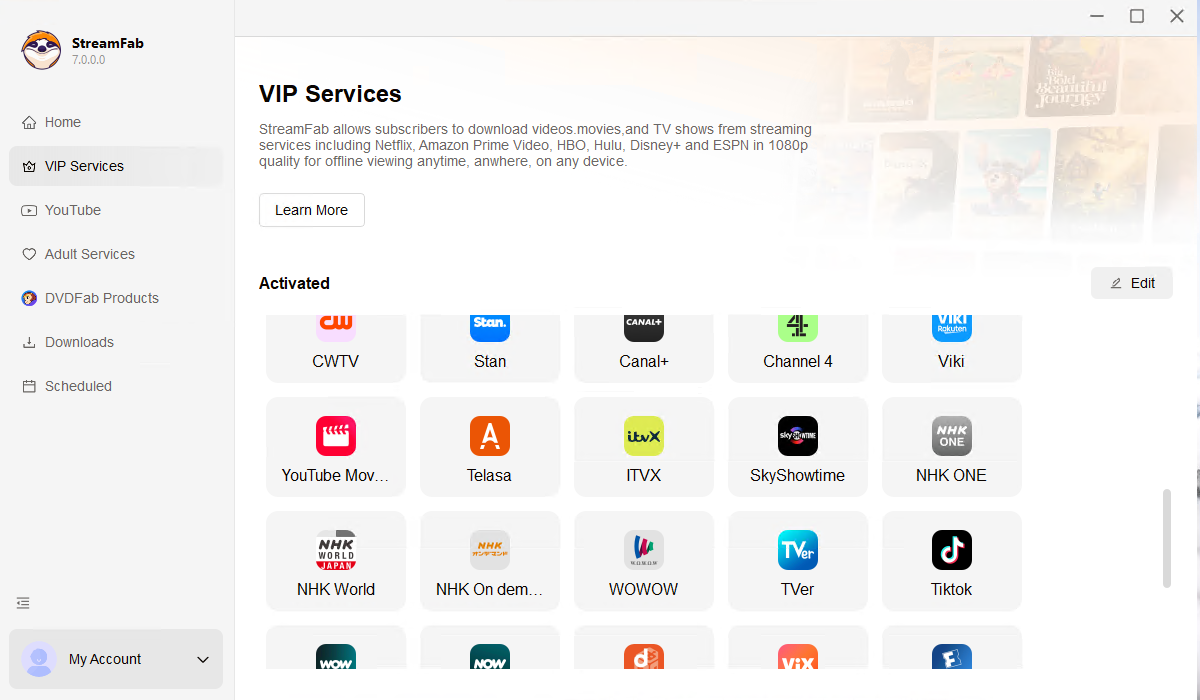
Launch StreamFab on your Windows PC or Mac. Select YouTube Movies Downloader from the VIP Services sidebar — the built-in browser opens and is ready to use.

Step 2. Sign In to YouTube and Play Your Chosen Film

Sign in to your YouTube account inside the built-in browser. Find a free movie or a title you have rented, and press Play. StreamFab detects the stream automatically.

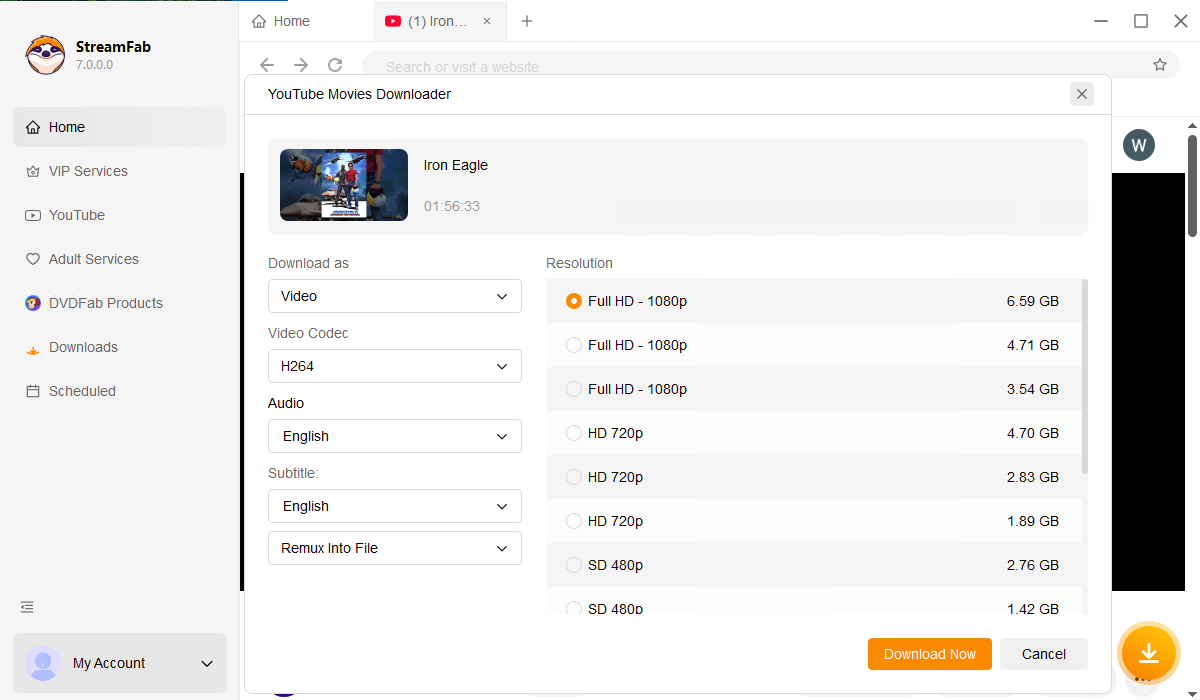
Step 3. Choose Your Quality and Click Download Now

StreamFab displays a download prompt as the film begins. Select your preferred quality (1080p, 720p, or 480p) and format (MP4 or MKV), then click Download Now. Your ad-free local copy saves immediately.

System Requirements

Icon
Windows 11/10 (32/64 bit)
Intel i3 or above
4GB of RAM or above
40GB of free hard disk space or above
Live Internet connection required

Tips & Tricks for YouTube Movies Download
Fair Use Policy: StreamFab is legal only for personal needs and it's not allowed to share the downloaded content with any third party.

To avoid being blocked by streaming providers, a StreamFab licensed account has a quota of 100 downloads per day, and 700 downloads per week from each supported streaming service. Whenever some of it is used up, it will refill during the next time cycle.