
Can You Watch Tubi Offline? What Works in 2026

Summary: Planning a flight or dealing with unreliable Wi-Fi makes one question unavoidable: can you watch Tubi offline? Tubi does not provide a native offline download option, so its normal streaming experience is not designed for airplane mode.
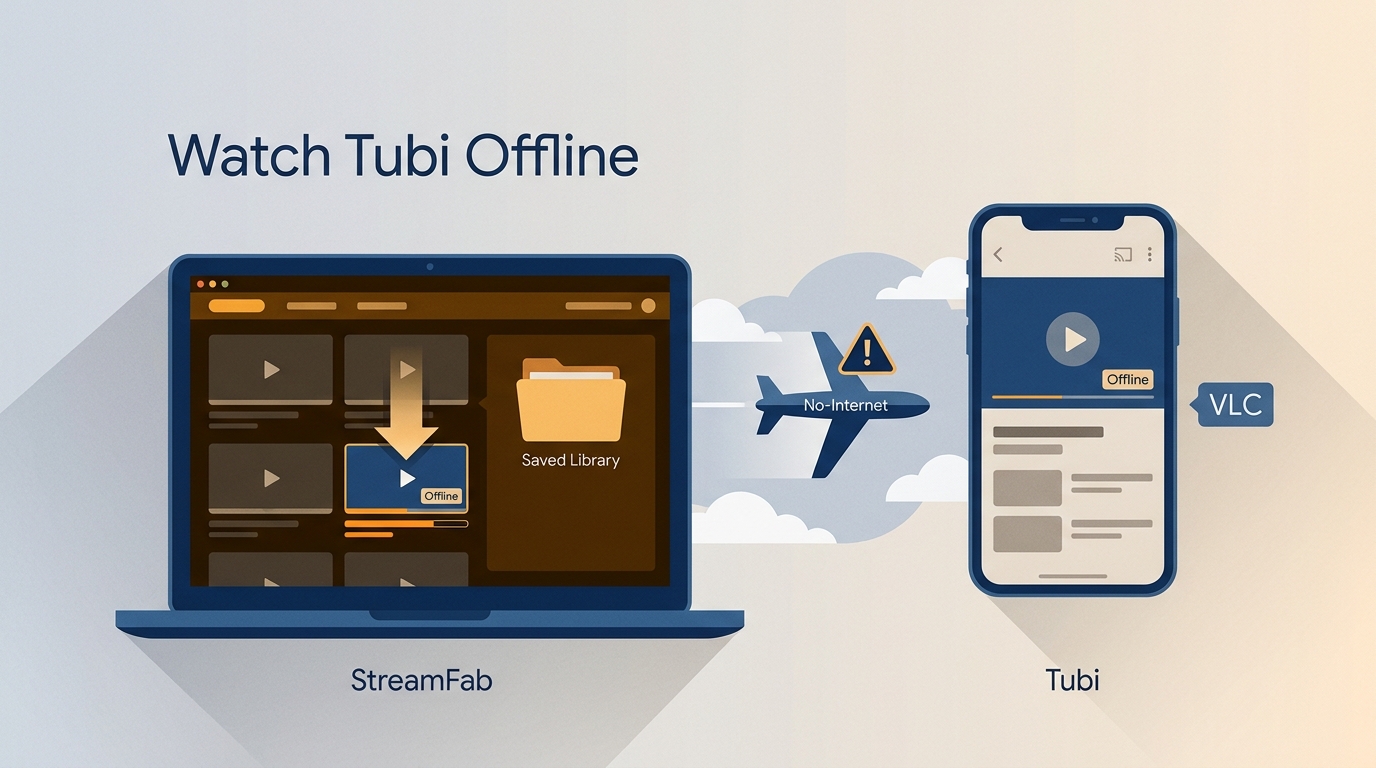
Can You Watch Tubi Offline?
Tubi does not offer a native download button or Tubi offline mode, and normal playback needs an internet connection. To watch Tubi offline or use Tubi without Wi-Fi, compare cloud recording, real-time screen recording, and desktop local-file workflows. For a flight, I favor the route that lets you test the file and player before departure.
Tubi Has No Native Offline Mode
Can you download Tubi movies to watch offline through the official app? No. Tubi has no native offline-download mode, so standard Tubi streaming depends on an internet connection. External options differ in where they run, what they save, how they handle ads, and whether the result is practical to take on a trip.
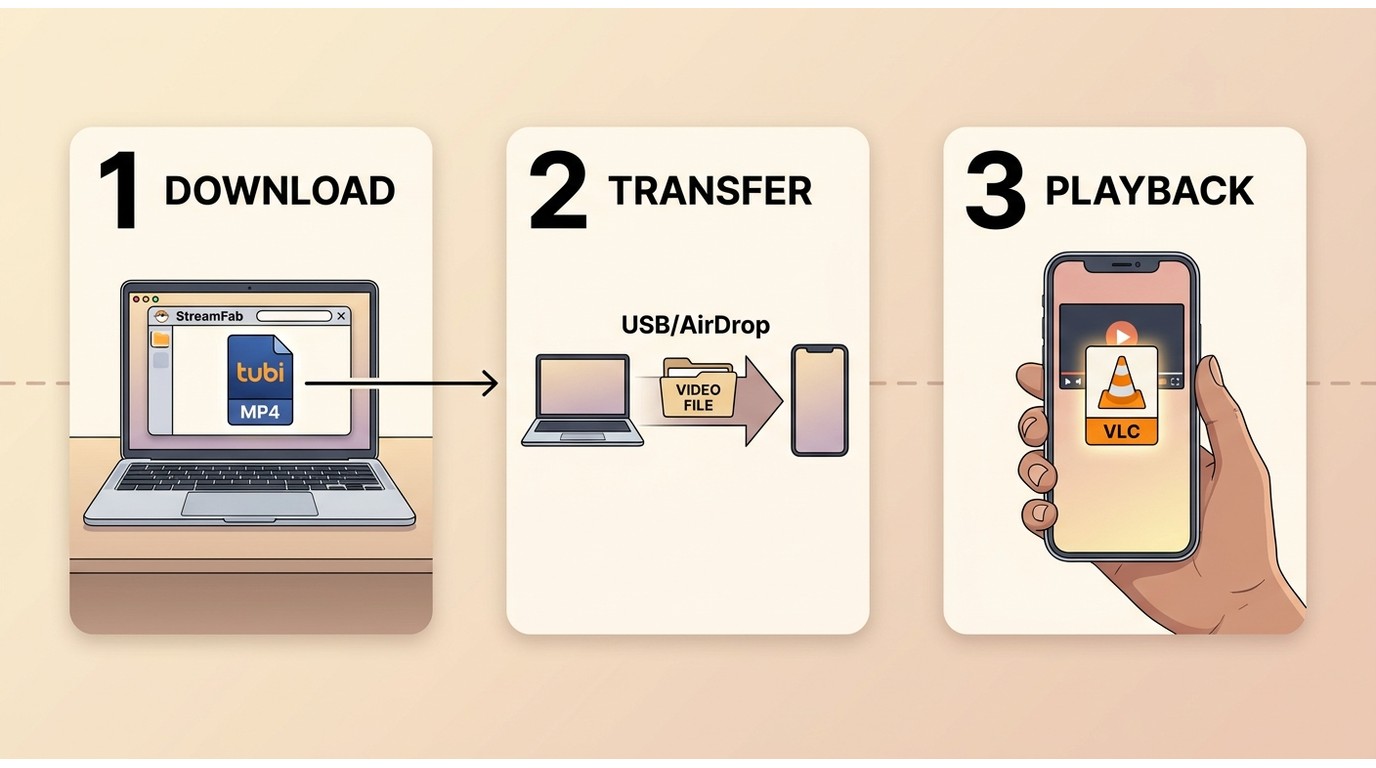
Offline Options at a Glance
Cloud recording can suit viewers who prefer a service-managed workflow, while real-time screen recording may work for an occasional short clip but is slow and can include ads or fail after browser or platform changes.
A desktop local-file workflow is more practical for planned travel when portable playback matters. Readers comparing desktop options can use this Tubi downloader comparison to weigh the trade-offs.
| Method and best fit | Where it runs and internet needs | Output and ad handling | Portability and main limitation |
|---|---|---|---|
| Tubi official streaming | Tubi app, browser, or supported TV; internet is needed during playback | Native stream; ad-supported viewing | Not designed for airplane mode; best for online viewing |
| Cloud or real-time recording | Cloud service or local computer; internet is needed while recording or saving | Recording output; ad handling varies by service and setup | May be portable, but recording is time-consuming and can show a blank image |
| Desktop local-file workflow | Windows or Mac; internet is needed while saving | MP4 or MKV; ad handling depends on the selected workflow | Can transfer to compatible devices; not ideal for readers who want an official mobile download button |
StreamFab for Personal Offline Viewing

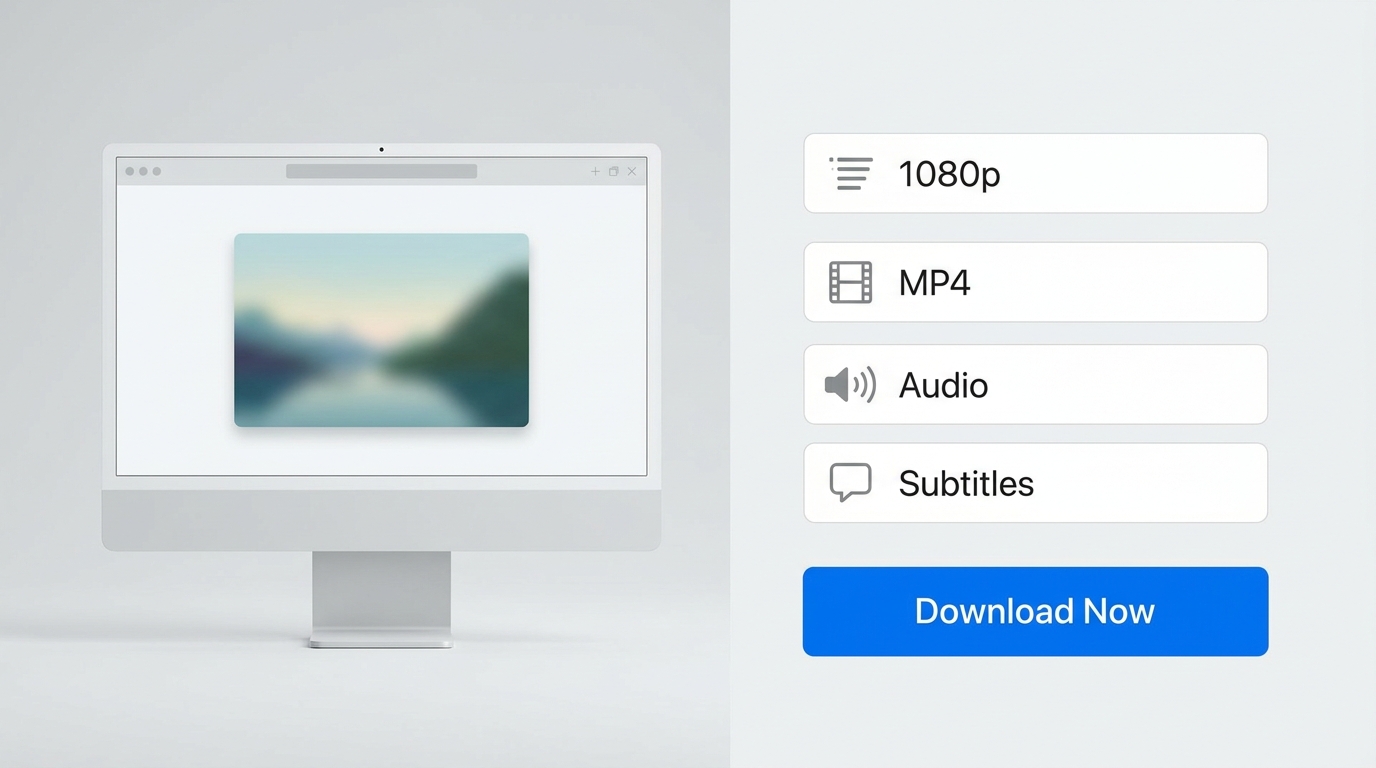
StreamFab Tubi Downloader is a desktop workflow separate from Tubi’s official experience. For content you are authorized to access, where permitted by platform terms and applicable law, it can save selected titles for personal offline viewing in up to 1080p, with 720p availability depending on the source title, plus AAC 2.0 audio.
- Save selected Tubi titles for personal offline viewing during travel or unstable network conditions.
- Save videos in up to 1080p, with 720p availability depending on the source title, plus AAC 2.0 audio
- Use MP4 or MKV files with compatible phones, tablets, smart TVs, USB storage, Plex, or Emby
- Handle multiple selected videos in batches with metadata and subtitle options, including embedded subtitles or separate SRT files
- Schedule downloading of newly available episodes when that workflow fits your personal viewing plan
Three Steps on Windows or Mac
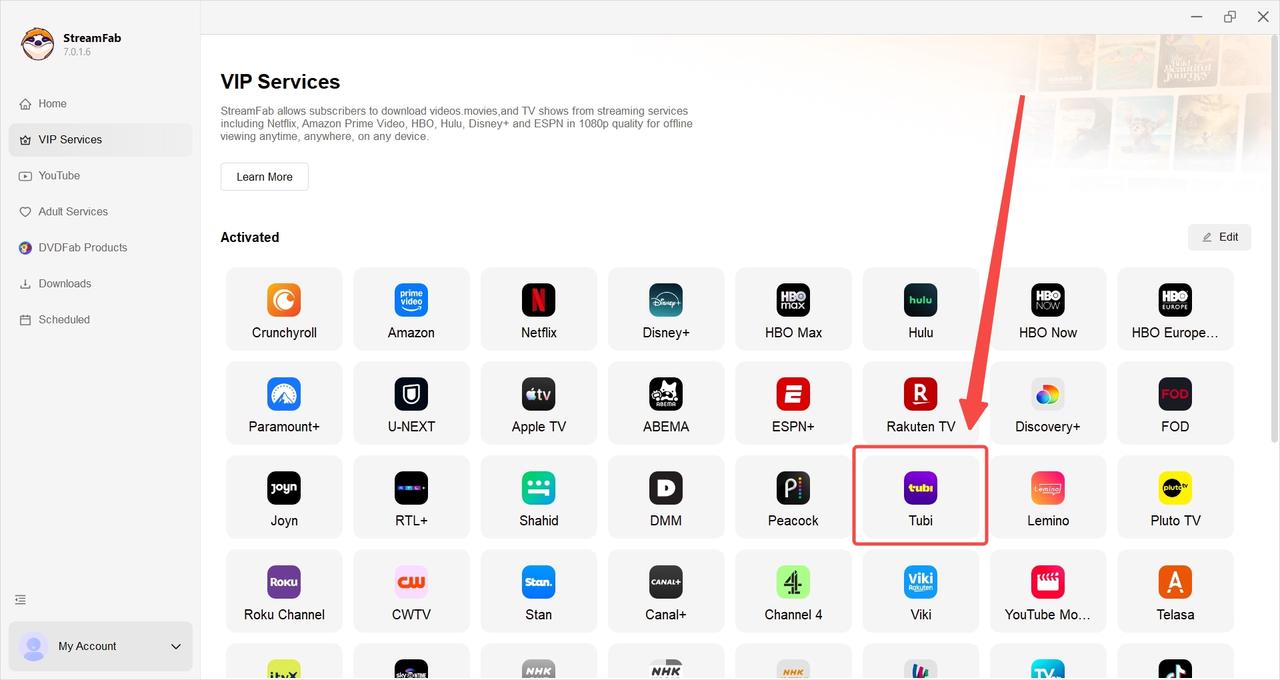
For content you are authorized to access, use the steps below to launch StreamFab and select Tubi, open an available title, choose the available quality, format, audio, and subtitle settings, then save it for personal offline viewing where permitted. The Windows and Mac process for downloading movies from Tubi TV covers the fuller desktop workflow.
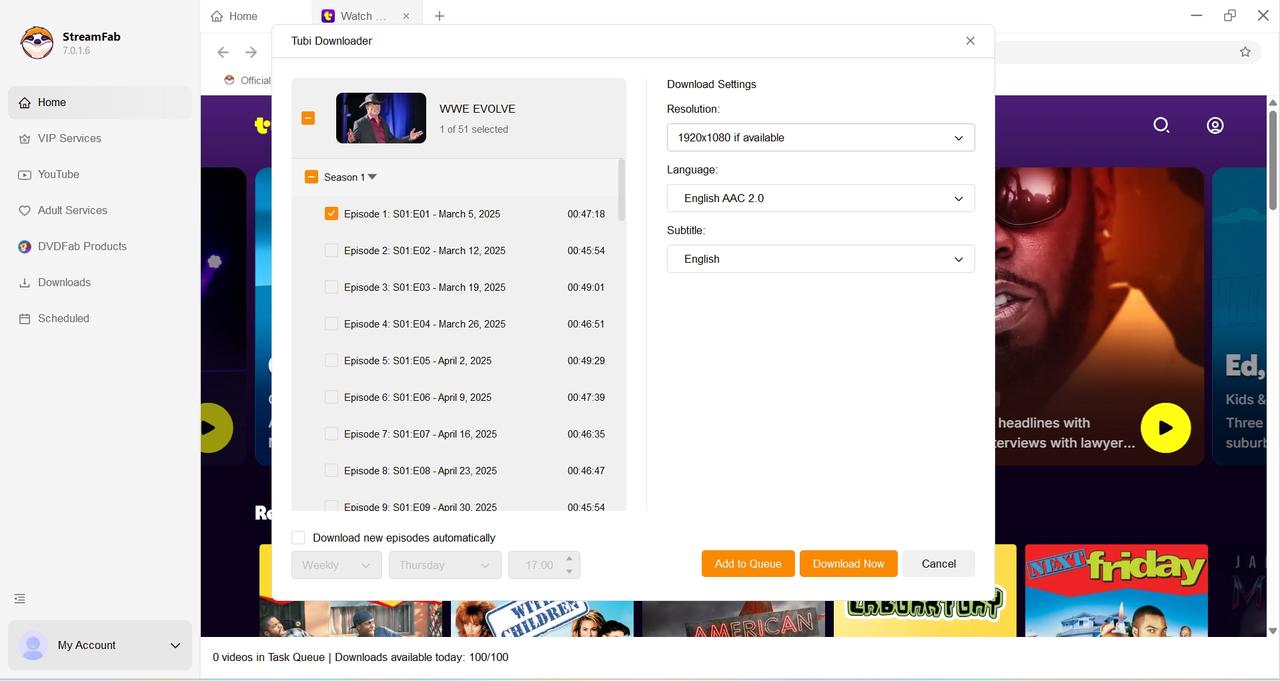
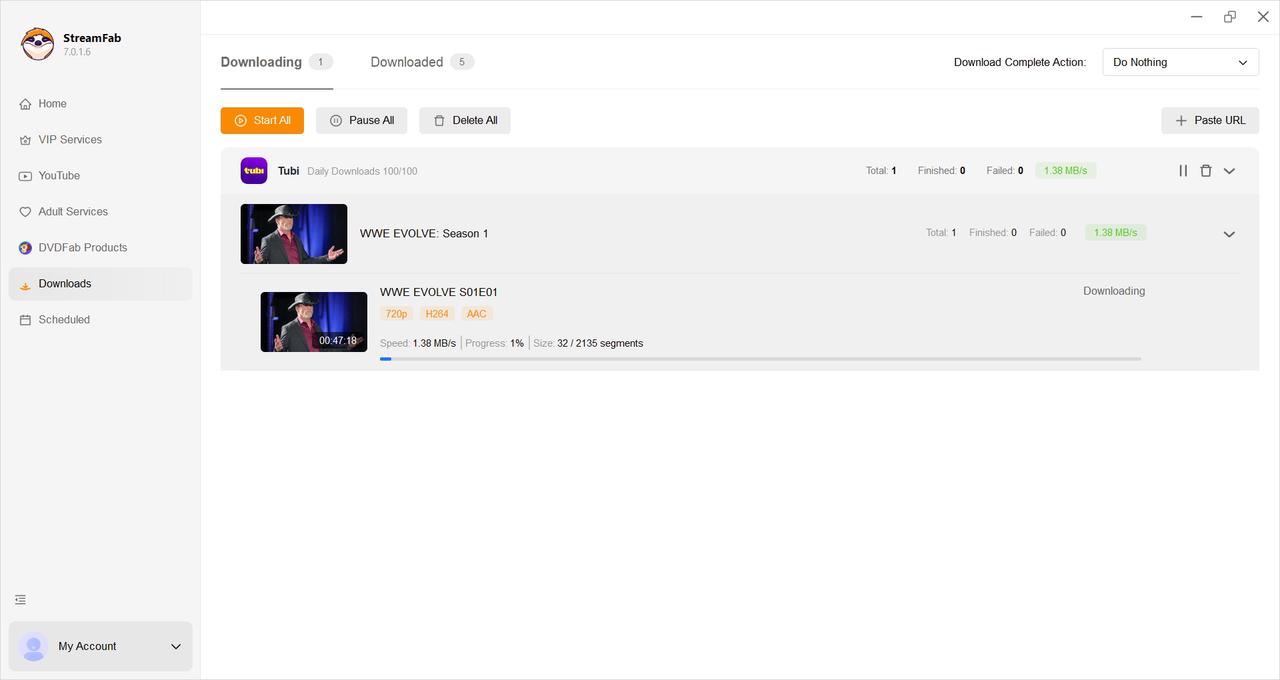
Expert Pro Tip: In my March 2026 tests, Chrome 140+ hardware acceleration occasionally caused CPU load spikes during SSAI parsing. I recommend configuring your StreamFab settings to utilize your dedicated GPU (NVIDIA NVENC or AMD VCE) for a smoother and faster downloading process.
Defeating the Black Screen of Death: Why Screen Recording Fails
Many users attempt to use OBS to capture Tubi streams. I strongly advise against this. Modern browsers enforce an HDCP 2.3 hardware-level DRM handshake. If you try to screen record, the GPU rendering logic will trigger the "Black Screen of Death"—you will capture the audio but only a pitch-black video track.
Furthermore, real-time recording forces you to sit through every single ad break. Direct stream downloading intercepts the source before the GPU rendering phase, completely bypassing the black screen limitation.
Enabling Tubi Airplane Mode: The PC-to-Mobile Transfer Protocol
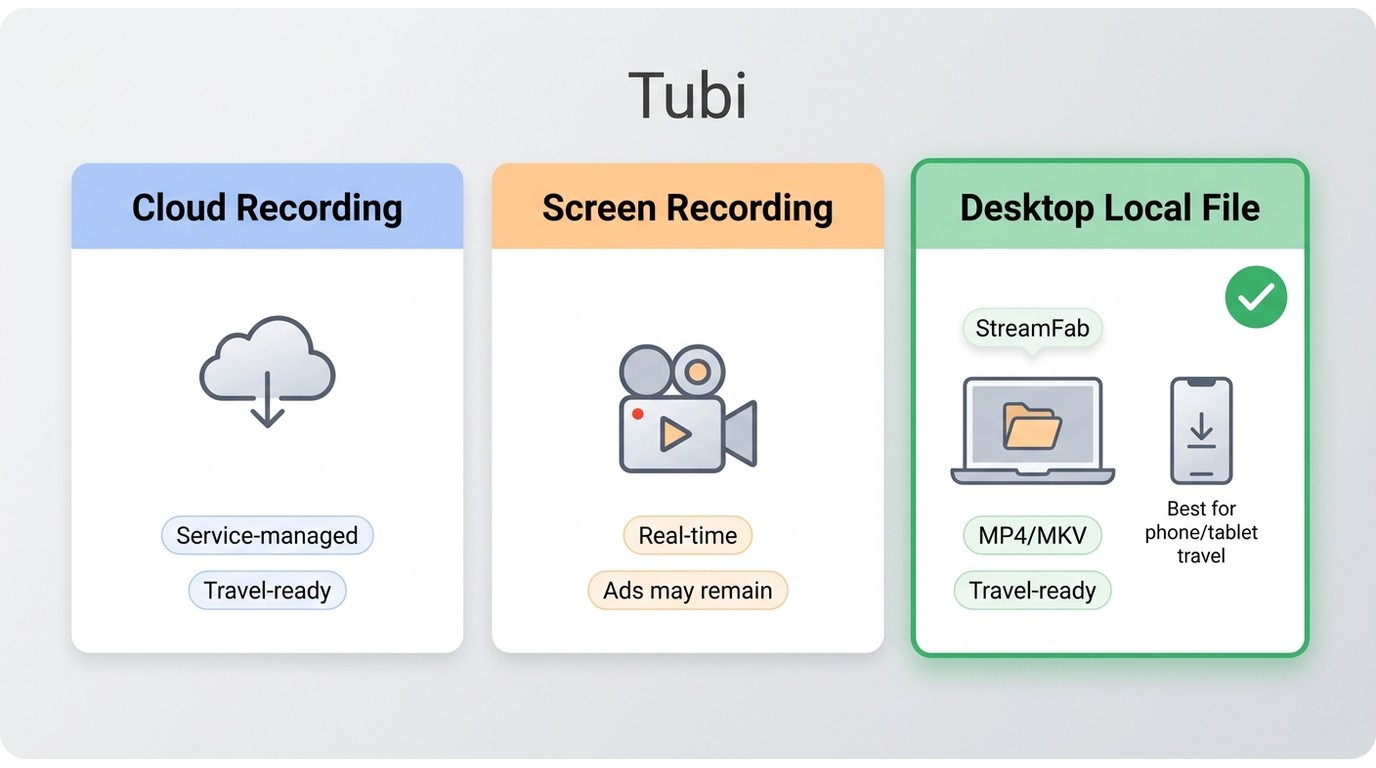
The most common intent I see in the community is: can i watch tubi on airplane mode on a tablet or phone? Since the mobile app cannot cache data, the solution requires a bridging step.
First, complete the bulk downloading process on your PC. The resulting files are standard MP4 or MKV containers without DRM encapsulation. Next, execute a local transfer protocol: use a USB-C data cable or a wireless network drop (like AirDrop or Local SMB share) to push these files to your iPad's VLC Player or your Android's local gallery. Once transferred, you can activate airplane mode immediately. The files will play natively without pinging any ad servers, giving you true offline mobility.
Tubi Offline Viewing FAQs
Can I Batch-Save Tubi Episodes for a Trip?
Tubi does not offer native episode downloads. StreamFab supports batch handling and scheduled downloading of newly available episodes for authorized personal viewing, subject to title availability, configured quota limits, platform terms, and applicable law.
Does Tubi Charge $9.99 a Month?
No. Tubi is an ad-supported streaming service, not a $9.99 monthly offline-download subscription. Paying for another service does not add a native Tubi offline mode.
What Are StreamFab's Trial and Download Limits?
The free trial includes three downloads. Licensed use allows up to 100 downloads per day and 700 downloads per week for each supported service, so this workflow fits planned personal offline viewing better than an unlimited archive project. A visible counter can reflect quota rules rather than a platform outage.
Why Might StreamFab Not Detect a Tubi Video?
Service-specific changes and software updates can temporarily affect detection. Update StreamFab, restart the app and its browser module, try another supported title, and confirm current operating-system and hardware compatibility. If detection still fails, contact support; supported titles, devices, and availability may change.
Conclusion
For travel, start with the limitation that Tubi has no native offline mode. Cloud recording can suit a service-managed workflow, and real-time recording may be enough for an occasional short clip. My practical take is that a tested desktop local-file workflow makes more sense when you need a compatible file on a phone or tablet before a flight. Test the saved file in your chosen player before leaving Wi-Fi.

This software is intended for personal backup of streaming content you can lawfully access with your own account. Do not use it for commercial purposes or redistribution, and always comply with the platform’s terms and applicable local laws.

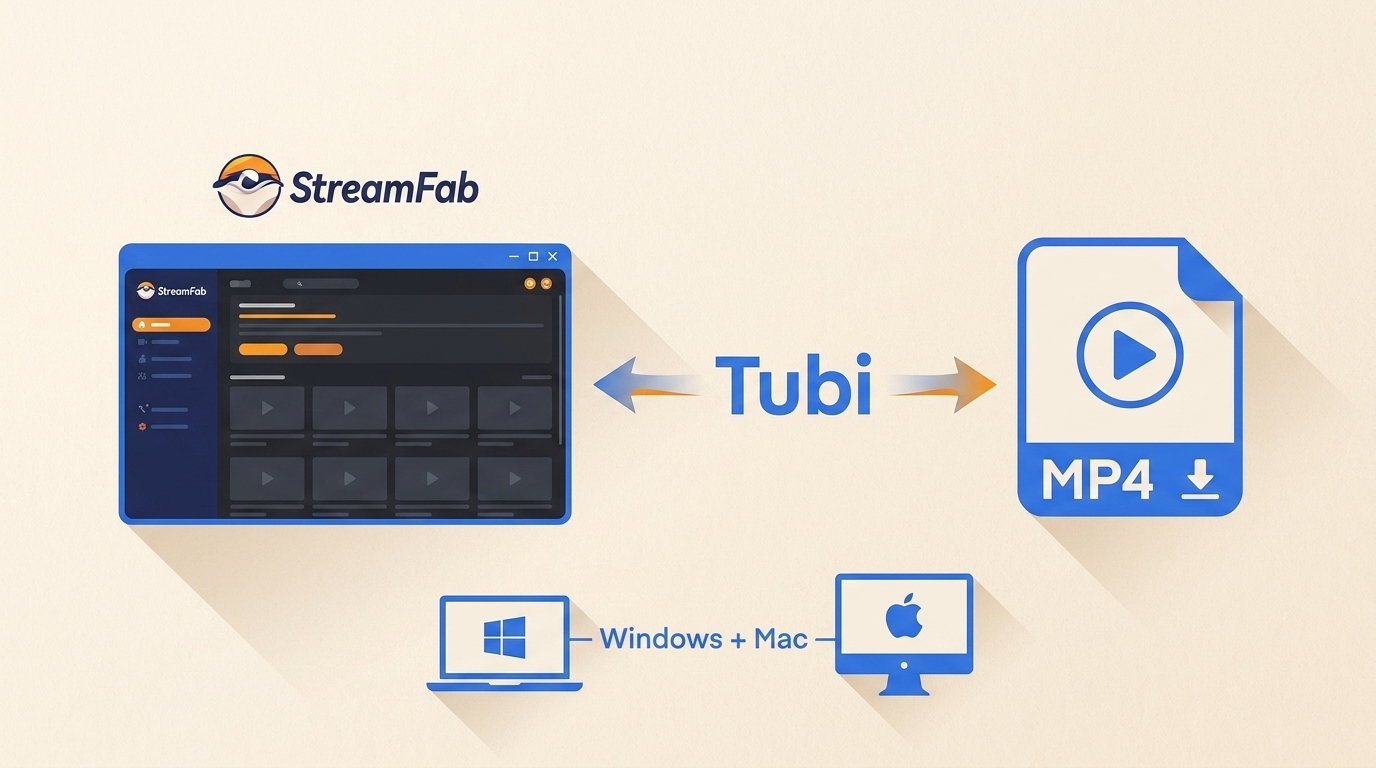
If you want to rip from Tubi or save Tubi videos as MP4, the key limitation is simple: Tubi has no built-in offline download feature. This guide compares practical Windows and Mac workflows, explains where StreamFab fits, and helps you troubleshoot common output problems.
By Erika Leen - Aug 11, 2026
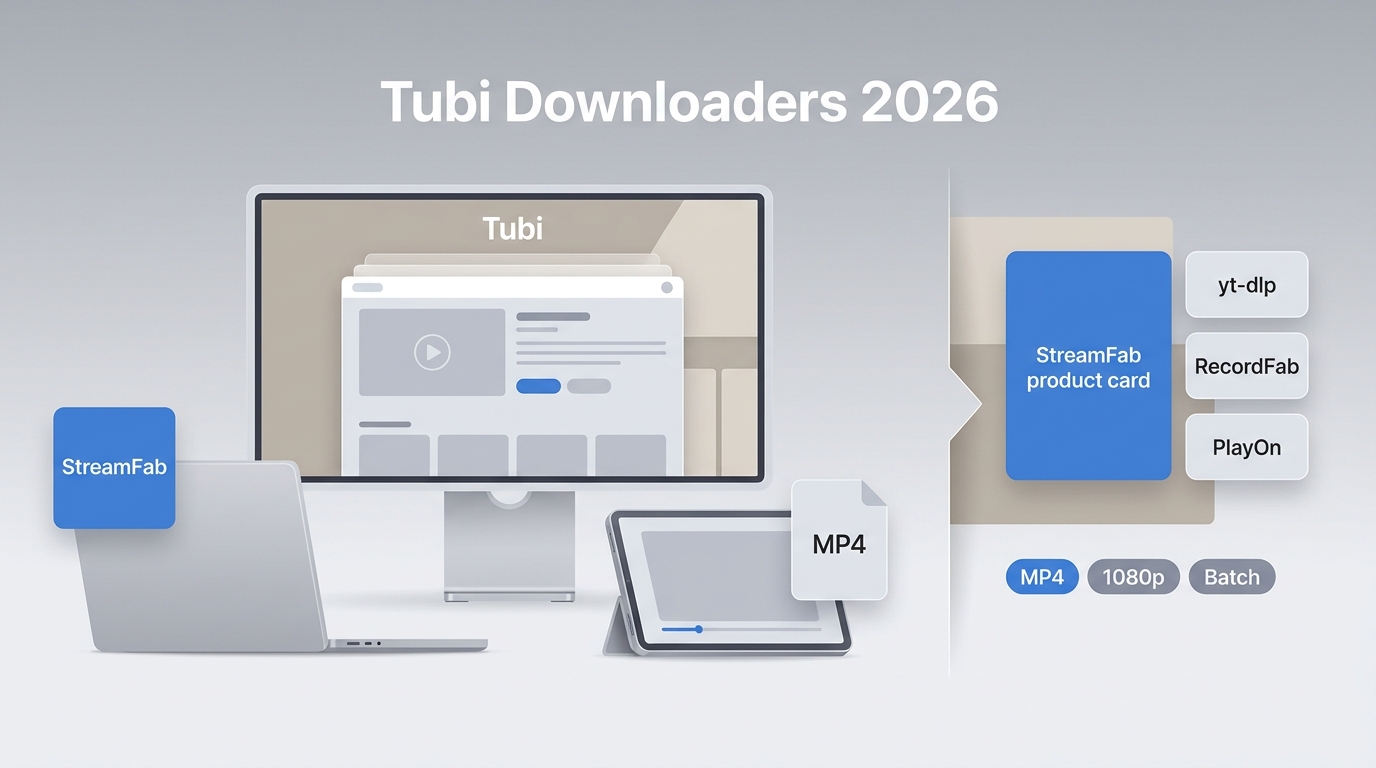
Tubi is primarily a streaming service and does not offer a standard movie-download workflow for offline viewing. For local playback, this guide compares desktop downloaders, command-line tools, and recorders for content you are authorized to access, subject to Tubi’s terms and applicable law.
By Jacob Harrison - Jul 22, 2026

Find out if you can download movies on Tubi to watch offline in 2026. Discover the top TubiTV downloader tools for PC, and learn how to seamlessly transfer high-quality MP4 files to your iPhone or Android.
By Nicole Lopez - Jun 24, 2026