







• Download all Channel 4 videos easily

    Download Channel 4 My4 and All 4 videos globally

  • Auto-download newly released Channel 4 videos

    Auto-download new Channel 4 episodes on a schedule

  • Download Channel 4 videos in 1080p

    Download Channel 4 videos in full 1080p quality

  • Explore Channel 4 videos with its in-built browser

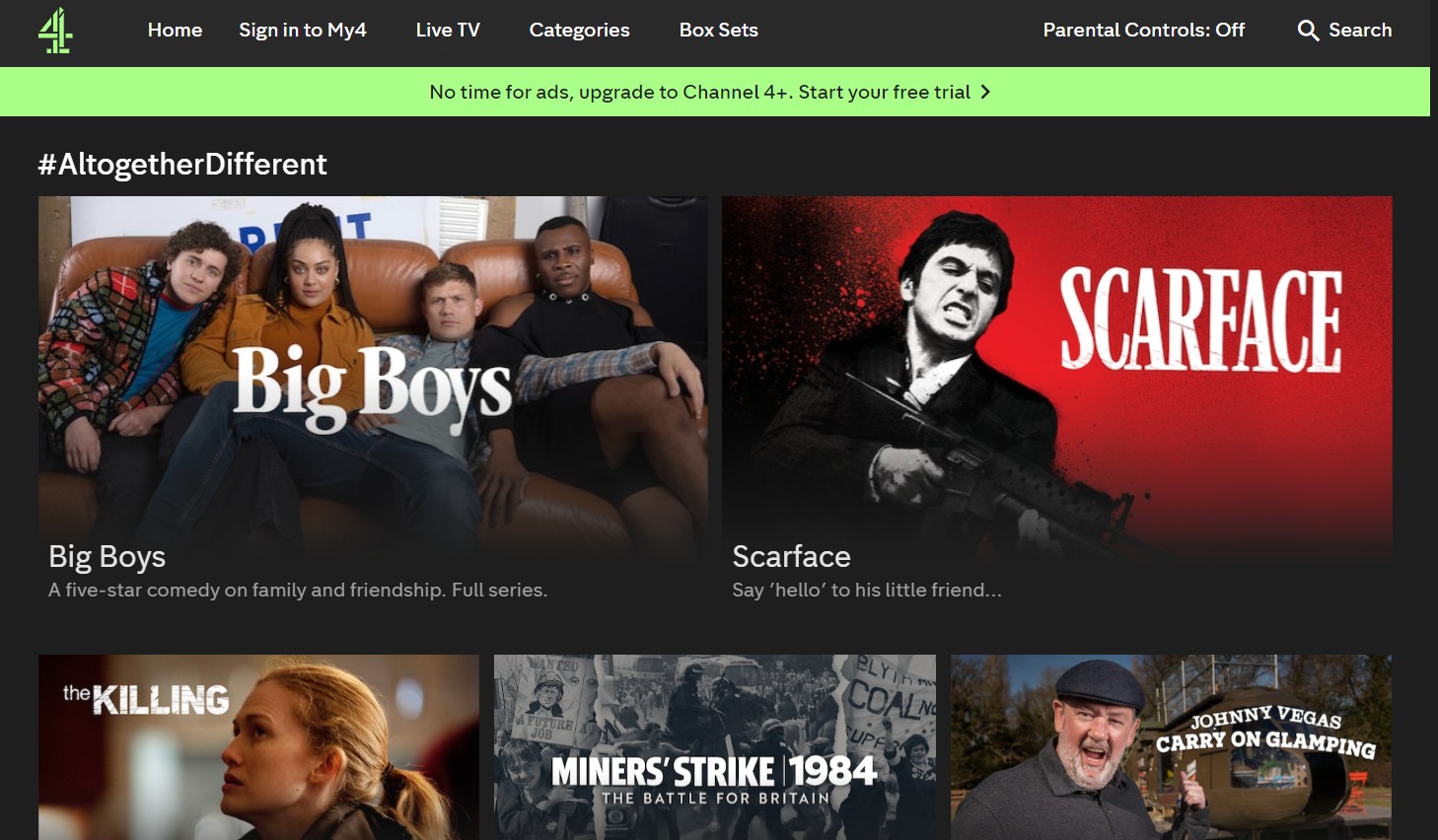
    Browse Channel 4 inside StreamFab's built-in browser

Why Do You Need StreamFab Channel 4 Downloader?

Videos come and go

Channel 4 Shows Vanish from My4 After 30 Days — Download Them First

Channel 4's catch-up service — My4 and All 4 — gives you access to a wide catalog of shows, from Gogglebox and Hollyoaks to documentaries, dramas, and The Great British Bake Off. But that access has an expiry date. Most episodes are only available for 30 days after broadcast, and once they are gone, they often disappear without notice. 


If you are mid-series or simply did not get around to watching, the episode is simply gone. StreamFab Channel 4 Downloader, backed by over 20 years of trusted software development, lets you save Channel 4 videos for offline viewing the moment they are available — so your personal archive stays permanent even as the My4 catalog turns over every month.

On-demand videos come and go on streaming services
Download all Channel 4 videos

Download Channel 4 videos offline instead of streaming them online

Channel 4 is a free-to-watch, ad-supported service, which means every episode you stream online comes with regular commercial breaks interrupting the action. During a tense drama or a gripping documentary, those interruptions break immersion entirely. Add unreliable broadband or buffering during peak hours and streaming becomes genuinely frustrating. 


StreamFab Channel 4 Downloader solves both problems at once: it saves your chosen show to your device for offline viewing and removes commercial breaks during the download process. What you get is the pure content — no ads, no buffering, no dependency on your internet connection — ready to watch whenever and wherever you choose.

Channel 4 downloader

What Can StreamFab Channel 4 Downloader Do?

Excellent Downloading Quality

Download Channel 4 Videos in 1080p with AAC 2.0 Audio for a Better Experience

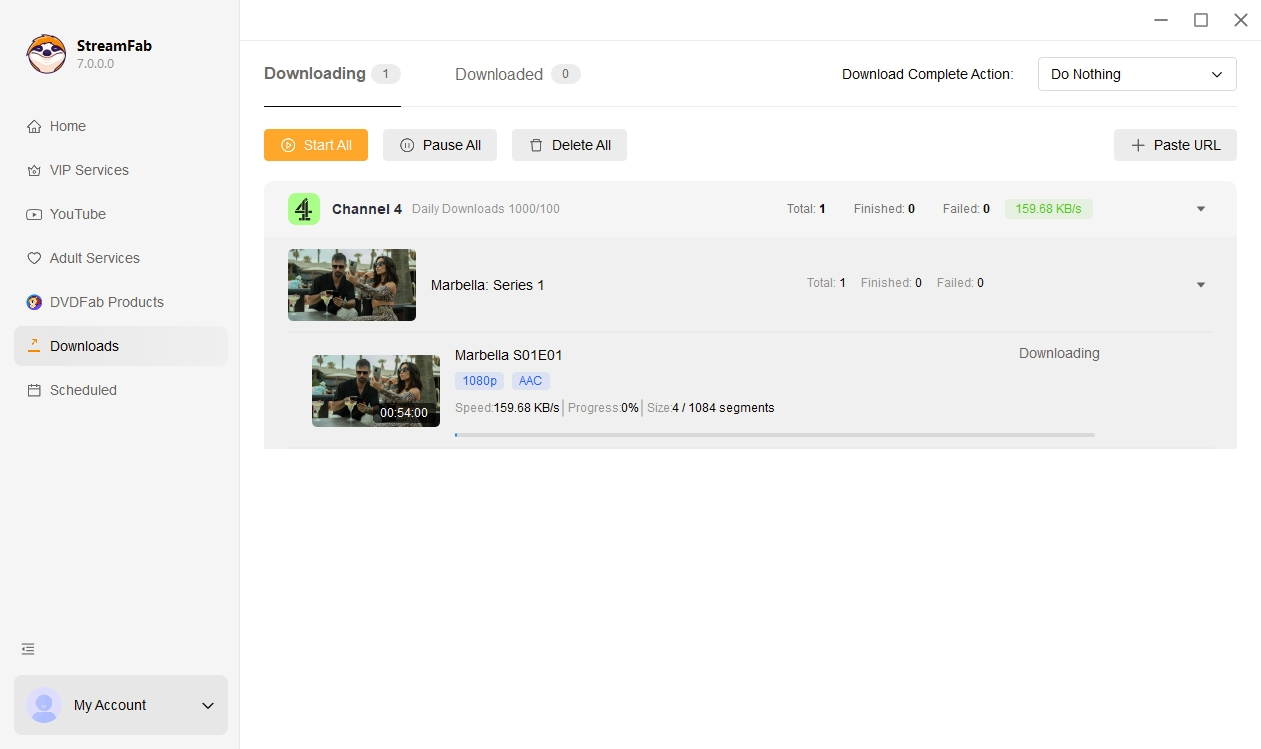
You fire up a Channel 4 documentary on your laptop during a commute and the stream drops to a blocky 480p because the train's Wi-Fi cannot keep up. The picture quality experience is far from what Channel 4 actually broadcasts. StreamFab Channel 4 Downloader removes that variable entirely. It saves Channel 4 content at the maximum available resolution of 1080p full HD, so the picture you watch offline is the sharpest version the platform offers — crisp text, clear facial detail, and smooth motion across every scene. 


Audio is preserved in AAC 2.0, delivering clean, clear stereo sound that works perfectly on laptop speakers, headphones, and home cinema systems alike. Whether you are watching a fast-paced drama, a studio chat show, or a nature documentary with detailed landscape shots, the offline file plays at the same quality as a direct broadcast, without a single frame of buffering.

Channel 4 video downloader
Multiple Format Available

Save Channel 4 Videos as MP4 or MKV — Compatible with Every Device and Media Player

Choosing the right output format can mean the difference between a file that plays instantly and one that requires conversion. StreamFab Channel 4 Downloader gives you the choice between MP4 and MKV, so your downloaded show is immediately compatible with whatever playback setup you prefer. MP4 is the universal choice: it plays natively on iPhones, Android phones, iPads, Windows PCs, Macs, smart TVs, and virtually every media player without any additional software. 


If you run a more elaborate home setup — a Plex server, a Kodi library, or a dedicated media player like PlayerFab — MKV gives you more flexibility, holding subtitle tracks and chapter markers in a single container file. Either way, StreamFab handles the packaging for you at download time, so you never need to run a separate conversion tool before you can watch.

download videos from Channel 4
Save and Remux SRT Files

Save subtitles into videos or as extend .SRT format

Subtitles are the captions displayed under the videos that are used for translating the dialogues and narratives to help viewers understand the lines easily, especially for those who don't speak the language being played.

With this in mind, StreamFab Channel 4 Downloader makes it possible save available subtitles. You can either embed them into the video file or save them as extend .SRT format. It's your pick!
free Channel 4 downloader

A Downloading Experience Built Around Your Schedule

download videos from Channel 4

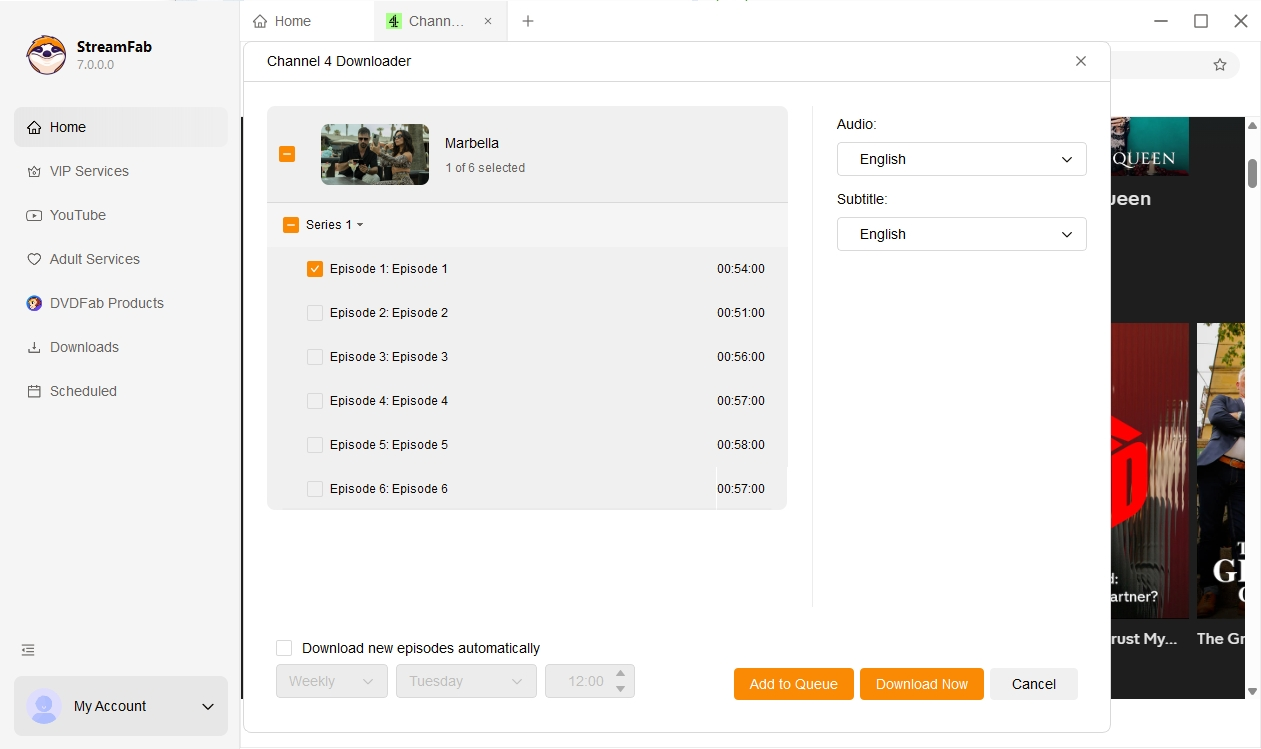
Schedule Mode and Auto Download

watches the series on your behalf and downloads each new episode automatically as soon as it becomes available on Channel 4 at your scheduled time, daily or weekly.

free Channel 4 video downloader

Batch Mode and Fast Speed

Select an entire series — or as many individual episodes as you like — and add them all to the download queue in one go.

download as mp4

Multiple Languages for Subtitles and Audio Tracks

Select your preferred subtitle language — English, or any other available track — and your preferred audio language, and StreamFab applies those settings automatically to every download in your queue.

download as mp4

Remove ads with Channel 4 Free account

Removes ads automatically during the download process, so the file stored on your device contains nothing but the actual programme content. Every episode starts clean, runs uninterrupted, and ends without a single ad break.

More Than Downloading — Organize Your Channel 4 Library

Save Metadata

Save Channel 4 Metadata for Organized Libraries in Plex Kodi and PlayerFab

Once your offline Channel 4 library contains multiple complete series, keeping everything organized becomes a real challenge without the right tools. StreamFab Channel 4 Downloader preserves the full metadata package with every downloaded video — episode titles, season and episode numbers, broadcast dates, cast information, genre tags, and cover art are all embedded automatically during the download process. 


The practical benefit is immediate when you use a media server. Point Plex, Kodi, or PlayerFab at your Channel 4 download folder and those applications instantly recognize every episode, display the correct cover art, and sort each series in the right order. You end up with a browsable, searchable library that feels as polished as any professional streaming service, with zero manual tagging required. For anyone downloading Channel 4 series regularly — especially longer-running shows like Hollyoaks or multi-season documentaries — metadata preservation is what keeps the library genuinely usable over time.

download videos from Channel 4

What StreamFab Channel 4 Downloader Users Are Saying

launch Channel 4 downloader
Step 1. Download and Install StreamFab

Download and install StreamFab on your Windows PC or Mac, then double-click the desktop icon to launch the application. Setup takes just a few minutes and no technical knowledge is required.

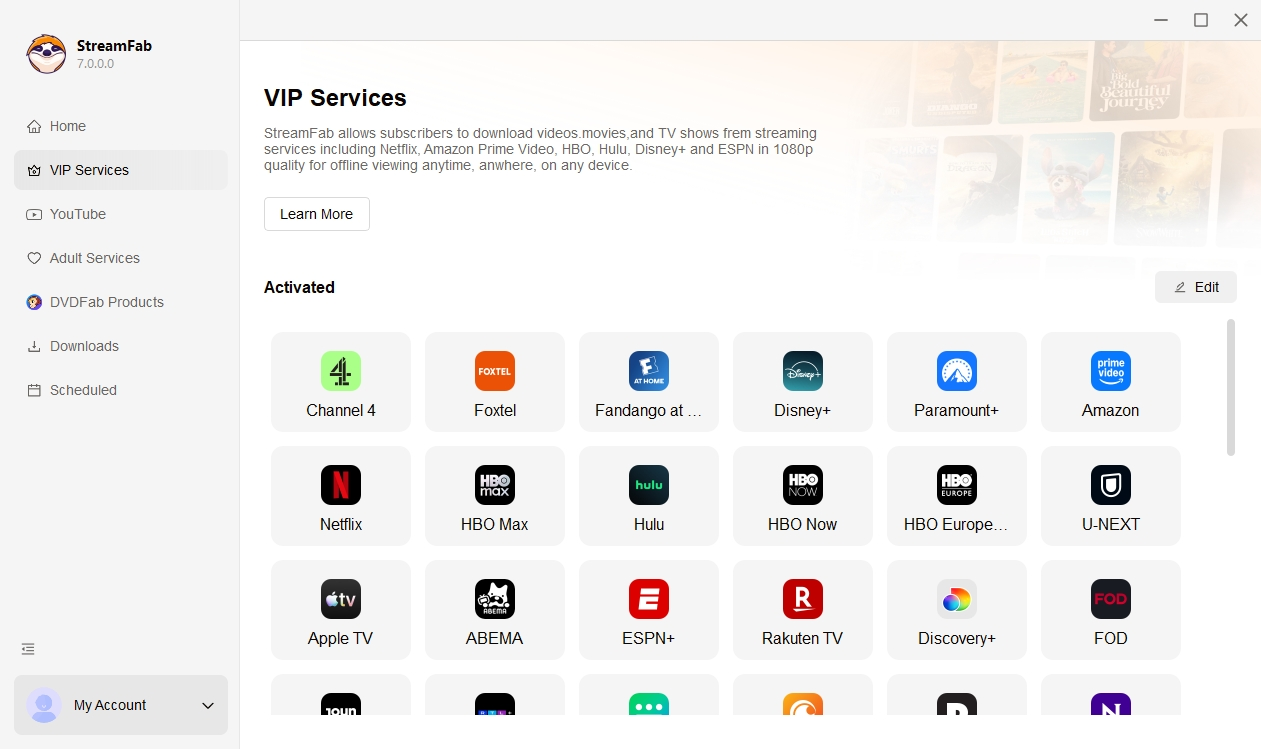
Step 2. Open Channel 4 in the VIP Services Section

Inside StreamFab, go to the VIP Services section in the left-hand panel and select the Channel 4 card. The built-in browser will open My4 or All 4 — log in if prompted and browse to the show, series, or episode you want to save offline.

Step 3. Hit Download and Watch Offline

When your selected Channel 4 video starts playing in the built-in browser, StreamFab detects it and shows a Download button. Click it, choose your output format, audio language, and subtitle preference, then confirm. StreamFab will save the episode to your folder — ad-free, in 1080p, and ready to watch anywhere.

System Requirements

Icon
Windows 11/10 (32/64 bit)
Intel i3 or above
4GB of RAM or above
40GB of free hard disk space or above
Live Internet connection required

Related Articles

Fair Use Policy: StreamFab is legal only for personal needs and it's not allowed to share the downloaded content with any third party.

To avoid being blocked by streaming providers, a StreamFab licensed account has a quota of 100 downloads per day, and 700 downloads per week from each supported streaming service. Whenever some of it is used up, it will refill during the next time cycle.