






• Download from all Discovery+ regional sites

    Download Discovery+ videos for permanent offline viewing

  • Download from Discovery+ automatically

    Auto-download new Discovery+ episodes on schedule

  • Download Discovery+ videos in 1080p

    Save Discovery+ in full 1080p with AAC 2.0 audio

  • Explore Discovery+ videos with its in-built browser

    Browse Discovery+ inside secure built-in browser

Why Discovery+ Fans Need StreamFab

No offline mode + expiring content

Discovery+ offers no offline downloads — and your favorites can vanish overnight

Picture this: you are planning a road trip and want to pre-load your favorite HGTV renovation shows or a full Shark Week lineup for the drive — only to discover that Discovery+ offers no download feature on most plans. Even where limited offline access exists, licensing agreements mean beloved series can disappear without warning. 


On top of that, the $4.99 Basic plan serves roughly four minutes of ads per hour, breaking the immersive experience of documentary series you are trying to enjoy. You pay every month, but you cannot guarantee access to the same shows you watched last season. That is where StreamFab changes everything.

On-demand videos come and go on streaming services
Powered by 8 years of StreamFab

StreamFab creates permanent 1080p local copies of all your Discovery+ content

Imagine you have a curated list of Discovery+ shows you return to regularly — Fixer Upper, Planet Earth, Gold Rush, 90 Day Fiancé. StreamFab, developed by the StreamFab team with over 8 years of video software experience and trusted by tens of millions of users worldwide, saves any Discovery+ video as a 1080p MP4 or MKV file that lives on your hard drive permanently. No subscription check, no expiry date, no ads in the saved copy — just the episode, exactly as it aired, ready to play any time on any device.


Try StreamFab with 3 free downloads before making any commitment. The 14-day refund guarantee on annual plans removes every remaining risk, so you have nothing to lose and a full offline library to gain.

discovery plus download

The Complete Discovery+ Download Feature Set

1080p · AAC 2.0

Download 55,000+ Discovery+ episodes in 1080p Full HD with AAC 2.0 audio

Imagine settling in for a Planet Earth marathon or an HGTV renovation binge on your living room TV without buffering or a shaky connection. Discovery+ offers its full catalog of 55,000+ episodes from HGTV, TLC, Animal Planet, Food Network, Discovery Channel, and Magnolia Network — and StreamFab captures every one of them at full 1080p resolution with clean AAC 2.0 stereo audio. 


The quality in your saved file is identical to what streams on Discovery+. Whether it is a 45-minute home renovation episode or a multi-part nature documentary series, your offline copy looks exactly as sharp as the live stream, ready to play on your TV, laptop, or tablet without an internet connection.

discovery plus downloader
MP4 · MKV

Save Discovery+ videos as MP4 or MKV to watch on any device

Think about all the screens you use to watch TV — a Smart TV in the living room, an iPad for travel, a laptop for work trips, a media server at home. StreamFab saves Discovery+ content in MP4, compatible with virtually every device, player, and operating system from iPhones and Android tablets to Windows PCs and Smart TVs, or in MKV for media server setups like Plex, Kodi, and PlayerFab. 


MP4 files open instantly without extra codecs, making them the ideal choice for family devices. MKV is perfect when you want multi-track audio or embedded subtitles in an archival format. Both play indefinitely with no app login or active subscription required.

download discovery plus 1080
SRT · Embedded

Download Discovery+ subtitles as SRT files or embed them in the video

Think about watching a wildlife documentary with your family and wanting captions for young viewers, or catching up on Discovery+ crime dramas as a non-native English speaker who relies on subtitles to follow every detail.


StreamFab downloads available subtitle tracks alongside the video and gives you two options: save them as SRT files for use in any subtitle-compatible player — VLC, Plex, Kodi, or MPC-HC — or remux them directly into the MP4 or MKV file itself. Remuxed subtitles appear automatically in most Smart TVs and media players without needing to manage extra files sitting alongside your video collection, keeping your library clean and organized.

save discovery plus videos
H.264 · H.265

Choose H.264 for compatibility or H.265 for 40% smaller file size

Picture building a large Discovery+ library spanning multiple Shark Week seasons, years of Fixer Upper, and dozens of Planet Earth episodes — and watching your external hard drive fill up faster than expected. StreamFab gives you a choice of two video codecs at download time. H.264 delivers maximum compatibility: every device, every player, and every Smart TV can play it without issues, making it the safe pick for family devices and older hardware. 


H.265 (HEVC) produces the same 1080p visual quality at roughly 40 to 50 percent smaller file size, ideal for storing large season collections or transferring files to portable devices with limited storage. The choice is yours at download time, and no re-encoding is ever required after the fact.

download Discovery+ videos in H.264 or H.265

Perfect Downloading Experience You Get

download as mp4

Auto-Download New Discovery+ Episodes

Set up scheduled downloads for your favorite Discovery+ series. StreamFab fetches new episodes automatically — daily or weekly — so you are never behind on a season.

Batch Download Entire Seasons Fast

Queue full seasons or multiple Discovery+ series in one go. StreamFab handles them simultaneously so your offline library is ready in hours, not days.

download as mp4

Select Subtitle and Audio Language

Choose your preferred subtitle language and audio track before downloading. StreamFab applies your language preferences consistently across every episode in the batch.

discovery plus offline play

Remove Discovery+ Ads from the Basic Plan

Download with the $4.99 Basic plan and StreamFab saves your videos ad-free. That is $48 per year cheaper than the $8.99 Premium plan — real savings that add up fast across a full year.

Organize Your Offline Discovery+ Library Like a Pro

Save Metadata

Preserve metadata so your media server organizes Discovery+ content perfectly

Imagine you have built a library of 200 or more Discovery+ episodes spanning HGTV, TLC, and Animal Planet. Without metadata, they are just a folder of video files with no way to tell one apart from another at a glance. StreamFab preserves title, series name, season number, episode number, cast, cover art, and synopsis for every single download. 


Media server apps like PlayerFab, Plex, Kodi, and Jellyfin use that metadata to display your Discovery+ content with the correct thumbnail artwork and episode descriptions — making it as easy to browse your offline collection as navigating Discovery+'s own interface, but available permanently without any internet connection required.

StreamFab Discovery Plus metadata Plex Kodi PlayerFab episode thumbnails cover art

Feedbacks on StreamFab Discovery Plus Downloader

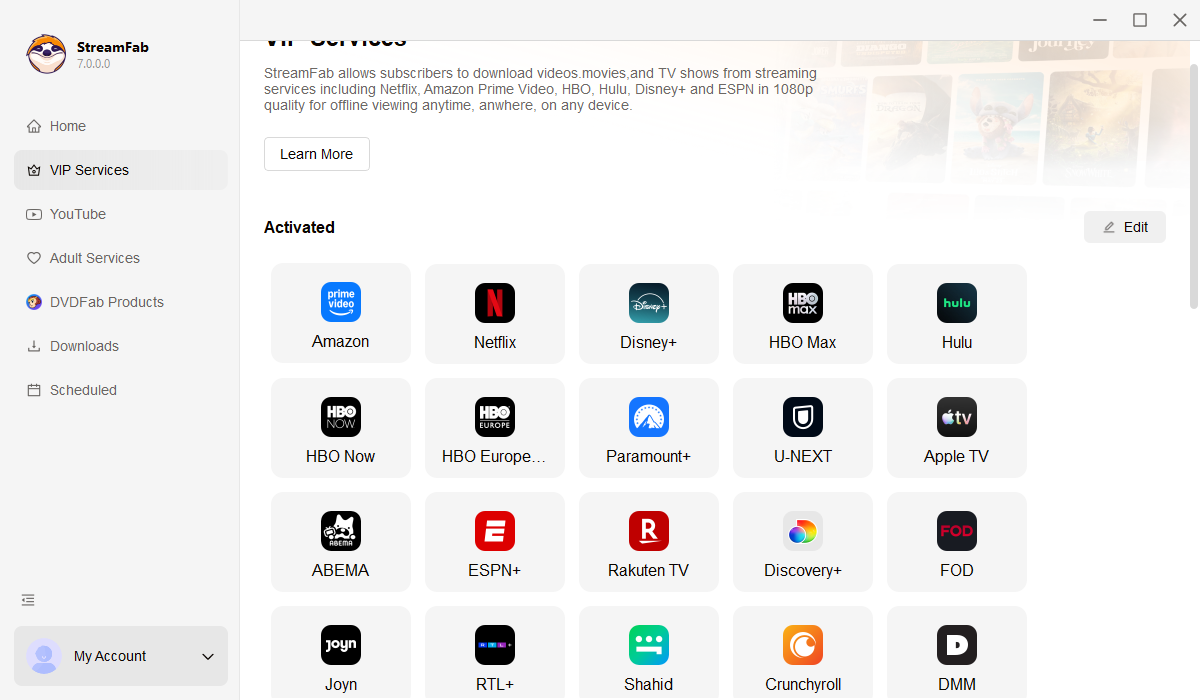
Step 1 launch StreamFab select Discovery Plus from VIP Services
Step 1. Launch StreamFab and Open Discovery+ in the Built-In Browser

Launch StreamFab on your Windows PC or Mac. Navigate to VIP Services in the left panel and select the Discovery+ logo to open the secure built-in browser.

Step 2. Sign In to Discovery+ and Play Your Chosen Episode or Show

Sign into your Discovery+ account inside the built-in browser. Search for the show or episode you want — whether it is a Shark Week special, a Gold Rush season, or an HGTV marathon — and press Play.

Step 3. Set Your Preferences and Start Downloading

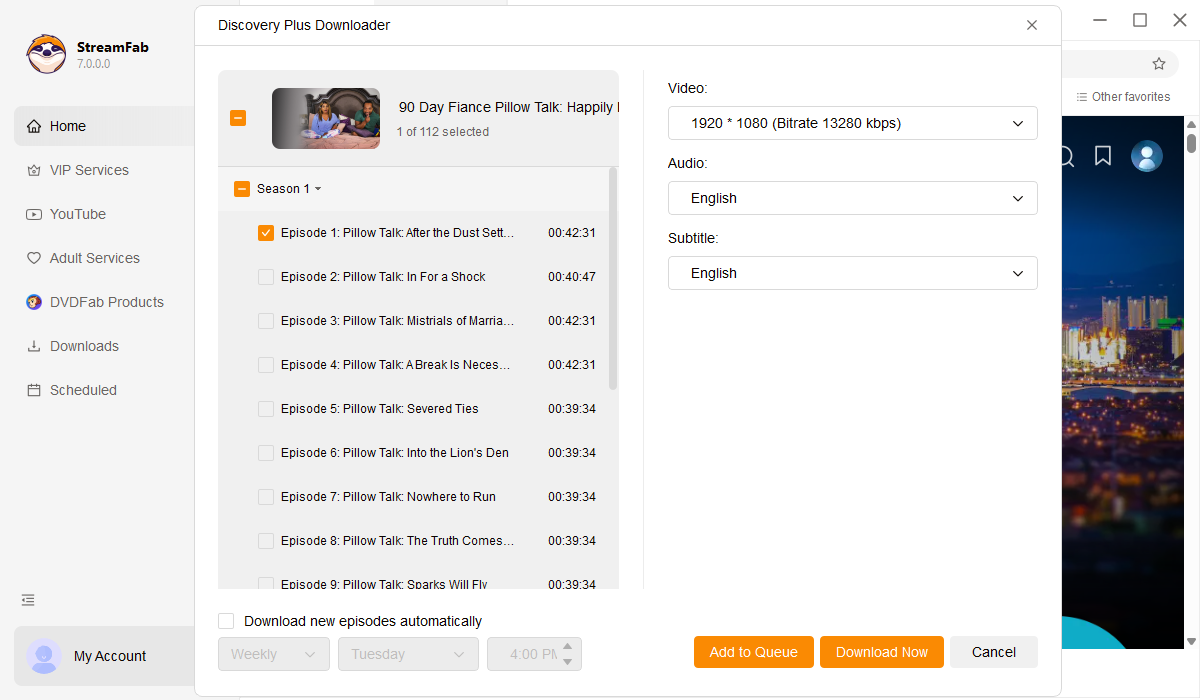
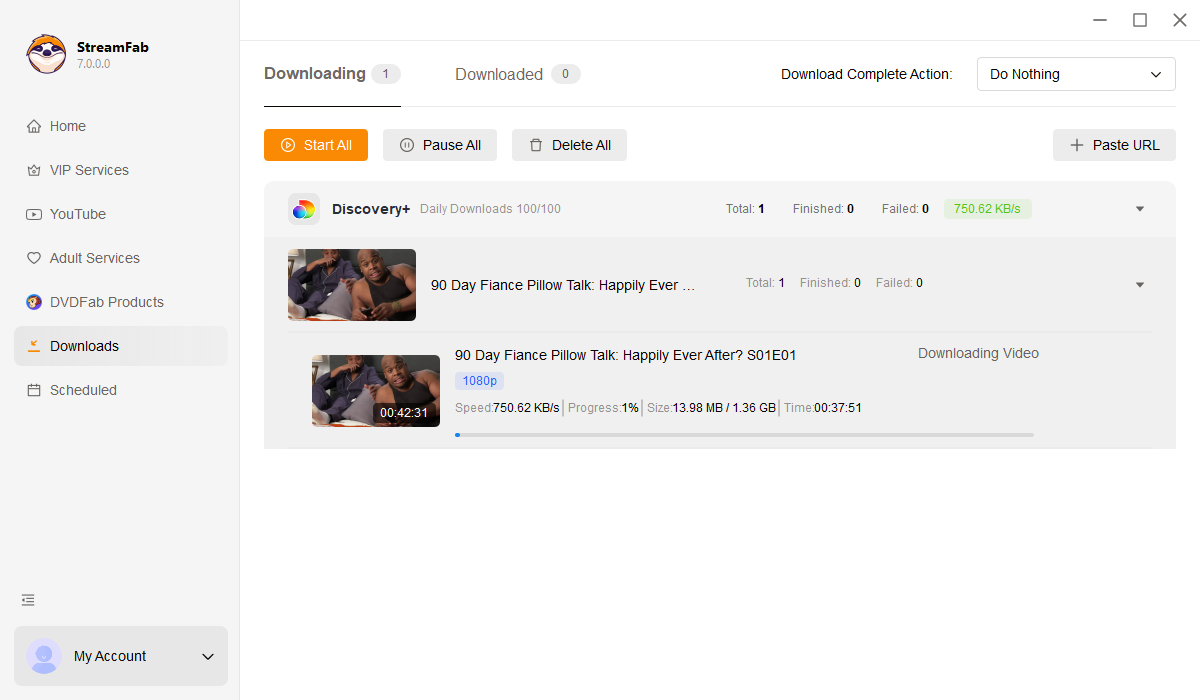
As the video begins playing, StreamFab displays a download prompt. Select your resolution (1080p or 720p), codec (H.264 or H.265), and format (MP4 or MKV), then click Download Now. Your personal local copy begins saving immediately.

System Requirements

Icon
Windows 11/10 (32/64 bit)
Intel i3 or above
4GB of RAM or above
40GB of free hard disk space or above
Live Internet connection required

Related Articles

  • Can You Download on Discovery Plus? 2026 App & PC Fixes
    Can You Download on Discovery Plus? 2026 App & PC Fixes

    Yes, but with strict 48-hour expirations limits. Learn how to bypass DRM geoblocking, fix recording black screens, and use a reliable discovery plus video downloader for permanent offline viewing in 2026.

    By Marcia Hatcher - Mar 12, 2026
  • How Can You Watch Discovery Plus Offline: Official & Practical Tips 2026
    How Can You Watch Discovery Plus Offline: Official & Practical Tips 2026

    This guide will introduce you to how to watch Discovery Plus offline, both PC and mobile devices with tested tools and step-by-step instructions, you can enjoy wonderful videos at anywhere and anytime, no ads, no limitations.

    By Jacob Harrison - Mar 26, 2026
  • Discovery Plus on Hulu (2026): Bundle Pricing & Channel Guide
    Discovery Plus on Hulu (2026): Bundle Pricing & Channel Guide

    Discovery Plus is a well-known streaming platform, especially among enthusiasts of non-fiction programs and science documentaries. You can now get Discovery Plus on Hulu and enjoy all your favorite content through your Hulu subscription.

    By Erika Leen - Apr 14, 2026
Fair Use Policy: StreamFab is legal only for personal needs and it's not allowed to share the downloaded content with any third party.

To avoid being blocked by streaming providers, a StreamFab licensed account has a quota of 100 downloads per day, and 700 downloads per week from each supported streaming service. Whenever some of it is used up, it will refill during the next time cycle.