FANZA DCV to MP4: 4 Tested Methods & Step-by-Step Guides (2026)

Summary: We will demonstrate how to efficiently convert Fanza dcv files into mp4 format. The dcv files from Fanza can only be played on certain players, thus necessitating their conversion to mp4.
An existing FANZA DCV file is not a standard video container that VLC, FFmpeg, HandBrake, or a generic DCV to MP4 converter can directly process. In short, DCV is for official playback, not direct conversion. MP4/MKV output instead comes from recording or an authorized local-file workflow.
- StreamFab: Complete 1080p Fanza dcv to MP4 Archiving in 5 Minutes
- The Risks of Online DCV to MP4 Converters: A 2026 Security Analysis
This guide is for adults 18 and older only.
- Legal and ethical: Use FANZA content only with an active subscription or authorized access for personal use where permitted by the platform's terms and applicable law. Do not sell, share, or redistribute content.
- Being safe online: Because my gadgets have the most recent versions of their operating systems, browsers, and antivirus software, they are safe. I always buy software from stores I know are safe and official. To keep my computer safe, I encrypt my backups, verify my downloads, and limit who can use it.
What a FANZA DCV File Actually Is
FANZA designed the DCV format for its official playback environment. Unlike a standard MP4 or MKV container, a DCV file is not intended for general-purpose players or conversion apps. Identifying that boundary before choosing a tool avoids wasted uploads, failed conversions, and a lot of unhelpful troubleshooting.

StreamFab MP4/MKV Output Up to 4K
When StreamFab Fits This Task

- Download 4K / 2160p / 1080p FANZA videos
- Download Fanza videos in MP4/MKV files compatible with various devices
- Utilize the batch download feature to acquire FANZA adult videos
- Remove advertisements from the downloaded FANZA content.
For adults 18 and older, with content you're authorized to access and where permitted by platform terms and applicable law, StreamFab FANZA Downloader provides a desktop local-file workflow separate from FANZA's official player. It fits readers who need MP4 or MKV output rather than official-player playback; it is not meant to make an existing DCV file behave like a normal source video.
Verified specifications, as of August 2026: StreamFab FANZA Downloader runs on Windows and Mac, supports output up to 4K when available from the source, exports MP4 or MKV, offers H.264 or VP9 video options with AAC 2.0 audio, and includes batch queues and subtitle downloads. Source-title conditions can affect available formats and resolution.
My practical cutoff is simple: if official playback is enough, use the official environment. If you need a standard local file for authorized use, this workflow addresses that specific gap without pretending that DCV is a universal video format.
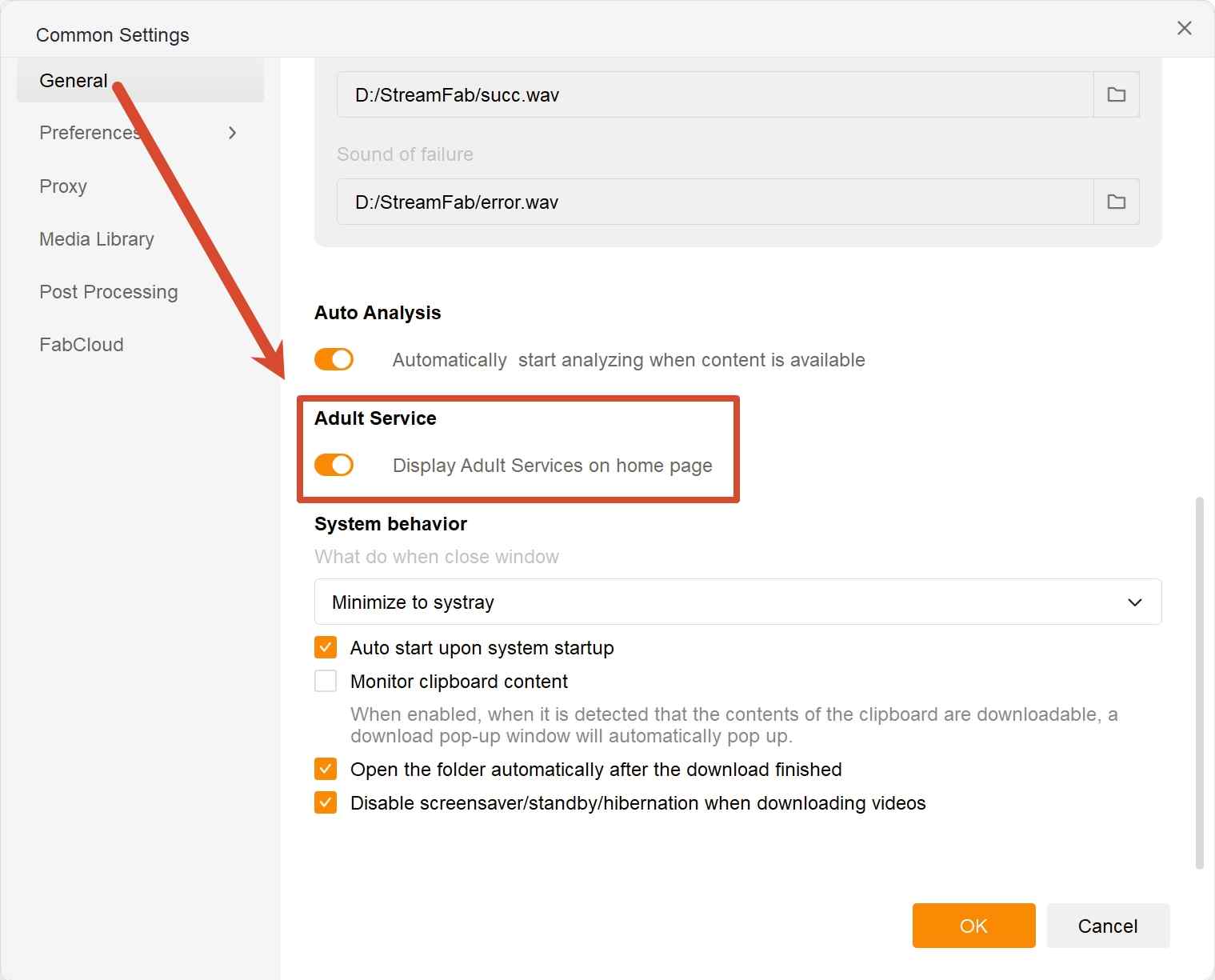
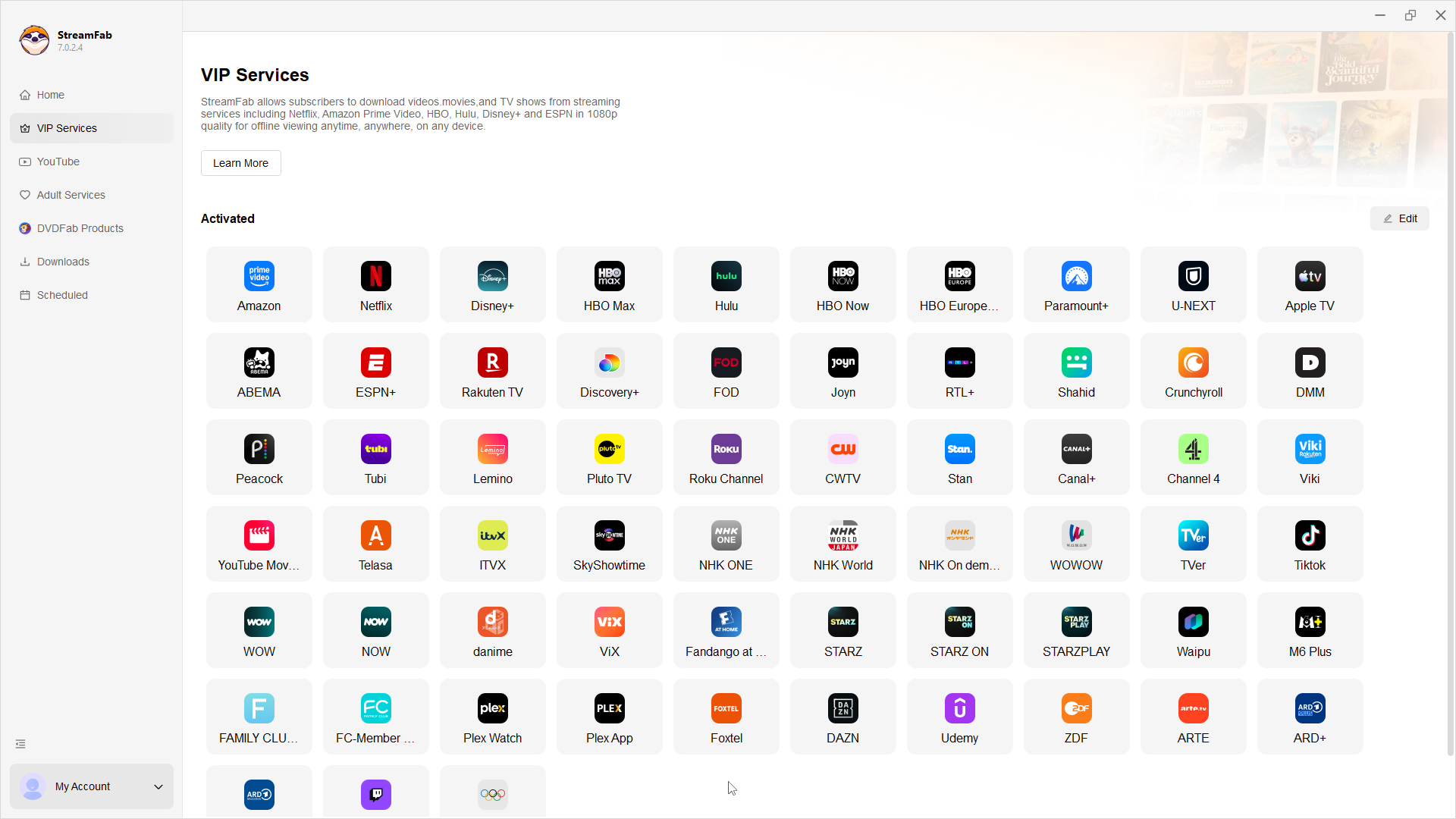
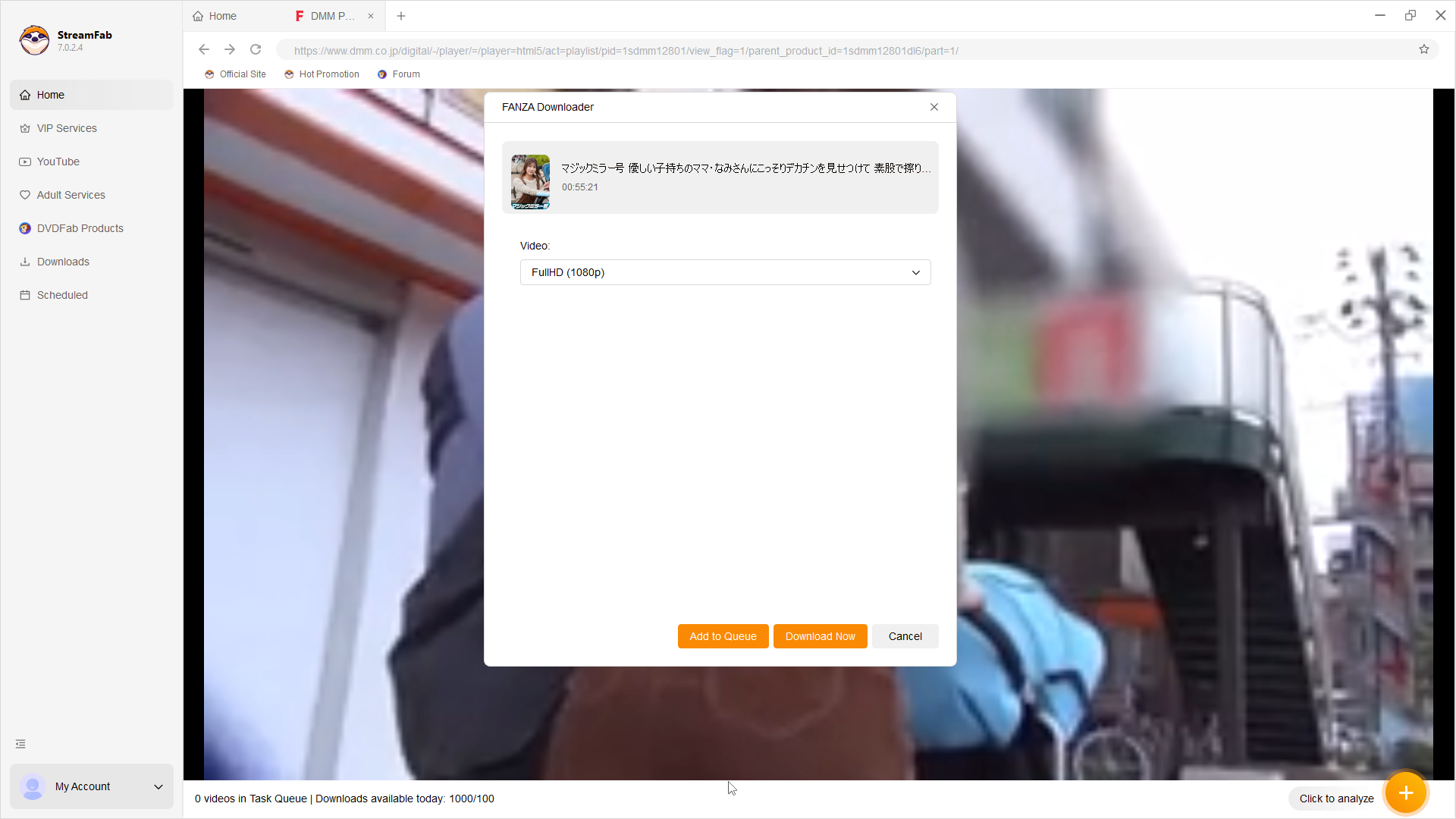
Four-Step MP4/MKV Workflow

Personal-Use, Safety, and Troubleshooting
- Download the application from its official product page and keep your operating system, browser, and security software current.
- Protect your account with a strong password and avoid sharing sign-in details or downloaded files.
![We've scanned the website and VirusTotal says it's all clear—no viruses. Remember to download only from the [https://www.dvdfab-download.com/?downloadUrl=https://www.dvdfab.cn/mlink/download.php?g=StreamFab_FANZA_Downloader].](https://r2.dvdfab.cn/upload/streamfab/en/fanza-dcv-to-mp4-uAhd.jpg)
Platform account outcomes can vary. Keep access authorized, protect your account, use modest queues, and follow the platform's terms and applicable law. In my view, testing one authorized title before building a large queue is the sensible choice because it isolates title- and version-specific issues early.
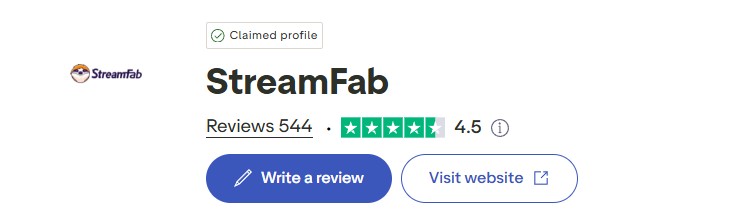
Use the official installer, sign in only through the app's normal account flow, and keep account credentials private when you download FANZA videos for authorized local use. Public feedback on Trustpilot can be one additional reference point, but it does not predict individual account outcomes.
FANZA DCV Conversion Methods Compared
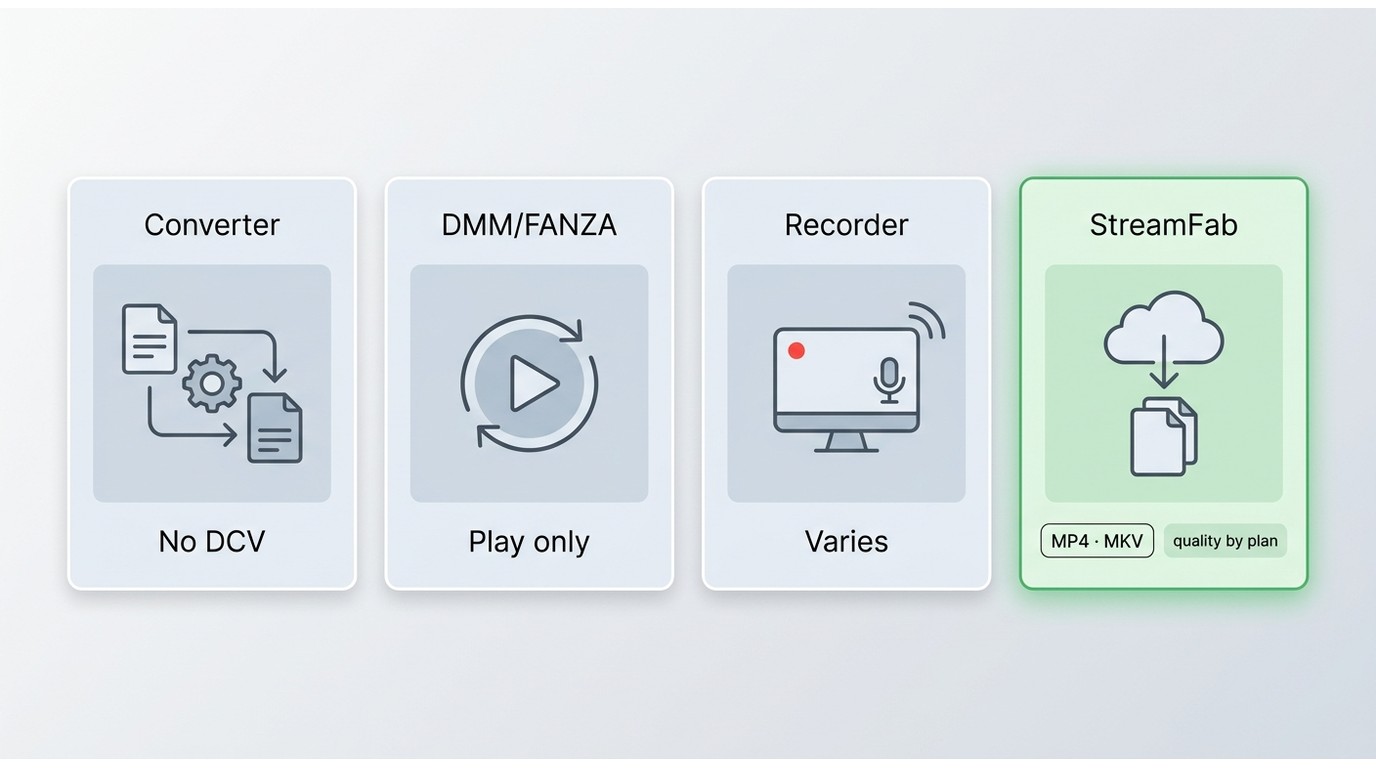
- Start With the File Boundary: Generic converters do not directly process a proprietary FANZA DCV file as they would a standard MP4 source.
- Official Playback Has a Different Purpose: The official DMM/FANZA environment is for playback and does not create a portable MP4 file.
- Free Options Have Tradeoffs: Screen recording can be a fallback, but output quality, stability, and title compatibility can vary.
| Method | Existing DCV support | Windows/Mac | Cost | Output and limits |
|---|---|---|---|---|
| Generic converter or online tool | Not direct | Varies by tool | Often free or limited | Does not process DCV as a normal source |
| Official DMM/FANZA player | Playback | Depends on the official app | Included with access | No portable MP4 output |
| Screen recording | Captures playback | Available on both | Free options exist | Quality and stability vary |
| Specialized desktop workflow | Creates files during acquisition | Windows and Mac | Product plan applies | MP4/MKV; source conditions apply |
- Best for: official playback if you do not need a portable file.
- Not ideal for: generic conversion apps expecting an existing DCV file to behave like MP4. My verdict is that screen recording remains a reasonable fallback, while a specialized desktop workflow is the more direct fit when authorized local MP4 or MKV output is the goal.
When screen recording is the better fallback for your setup, recording FANZA videos on a PC gives you a separate step-by-step route, with the same quality and stability tradeoffs noted above.
FAQs
1. Does buying a FANZA title give me a portable video file?
Buying a FANZA title grants access under the platform's conditions; it does not necessarily provide a standard portable MP4 file. A delivered or cached DCV file may remain intended for the official DMM/FANZA playback environment rather than general media players.
2. Can a local-file workflow affect my FANZA account?
No local-file workflow can guarantee a platform outcome. Keep access authorized, secure your account, use modest task queues, and limit use to personal purposes where permitted by platform terms and applicable law.
3. Do FANZA VR titles work with the same MP4 workflow?
VR compatibility can vary by title type and software version. Test one authorized VR title before committing to a batch, and confirm that your target headset supports the resulting video format and viewing mode.
4. What should I try when FANZA analysis or final processing fails?
First identify the stage: analysis, download, queue selection, or final processing. Update the app, sign in again, retry one title before a batch, and clear or rebuild the queue if it selects the wrong item. Check whether the title is standard or VR, since title type and software version can affect results.
Conclusion
Choose the official environment when playback is enough, screen recording when its tradeoffs fit your setup, or a specialized desktop workflow when you need MP4 or MKV output for authorized content. The file boundary and method tradeoffs above should drive that decision, not a converter's marketing promise.
Compatibility Notes
- Analysis and Queue Behavior: Analysis, queue selection, and final processing can vary by software version and title type.
- Start Small: Test one authorized title before starting a larger batch.
- VR Compatibility: VR titles may require title-specific checks before relying on the same workflow.
- Playback Conditions: Availability, supported devices, and playback behavior may change; review the relevant official service information.
- Personal-use boundary: Use FANZA content only with authorized access, for personal use where permitted by platform terms and applicable law. Do not share, sell, or redistribute files.
- Account and device safety: Keep your operating system, browser, and security software updated. Install software from official sources, protect account credentials, and limit access to local files and backups.

Have you ever viewed FANZA videos online? However, how can one watch FANZA videos without Wi-Fi? Therefore, in this article, we will explore the methods for downloading FANZA videos for offline viewing. If you wish to enjoy FANZA videos without an internet connection, be sure not to miss this!
By Erika Leen - Aug 18, 2026
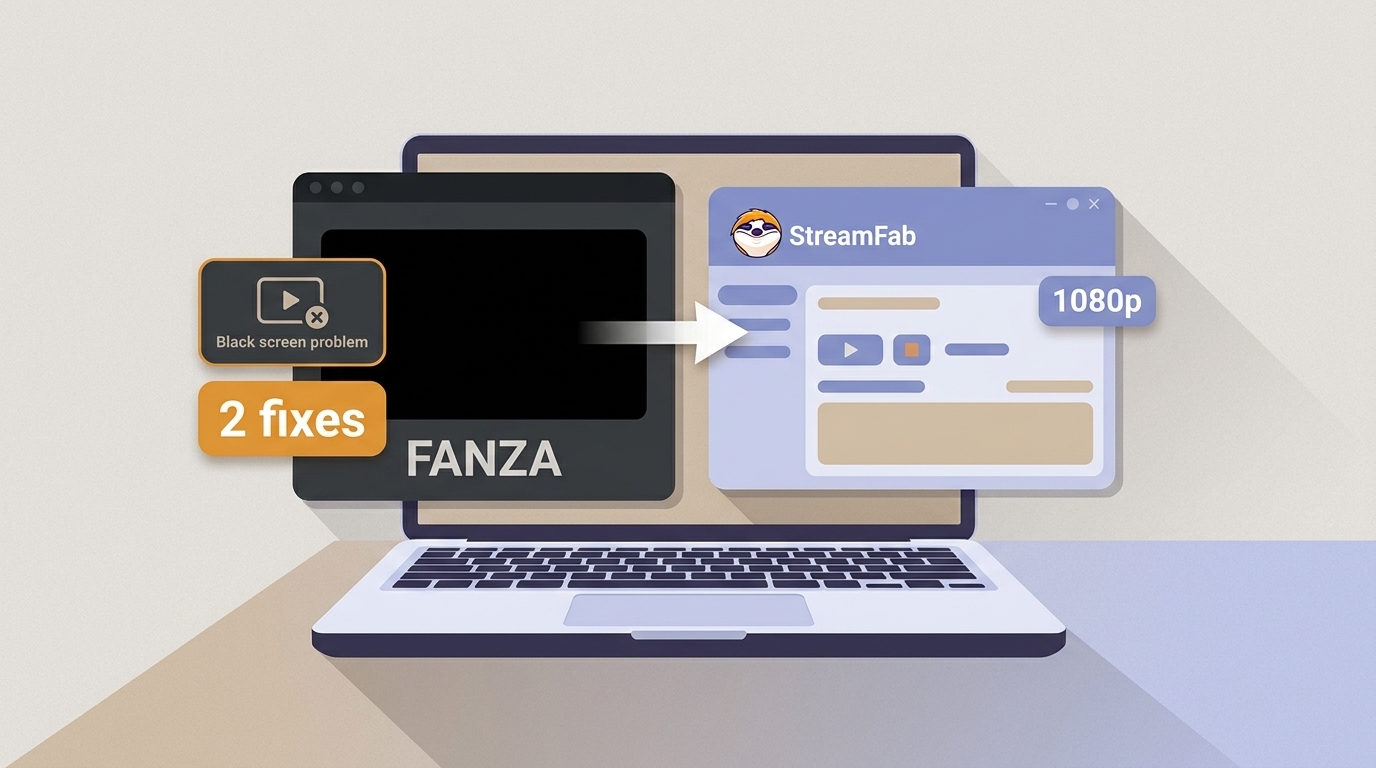
If you want to record 1080p FANZA videos on a PC, a black screen usually means the player and capture method are incompatible, not that playback has failed. The practical choice is a real-time recorder for live playback or a local-file workflow for eligible VOD.
By Erika Leen - Aug 11, 2026