5 MyFans Video Downloaders Compared for Offline Viewing in 2026

Summary: In this article, I tested and compared five popular MyFans video downloaders—StreamFab, StreamGaGa, BBFly, Y2Mate, and KeepStreams—to help you find the safest and most efficient solution.
- Compare active desktop tools by maintenance status, output format, and whether scheduled saving fits your routine.
👍 StreamFab MyFans Downloader is recommended for 1080p quality, batch saving, and scheduled downloads.
- For short-term use, compare monthly plans alongside current MyFans-specific support before paying.
Choosing a MyFans downloader starts with valid access: these tools are for personal offline viewing of videos you already subscribe to or have purchased. This comparison evaluates four active MyFans video downloader options by maintenance, price, format, and device fit for readers 18 and older.
Which MyFans Downloaders Still Work in 2026
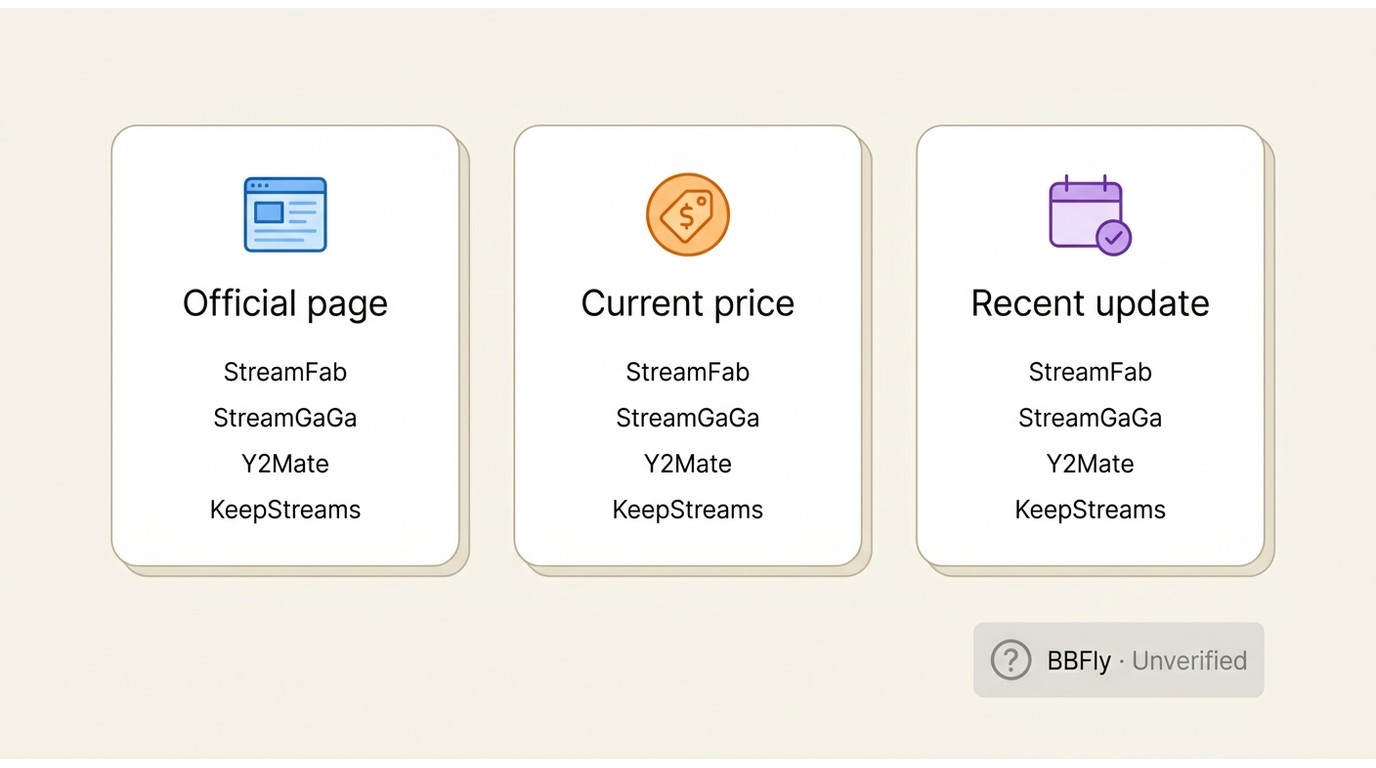
MyFans still does not offer a built-in offline save option for purchased or subscribed videos, so people who want a personal backup usually turn to third-party desktop tools. The problem is that this category changes fast: pricing moves, supported sites disappear, and some older products stop getting visible updates.
An active MyFans downloader should have three visible signals: a live MyFans-specific product page, a current checkout path, and recent maintenance evidence. In my view, those signals matter more than an evergreen feature list, because a polished claim is not much help when login compatibility or checkout status has gone stale.
Compare MyFans Downloaders by Price and Fit
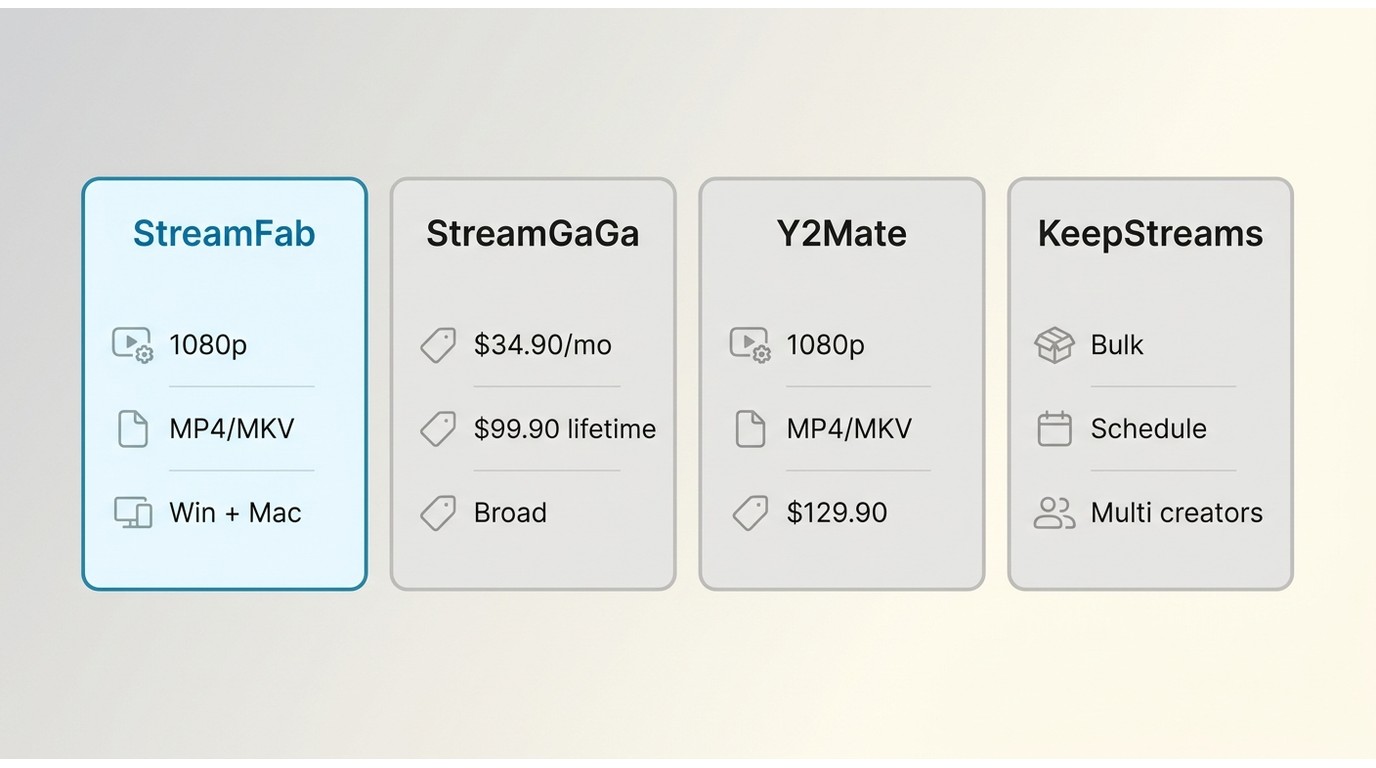
Price still matters, but it should not be your only filter. A lower lifetime fee is only useful if the product page is still live, the downloader still lists MyFans support, and the app gives you the output options you actually need for offline playback.
| Downloader | Status and source date | Current price | MyFans output | Best fit |
|---|---|---|---|---|
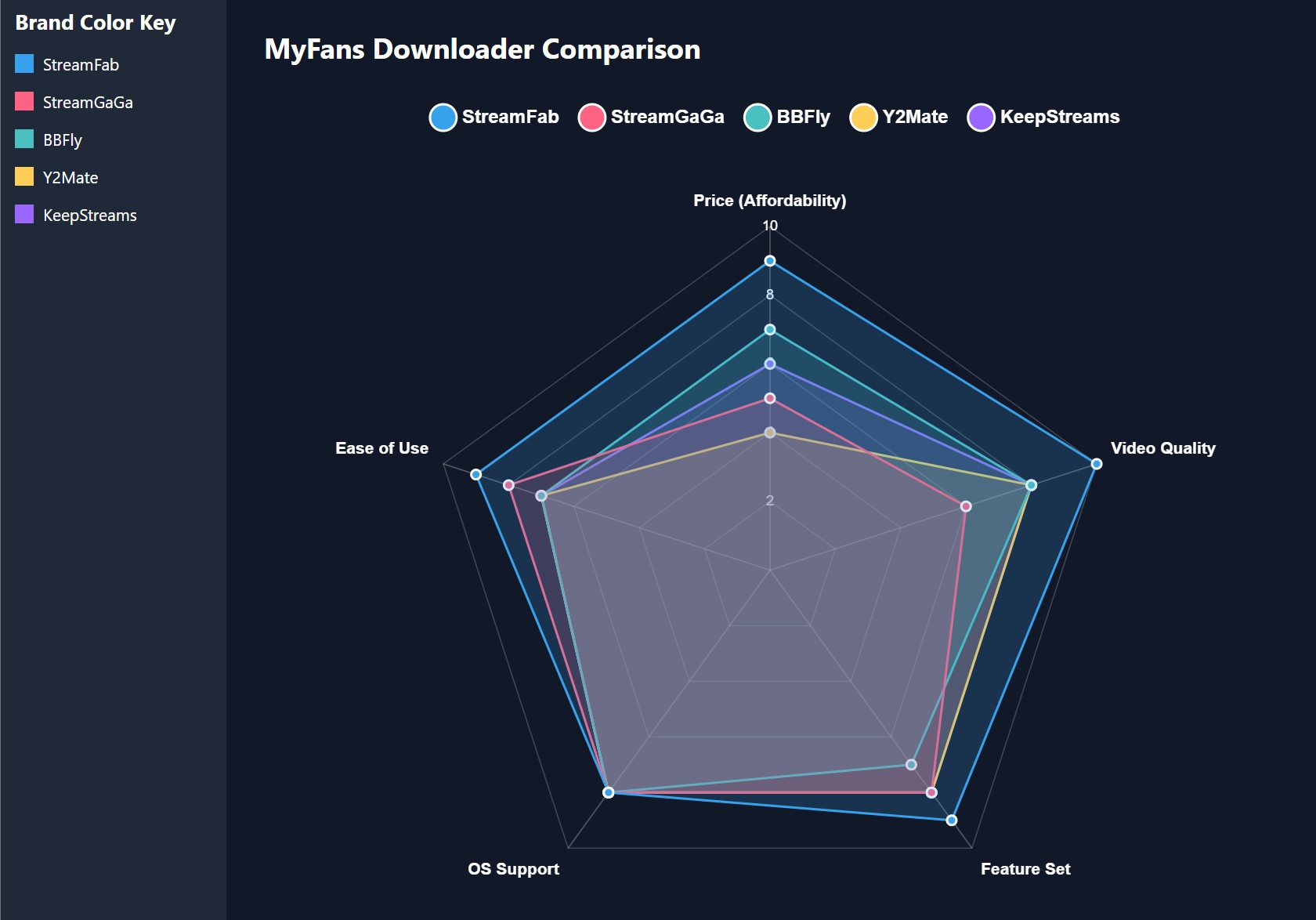
| StreamFab myfans Downloader | Live page; recent maintenance | Monthly plan available | Up to 1080p, MP4/MKV, AAC 2.0 | MyFans-focused Windows or Mac workflow |
| StreamGaGa | Live MyFans page | $34.90/month; $99.90 lifetime | MyFans-specific page available | Broader platform coverage |
| Y2Mate | Live MyFans page | $35.90/month; $129.90 lifetime | 1080p, MP4/MKV, AAC 2.0 | Straightforward format choices |
| KeepStreams | Live MyFans page | $34.99/month; $99.99 lifetime | Bulk and scheduled saving | General-purpose offline saving |
Pricing and status signals are as of August 2026. Sources: StreamFab myfans Downloader’s official product page and each listed vendor’s official product page.
Buying Checks for a MyFans Downloader
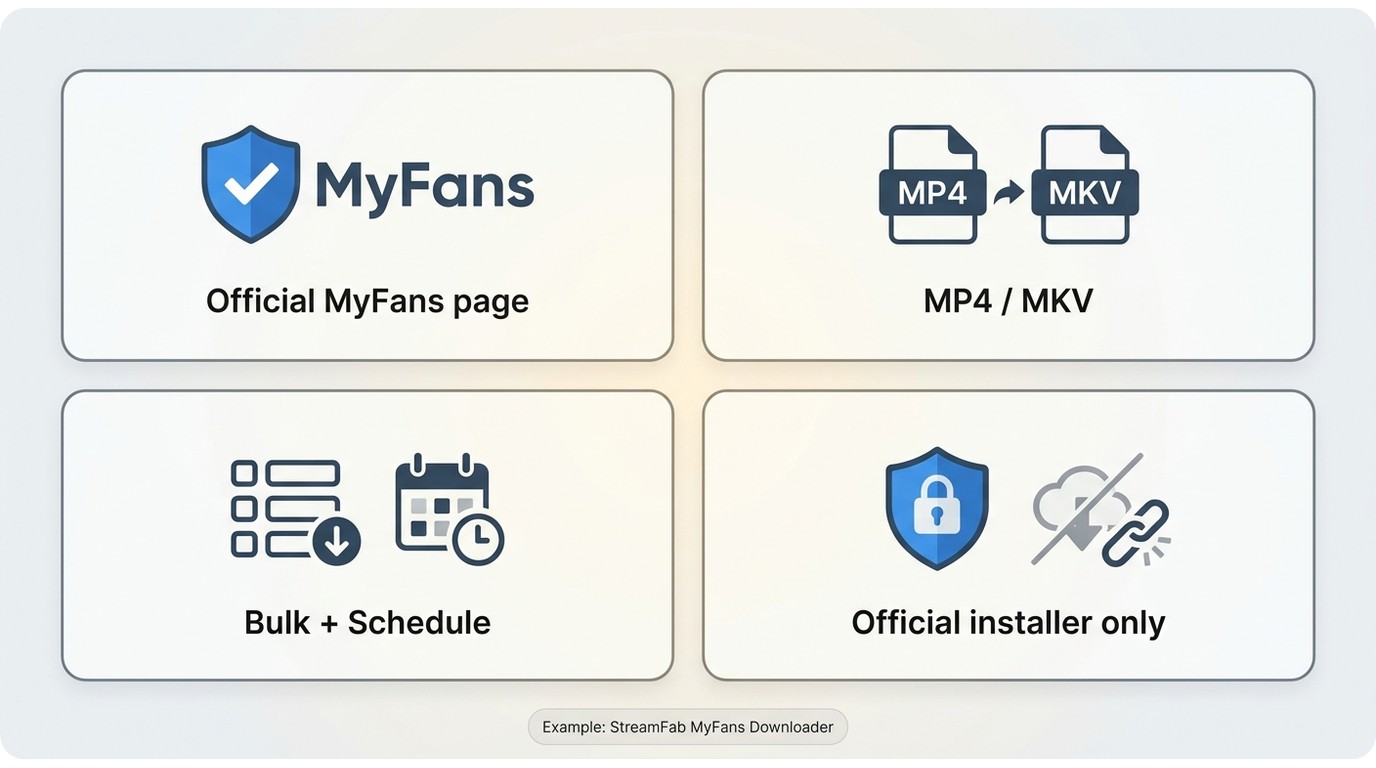
MyFans downloader safety begins with four quick checks:
- Check whether the vendor still has a live page that explicitly mentions MyFans.
- Confirm the output format you need, usually MP4 or MKV for easy playback on other devices.
- Look for batch or scheduled download features if you follow multiple creators.
- Avoid altered installers, unofficial mirrors, and exaggerated long-term-support promises.
You still need valid access to the content you want to save. These tools are relevant only for content you can already view through your own subscription or purchase, and they should be used for personal offline viewing. No legitimate method unlocks a creator subscription or pay-per-view item you cannot already access.
Desktop software generally offers the clearest local-file workflow on Windows or Mac. An online MyFans downloader or browser extension can be convenient, but browser-based options may be more sensitive to site changes. Open-source tools may require more technical setup, and screen recording can be useful for simple captures but may not offer the same output controls. If you need the practical steps for a MyFans video download, use the dedicated walkthrough after confirming that the method fits your device and authorized access.
1. StreamFab: MyFans-Specific Desktop Support
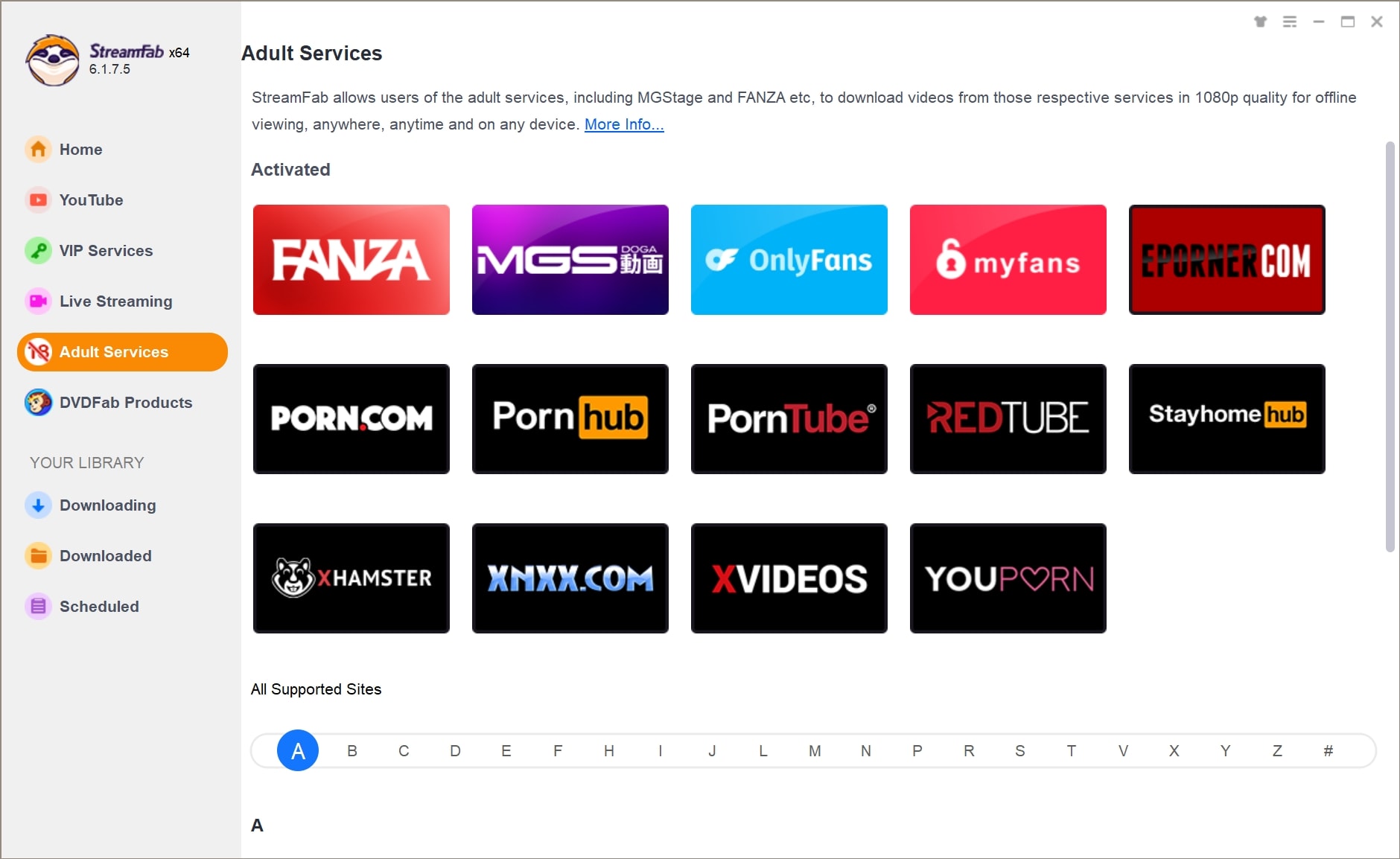
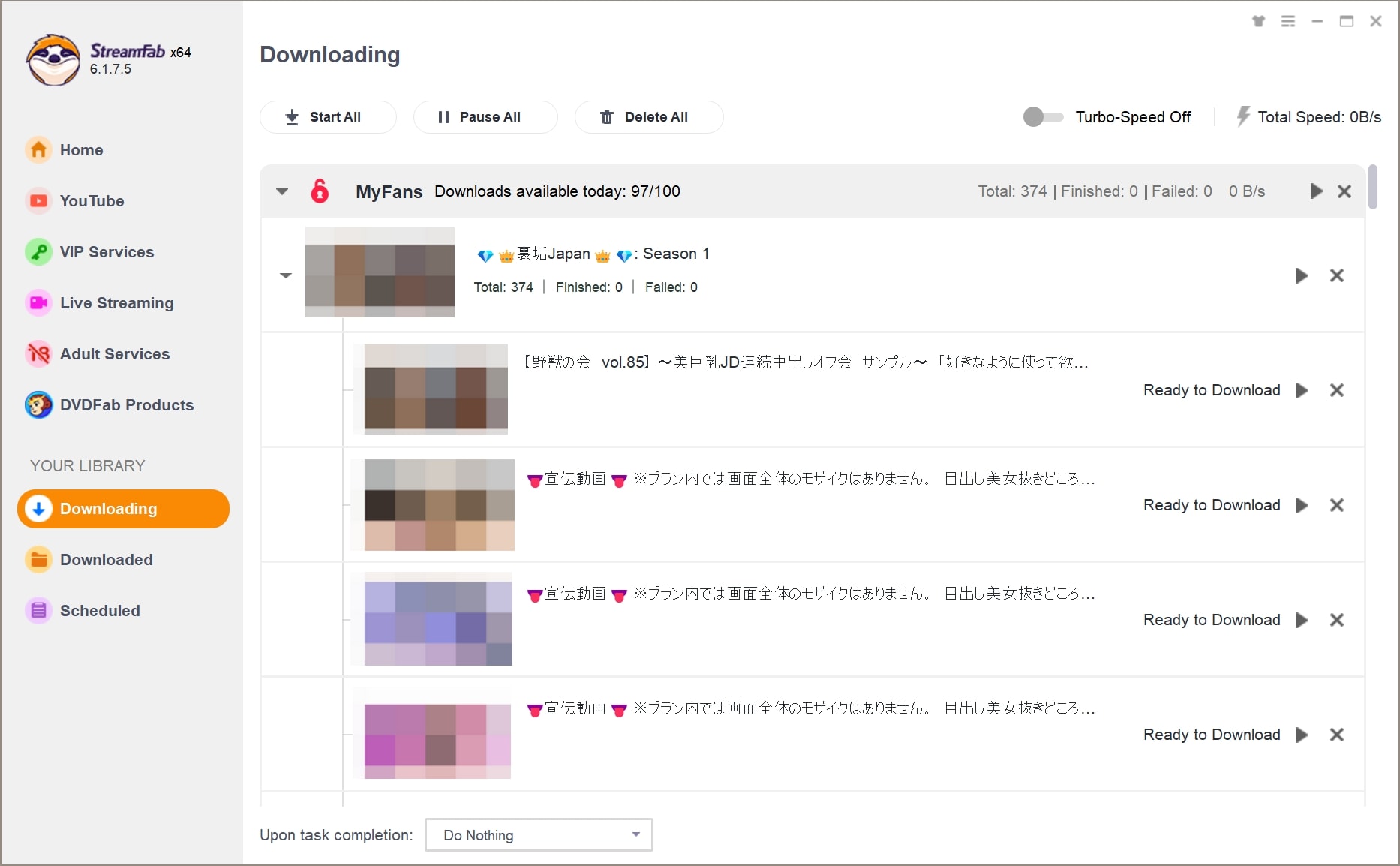
For content you’re authorized to access, where permitted by platform terms and applicable law, StreamFab provides a MyFans-focused desktop workflow for a local copy used for personal offline viewing. StreamFab myfans Downloader is a desktop app for Windows and Mac that lists up to 1080p MyFans video downloads in MP4 or MKV with AAC 2.0 audio; it also supports batch saving and scheduled saving for newly released videos.
Licensing: A monthly license is available; current plan options are listed on the product page.

MyFans downloads in up to 1080p with MP4/MKV output, plus batch mode and scheduled downloading for newly released videos.
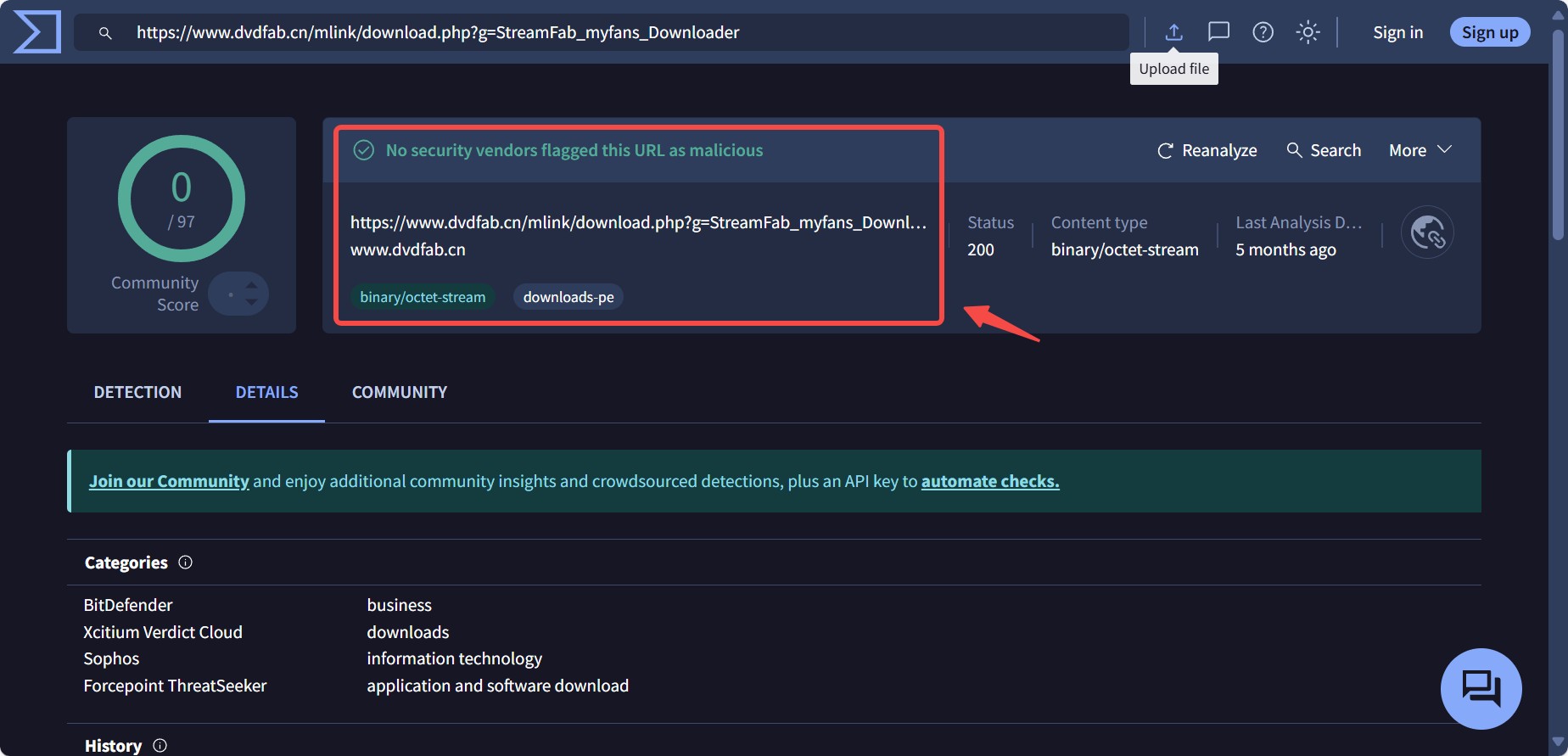
I also prefer that the positioning is easy to verify from the public product page instead of relying only on recycled affiliate copy. That makes it simpler to check whether the tool still looks maintained before you install anything.
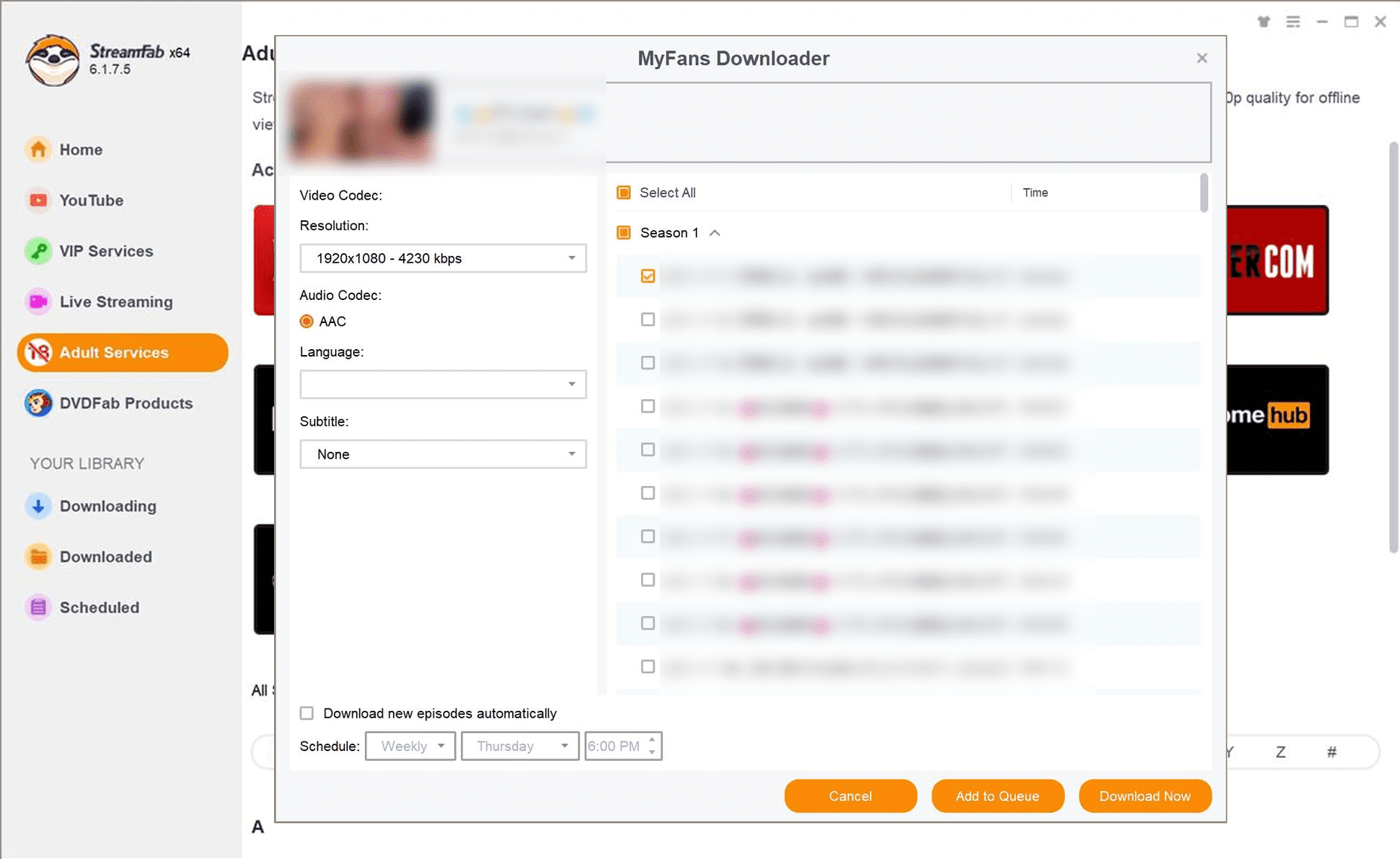
Scheduled saving can reduce repeat manual work when you follow active creators, but it is not unique to StreamFab. Compare that feature alongside maintenance status and the output format you need.
2. StreamGaGa: Broad Platform Coverage
StreamGaGa has a live MyFans-specific page and lists $34.90 monthly, $69.90 yearly, and $99.90 lifetime plans. It may suit readers who prioritize broader platform coverage over a narrowly MyFans-focused workflow, but keep the MyFans decision tied to the features documented on its MyFans page.
Price: $34.90/month, $69.90/year, $99.90 for a lifetime
If your priority is a general-purpose downloader rather than a MyFans-only tool, StreamGaGa still deserves a look. Just do not rely on old review pricing tables without checking the current site first.
2. BBFly: General-Purpose Downloader
BBFly offers a range of video download tools covering multiple streaming and video platforms. It may suit readers who want a broader downloader rather than a narrowly MyFans-focused workflow, but MyFans-related decisions should still be based on the features and platform support currently documented by BBFly.
Price: $29.90/month, $99.90/year, $199.90 for a lifetime
If your priority is a general-purpose downloader with support for multiple platforms rather than a MyFans-only tool, BBFly is worth considering. As with other downloader services, check the current official site before relying on older pricing or feature comparisons.
3. Y2Mate: Simple Formats at a Higher Price
Y2Mate still has a live MyFans-related page on its current domain, and that page continues to advertise 1080p downloads, MP4/MKV output, and batch downloads. Its straightforward format options may suit some users, while the higher listed lifetime price can be a drawback.
Price: $35.90/month, $129.90 for a lifetime
Y2Mate’s MyFans page advertises 1080p output, MP4/MKV, AAC 2.0 audio, batch saving, and automatic scheduled downloads. Its straightforward format options may suit some users, although its $129.90 lifetime plan is higher than the listed lifetime plans for StreamGaGa and KeepStreams.
4. KeepStreams: General-Purpose Offline Saving
KeepStreams has a live MyFans page and lists bulk and scheduled savings for MyFans. It is a better fit for readers looking for a general-purpose downloader than for those who specifically want a narrowly MyFans-focused desktop workflow.
Price: $34.99/month, $99.99 for a lifetime
One more thing: MyFans may periodically update access rules or protection schemes, which can break older downloaders. Some tools may stop functioning or produce lower-quality outputs when that happens.
FAQs
Which MyFans downloader is the best fit right now?
There is no universal winner. Start with your operating system and preferred format, then compare current maintenance and plan structure among the four active products.
Do I need an active MyFans subscription before using a downloader?
Yes. Save only videos you can already access through your own subscription or purchase, and keep use limited to personal offline viewing.
Why do MyFans downloaders sometimes stop working?
MyFans can change login checks, page delivery, or stream packaging. Those changes can interrupt compatibility until an app is updated. For example, StreamFab version 7.0.2.7 included a MyFans login fix in May 2026. A documented update trail is more useful than a long, undated feature list when you are comparing maintenance.
Which output format is best for offline playback?
For most users, MP4 is the easiest choice because it plays well on phones, tablets, TVs, and many media players. MKV is also useful if you want another widely supported container, but MP4 is usually the safest default for simple device compatibility.
Conclusion
For readers 18+, the practical choice is the tool that matches your current maintenance requirements, budget, operating system, and preferred local playback format.
Use any offline-saving workflow only for content you are authorized to access, and keep usage within platform terms, applicable law, and personal viewing boundaries. Avoid altered installers and do not share paid creator content without permission.
My conclusion is straightforward: choose among the four active products by current maintenance, budget, output needs, and operating system. StreamFab fits a MyFans-specific Windows or Mac workflow, while StreamGaGa, Y2Mate, and KeepStreams may make more sense when their broader fit or plan structure matches your needs.


This guide compares five ways to download MyFans videos for authorized offline viewing, from desktop software to screen recording. It explains StreamFab's Windows and Mac workflow, verified output limits, trial boundaries, troubleshooting, and phone transfer options.
By Erika Leen - Aug 18, 2026
MyFans is a Japanese fan-club platform where creators share exclusive posts, photos, videos, and member access. For US readers, the key point is that MyFans is not an adult-only service, although adult material can be one category, and its Japanese-language interface can make pricing, account controls, and payment steps harder to assess.
By Erika Leen - Aug 11, 2026