
What Is MyFans? Safety, Pricing, and Accounts Explained.

Summary: MyFans is a Japanese fan-club platform where creators share exclusive posts, photos, videos, and member access. For US readers, the key point is that MyFans is not an adult-only service, although adult material can be one category, and its Japanese-language interface can make pricing, account controls, and payment steps harder to assess.
Table of Contents
Age and use notice:
- This guide covers a creator platform that may include adult material and is intended for readers age 18 or older.
- Use myfans and any local-viewing software only for content you are authorized to access,and keep use personal. myfans account access, creator terms, and local regulations still apply.
- Use official sites, protect your account, and keep software updated.
What myfans Is and How It Works
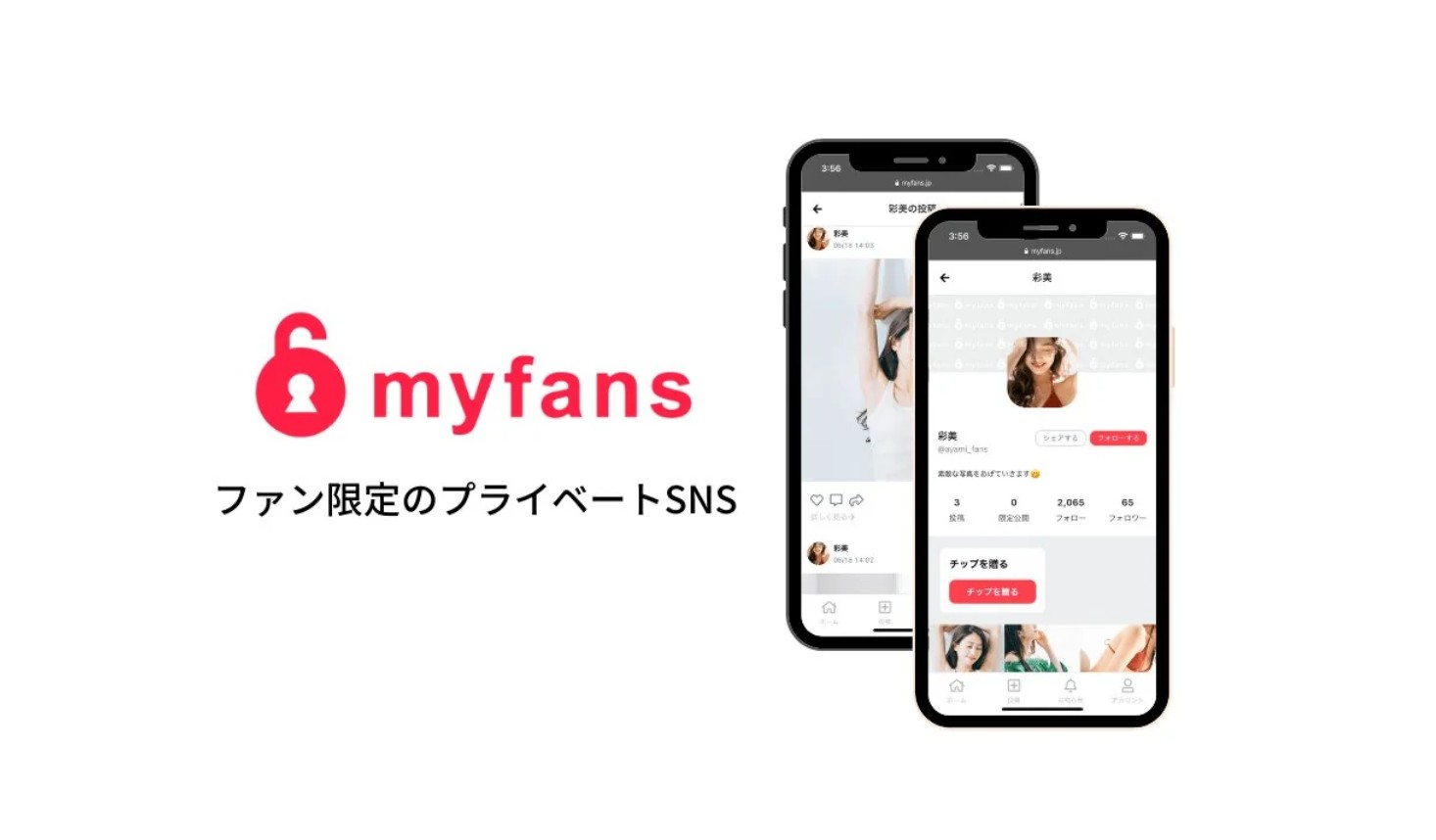
myfans is a Japan-based creator membership service with creator-specific access options, posts, and direct fan interaction. The official site also identifies myfans as a standalone progressive web app (PWA), meaning it can behave like an app when installed from a supported browser without establishing a native US app-store listing.
I would check whether the browser-installed PWA is enough before looking for a separate myfans app. For most US readers, that distinction prevents a surprisingly common dead end: searching an app store for something the official service presents as a web app.
myfans and OnlyFans: Key Differences
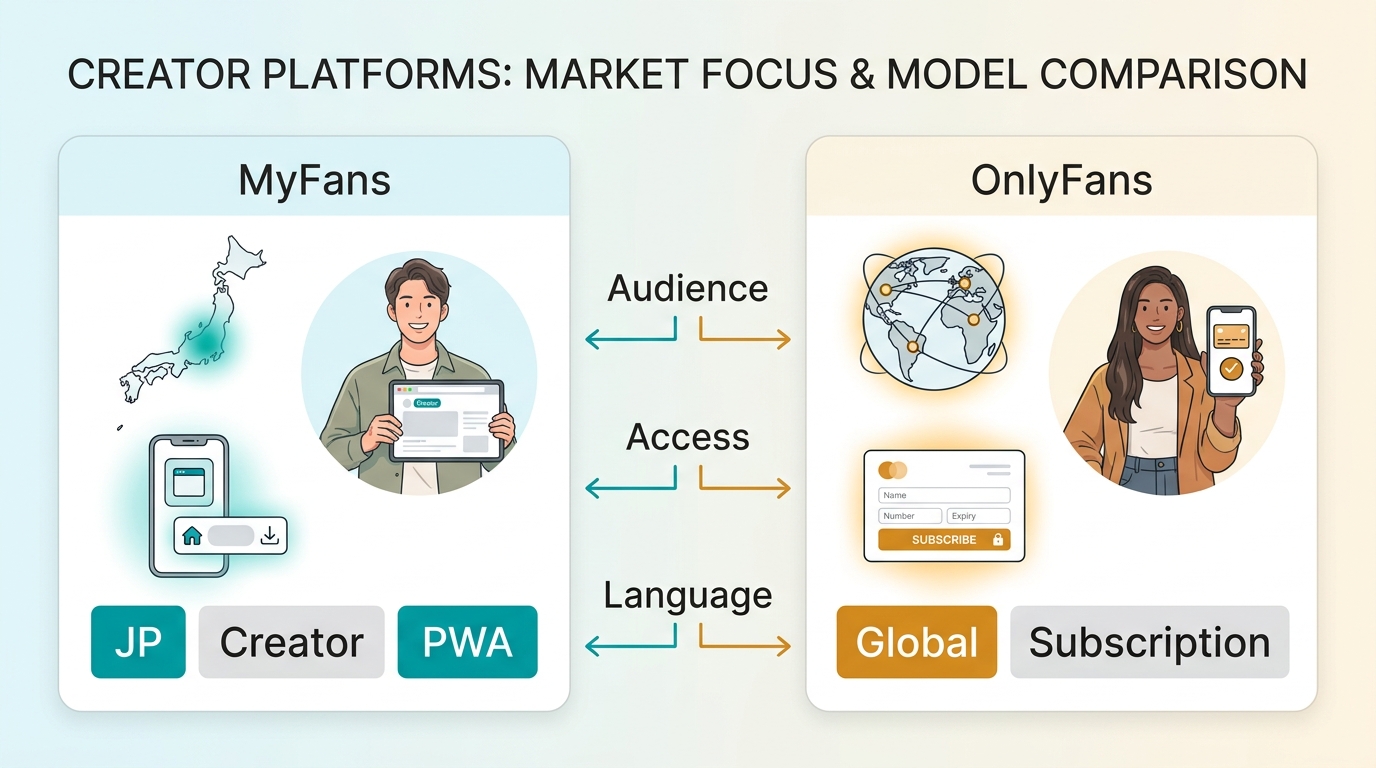
myfans vs OnlyFans is most useful as a service-context comparison, not a contest. myfans is built around a Japanese fan-club experience and Japanese-language navigation, while OnlyFans is commonly associated with a broader international creator-subscription model. Their current rules, payment options, and creator requirements can change independently.
Platform Focus and Content Policies
Neither platform should be treated as a single-category service. myfans presents itself as a fan-club platform for exclusive creator content, which can include photos, videos, and adult-oriented posts depending on the creator. Review each creator page and the platform’s current rules before subscribing, especially when content categories or local availability matter.
Payments and Account Requirements
Payment and identity requirements are account- and region-sensitive, so they are not reliable shortcut criteria for choosing between the services. A US reader comparing them should start with the available creators, language comfort, supported checkout options, and the account-management controls shown during sign-up.
| Comparison point | myfans | OnlyFans |
|---|---|---|
| Service context | Japanese fan-club platform | International creator subscription service |
| Primary navigation | Japanese-language web interface | Current interface varies by region |
| App access | Standalone progressive web app | Check current official access options |
| Access model | Creator access and myfans Unlimited | Creator-specific membership access |
| Best starting check | Creator page, language, checkout | Creator page, terms, checkout |
Related Archiving Topics: Best Fansly downloaders | How to extract JustforFans encrypted videos
myfans Pricing, Free Access, and Payments
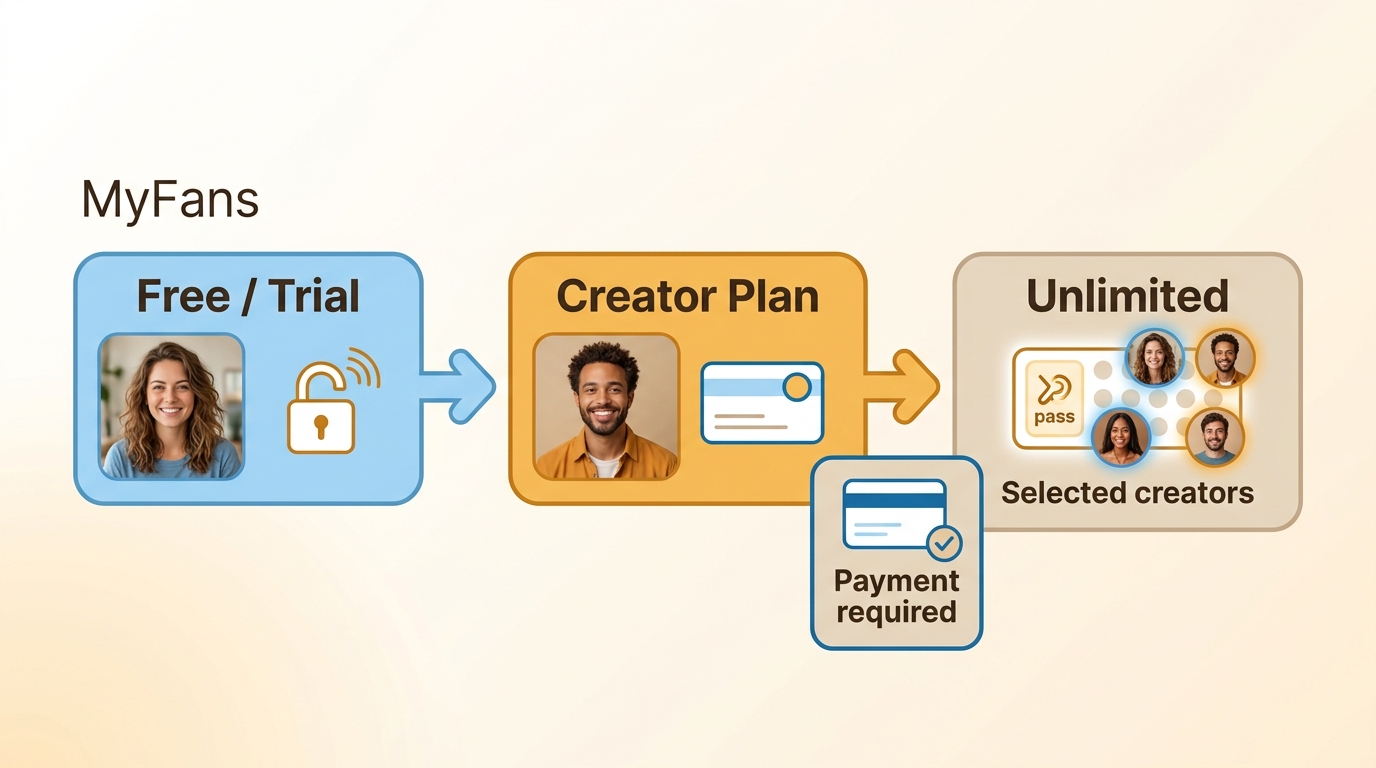
myfans access is not limited to one pricing model. As of August 2026, the service lists creator-specific access options, creator-set free access or trials where offered, and a separate myfans Unlimited offering. These are different access models, so free access to one creator’s page does not mean that other creator content is included.
For fans, the practical question is whether you want access to one creator or whether the myfans Unlimited option fits the creators and content you actually follow. I would examine the creator page first, then compare its displayed access terms with Unlimited instead of assuming one plan covers the entire service.

US users can run into payment friction when a card issuer treats a Japanese transaction as unusual or requires additional authentication. A decline does not identify one universal cause, so start with the card issuer and the current myfans checkout notices rather than assuming the problem is your available balance.
Payment Troubleshooting for US Cards
First, ask your card issuer whether the card supports cross-border JPY transactions and any authentication required for online purchases. Next, review the payment details shown in the official myfans interface. If the charge still fails, contact the issuer or myfans support with the error information rather than relying on unverified card workarounds.
Regional Access and Official Support
If myfans does not load or a checkout option is unavailable in your region, do not try to route around regional controls. Check the current official site notices, confirm that your account details are accurate, and contact myfans support if the service remains unavailable. Supported regions and account availability may change.
myfans Accounts: Sign Up, Subscribe, and Delete
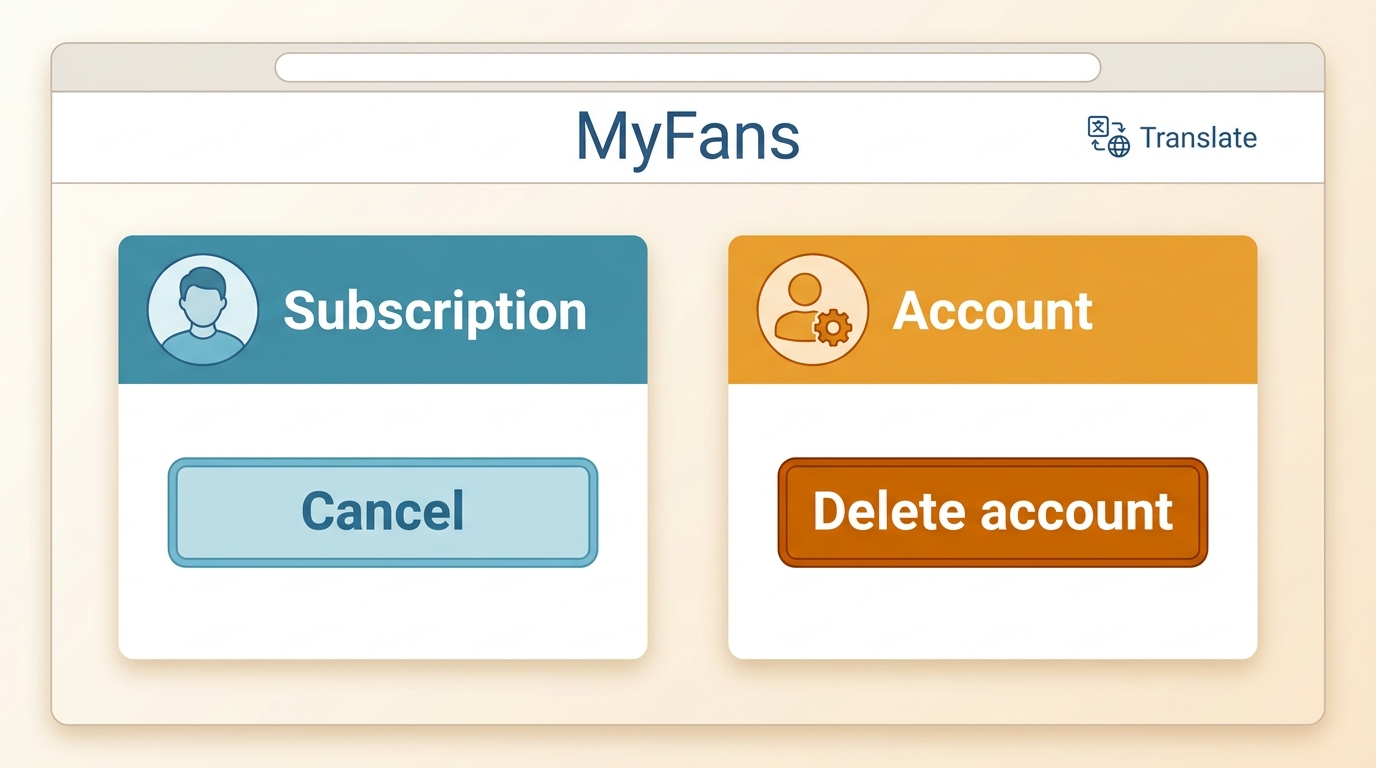
For Subscribers
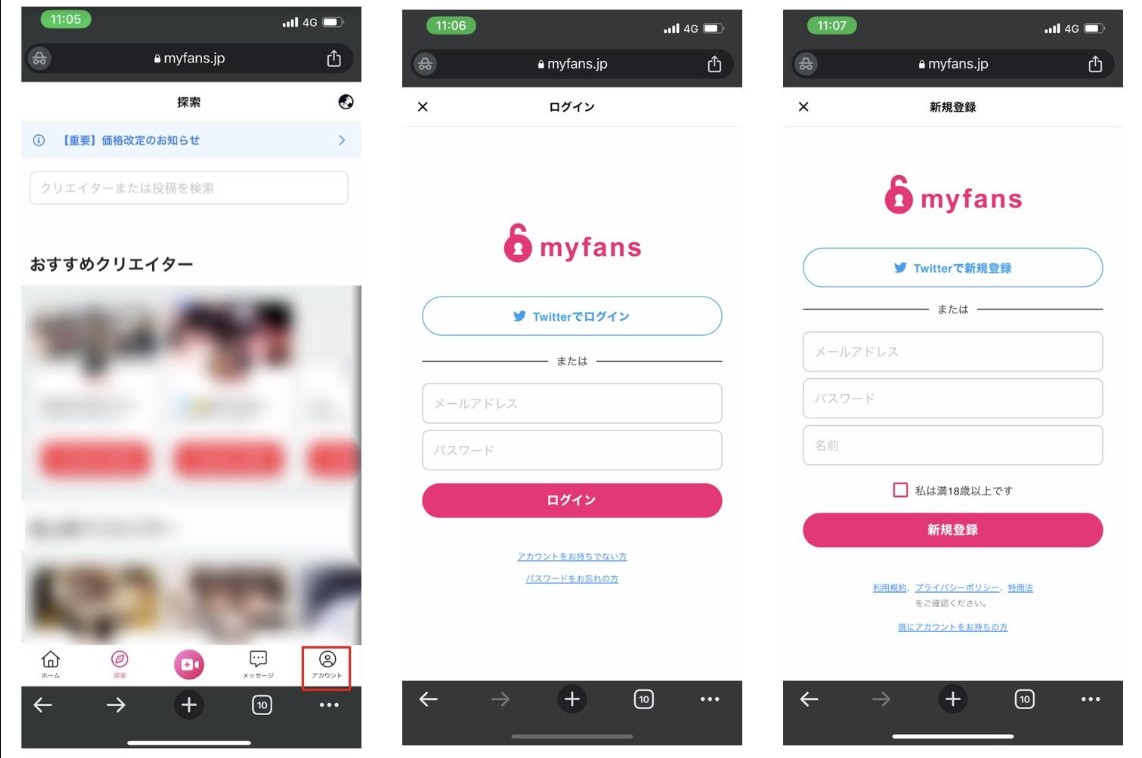
The existing sign-up steps below remain the starting point for a myfans account. Because the service uses Japanese navigation, use your browser’s translation feature for orientation, but confirm the current labels in the myfans interface before submitting payment or account changes.
How to Register myfans?
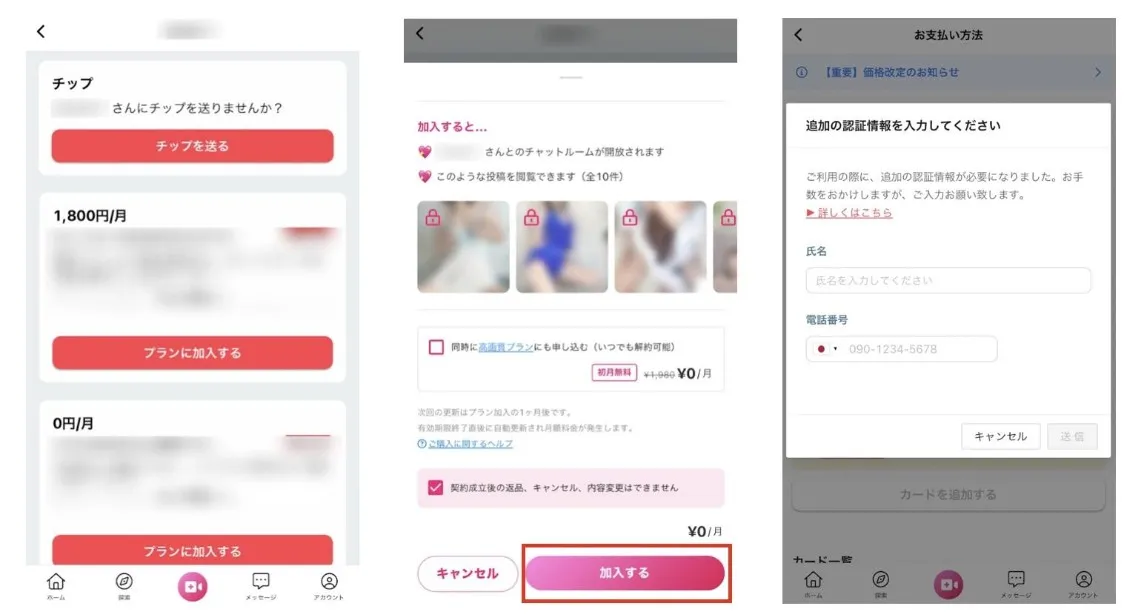
How to Subscribe to myfans Creator?
For Creators
How to be a Creator?
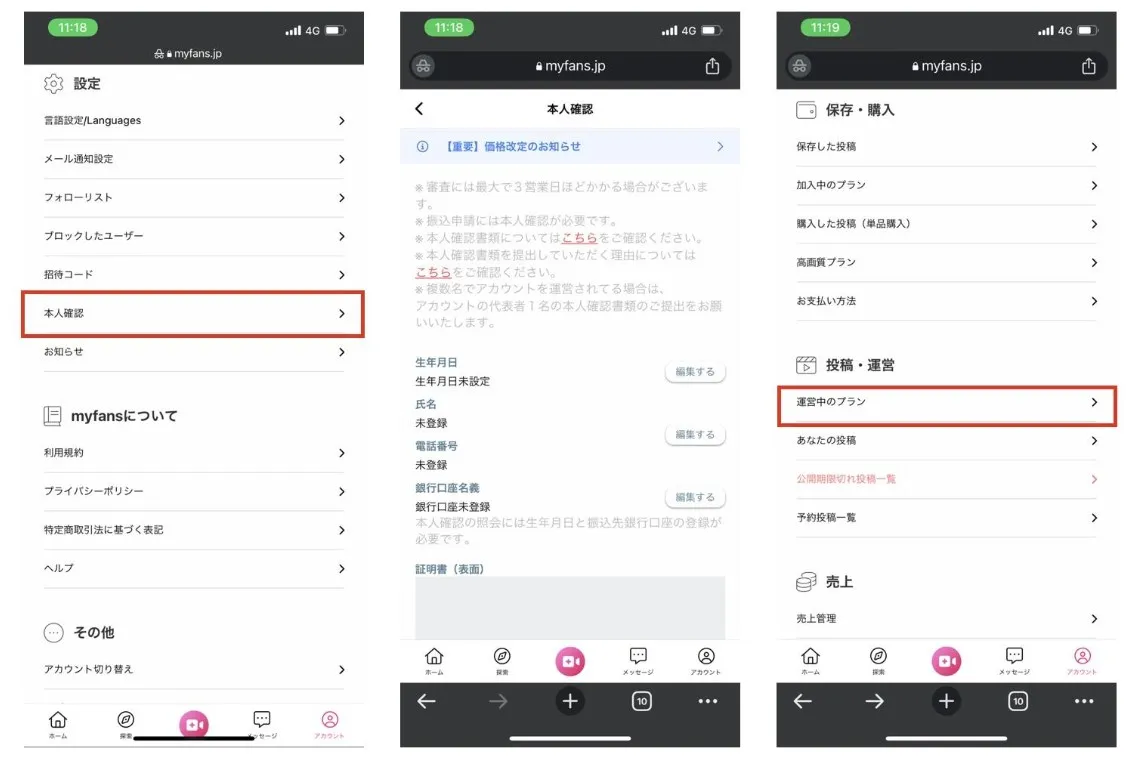
Cancel a Subscription or Delete an Account
Canceling a creator subscription and deleting a myfans account are separate actions. Review active billing first, cancel the relevant creator plan if needed, and consider full account deletion only after you understand what information and access may change.
How to unsubscribe?
How to exit myfans?
Saving myfans Videos for Personal Offline Viewing
For content you are authorized to access, where permitted by platform terms and applicable law, a local file can be useful for personal offline viewing. Official platform access and a standard local video file are not the same thing, so review the creator’s terms and your intended use before saving a myfans video.
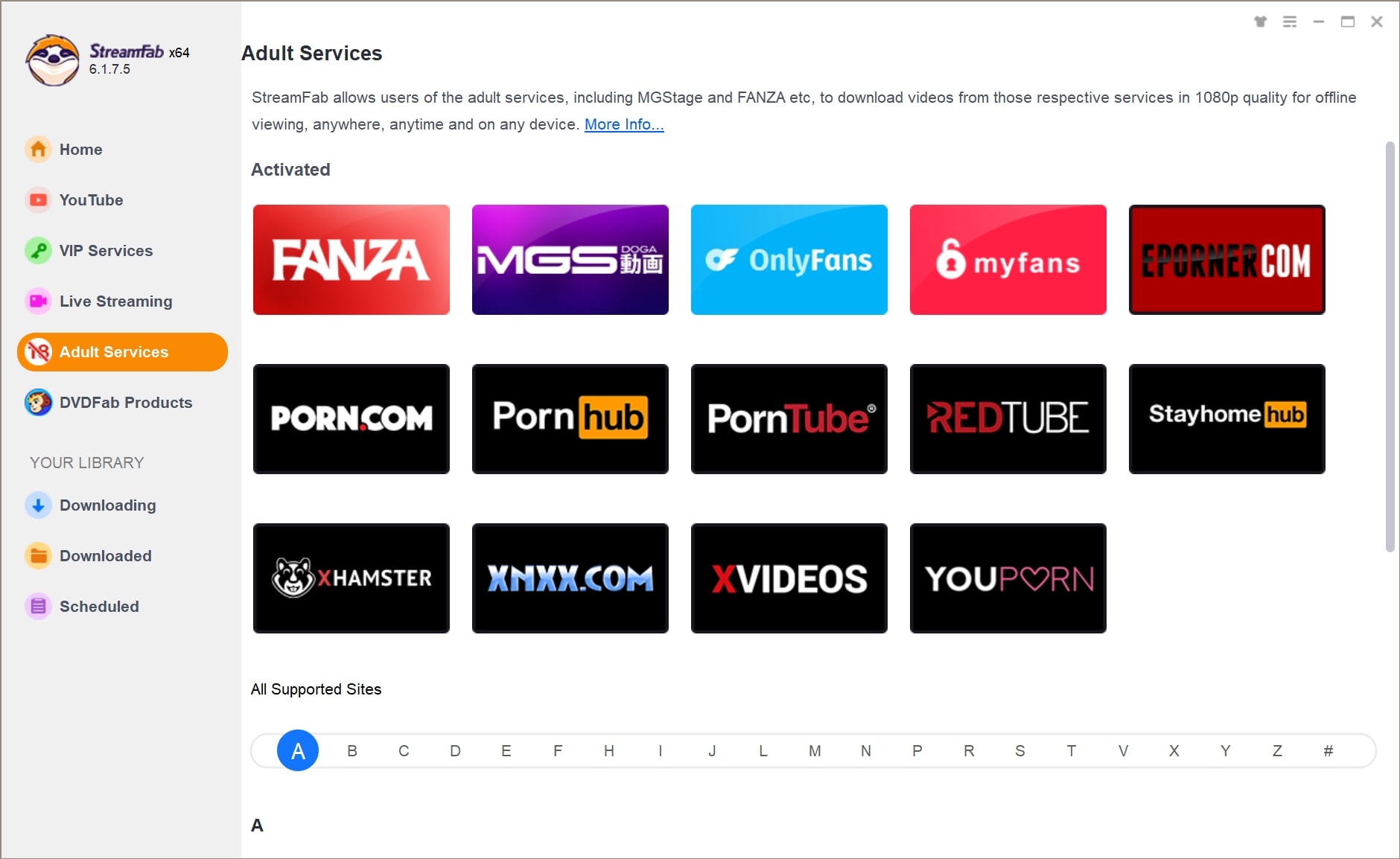
For Windows or Mac users who need local playback of authorized content, saving myfans videos for personal offline viewing with StreamFab myfans Downloader is a desktop workflow to consider. It is not a fit for mobile-only users or anyone without authorization to save the material.

Unlike tools that fail due to browser hardware acceleration, StreamFab dynamically unpacks myfansstreams, parsing raw 1080P resolution and saving it strictly as standard MP4/MKV files for permanent offline viewing without metadata loss.
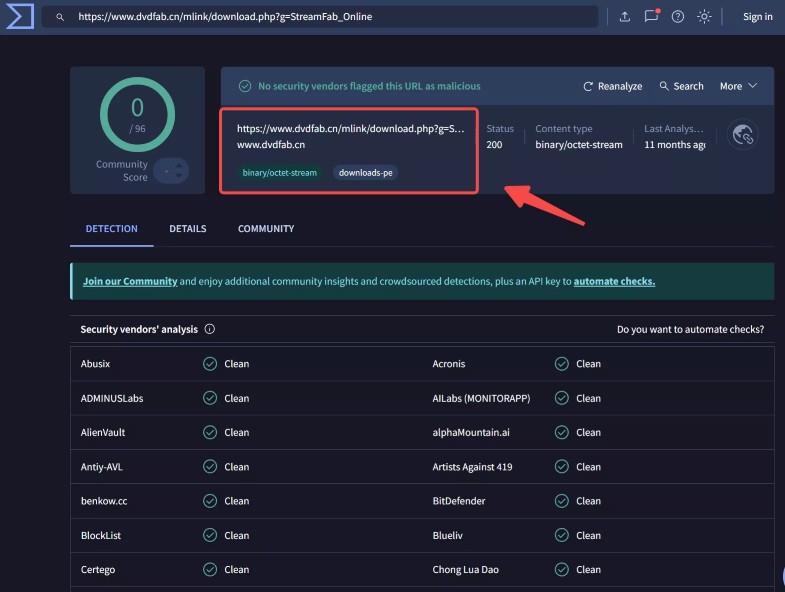
Use the current StreamFab installer from its official product page and keep the app updated before starting an authorized workflow.
Available features and myfans compatibility can change with software and platform updates.
Formats, Limits, and the StreamFab Workflow
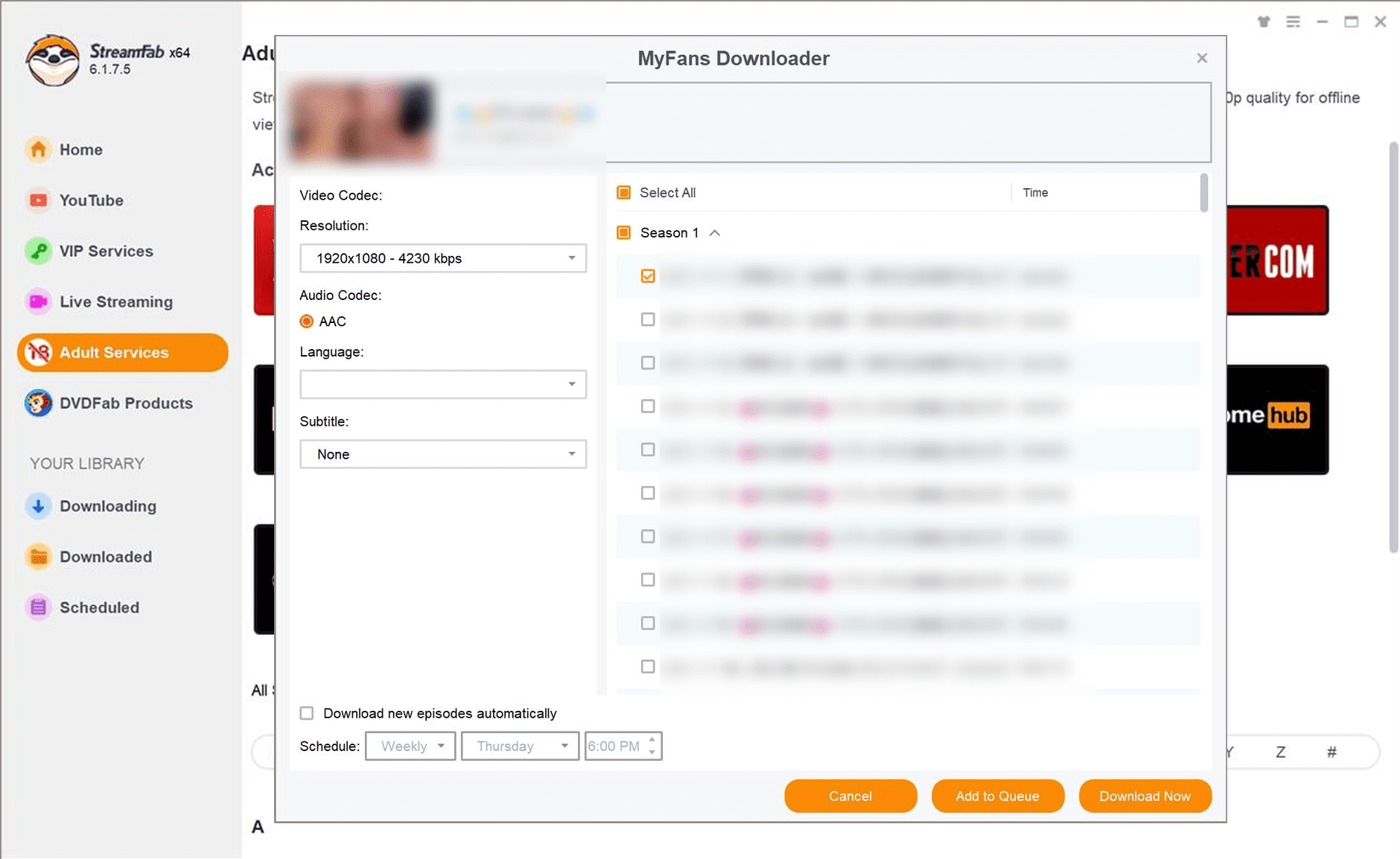
StreamFab myfans Downloader runs on Windows and Mac and supports MP4 or MKV output, up to 1080p, with AAC 2.0 audio, batch processing, and subtitle downloads. Sign in with an authorized myfans account, select the video available to you, choose the available output settings, and save it for personal offline viewing.
My practical tradeoff is simple: local-file convenience depends on current login compatibility and the selected video. If analysis does not complete, update the app and retry rather than assuming every myfans video will behave the same way.
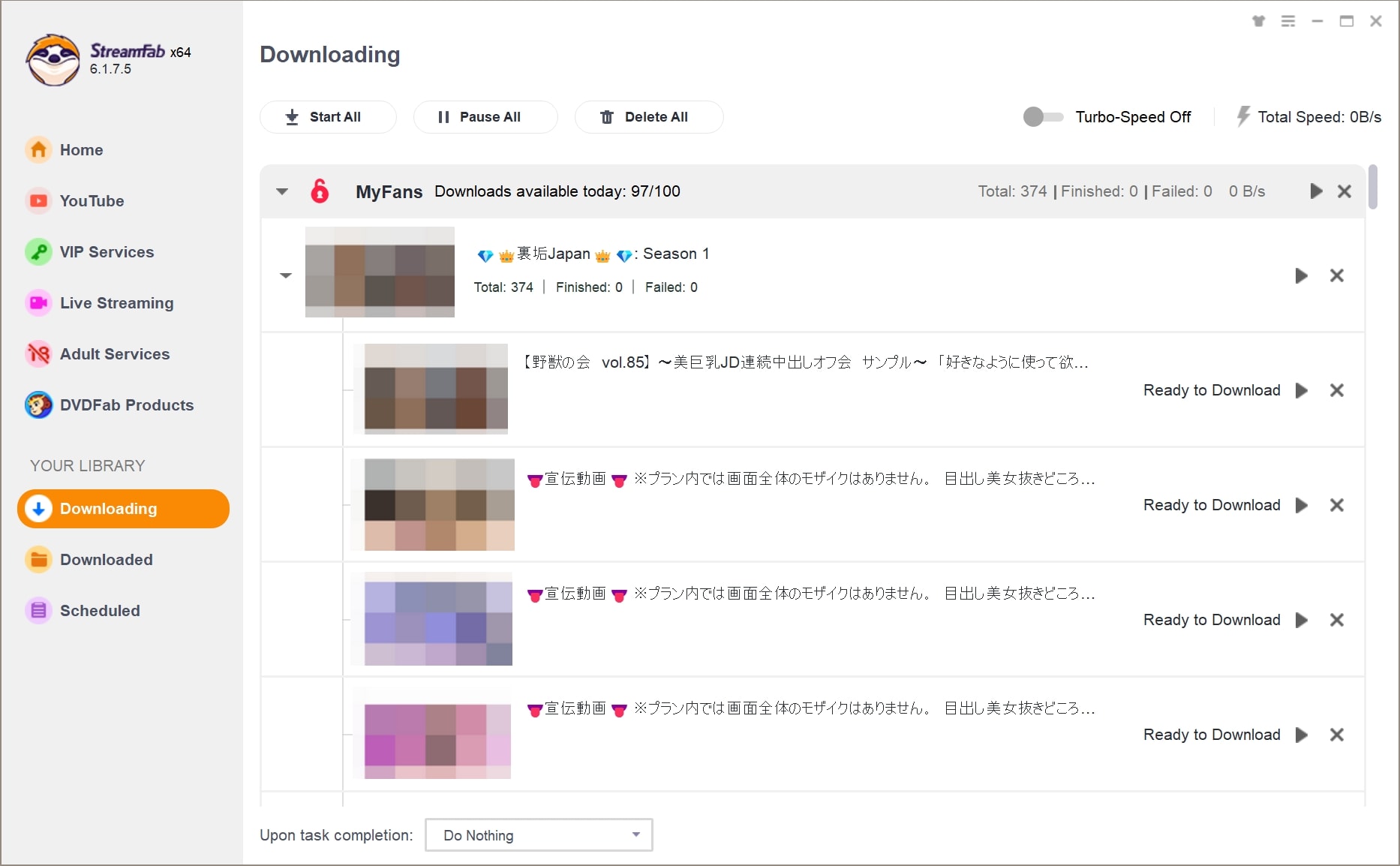
Compatibility note: A May 2026 StreamFab release note reported a myfans login fix, and a separate release note addressed failures with certain myfans videos. Update to a current version and retry the authorized workflow if analysis fails.
Before You Cancel a myfans Subscription
Deleting an app or blocking a card is not the same as managing a myfans subscription. Before changing your account, review active plans and billing, cancel the relevant subscription through the current myfans account controls, and then decide whether full account deletion is necessary.
Before canceling a creator subscription:
- Review your active plans and the current billing information in your account.
- Open the creator subscription you want to manage.
- Use the current cancellation control and read the confirmation details before submitting.
Before deleting a myfans account:
- Confirm that any active creator subscriptions have been reviewed separately.
- Read the current deletion prompts carefully, including changes to account data and access.
FAQs
1. Is myfans safe for users in the United States?
myfans should be approached with the same care as any paid online service. Use the official myfans domain, choose a strong unique password, review payment details before confirming them, and do not treat any platform as risk-free.
2. Can I use myfans without paying for a creator subscription?
Some creators may offer free access or trials, while other creator pages require paid access. myfans Unlimited is a separate offering, so review what it includes rather than assuming it grants access to every creator or paywalled post.
3. Does deleting a myfans account cancel every active subscription?
Account deletion and creator-subscription cancellation are different actions. Review active billing and manage each relevant subscription through the current account controls before considering deletion.
4. What should I check before saving a myfans video?
Confirm that you are authorized to access the video, review the platform terms and applicable law, and check current software compatibility and output settings. Keep any saved file for personal offline viewing rather than sharing it.
Conclusion
myfans is likely worth exploring if the creators you follow use its Japanese fan-club model and you are comfortable navigating a Japanese-language interface. US users should weigh creator availability, payment compatibility, and account controls before subscribing rather than assuming the experience will mirror a US-based platform.
If you need authorized personal offline viewing on a Windows or Mac computer, a local-file workflow can be a secondary option. Otherwise, the platform’s regular web and PWA access is the more direct path. The sensible order is to assess the creator, review the access terms, and manage billing deliberately.


In this article, I tested and compared five popular MyFans video downloaders—StreamFab, StreamGaGa, BBFly, Y2Mate, and KeepStreams—to help you find the safest and most efficient solution.
By Erika Leen - Aug 18, 2026

This guide compares five ways to download MyFans videos for authorized offline viewing, from desktop software to screen recording. It explains StreamFab's Windows and Mac workflow, verified output limits, trial boundaries, troubleshooting, and phone transfer options.
By Erika Leen - Aug 18, 2026