





• Download from all Peacock regional sites

    Download from all Peacock regional sites

  • Download the latest Peacock shows automatically

    Auto-download the latest Peacock shows

  • Download Peacock videos in 1080p

    Download Peacock videos in up to 4K

  • Explore Peacock videos with its in-built browser

    Explore Peacock videos with its in-built browser

Why do you need StreamFab?

Videos come and go

On-demand videos come and go on streaming services

Most on-demand videos on a streaming service, including Netflix, Prime Video, Max, and many others, come and go due to the licensing agreements between the streaming service and the studios that produce them.

The movies, TV shows, and other videos will be removed if the licensing agreement is due and not renewed. What’s more, if a title is gone, no one knows for sure whether or not it will come back in the future. It could be gone forever.
On-demand videos come and go on streaming services
Download Peacock videos

Download any on-demand video from Peacock TV

Peacock TV offers on-demand videos, including hundreds of movies, thousands of episodes of TV shows, exclusive originals, and more. With all of its colorful content, did it ever cross your mind hoping that one day you can playback your favorite Peacock videos offline?

If you do, you can ask StreamFab Peacock Downloader for Help. Through StreamFab Peacock Downloader, you can get your hands on any Peacock video.
peacock downloader

What can StreamFab do?

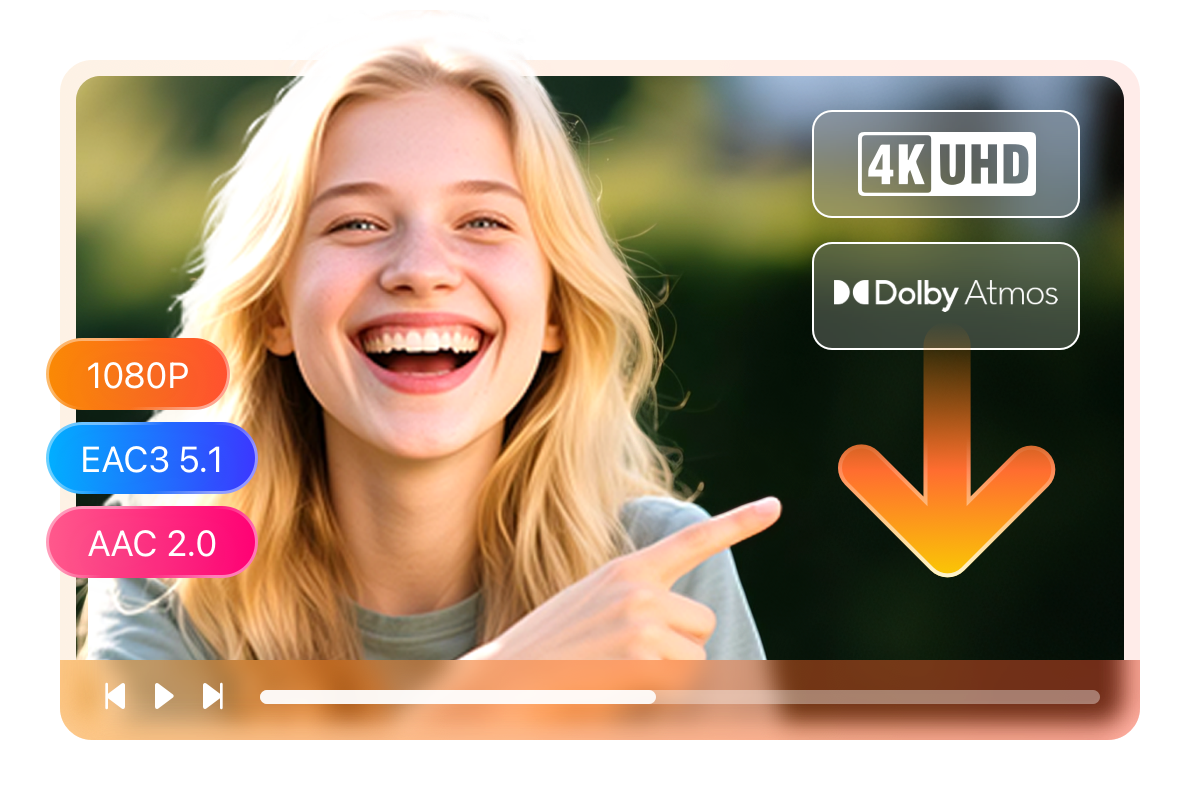
Superb 4K Quality

Download videos in up to 4K quality with EAC3 5.1 / AAC 2.0 audio

You finally found that one series on Peacock everyone's been talking about — but streaming it on your big-screen TV over a shaky Wi-Fi connection? Not exactly the experience it deserves.

StreamFab Peacock Downloader now lets you save Peacock videos in breathtaking 4K resolution, paired with immersive Atmos, EAC3 5.1 surround sound or crisp AAC 2.0 stereo. Every detail — from shadowy thriller scenes to vibrant sports highlights — comes through exactly as the creators intended. For content available only in 1080p, the quality is equally impressive.

*Please note: 4K downloads require a paid license. The free trial supports downloads in up to 1080p resolution.
Peacock 4K video downloader with EAC3 5.1 audio
Multiple Format Available

Save videos in MP4 to playback on any device and anywhere

It is frustrating when your downloaded videos can not be played on your device due to the compatible issue. Don’t worry. StreamFab Peacock Downloader will not let that happen.

In order to make sure that all your downloaded videos are compatible regardless of your device type, this downloader software saves them in MP4 format given that this format is widely accepted by most devices, such as iPhone, iPad, etc.
free peacock video downloader
Advanced Video Codec

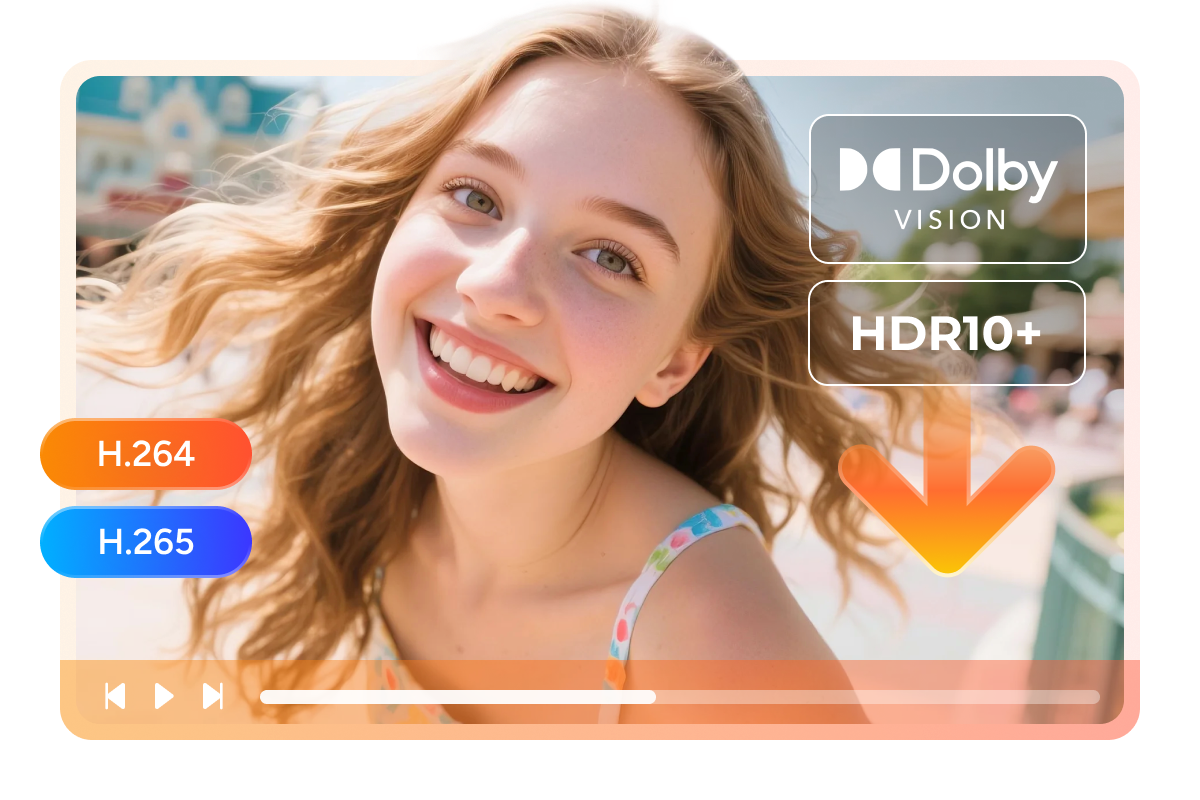
H.264 & H.265 encoding with HDR10 and Dolby Vision support

Ever downloaded a movie only to realize the colors look washed out and the dark scenes are just... black blobs? That's what happens when the video codec can't keep up with what you're watching.

StreamFab Peacock Downloader preserves the original video encoding — whether that's efficient H.265 (HEVC) for smaller file sizes without quality loss, or widely compatible H.264 (AVC) for playback on virtually any device. But the real game-changer? Full HDR10 and Dolby Vision support. Those richly graded scenes, the deep blacks, the vivid highlights — they're all saved exactly as they appear on screen.

Your downloaded Peacock content doesn't just play — it looks exactly the way the filmmakers intended, from the first frame to the last.
Peacock video codec H.265 HDR10 Dolby Vision
Customizable Subtitle Settings

Download Peacock videos with customizable subtitles

Videos are more watchable when they are played with subtitles, especially when your ears are being bothered by random noises. Considering that, StreamFab Peacock Downloader gives you the subtitle options to choose the subtitles in the form and language you want.
 
Output a single SRT subtitle file or remux them into videos is up to you.
peacock video downloader

Perfect Downloading Experience You Get

download as mp4

Schedule Mode and Auto Download

Automatically detect and download the latest episodes of Peacock shows to MP4/MKV according to schedule.
download from peacock

Batch download videos at a fast speed

Download several Peacock videos at once at a super-fast speed to significantly reduce the download time.
download as mp4

Preset Audio & Subtitle Language

Auto-pick the audio track & subtitle language matched to UI language to reduce hassles as much as possible.
free peacock downloader

Remove ads that come along with Peacock video

Remove all ads on Peacock videos during the downloading process to provide a pure offline experience.

More Than Downloading

Save Metadata

Download metadata info to manage all your videos

The metadata info, such as movie title, cast, season, episode title, and cover, etc., also comes along with the video when you are downloading Peacock videos with this downloader software. The metadata is what helps you organize local videos.

To build your own media library and organize your videos, you can find a media server, such as PlayerFab, to help you with it.
download from peacock

Feedbacks on StreamFab Peacock Downloader

launch peacock downloader
Step 1. Open this Peacock Downloader
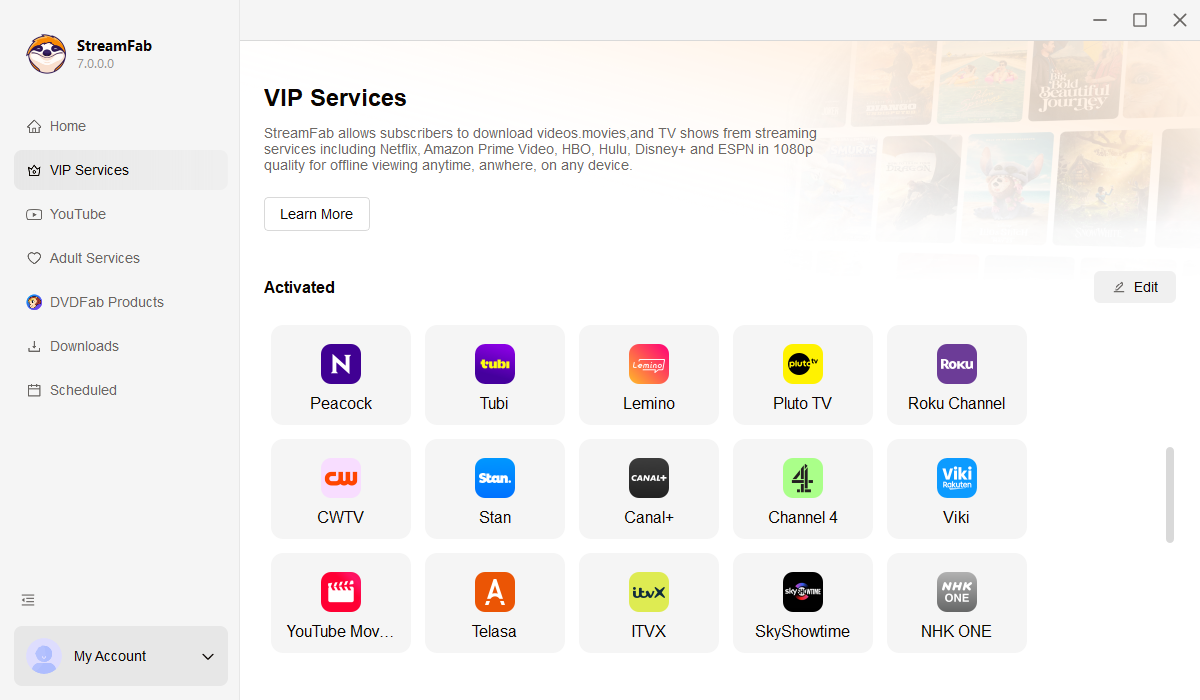
Open this StreramFab app by double-click its desktop icon. And then go for Streaming Service to select the Peacock Downloader.
Step 2. Search for a video
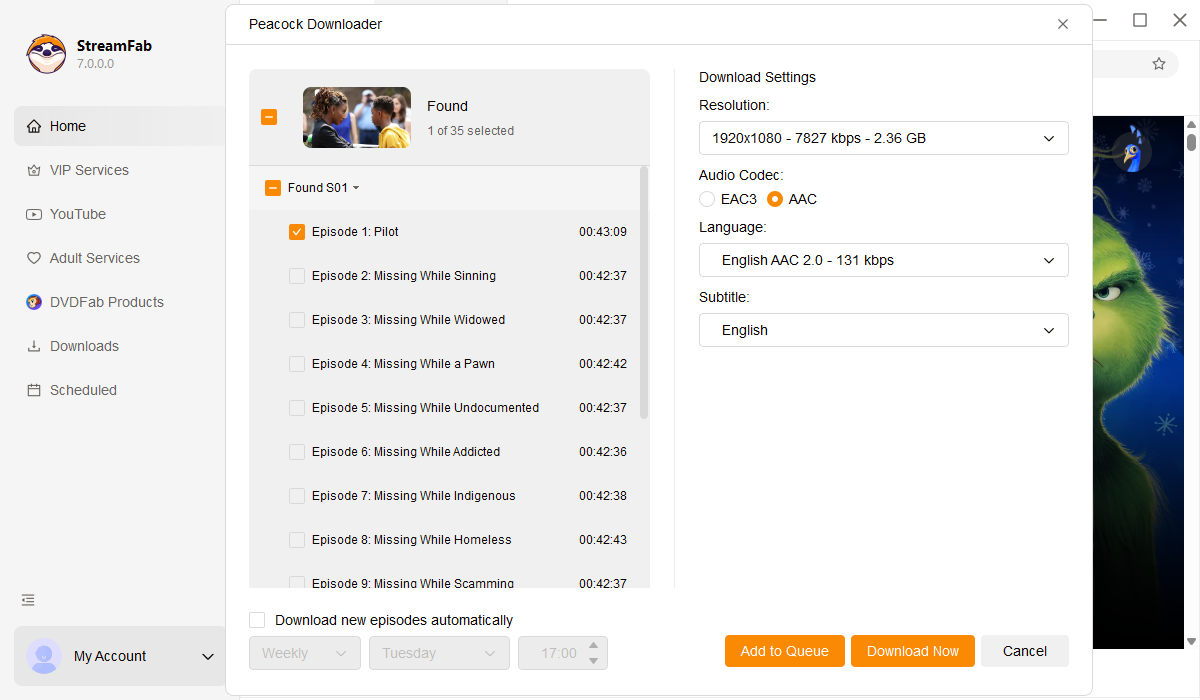
To download content from Peacock TV, you will need to log in to it first, and then search for a video you wish to download.
Step 3. Start the downloading process
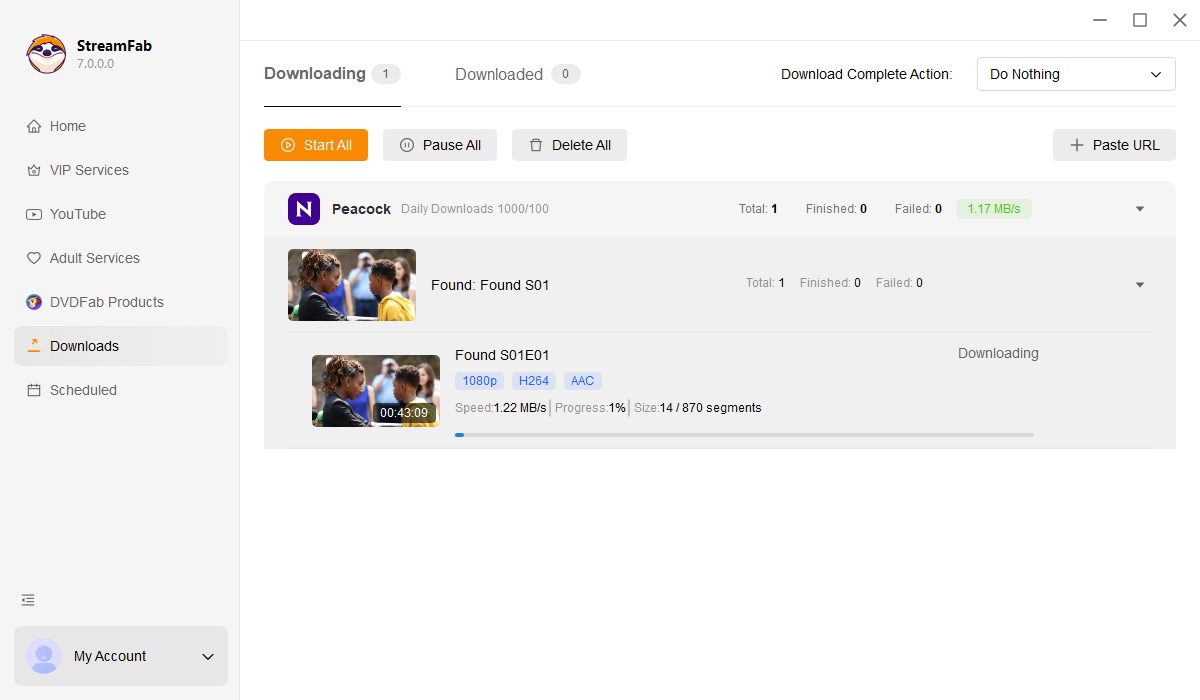
Once the selected video is being played, this downloader software will automatically start the downloading process.

System Requirements

Icon
Windows 11/10 (32/64 bit)
Intel i3 or above
4GB of RAM or above
40GB of free hard disk space or above
Live Internet connection required

Related Articles

  • How to Preserve Peacock Videos to MP4: 100% Working
    How to Preserve Peacock Videos to MP4: 100% Working

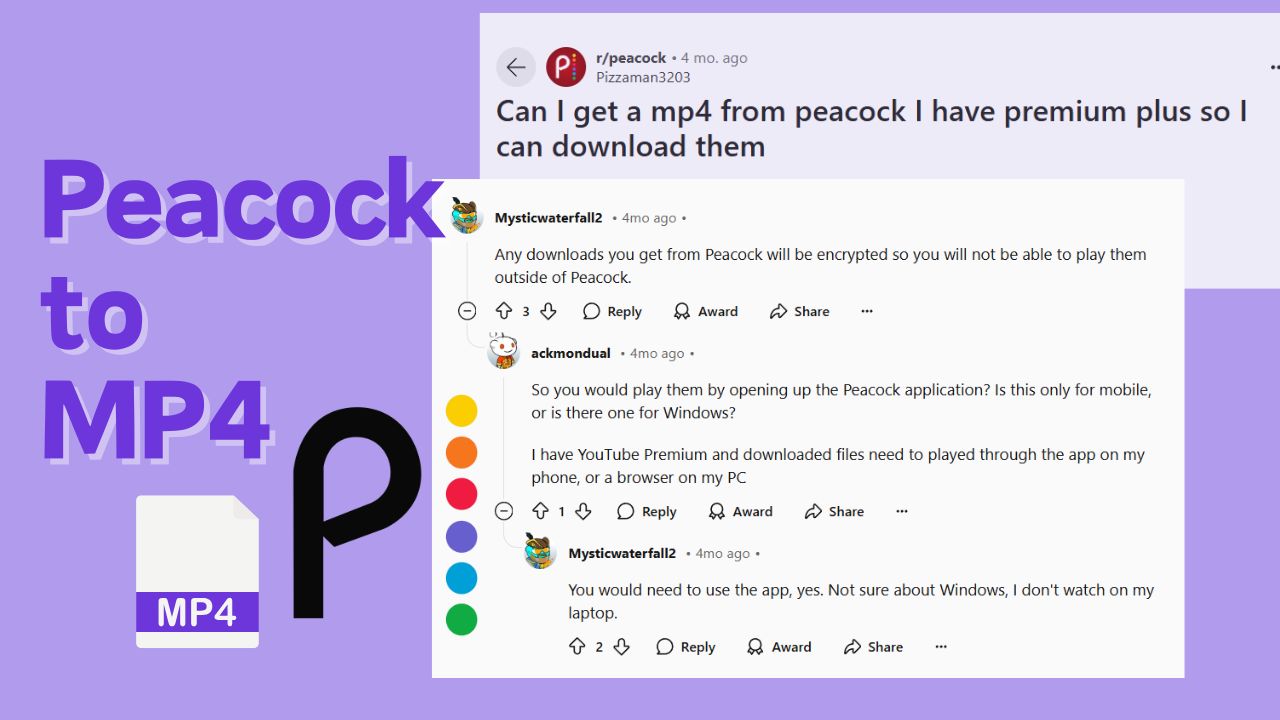
    The MPD format safeguards peacock videos; therefore, even if you subscribe to a premium plan, the downloaded videos can only be played through the Peacock app. However, if you can save Peacock videos to MP4 format, you will achieve greater flexibility for offline viewing. This article will present you with a 100% effective solution.

    By Erika Leen - Feb 14, 2026
  • How to Download Movies & Episodes from Peacock on Mobile/PC Laptop?
    How to Download Movies & Episodes from Peacock on Mobile/PC Laptop?

    Have you ever tried to download Peacock shows? Can you download from Peacock on both mobile and PC devices? What should you know about offline viewing of Peacock? After tests and experiences for days, I made this guide to help new Peacock users get the proper Peacock download methods.

    By Nicole Lopez - Dec 12, 2025
Fair Use Policy: StreamFab is legal only for personal needs and it's not allowed to share the downloaded content with any third party.

To avoid being blocked by streaming providers, a StreamFab licensed account has a quota of 100 downloads per day, and 700 downloads per week from each supported streaming service. Whenever some of it is used up, it will refill during the next time cycle.