
How to Download Patreon Videos in 2026: 3 Safe Ways, Including Free and DIY

Summary: In July 2026, I tested every viable method for saving Patreon videos offline — from dedicated desktop tools to Chrome extensions. Here's what actually works, what gives you a black screen, and the one approach that handles 1080p and 4K without guesswork.
Table of Contents
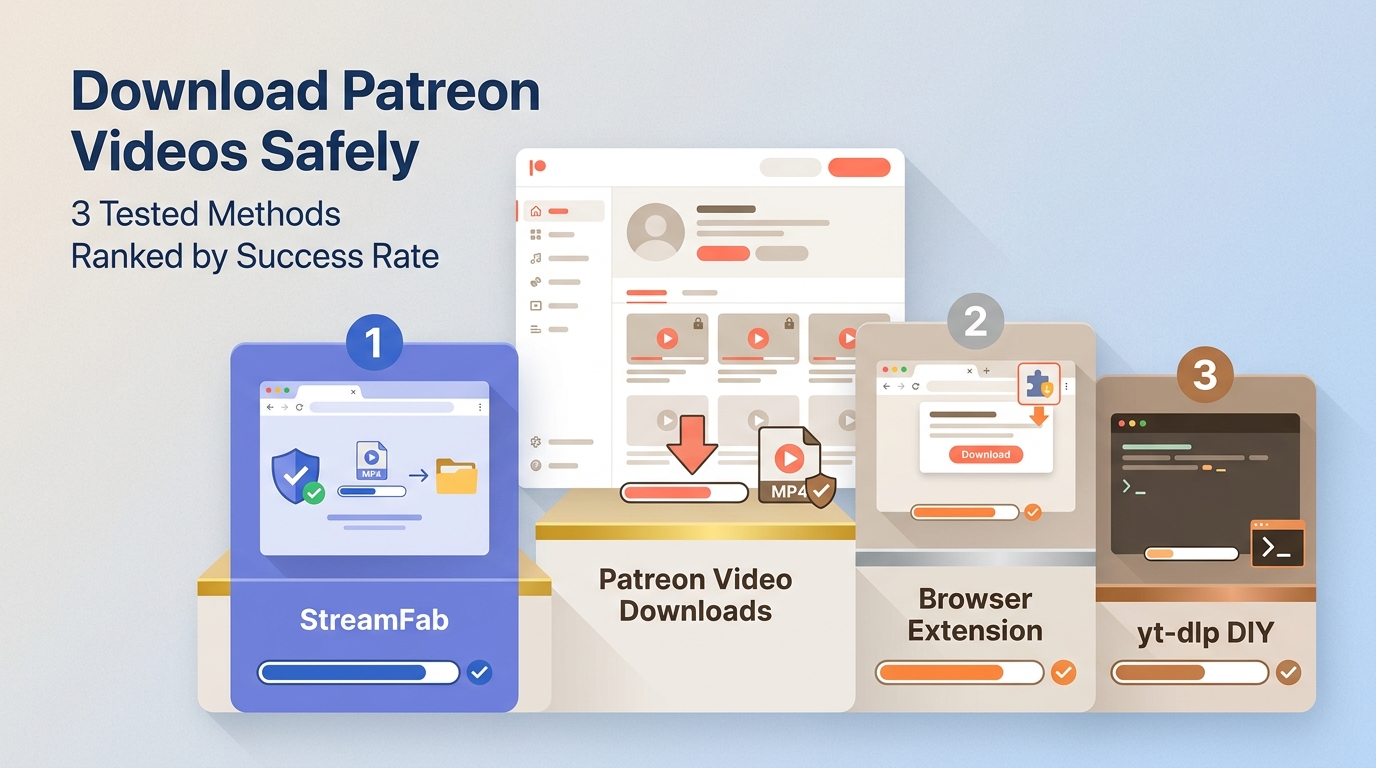
Here’s the short answer: you can save Patreon videos for personal offline viewing only when you’re authorized to access them, and the right method depends on how the creator hosts the video, your technical comfort level, and whether you need MP4/MKV files.
The practical takeaway is simple: start with the access boundary, understand why private embeds fail, then choose between a desktop downloader, a mobile-transfer workflow, or free/DIY tools such as Chrome extensions and cookie-based command-line options.
Safe Personal Use Rules for Patreon Downloads
Patreon does not provide a universal native download button, and many creators choose hosted players so they can control access to their work. This guide is limited to saving a local copy for personal offline viewing of videos you are authorized to access, where permitted by Patreon’s terms and applicable law. My line is firm here: redistribution, access-sharing, and attempts to reach tier-locked posts without permission are outside the scope of this article.
- Only download content from tiers you have an active subscription to
- Do not redistribute downloaded videos — that violates Patreon's terms and the creator's rights
- Download from official tool sources only — cracked versions introduce malware risk
- If a creator’s content is age-restricted, follow Patreon’s age, account, and content rules
Why Patreon Downloads Fail in 2026
Patreon doesn't host most videos directly. The majority of creators embed content through Vimeo private links, Bunny CDN, or direct HLS streams with session-authenticated tokens. This means:
- Generic "video URL grabber" tools see the page but not the authenticated stream URL
- Chrome extensions that capture network requests may miss session-token-protected segments
- Manual right-click download options are often disabled on private embeds
Login, Cookies, and Session Requirements
Before you blame a downloader, confirm the basics: you are logged in, your tier still grants access to the post, and the video plays in the same browser session. DIY tools such as yt-dlp or GitHub/PyPI archivers may require browser cookies from your own logged-in session, but this should never mean sharing cookies, borrowing someone else’s account, or trying to reach private content you cannot already play.
Expired session tokens are the usual reason a valid-looking workflow fails halfway. If the video disappears, reload the Patreon post, play a few seconds in the authorized session, and then retry detection. For broader private-video safety rules, see this guide to saving private content safely.
Troubleshooting Blank or Failed Downloads
A blank MP4, a zero-byte file, or a file that opens with audio only usually means the tool captured the wrapper page, an expired HLS segment, or a private embed shell instead of the playable stream. In practice, I use this order: confirm playback first, refresh the session, try a different output format if MP4 conversion fails, then move from a browser extension to a desktop workflow if the post uses private Vimeo or HLS/m3u8 delivery. For generic URL-to-MP4 concepts, use this separate URL to MP4 guide rather than stretching this Patreon article into a general downloader tutorial.
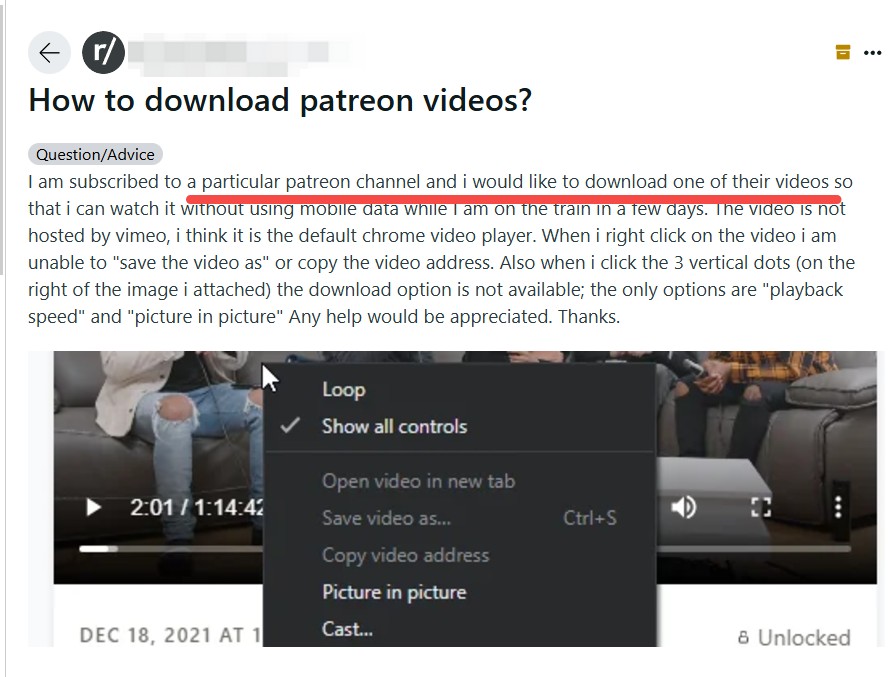
Desktop tools such as StreamFab work inside a logged-in browser-style session and process videos your account is already entitled to play. That mechanism explains why tools differ: some only detect visible page links, while others can handle a local-file workflow after authorized playback is available.
Quick Comparison: 3 Ways to Save Patreon Videos
Method 1: StreamFab Video Downloader for Local MP4/MKV Saving
If you are a long-term subscriber saving videos you can already play, StreamFab Video Downloader is one practical desktop option for a local-file workflow on Windows and Mac. It supports MP4/MKV output, batch handling, and quality options up to 4K where the source and account access allow it. It is not the right fit if you only need one public post, have no budget for desktop software, or prefer an open-source command-line workflow.

Download Patreon videos and content from 1000+ sites at up to 1080p/4K. Auto-detects new posts from subscribed creators. Saves as MP4/MKV. Windows and Mac.
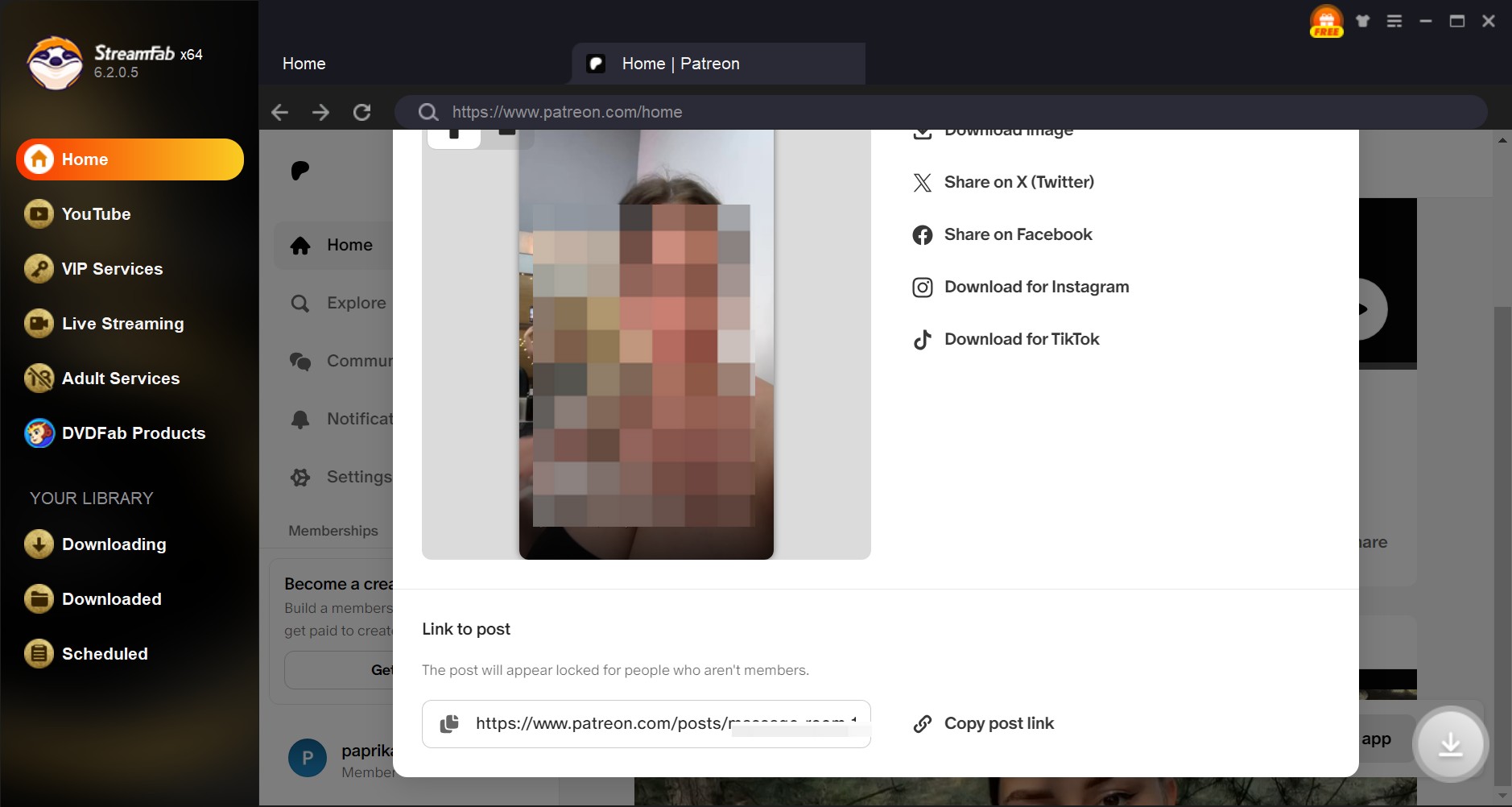
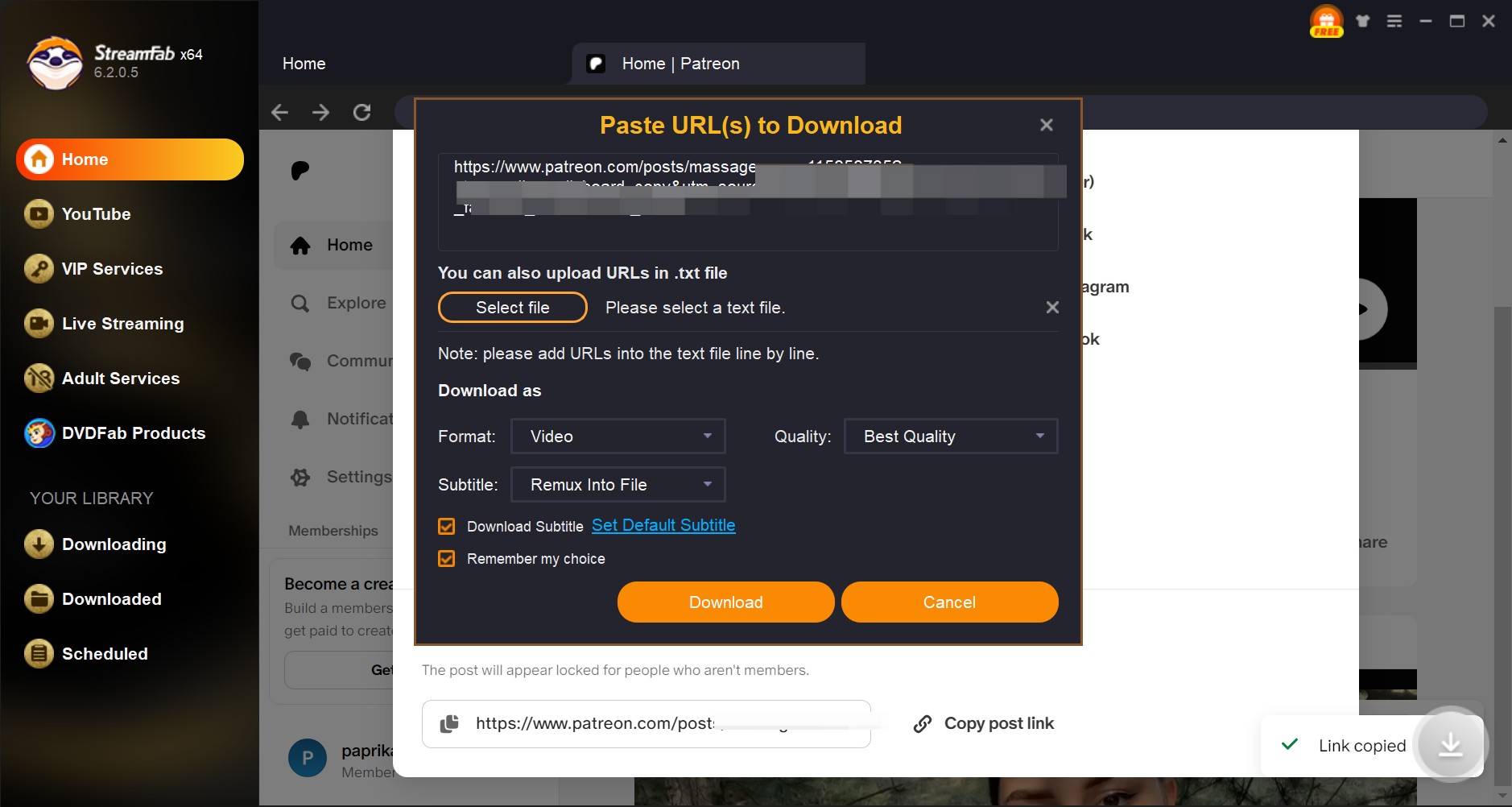
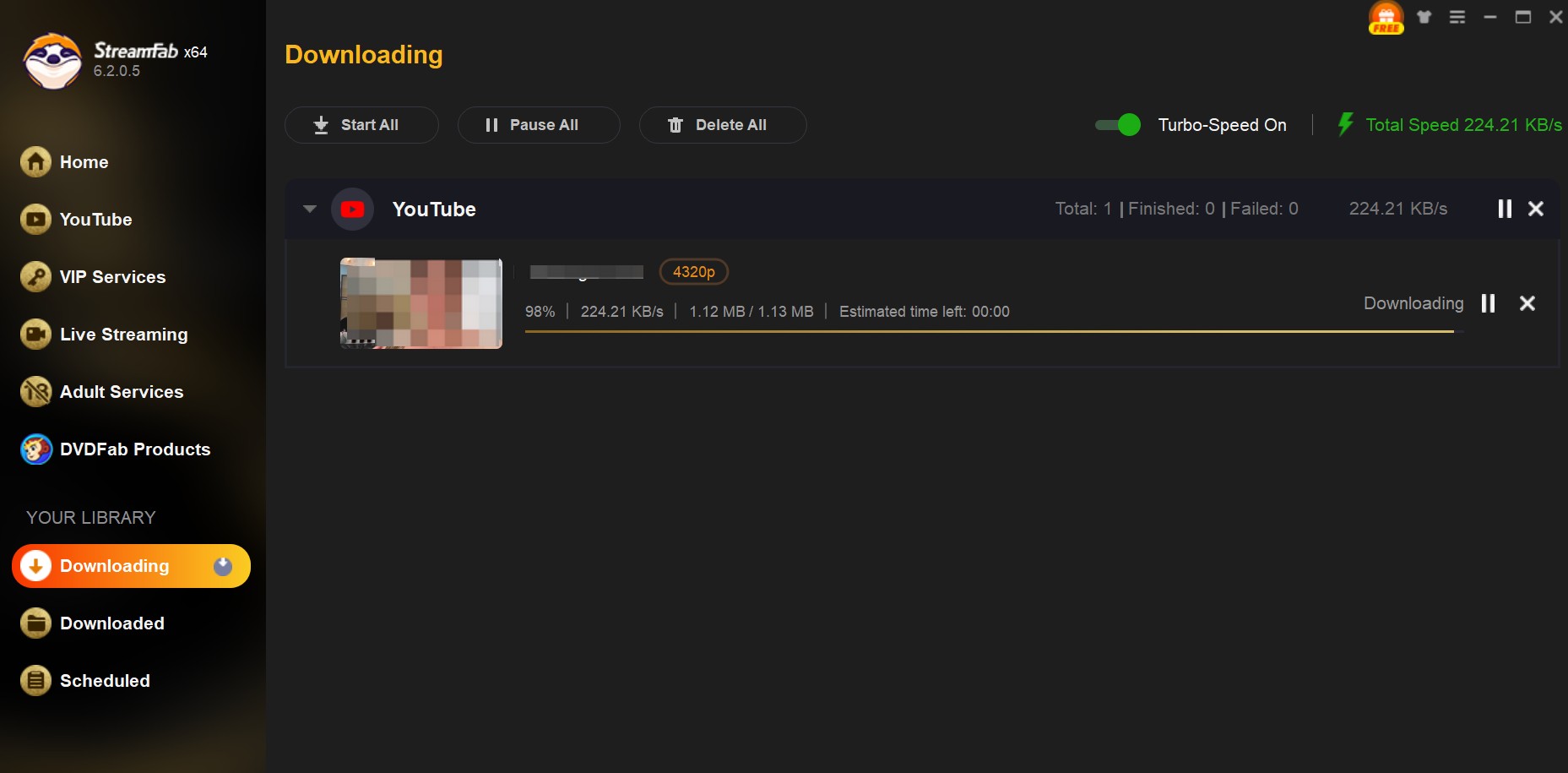
Pro Tip: For batch downloads, navigate to a creator’s post archive inside StreamFab’s built-in browser and let the app detect eligible videos from the feed. If a video fails to appear, I treat that as a session problem first, not a reason to start hunting for workarounds: reload the specific Patreon post, confirm it plays while logged in, and retry within the same authorized session.
- Works inside an authorized logged-in workflow for Patreon videos your account can play
- Supports batch handling for larger creator archives
- Exports local files as MP4 or MKV, with quality depending on the source and account access
- Works on Windows and Mac
- Limited trial before paid use
- Some aggressively token-protected embeds require a page reload and fresh session
Method 2: Transfer Saved Patreon Files to Mobile
If your goal is watching saved Patreon content on your phone or tablet during travel, transferring a local file is a secondary workflow after a legitimate save from content you are authorized to access. It does not solve Patreon detection, login, or access by itself; it only moves an existing MP4/MKV file into a compatible mobile player.
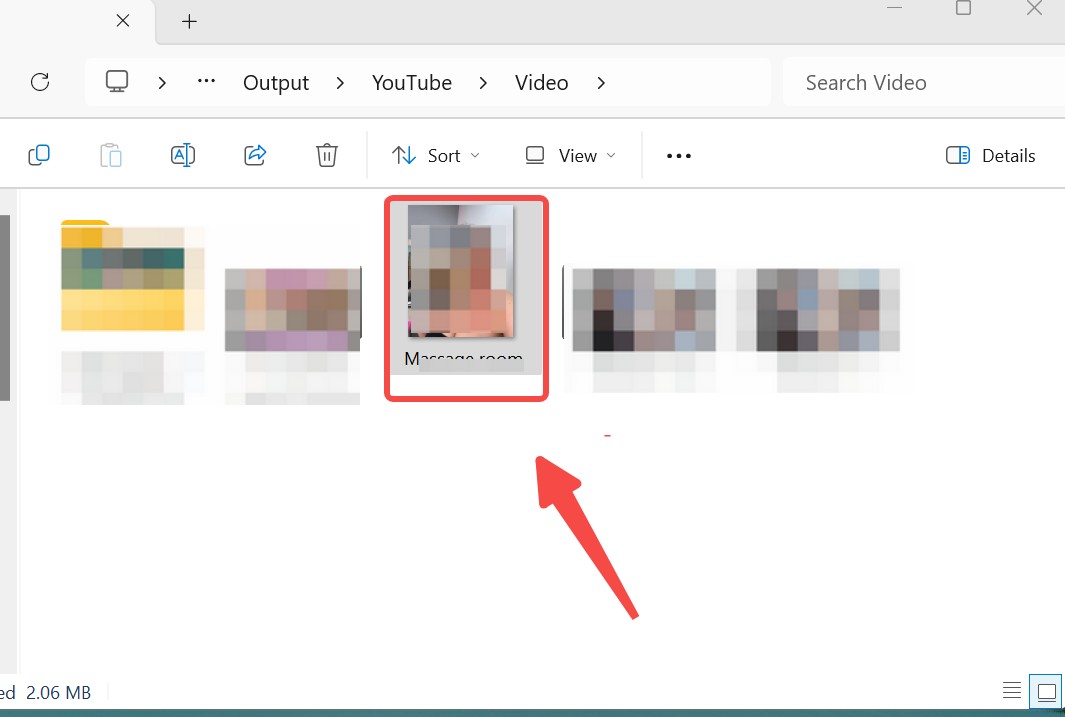
Pro Tip: For large Patreon video archives, use a wired USB-C transfer when possible instead of Bluetooth. On iPhone, iCloud Drive, Finder sync, or the Files app is usually cleaner for multiple small videos than repeating AirDrop one file at a time. The boring file-management route wins here, which is not glamorous, but it saves time.
Method 3: Free and DIY Options
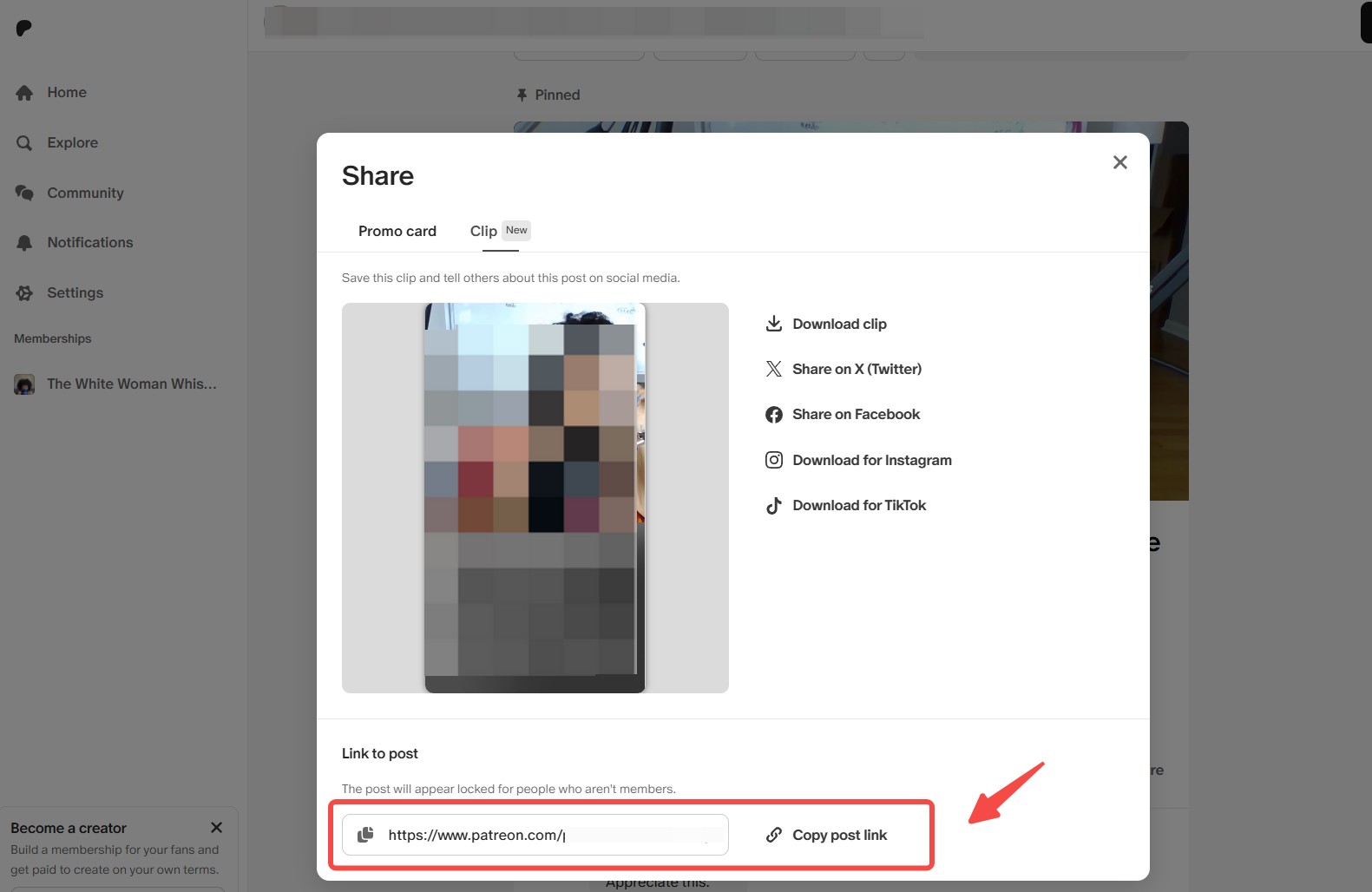
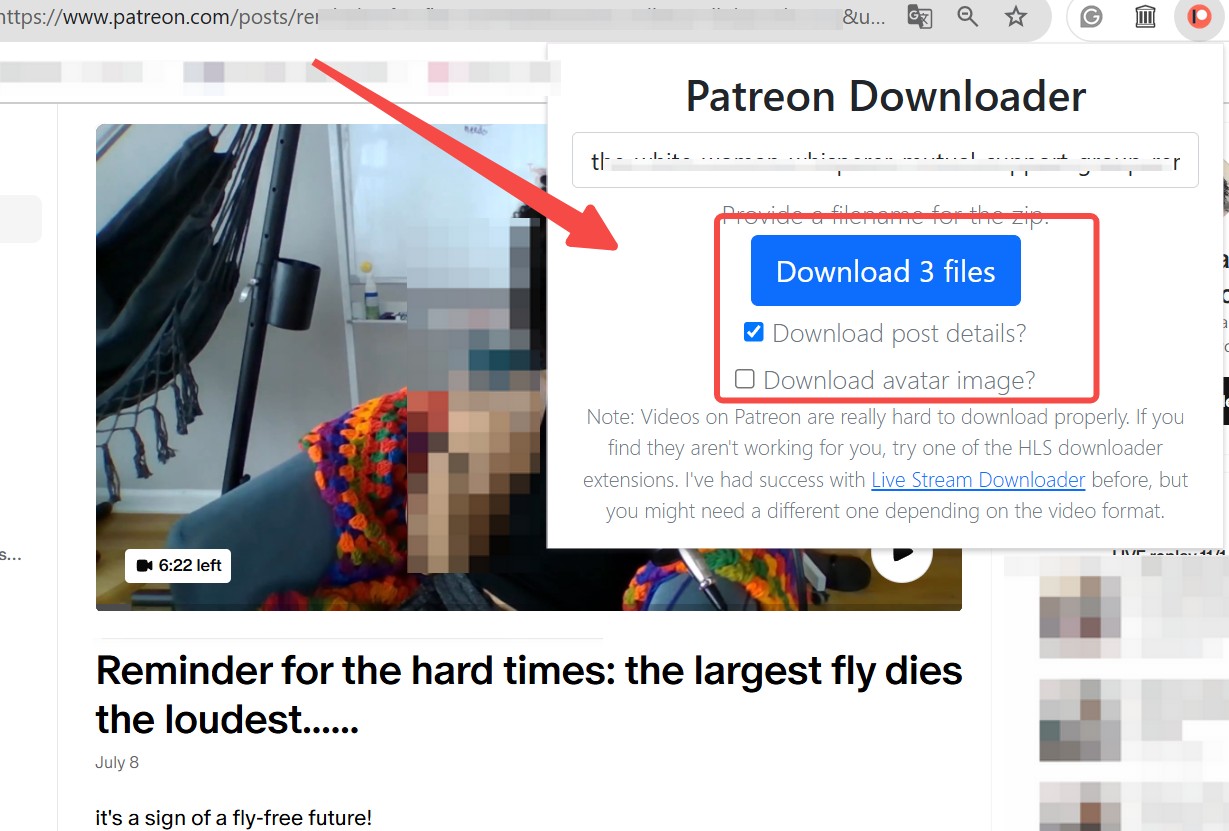
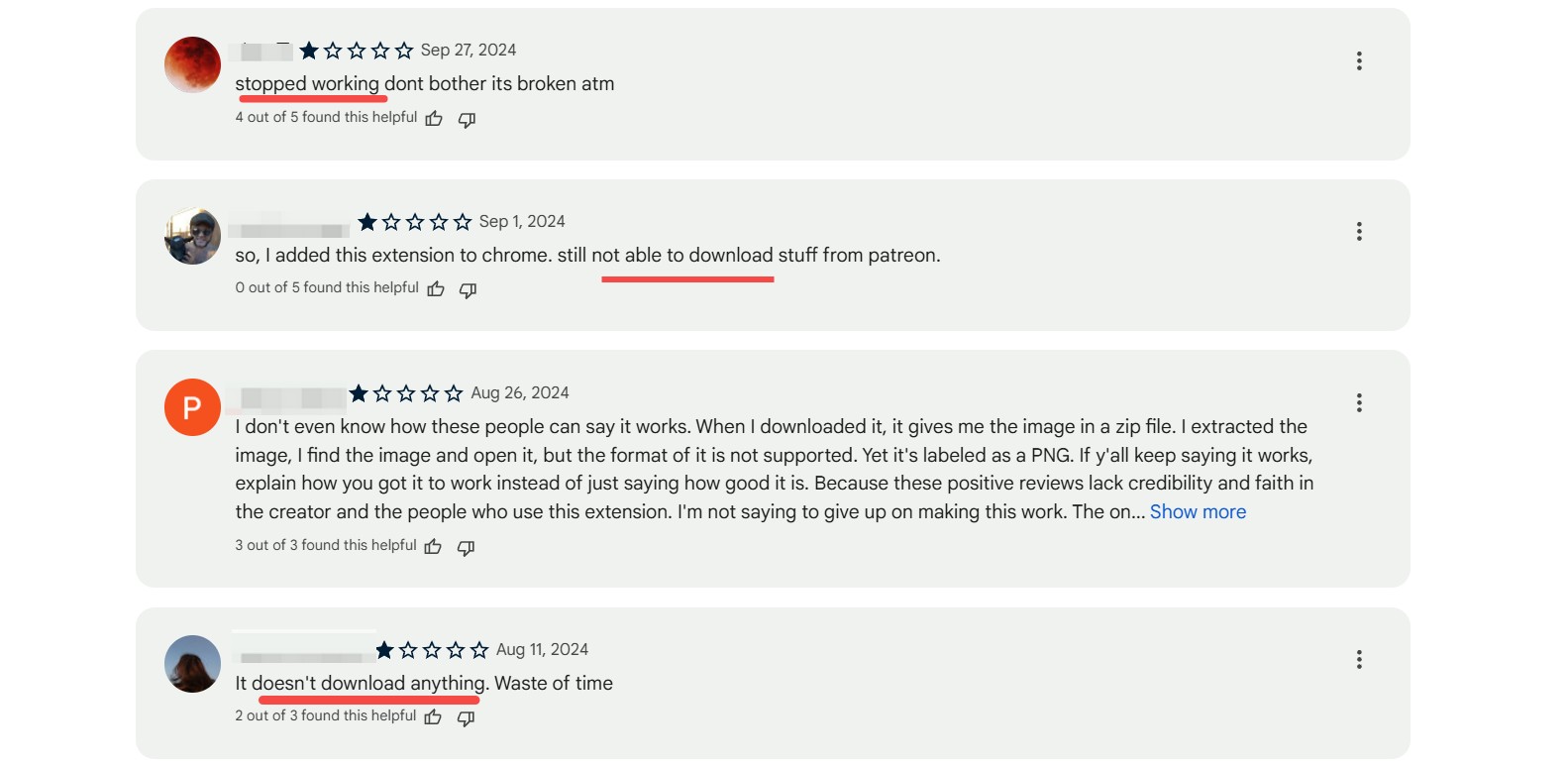
Free options fall into three buckets: Chrome extensions, yt-dlp with your own logged-in cookies, and GitHub/PyPI archivers. Some active 2026 Chrome listings claim MP4 output, selectable quality, local processing, and Vimeo or HLS support. Those claims are worth checking, but I would still weigh the extension’s rating, update history, requested permissions, and whether the Patreon video uses private session tokens.
For technical users, yt-dlp and open-source archivers can be flexible, especially when the goal includes post organization or attachments. The tradeoff is friction: cookies expire, embed hosts change, and a failed merge can leave you with unusable segments instead of a clean MP4. If you cannot explain what the tool is doing with your logged-in cookies, do not use it on a paid creator account.
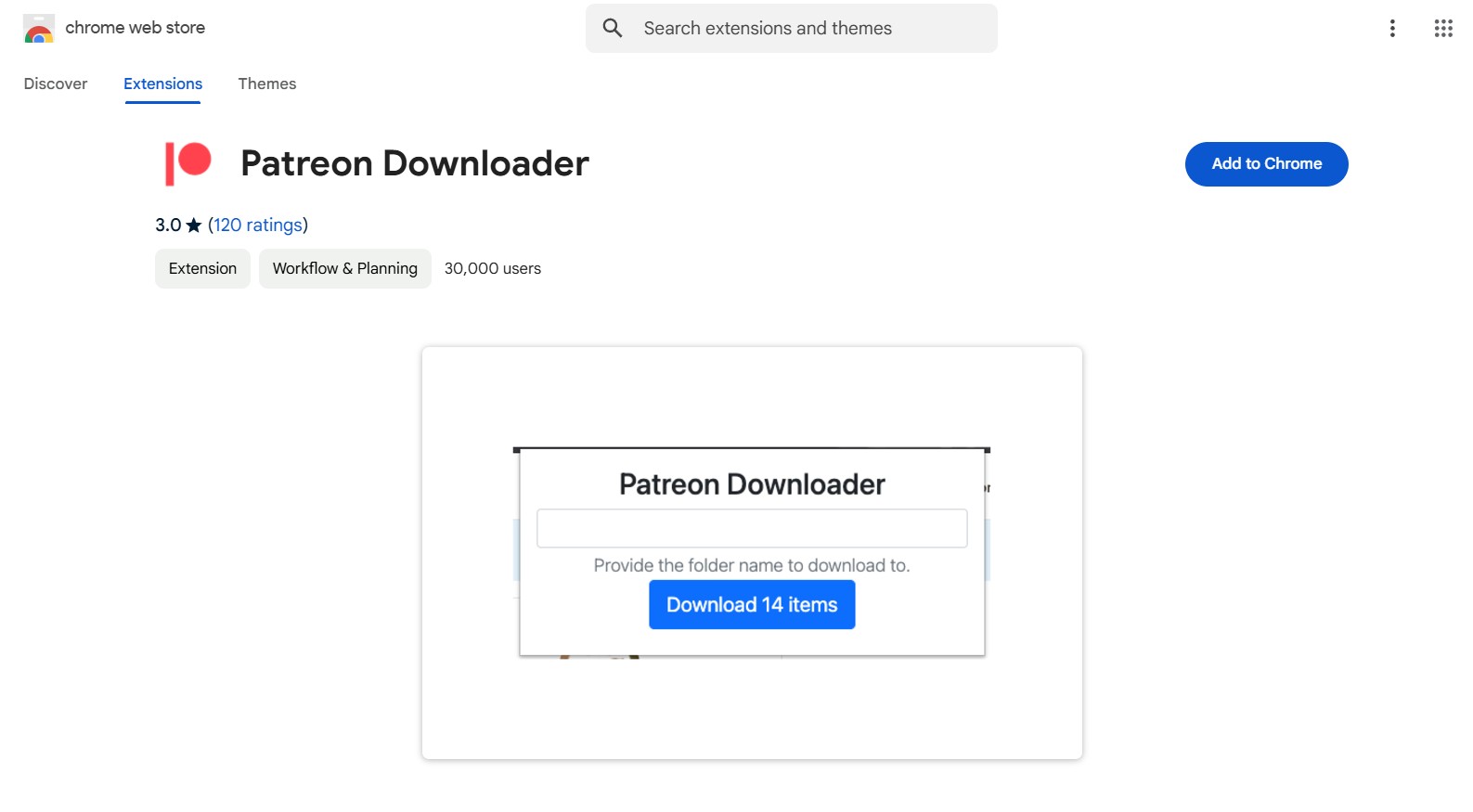
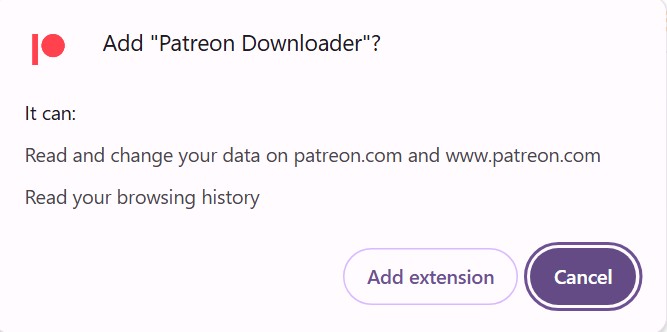

For most non-technical users who already have valid Patreon access and want local MP4/MKV files, StreamFab Video Downloader is the most practical desktop route. Free and DIY tools still have a place: use extensions for simple public posts, yt-dlp or archivers if you are comfortable managing cookies and scripts, and mobile transfer only after the local file already exists.
Frequently Asked Questions
Can I save Patreon videos for free?
Sometimes. Free Chrome extensions or DIY tools may work for public or free posts, and desktop tools may offer a limited trial. Private or tier-locked Patreon videos still require valid access to that creator’s content.
Can I save Patreon videos without a subscription?
Only if the post is public or otherwise available to your account. Paid private posts require an active account with permission to view that tier. This article does not cover access-sharing, cookie sharing, or attempts to reach content you cannot already play.
Why did my Patreon download become a blank MP4?
A blank MP4 usually means the tool captured a page wrapper, expired HLS segment, or private embed shell instead of the playable video stream. Confirm you are logged in, play the video first, refresh the post, and then retry with a method that supports authenticated sessions.
Which is better for MP4: an extension, yt-dlp, or StreamFab?
Extensions are easiest but inconsistent on private embeds. yt-dlp is flexible but technical and cookie-dependent. StreamFab is a better fit for users who want a desktop MP4/MKV workflow with batch handling for videos they are already authorized to access.
Conclusion
In 2026, saving Patreon videos comes down to access, hosting, and workflow. For public posts, a Chrome extension may be enough. For technical users, yt-dlp or an open-source archiver can work when cookies and embed support cooperate. For non-technical users who need MP4/MKV files, batch handling, and a desktop workflow for videos they can already play, StreamFab Video Downloader is the cleaner option. Mobile transfer belongs at the end, after the local file is saved.
StreamFab Video Downloader supports authorized Patreon workflows, private embeds where playable in your account, batch handling, and MP4/MKV output.


In July 2026, I tested 5 ManyVids video downloaders on a 47-title Vid Bundle archive project. Only one delivered consistent 1080p with batch automation. Here's the ranked breakdown — with legal context, safety checks, and a full comparison table.
By Jacob Harrison - Oct 13, 2026

Pornhub Premium has no official download button. Compare local-file methods by device, understand 1080p and 4K output, and follow the StreamFab workflow. Practical checks address access errors, incomplete files, wrong resolution, and blank or green playback.
By Erika Leen - Sep 24, 2026

R18.com was closed in 2022 and is no longer accessible. It is advisable to consider other alternatives.
By Erika Leen - Aug 19, 2026

Want to download Pornhub 4K video? Follow our detailed guide for a seamless download experience and enjoy ultra-high-definition content offline anytime, anywhere.
By Erika Leen - Aug 19, 2026