






• Download videos from Apple TV globally

    Download Apple TV content in any region

  • Auto-download Apple TV video at a set time

    Schedule and auto-download new Apple TV episodes

  • Download Apple TV videos in 4K

    Save Apple TV+ titles in stunning 4K quality

  • Explore Apple TVvideos with its in-built browser

    Browse and capture Apple TV with built-in browser

Why StreamFab Apple TV Downloader?

Apple TV's FairPlay DRM

Apple TV+ downloads expire — your $9.99/month doesn't buy permanent access

Picture this: you board a cross-country flight and open the Apple TV+ app to continue watching Severance — only to find your downloaded episode has expired. Apple TV+'s FairPlay system enforces a 30-day download window and requires you to finish any started episode within 48 hours. 


Downloads are restricted to iPhone and iPad only; you cannot transfer files to a laptop, TV, or any other player. On top of that, Apple TV+ originals licensed from third parties can be pulled from the service at any time, with no guarantee they'll return. If you want a real, permanent copy of the Apple TV+ content you love, native downloads simply can't deliver it.

On-demand videos come and go on streaming services
StreamFab's trusted technology

StreamFab creates real local backups of your Apple TV favorites

Imagine re-watching every season of Ted Lasso or The Morning Show on your home theater system, your laptop, or an Android TV stick — without any Apple device required. StreamFab Apple TV Downloader, developed by the DVDFab team with over 20 years of video software experience, saves Apple TV titles as standard MP4 or MKV files that live permanently on your hard drive. 


No expiry dates, no device restrictions, no playback windows. Transfer your saved files to any player or media server you already own and enjoy them on your schedule. Not sure yet? Start with 3 free downloads — no payment information required — and see the quality for yourself before committing to a plan.

Save your favorite videos before they leave the service

Download Apple TV Videos Your Way

4K · Dolby Atmos

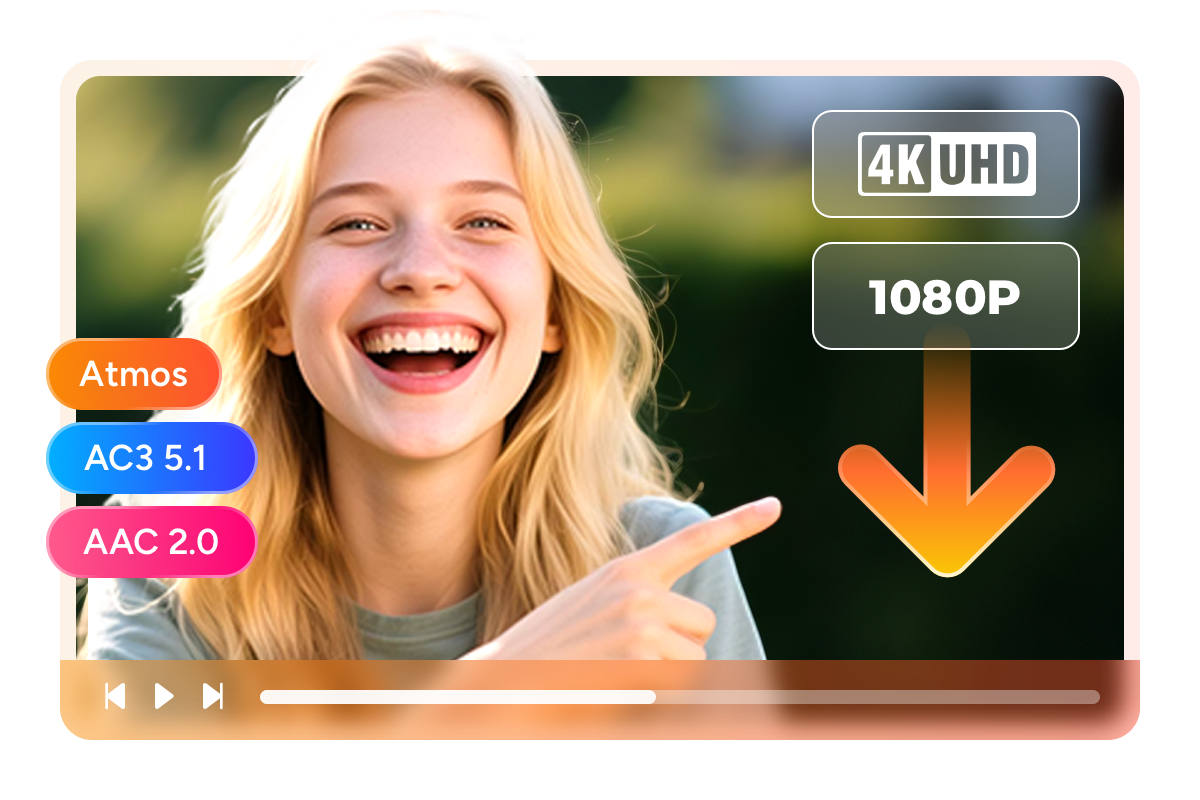
Download Apple TV in 4K with Dolby Atmos

You've been watching Severance in 4K on your living room TV and you want the same cinematic experience when you're offline. StreamFab Apple TV Downloader captures Apple TV video at your chosen resolution — 4K ultra-high definition, 1080p Full HD, or 720p HD — with no quality loss from re-encoding. 


On the audio side, you can select Dolby Atmos object-based surround sound (when available in the original stream) for the most immersive home theater experience, AC3 5.1 surround for six-channel audio on your sound system, or AAC 2.0 stereo for earbuds and laptop speakers. Unlike third-party tools that transcode and degrade the source, StreamFab preserves the original bitstream fidelity so what you save matches exactly what Apple TV streams.

apple tv downloader
MP4 · MKV

Save Apple TV downloads as universal MP4 or MKV — playable on any device

You want to watch Apple TV content on your home theater system, Android TV box, or portable media player — but Apple's native download files are locked inside the Apple ecosystem and cannot be moved. StreamFab Apple TV Downloader removes that barrier by saving your Apple TV content as standard MP4 or MKV files. 


MP4 delivers the widest compatibility across smartphones, smart TVs, tablets, and PCs — drop the file anywhere and it plays. MKV is the preferred choice for media servers like Plex, PlayerFab, or Jellyfin, since it preserves multiple audio tracks and subtitle streams in a single container. Both formats never expire. Copy them to any USB drive, NAS, or streaming stick and enjoy your Apple TV library on your own terms.

download apple tv video in mp4
H.264 · H.265

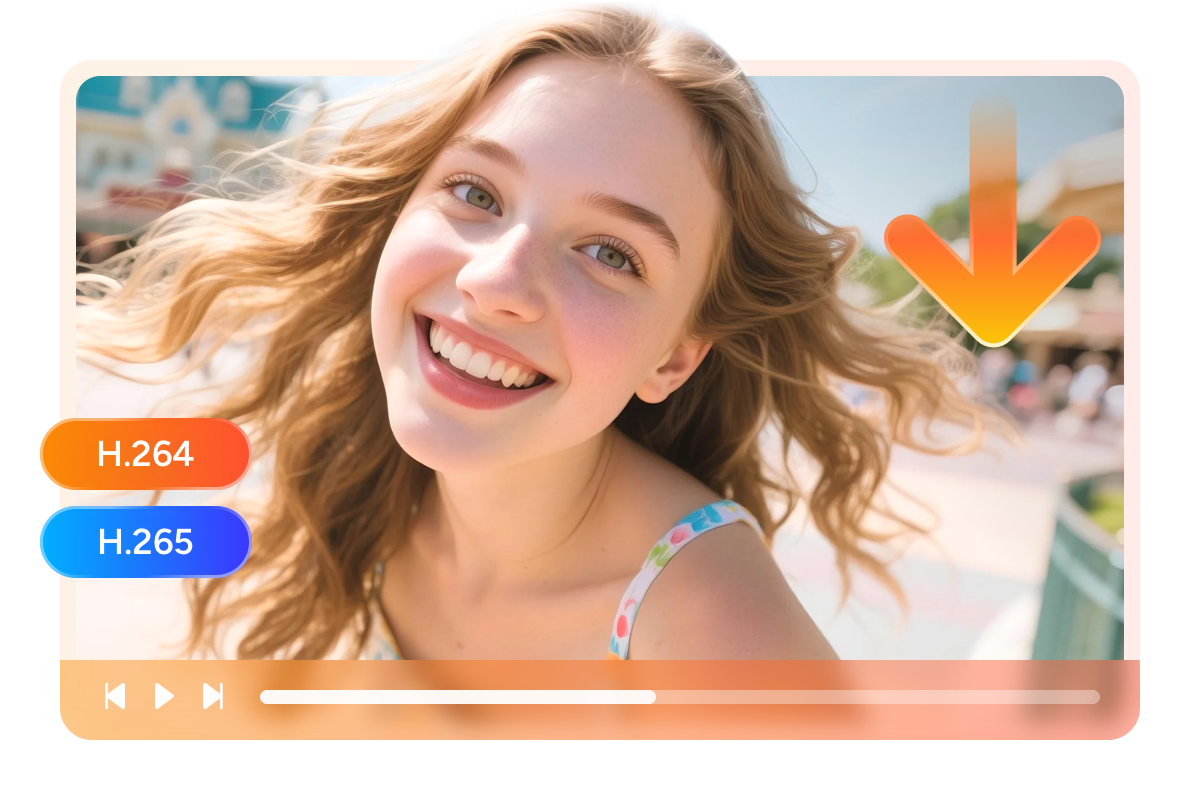
Choose H.264 or H.265 encoding to balance quality and storage

When you download several seasons of an Apple TV series in 4K, storage fills up fast. DVDFab gives you a choice of two video codecs to match your setup. H.264 is the most universally compatible option — older smart TVs, Blu-ray players, tablets, and nearly every media player supports it without any extra processing. 


H.265, on the other hand, delivers identical visual quality at a significantly smaller file size; a 4K Apple TV title encoded in H.265 is typically 40 to 50 percent smaller than the same title in H.264. That means more titles on your hard drive without sacrificing a single pixel of detail. Choose H.264 if compatibility is your priority, or H.265 if you want to maximize storage efficiency — DVDFab handles the encoding either way.

streamfab apple tv downloader
SRT · Embedded

Download Apple TV subtitles as SRT files or embed them in the video

Whether you're watching The Morning Show with subtitles for accessibility or using an Apple TV episode to practice a foreign language, having the right subtitle track matters. StreamFab Apple TV Downloader lets you select your preferred subtitle language before downloading and saves those tracks in two ways. 


As a standalone SRT file, the subtitle works with any player — VLC, Plex, Kodi, PlayerFab — and you can turn it on or off freely during playback. Alternatively, StreamFab can embed the subtitle directly into the MP4 or MKV container, so there is no separate file to manage and the subtitle plays automatically on smart TVs or media players that do not support external SRT files. Apple TV series that offer multiple language tracks — English, Spanish, French, and others — are all supported.

download apple tv video with subtitles

The Complete Apple TV Offline Experience

auto-download apple tv video with streamfab

Auto-Download New Episodes on Schedule

Add Apple TV series to your schedule queue and StreamFab downloads new episodes automatically — daily or weekly — the moment they're released, so your offline library stays current without any manual effort.

download apple tv video

Batch Download Full Seasons Fast

Queue entire Apple TV seasons in one go. StreamFab processes multiple titles simultaneously so your complete offline library is ready well before your next flight or commute — no babysitting downloads one by one.

apple tv downloader

Pre-Select Audio and Subtitle Language

Set your preferred audio track and subtitle language once in StreamFab's settings. Every subsequent Apple TV download automatically applies those choices, saving you from manually configuring each title in your queue.

Your Apple TV Library

Save Metadata

Preserve full metadata so your media server recognizes every Apple TV title

You use Plex or PlayerFab to browse your movie and TV collection and you want your Apple TV downloads to look just as polished as everything else — complete with the right cover art, cast information, episode names, and season numbers. 


StreamFab Apple TV Downloader automatically saves metadata alongside every download, including the title, full cast list, season and episode number, and cover artwork. When you add the files to Plex, Kodi, Jellyfin, or PlayerFab, the media server recognizes them instantly and displays everything correctly. No more folders full of cryptically named video files — your Apple TV library looks as organized and professional as the streaming service itself.

download apple tv video with metadata

What Apple TV Fans Say About StreamFab

Launch StreamFab Apple TV Downloader
Step 1. Launch StreamFab and Select Apple TV Downloader

Open StreamFab on your Windows or Mac computer. In the left sidebar, click 'VIP Services' and select the Apple TV option to open the built-in browser.

Step 2. Sign In and Play the Apple TV Video You Want

Log into your Apple TV account inside StreamFab's browser. Browse to any movie or series, select your preferred audio and subtitle language, and press Play.

Step 3. Download Starts Automatically — Collect Your Files

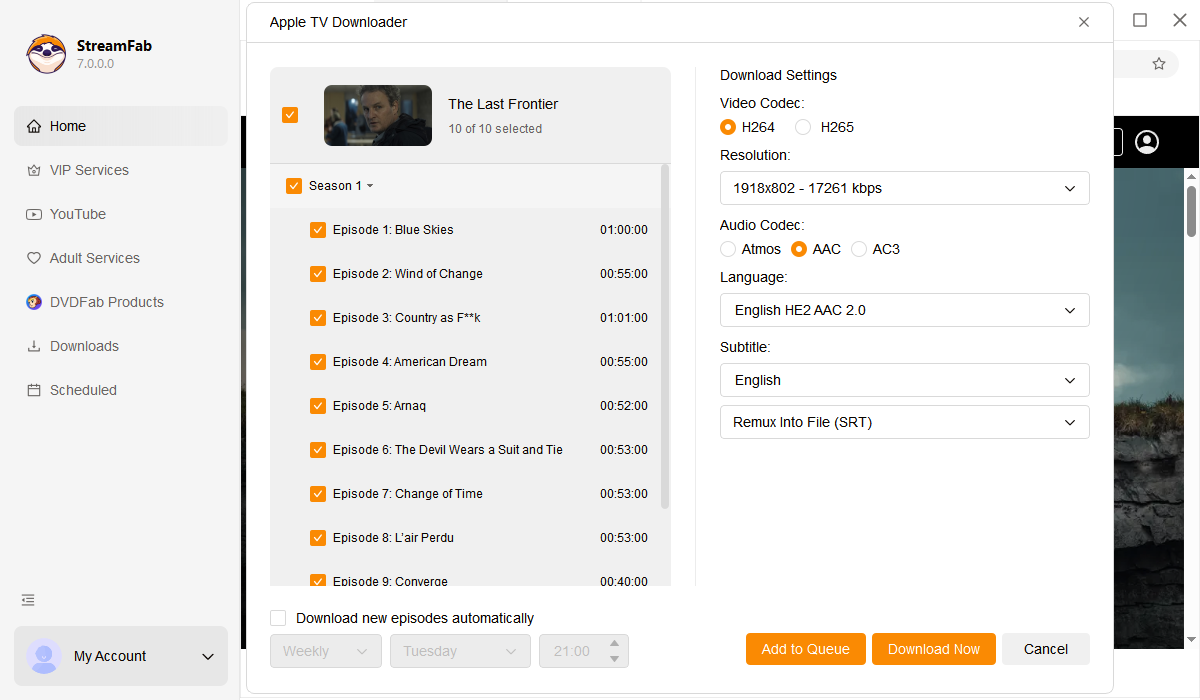
StreamFab detects the stream and shows a download prompt. Choose your quality (4K / 1080p / 720p), codec (H.264 / H.265), and format (MP4 / MKV), then click Download Now. Find finished files in your output folder.

System Requirements

Icon
Windows 11/10 (32/64 bit)
Intel i3 or above
4GB of RAM or above
40GB of free hard disk space or above
Live Internet connection required

Related Articles

Fair Use Policy: StreamFab is legal only for personal needs and it's not allowed to share the downloaded content with any third party.

To avoid being blocked by streaming providers, a StreamFab licensed account has a quota of 100 downloads per day, and 700 downloads per week from each supported streaming service. Whenever some of it is used up, it will refill during the next time cycle.