
Apple TV to MP4: Choose the Right Offline Workflow

Summary: Official Apple TV downloads stay inside the app; they are not portable MP4 exports. Identify your source, choose an appropriate desktop or local-video workflow, and verify the completed file. Learn what FRAG and MOVPKG files mean and how to check playback before transferring videos or queuing a season.
Table of Contents
Searching for Apple TV to MP4 usually starts with a frustrating discovery: official Apple TV downloads do not give you a portable MP4 file. I recommend the app for offline viewing; choose a separate local-file workflow when you need playback outside it.
During my extensive offline playback tests in May 2026, I noticed a recurring issue when trying to archive streaming content: the dreaded "Black Screen of Death" caused by HDCP 2.3 handshake failures.
Start by identifying your source. Then choose the desktop workflow or app download, and check the finished video before traveling.
Official Downloads and Portable MP4 Files
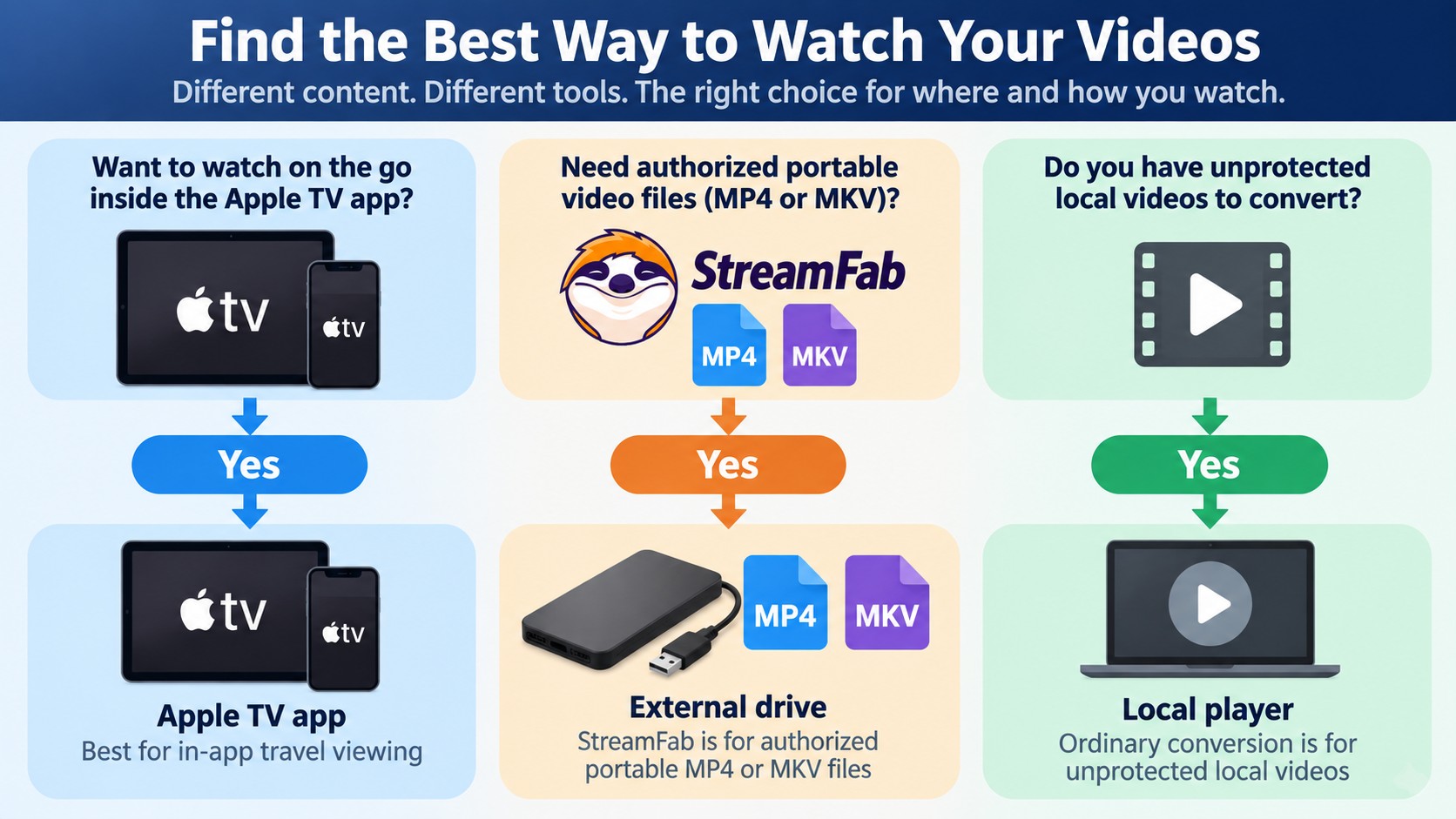
Official Apple TV downloads support offline viewing inside the app, including on Mac and Windows PC as of September 2026. They are not MP4 exports. A portable file opens in a compatible local player; an app download stays under Apple's playback and access rules.
Choose the Right Apple TV Workflow
Your source determines the next step. Subscription titles, purchases, app downloads, and ordinary video files are different starting points.
- Apple TV+ subscription title: Choose app-based viewing for offline travel, or the desktop workflow below for an authorized local copy.
- Purchased or rented Apple Store title: Use its Library entry in the Apple TV app. A purchase or rental does not establish support in a subscription-catalog downloader.
- Official app download: Open it in the Apple TV app. Moving its cache into another folder does not export an MP4.
- Ordinary local video: An unprotected local M4V file belongs in a local conversion workflow when your player needs MP4. This route does not apply to protected store downloads.
| Workflow | File access | Devices | Transfer and local playback | Offline limits |
|---|---|---|---|---|
| Official Apple TV app download | App-managed copy | Mac, Windows, supported mobile devices | Inside the Apple TV app | Apple's title and account rules |
| StreamFab desktop local-file workflow | MP4 or MKV | Windows and Mac | Compatible drives and players | Authorized personal use; download quotas |
| Online converter | Accepted upload or URL | Browser | Converted file, if supported | Input-format and upload restrictions |
For travel viewing inside Apple's app, I would use its download button. A desktop file workflow serves a different need: choosing your own player and storage. A browser converter's upload box alone does not establish Apple TV+ support.
Why FRAG and MOVPKG Are Not MP4
FRAG files and MOVPKG files from an official download are app-managed fragments or packages, not standalone MP4 videos. Renaming them changes the label, not the contents. You cannot convert Apple TV downloads into playable MP4s simply by changing the extension.
Apple TV uses FairPlay, Apple's content-protection system. Keep those downloads in the Apple TV app; use ordinary conversion software for unprotected local files.
Save Apple TV Video as MP4 on Desktop
StreamFab Apple TV Downloader provides a Windows and Mac workflow for local MP4 or MKV files. It is separate from Apple's official download feature, for personal offline viewing of content you're authorized to access, where permitted by platform terms and applicable law. Do not redistribute copyrighted videos.
You need an active subscription, access to the selected title, and desktop storage for the completed file. The trial provides three video downloads per service over 30 days. Use one to check your title and player.
StreamFab Output Quality and Compatibility
StreamFab Apple TV Downloader saves MP4 or MKV on Windows and Mac, with resolution options up to 4K and H.264 or H.265 video. Available tracks include Dolby Atmos, AC3 5.1, and AAC 2.0. Choose from the options offered for your title.

Save supported Apple TV videos as local MP4/MKV files on Windows or Mac, with resolution options up to 4K for your personal offline viewing.
I trust the completed file over the selection dialog. Open it in MediaInfo, a tool that reads video-file properties, and check resolution, codec, audio, and subtitles. Then play it on your intended device. A 4K menu option is not a guarantee for each episode.
Failure Checks Before You Download
Separate account access from file problems before retrying. These checks identify where the workflow stopped and what you should do next.
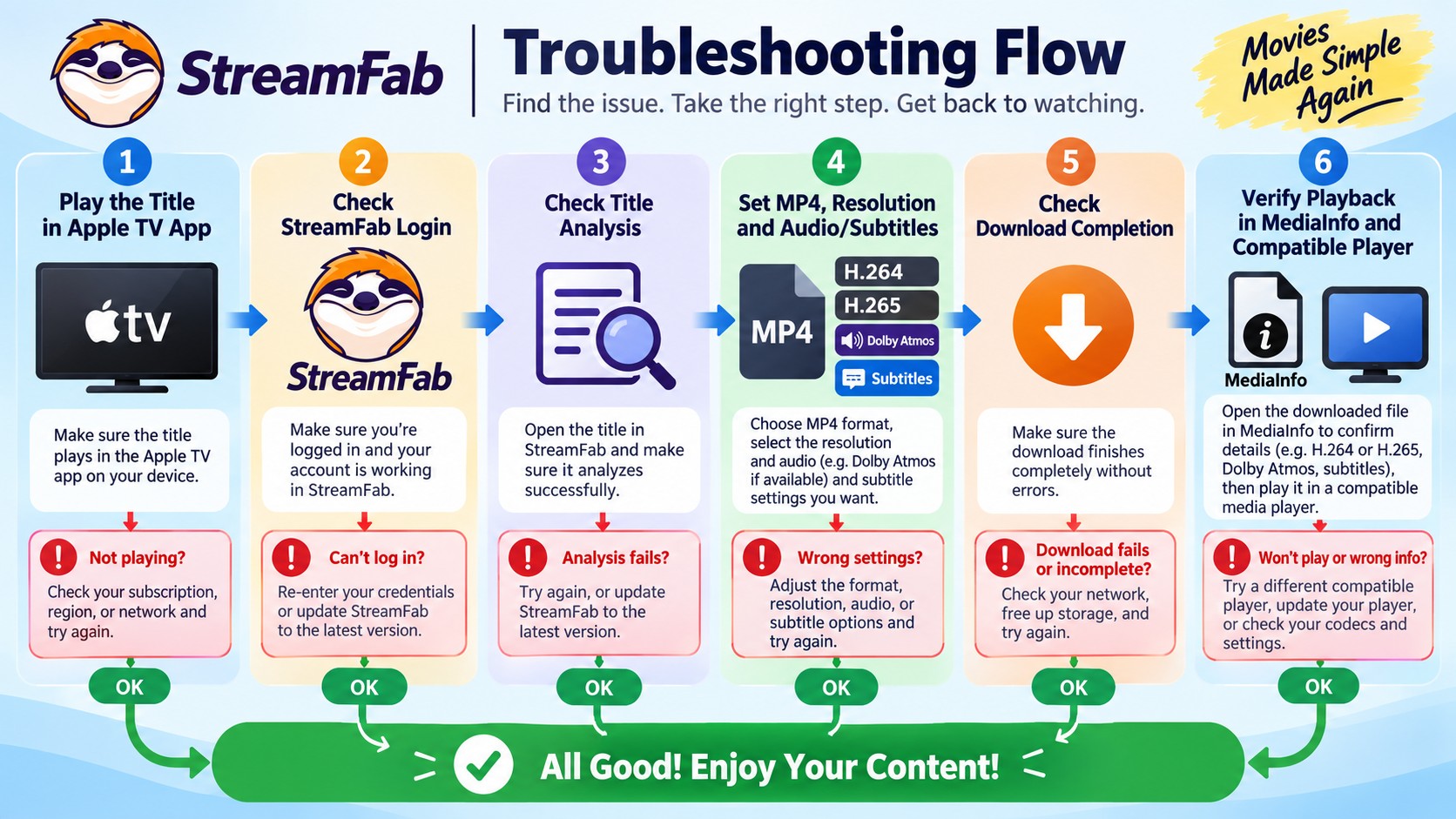
- Login or browsing fails: Confirm the title plays in Apple's app, then update StreamFab and reopen its Apple TV service.
- Analysis stalls: Retry the individual title after updating; consult the release notes for Apple TV compatibility fixes.
- An episode offers lower resolution: Compare that episode's available options, then use a trial download to inspect the output.
- Audio or subtitles are missing: Recheck the selected language and enable the track in your player before downloading again.
- The finished file stops playing: Confirm the task completed and replay the affected section in another compatible player.
Save an Apple TV Title as MP4
Start with one supported title. Keep its screenshot and settings together as you work through these steps.
Launch StreamFab, open VIP Services, and sign in to Apple TV with your authorized account.

Open the movie or episode and let the software analyze it. Choose MP4 and the available resolution, audio language, and subtitles.

Add one item to the queue and start downloading. Verify the completed file before adding more episodes.

Desktop Downloader vs Online Converter
An Apple TV to MP4 converter must support your source, not just MP4 output. A browser tool that converts uploaded local videos does not automatically support subscription streams. Keep your Apple account credentials out of unfamiliar converter forms.
A desktop workflow puts title selection and output settings in one application. For an ordinary unprotected file already on your computer, local conversion avoids uploading the whole video.
Apple TV to MP4 FAQ
Can I download movies from Apple TV to my computer?
Can you download episodes on Apple TV in batch?
Why is my screen black when trying to screen record Apple TV?
Are MP4 downloads restricted by geoblocking?
Can I copy an Apple TV MP4 to an external drive?
Yes, a completed MP4 or MKV supports external drive playback when the drive and player accept the file's format and size. Copy it, then open it from the drive. An official Apple TV app download is not an exportable MP4.
Can I watch an Apple TV MP4 on Android?
Yes, use an Android player that supports the file's video codec, audio, and subtitle tracks. Test those tracks after transfer. Local-file playback is separate from the Apple TV app's download feature.
Can I play an MP4 file on Apple TV?
Yes, use a compatible media app, a Plex library, or AirPlay from a supported device. The MP4 container alone does not establish compatibility; its video and audio formats also need player support.
What should I check before queuing a full season?
Confirm one completed episode plays with your chosen resolution, language, and subtitles. StreamFab supports batch and scheduled downloads; paid quotas are 100 downloads per service per day and 700 per week. Queue manageable groups and wait for the next quota period when the allowance is exhausted.
Choosing the Right Offline Workflow
Choose official Apple TV downloads for viewing inside the app, a desktop workflow for an authorized portable MP4 file, or ordinary conversion for an unprotected local video. My practical checkpoint is playback on your destination device. Once that works, expand the queue within your permitted personal use.

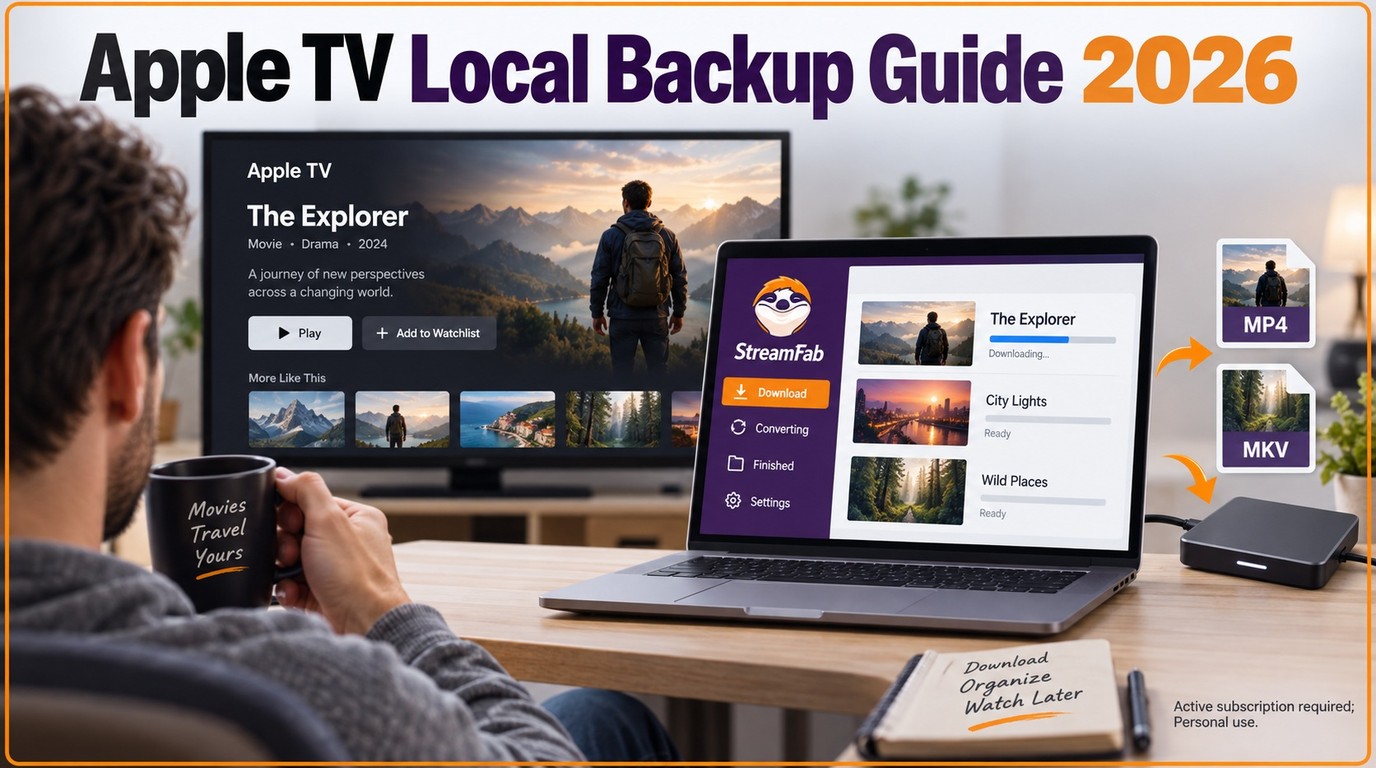
While the Apple TV app offers offline viewing, the files are temporary and restricted. This guide explores the best ways to create a permanent personal backup of your purchased or subscribed content, ensuring flexible playback across all your devices without expiration.
By Erika Leen - Sep 18, 2026
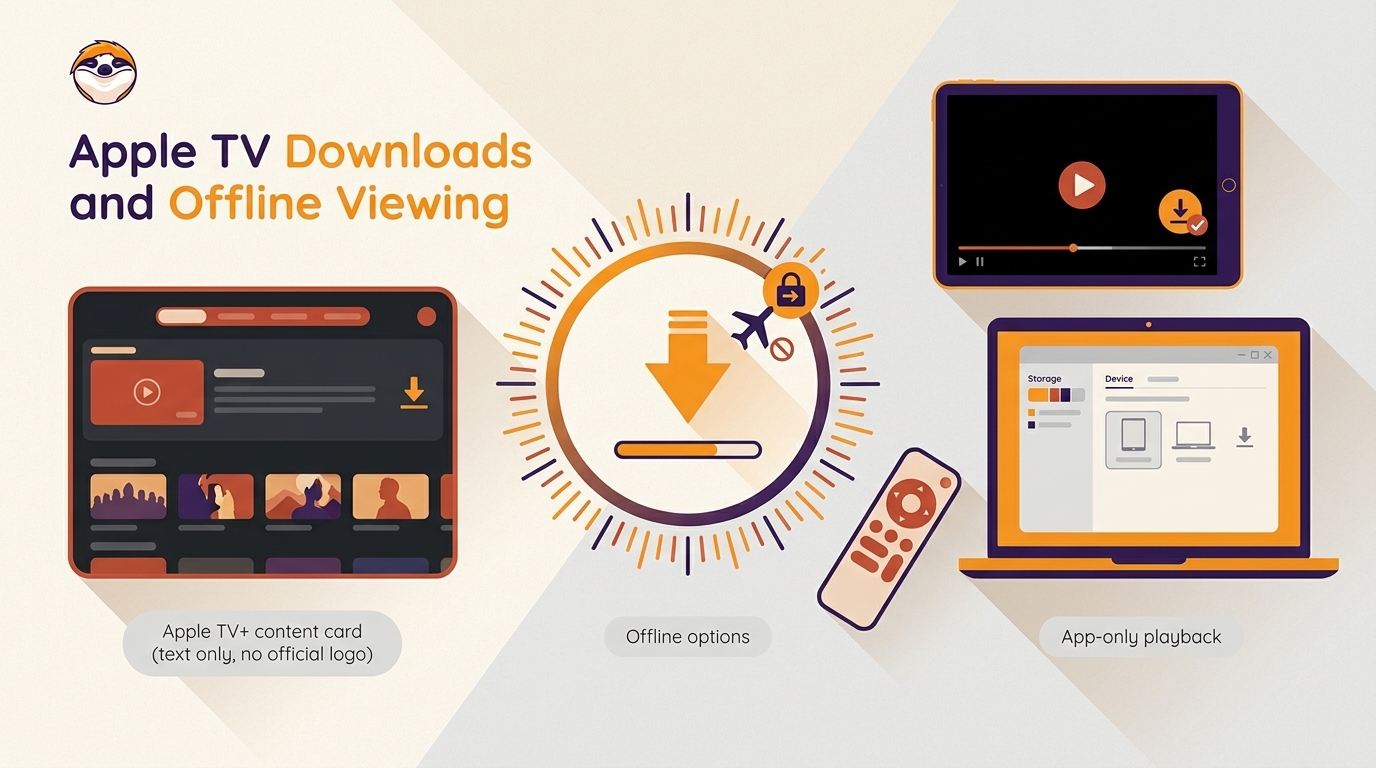
Learn how to download Apple TV+ shows on mobile and PC. Master 2026 techniques, fix HDCP black screens, and securely build your 4K offline library with the ultimate Apple TV 4K downloader.
By Jacob Harrison - Sep 15, 2026
This article discusses how to record on Apple TV on a PC or Mobile device. It explains why common methods screen recording often fail, and introduces effective alternatives such as RecordFab and StreamFab Apple TV Plus Downloader.
By Jacob Harrison - Jul 28, 2026
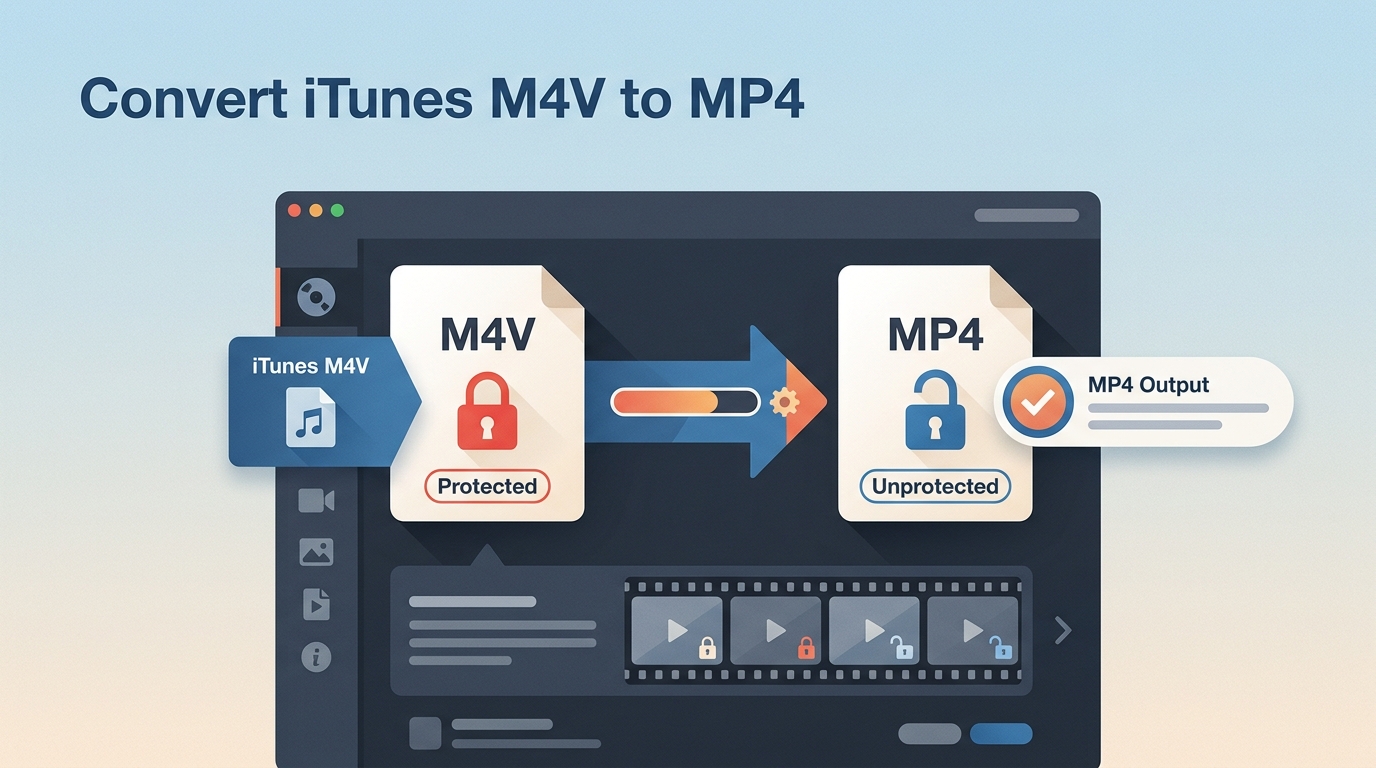
This guide provides a roadmap for creating personal, local backups by converting iTunes M4V files into the universal MP4 standard. We explore two kinds of methods: traditional file conversion for existing M4V downloads and direct high-fidelity downloading for modern 4K content.
By Jacob Harrison - Jul 27, 2026