
Best Paramount Plus Downloaders: 4 Laptop Options for 2026

Summary: Paramount+ supports selected downloads in eligible mobile apps, but Windows and Mac laptops do not offer the same official workflow. For Paramount Plus offline viewing on a flight, compare desktop methods carefully and verify that the finished local file plays correctly.
Table of Contents
If you want to download Paramount Plus on a laptop, the official mobile feature will not create a general local file. A Paramount Plus downloader offers a desktop route, but a usable full episode matters more than an advertised maximum. Start with app limits, compare desktop methods, then verify the finished file.

Official Paramount+ Downloads Have Clear Limits
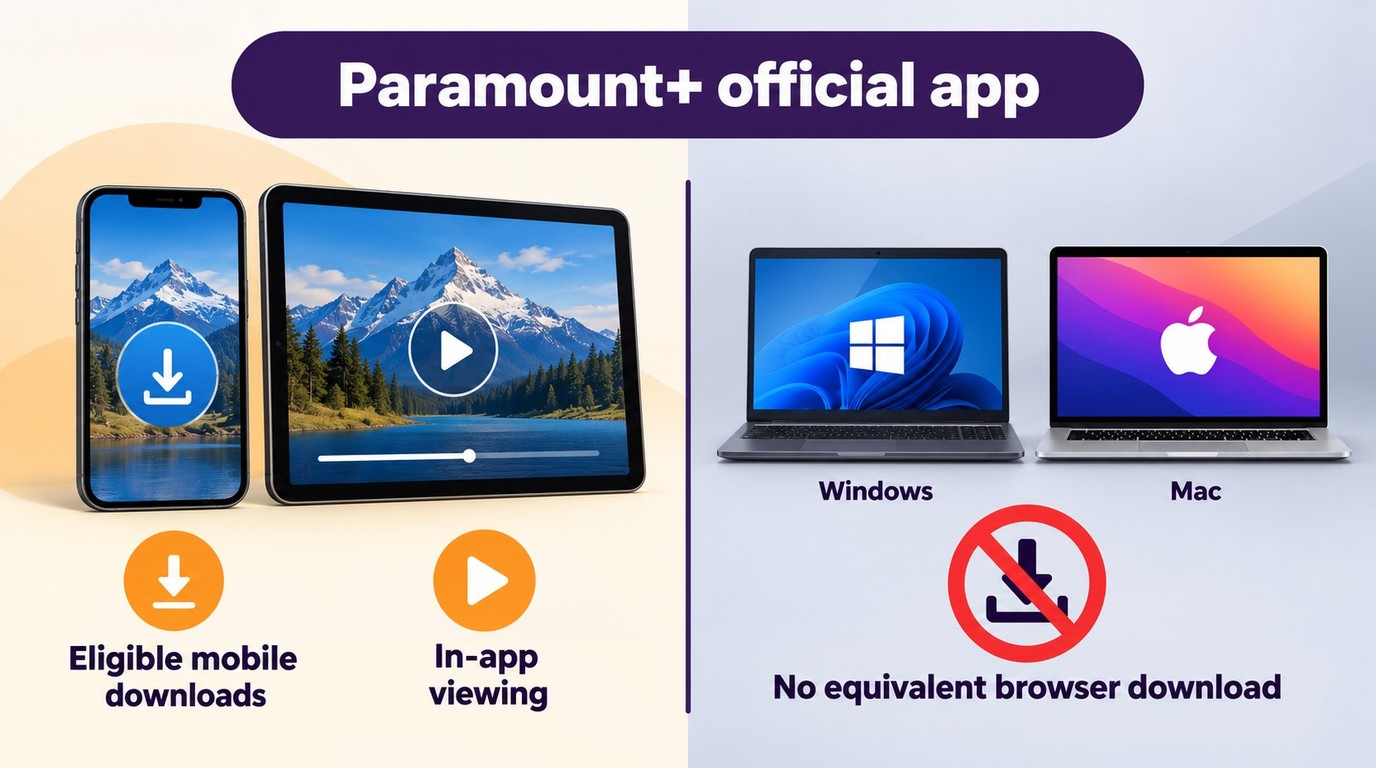
Where Official Downloads Work
Paramount+ supports selected offline downloads in eligible mobile apps. Windows and Mac browsers do not provide the same official laptop-download workflow, so a phone or tablet download remains managed inside the app rather than a general local media file.
Plan, Title, and Expiration Limits
Offline availability can depend on your plan, the title, region, device, and download-expiration rules. That can affect whether you can watch Paramount Plus offline during travel.
Paramount+ Downloaders Compared: Quality and Batch Options
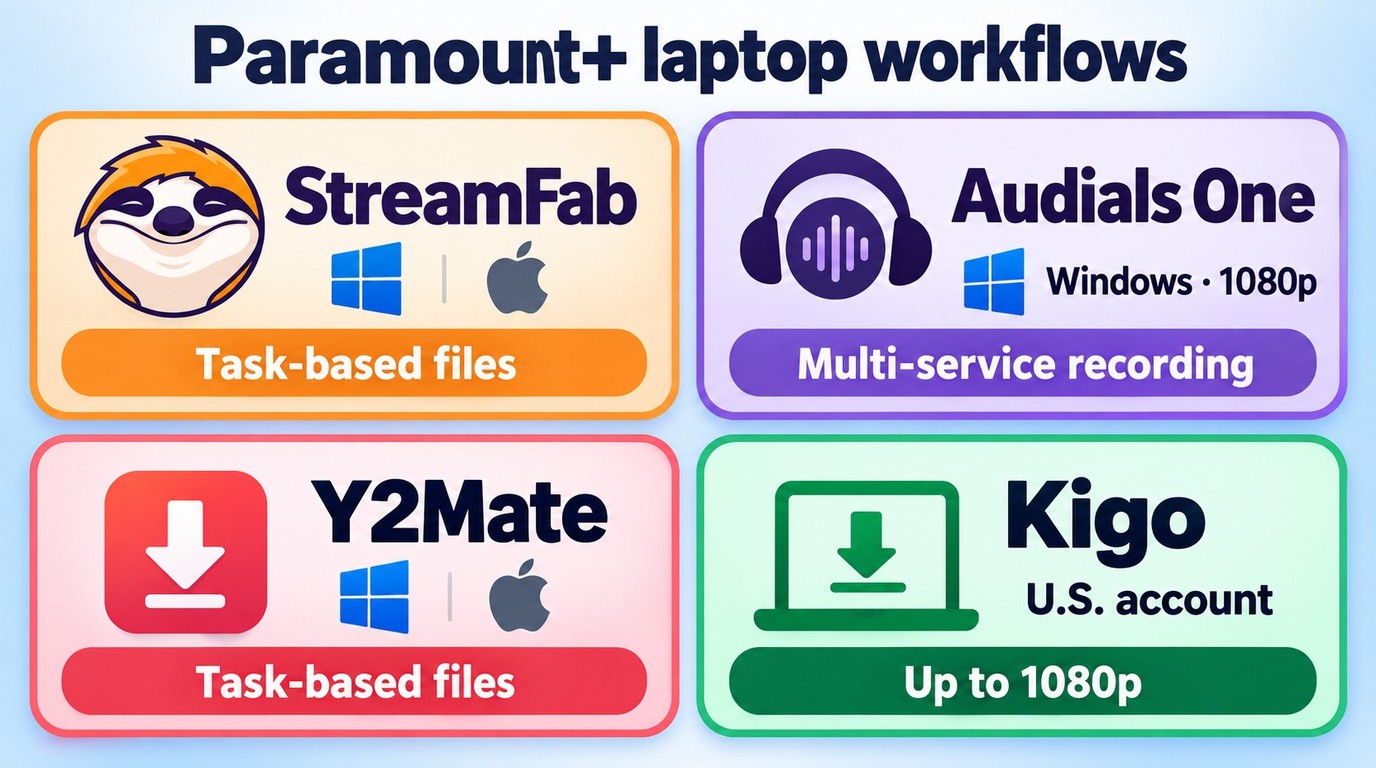
Comparing Paramount Plus downloaders can be difficult because the recording method, operating system, output container, and advertised resolution do not show whether a full episode will be complete and playable. The four options below are editorial candidates organized by public capabilities and laptop use cases, not a performance ranking.
Use the table to compare the active options at a glance, then review each workflow below.
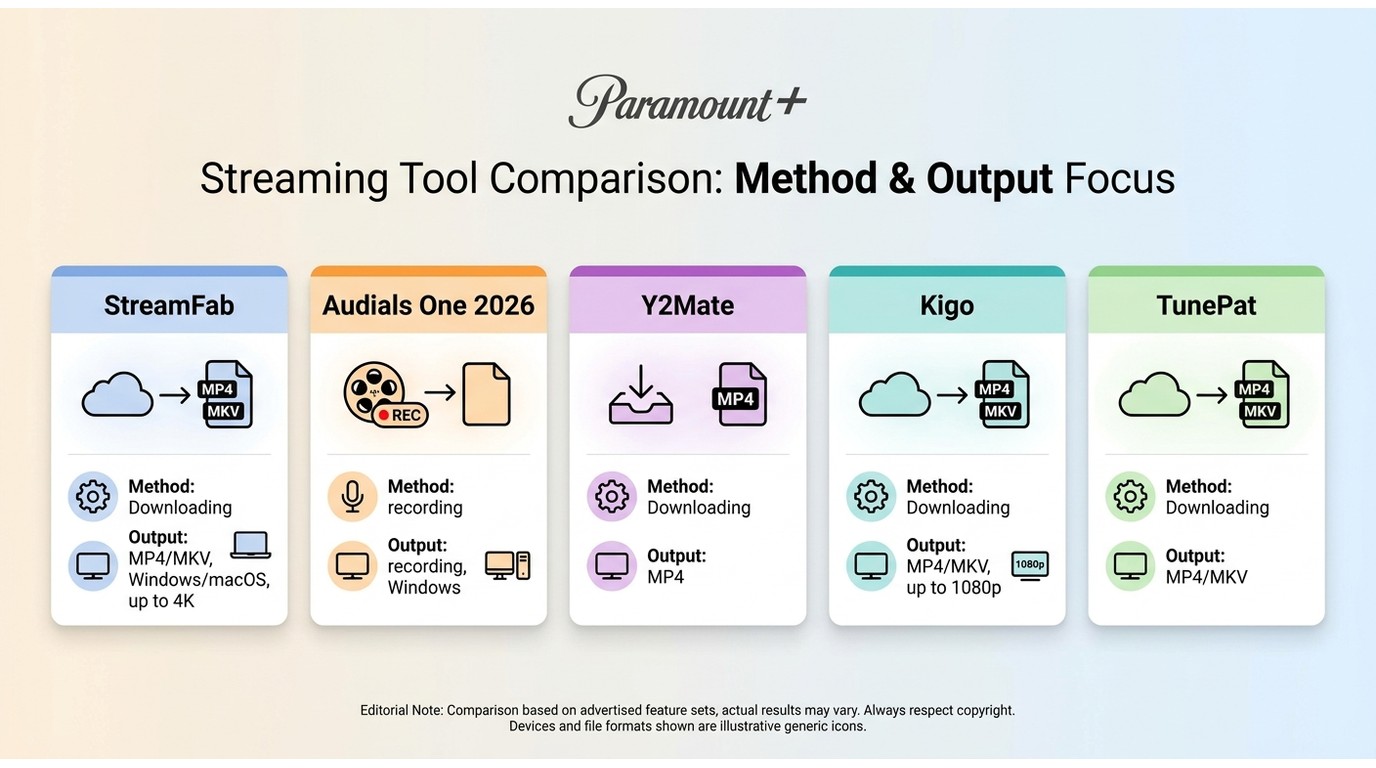
| Product | Supported systems | Output containers | Advertised video output |
|---|---|---|---|
| StreamFab | Windows, macOS | MP4, MKV | Up to 4K; title and plan limits |
| Audials One | Windows | MP4, MKV, AVI, WebM | 1080p recording; Pro AI upscaling to 4K |
| Y2Mate | Windows, macOS | MP4, MKV | Up to 4K HDR |
| Kigo | Windows, macOS | MP4, MKV | Up to 1080p |
Use this table as a fit comparison rather than proof of identical title-level results. A completed task should still be checked for full duration, audio continuity, subtitles, codec, and playback in your intended player. Advertised capabilities are shown as of October 2026 and remain subject to title, account, and available-track limits.
1. StreamFab Paramount Plus Downloader

Save Paramount+ shows as local files for high-quality personal offline viewing on multiple devices
StreamFab Paramount Plus Downloader is independent desktop software relative to Paramount+’s official mobile feature and is intended for authorized personal offline viewing, subject to platform terms and applicable law. Its listed capabilities include up to 4K or 1080p depending on the title and plan, H.264/H.265 video, HDR10+ or Dolby Vision where available, Dolby Atmos or EAC3 5.1 audio, MP4/MKV output, and subtitles. Batch queues process existing episodes, while new-episode tracking handles future releases.
It can save Paramount Plus shows to MP4 or MKV, with subtitle options including separate SRT files. It fits laptop users who need a Windows or Mac local-file workflow, while viewers who only need app-managed mobile downloads can use the eligible official Paramount+ app route.
2. Audials One
Audials One uses a Windows streaming-recording workflow rather than an equivalent direct local-file download method. Audials One records video up to 1080p; Audials One Pro offers AI upscaling up to 4K. You can screen record Paramount Plus alongside content from other services, which suits viewers who prefer one recorder for a broader media library.
The trade-off is that recording can take longer than a task-based download workflow and requires attention to the resulting file. A direct downloader-style process uses a different workflow and should be evaluated separately.
3. Y2Mate Paramount Plus Downloader

Y2Mate Paramount Plus Downloader is positioned as a desktop option for users who prefer a straightforward local-file workflow. It supports MP4 and MKV output, advertised resolution up to 4K subject to title and account availability, batch selection, audio-language and subtitle choices, metadata, and new-episode tracking.
These capabilities suit Windows and Mac users who want a conventional local-file workflow.
4. Kigo Paramount Plus Downloader
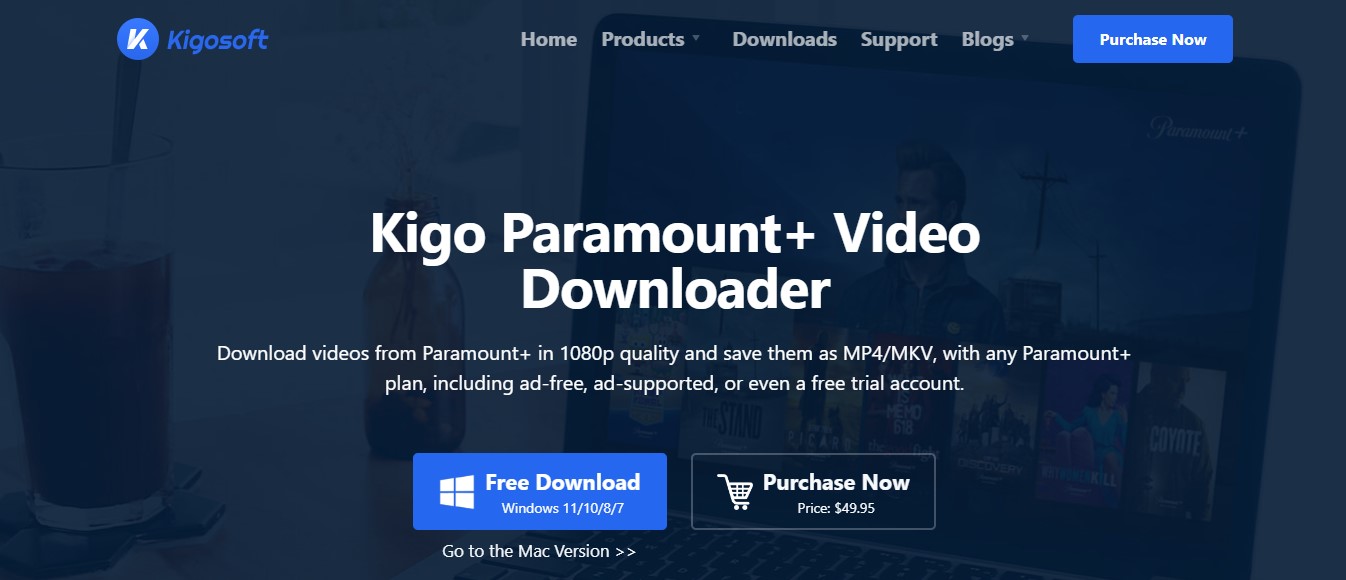
Kigo Paramount Plus Downloader is positioned for Windows and Mac users and lists 1080p output with MP4 and MKV containers. That makes it a reasonable option for viewers whose priority is a conventional desktop format choice.
Kigo advertises ad removal for ad-supported plans, and its current product download buttons lead to Kigo Movie One installers. Its listed output remains subject to title, account, audio, subtitle, and target-device availability.
TunePat Product Page Status

TunePat’s standalone Paramount+ product page is unavailable, while the main TunePat site remains online.
Save a Paramount+ Title to a Laptop
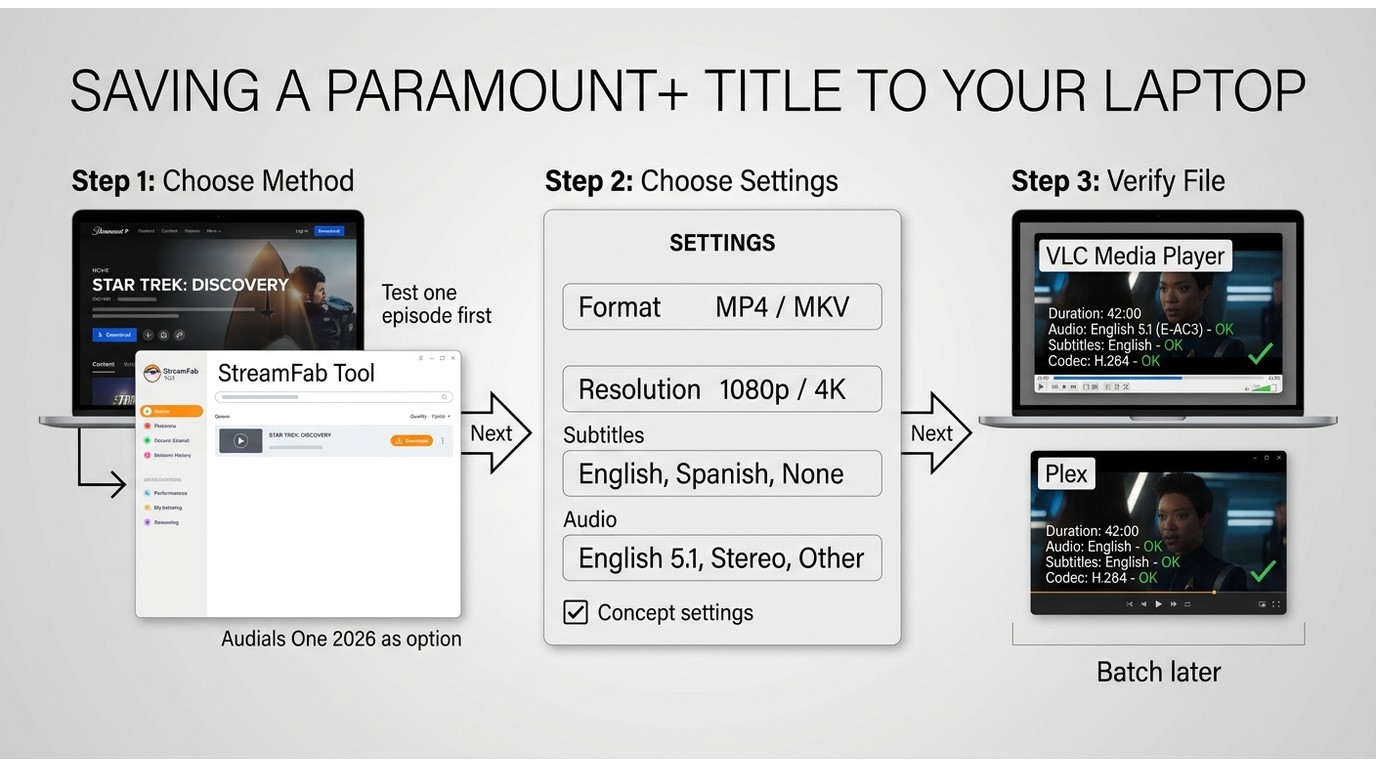
Before choosing a desktop method, confirm that your Paramount+ account can access and play the title normally.
1. Choose a Suitable Desktop Method
Decide whether a task-based downloader or a streaming recorder better suits your setup. Install the selected desktop software, sign in through its supported workflow, and use only content you are authorized to access.
2. Select Output and Download Settings
Open the title, choose MP4 or MKV as the container, then select the available resolution, H.264 or H.265 video codec, audio language, and subtitle option before starting the task. For a full season, begin with one episode first. A small test title is the more sensible starting point because completion alone does not establish that every episode will be usable.
3. Verify the Finished File
Check the file’s actual output resolution, full duration through the end credits, audio continuity, codec, subtitle behavior, and playback in your target player.
Paramount+ Downloader FAQs
Are free online Paramount+ downloaders suitable for full episodes?
No. A limited desktop trial is different from an unrestricted free online service for full episodes. Kigo’s trial, for example, limits output to the first five minutes, and a free installer button does not mean unrestricted use. Check the trial’s output limit before relying on any option for travel or a full series.
What should I consider before saving Paramount+ content for personal offline viewing?
Limit the workflow to content you are authorized to access, where permitted by Paramount+ terms and applicable law. Keep any saved files for personal use, and do not share, distribute, or use them commercially.
Why can one Paramount+ title fail when another downloads successfully?
A title can fail at sign-in, detection, analysis, or file transfer, and each stage calls for a different response. First confirm that the title plays in the same account, then use the Paramount Plus downloads not working troubleshooting steps for the stage that failed. One title failure does not establish a service-wide outage.
Will a downloaded Paramount+ file play correctly in Plex?
Not necessarily. Plex compatibility depends on the video codec, audio format, subtitle type, full file duration, and whether your server can direct-play or transcode the file. Test the finished file in Plex before treating it as travel-ready.
Conclusion
This guide to the Best Paramount Plus Downloaders: 4 Laptop Options for 2026 comes down to one practical rule: a complete, usable file matters more than a higher advertised maximum. Choose Paramount+’s official mobile downloads for eligible app-managed viewing or Audials One for a Windows recording workflow. For authorized personal use, StreamFab Paramount Plus Downloader gives Windows and Mac users a practical way to save Paramount+ titles as MP4 or MKV files.
This guide covers official mobile-download limits, desktop workflow differences, and practical file checks for laptop viewing.
Key Updates for July 2026:
- Added official mobile-download limits and clarified the Windows and Mac laptop boundary.
- Corrected the comparison labels to distinguish output containers from resolution and recording from downloader workflows.
- Added a laptop workflow and a finished-file checklist covering duration, audio, subtitles, codec, and player playback.
- Added title-specific compatibility guidance so readers can test a short file before starting a full-season task.
Availability and results can vary by title, account access, platform changes, and playback environment.

I break down the most effective strategies to screen record Paramoubnt+ videos with my test data and help you choose the most efficient path for your time. These methods ensure relatively high-definition quality, and won't be bothered by the common compatibility issues.
By Jacob Harrison - Oct 28, 2026
Struggling with paramount plus download not working or 403 forbidden errors? A digital archiving expert shares 2026 Widevine fixes, DRM resets, and how to download movies permanently.
By Jacob Harrison - Oct 20, 2026

Is Paramount+ really ad-free? In July 2026 I tested every plan and workaround — here's the honest breakdown of what removes commercials and what doesn't, including the offline method that works 100% of the time.
By Erika Leen - Oct 13, 2026
In this guide, I'll show you how to easily watch and download your favorite shows from Paramount Plus to MP4 format.
By Marcia Hatcher - Aug 25, 2026