
Can You Download on Criterion Channel? Mobile and PC Options

Summary: The Criterion Channel is full of classic movies, and there is no official way to get them. This article introduced several third-party tools to help you dealing with this problem. And the downloader is the best one with advanced functions and outstanding quality.
Table of Contents
Can You Download on Criterion Channel?
Yes. Criterion Channel lets subscribers download movies for offline viewing in supported iPhone, iPad, Android, and Fire tablet apps. Windows and Mac browsers stream the service but do not include an official download button, so laptop users must distinguish app-bound mobile downloads from separate PC workflows.
To download Criterion Channel movies before a flight, open a supported mobile app, tap the download button, choose HD or SD, and keep the app open until the download finishes. For Criterion Channel offline viewing on a laptop, compare the separate PC workflows and troubleshooting steps below.

For those looking to expand their offline streaming library, you might also be interested in our guides on How to Download from Britbox or How to Watch Showtime Offline.
Official vs. PC Download Options
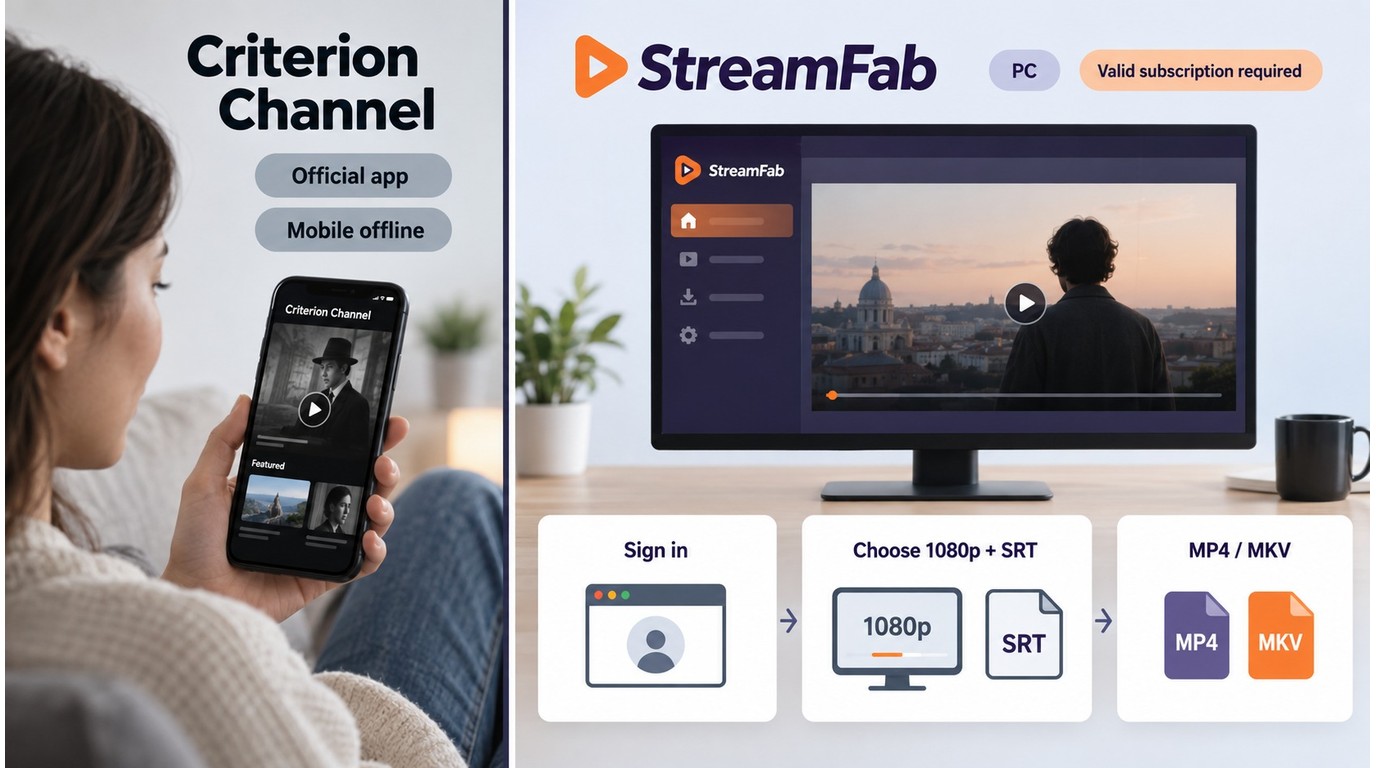
Criterion Channel offline viewing differs by device and file type. The matrix below separates official app downloads from browser streaming and desktop local-file workflows, as of September 2026.
| Device or method | Official offline support | Output form | Verified quality | Expiry, storage, or status |
|---|---|---|---|---|
| iPhone / iPad app | Yes | App-bound download | HD or SD | Play within 30 days; 48 hours after starting |
| Android / Fire tablet app | Yes | App-bound download | HD or SD | Play within 30 days; 48 hours; Android: no external storage |
| Windows / Mac browser | No | Streaming only | Streaming quality | No official download button |
| StreamFab on Windows / Mac | Separate workflow | MP4 or MKV | Up to 1080p | Support varies by build |
| Android emulator | App-bound if available | No fixed ceiling verified | Test before travel | |
| yt-dlp | No | Supported unprotected media | No Criterion quality verified | Not a standalone solution |
StreamFab Local-File Workflow
Use this workflow only to save content you are authorized to watch as local files, where permitted by platform terms and applicable law. StreamFab DRM MPD Downloader is separate from Criterion Channel's official in-app downloads and uses screen-recording and stream-recording technology without altering the service's access controls. A valid Criterion Channel subscription is required.
Criterion Channel compatibility can change across StreamFab builds; reported failures have included missing video detection, browser-support errors, and a missing download control. Use the 30-day trial to confirm detection on your current build, and consult the StreamFab compatibility update log or troubleshooting guide if the video is not recognized.
For a supported title, the MPD video download workflow can save a local MP4 or MKV file, with subtitles stored as separate SRT files or remuxed into the video. This approach fits subscribers who need local file control on Windows or Mac and can confirm current Criterion support before relying on it.
Save authorized streaming video as MP4 or MKV files on your computer for personal offline use.
- Saves authorized content as universal MP4 or MKV files for local playback.
- Lets you choose available audio tracks and save subtitles with the video or as SRT files.
- Supports batch downloads for multiple episodes or titles.
- Runs on Windows and macOS, with Criterion support dependent on the current build.
- The 30-day trial is limited to three videos per streaming service.
- Service changes can temporarily affect video detection until a compatibility update is available.
Prerequisites: Install StreamFab on Windows or macOS, maintain an active Criterion Channel subscription, and confirm that you are authorized to save the selected content for personal offline use.
Step 1: Install the software, launch it, and use the integrated browser to log into the official site with your active subscription.
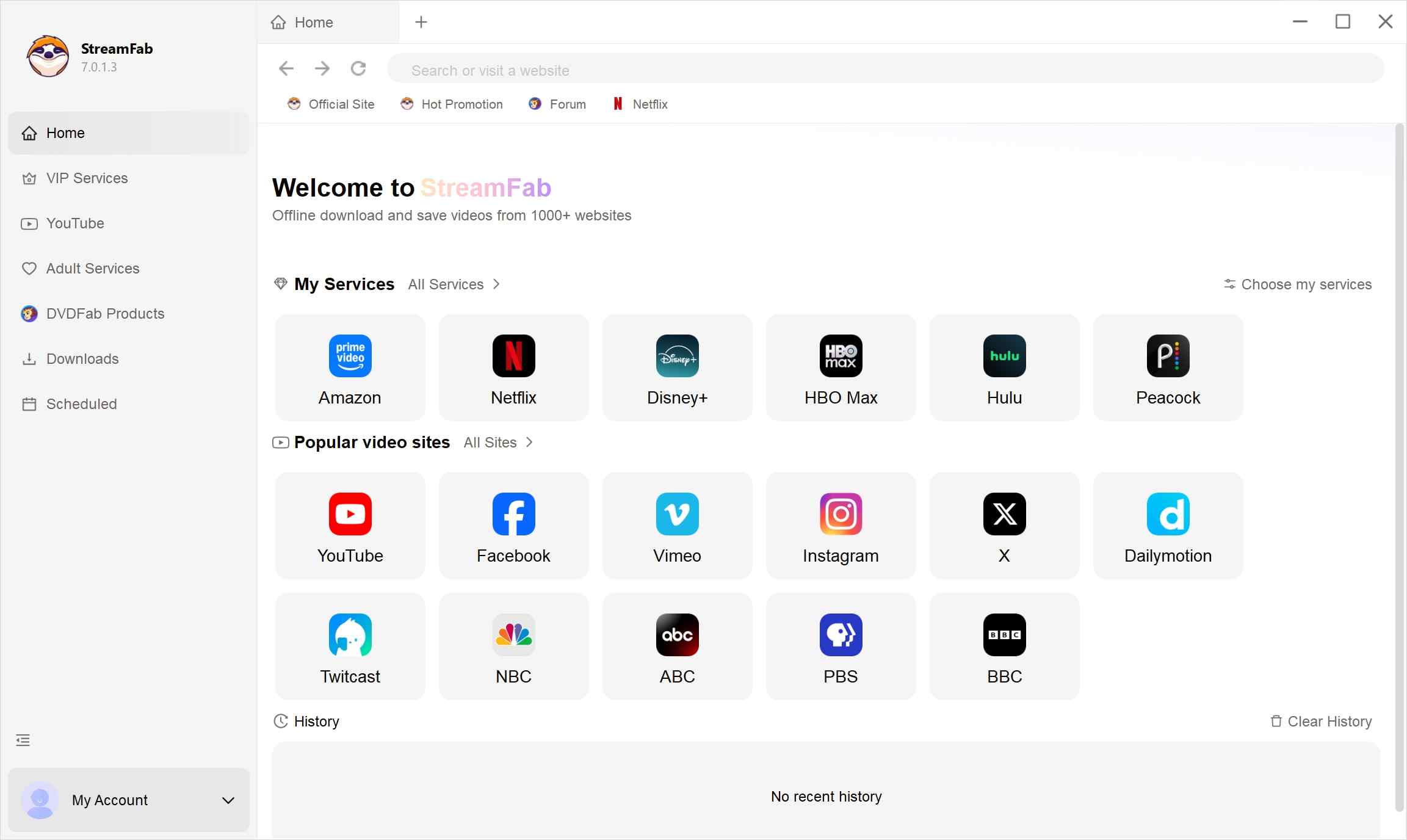
Step 2: Play your desired film and allow the software to detect the available video.
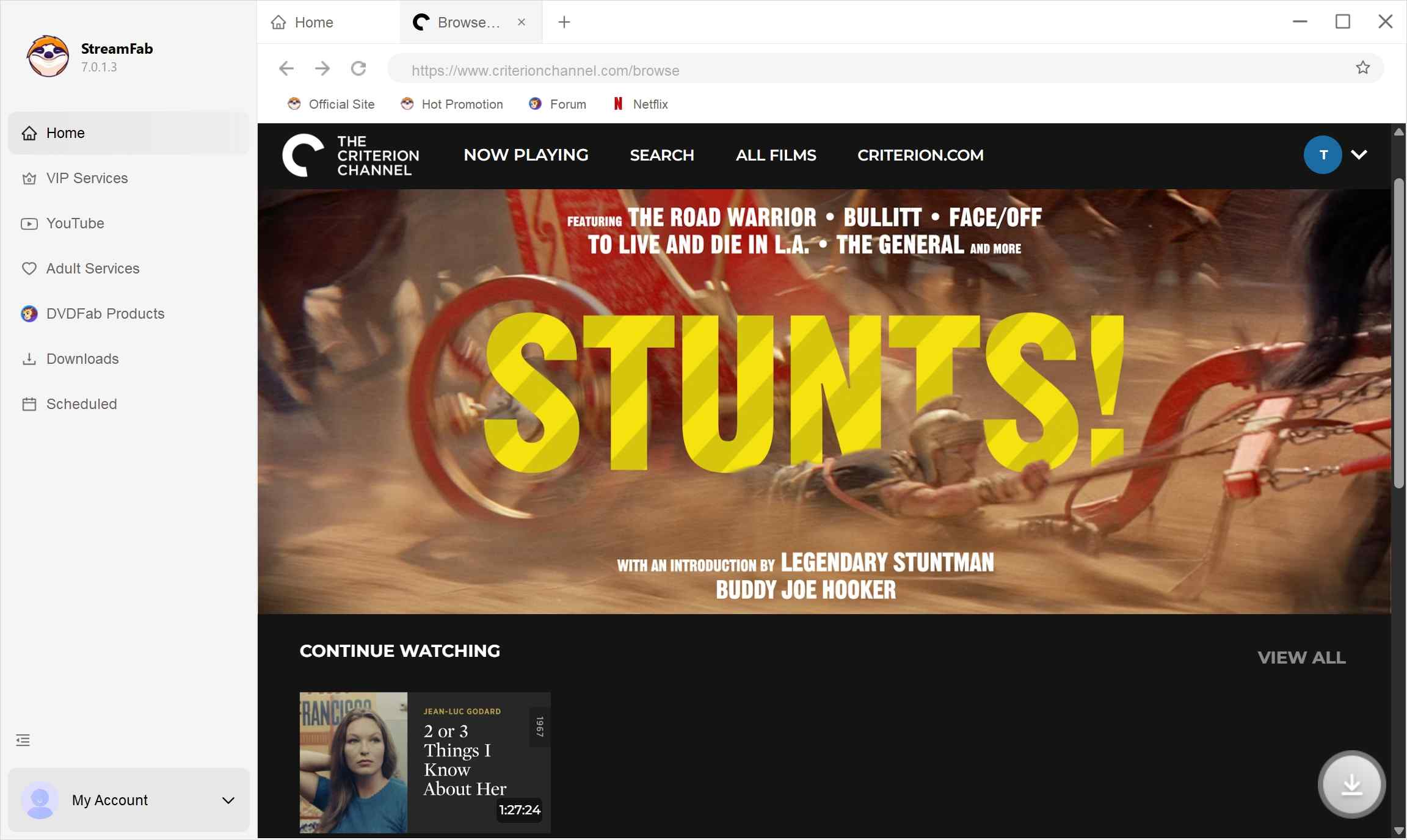
Step 3: Select an available resolution, your preferred audio track, and either embedded or separate subtitles in the popup window.
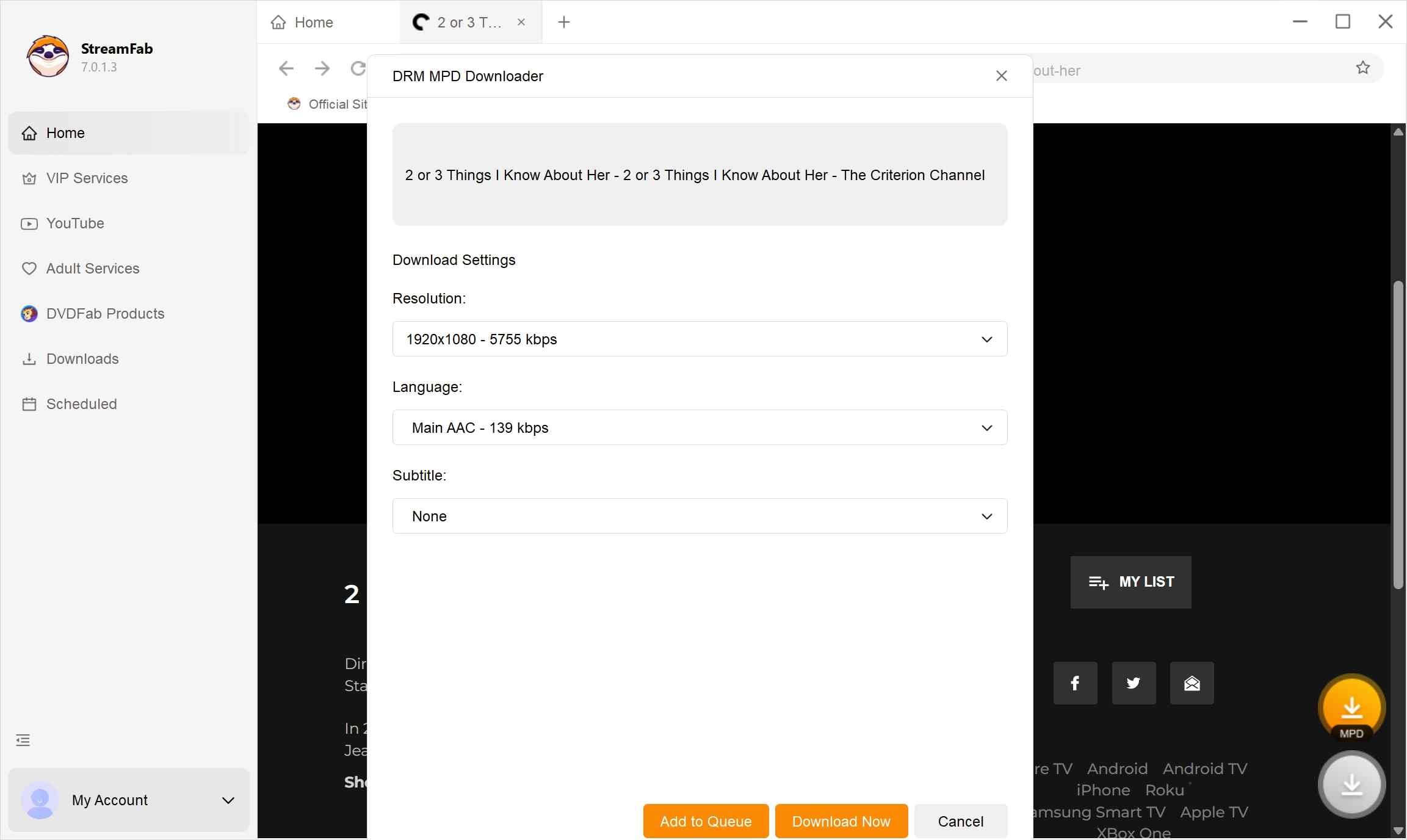
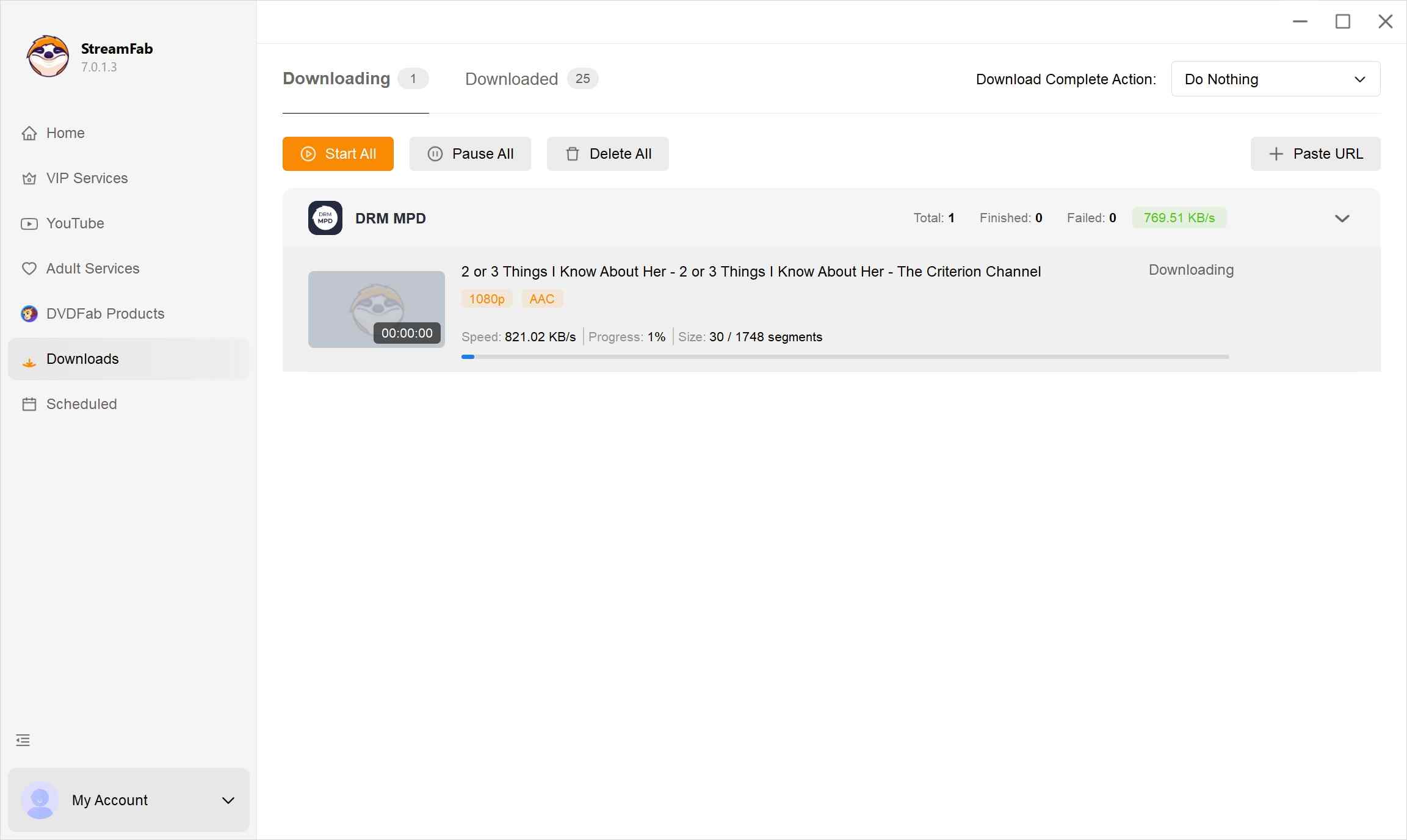
Step 4: Click "Download Now" to save the authorized video to your selected local folder.
BlueStacks and LDPlayer can run the Criterion Channel Android app on a PC or Mac, but their current pages do not verify reliable protected offline downloads, external-file export, or a fixed 720p ceiling. Treat an emulator as an experimental way to access the Android app rather than a dependable Criterion Channel download option for a laptop.
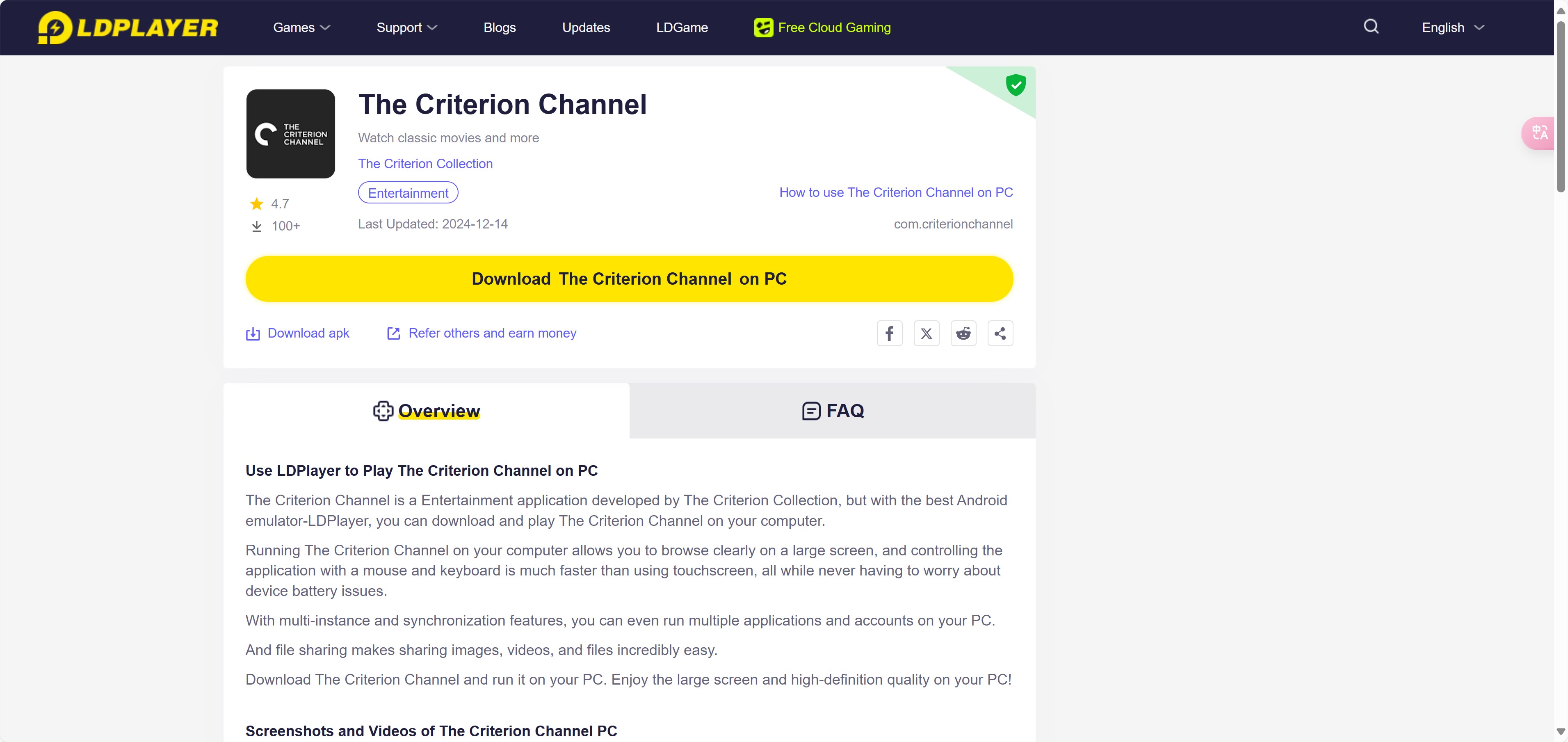
- Runs the Criterion Channel Android app on a compatible PC or Mac.
- Familiar touch-based UI mapped to mouse clicks.
- Reliable protected offline downloading and a fixed quality ceiling are not established.
- Virtualization can use significant RAM and CPU resources.
- External-file export is not verified by the current emulator pages.
How to evaluate it:
- Install BlueStacks or LDPlayer and sign in to the Google Play Store.
- Install the official Criterion Channel Android app.
- Sign in, test normal playback, and then test offline behavior while disconnected from Wi-Fi.
yt-dlp Is Not a Standalone Solution
yt-dlp is an actively maintained open-source command-line tool that is useful for supported unprotected media. It is not a standalone solution for protected Criterion Channel titles, and ordinary commands can fail with DRM errors. That makes it unsuitable for ordinary subscribers seeking dependable Criterion Channel offline viewing.
- Open-source and actively maintained by its community.
- Useful for supported unprotected videos and playlists.
- Steep learning curve requiring terminal commands and FFmpeg installation.
- Protected Criterion Channel titles can return DRM errors with ordinary commands.
Appropriate use:
- Install the current yt-dlp release and FFmpeg for media that the source permits you to download.
- Use the tool only with supported unprotected URLs and follow the source site's terms.
- Choose another offline option for protected Criterion Channel movies.
Fit judgment: yt-dlp remains useful in its supported scope, but it is not a dependable Criterion Channel download method for typical subscribers.
Fix Criterion Downloads That Stop or Fail
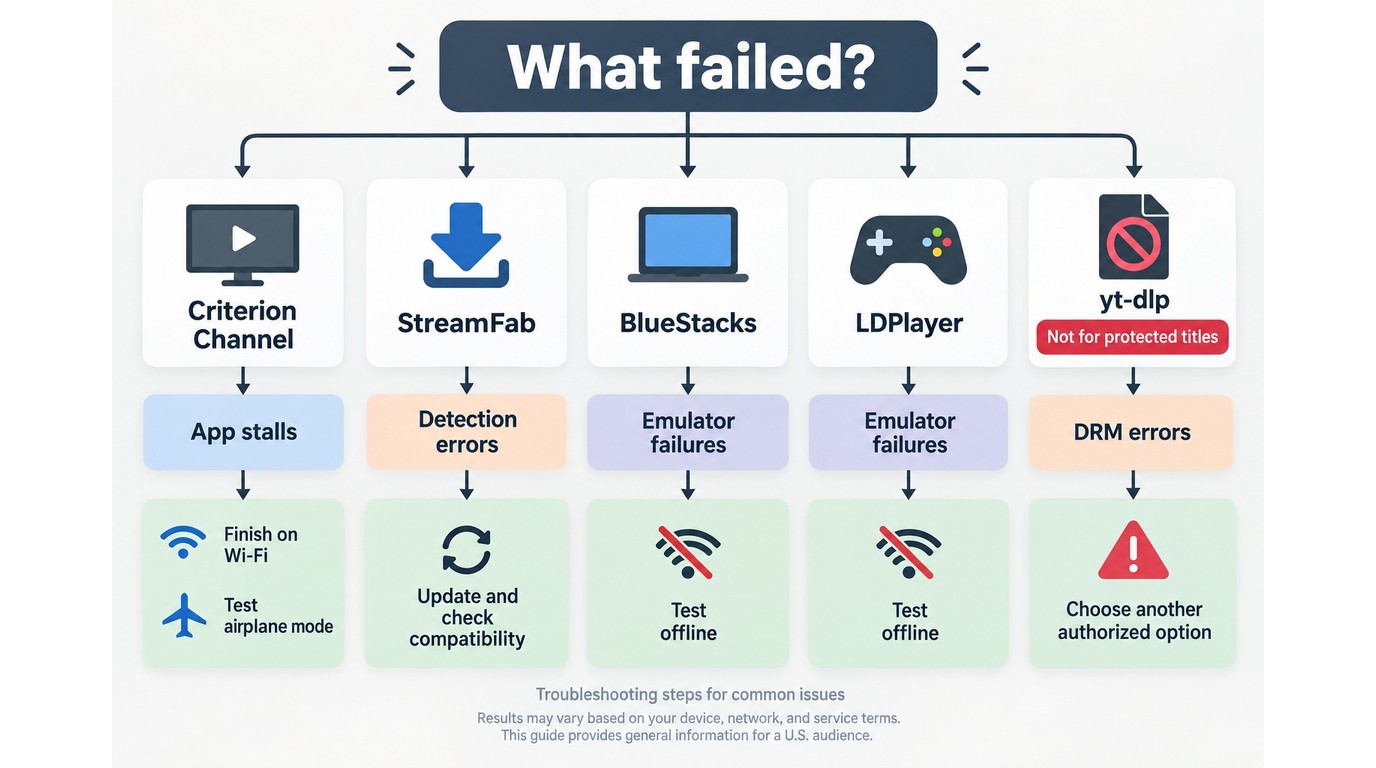
Criterion download failures should be checked by method because an incomplete app download, an expired viewing window, and a desktop detection error require different fixes.
Official app downloads: If a movie stalls in the queue, keep the app open and confirm that the item finishes before disconnecting from Wi-Fi. Before a flight, open the completed title and test playback with the device in airplane mode. Playback must begin within 30 days of downloading, and the title expires 48 hours after playback begins, so download it again if either window has passed.
HDMI playback: A movie may play on the tablet but show a protected-content error through an HDMI adapter or external display. In that case, play it directly on the supported mobile device or use display hardware that supports the required protected-output checks.
StreamFab detection: Errors such as “no video found,” “browser not supported,” or a missing download control can indicate a compatibility change in the current build. Install the latest StreamFab update, then use the compatibility update log or troubleshooting guide. The 30-day trial, limited to three videos per streaming service, can confirm whether the current build detects the Criterion title you need.
Android emulators: BlueStacks and LDPlayer can run the Android app, but reliable protected offline playback has not been established. Test a completed download without a network connection before relying on an emulator for travel.
yt-dlp: If an ordinary command returns a DRM error for a Criterion title, stop there and use the official mobile app or a currently compatible authorized desktop workflow instead.
Local Files vs. Risky Torrent Sources
If an offline method fails, downloading a Criterion collection torrent is not a dependable substitute. Peer-to-peer files can have uncertain provenance, altered video or subtitle tracks, and unclear authorization.
Use any local-file workflow only with authorized access to the service and for content you are authorized to view. Keep saved files for personal use, do not redistribute them, and follow applicable law and the platform's terms. The specific boundaries can depend on the content, location, and intended use.
FAQs
Can I save Criterion Channel movies as MP4 files on a laptop?
The official Windows and Mac browser player does not include an MP4 download button. A desktop local-file workflow is separate from the official app experience and should be used only for content you are authorized to access.
Why might a downloaded Criterion movie fail after a flight loses Wi-Fi?
The download may be incomplete, outside its viewing window, or unable to complete a playback authorization check. Before departure, confirm the download is finished and test the title with the device in airplane mode.
Can Criterion Channel downloads be moved to an SD card or external drive?
Official app downloads cannot be moved out of the Criterion Channel app. On Android, they also cannot be redirected to an SD card or other external storage.
Will a Criterion Channel download play through an HDMI adapter?
Not with every adapter or display. Protected-output checks can block HDMI playback even when the movie was downloaded successfully to a supported phone or tablet.
Conclusion: Choosing the Right Offline Option
Use the official Criterion Channel mobile app when you need straightforward in-app viewing for a trip and can accept app-bound storage and viewing Windows. For a local desktop file, StreamFab is the relevant workflow when the current build successfully detects the authorized title; its 30-day trial lets you confirm Criterion compatibility before purchase. Android emulators remain experimental for offline playback, while yt-dlp is not suitable for protected Criterion Channel titles.
- Criterion Channel offers in-app downloads on supported phones and tablets.
- Windows and Mac browsers support streaming but do not include an official offline download button.
- Official app downloads remain app-bound and use 30-day and 48-hour viewing windows.
- HDMI playback can fail when an adapter or display does not support the required protected-output checks.
- Android emulator offline behavior remains unverified, and yt-dlp is not a standalone solution for protected titles.
Supported devices and availability may change; the Criterion Channel Help Center maintains the current device list.

Looking to download ctv video content for unrestricted offline viewing? Based on my 2026 technical tests, here is the ultimate guide to permanently archive CTV videos in crisp 1080p MP4 formats.
By Erika Leen - Aug 19, 2026
Can you watch Udemy offline? How to watch Udemy courses offline on PC? This guide covers everything you want to know about Udemy offline viewing on different devices.
By Jacob Harrison - Aug 19, 2026
Can you save Udemy DRM videos as a local personal backup? Why do you only get a black screen file? This guide addresses the technical hurdles of creating a personal backup, specifically explaining the latest methods in 2026.
By Jacob Harrison - Aug 18, 2026
This guide separates official CBS app viewing from local-file workflows, compares five computer-based options, and explains where each one falls short. It then shows how StreamFab handles authorized MP4 or MKV downloads and provides concise fixes for analysis and quality problems.
By Erika Leen - Aug 7, 2026