
Download CTV Videos After the App Shutdown: 3 Options

Summary: Looking to download ctv video content for unrestricted offline viewing? Based on my 2026 technical tests, here is the ultimate guide to permanently archive CTV videos in crisp 1080p MP4 formats.
Table of Contents
Here's the short answer: CTV's on-demand shows moved to Crave on May 1, 2026, CTV News clips still live on separate news pages, and the right save method depends on which of the two you're after. Older guides pointing to ctv.ca are no longer current.
You search "download CTV video," click a few guides, and half of them still point to a site that no longer exists. So the real question isn't "which downloader is best," it's "what am I trying to save, and does any current tool support that page today?"
I've spent the last few months watching this shift break every walkthrough I bookmarked. Below I'll map where each type of CTV content lives now, then compare three save paths — online tools, screen recording, and a desktop workflow — by cost, device fit, and honest limits. This guide does not promise U.S. availability or a particular file outcome.

Related TV Network Archiving Guides:
Where CTV Shows Moved in May 2026
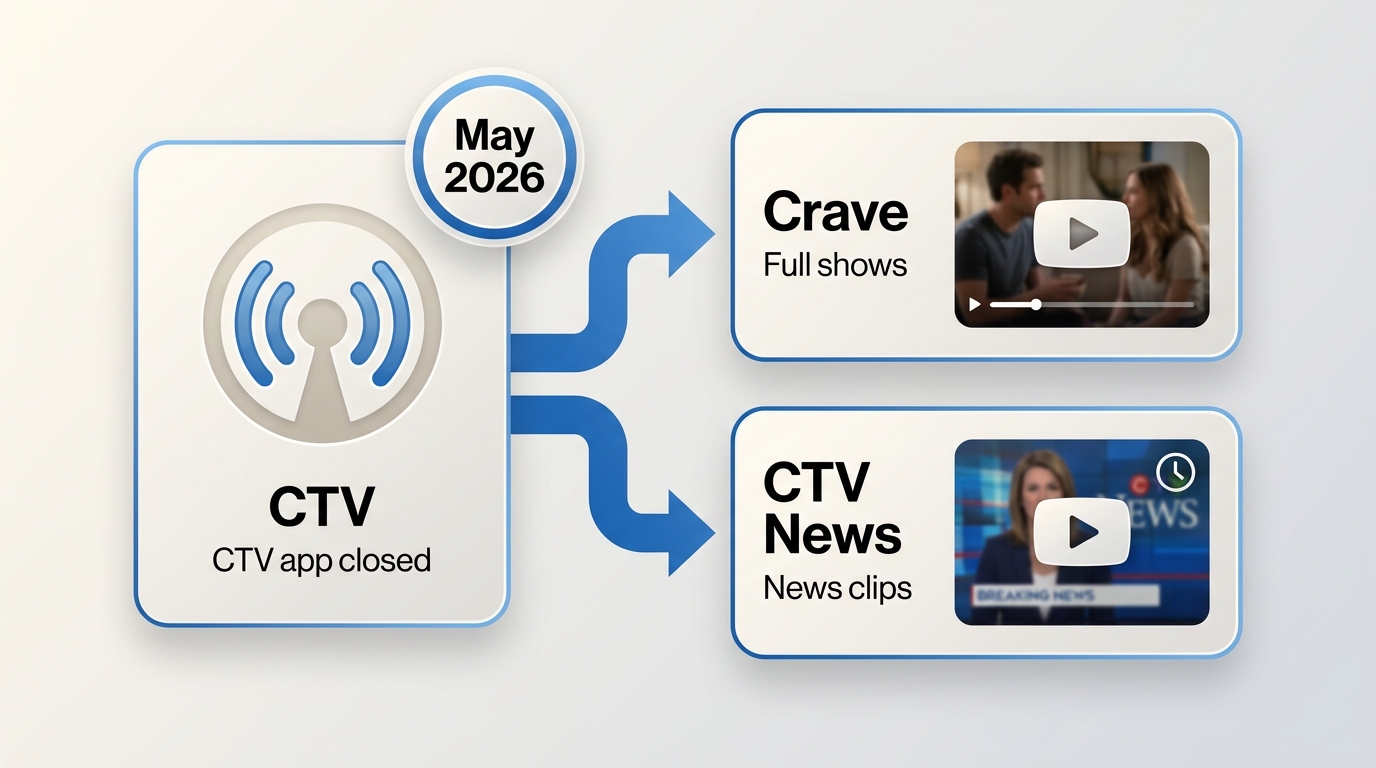
Bell Media sunset the CTV and Noovo websites and apps on May 1, 2026, and moved their on-demand content to Crave. If a guide still tells you to open ctv.ca to grab a movie or a full episode, that guide is stale — the URL you land on now redirects or 404s, and older bookmarks won't play. For the migration mechanics and a Crave-specific save workflow, our Crave download walkthrough covers that platform in detail; this page stays focused on the CTV side of the split.
Current CTV Content Destinations
What used to be one destination is now three. Former CTV.ca movies and shows sit inside Crave (Bell Media's streaming service, Canada). CTV News clips still live on their own news pages, hosted separately from the entertainment catalog. And a handful of "CTV"-branded apps you'll see in app stores (regional broadcasters, unrelated CCTV queries) have nothing to do with Bell Media at all. Getting the save method right starts with knowing which of these three you're actually looking at.
CTV News Versus On-Demand Shows
These two look similar in search results but behave very differently. A CTV News clip is usually a short article-embedded video on a news page — sometimes an online extractor finds a direct media URL, sometimes it doesn't. An on-demand entertainment title (say, a legacy CTV drama) now sits behind Crave's player and its account gating. Same brand name, entirely different technical setup, entirely different tools.
U.S. Access and Canadian Availability
Crave, the successor app, is listed for Canada. From the U.S. you may hit availability limits at the platform level — that's a licensing reality, not something a guide should promise to work around. This article won't recommend routing tricks to defeat regional controls; it sticks to what you can save when you have legitimate access.
Choose the Right CTV Download Method
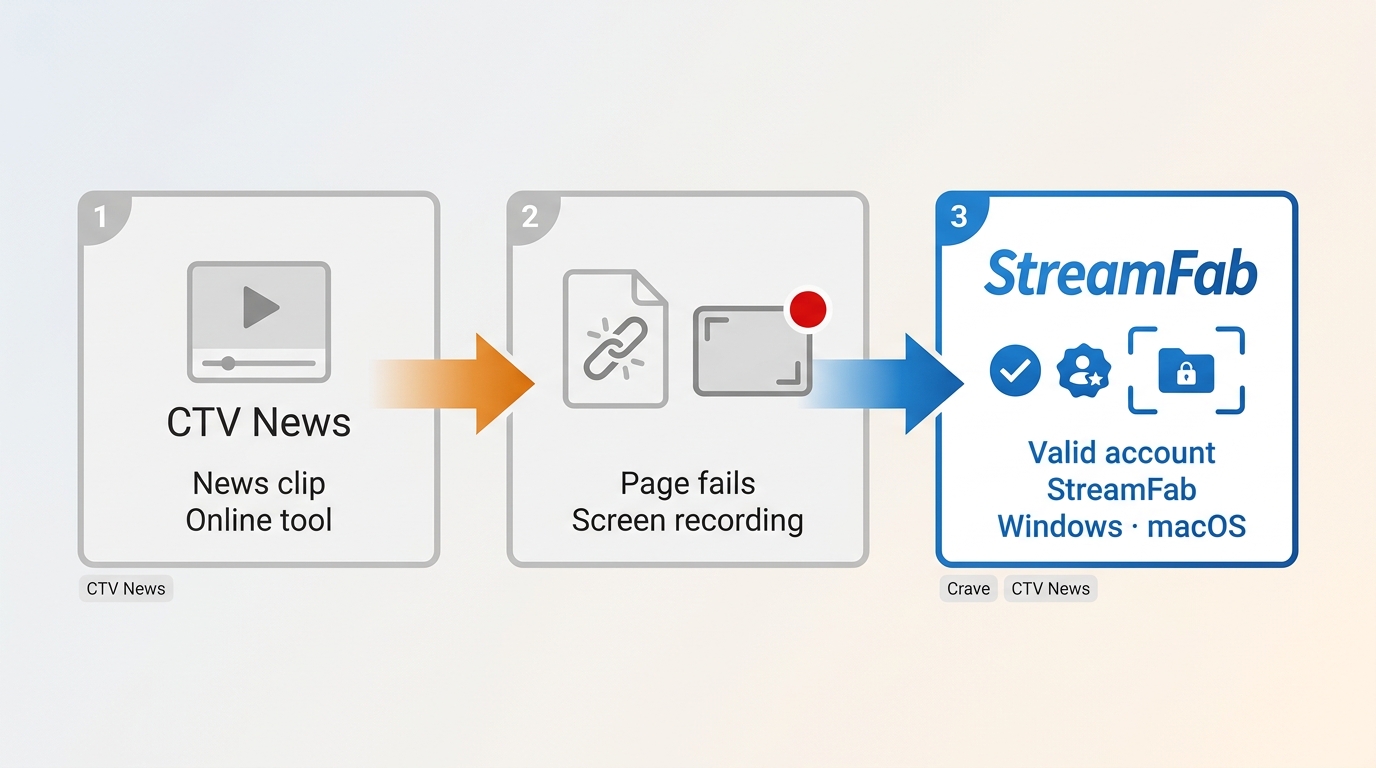
Three realistic paths, each with a different sweet spot. My honest take: most readers land here for a specific clip or episode, not to build a lifelong archive — so pick the lightest tool that fits your content.
Online Tools and Browser Extensions
Best for a single CTV News clip on a page that exposes a direct media URL. Free, no install, works in a browser tab. The catch: many news pages don't expose a simple media link, so a generic extension may fail to detect anything to save. When it works, it's fastest; when it doesn't, no amount of retry buttons will help.
Screen Recording as a Fallback
Best when a specific page won't cooperate with any downloader and you just need the content on disk. The tradeoff is real-time capture — a 45-minute show takes 45 minutes — and quality depends heavily on your display, codec, and whether the browser applies output protection to that stream. Cumbersome, but it's a fallback that sometimes works after other options fail.
Desktop Local-File Workflows
Best for authorized content on a currently supported page when you want a proper local file, batch queues, and subtitle handling. Paid, desktop-only, and the useful part is that the resulting file is a plain MP4 or MKV that plays in any player supporting the chosen container and codec. Not ideal if your target is a Roku-only workflow or if support for your specific source hasn't been retested. For readers curious about the underlying MPD manifest download mechanics behind these desktop tools, that pillar covers the format in depth.

Losslessly download shows and movies from the CTV streaming service in up to 1080p resolution with AAC 2.0 audio. All server-side injected ads are dynamically removed before the video merges into its final format.
- Saves to MP4 or MKV containers that play in standard media players without a proprietary client.
- Exports subtitles as external SRT files or embedded tracks, when the source page provides them.
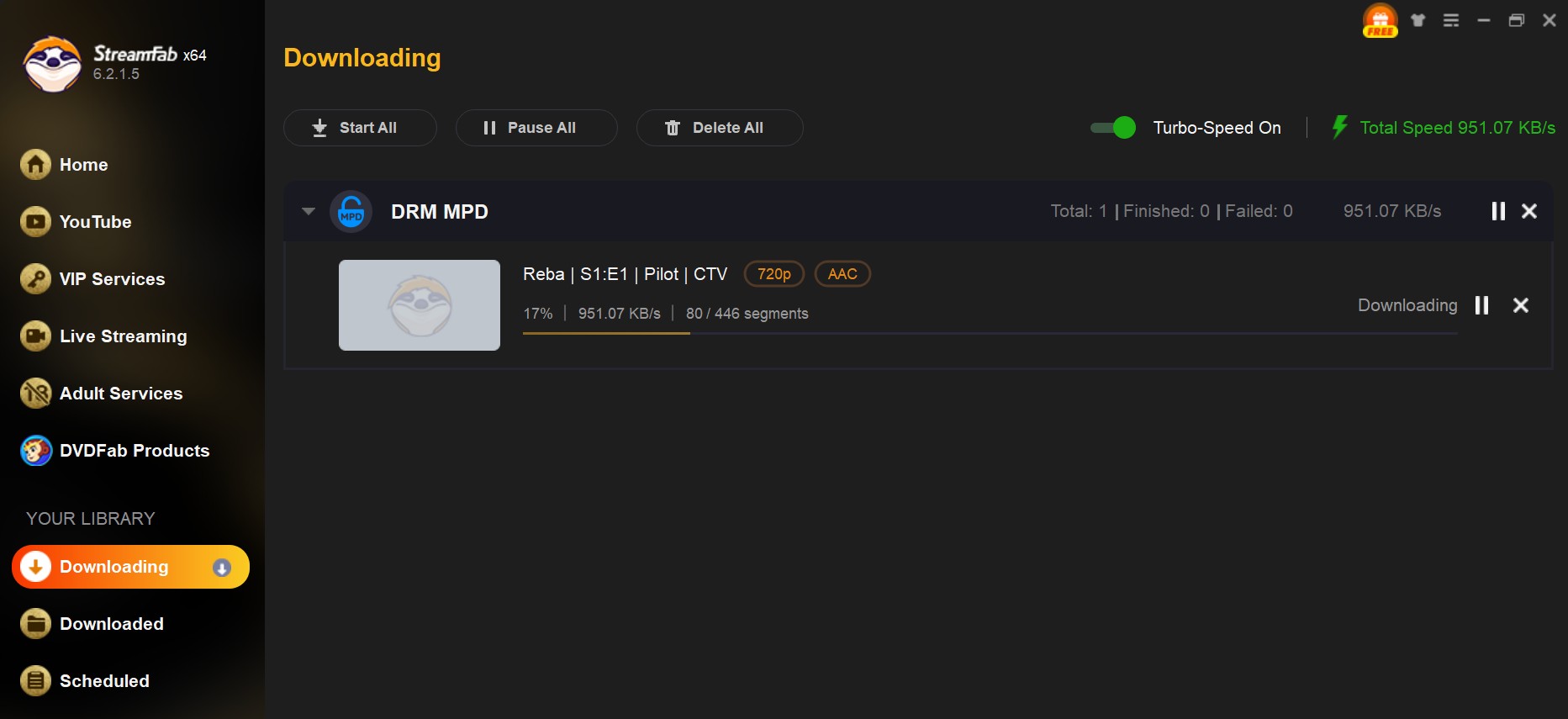
- Queues full-season batches and scheduled overnight downloads on supported pages.
StreamFab Output and Compatibility
For content you're authorized to access, where permitted by platform terms and applicable law, StreamFab DRM MPD Downloader is a Windows and macOS desktop app that saves supported streams as local MP4 or MKV files for personal offline viewing.
MP4/MKV, Audio, and Subtitles
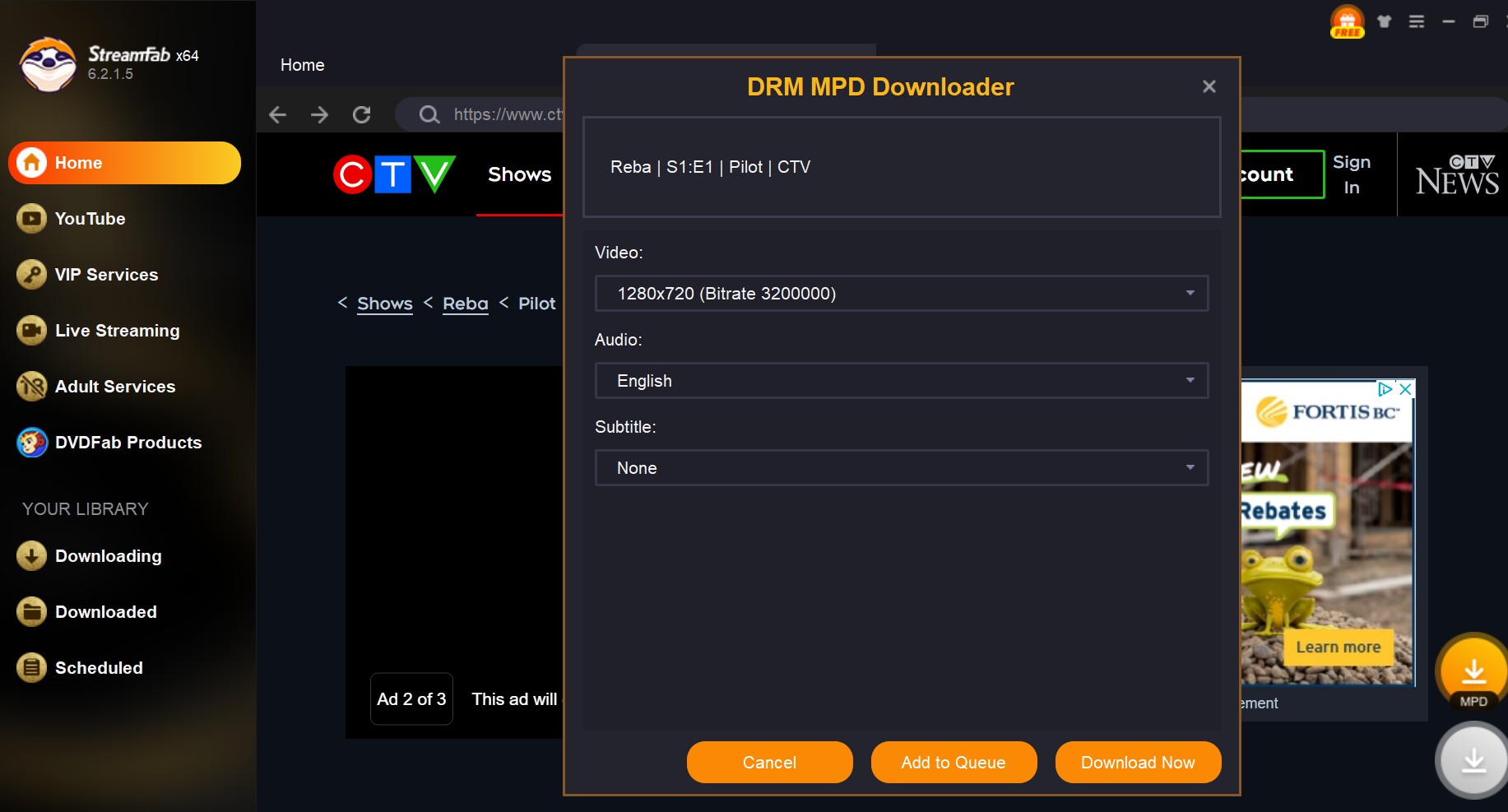
Output is MP4 or MKV for CTV MP4 offline viewing, with resolution up to the platform or plan limit (1080p is the app's verified ceiling for supported services). Subtitles come through as external SRT or embedded tracks when the source provides them. Audio handling depends on what the source stream carries. The resulting file is a plain container that opens in VLC, Plex, or a phone's default player when that app supports the container and codec — no proprietary wrapper.
Batch Queues and Ad Handling
On supported pages, batch queues and scheduling can reduce repetitive setup. Ad handling varies by service and source, so it should not be treated as a guaranteed outcome.
Best Fit and Honest Limits
Best for: readers with a legitimate subscription who want a proper local file on Windows or Mac, plan to save multiple episodes, and can verify their target page is currently supported. Not ideal for: Roku-only households (Roku plays files, it doesn't download them), U.S. viewers hoping for guaranteed Crave access, or anyone whose specific CTV News page hasn't been retested against the current app version. Streaming sites change engines and downloader compatibility follows — assume any support claim needs a fresh check as of August 2026. If a download stalls or crashes near completion, a retry after clearing the app's cache may help distinguish a transient network issue from a source-side change; persistent failures on a previously working page often suggest the platform pushed an update the engine hasn't caught up to.
What Each Method Costs and Supports
Before you commit to a workflow, here's how the three paths compare on the axes readers actually ask about. If you only save a news clip once in a while, an online tool is enough; if you want repeatable overnight batches, the desktop path earns its cost.
| Archiving Method | 1080p DRM Bypass | Ad Removal | Time Efficiency |
|---|---|---|---|
| StreamFab DRM MPD Downloader | Yes (Native Parsing) | Automated SSAI filter | ~5 mins per episode |
| Screen Recording Software | No (Black Screen) | Manual skip required | 1:1 (Requires full runtime) |
| Free Chrome Extensions | Fails on Geoblocked DRM | None | Usually timed out |
StreamFab Workflow for Supported CTV Pages
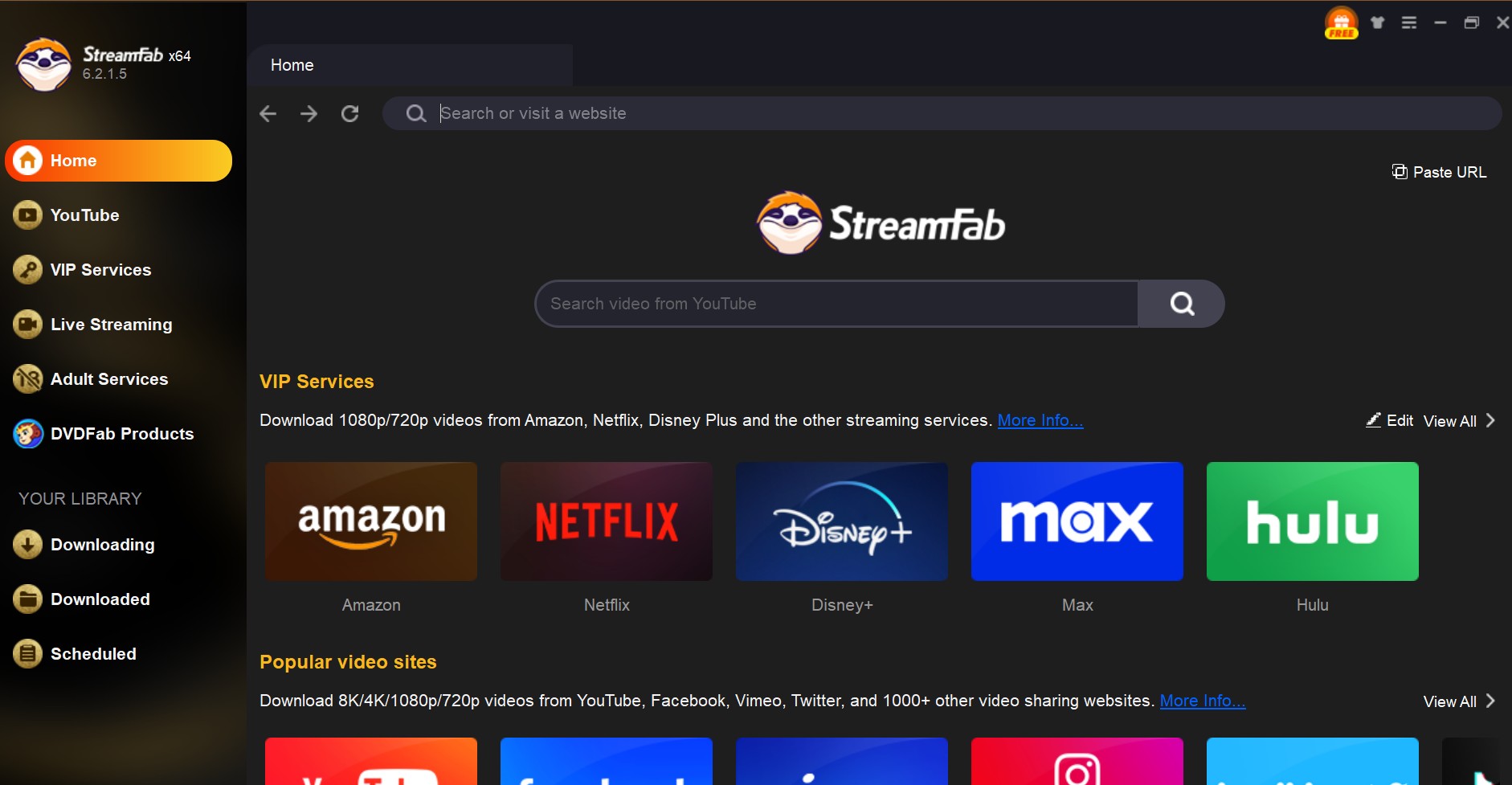
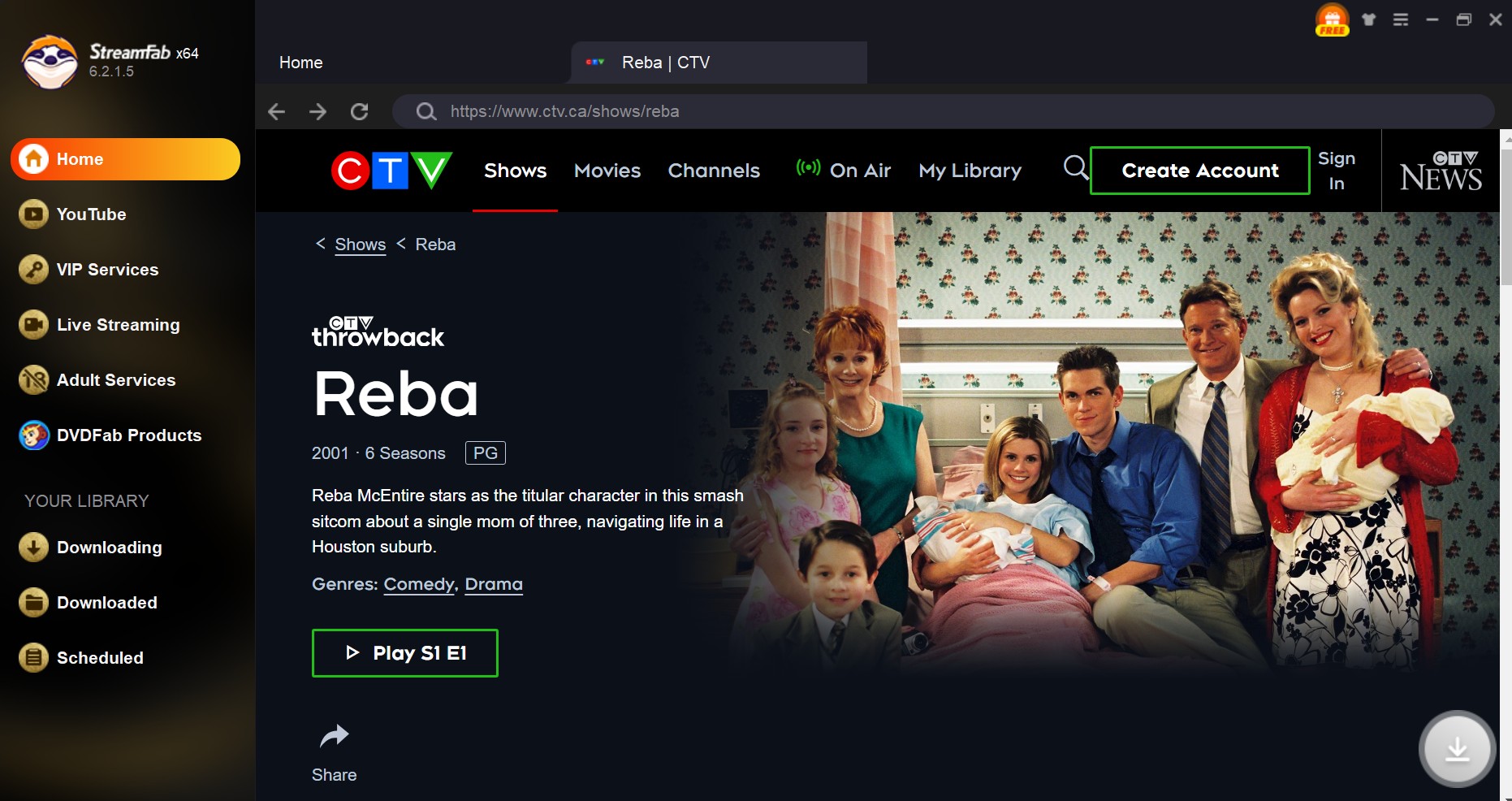
If the decision above pointed you toward the desktop path — and you've confirmed your target page is currently supported — here's the operational flow. The steps assume the current content destination (Crave for on-demand titles, the specific CTV News page for clips), not the retired ctv.ca site.
Prerequisites before you start: an active, legitimate subscription to the source service; a target page confirmed as supported by the app version you're running; a Windows or macOS computer; and enough free disk space for your queue.
Move Local Files to Phones and TVs
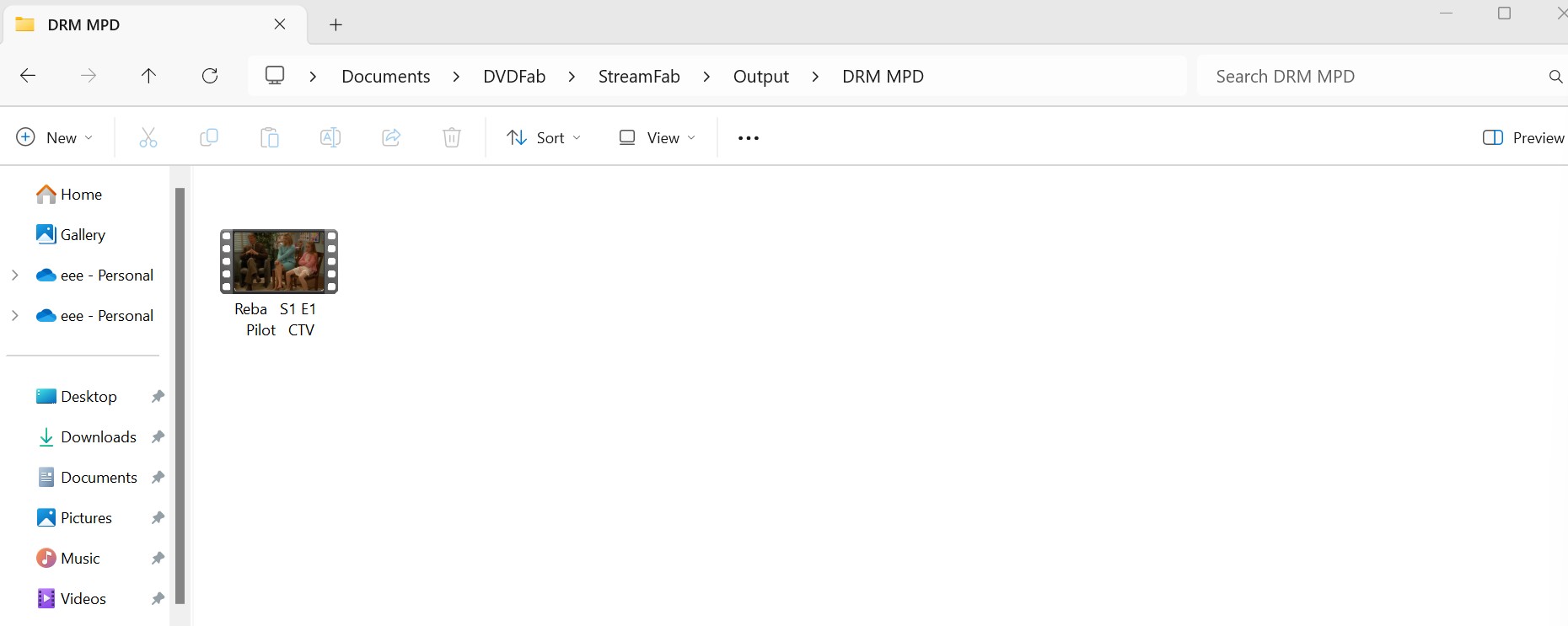
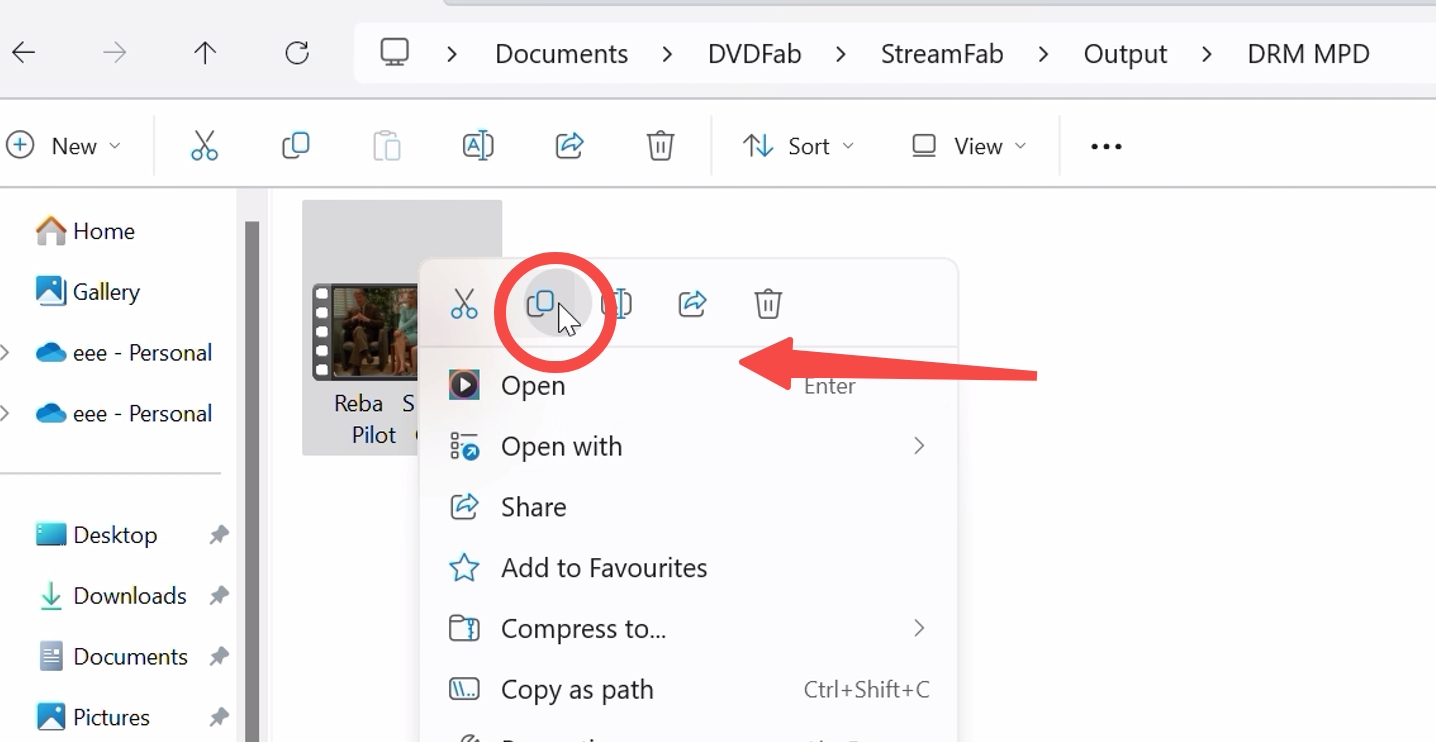
Once a download finishes, use the output folder selected in the app to move the MP4 or MKV to a phone, tablet, USB drive, or home-media library. Playback still depends on the receiving device, app, and container/codec support. A Roku is a playback platform, not a downloader: it may play a supported local file through a compatible home-media setup, but it does not download CTV or Crave video directly.
C:\Users\[Username]\Documents\DVDFab\StreamFab\Output\DRM MPD
Frequently Asked Questions
Conclusion
There's no single right answer here, and that's exactly why the migration made this topic messier than it needs to be. A supported online tool handles a one-off CTV News clip in a couple of minutes. Screen recording is the ugly-but-working fallback when nothing else sees the media. A desktop workflow like StreamFab fits when you have a legitimate subscription, want batch queues, and can verify your target page is currently supported — and it's not the right pick if you're chasing a Roku-native download, guaranteed U.S. access, or Crave support that hasn't been retested against your specific title. Match the tool to the content, keep the local file in MP4 or MKV so any player that supports the container and codec can open it, and re-check compatibility whenever a streaming site pushes a big update.

The Criterion Channel is full of classic movies, and there is no official way to get them. This article introduced several third-party tools to help you dealing with this problem. And the downloader is the best one with advanced functions and outstanding quality.
By Nicole Lopez - Sep 16, 2026

Can you watch Udemy offline? How to watch Udemy courses offline on PC? This guide covers everything you want to know about Udemy offline viewing on different devices.
By Jacob Harrison - Aug 19, 2026

Can you save Udemy DRM videos as a local personal backup? Why do you only get a black screen file? This guide addresses the technical hurdles of creating a personal backup, specifically explaining the latest methods in 2026.
By Jacob Harrison - Aug 18, 2026
This guide separates official CBS app viewing from local-file workflows, compares five computer-based options, and explains where each one falls short. It then shows how StreamFab handles authorized MP4 or MKV downloads and provides concise fixes for analysis and quality problems.
By Erika Leen - Aug 7, 2026