
Fix Hulu DRM Errors in 2026: Security Requirements and Black Screen Solutions

Summary: Learn why Hulu DRM errors and black screens appear on certain devices in 2026 and how to fix them. Includes tested solutions for security requirements, HDCP handshakes, and offline conversions.
Table of Contents
2026 Hulu DRM Errors: Core Causes
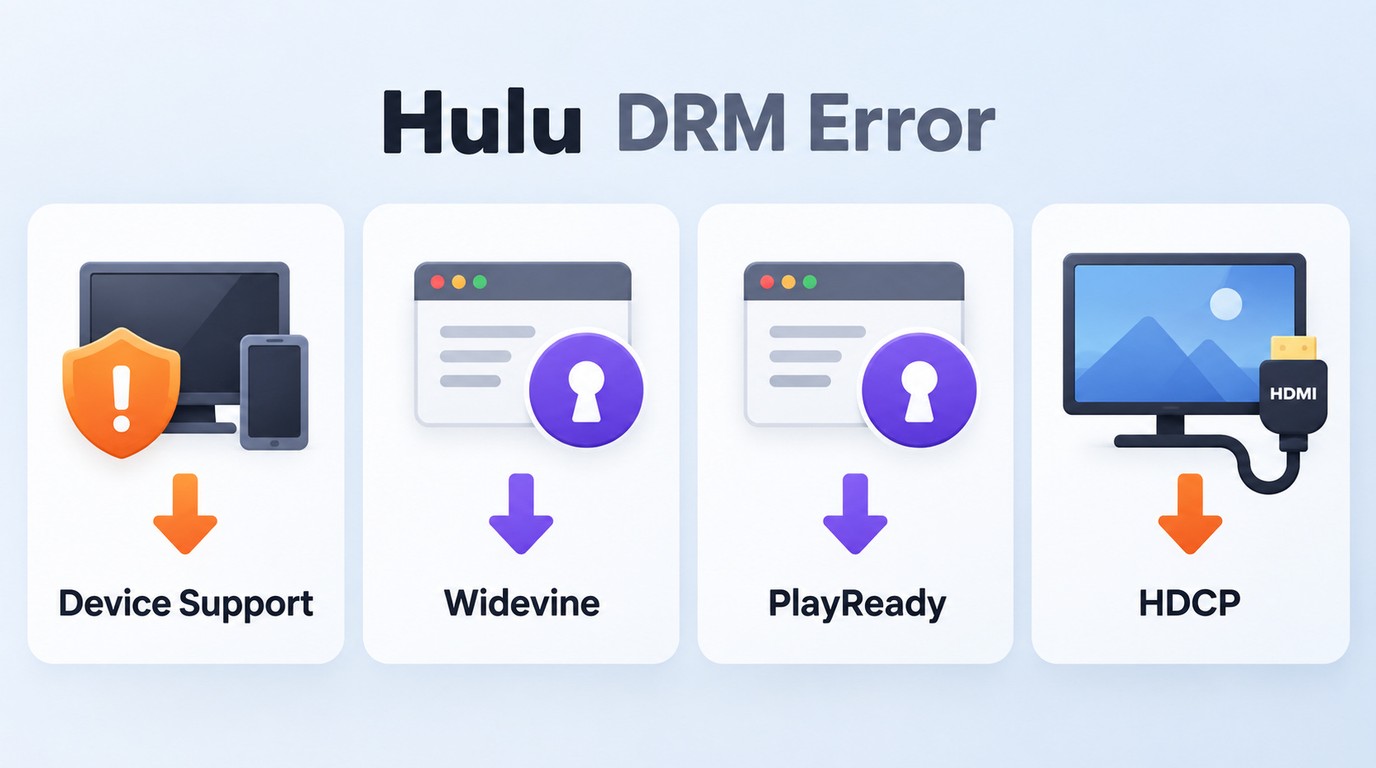
Hulu DRM errors can appear as a playback message, failed video, or black screen. Hulu playback errors can come from network, cache, app, browser, driver, device-security, or display-chain problems; the exact code, device, and affected-title scope determine the next diagnostic step.
Streaming platforms are actively enforcing tighter security constraints.
Hulu Device Doesn't Meet Security Requirements
If you receive a prompt stating that a Hulu device doesn't meet security requirements, Hulu cannot confirm that the current device and playback path meet its content-security requirements. This can occur on modified devices, outdated systems, or unsupported embedded browsers.
Rooting, jailbreaking, or an outdated operating system can affect device integrity or protected-playback certification, but the same message can also appear when an app, operating system, or browser is unsupported. Update the device, use Hulu's supported app, and compare another supported device before concluding that hardware modification is the cause.
Widevine & PlayReady CDM Revocations
Browser playback can fail after a CDM update, configuration change, provisioning failure, support change, or certificate revocation. On Windows devices running recent versions of Chrome or Edge, the browser's protected-content module is updated periodically.
If Hulu cannot negotiate a valid playback license, the authorization error may appear before the video player loads. A revoked certificate is one possible cause, not the default explanation for every CDM error.
- DRM: The overall protected-playback system across the app, device, and display path. If playback fails or shows a security message, record the exact error, device, and affected titles first.
- Widevine: Common in Chrome and Android playback. If a browser or mobile device fails, update the browser or operating system and check protected-content settings.
- PlayReady: Common in Windows and Microsoft playback paths. If playback fails in Edge or a Windows app, install available updates and compare another supported browser.
- CDM:
- HDCP: The protected connection to an external display. If Hulu works on the primary screen but not the monitor or TV, test a direct connection, another port, or a compatible cable.
I diagnose these layers separately because a browser CDM failure and an HDMI handshake failure can produce similar symptoms but require different checks.
Match Error Codes to Devices
Record the complete Hulu error code before changing settings. The same visible symptom can lead to a different diagnostic branch on a Roku, smart TV, browser, mobile device, or external display.
| Error or symptom | Typical context | First check | Next diagnostic branch |
|---|---|---|---|
| General playback failure | Any supported device | Restart, network, cache, updates | Test another title and device |
| Security requirements message | Mobile, TV, embedded browser | Check OS and device support | Review device integrity and provisioning |
| CDM or certificate error | Desktop browser | Update browser and protected-content settings | Compare another supported browser |
| P-DEV320 | Roku, TV, mobile, browser | Test another Hulu title | Compare another supported device |
| Black screen with audio | App or browser playback | Reload and test another title | Check rendering and graphics drivers |
| External-display failure | HDMI monitor or TV | Reconnect the display directly | Check cable, port, and HDCP |
If P-DEV320 affects only certain titles, note the title, episode, device, and time of failure rather than assuming the code has one universal technical cause.
Start With Basic Hulu Playback Checks
Before treating the problem as a Hulu DRM error, restart the Hulu app and your device, then power-cycle your modem and router. Test another title to determine whether the failure affects one video or the entire service.
If playback still fails, clear Hulu's cache or site data, install available app, browser, operating-system, and graphics-driver updates, and reinstall the Hulu app when applicable. Temporarily disable browser extensions or VPN connections, then retest before moving to device-security, CDM, or display-chain diagnostics.
Fixing DRM Playback & Black Screen Errors
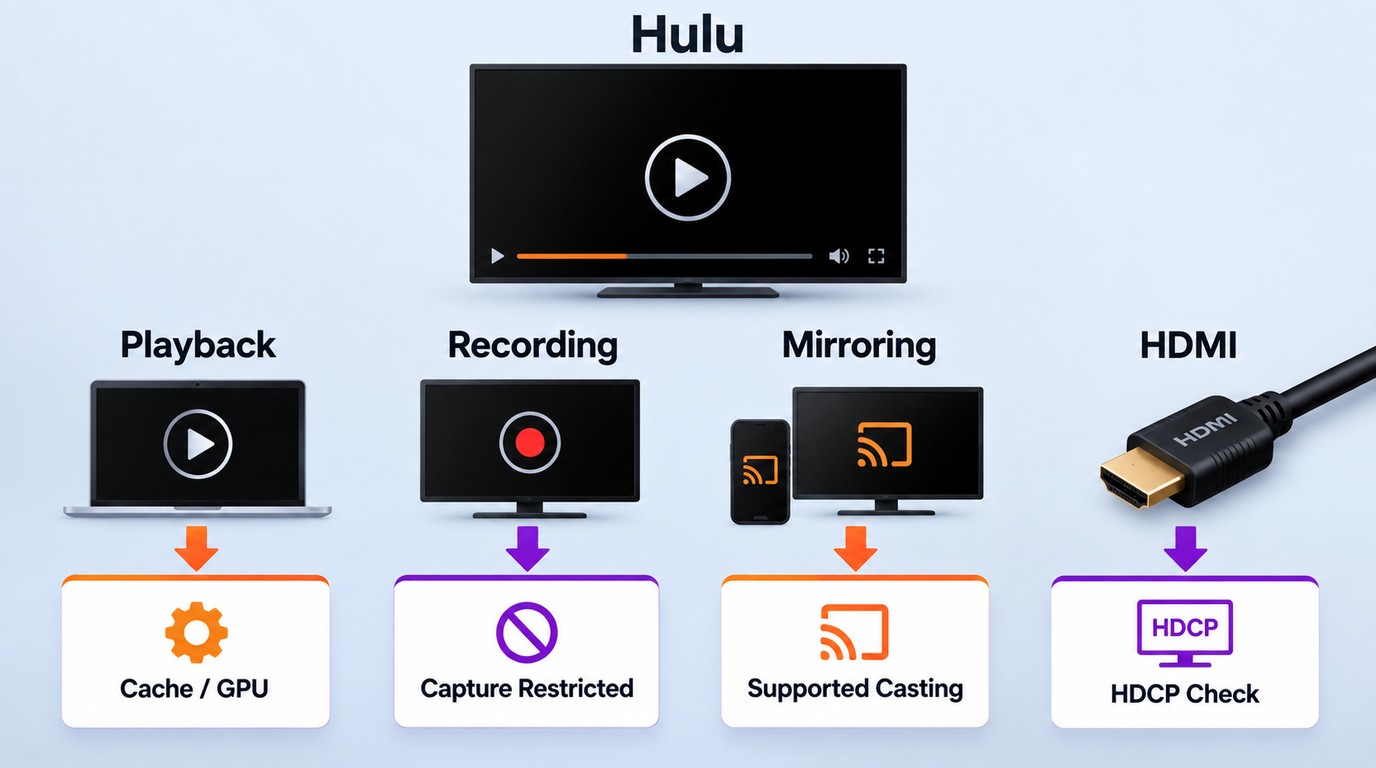
A Hulu black screen is not one diagnosis. First identify whether it occurs during normal playback, recording, screen sharing, mirroring, or use of an external display, then follow the checks for that context.
Identifying the context before changing settings is more reliable than applying one browser adjustment to every black screen.
Disabling Browser Hardware Acceleration
Disabling Hardware Acceleration is a reversible browser test for a black screen with audio, not a universal fix. When this feature is active, your browser offloads video decoding to the GPU. Switching it off moves more rendering work to the CPU and may help identify a browser-and-GPU conflict.
Restart the browser after changing the setting and test the same title again. If the black screen continues, restore the original setting and check Hulu site data, protected-content permissions, extensions, graphics drivers, and any HDMI or HDCP connection separately.
Resetting HDCP Handshake for Monitors
If Hulu works on the primary screen but fails on an external HDMI monitor or TV, an HDCP handshake or display-chain mismatch may be involved. Test a direct connection and remove adapters, docks, or splitters before checking the cable and display ports.
Disconnect the HDMI cable, power-cycle the display, and reconnect it directly. If the error remains, test another compatible cable or port and install available graphics-driver and display updates.
Normal Playback, Recording, and Mirroring
Use the point at which the picture disappears to choose the next step:
- Normal playback with audio: Test another title, reload Hulu, and clear the app or browser cache. If the symptom remains browser-specific, continue with hardware acceleration, protected-content settings, extensions, and graphics drivers.
- Browser or app recording: If Hulu plays normally but the recorded output is black, treat it as a capture-context restriction; the relevant guidance explains how to record on Hulu. It addresses recording behavior rather than problems that prevent normal viewing. Do not change account or network settings to solve a recording-only symptom.
- Screen sharing or mirroring: Confirm that Hulu plays normally on the source device, then use a Hulu-supported casting or viewing method on the destination display.
- External HDMI display: Connect the display directly, remove adapters or splitters for the test, and check the HDMI cable, port, and HDCP handshake.
Offline Options for Authorized Hulu Viewing
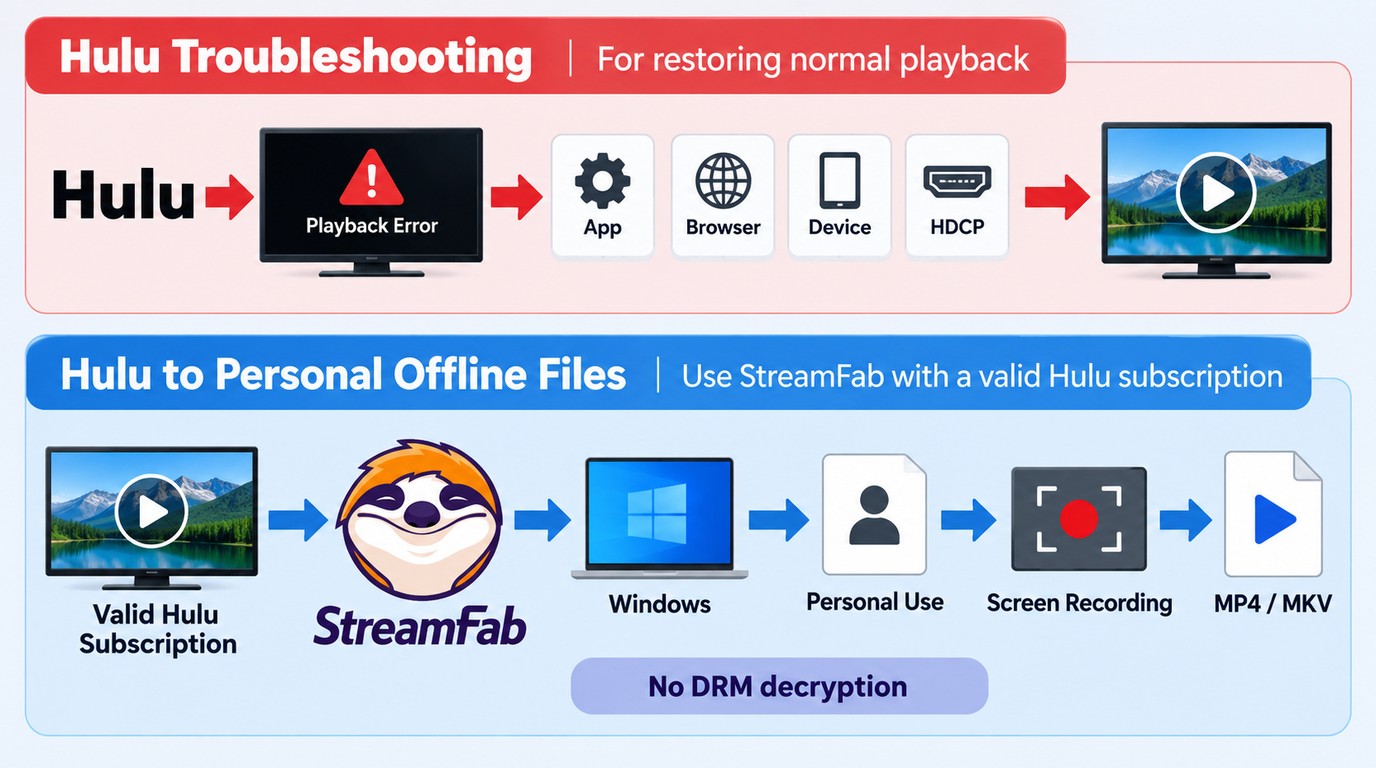
Restoring normal Hulu playback and choosing an offline viewing workflow are separate tasks. Hulu's official downloads remain managed inside the Hulu app, real-time recording runs while a title plays, and a desktop local-file workflow creates a separate file through screen-recording or stream-recording technology.
A third-party desktop local-file tool is separate from Hulu's official offline feature. Use this type of workflow only with an active Hulu subscription, for content you are authorized to access, and for personal offline viewing or private backup where permitted by Hulu's terms and applicable law. Do not redistribute or use the resulting copies commercially.
This workflow does not repair a Hulu DRM error or change Hulu's protected playback system. Complete the network, app, browser, device-security, and display-chain checks first; consider an offline workflow only when the separate goal is authorized personal viewing without a live connection.
StreamFab's Local-File Workflow
StreamFab Hulu Downloader provides a Windows and Mac local-file workflow using screen-recording and stream-recording technology without changing Hulu's content-protection system.
For users who want to download shows on Hulu, StreamFab can save authorized content for personal offline viewing as MP4 or MKV files with selectable audio and subtitle options. This workflow fits Windows and Mac users who need authorized personal offline viewing in standard local-file formats. Hulu support can change, so check the current product page and update log before using the workflow.

With an active Hulu subscription, StreamFab can save authorized content in a device-compatible MP4 or MKV format for personal offline viewing on Windows or Mac, where Hulu's terms and applicable law permit.
- It supports authorized personal offline viewing rather than replacing Hulu or repairing Hulu playback errors.
- Save videos as MP4 or MKV files for use with compatible local media players.
- Choose available resolutions up to 4K, EAC3 5.1 or AAC 2.0 audio, and subtitle options.
- Queue multiple Hulu episodes or schedule downloads while your Hulu subscription remains active.
- Save subtitles as external SRT files or include them with the video.
The practical difference is the purpose of each path:
| Evaluation Metric | Hulu Troubleshooting | StreamFab Local-File Workflow |
|---|---|---|
| Primary purpose | Restore normal playback | Personal offline viewing |
| Device path | Supported Hulu app or browser | Windows or Mac local files |
| Output | Managed Hulu stream | MP4 or MKV |
| First check | Error code and device context | One authorized title in the current build |
Current-Build Hulu Download Checks
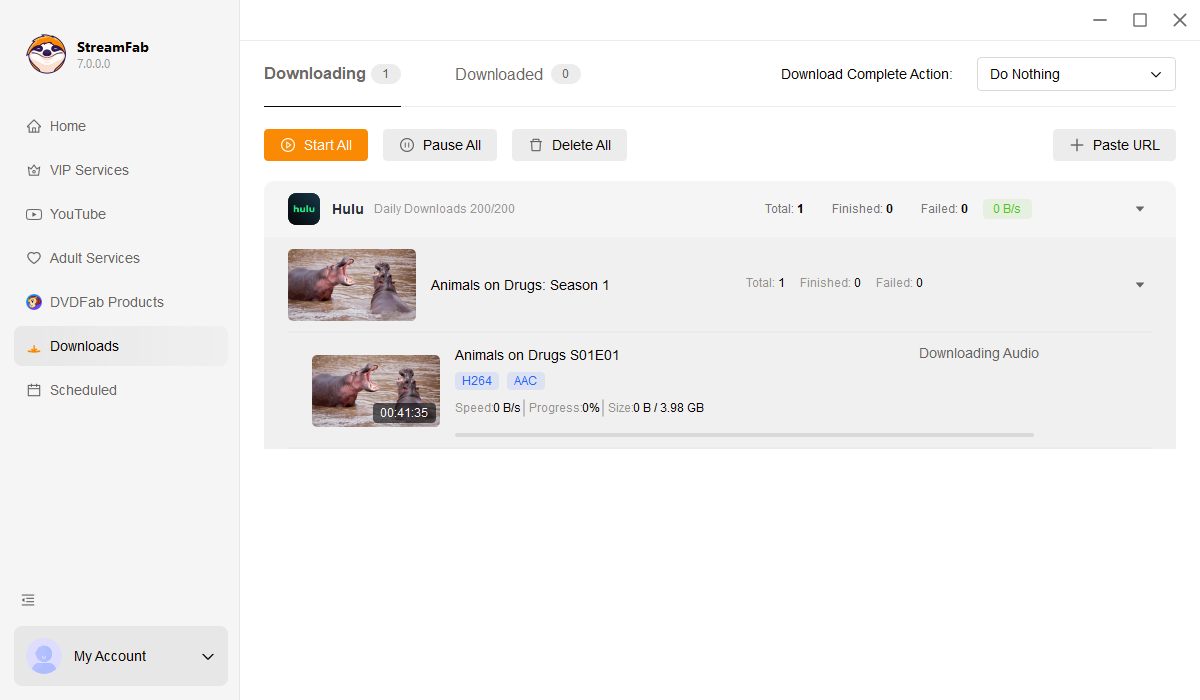
Before queuing a season, confirm that the title plays normally in Hulu, update StreamFab, and analyze one episode in the current build. A newly released episode may become available for streaming before it can be processed through the local-file workflow, so test availability separately from playback. For a large queue, review the official Hulu download limit. A local-file workflow should not be treated as a way around that limit. Use the workflow only to save content you are authorized to watch locally. Attempting to alter Hulu's content protections, create unrestricted copies, or redistribute content may violate Hulu's terms or applicable law, and local files do not guarantee permanent access. If analysis still fails, use the product update log or troubleshooting guidance. The 30-day trial allows three video downloads per service and can be used to check the current workflow. If Hulu playback already works, keep the existing account and network settings unchanged while testing the current build. Here is how the process works:
Step 1: Launch StreamFab on your computer and select the Hulu icon from the VIP Services panel.
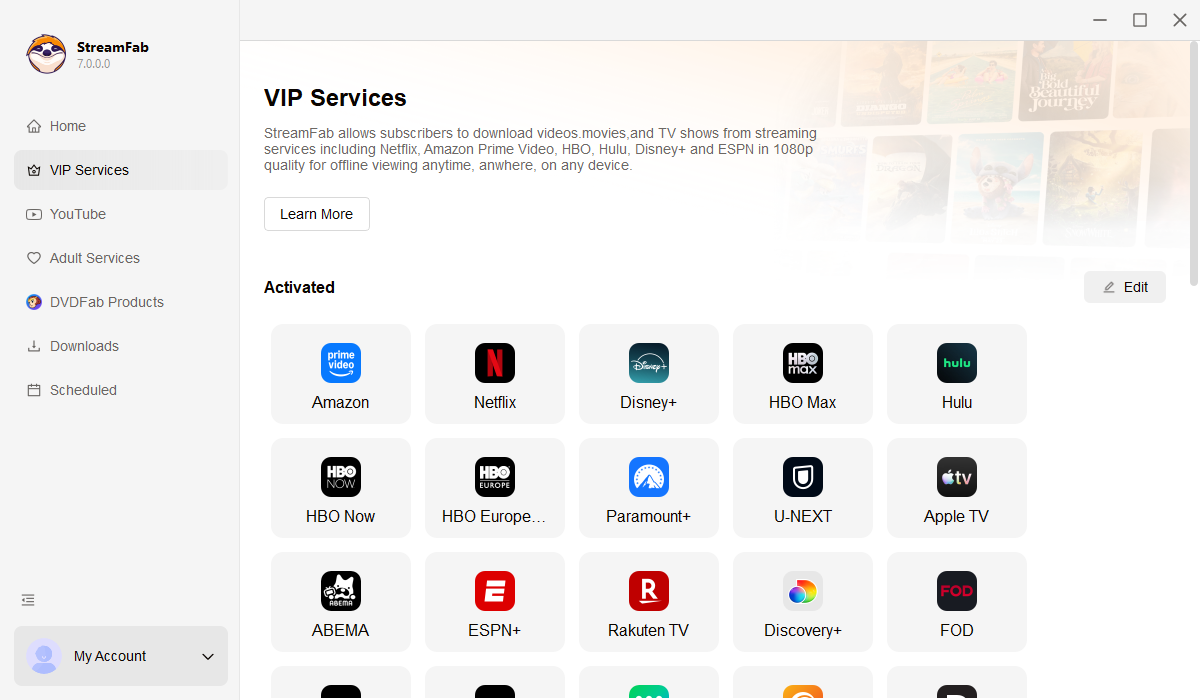
Step 2: Log into your streaming account securely via the embedded browser and play your target video.
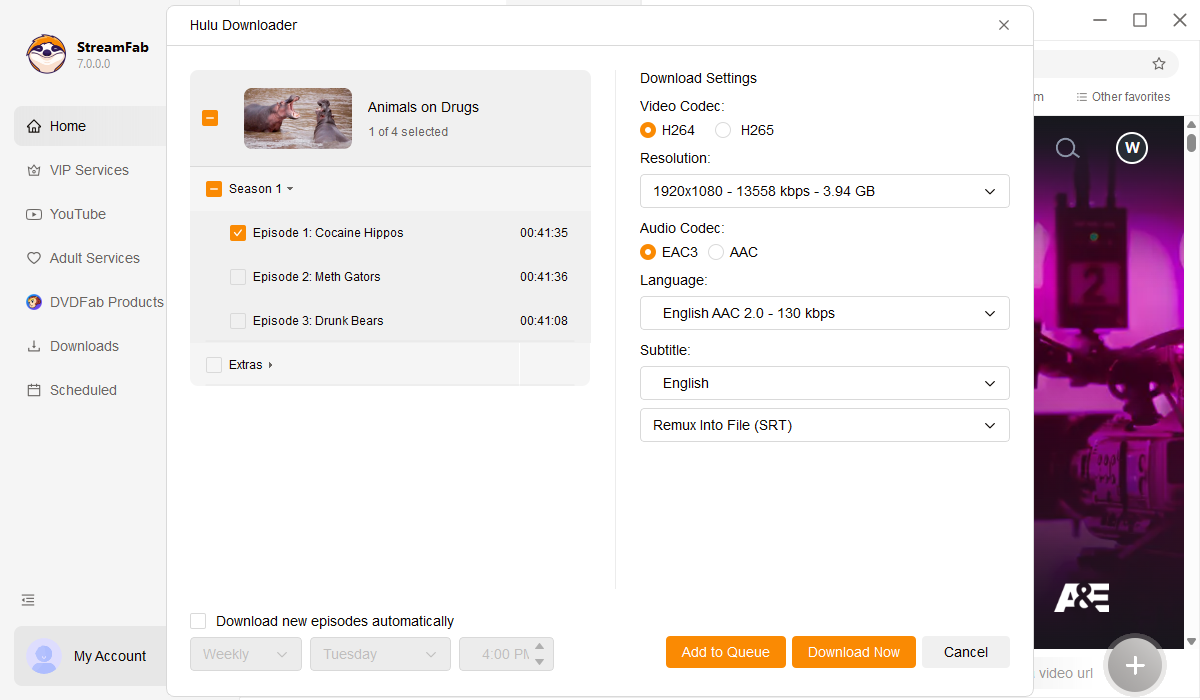
Step 3: A prompt will appear. Select your preferred resolution and subtitle format, then start the local conversion process.

FAQs
Fix Hulu Error Code P-DEV320?
Error code P-DEV320 generally indicates a communication breakdown between the app and Hulu's main servers. In 2026, this is frequently caused by severe network routing issues or Geoblocking conflicts when a VPN node is detected and blocked. Disabling any active proxy, flushing your DNS, and restarting the application usually restores the connection.
Why does HDMI trigger protection errors?
When connecting a PC or console to a TV via HDMI, the streaming service verifies the security of the physical connection using HDCP. If your monitor, HDMI switcher, or capture card does not support the required HDCP version, the platform assumes the video is being illegally captured and instantly halts playback.
Do offline downloads expire in 2026?
Yes, official downloads stored within the Hulu app typically expire 30 days after downloading or 48 hours after you press play. However, if you rely on free DRM solutions or professional offline backup software to convert the files locally, they remain permanently accessible on your hard drive as long as you follow the usage guidelines of StreamFab.
Conclusion
Fixing a Hulu DRM error starts with narrowing its scope: record the exact code, device, app or browser, display connection, and titles affected. Run the basic network, cache, update, and reinstall checks first. If a black screen appears only on an external display, move to the HDMI and HDCP path; if it appears only during recording or mirroring, treat that as a separate capture context rather than a normal playback failure.
If your goal is personal offline viewing instead of restoring Hulu playback, use Hulu's in-app downloads or a local-file workflow for content you are authorized to access. Maintain an active subscription, keep copies within personal use, and follow Hulu's terms and applicable law. Offline viewing is a separate path, not a substitute for diagnosing an unresolved playback error.


Some streamers screen record Hulu to save videos for offline watching, but black screen problems occur frequently. This post offers 2 feasible and valid method to record Hulu videos wihtout black screen in details.
By Nicole Lopez - Oct 12, 2026

If searching for Discovery Plus on Hulu has left you wondering whether one subscription unlocks both services, the answer is no: Hulu carries selected Discovery shows and eligible live channels, but discovery+ remains separate. The same distinction matters when you search for Discovery Channel on Hulu.
By Erika Leen - Aug 11, 2026

The Hulu download limit is 25 titles across 5 devices, and the ad-supported plan is not eligible. Learn how to fix Hulu downloads not working, remove ghost devices, and manage offline viewing reliably in 2026.
By Erika Leen - Aug 6, 2026

Hulu's own downloads stay locked inside its mobile apps, so there are two honest ways to watch offline: the official in-app download for phones and tablets, or a desktop MP4 workflow. This guide compares both paths, explains why screen recording fails on protected playback, and helps you match output settings to the device you actually watch on.
By Erika Leen - Aug 6, 2026