
Can You Keep Netflix Downloads Forever? Expiration and Renewal in 2026

Summary: Netflix downloads expire in 48 hours after play or 30 days unwatched — and disappear completely if you cancel. In July 2026, I tested every method to keep them permanently. One actually works. Here's what Netflix doesn't want you to know about the download expiration design, and the tool that bypasses it.
Table of Contents
Introduction: Why Netflix Downloads Expire
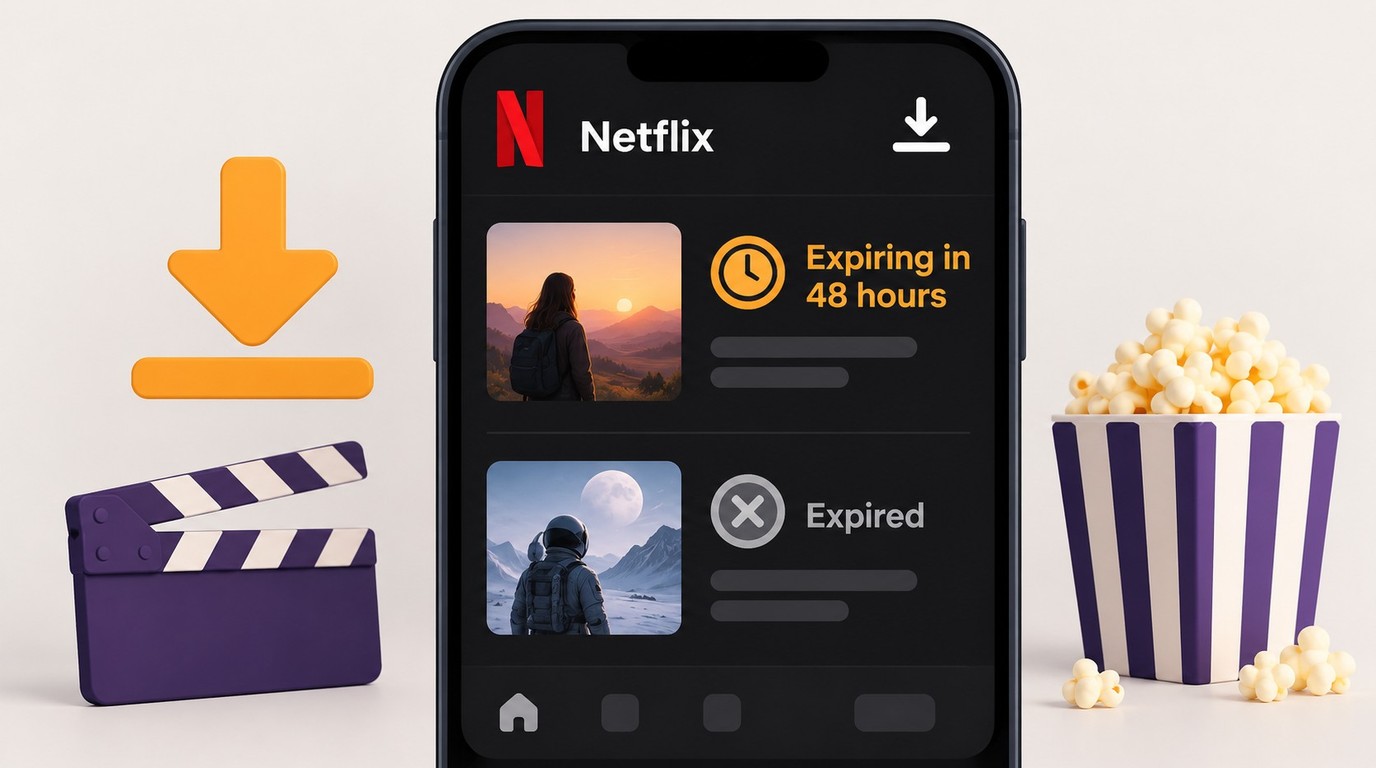
Netflix downloads can expire before a trip because each title follows its own availability status inside the app. You cannot stop Netflix download expiration indefinitely in the official app; check Downloads, reconnect to renew Netflix downloads by deleting and downloading the title again, and confirm playback before leaving.
Official Netflix downloads remain managed inside the app and require an active membership. A normal cancellation usually leaves paid access in place until the end of the billing period, although an individual title can expire earlier. This guide separates short-term app downloads from authorized desktop local-file workflows.
The Technical Reality
Netflix app downloads are managed inside Netflix and remain tied to the device and app that created them. Official downloads are currently supported on Android devices, iPhone and iPad, Fire tablets, and eligible Chromebooks, not Windows or Mac.
Netflix downloads expire on a title-specific schedule. The Downloads screen shows the current status and how long a downloaded Netflix title stays available; an expired title must be deleted and downloaded again while it remains available to your account and region.
Copying Netflix app data to another folder, gallery, or device does not create an MP4 or MKV file. If the title expires, leaves the regional catalog, exceeds its download allowance, or becomes unavailable after membership ends, the app download may no longer play.
The core distinction is simple: Netflix app downloads stay managed inside Netflix, while an authorized local file follows its own container, codec, player, and device requirements. The next section summarizes the app limits before the desktop workflow.
Netflix Download Limits in 2026: All Plans Compared
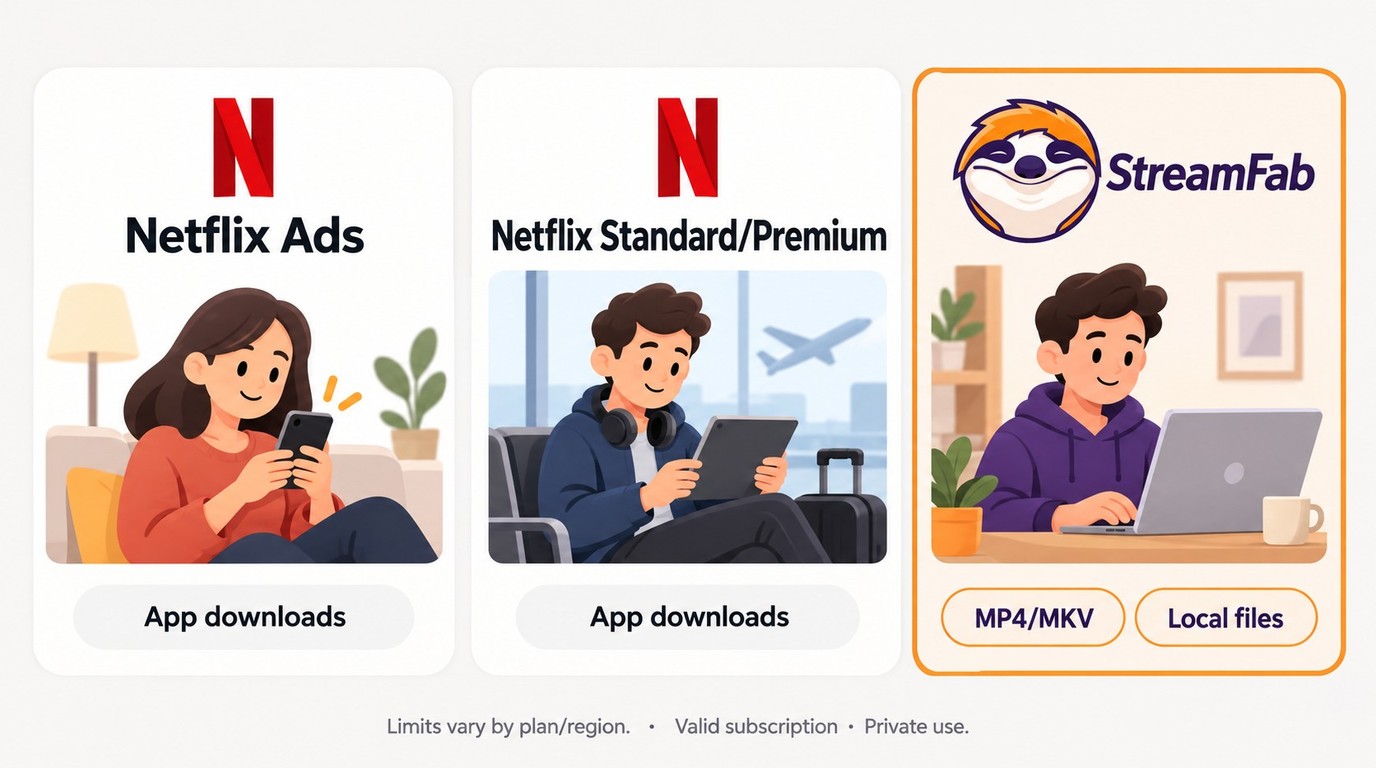
| Feature | Standard with Ads | Standard | Premium |
|---|---|---|---|
| Allowance Type | 15 per device per calendar month | Up to 100 active per device | Up to 100 active per device |
| Allowance Management | Deletion does not reset monthly count | Delete titles to free active slots | Delete titles to free active slots |
| Supported Devices | Android, iOS, Fire, eligible Chromebooks | Android, iOS, Fire, eligible Chromebooks | Android, iOS, Fire, eligible Chromebooks |
| Expiration | Title-specific | Title-specific | Title-specific |
| Membership | Active membership required | Active membership required | Active membership required |
| High/Higher Quality | Up to 1080p | Up to 1080p | Up to 1080p |
As of October 2026, the Netflix download limit uses a calendar-month allowance on the ad-supported plan and an active-download cap on ad-free plans. Premium streaming resolution is separate from offline download quality, which reaches up to 1080p.
Personal use alone does not grant permission to copy Netflix content. Netflix terms restrict archiving unless authorized, and a local file does not transfer ownership or extend Netflix membership.
- Use an authorized account.
- Save only content you are authorized to access.
- Do not redistribute local copies.
- Follow applicable law and Netflix's terms.
- Assess permission for the specific use.
Temporarily Renew an Expired Netflix Download
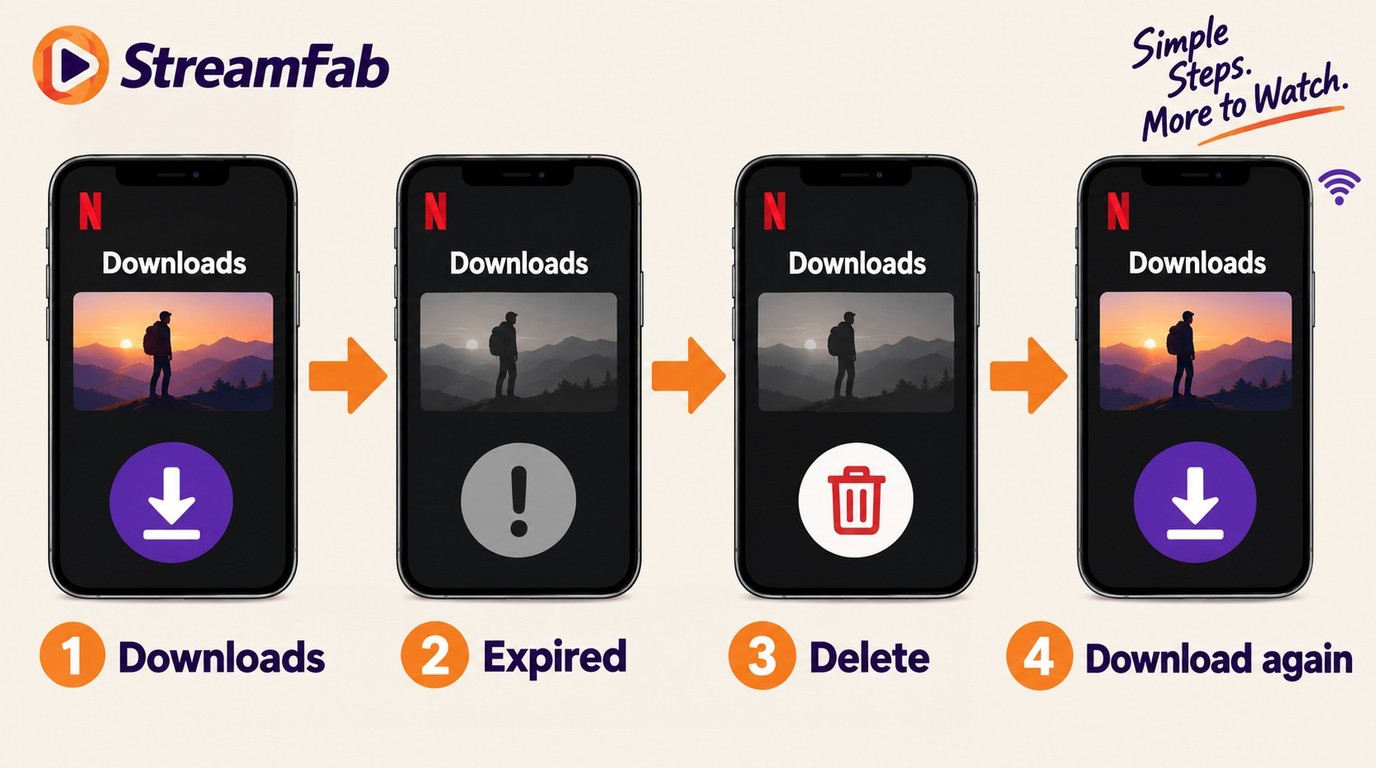
If a title is still available on Netflix but its downloaded copy has expired, connect the supported device to the internet, open Downloads, delete the expired copy, open the title again, and download it while it remains available and within its allowance. This shared sequence applies to Android devices, iPhone and iPad, and Fire tablets.
A Renew Download option may not appear for every title or at every stage. Deleting and downloading the title again is the practical fallback, but some titles have their own download limits. On an iPhone or iPad, also confirm that the device date and time are correct. Once a title is unavailable to your account or region, the official app cannot retrieve a new copy.
StreamFab Saves Local MP4 and MKV Copies
For short-trip offline viewing, supported Netflix app downloads are the simpler route. If you need an authorized desktop local-file workflow, StreamFab Netflix Downloader saves eligible titles as MP4 or MKV files on Windows or Mac, where Netflix's terms and applicable law permit. Playback depends on the container, codecs, player, and device.

Save authorized Netflix shows and movies as local MP4 or MKV files on Windows or Mac, with output up to 1080p and audio and subtitle choices available for the selected title. Daily and weekly usage controls apply; use the trial to check your intended workflow.
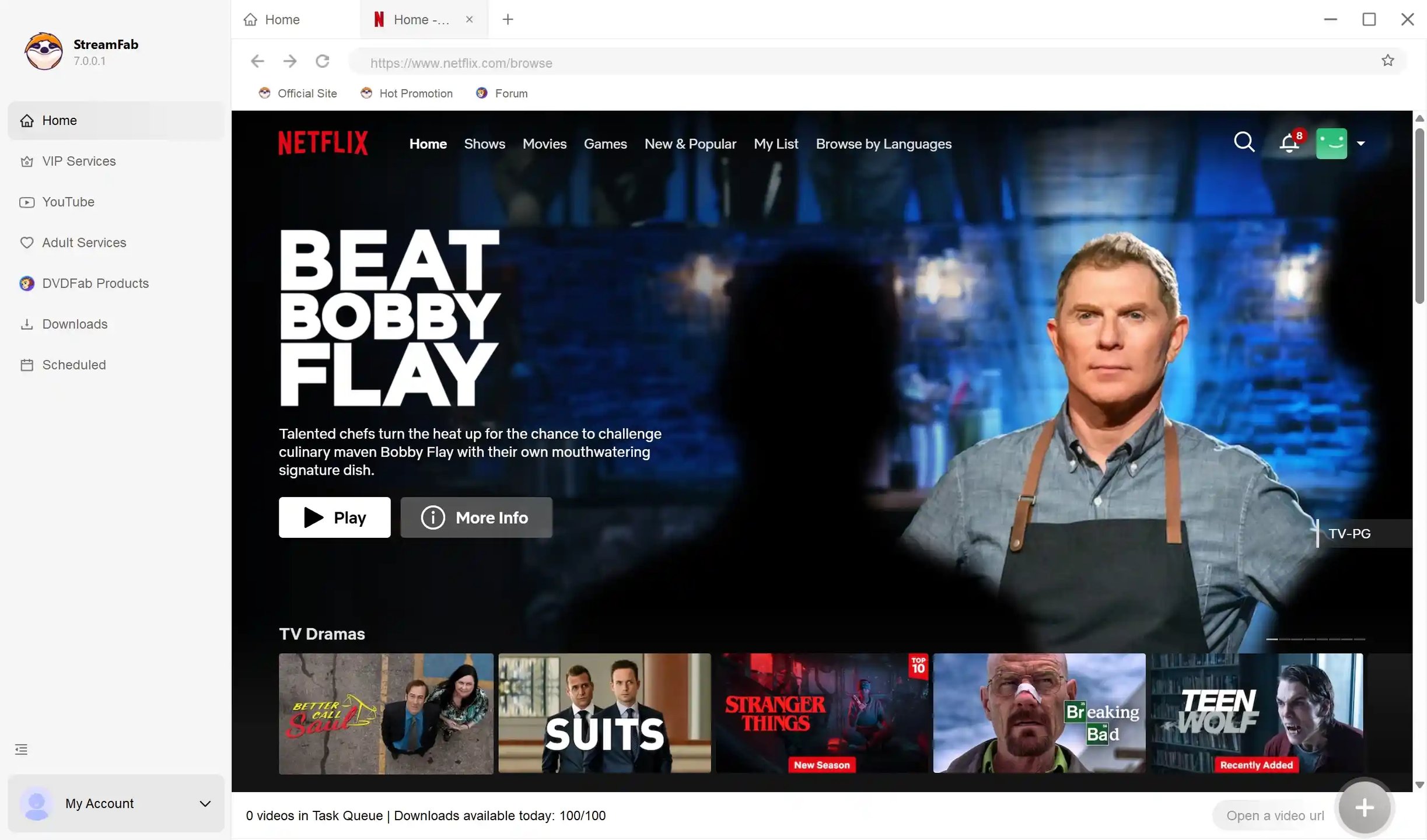
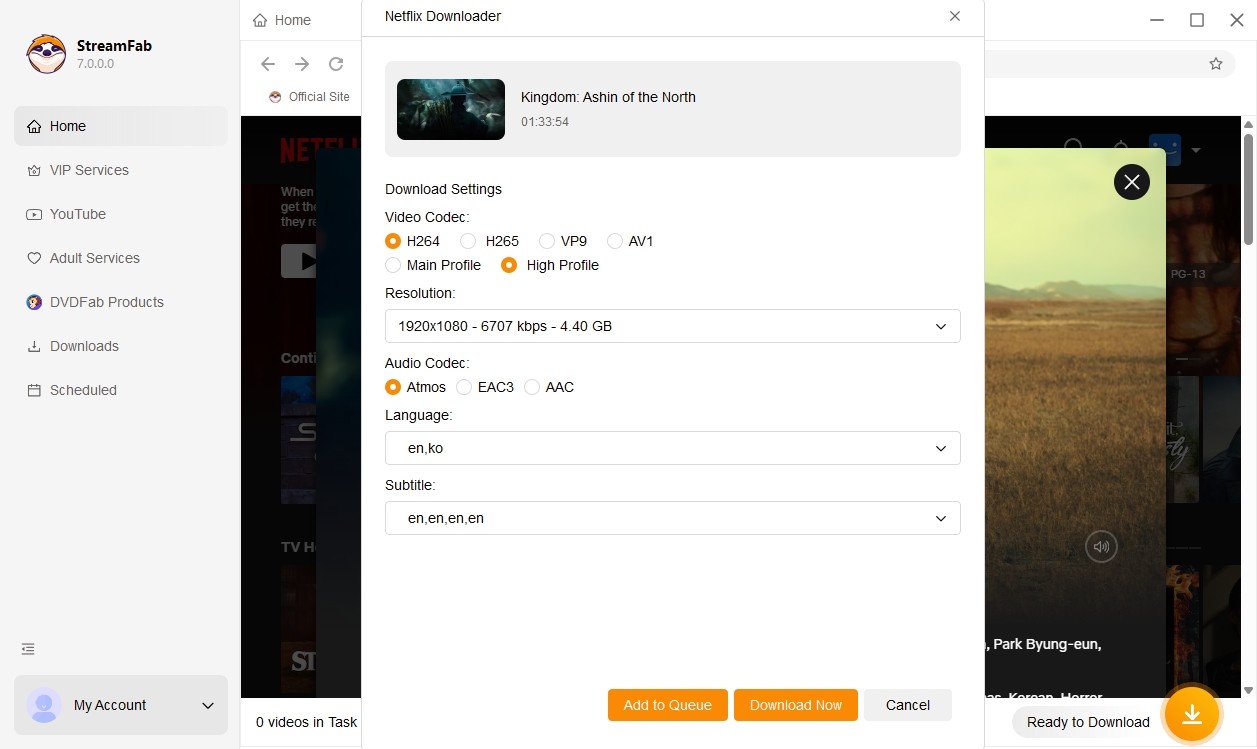

Choose the Windows or Mac installer and matching license for the system you plan to use. Purchase terms, including refund eligibility, depend on the selected license and are detailed in StreamFab's refund policy.
Frequently Asked Questions
Can I permanently save Netflix downloads to iPhone or Android?
No. Netflix app downloads remain inside Netflix on the supported device, and copying the app data to Photos or another gallery app does not create an MP4. A separately created, authorized MP4 or MKV file can be transferred to a phone, but playback requires a mobile player and device that support the file's container, video codec, and audio codec.
How can I check a Netflix download's expiration date before it expires?
In the Netflix app, open Downloads and tap the title to check its current status. Expiration is title-specific, so follow the date or availability message shown in the app rather than assuming a fixed viewing window. Before a trip, connect to the internet, download the title again if needed, and confirm that it plays on the device you plan to use.
Can I watch Netflix downloads after my subscription ends?
No. Netflix app downloads are unavailable after membership ends. A normal Netflix cancellation takes effect at the end of the billing period, so paid access usually continues until that date, although individual downloaded titles can expire earlier. A separately created local file does not extend Netflix membership or grant permission to copy or redistribute content.
What happens when Netflix says I have too many downloaded videos?
Netflix uses different download allowances by plan. Standard with Ads allows 15 downloads per device per calendar month, and deleting a title does not reset that monthly count. Standard and Premium allow up to 100 active downloads per device, so deleting completed titles can free active-download capacity. To manage downloads, open the Netflix app → Downloads → tap the pencil icon → select titles to delete.
Why is the Renew Download option missing in my Netflix app?
The Renew Download button is not available for every title or status. Connect to the internet, delete the expired copy, and download the title again while it remains available to your account and region and is within its download allowance. On an iPhone or iPad, also confirm that the device's date and time are correct.
Why did my Netflix downloads disappear while I was abroad?
Regional title availability can affect what appears in Downloads, and a missing entry is different from a title marked Expired. Connect to Netflix and open the title page to check whether it is available in your current region, then download it again if allowed. Storage used by Netflix app data does not mean a playable MP4 exists.
Conclusion
Netflix app downloads are temporary, title-specific, and unavailable after membership ends. For short trips, use Netflix's supported offline downloads. For authorized desktop MP4 or MKV copies, StreamFab Netflix Downloader provides a Windows and Mac workflow you can evaluate with the free trial.
StreamFab Netflix Downloader saves authorized titles as local MP4 or MKV files on Windows and macOS. A valid Netflix membership is required to access titles, and playback depends on codec and device support.

Netflix app downloads stay on supported mobile devices and Chromebooks. Compare nine desktop and recording options by output, trial depth, and episode handling, with practical guidance on 1080p claims, playback compatibility, clips, and gallery imports.
By Erika Leen - Oct 20, 2026
Netflix app downloads stay on supported devices, while MP4/MKV files require a separate, authorized workflow. Compare official downloads, StreamFab output up to 1080p, and Audials One recording, then follow the existing steps. The FAQs clarify app-cache limits, 4K streaming versus file output, and paid software versus a trial.
By Erika Leen - Oct 13, 2026

Star Trek was removed from Netflix across most regions in January 2026. As of July 2026, here's the complete streaming guide — Paramount+, Pluto TV, regional options — plus how to save what you can from Netflix before your local window expires.
By Nicole Lopez - Oct 13, 2026
Netflix's HDCP protection gives you a black screen with every standard screen recorder. In July 2026, I tested four tools — here's which ones bypass it on PC and mobile, and why StreamFab is the zero-risk alternative when recording quality matters.
By Erika Leen - Oct 12, 2026