10 Netflix Video Downloaders Tested: 1080p, MP4/MKV, and Free Trials

Summary: Netflix's official downloads are app-bound and are not available as general MP4 or MKV exports on Windows or Mac. For authorized personal offline viewing, desktop Netflix downloaders can provide local files, usually up to 1080p, but quality, trials, and compatibility vary.
With Netflix's 2026 removal of the Windows offline feature, choosing the right tool is essential. Jump to your preferred solution below:
- 🏆 Choose StreamFab Netflix Downloaderfor users who want automated downloads at up to 1080p HDR where available.
- ⚡️ Choose Netflix Downloader Browser Extensionfor users who prefer a lighter browser-based workflow, subject to current compatibility.
- 📊 Check the Netflix Video Downloader Comparison and get details based on success rates, speed, and trial limits for your decision.
Official Netflix Downloads Have Device Limits
This review compares 10 Netflix downloader and recorder workflows by realistic output quality, MP4 or MKV support, trial depth, audio and subtitle handling, platform support, and current verification status. The practical ceiling for most desktop workflows is up to 1080p, with HDR and multi-channel audio available only when the title, plan, and playback environment expose them.
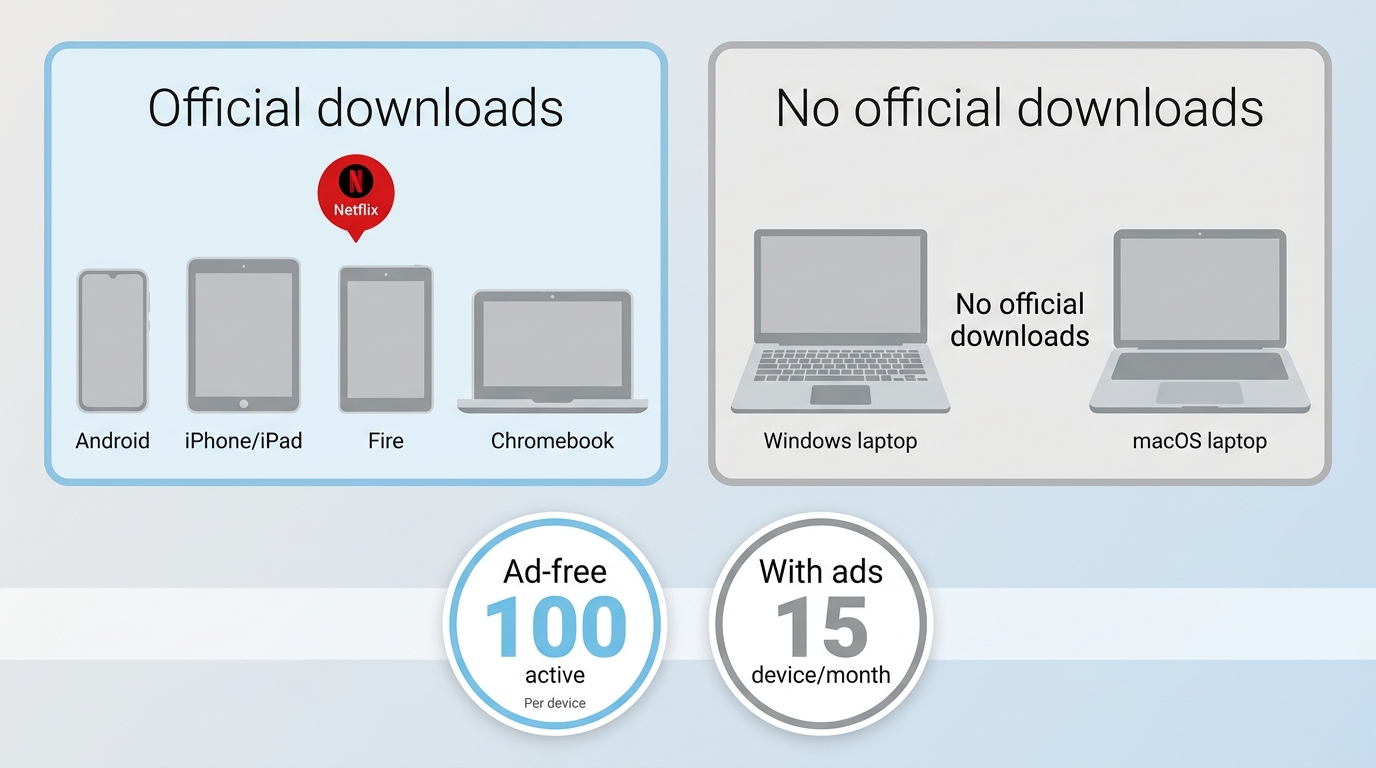
As of July 2026, Netflix lists official downloads for Android phones and tablets, iPhone and iPad, Amazon Fire tablets, and Google Chromebooks with the Play Store. Ad-free plans can hold up to 100 active downloads, while ad-supported plans allow 15 downloads per device each month. These downloads remain managed inside the Netflix app; see the detailed Netflix download limits guide for the platform rules.
Netflix does not provide a general Windows or Mac feature that exports titles as local MP4 or MKV files. For content you are authorized to access, where permitted by Netflix's terms and applicable law, a desktop downloader can be one practical local-file workflow for personal offline viewing. Availability and supported devices may change, so confirm the current official download options on Netflix's Help Center.
When choosing a tool, compare how much of a title the trial can process, which formats it produces, and whether it exposes the audio, subtitles, and resolution you need. Trial depth matters more than a long feature list because it shows whether the current workflow works with your account, title, and computer before you purchase a license.
Testing Criteria Behind These Picks
I weighted successful title analysis, repeatable completion, output format, realistic resolution, retained audio and subtitles, trial restrictions, and response to service changes. For the StreamFab benchmark, the documented June 2026 setup used Windows 11, a 100 Mbps connection, and 1080p output, with about eight minutes measured per title; results can vary by title, network, and hardware.
The workflows below are evaluated for authorized, personal offline viewing. Do not redistribute saved material or use it commercially.

The comparison prioritizes factors readers can verify directly: whether a title analyzes successfully, whether the job completes, the resulting format and quality, retained audio and subtitles, scheduled processing, operating-system support, and the practical depth of the trial.
Netflix Downloaders With Broader Trial Access
The following tools use different trial and recording models. Compare the current usage limit before purchase, then use this local-file workflow overview if you need more context about authorized personal offline viewing.
| Tool Name | Workflow | Verification Status | Best Fit | Quality |
|---|---|---|---|---|
| StreamFab | Desktop local-file workflow | Official specifications checked in July 2026 | Batch and scheduled personal offline viewing | Up to 1080p HDR where available |
| StreamGaGa | Desktop local-file workflow | Current details not independently rechecked | Users comparing scheduled desktop workflows | Vendor-stated up to 1080p |
| PlayOn | Recording workflow | Active service; current output limits not rechecked | Cloud or mobile-oriented recording | Recorded output varies by plan and device |
1. StreamFab Netflix Downloader
Best fit: Windows and Mac users who need MP4 or MKV output, batch processing, and scheduled personal offline viewing. Not ideal for someone who needs only one short clip.
StreamFab Netflix Downloader is separate from Netflix's official download feature and remains subject to Netflix's terms and applicable law. Its official product page lists Version 7.0.3.8 dated July 9, 2026, Windows and Mac support, MP4/MKV output, H.264/H.265, up to 1080p, HDR10 or Dolby Vision where available, EAC3 5.1 or Dolby Atmos where available, subtitles, batch and scheduled processing, and a licensed-account quota of up to 100 downloads per day. Pricing varies by license term and promotion, with current options listed on the official product page.

Uses a recording-based processing workflow to save supported Netflix titles as MP4 or MKV at up to 1080p, with HDR10, Dolby Vision, EAC3 5.1, Dolby Atmos, subtitles, and H.265 available when exposed by the title and playback environment.
StreamFab supports standard and ad-supported Netflix workflows, although ad handling can depend on the service and current product behavior. For device-specific steps, see how to download Netflix movies on a laptop.
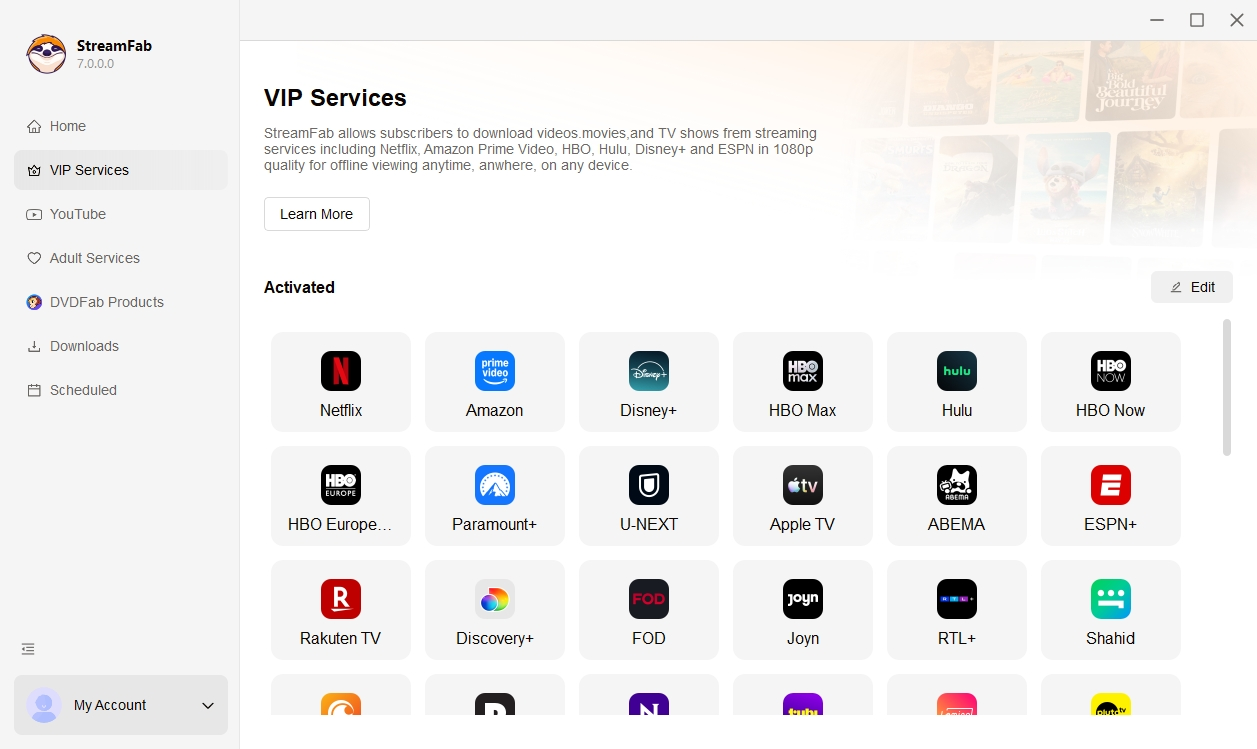
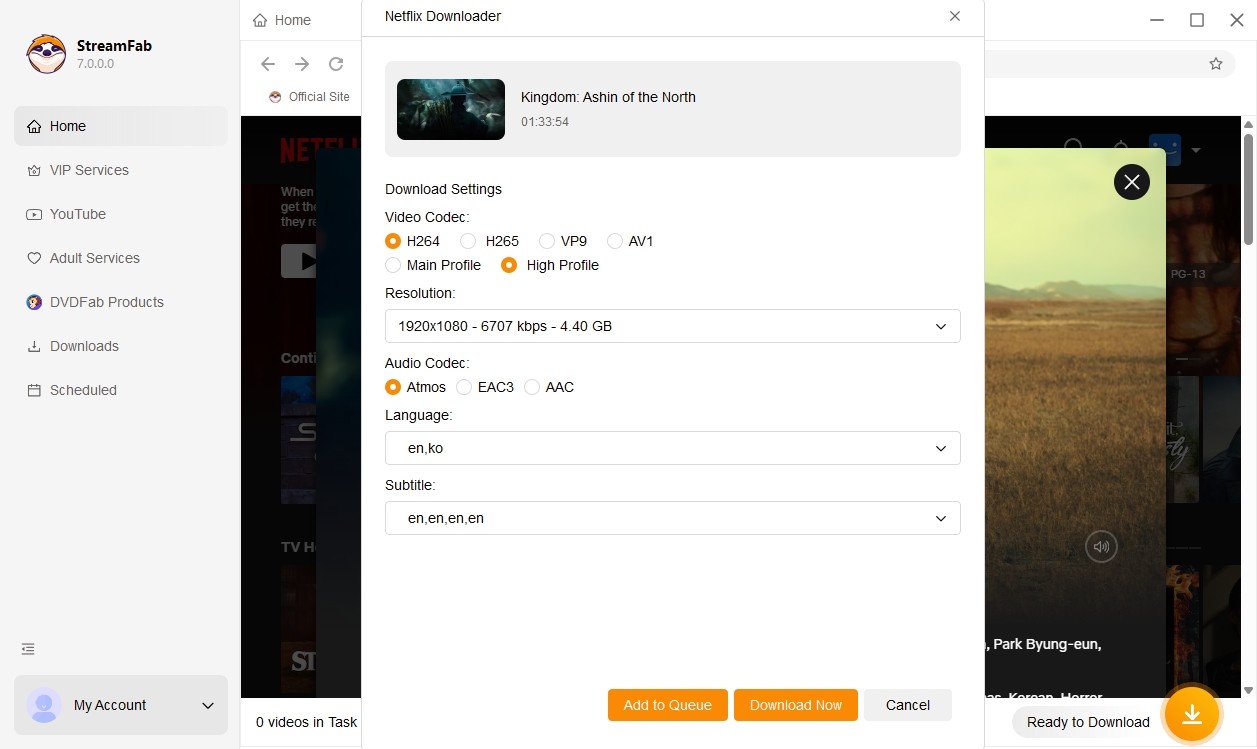
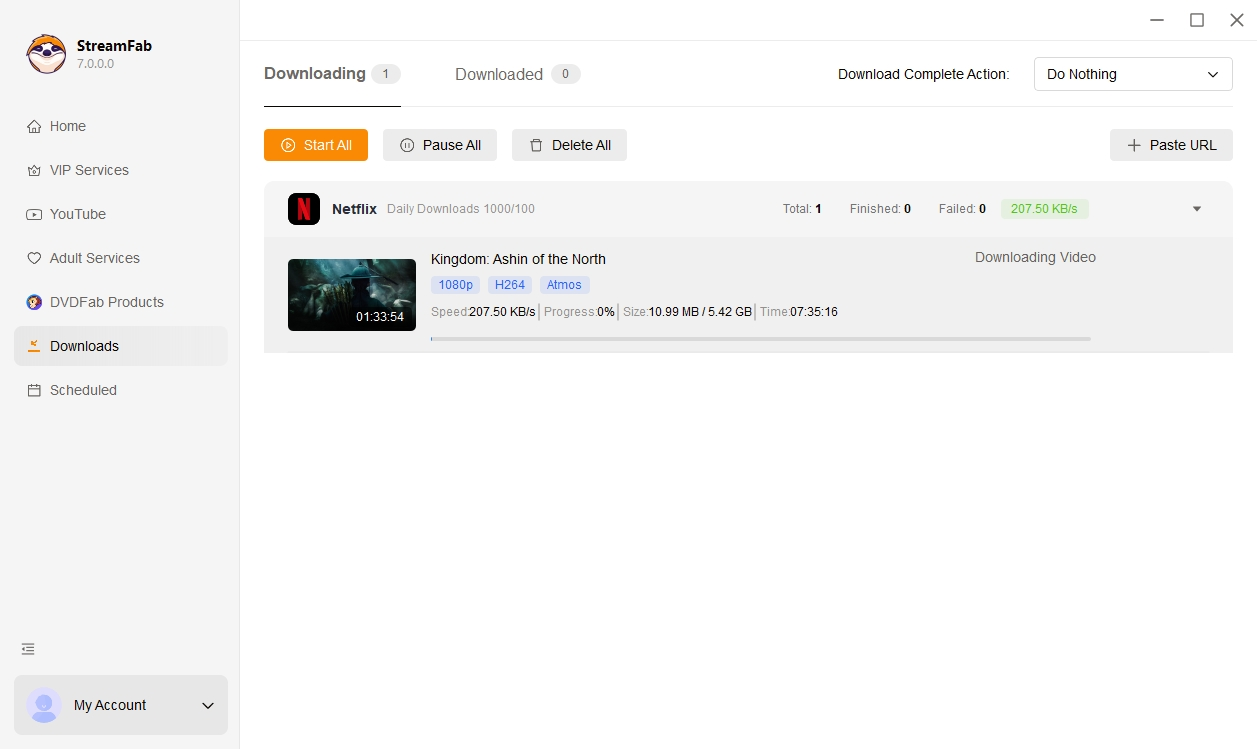
| Pros | 🔹 Save supported Netflix titles for authorized personal offline viewing 🔹 Select output at up to1080p HDR where available and MP4/MKV format 🔹 Exclusive schedule mode to download new Netflix episodes automatically at a set time 🔹 Documented performance, about 8 minutes per title on Windows 11, 100 Mbps, and 1080p in June 2026 🔹 Download subtitles of your preferred language or remux to the video |
| Cons | Free trial available with usage limits |
| System | Windows & Mac |
| Review | StreamFab Netflix Downloader Review |
2. StreamGaGa Netflix Downloader
StreamGaGa is ideal for short-term users due to its affordable monthly subscription.
StreamGaGa states that it supports output up to 1080p, batch queues, scheduled tasks, and MP4 files. Its current quality, ad handling, trial terms, pricing, and update cadence were not independently rechecked for this revision. For transfer details, see the guide to Netflix movies on USB.
| Pros | 🔹 Vendor states support for Netflix video processingwith service-dependent ad handling 🔹 Downloads Netflix videos in MP4 and MKV formats 🔹 It provides a built-in browser and reserves subtitle 🔹 Trial terms should be confirmed on the current product page |
| Cons | Current pricingvaries by license term and promotion Current update frequencywas not independently rechecked |
| System | Windows PC 10/11 (64 bit) 丨 macOS 12.0 or newer |
3. PlayOn
PlayOn is suitable for users who prefer cloud-based recording or mobile support.
PlayOn uses a recording workflow rather than the same local-file processing model as the desktop downloaders above. That can reduce dependence on local hardware, but output quality and availability depend on the selected PlayOn product, plan, device, and current service support.
Because recording workflows generally operate near playback time, they are less efficient for full seasons than batch-oriented desktop tools. I would consider this model for occasional cloud or mobile recording rather than for readers prioritizing faster processing and source-like audio or video options.
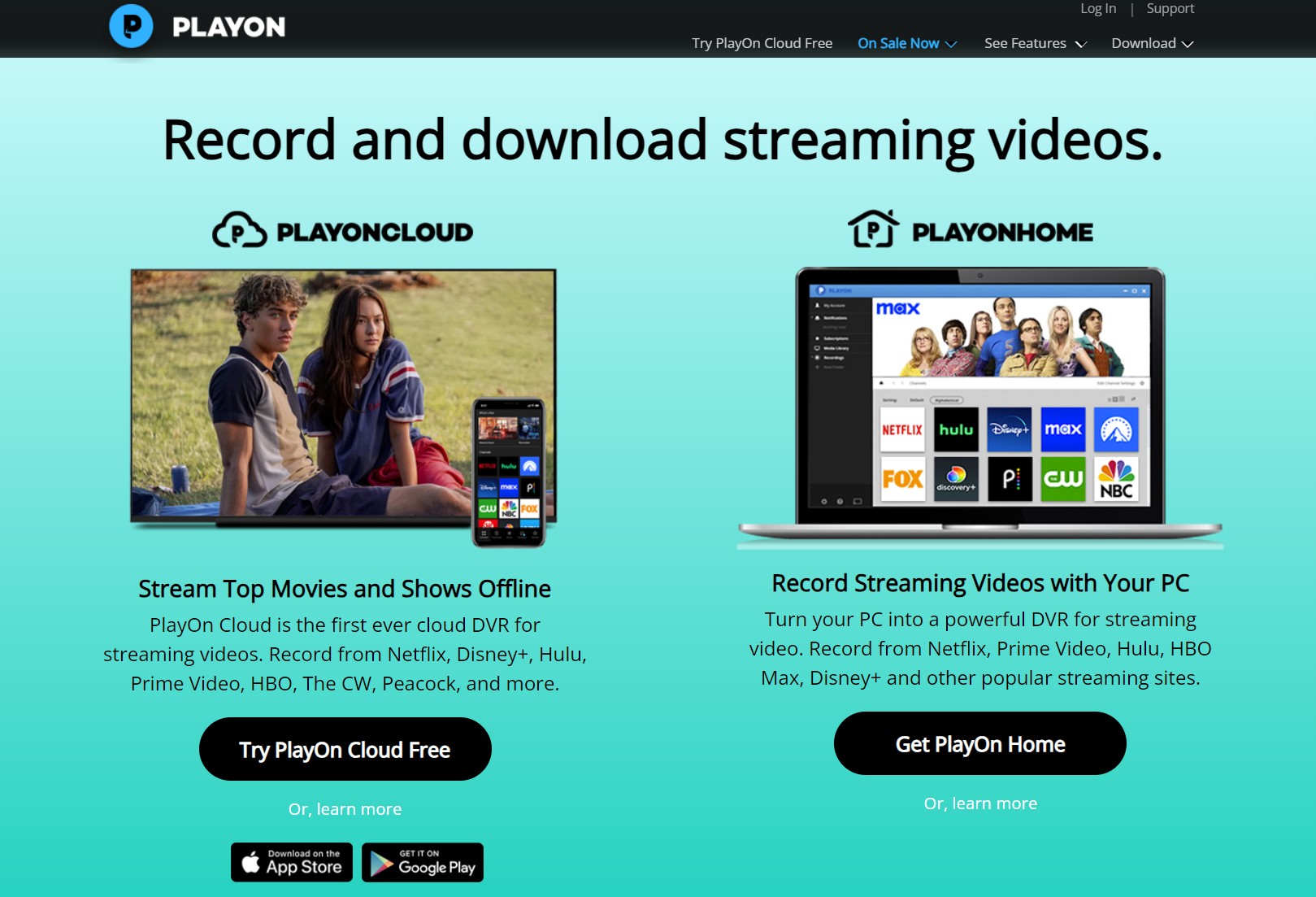
| Pros | 🔹 Set a time to record new Netflix videos automatically 🔹 Get Netflix recorded 1080p/720p video 🔹 Free trial with money back guarantee to experience the functions |
| Cons | Very large file size, take up your storage space Time-consuming for a whole Netflix video |
| System | Playon Home: Windows PlayOn Cloud: Mac, iOS, Android |
| Review | PlayOn In-Depth Reviews: Is It Worth to Try |
Netflix Downloaders With Limited Trials
The tools below advertise limited trials, often restricting playback length or the number of completed jobs. Treat the listed limits as vendor-stated unless otherwise marked, because several current official product pages were not independently rechecked for this revision.
| Tool | Trial Limit | Note |
|---|---|---|
| StreamFab | 3 full videos | Free trial before purchase |
| Tunelf | First 5 minutes | UI simple; 1080p cap |
| MovPilot | First 6 minutes | Fast speed; occasional crash noted |
| Audials Movie | First 10 minutes | Recorder-based approach |
| KeepStream | 3 free downloads | Auto-download available |
| TunePat | First 5 minutes | HD with MKV/MP4 |
1. Tunelf Netflix Downloader
Tunelf Netflix Downloader is suitable for users who value a clean, easy-to-use interface.
Tunelf advertises a desktop workflow with output up to 1080p and a simple interface. Earlier 4K language should not be treated as proof of 4K output, and its current trial, codec, and quality claims should be confirmed against the current product before purchase.
Its main fit is usability rather than verified differentiation. I would not rank it on a 4K promise without a current file that confirms the actual resolution and playback characteristics.
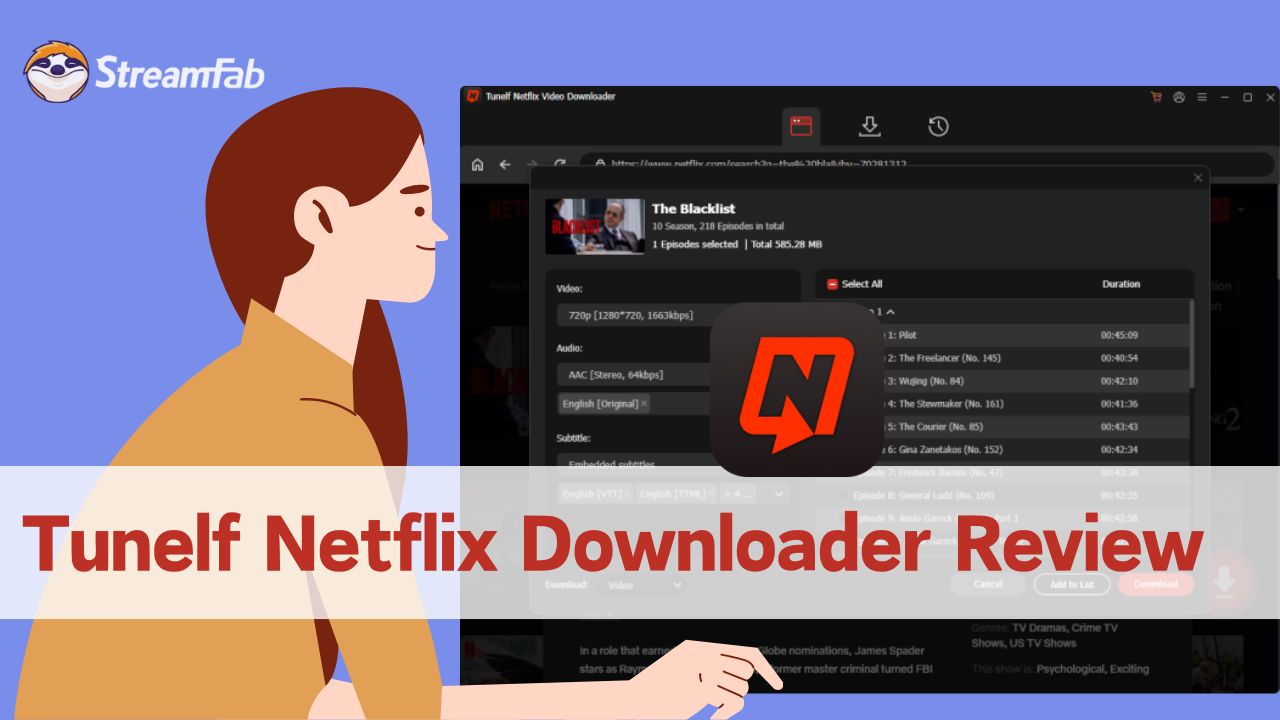
| Pros | 🔹 Supports downloading Netflix videos in up to 1080p, which meets the needs of most users 🔹 Offers output in both MP4 and MKV formats, with good compatibility 🔹 Multiple subtitle encoding options: internal, external, and hardcoded subtitles 🔹 Simple and clean UI, easy for beginners or those who prefer a minimalistic interface |
| Cons | Initial claims of 4K support are misleading; actual max resolution is 1080p, which may affect user trust Free trial limits downloads to the first 5 minutes of each video, restricting full feature experience Download speed is average without notable acceleration |
| System | Windows/Mac |
| Review | Tunelf Netflix Downloader Review |
2. MovPilot Netflix Video Downloader
MovPilot Netflix Video Downloader is suitable for users who want fast downloads with support for multiple subtitle formats but can tolerate occasional crashes.
MovPilot advertises Windows and Mac support, output up to 1080p, and MP4 or MKV files. Its claimed acceleration should not be read as a guaranteed speed because performance depends on the title, network, computer, and current Netflix compatibility.
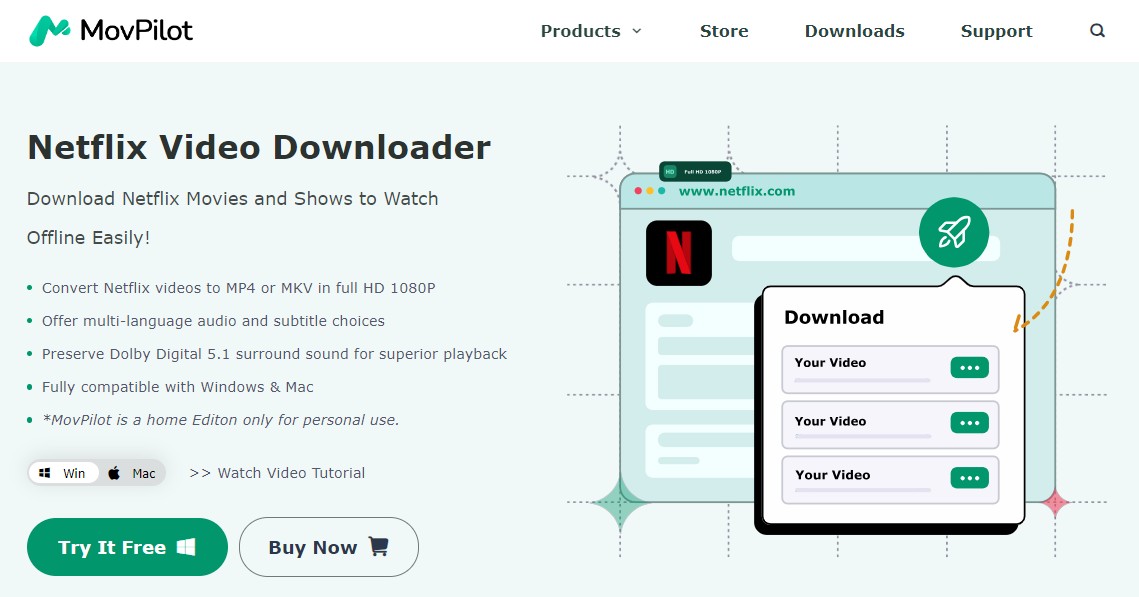
| Pros | 🔹 Select audio and subtitle language based on your choice 🔹 Download Netflix videos in 1080p high quality 🔹 MP4/MKV format is supported as the output file 🔹 Supports many subtitles: Soft, Hard, External, and Forced |
| Cons | The free trial version downloads only the first 6 minutes of each Netflix title Movpilot not working errors appear frequently (During the test, the download process halted at 99% or crashed abruptly, causing considerable distress.) |
| System | Windows PC 11/10/8.1/8/7 丨 macOS X 10.11 and above |
| Review | Movpilot Netflix Downloader Review |
3. TunePat Netflix Video Downloader
TunePat Netflix Video Downloader is a good choice for multilingual users wanting HD downloads and flexible codec options but limited by trial restrictions.
TunePat advertises Mac and Windows support, HD output, MP4 or MKV files, and H.264 or H.265 options. Its current official specifications could not be independently confirmed for this revision, so treat these details as vendor-stated. Mac-specific steps remain in the guide to downloading Netflix movies on a MacBook.
The visual similarities between products do not establish shared technology or identical reliability, so this review does not infer a relationship from interface design alone.
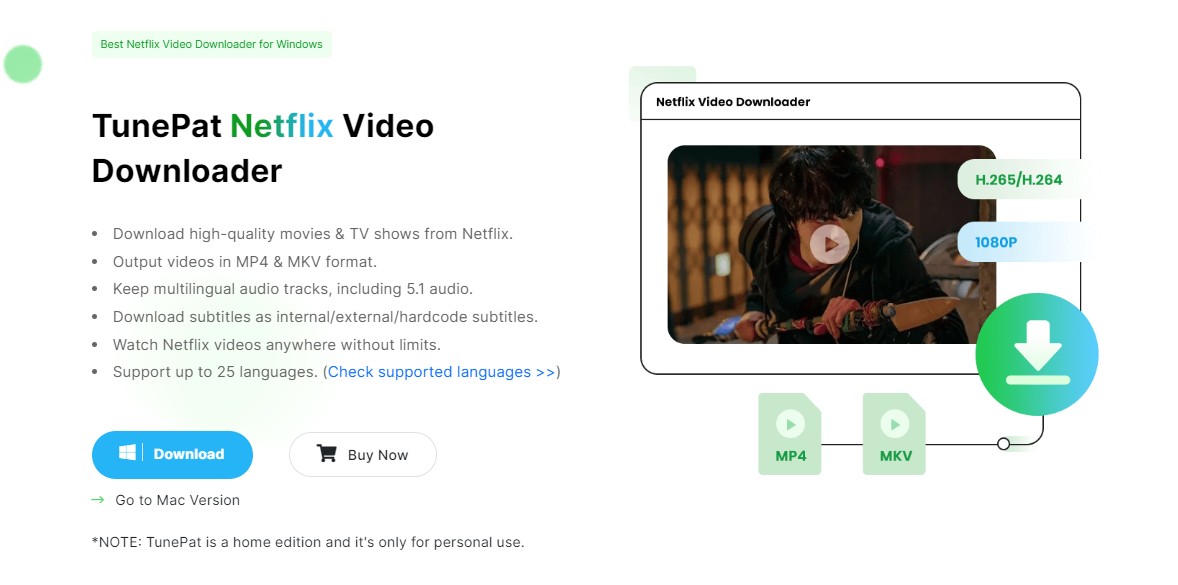
| Pros | 🔹 Supports up to 25 languages 🔹 Downloads Netflix movies and TV shows in HD quality 🔹 Saves Netflix video titles in MKV and MP4 formats 🔹 Provides three subtitles encoding ways: Internal/External and Hardcode |
| Cons | Download the first 5 minutes of Netflix video during the trial |
| System | Windows PC 11/10/8.1/8/7 丨 macOS 10.11 and above |
| Review | TunePat Netflix Video Downloader Review |
4. Audials Movie
Audials for Netflix is ideal for downloading short Netflix clips rather than full episodes due to its recording-based approach.
The Audials Movie differs slightly from the aforementioned Netflix downloader, as it saves videos through recording instead of downloading. This feature positioning implies that while the quality of the recorded video files may not be as high as downloaded ones, you are able to access some live videos through its recording function as opposed to a downloader.
If you need an occasional short clip for authorized personal use, the guide to screen recording Netflix explains that workflow. For full seasons, compare a desktop Netflix video downloader by processing time, output quality, audio, subtitles, and trial limits rather than assuming every recording or downloader produces the same result.
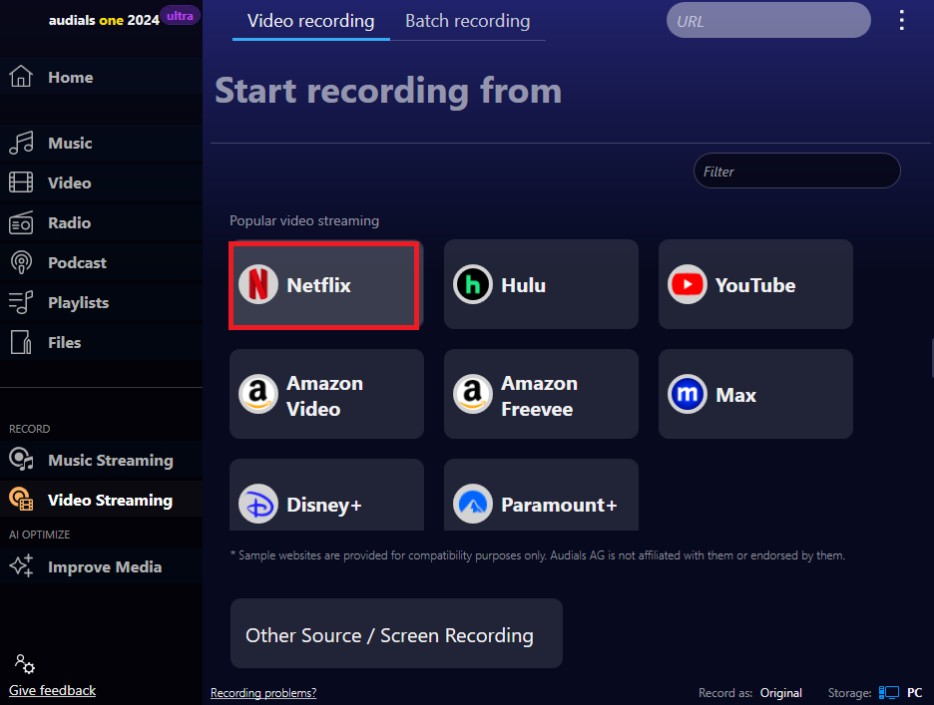
| Pros | 🔹 Record Netflix videos and save in MP4 files 🔹 Offer edition function 🔹 You can record Netflix videos with subtitles |
| Cons | No Mac version Can only save the first 10 minutes of the Netflix video during trial Time-consuming for a whole Netflix video |
| System | Windows only |
| Review |
5. Kigo Netflix Downloader
Kigo Netflix Downloader is suitable for users focused on quality downloads; however, the price is relatively high.
Kigo is presented as a standalone Windows and Mac application for users comparing local-file workflows to watch Netflix offline. Its current price and trial terms were not independently rechecked, so this review does not rank it by cost.
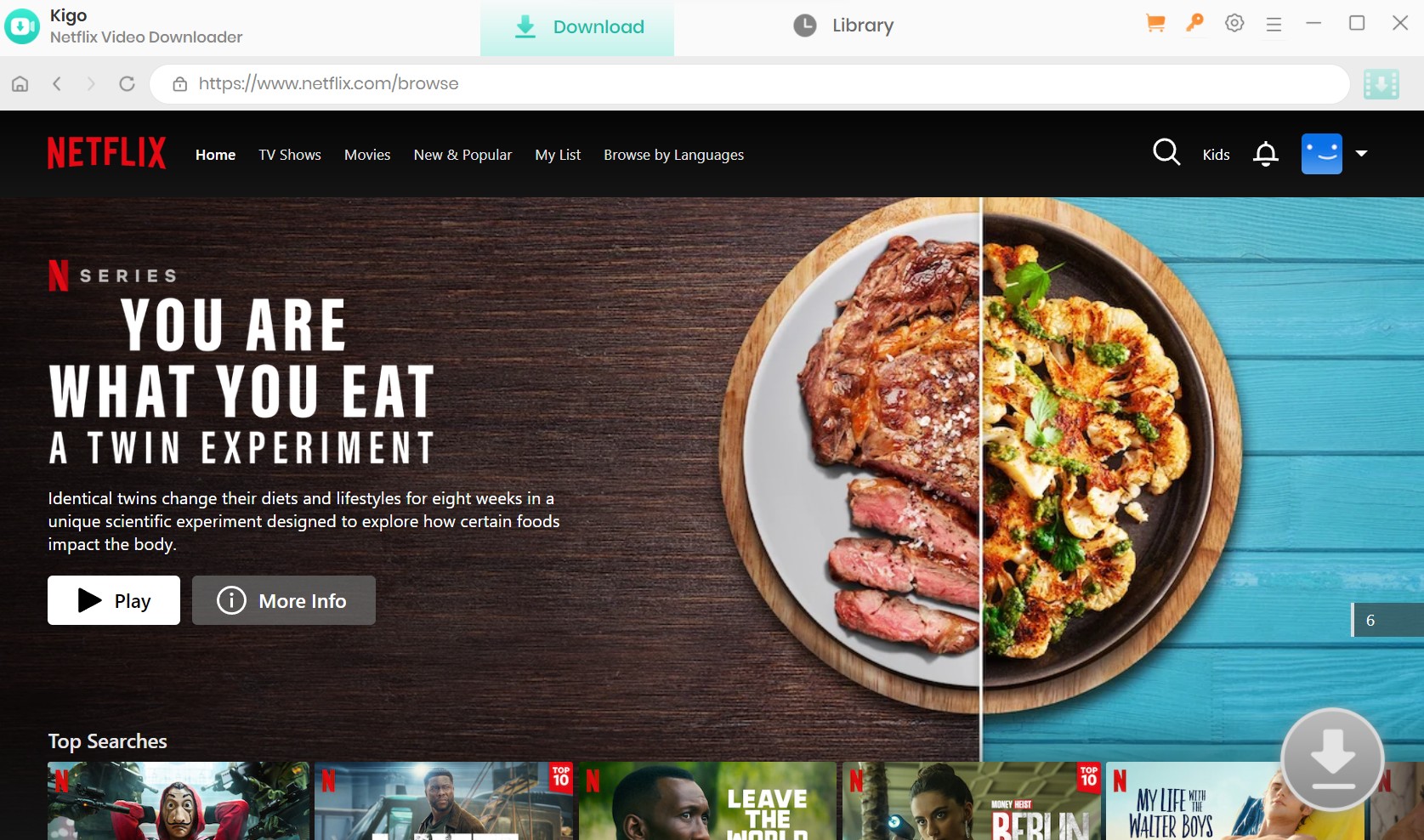
| Pros | 🔹 Download Netflix videos in 1080p resolution 🔹 Save Netflix video in mp4/mkv format 🔹 Download Netflix videos in the EAC3 5.1 audio track |
| Cons | Only download the first 5 minutes of Netflix videos during trial No All-in-One version |
| System | Windows, Mac |
| Review | Kigo Video Downloader: An In-Depth Review |
6. KeepStream Netflix Downloader
KeepStream Netflix Downloader is suited for monthly subscribers who want scheduled downloads and lossless quality.
KeepStreams states that it supports output up to 1080p, multiple queued titles, and scheduled downloads. Its current version cadence, trial allowance, and license pricing were not independently rechecked, so those points are not used to rank it against StreamFab.
| Pros | 🔹 Download Netflix videos in up to 1080p HDRwhere available 🔹 Save Netflix episodes and movies in MP4/MKV format 🔹 Set a time to download new Netflix videos automatically |
| Cons | Free trial with 3 chances to download Netflix videos |
| System | Windows PC 11/10/8.1/8/7 丨 macOS 12.0 or newer |
7. Pazu Netflix Downloader
Pazu Netflix Downloader fits users who prefer a simple interface with an integrated Netflix browser, but lack of auto-download function may be a drawback.
Pazu advertises an integrated Netflix browser for searching and processing films and series on a personal computer. Its current official product details could not be independently confirmed for this revision, so its quality, trial, and compatibility claims require verification.
| Pros | 🔹 In-built Netflix browser to search for the movies and episodes you want to download 🔹 Download 1080p Netflix movies and episodes 🔹 Multiple language UI interface |
| Cons | No specific resolution option, only high/medium/low No auto-download function |
| System | Windows PC 11/10/8.1/8/7 丨 macOS 12.0 or newer |
| Review | Pazu Netflix Video Downloader Review |
Compare Trial, Quality, Format, Price Model, and Fit
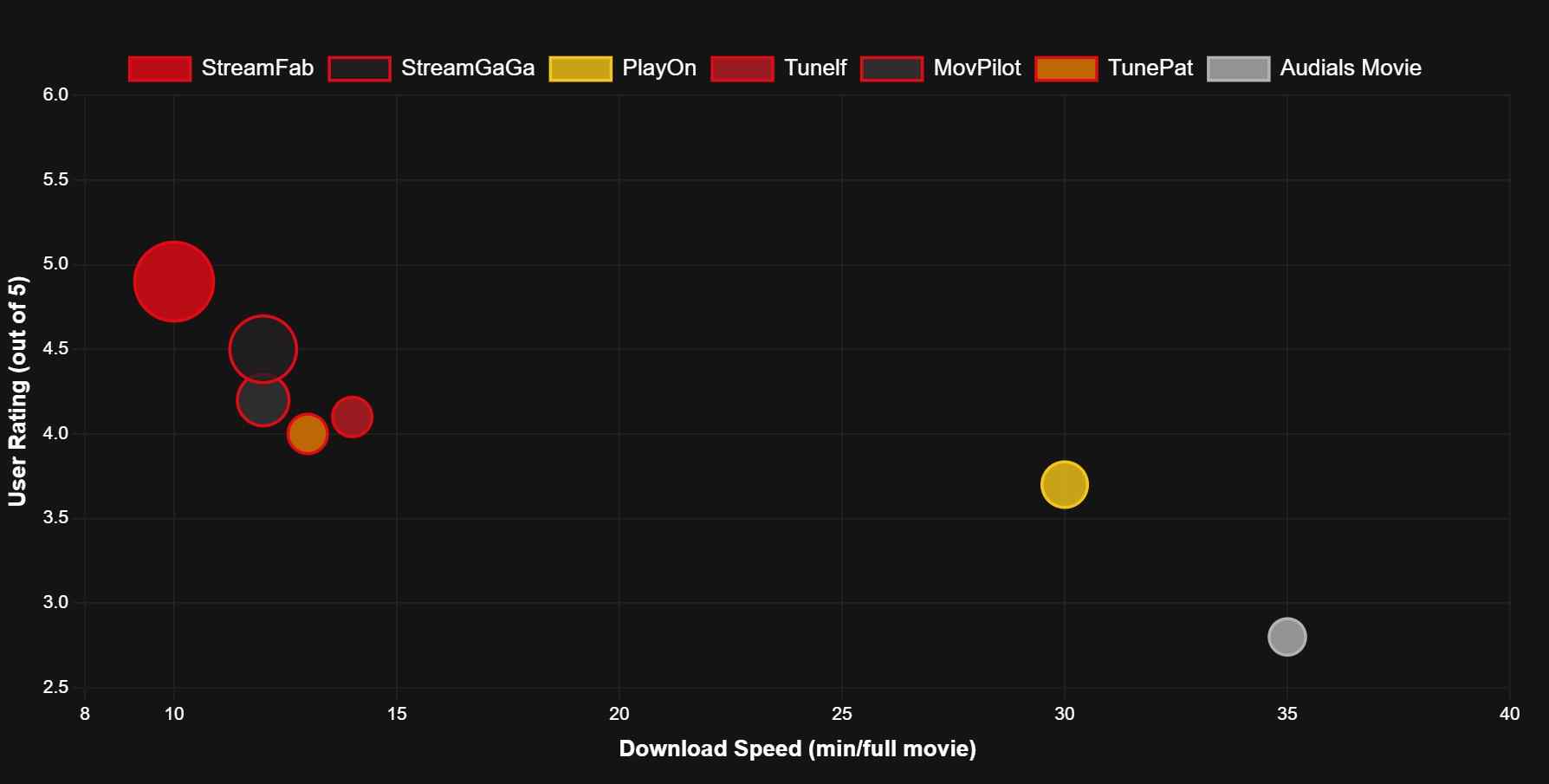
This table separates verified StreamFab specifications from vendor-stated or not independently rechecked competitor details. Fixed dollar prices are not listed because license terms and promotions vary; the price column identifies the current comparison status instead of presenting stale figures.
| Tool | Max quality | Output format | Trial status | Scheduled workflow | Verification status | Price status |
|---|---|---|---|---|---|---|
| StreamFab | Up to 1080p HDR where available | MP4/MKV | Trial available; usage limits apply | Yes | Official specs checked in July 2026 | Varies by license term and promotion |
| StreamGaGa | Vendor-stated up to 1080p | MP4/MKV | Vendor-stated trial; current limit not rechecked | Vendor-stated yes | Current details not independently rechecked | Varies by license term and promotion |
| PlayOn | Recorded output varies by plan and device | MP4 | Trial terms vary by product | Recording schedule available | Active service; current limits not rechecked | Varies by plan or recording credits |
| Tunelf | Vendor-stated up to 1080p | MP4/MKV | Vendor-stated first 5 minutes | No scheduled claim verified | Current details not independently rechecked | Varies by license term |
| MovPilot | Vendor-stated up to 1080p | MP4/MKV | Vendor-stated first 6 minutes | No scheduled claim verified | Limited March 2026 comparison data | Varies by license term |
| TunePat | Vendor-stated HD output | MP4/MKV | Vendor-stated first 5 minutes | Not confirmed | Verification needed | Varies by license term |
| Audials Movie | Recorded output varies by workflow | MP4 | Vendor-stated first 10 minutes | Recording workflow | Current details not independently rechecked | Varies by edition or plan |
| Kigo | Vendor-stated up to 1080p | MP4/MKV | Vendor-stated first 5 minutes | Not confirmed | Current details not independently rechecked | Varies by license term |
| KeepStreams | Vendor-stated up to 1080p HDR | MP4/MKV | Vendor-stated limited trial | Vendor-stated yes | Current details not independently rechecked | Varies by license term and promotion |
| Pazu | Vendor-stated up to 1080p | MP4/MKV | Current trial terms not confirmed | Vendor states no automatic scheduling | Verification needed | Varies by license term |
How to Read the Comparison and Troubleshoot Common Failures
Most desktop workflows in this comparison should be evaluated around an output ceiling of up to 1080p. HDR, Dolby audio, and specific subtitle tracks depend on the Netflix plan, title, playback stack, and what the tool can expose in the current version.
If a downloader falls back to 540p or 720p, cannot offer 1080p, loops at the analyzing stage, or produces login or playback errors, first update the software, sign in again, retry a different authorized title, and check the Netflix plan and device quality limits. Version changes may restore compatibility, but no tool should be assumed to expose every quality option for every title.
Most tools top out at 1080p; many preserve HDR effects. For HDR playback tips and supported devices, see our guide to Netflix HDR content.
| Dimension | StreamFab (Desktop local-file workflow) | PlayOn | Tunelf |
|---|---|---|---|
| Output Quality | ✅ Up to 1080p HDR where available | ⚠️ Recorded output varies by product | ⚠️ Vendor-stated up to 1080p |
| Workflow | ✅ Recording-based processing | ⚠️ Screen or cloud recording | ⚠️ Desktop processing; current details not rechecked |
| Trial | ✅ Available with usage limits | ⚠️ Varies by product | ⚠️ Vendor-stated first 5 minutes |
Free Netflix Downloaders Have Trade-Offs
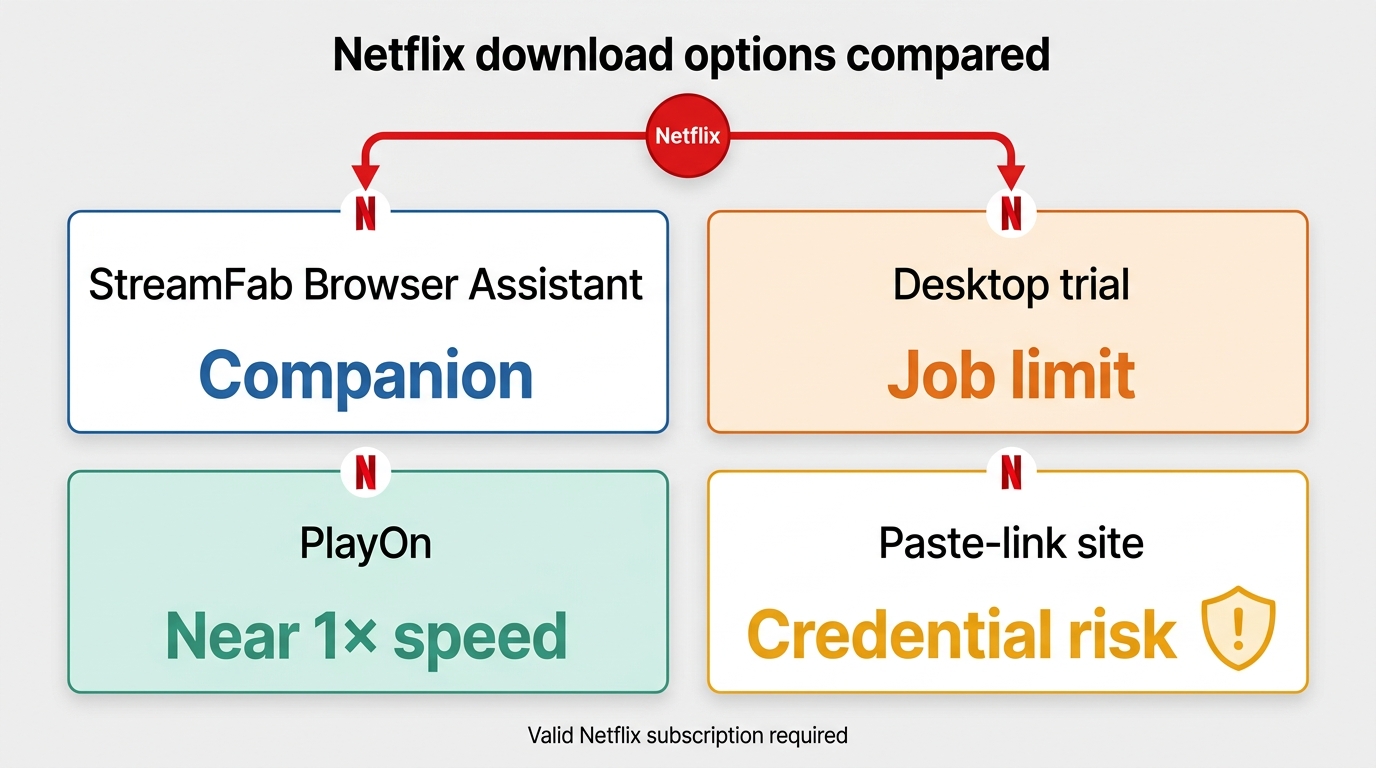
Free Netflix downloader searches surface browser assistants, short desktop trials, recorders, and paste-link websites. These are not interchangeable: browser assistants may depend on companion software, trials may limit duration or completed jobs, and recorders usually operate near playback time.
Unknown extensions and online sites can create credential, session, file-safety, and quality risks. Avoid entering Netflix credentials into an unverified website, review the requested permissions, and prefer a clearly identified vendor workflow over an anonymous paste-link service.
StreamFab Browser Assistant
StreamFab Netflix Downloader for Browser provides a lighter alternative for users who prefer a browser-based interface. It is maintained by the StreamFab team, but quality and compatibility still depend on the current Netflix workflow, title, plan, and supported environment.
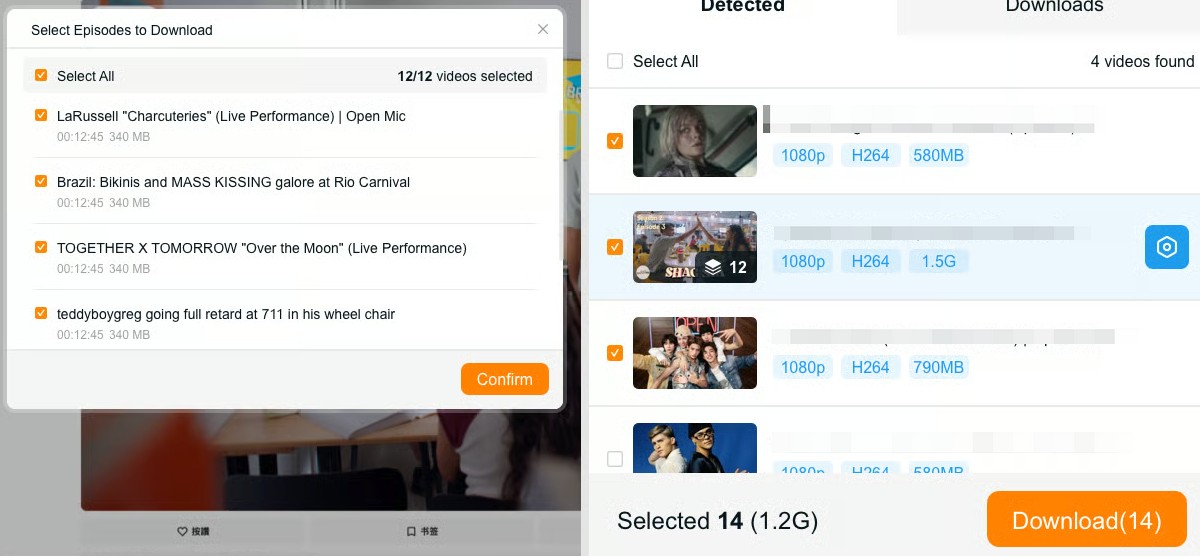
- Quality Depends on the Current Workflow
The browser assistant uses a companion workflow rather than relying only on standard browser behavior. It may offer output up to 1080p when the title, plan, environment, and current Netflix compatibility allow it. - Install From an Identified Vendor
The extension is maintained by the StreamFab team. Install it from the official product page or its verified store listing, review requested permissions, and keep the software updated. - Batch Mode
Despite being a "light" version, it still allows you to detect and add entire seasons to your download queue with one click.
Install StreamFab Netflix Download for Browser through the official StreamFab website or its verified store listing, and review the permissions before signing in.
This browser workflow focuses on Netflix. Readers who need other streaming services should compare the supported-platform list and current availability on the official StreamFab site.
Online Netflix Download Sites Carry Higher Risk
Paste-link websites often cannot process a Netflix title without additional account access, browser data, or locally installed software because Netflix playback is tied to an authenticated subscription session.
Avoid services that request your Netflix password, session data, unexpected extensions, or executable files without a clear vendor identity. Even when a site returns a file, its source, quality, subtitle support, and file safety may be unclear.
4K Netflix Downloader Claims Need Caution
Most Netflix downloader workflows in this comparison should be evaluated around output up to 1080p. Actual 4K availability depends on the Netflix plan, title, device, playback stack, and whether the output workflow can preserve that resolution.
Claims of 4K output should be supported by the resulting file's verified dimensions and playback characteristics, not by a product-page label alone. Unsupported promises deserve caution, especially when the trial cannot produce a representative full-length sample.
FAQs
Can I still download Netflix on Windows?
No. The new Netflix app for Windows no longer supports offline downloads. If you prefer a desktop workflow, use a downloader workflow on PC, or keep using the official mobile apps on supported devices.
What are the current download limits and device rules?
Ad-supported plans allow a small monthly quota per device, while ad-free plans allow a higher number of active downloads per device. Limits can reset monthly and vary by plan and region. For practical tips, error meanings, and ways to manage slots, see our guide to Netflix download limit.
Why does the "Download" button disappear on some titles or devices?
Availability depends on licensing, region, and whether your device supports the feature. The button can also vanish after you hit device or title limits, or if a title's offline window expires. Switching devices, clearing expired items, or adjusting your plan typically restores download options.
How do I watch offline on a laptop now that the Windows app has removed downloads?
Mobile apps still support offline viewing; on laptops and desktops, a downloader workflow lets you save titles for flexible playback. Choose formats like MP4/MKV and manage audio/subtitles per title. For device-specific steps and trade-offs, see our guide on how to download Netflix movies on laptop.
Conclusion
Choose by workflow rather than headline claims. StreamFab fits Windows and Mac users who need MP4 or MKV output, up to 1080p with HDR and multi-channel audio where available, plus batch or scheduled processing. A recorder may be sufficient for an occasional short clip, while unknown extensions and paste-link sites expose more credential and file-safety uncertainty. In every case, use an active Netflix subscription and keep saved material within authorized personal use.

Protected Netflix video can appear black in Discord screen shares. Set up a synchronized watch party with Teleparty and use Discord for voice chat, with eligible access for each participant. Learn how personal offline playback differs and how to troubleshoot ordinary, unprotected screen sharing.
By Nicole Lopez - Sep 28, 2026
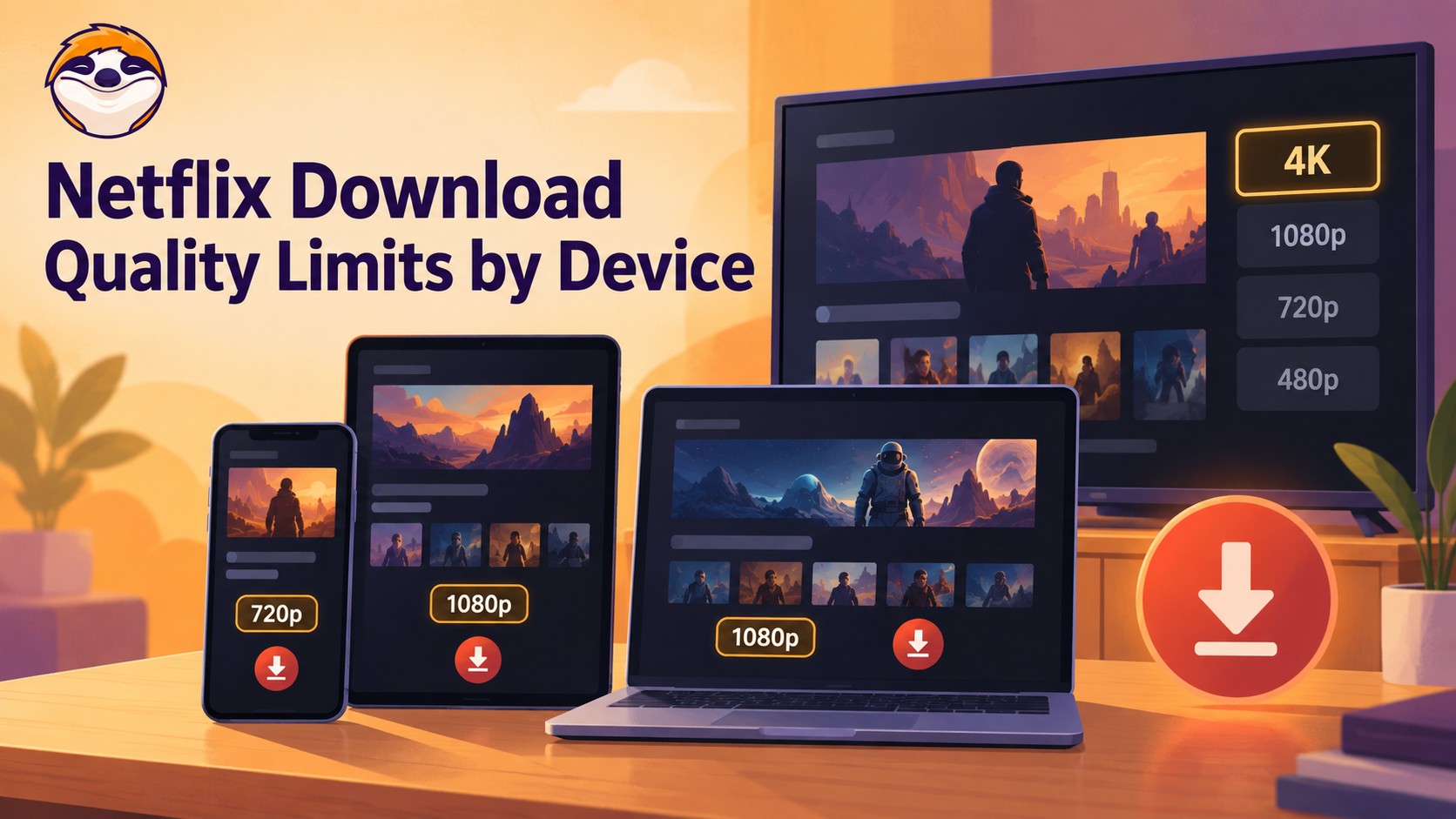
Netflix streams eligible titles in 4K, but official offline downloads stop at up to 1080p and are unavailable on Windows and Mac. Compare supported devices, check title eligibility, and understand how app-managed downloads differ from local MP4 or MKV files for personal offline viewing.
By Jacob Harrison - Sep 24, 2026
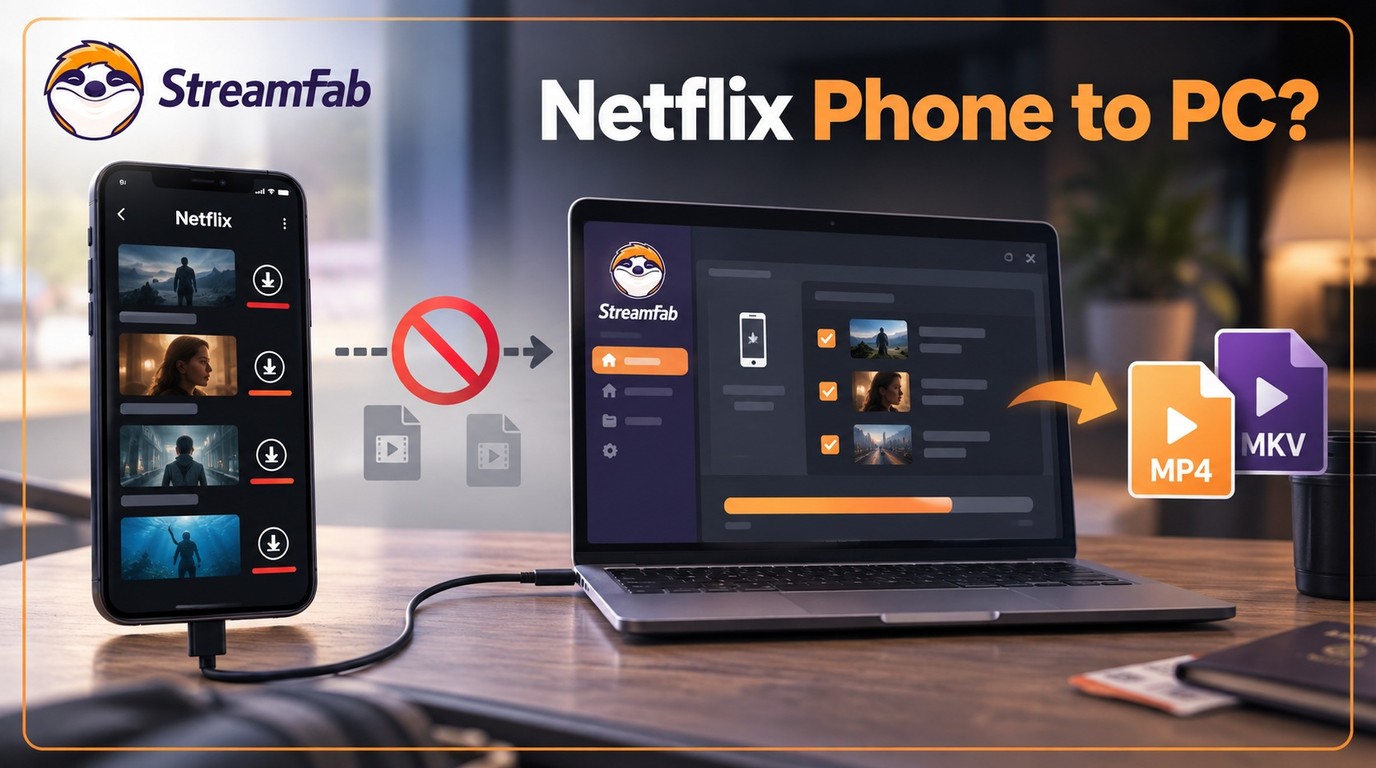
Can I transfer Netflix downloads from phone to computer? No direct method exists due to strict DRM, but you can convert them to MP4 for permanent cross-device offline viewing.
By Jacob Harrison - Sep 16, 2026
Netflix does not provide a native download path for macOS, but Mac users still have practical offline routes. This guide compares official iPhone and iPad downloads, cloud recording, and a desktop MP4/MKV workflow, with device requirements, measured StreamFab results, BlueStacks caveats, and troubleshooting steps.
By Marcia Hatcher - Sep 3, 2026