





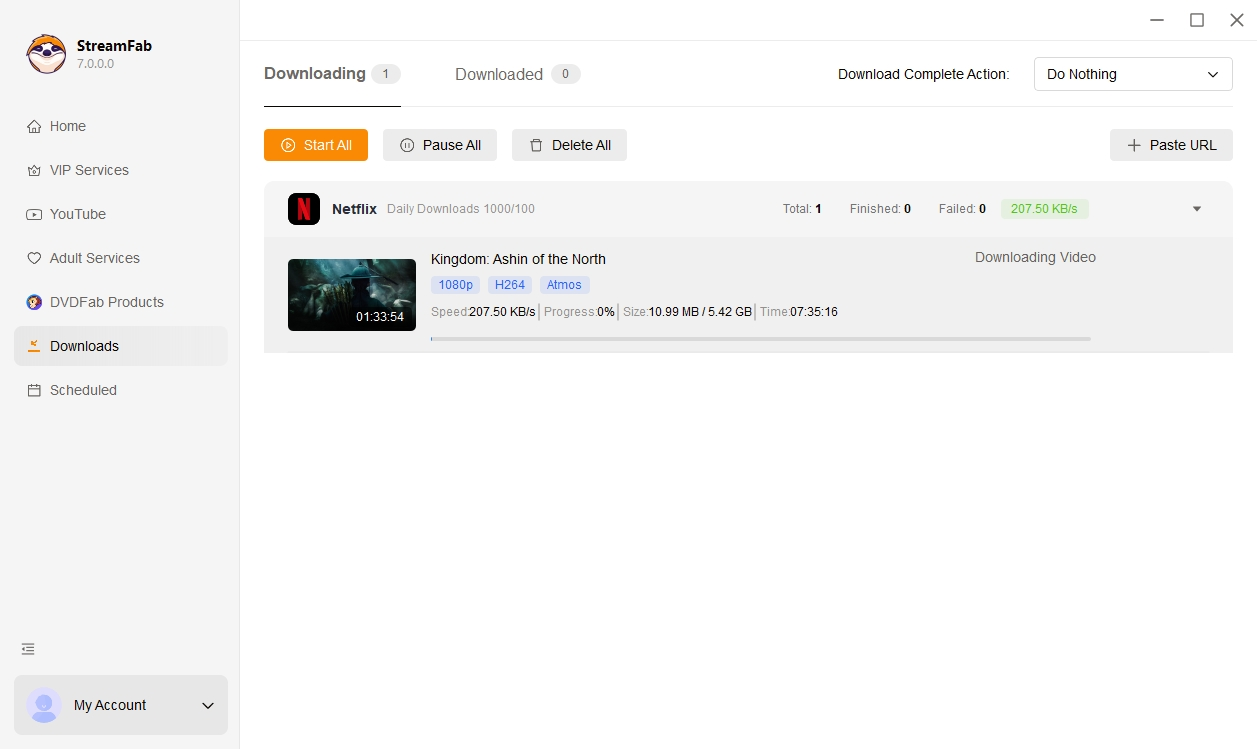
• Download videos from all Netflix regional sites

    Download videos from all Netflix regional sites

  • Download new Netflix episodes and movies at a scheduled time

    Download new Netflix episodes and movies at a scheduled time

  • Download Netflix videos in 1080P with HDR and Dobly vision

    Download Netflix videos in 1080P with HDR and Dobly vision

  • Explore Netflix videos with its in-built browser

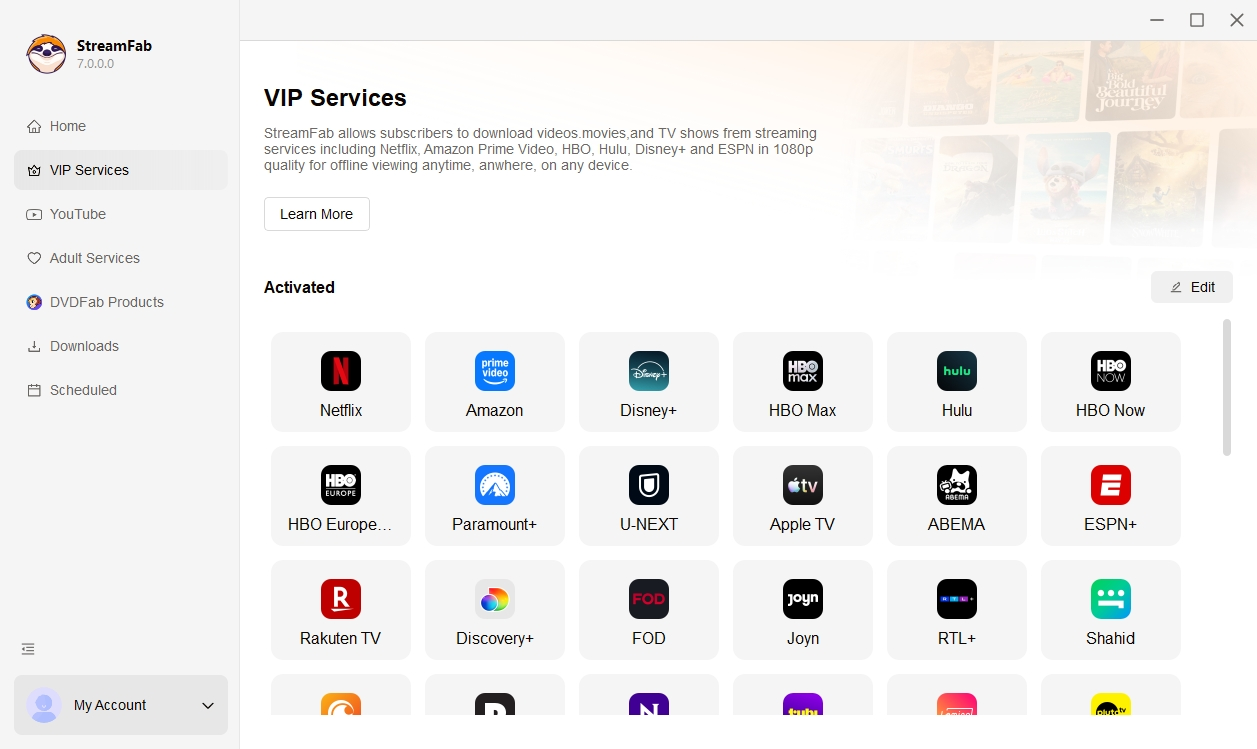
    Explore Netflix videos with its in-built browser

StreamFab: Have for Binge-Watching Fantasy!

Advanced Technology

Industry's leading downloader solution

Netflix offers an offline watching function, but there are certain download limitations in place. Not all titles can be downloaded, and the downloads are limited to mobile devices. Moreover, the downloaded videos usually become unavailable after 30 days, and if you start watching them, you must finish within 48 hours. 

With StreamFab Netflix Downloader, you can keep a local copy of the movies and episodes you can already watch on Netflix, so that you can manage your personal offline viewing more flexibly across your own devices during your valid subscription period.

netflix video downloader
Reliable and Verified

Trusted by 80+ million users globally

As one of the best Netflix video downloaders, StreamFab has been downloaded 100+ million times and has become a trusted choice for 80+ millions of users worldwide. 

StreamFab Netflix Downloader has received praise from numerous users on reputable platforms such as Trustpilot, G2, and Reviews.io. The download success rate for Netflix movies and episodes reaches as high as 99%.
globally used netflix video downloader

Enjoy Flexible Outputing with StreamFab Now

Excellent Downloading Quality

Flexible choice on Netflix video and audio quality

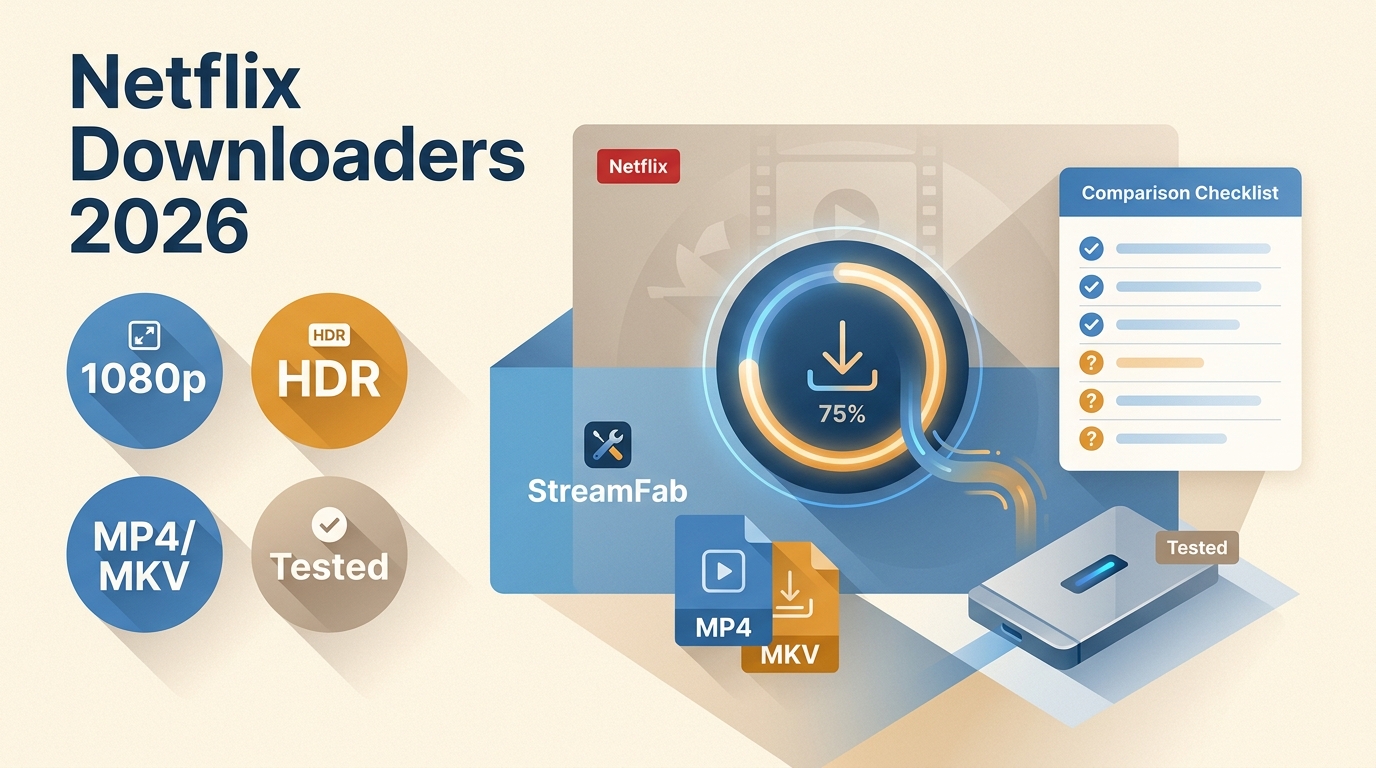
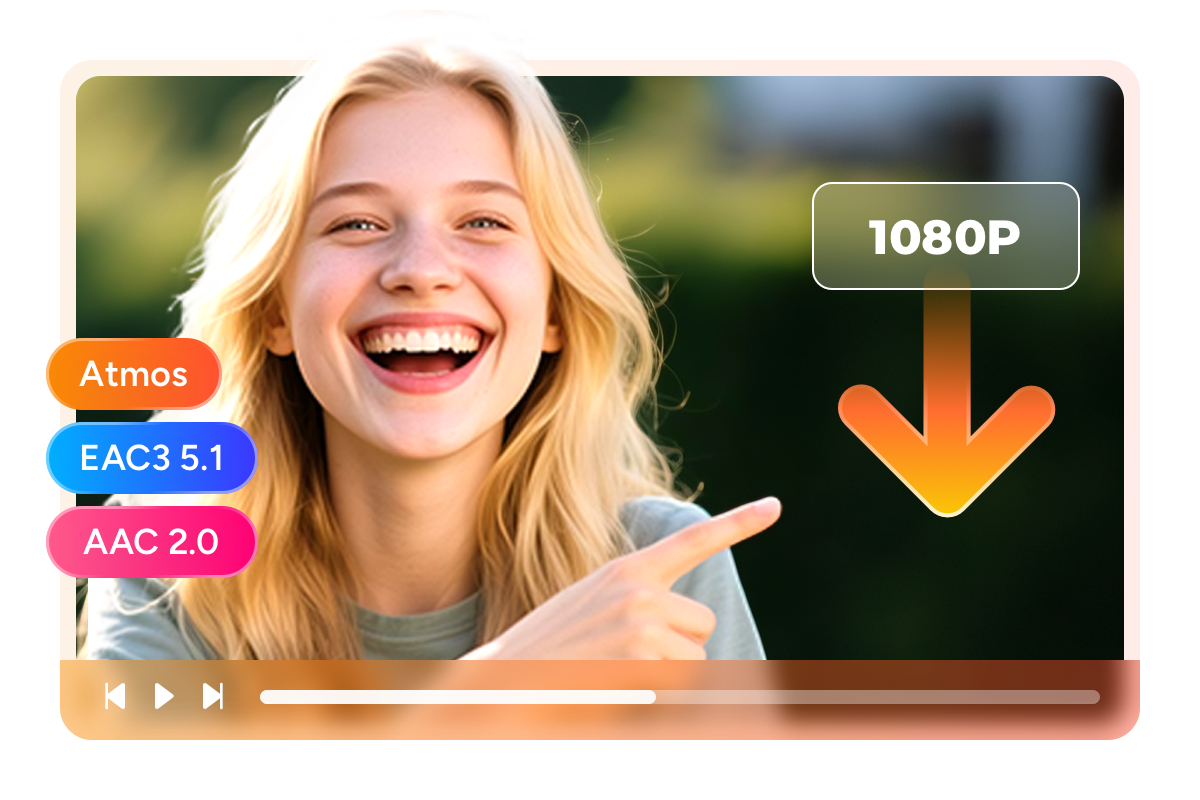
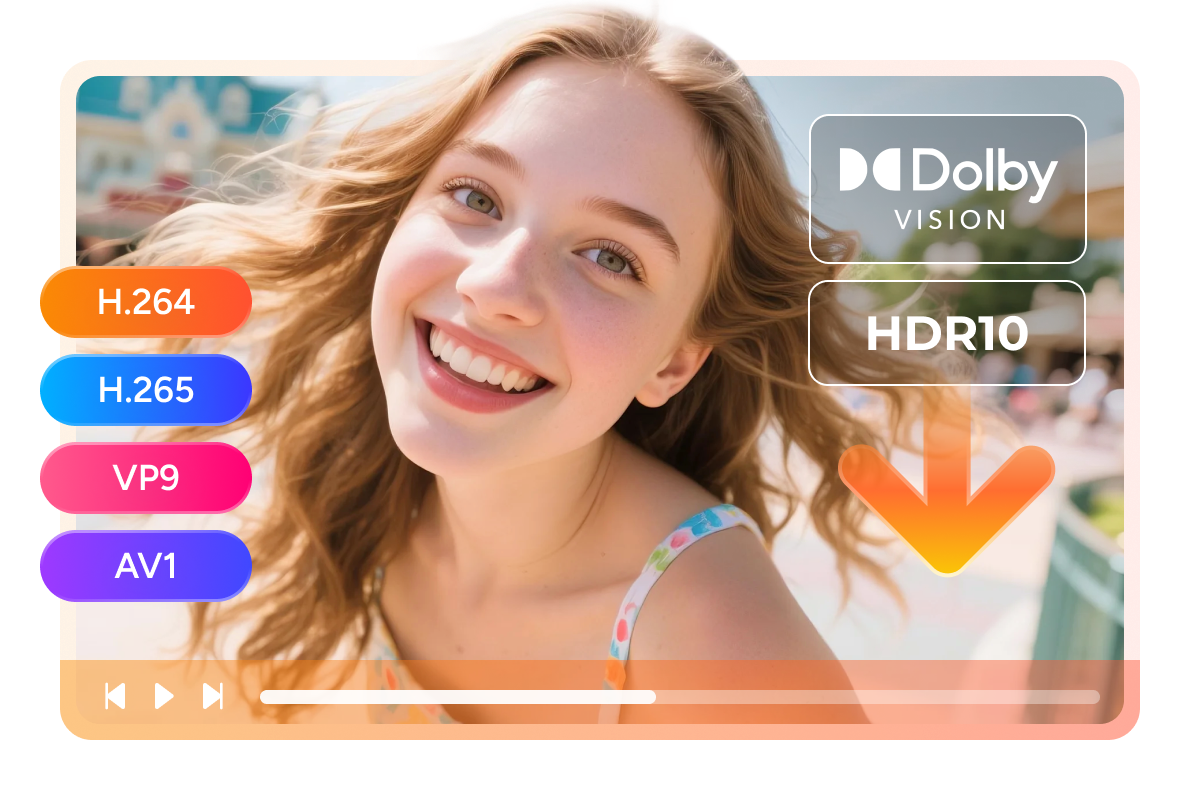
HDR technology enables higher image quality than traditional standard videos, therefore streaming platforms like Netflix offer a plethora of 1080P videos supporting HDR10 and Dolby Vision. 

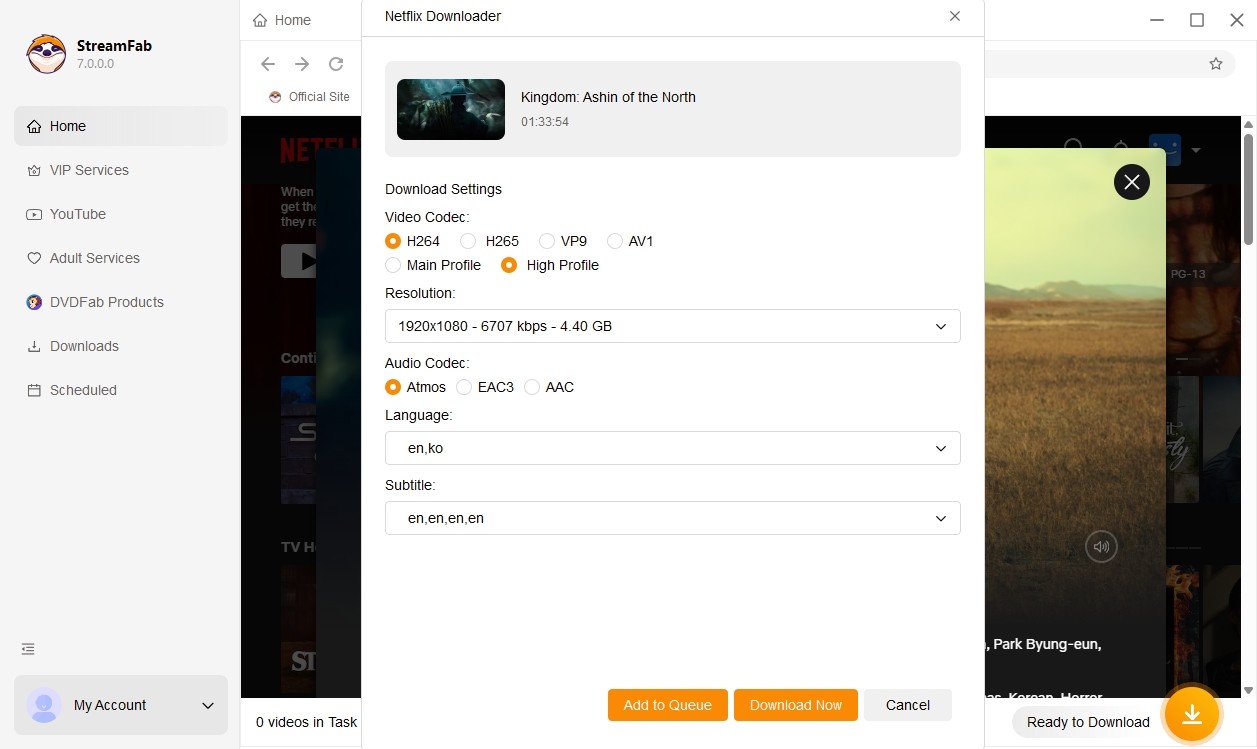
With StreamFab, you can download Netflix movies on Mac and Windows PC or laptop, and maintain Netflix 1080P quality, preserving the original HDR and Dolby Vision effects, and choose the audio quality of Atmos, EAC3 5.1, and AAC 2.0 based on your needs. 

*Content in HDR and Dolby Vision can only be accessed by subscribers of Netflix’s premium package.
download netflix video in HD quality
Multiple Format Available

Download Netflix movies and episodes as MP4/MKV files

Streaming content from Netflix is generally intended to be played back within the official Netflix app. StreamFab Netflix Downloader helps you save the titles you can legally watch as local MP4 or MKV files for personal offline viewing on compatible devices, during your valid subscription and in line with Netflix’s terms of use and applicable copyright laws.

This makes it easier to enjoy the Netflix titles you are entitled to watch offline on the devices you use most often, and to organize them for personal playback across your own smartphones, tablets, laptops and other compatible devices.

download netflix video
Optional Video Codec

Download Netflix videos in H.264/H.265/VP9/AV1 video codec

Netflix typically offers videos in four types of video encoding: H.264/H.265/VP9/AV1. For the same video, H.265 is smaller in size compared to H.264. When using StreamFab Netflix Downloader, you have the option to select between the H.264, H.265, VP9, and AV1 codecs. If storage capacity is a concern for you, it is advisable to opt for H.265, otherwise, choose H.264 videos.

*H.265 only supports HDR 10 and Dolby Vision. It does not support H.265 SDR streaming videos.
download netflix video
Save and Remux SRT Files

Save subtitles as SRT files or remux into Netflix video

When using StreamFab Netflix Downloader to download movies and episodes, you have the option not only to download Netflix subtitles in multiple languages, but also to freely choose whether to save the subtitles as SRT files or to integrate them back into the video. The choice is yours!
download netflix video with sub

Perfect Netflix Downloading Experience You Get

netflix episode downloader

Schedule Mode and Auto Download

Download newly released Netflix episodes or movies automatically at a set time
netflix episode downloader

Batch Mode and Fast Speed

Add multiple Netflix episodes and movies to the download task queue. Generally, a 2h full movie on Netflix can be finished within 30 minutes
download netflix video

Preset Audio & Subtitle Language

Pre-select audio and subtitles of Netflix movies or episodes for downloading as per the default UI language
netflix video download

Enjoy A Smoother Offline Viewing Experience

To provide a more comfortable offline experience, StreamFab focuses on the main video content when saving titles you can legally watch on ad-supported plans, so that your personal offline copies can be played back with fewer interruptions, where technically feasible. This does not change your Netflix membership plan or how ads appear in the Netflix app, and you should always follow Netflix’s terms of use.

More Than Downloading

Advanced Technology

Download Media Server Friendly Metadata Info

You can have all the meta info such as title, cast, and cover right there when your Netflix video is downloaded. This Netflix video downloader makes it easier to organize the titles you have saved for personal offline viewing, for example when building a private media library on PlayerFab, Plex, Kodi or Jellyfin, provided you comply with all applicable copyright laws and the terms of your streaming services.

netflix video downloader

80+ Millions of People Like Us

launch StreamFab Netflix Downloader
Step 1. Select the StreamFab Netflix Downloader

Install StreamFab Netflix Downloader and open it on your computer.

Step 2. Access Netflix within StreamFab

Sign in to your own Netflix account in the built-in browser and browse the titles you are legally entitled to watch on Netflix.

Step 3. Manage your personal offline viewing

Follow the on-screen prompts to save selected titles for personal offline viewing and organize them in the downloading queue, in line with Netflix’s terms of use and applicable copyright laws.

System Requirements

Icon
Windows 11/10 (32/64 bit)
Intel i3 or above
4GB of RAM or above
40GB of free hard disk space or above
Live Internet connection required

Tips & Tricks for Downloading Netflix Video

  • TOP 10 Best Netflix Video Downloaders: Honest Review 2025

    TOP 10 Best Netflix Video Downloaders: Honest Review 2025

    Seeking the best Netflix video downloaders? Stay with us to find some of the top 10 popular Netflix downloader with verified pros and cons.

    By Nicole Lopez - Aug 29, 2025
  • How to Download Netflix on a Laptop in 2025: Windows, Mac & Chromebook

    How to Download Netflix on a Laptop in 2025: Windows, Mac & Chromebook

    Netflix removed laptop downloads for Windows/Mac. Find real ways to watch Netflix offline on laptops in 2025, including Chromebook and safe alternatives.

    By Nicole Lopez - Nov 14, 2025
Fair Use Policy: StreamFab is legal only for personal needs and it's not allowed to share the downloaded content with any third party.

To avoid being blocked by streaming providers, a StreamFab licensed account has a quota of 100 downloads per day, and 700 downloads per week from each supported streaming service. Whenever some of it is used up, it will refill during the next time cycle.