3 Ways to Save Udemy DRM Videos as Local Backups

Summary: Can you save Udemy DRM videos as a local personal backup? Why do you only get a black screen file? This guide addresses the technical hurdles of creating a personal backup, specifically explaining the latest methods in 2026.
In short: Udemy DRM controls how authorized course videos are delivered, so official downloads may remain inside the app rather than becoming ordinary files.
To save Udemy videos for personal offline use, start with the official option and then weigh three practical paths. Your decision depends on course eligibility, current access rights, portability, time cost, and tool maintenance.
This guide explains those tradeoffs without treating a local copy as guaranteed.
If you are trying to save Udemy videos, an app-only download or a disabled download option can be frustrating. Browser extensions and generic download managers may expose separate media segments instead of a usable file, while protected playback can also create display-capture issues. The underlying factor is often Udemy’s DRM (Digital Rights Management).
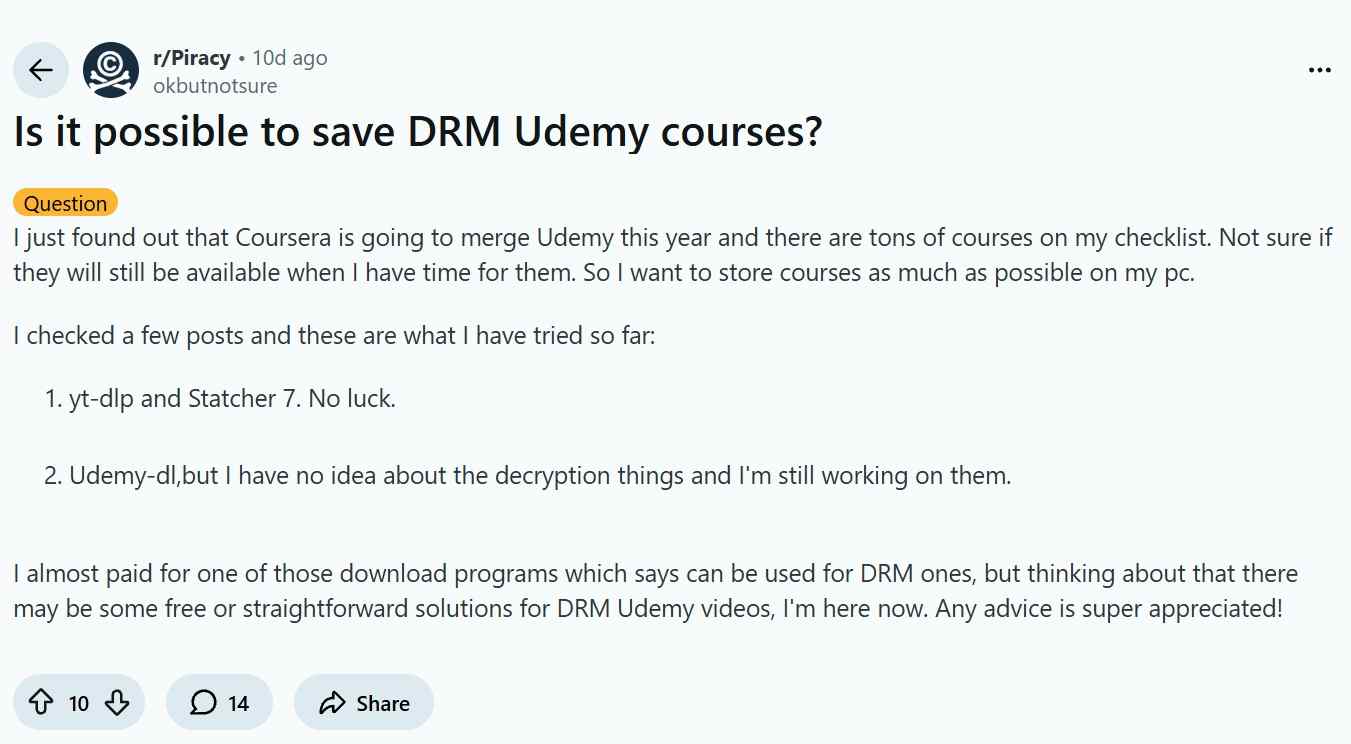
For learners, the important question is less about whether DRM exists and more about which authorized offline format fits the way they study. This guide explains what Udemy DRM does, how official downloads differ from portable files, and the tradeoffs behind three ways to save course videos for personal offline use.
Why Udemy Uses DRM
Udemy DRM is an access-control system for protected course playback. A purchase or subscription grants access under the applicable course license and platform terms; it does not automatically provide an ordinary video file. Udemy can deliver protected video through segmented streaming formats such as Adaptive Bitrate Streaming (HLS/DASH), which is why standard video tools may not produce a complete playable file. In practical terms, the relevant choice is between app-based offline access and a workflow that creates a portable local file.
- App Lock-in: You cannot move the video to a media player like VLC or store it on a NAS drive.
- The Black Screen Error: If you try to take a screenshot or record an offline copy, the DRM layer often detects the capture attempt and blacks out the video feed while leaving the audio running.
- Split Streams: The video and audio are sent as separate, encrypted tracks. Most free tools cannot merge (remux) these legally or technically, leaving you with broken files.
Official Udemy Downloads Have Limits
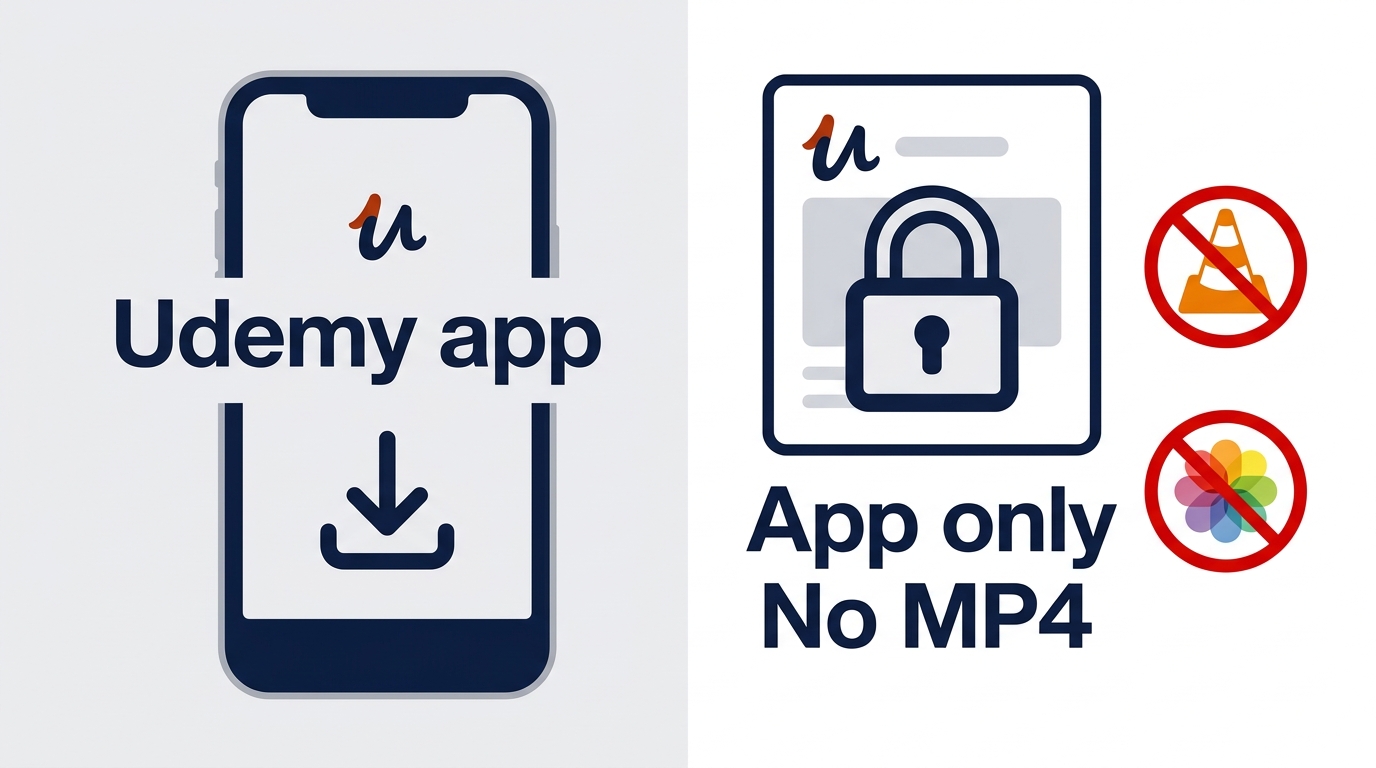
Udemy’s official downloads are the simplest option when they are available, but they are designed for in-app offline viewing rather than portable local files. As of August 2026, official mobile downloads are encrypted and remain in the Udemy app, and some downloaded content requires reconnection after 30 days to restore access.
Downloading in the Mobile App
In the Udemy app, open an eligible course or lecture and use its download control for offline viewing. The download is stored in encrypted app storage, not in Photos, Gallery, VLC, or a normal file manager. This makes the official route convenient for travel and temporary offline study, but it does not create a portable Udemy MP4.
Downloading Eligible Lectures on a Computer
On a computer, the Download lecture option appears only when the instructor has enabled it and the lecture is eligible. A grayed-out or missing option does not necessarily mean the course was purchased incorrectly; it can reflect the instructor’s download settings or the lecture’s eligibility.
Official Downloads vs. Portable Files
Official downloads are managed inside the Udemy app and governed by current entitlement, while a portable file is intended for playback in a standard local media environment. The first route prioritizes convenience; the second adds portability but requires careful attention to authorized access, platform terms, and applicable law.
Captions and instructor-provided resources also vary by course. Not every caption, file, quiz, note, or discussion item is available as a portable download, so a useful backup plan starts by identifying which learning assets actually matter to you.
Three Ways to Save Udemy Videos
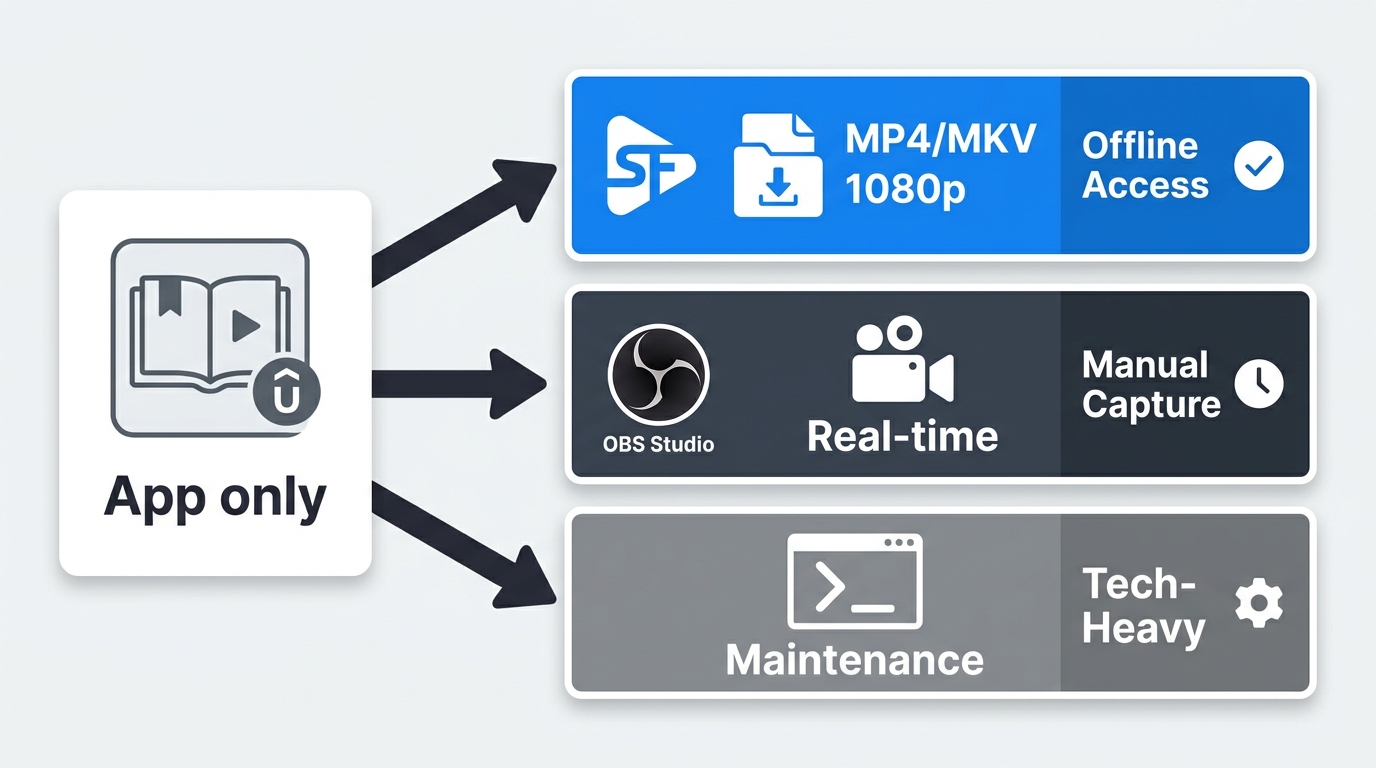
The three paths below solve different problems. Official app access is convenient, portable files prioritize local playback, screen recording trades convenience for time, and technical tools can require ongoing maintenance. For content you are authorized to access, choose the route that fits your course eligibility and offline needs rather than assuming one method suits every course.

Save only content you are authorized to access, where permitted by platform terms and applicable law. Official in-app downloads are usually the most straightforward option for offline viewing when a course and lecture are eligible.
Method 1: Dedicated Desktop Software
For content you’re authorized to access, where permitted by platform terms and applicable law, dedicated desktop software can provide a local-file workflow for personal offline viewing. StreamFab Udemy Downloader is a Windows and Mac desktop option that can save supported course videos in MP4 or MKV, with selectable resolutions up to 1080p, audio-language selection, subtitles, and batch downloads.

- Video: 1080p (Original Quality, no re-encoding).
- Audio: AAC 2.0 (Original Track).
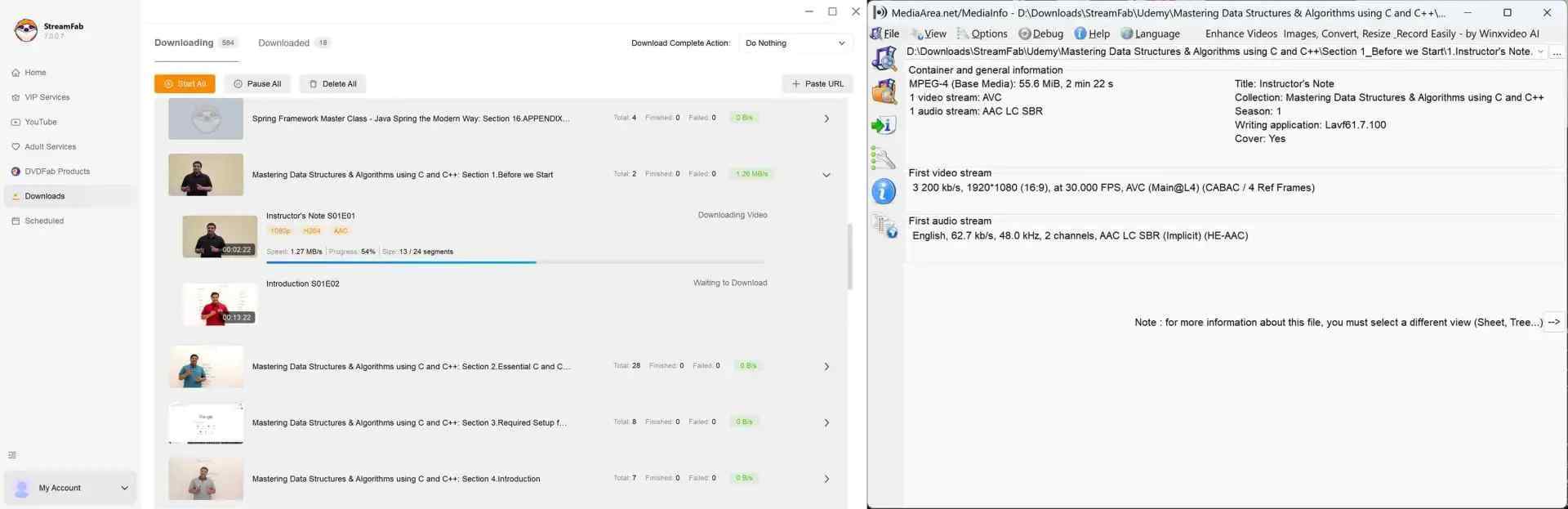
- Status: The resulting file is in the standard MP4/MKV format, which has the best device compatibility.
- Legality: You must have a valid subscription or have purchased the course to use this software for PERSONAL backup.
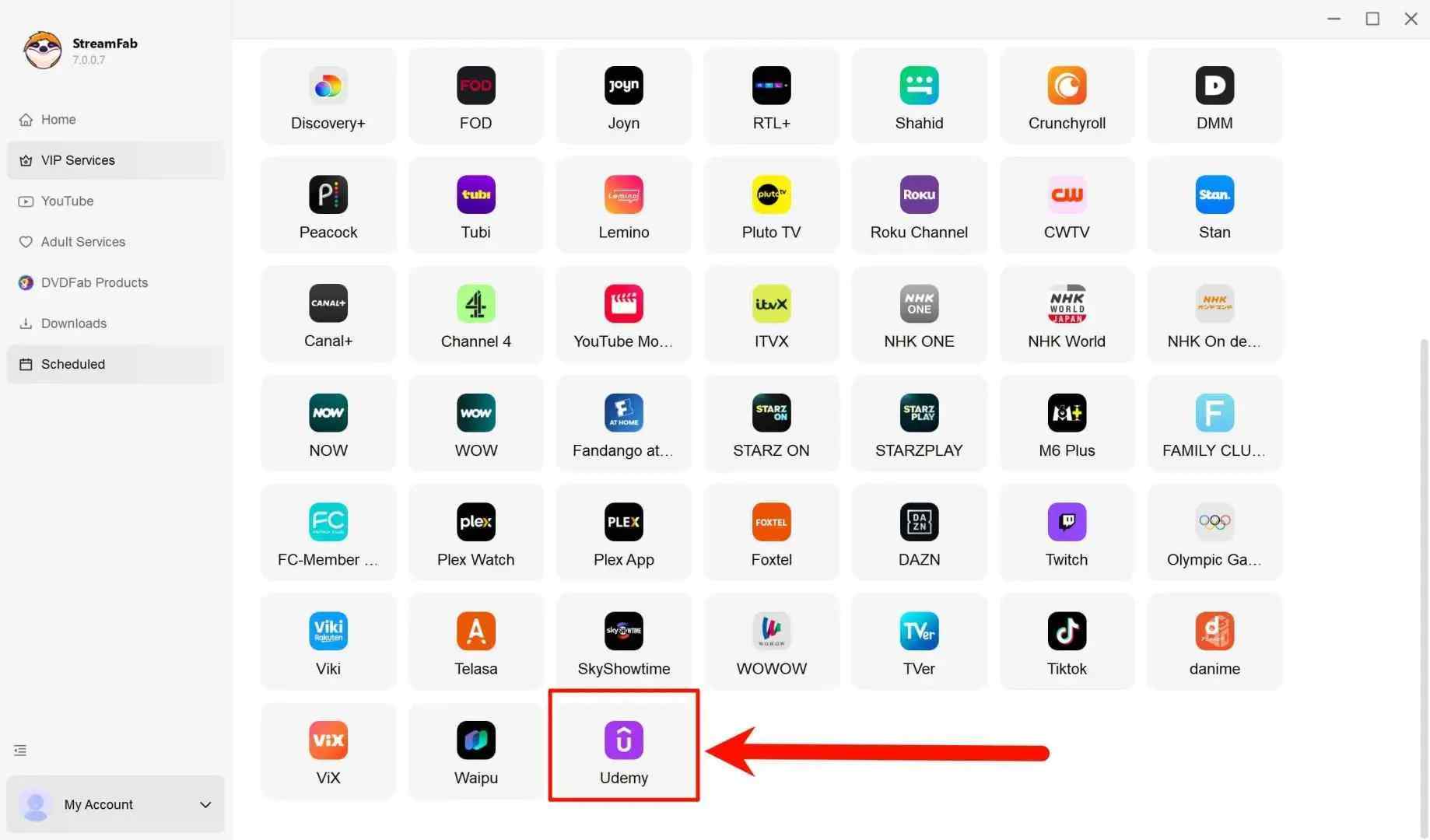
Log in to your Udemy account to verify your access rights. Play the video you wish to save.
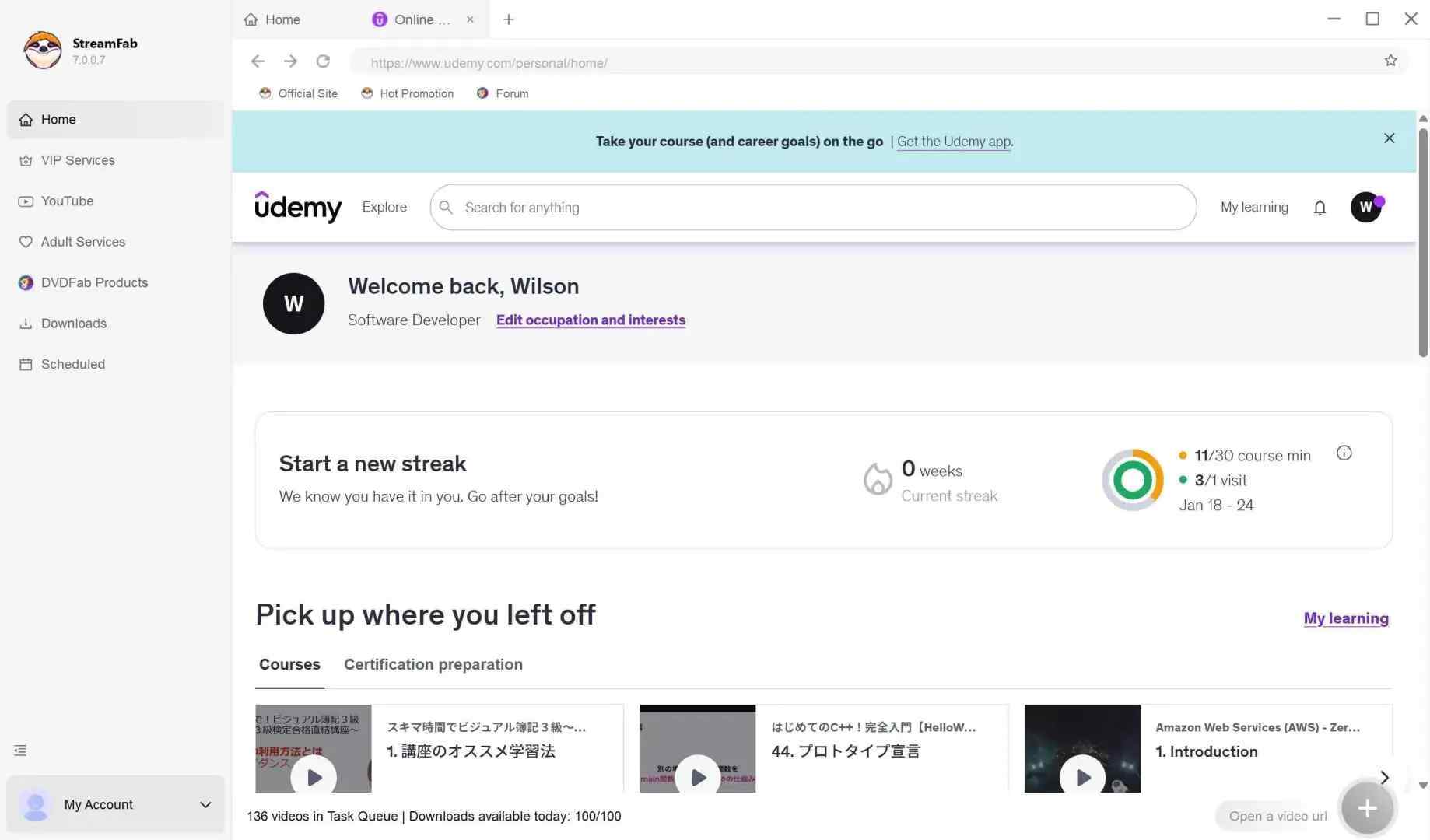
The software will automatically analyze the video stream resolution (usually 720p or 1080p) and available language and subtitle options.
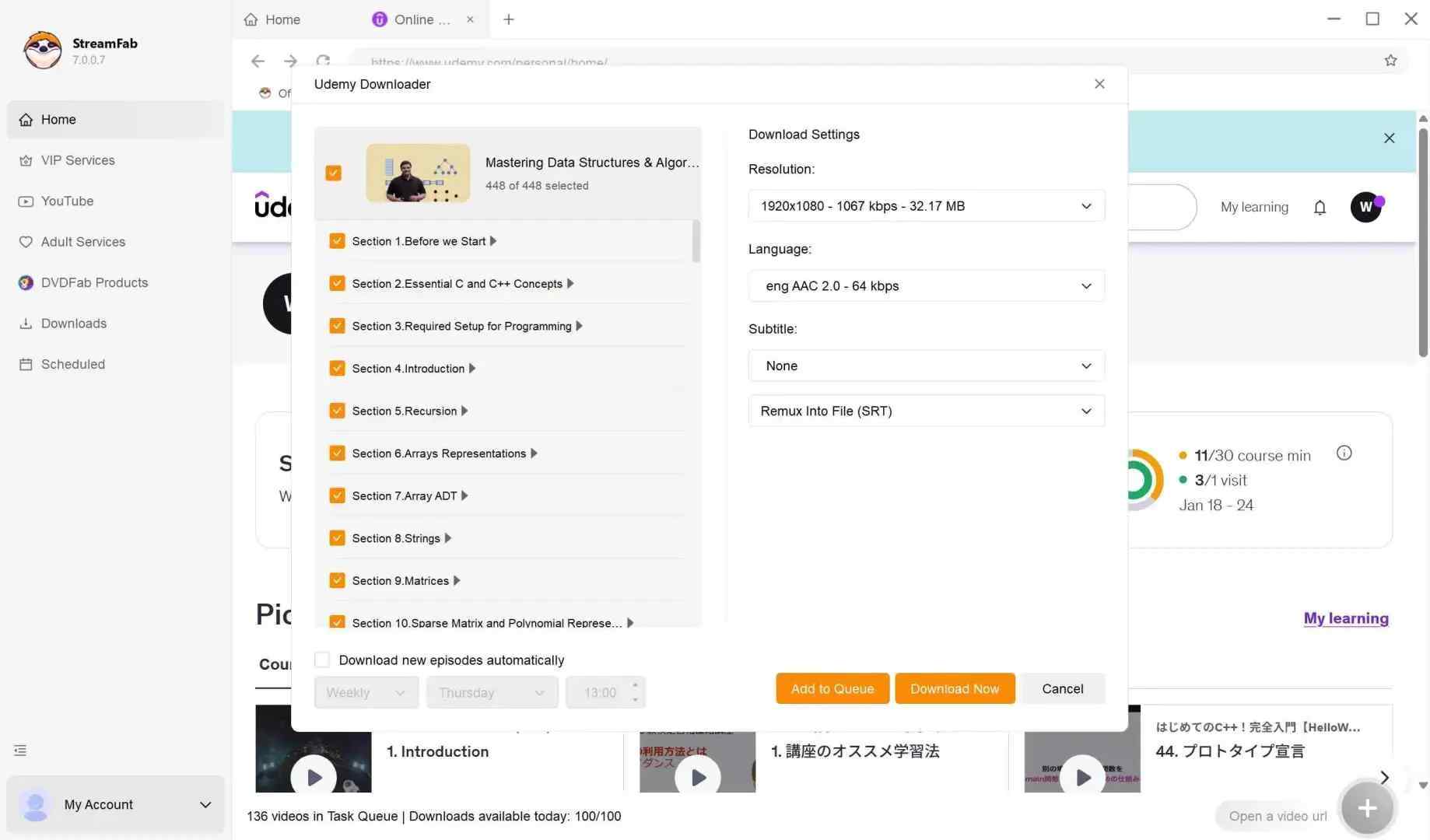
Click "Download Now." The files will be saved as standard MP4s, compatible with any player (VLC, Windows Media Player, QuickTime).
Method 2: Screen Recording
Some users turn to OBS Studio or Bandicam when they need to watch Udemy offline outside the app. Screen recording may work for short reference clips, but long courses can take substantial time to capture and may encounter black-screen or hardware-acceleration issues depending on the browser and device setup.

- The Effort Cost: You won't just learn one lesson for 3 minutes. To archive a 50-hour bootcamp, you must dedicate your PC to playing the video for 50 hours.
- The Quality Cost: You are re-encoding the video. Sharp text in coding tutorials or data spreadsheets often becomes blurry.
Screen recording is most practical when you need a short visual reference and can supervise the playback. It is less suitable for long courses, where capture time, interruptions, and potential display issues can outweigh the convenience.

- Enhance compatibility with DRM web streaming platforms like Udemy
- Increased maximum recording speed up to 5x faster
- Up to 720p/1080p resolution options (depending on the source)
- Support background recording with a built-in browser
- Auto-block random sound from other software
- Backup Udemy DRM videos with complete metadata
Download and install RecordFab on your Windows PC. Launch it, and you will see Udemy is right on the homepage.
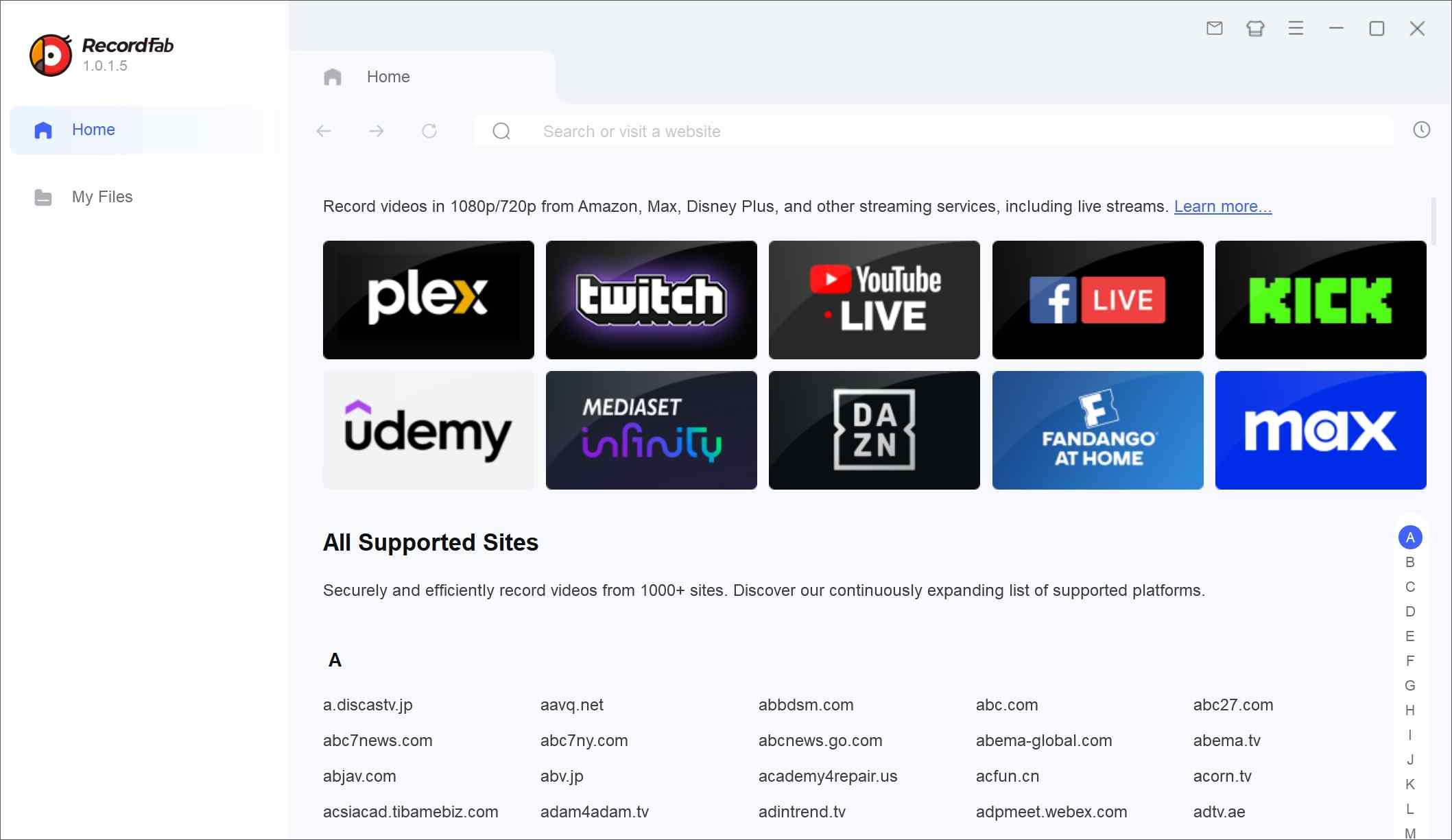
Click on it and log in to Udemy with your own credentials. Go to the purchased course you want for a local personal backup.
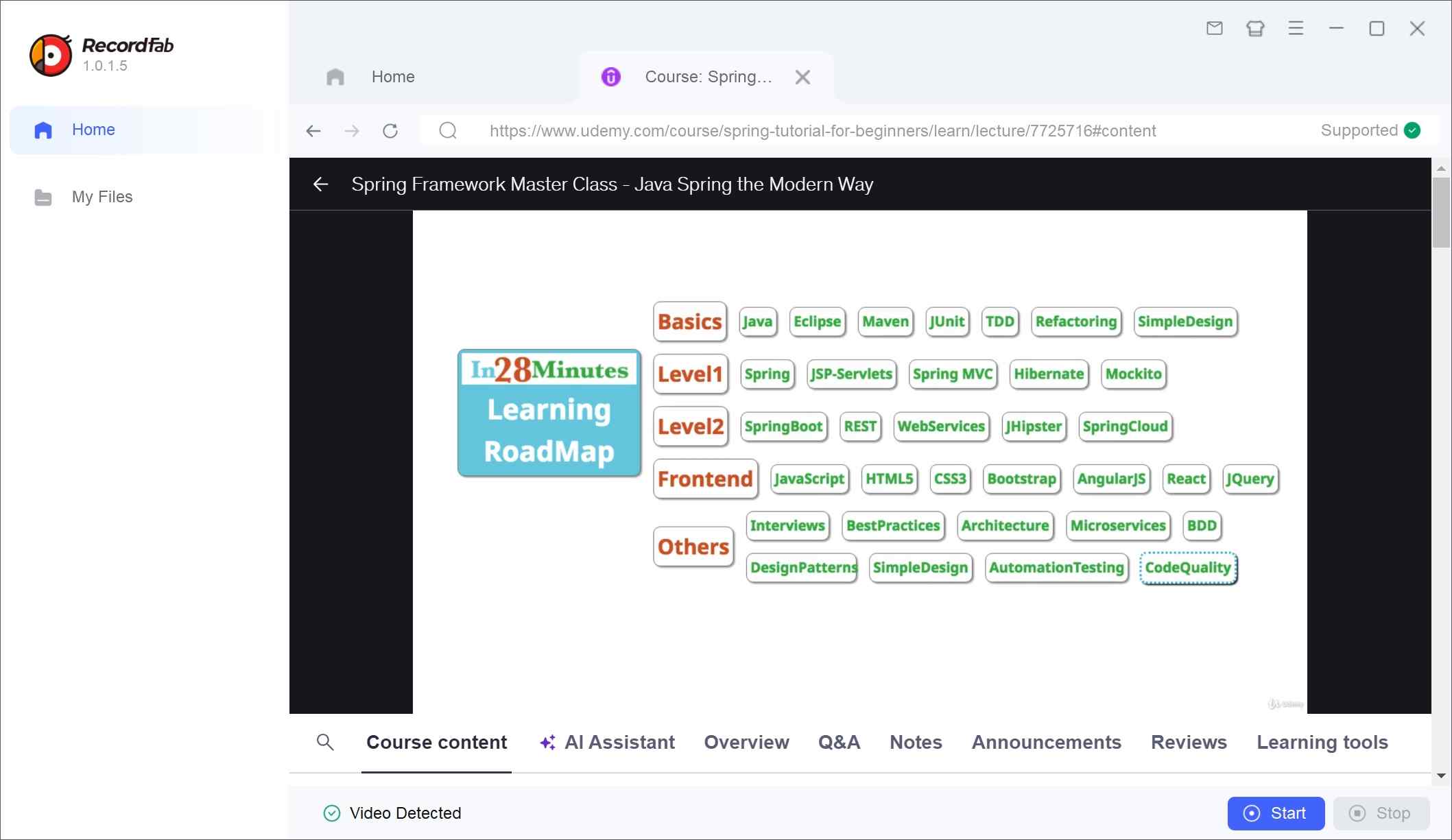
Play it and click on Start. RecordFab will reverse to the beginning of the video and provide you with a setting panel, including resolution, speed, and duration.
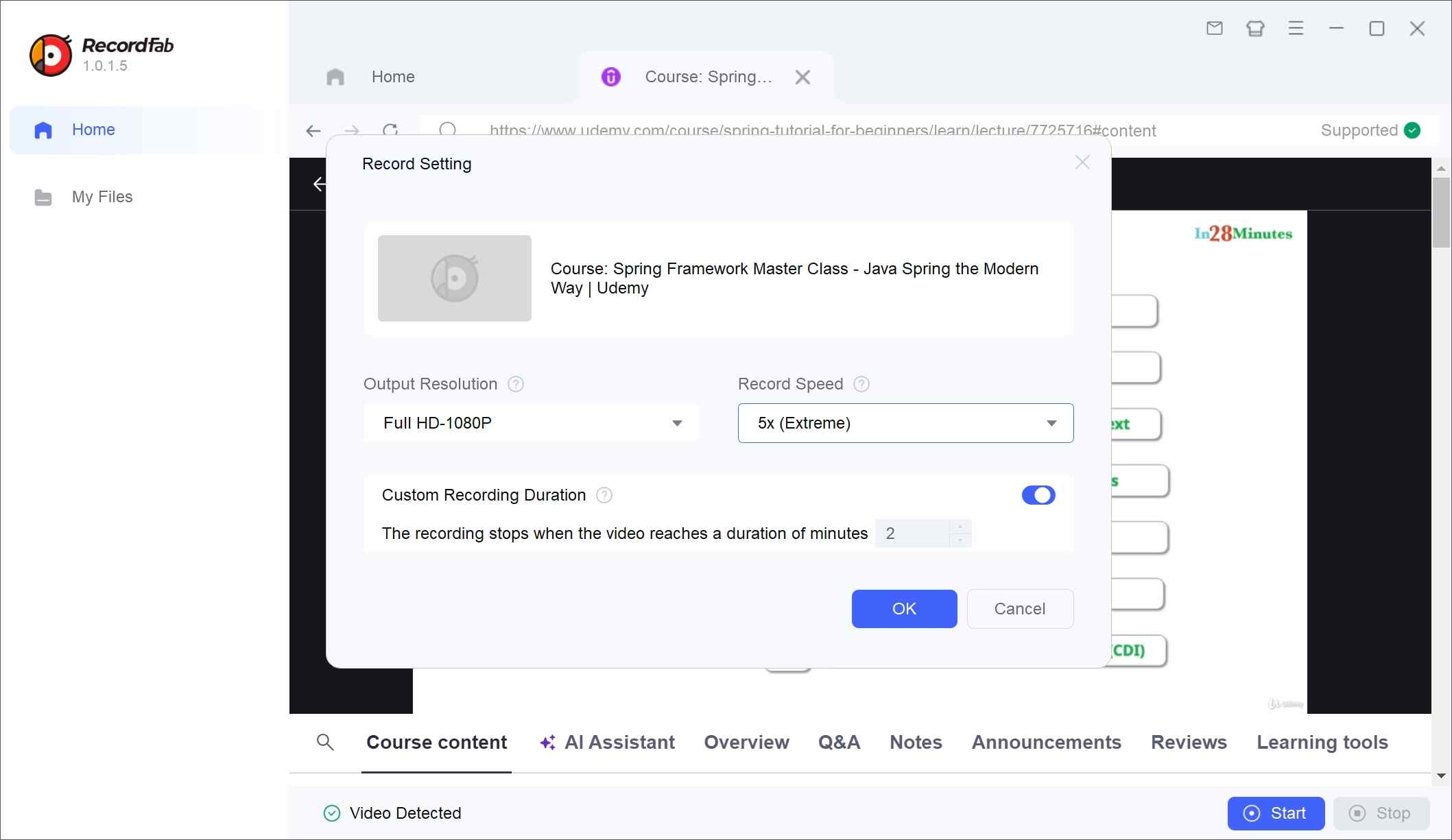
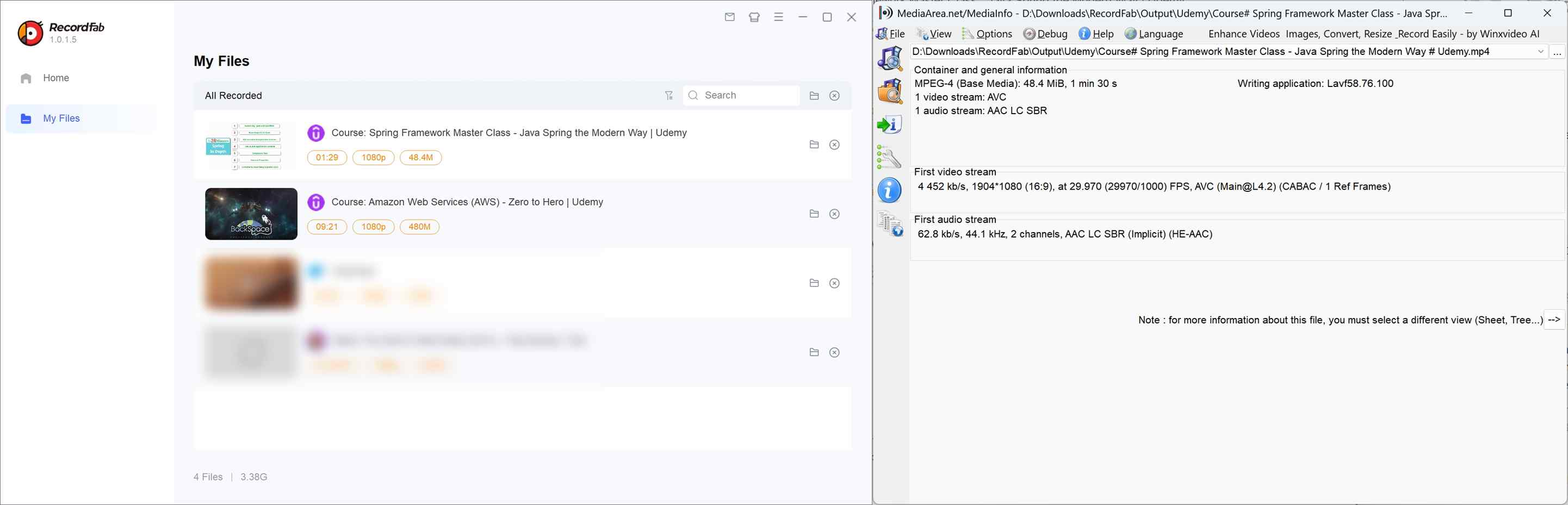
Now click on OK to start recording. Stop at the end of the video, and then you can find all backup records in the My Files section.
Method 3: CLI Tools and Legacy Projects
Command-line tools can look appealing to experienced users, but project activity does not establish compatibility with protected Udemy courses. Upstream yt-dlp remains active, yet that alone does not confirm support for Udemy’s protected course delivery. JDownloader is also an active application, but its current Udemy compatibility is unverified.
Legacy projects need additional caution. The udemy-dl repository is archived and has not been updated since 2021, while Udeler is also archived. The Puyodead1 wrapper has recent repository activity but is described as not actively maintained and requires advanced user-supplied technical inputs. These tools are best treated as maintenance-sensitive experiments, not dependable course workflows.
- Setup burden: Command-line projects can require substantial technical setup and troubleshooting, which makes them a poor fit for learners who simply need dependable offline access to a course.
- Maintenance status: An active repository, an archived project, and a working Udemy workflow are different things. Compatibility can change as course delivery and platform requirements evolve.
Browser Extensions and Online Tools
Extensions and generic online tools may detect playlist URLs or segmented media, but availability does not establish reliable support for protected Udemy courses. Depending on the course type and access model, a tool may expose separate media fragments rather than a complete playable file, and free tiers may add practical limits.
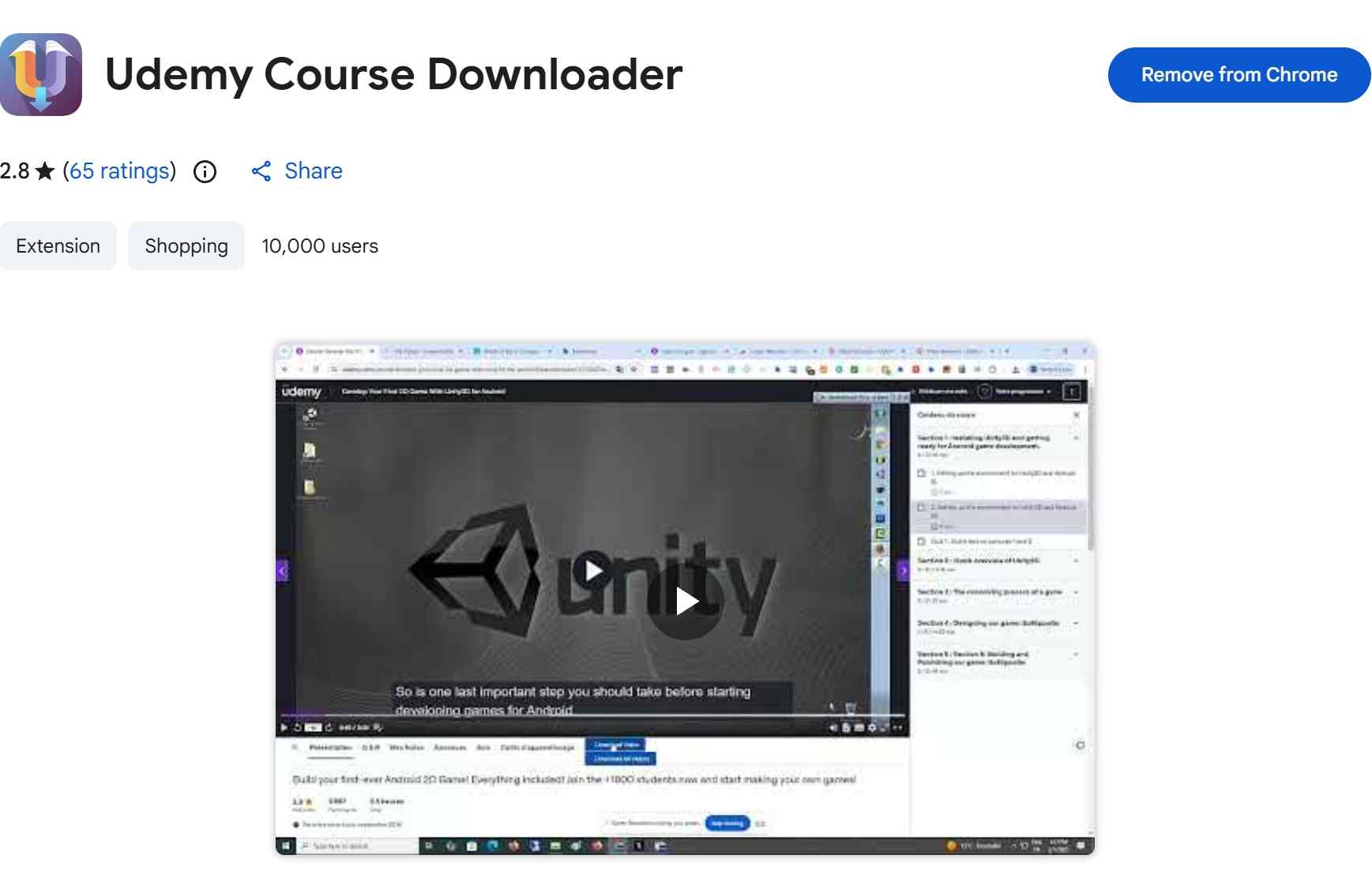
A listing in the Chrome Web Store or Firefox does not confirm that an extension will handle a particular protected course. These tools may be more useful for openly available media or course resources than for protected lecture video, so they are not a strong choice when you need a dependable offline course workflow.
Which Method Fits Your Needs?
The central tradeoff is straightforward: official downloads prioritize app convenience, portable files prioritize flexibility, screen recording costs time, and technical tools require maintenance. Start with the official route, then choose based on the learning assets and playback environment you actually need.
| Consideration | Official Udemy Downloads | Desktop Software | Screen Recording | CLI, Extensions, and Online Tools |
|---|---|---|---|---|
| Access model | Encrypted in-app access | Authorized local-file workflow | Playback capture | Varies by tool and course |
| Portable local file | No | Yes, where supported | Usually yes | Varies; may be fragmented |
| Course eligibility | App and entitlement rules | Current access and support | Playable on-screen content | Compatibility often unclear |
| Quality and time cost | Convenient app playback | Depends on supported settings | Time-intensive for long courses | Setup and troubleshooting burden |
| Maintenance and best fit | Travel and app viewing | Organized Windows or Mac playback | Short visual references | Technical users evaluating current status |
- Use the official app if: You need convenient offline viewing within Udemy, and the course download option is available.
- Consider StreamFab if: You need a portable local-file workflow. It can suit authorized Windows or Mac users organizing supported course videos for personal offline viewing.
- Choose Screen Recording if: You need a short visual reference. It is less practical for long courses because playback must be captured over time.
- Consider CLI Tools if: You are comfortable with technical setup and can assess current maintenance status.
- Treat extensions and online tools carefully: Their course compatibility varies.
- Review the tool's current support and permissions: Especially when handling protected course content. A listing or detected playlist does not guarantee a complete portable file.
FAQs
1. What happens to offline courses when a Udemy subscription ends?
Individually purchased courses and subscription-based access follow different entitlement rules. Official mobile downloads remain tied to the Udemy app, and some require periodic reconnection to restore access. Do not assume that offline access continues after a subscription, course entitlement, or platform access right ends.
2. Is saving a personal local copy of a Udemy course permitted?
It depends on applicable copyright law, the course license, and Udemy's terms. Save only content you are authorized to access, where permitted, and do not redistribute course files, upload them, or use them commercially.
3. Why is the Download lecture option grayed out on Udemy?
Computer downloads depend on instructor permission and lecture eligibility. If the option is unavailable, the instructor may not have enabled downloads for that lecture, even if you have access to the course.
4. Where are Udemy downloads stored on iPhone and Android?
Official downloads are stored as encrypted data inside the Udemy app. They do not appear as ordinary videos in Photos, Gallery, or a device file manager.
5. Can a Udemy backup include subtitles and course resources?
Captions and instructor-provided resources vary by course. Where subtitle files are supported in a local-file workflow, StreamFab subtitle options can help with subtitle handling, but quizzes, discussions, and some course assets remain platform features rather than portable files.
Conclusion
To save Udemy videos for offline use, begin with official downloads when they are available and suitable for your needs. Screen recording can work for short references but trades time for broader capture, while technical tools require maintenance and caution. A desktop local-file workflow can suit authorized Windows or Mac users who need portability, provided course eligibility, current access rights, platform terms, and applicable law support that uses it.

The Criterion Channel is full of classic movies, and there is no official way to get them. This article introduced several third-party tools to help you dealing with this problem. And the downloader is the best one with advanced functions and outstanding quality.
By Nicole Lopez - Sep 16, 2026
Looking to download ctv video content for unrestricted offline viewing? Based on my 2026 technical tests, here is the ultimate guide to permanently archive CTV videos in crisp 1080p MP4 formats.
By Erika Leen - Aug 19, 2026
Can you watch Udemy offline? How to watch Udemy courses offline on PC? This guide covers everything you want to know about Udemy offline viewing on different devices.
By Jacob Harrison - Aug 19, 2026
This guide separates official CBS app viewing from local-file workflows, compares five computer-based options, and explains where each one falls short. It then shows how StreamFab handles authorized MP4 or MKV downloads and provides concise fixes for analysis and quality problems.
By Erika Leen - Aug 7, 2026