
Top 5 VidiCable Alternatives: 2026 Desktop & Mobile Picks

Summary: Recent VidiCable errors, black-screen recordings, and questionable VidiCable for Android APK listings are signs that a real-time recorder may no longer fit your offline-viewing needs. This guide compares a VidiCable alternative for saving authorized streaming video to MP4 or MKV, plus safer mobile options.
Table of Contents
If you are seeing recurring VidiCable error messages, the practical distinction is whether a tool records playback in real time or creates a local video file through its supported recording workflow.
The sections below explain the tradeoffs, compare the leading options, and outline the limits that matter for personal offline viewing.
Why VidiCable Recordings Break in 2026
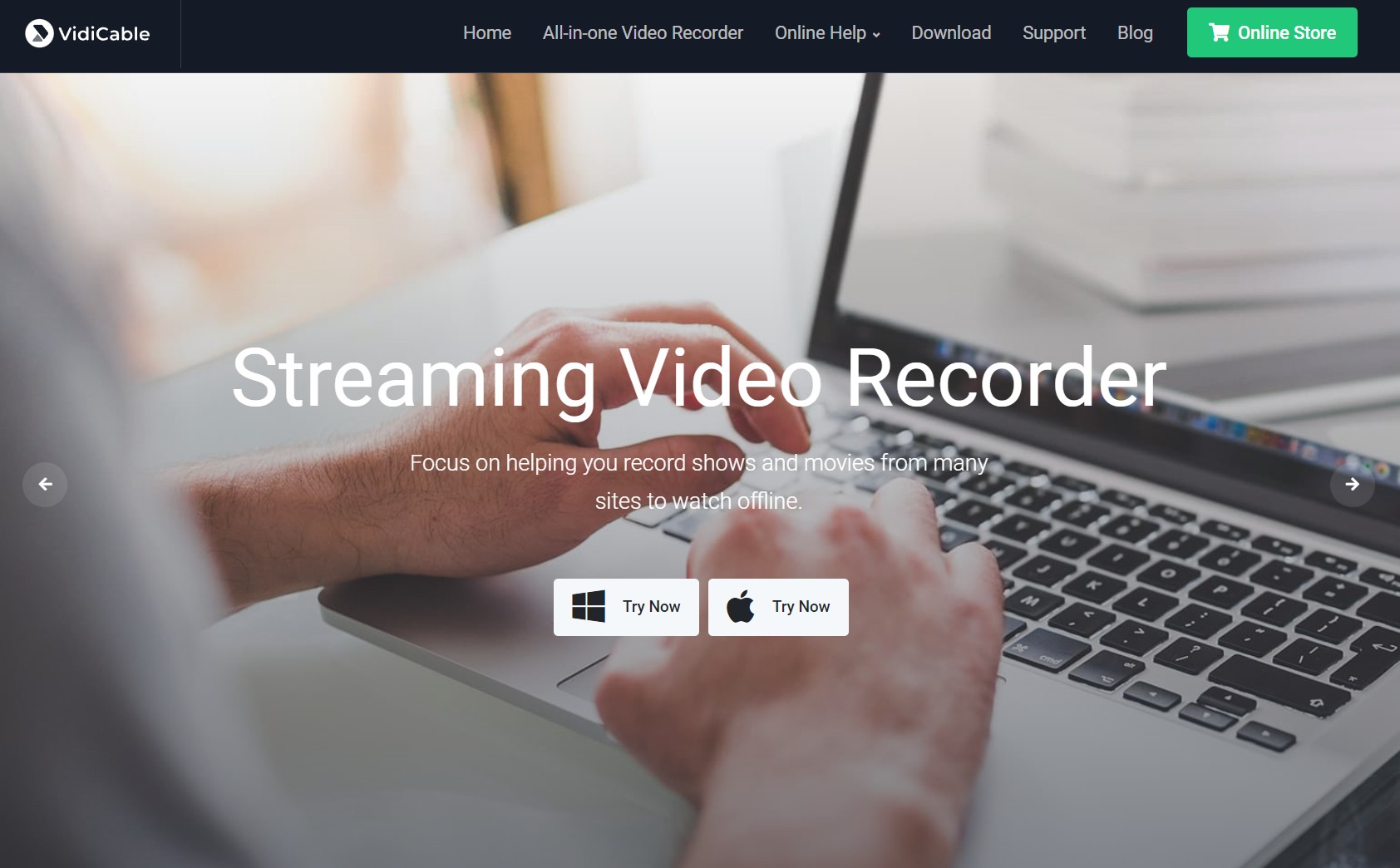
VidiCable remains an active real-time recorder, but modern streaming playback can be difficult to capture consistently. Widevine and HDCP protections may cause a recorder to show a black screen while audio continues, and real-time capture can introduce a second encode that reduces visible detail compared with the original playback stream.
Recorder vs. Local Video Downloads: The Real Difference
A recorder captures what is displayed during playback, while a downloader-style workflow creates a local MP4 or MKV file for content you are authorized to access. In practical terms, recording is more exposed to browser, display, and playback restrictions; for an offline library, a file-based workflow is generally the more dependable fit.
How We Picked These Alternatives
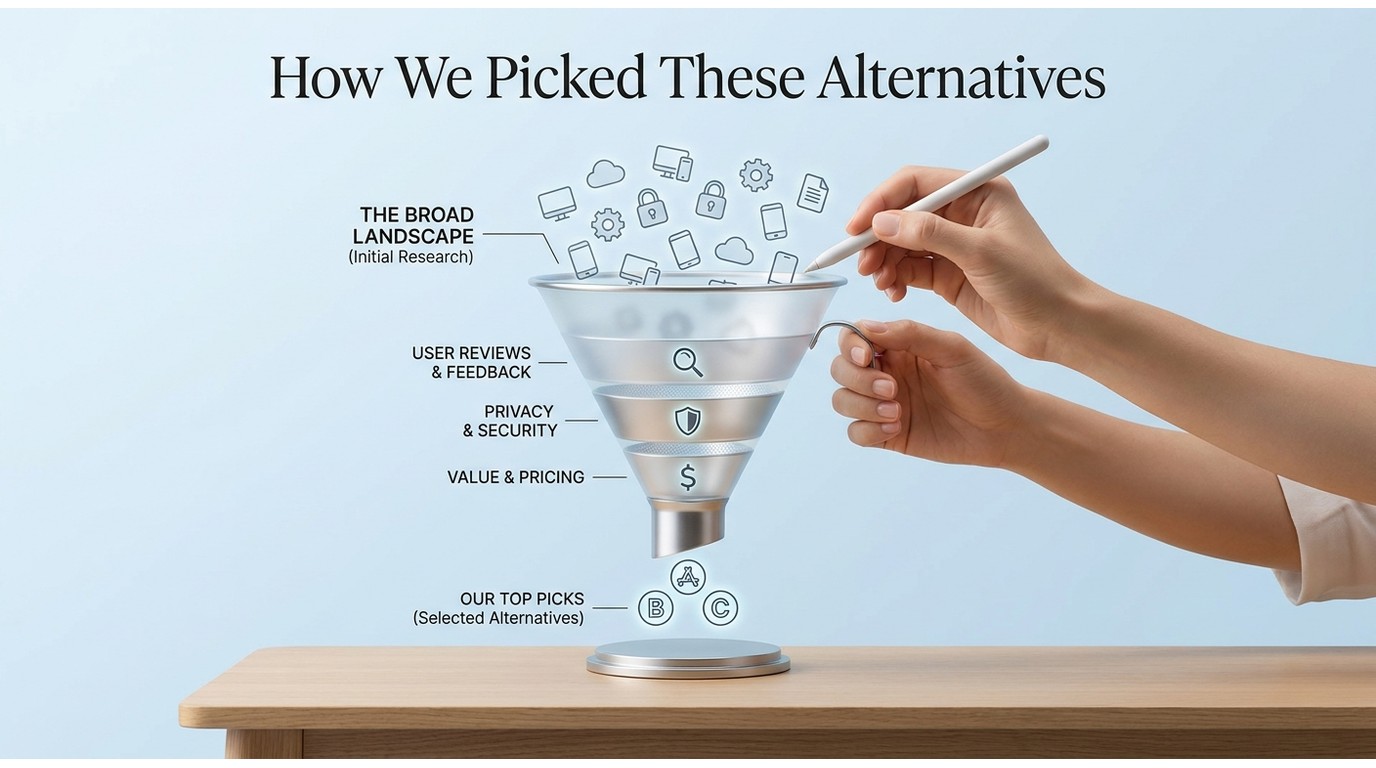
The comparison focuses on five buyer concerns: whether the product remains active, its output quality and file portability, mobile availability, batch workflow, and price.
In practice, I checked each tool against a short queue on the services it claims to support, confirmed the resolution and container it actually produced, and noted whether batch or scheduled jobs completed without manual restarts.
Tools that are no longer maintained on their advertised services, or that could not produce a playable MP4 or MKV in that pass, are flagged in the picks below. The key decision is simple: choose a recorder for occasional real-time capture, or choose a file-based option when you need organized files for offline viewing.
The 5 Best VidiCable Alternatives for 2026
VidiCable alternatives listed below address the core limitation of a real-time recorder: file-based tools can provide portable MP4 or MKV output for authorized personal offline viewing, with the available quality, subtitle options, and audio tracks depending on the service, your plan, and the tool's supported workflow.
1. StreamFab Video Downloader
For content you are authorized to access, where permitted by platform terms and applicable law, StreamFab creates local MP4 or MKV files for personal offline viewing. StreamFab All-In-One is a desktop app for Windows and Mac that supports resolutions up to 4K where the service and plan allow, with selectable audio tracks (up to EAC3 5.1 where the source provides it), SRT or embedded subtitles, batch jobs, scheduled overnight downloads, and service-dependent ad handling.
Best for: building a high-resolution offline library across services such as Netflix, Prime Video, and Disney+ when you also need batch queues and portable files. StreamFab for Android is available separately for users who prefer a mobile workflow.

When the streaming tech changed, StreamFab was one of the first platforms to push an OTA update that restored 1080p and 4K parsing capabilities. I use this as my top-1 Vidicable alternaitve because it completely preserves native MP4 and MKV files directly from Amazon Prime, Netflix, and Disney+ servers and grabs the full subtitle manifests (SRT/VTT) and multiplexes everything seamlessly.
Practical note: For large queues, schedule downloads for a time when your connection is not needed for other heavy tasks. Choose the resolution, audio language, subtitle format, and codec based on the devices that will play the files.

Why I rank it first
For long queues, the useful distinction is predictable MP4 or MKV output and scheduling options. It is a practical fit when organizing several episodes for personal offline viewing matters more than a one-off recording.
2. StreamGaGa Video Downloader
StreamGaGa is a desktop-focused option for users who mainly need 1080p output and straightforward MP4 or MKV files. Its broad site coverage and batch workflow can suit routine offline viewing, although resolution, subtitles, and ad handling depend on the service and the selected plan.
Best for: users who want a simple 1080p-oriented backup option rather than a high-resolution library workflow.
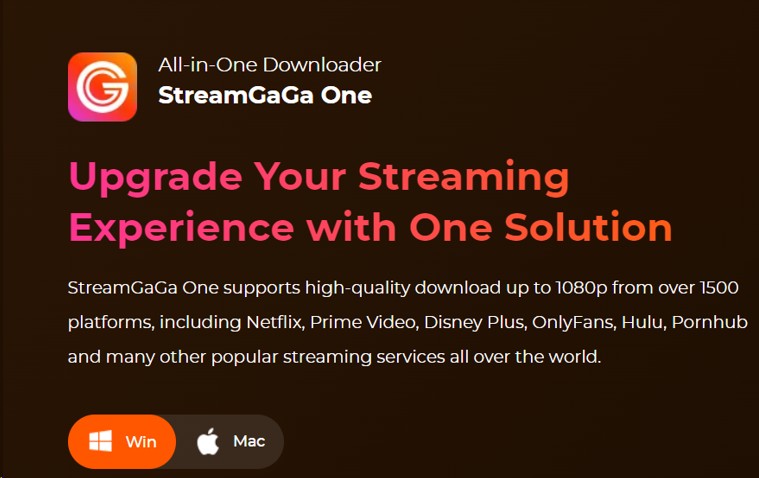
- The interface of this app is simple and straightforward
- It supports a broad range of video sites
- It offers MP4 and MKV output options
- Quality depends on the selected service and plan
- Ad handling depends on the service and video source
- You can download multiple videos at the same time using batch mode
Why I’d pick it (or skip it)
If your priorities are broad site coverage and ease of use, StreamGaGa is a reasonable 1080p-oriented option. For a high-resolution library, compare its available output settings with your preferred services before making it your main workflow.
3. CleverGet All-In-One
CleverGet combines downloading and recording functions in one application. It offers MP4, MKV, and WEBM output, with subtitle and audio-track options where supported by the source. Its broad feature set may appeal to users who occasionally need WEBM or recording features, but it is best treated as a situational option rather than a default choice for a consistent high-resolution streaming library.
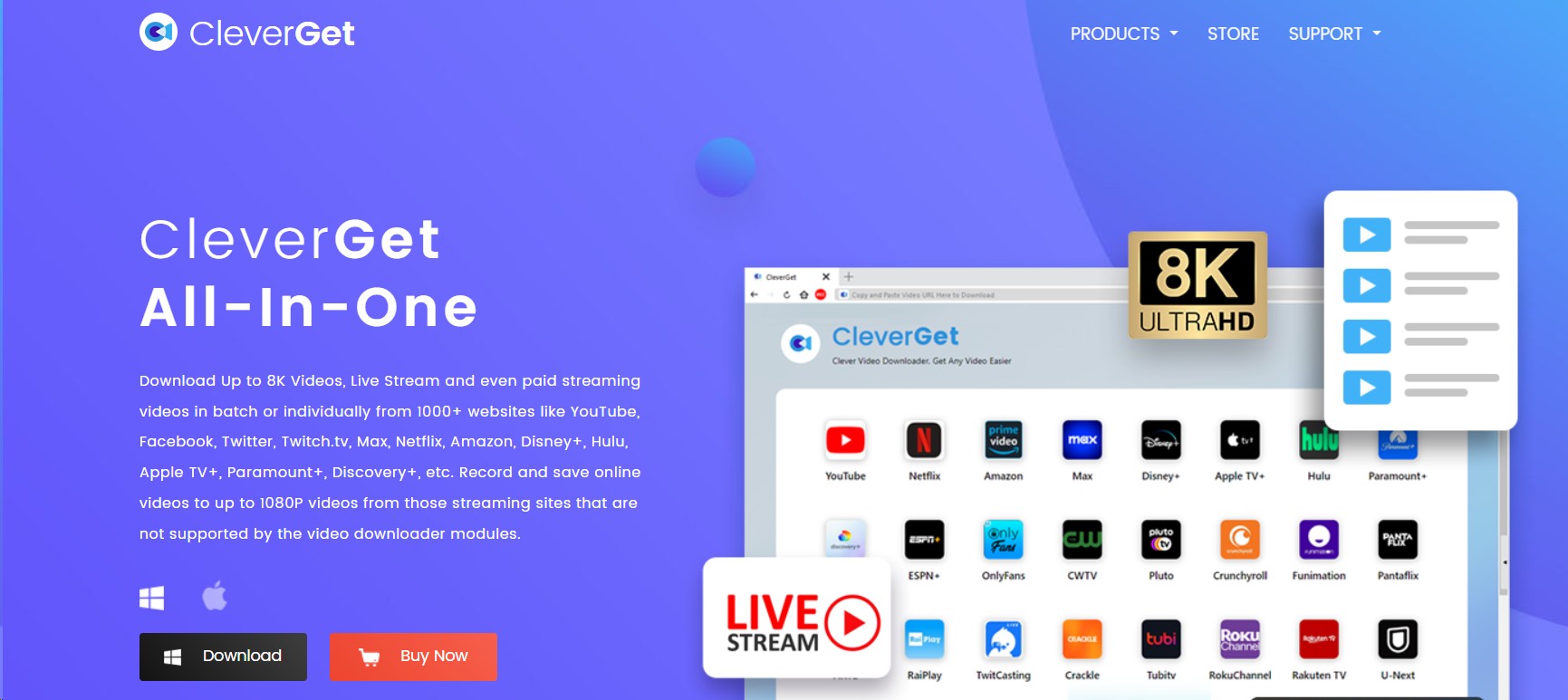
- It is an all-in-16 video downloader for movie and show lovers
- You can use it for both personal and commercial use
- It supports HTTPS(SSL) connections
- It supports 1000+ streaming websites
- CleverGet offers 8K video quality
- It supports different video formats like MKV, MP4, and WEBM
- You can save videos with different subtitles and audio tracks
Why I’d pick it (or skip it)
Pick it if you like the flexibility of downloading and occasionally recording It can suit users who want recording and file conversion features in the same app, plus WEBM output from time to time. It is less suitable when your priority is a consistent high-resolution streaming library.
4. SnapDownloader
SnapDownloader is a general-web video grabber for Windows and Mac with conversion and trimming features. It is priced at about $19.95 per year or $39.95 for a lifetime license (as of July 2026). Available resolution and format choices depend on the source.
Best for: quick general-web downloads and light editing. Not ideal for: heavy use with DRM-protected streaming services, where purpose-built streaming workflows are typically a better fit.
- Download videos from 900 different websites.
- It can save videos up to 8K resolution
- You can use the built-in browser to download private videos
- It allows you to convert videos into 10 different formats
- You can convert videos into GIFs
- It comes with a built-in video trimmer
- You can convert videos into audio within seconds
Why I’d pick it (or skip it)
Pick it for speed and format flexibility, especially if you want light editing (trimmer) and audio-only exports in one place. Skip it if your priority is wide streaming-service coverage It is better viewed as a nimble general-web grabber than a full streaming-library tool with comprehensive subtitle and audio-track controls.
5. HitPaw: A Converter, Not a Downloader
HitPaw’s dropped download feature changed this product’s role in the category. Rebranded as Univd, it removed streaming-download capability in early 2025 and is now positioned as a local video converter and AI editor rather than a way to save Netflix titles.
Best for: converting, organizing, or editing local video files. Not ideal for: downloading DRM-protected streaming content.
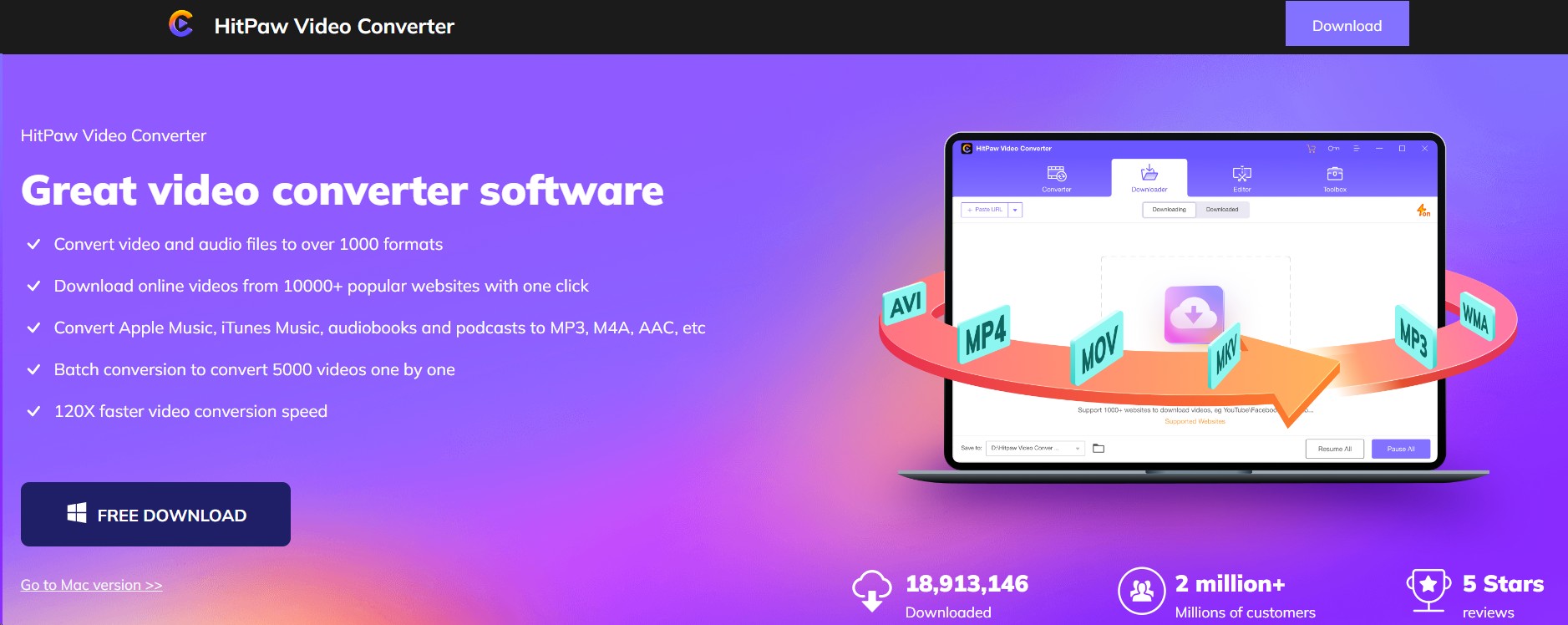
- Convert videos into different formats.
- You can easily turn your 2D videos into 3D
- It supports multiple languages
- You can download high-quality videos from Netflix
- It is super-fast and affordable
- You can edit your videos within minutes
- It supports around 300 audio formats
Why I’d pick it (or skip it)
Pick it if your day is 70% converting/organizing and 30% downloading—plus you want speed, batch, and edge cases like 300 audio formats It is a specialist for local conversion and editing, not a primary choice when streaming-service downloads are the goal.
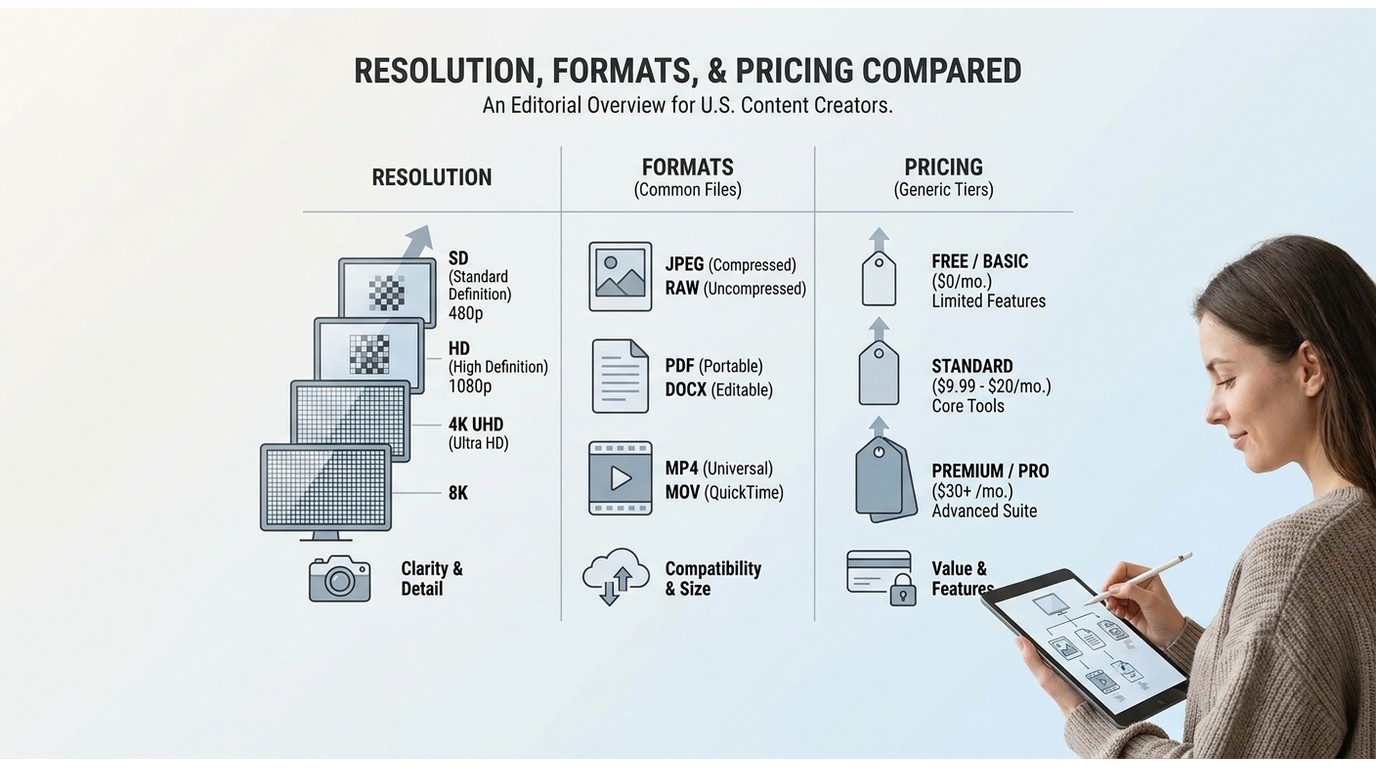
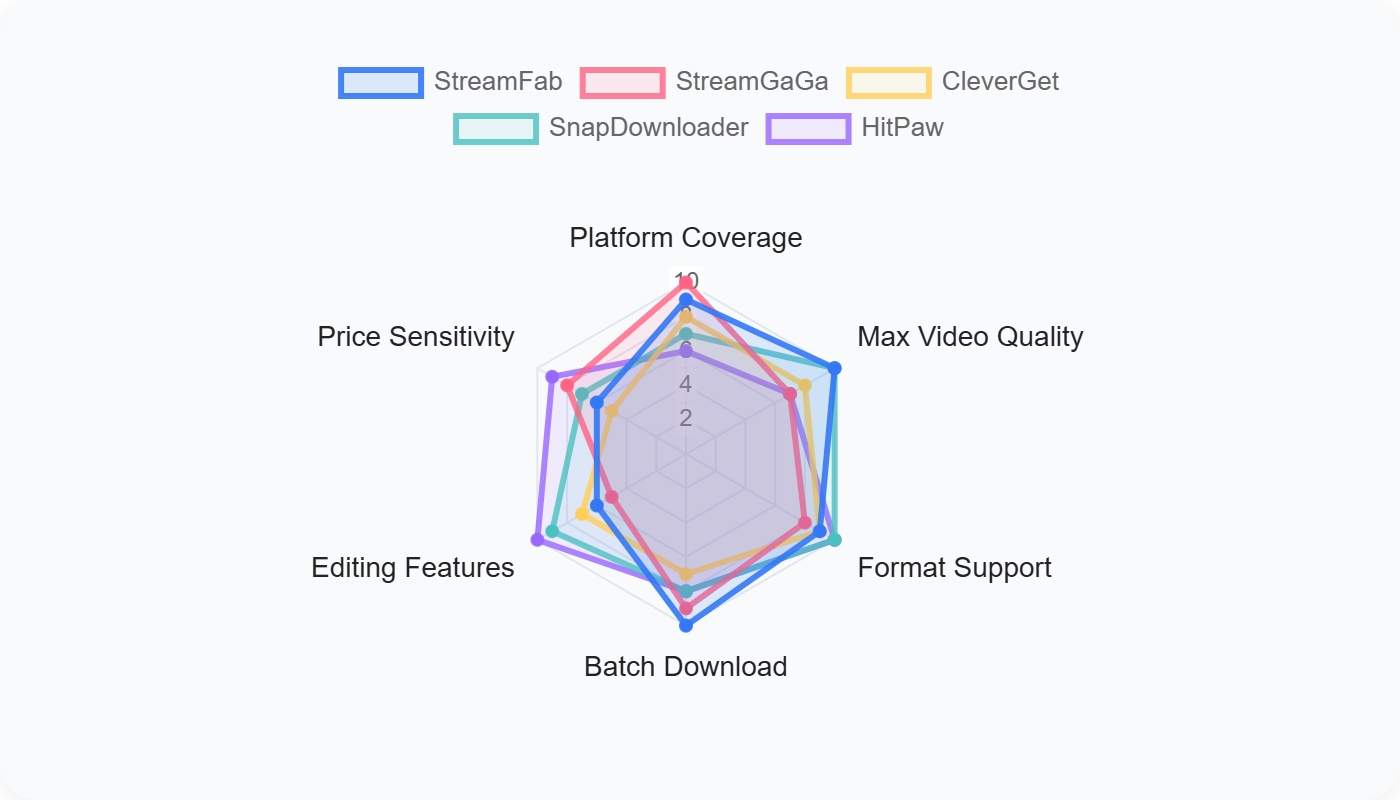
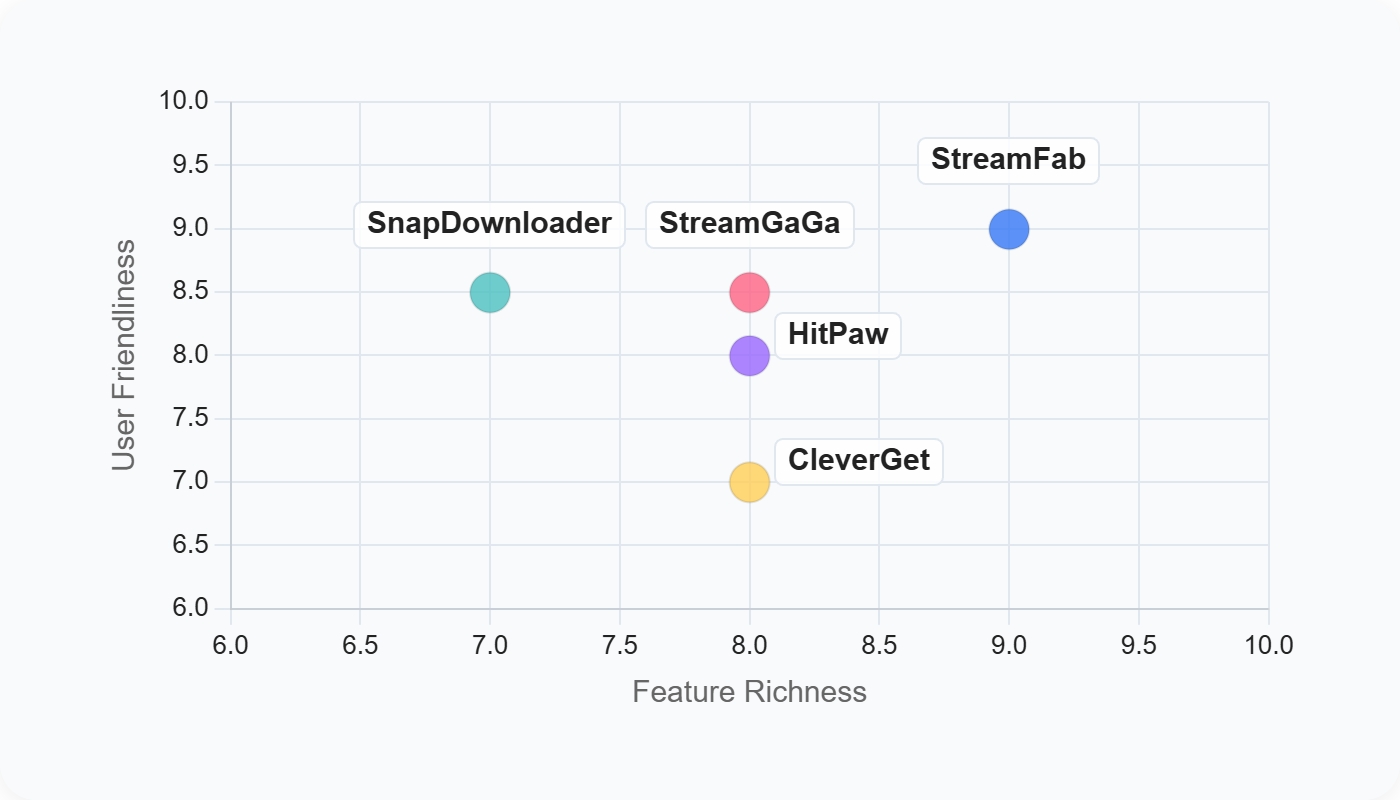
Resolution, Formats, and Pricing Compared
The table below highlights the practical differences buyers can use to narrow the list. VidiCable is included as an active legacy recorder for context, while HitPaw is excluded because it is now a converter rather than a streaming downloader.
VidiCable’s lifetime license is about $259.90. StreamFab has a free trial with limited downloads per supported streaming service; current paid pricing varies by selected product and license.
| Tool comparison | StreamFab | StreamGaGa | CleverGet | SnapDownloader |
|---|---|---|---|---|
| Max resolution | Up to 4K, where supported | Depends on service and plan | Depends on source and plan | Depends on source |
| Output formats | MP4, MKV | MP4, MKV | MP4, MKV, WEBM | Depends on selected conversion |
| Mobile availability | Android app available | Desktop-focused | Desktop-focused | Desktop-focused |
| Price and fit | Free trial available; paid license options vary | Lifetime license around $69.99 | All-In-One lifetime around $359.99; per-service modules from about $59.99 | About $19.95/year or $39.95 lifetime |
Saving Your First Title in Four Steps
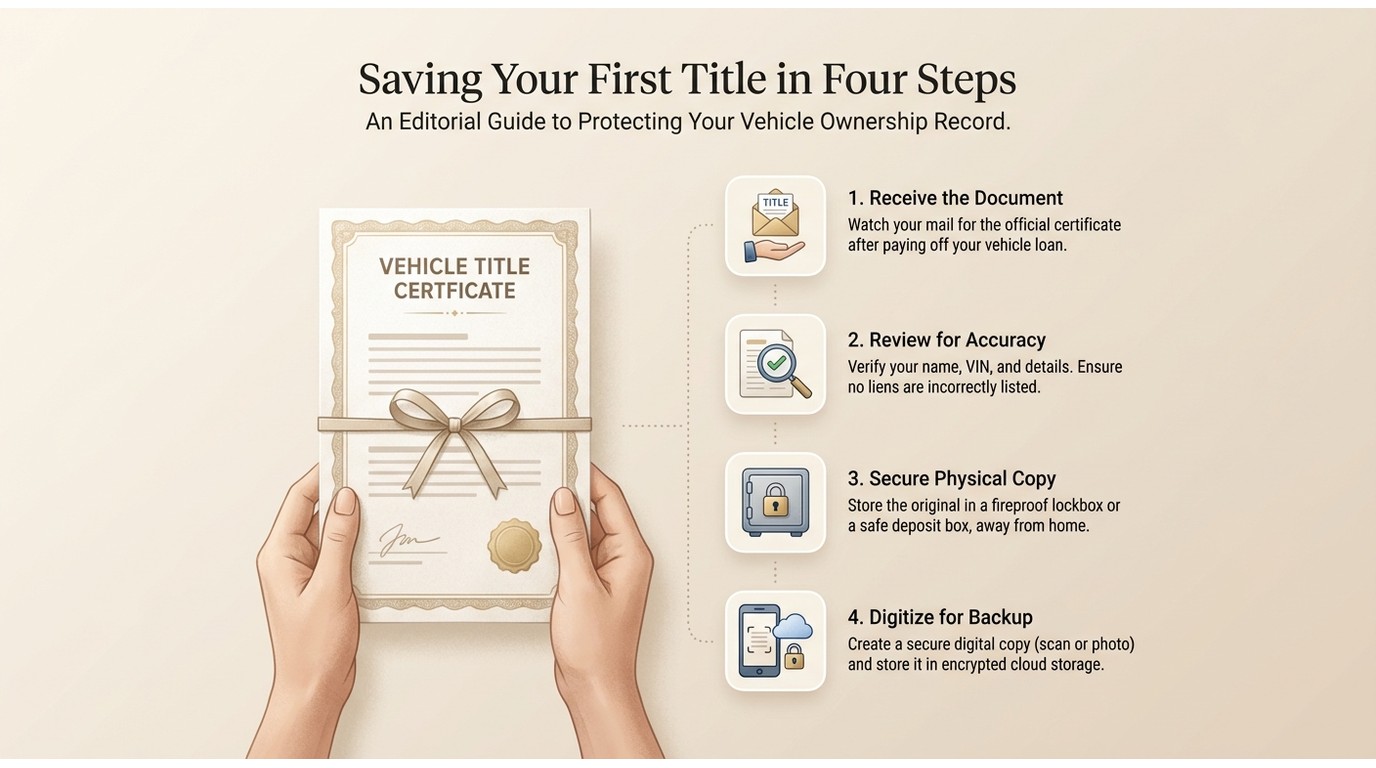
For personal offline viewing of content you are authorized to access, a basic StreamFab workflow is straightforward:
- Install StreamFab and open the streaming service in its built-in browser.
- Sign in with an active account for that service.
- Select the available resolution, audio language, subtitle option, and MP4 or MKV output.
- Start the download or schedule a batch for a convenient time. The full StreamFab setup walkthrough covers the detailed settings.
Downloading on Android Without the APK Risk
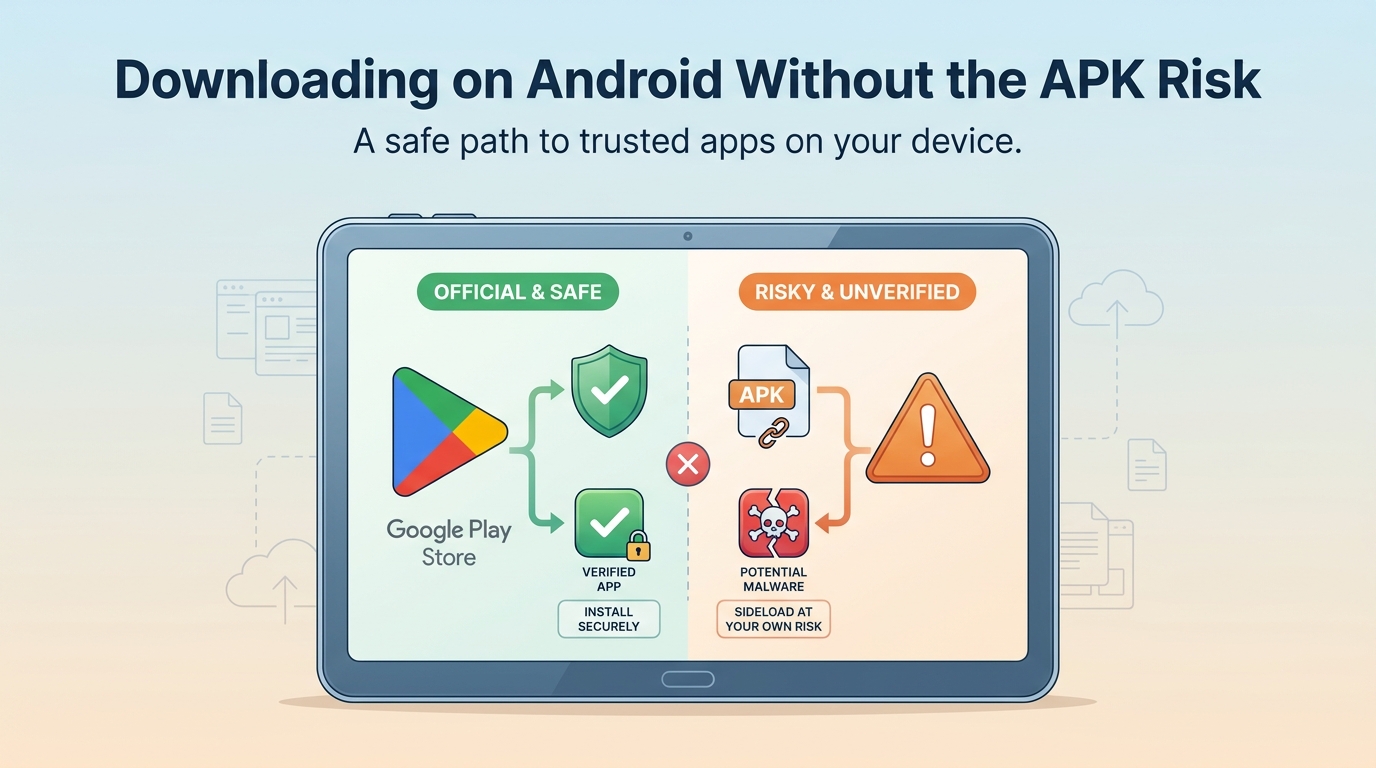
There is no official VidiCable Android release. Modified files advertised as a VidiCable for Android APK can expose a phone to trackers or malware, so they are not a sensible route for offline viewing. StreamFab for Android is the safer choice for users who need a mobile app rather than a desktop workflow.
Mobile downloading is most useful when you need a small, organized selection for travel or an unreliable connection; desktop software remains more practical for larger batch libraries.
Personal Backups and DRM: What Is Allowed

Widevine is a content-protection system used by streaming services, while HDCP helps protect video output between a device and display. These protections can limit what a screen recorder captures, which is why a recorder may produce a black screen or inconsistent results.
The appropriate boundary is personal offline viewing within the same conditions described earlier: an active subscription, use permitted by the platform's terms, and applicable law. If you are deciding whether VidiCable is a real downloader or a recorder, its real-time recording model is the central distinction.
FAQs
1. Can I queue a whole season for offline viewing at once?
Yes, tools with batch and scheduling features can line up multiple episodes or a full season for personal offline viewing. Your available download allowance, title availability, and output settings depend on the service and the plan you use.
2. Can I move MP4 or MKV files to a USB drive or another device?
In general, MP4 and MKV are portable file formats, so you can copy files to a USB drive, compatible phone, tablet, or media player. Make sure the destination device supports the selected video codec, audio track, and subtitle format.
3. Which VidiCable alternative is a better fit after the 2026 streaming updates?
For a portable offline library, choose a product that supports the services you use, offers MP4 or MKV output, and provides the resolution and batch features you need. StreamFab is the strongest fit in this list for high-resolution batch libraries, while SnapDownloader is more suitable for general-web video tasks.
4. Is there a reliable no-cost way to download Netflix movies?
There is no dependable no-cost route for creating a portable Netflix movie file. Limited trials may be available from some products, but modified APKs and unfamiliar download sites can carry malware or trackers. Use an active Netflix subscription and choose a reputable workflow for personal offline viewing.
Conclusion
The decision comes down to your workflow. StreamFab is the strongest fit here for high-resolution offline libraries and long batch queues; SnapDownloader is better suited to quick general-web downloads and light editing; StreamGaGa and CleverGet can be useful situational 1080p or WEBM-oriented options.
If you only need occasional real-time capture from a service you already subscribe to, VidiCable as a legacy recorder may still be enough. HitPaw is now a converter and tidy-up tool rather than a streaming downloader, so it does not belong on a streaming-download shortlist.

Evaluating the Audials One 2026 free trial? I tested its 720p caps, examined if is audials legal under Fair Use
By Erika Leen - Sep 29, 2026
Are you thinking of purchasing NoteBurner and unsure if it’s worth the investment? In this NoteBurner review, let’s delve into its product lines, particularly the NoteBurner Video Downloader’s pros and cons.
By Marcia Hatcher - Sep 28, 2026
Read our in-depth Audials review for 2026. Is Audials safe and legal for Amazon Prime? Discover actual test results, Widevine DRM fixes, and better alternatives.
By Erika Leen - Sep 28, 2026
TuneFab’s Amazon downloader suits a focused desktop routine, while VideOne covers multiple services. Compare their workflows, license structures, and output checks with StreamFab, then use the numbered setup and maintenance steps for authorized personal offline viewing.
By Erika Leen - Sep 24, 2026