Videoder Status in 2026: Identity Checks and 10 Alternatives

Summary: Videoder now refers to multiple packages, so identity comes before any safety verdict. This guide checks the publisher, package ID, version, permissions, source, and update signals, then explains current feature limits and compares desktop, browser, Android, and authorized paid-streaming alternatives. It also clarifies why older YouTube instructions should not be treated as current.
Multiple apps use the Videoder name, so the first question is which package you actually found. A same-name Google Play listing is published by HB_Techno_Apps, but that listing does not verify it as the original Videoder project. This guide checks the current status, separates package identity from feature claims, and compares alternatives by device and authorized use case. The goal is a usable answer to “is Videoder safe” without treating an old name as proof of current maintenance.
Videoder Status and Version Check
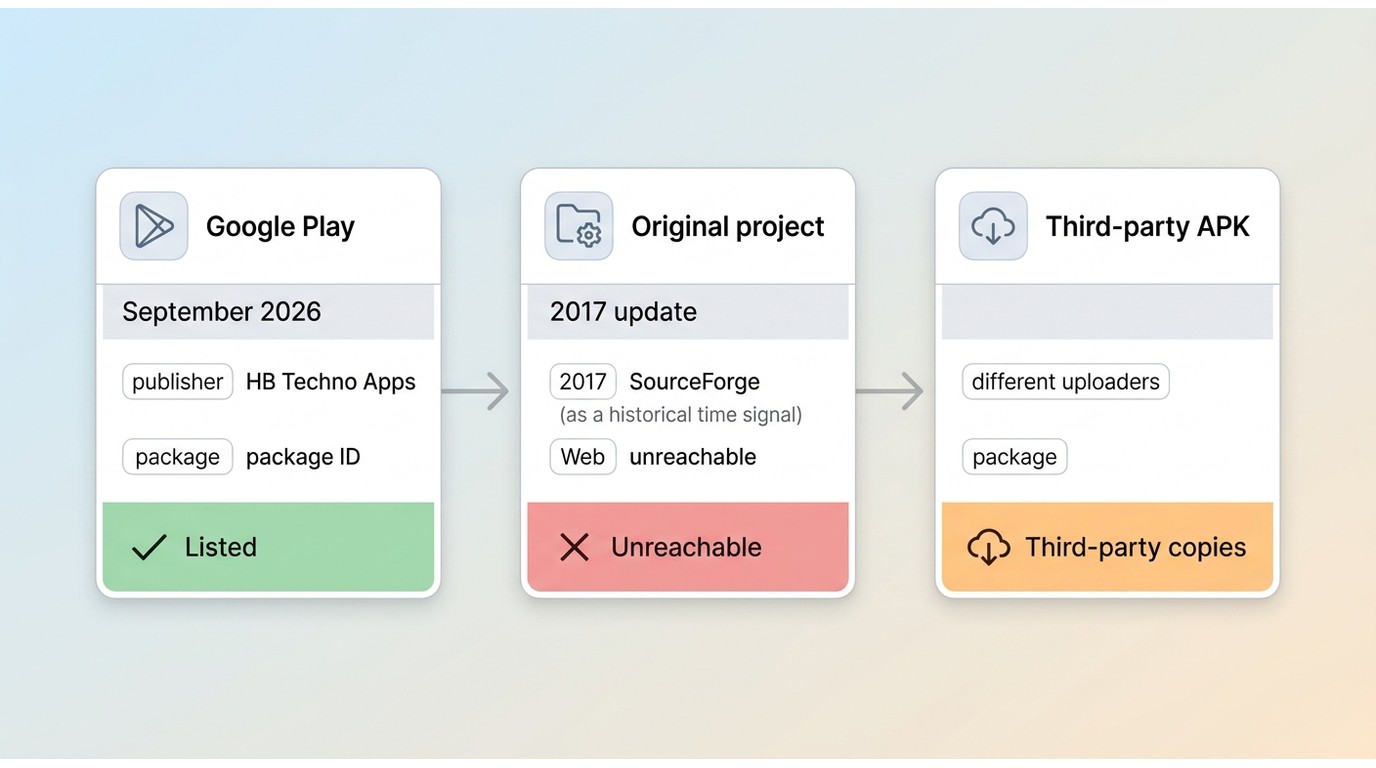
The videoder video downloader name now covers several unrelated or poorly documented listings. The original web presence was unreachable in this check, while SourceForge shows a 2017 update signal, so a Videoder old version should not be treated as current by label alone.
| Listing | Publisher and package | Version label | Platform and source signal | Checked |
|---|---|---|---|---|
| Same-name Google Play app | HB_Techno_Apps · videoderdownloaderapp.mp4videodervideodownloader | Android · Google Play; YouTube unsupported | September 2026 | |
| Original Videoder project | Publisher and package not confirmed | No current label found | Web presence unreachable; SourceForge shows 2017 update | September 2026 |
| Third-party APK copies | Varies by uploader and package | Labels vary | September 2026 |
My practical takeaway is simple: identity is the first safety test. If the publisher, package ID, source, and update history do not line up, the listing cannot inherit trust from the Videoder name.
Identify the Videoder App First
Before judging a Videoder APK, match the exact package to its publisher and source. Unrelated listings can share the same name, and a familiar icon is not enough to establish provenance.
- Record the publisher name exactly as shown in the store or repository.
- Copy the full package ID and compare it with the source page.
- Note the exact version label, release date, and supported Android range.
- Open the source URL directly rather than relying on a reposted download button.
- Review requested permissions and ask whether each one fits the app's purpose.
- Check an independent malware scan for the same file hash, not a different mirror.
- Look for a recent update history and a working support or issue channel.
- Keep the result package-specific; do not generalize it to every Videoder APK.
Videoder Features and Limits
Claims about 4K Videoder output, MP3 MP4 download, playlists, or modern Android support depend on a specific build. The current same-name Google Play listing says YouTube downloading is unsupported, so older tutorials should not be presented as current instructions.
- Familiar name: Older guides make the app easy to recognize, but the name alone does not prove which package is being offered.
- Format history: Past reports describe MP4 video and MP3 audio choices, subject to the exact build and source.
- Built-in discovery: Some older versions included in-app browsing or sharing flows.
- Fragmented maintenance: Publisher, package, and update labels vary across listings.
- Current YouTube limit: The same-name Google Play listing states that YouTube downloading is unsupported.
- Unverified quality claims: 4K, playlist, and modern-Android support need build-specific evidence.
- Source uncertainty: An old Videoder version may be available without a clear update path.
- Maintenance matters: A maintained source is a better signal than a feature list copied between APK pages.
That maintenance gap is the key synthesis: a feature remembered from an older build is not evidence that the same-name listing supports it today.
Is Videoder Safe in 2026?
There is no brand-level answer for an unidentified package. The original project is stale or uncertain in this check, while the current same-name listing has a different publisher, so safety has to be assessed at package and source level.
Why Google Play Results Need Identity Checks
A Google Play result proves that a listing exists, not that it is the original Videoder project. The listing checked here is published by HB_Techno_Apps and uses the package ID videoderdownloaderapp.mp4videodervideodownloader; those details should be recorded before installation.
APK Safety Signals
Use several signals together instead of relying on a single store badge:
- Publisher and package ID match the named source.
- Version label and update date are visible and consistent.
- Permissions fit the stated feature set.
- The file receives a matching scan result from an independent service.
- The source has a current support or issue channel.
Safer Download Decisions
The current same-name listing does not support YouTube downloading. Do not follow older YouTube, playlist, or MP3 instructions unless a specific version's current documentation confirms them. For content you are authorized to access, choose a maintained app whose platform scope and terms are clear.

My Advice: When publisher, package, and source do not line up, I treat the APK as unverified. A maintained alternative is a better fit for an authorized download workflow.
Maintained Videoder Alternatives for 2026
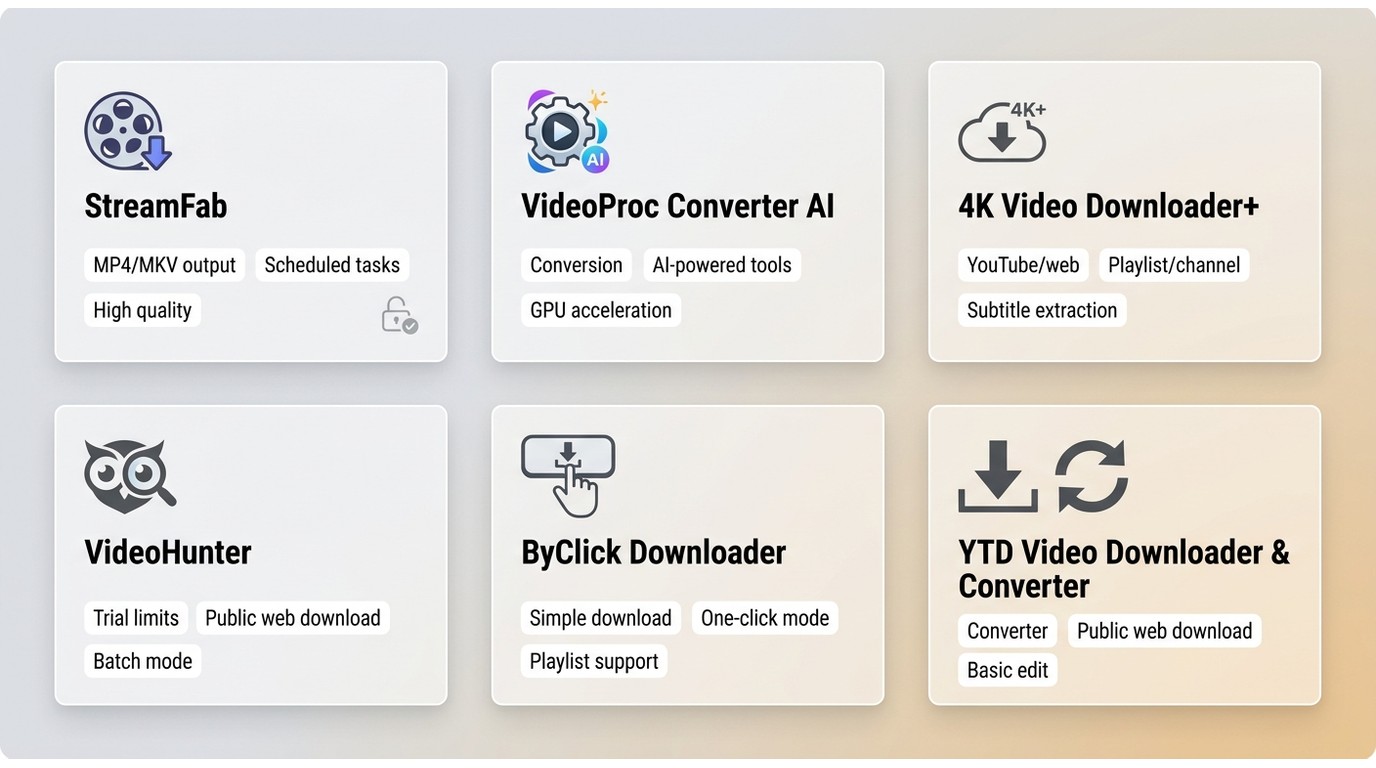
A videoder alternative should be chosen by the media source and device you actually use. The six desktop candidates in the matrix are active options, while Android and browser choices still require a current source and permission check. For a broader suite comparison, see our CleverGet alternatives guide.
Pricing and trial terms follow each vendor's current policy as of September 2026.
| Tool | Current status | Platform focus | Best fit | Key limitation |
|---|---|---|---|---|
| StreamFab | Active | Windows / Mac | Authorized paid-streaming offline copies | Depends on platform terms and supported services |
| VideoProc Converter AI | Active | Windows / Mac | Download plus conversion | Broader suite than a simple downloader |
| 4K Video Downloader+ | Active | Windows / Mac / Linux | YouTube and public web media | Paid streaming is not its positioning |
| VideoHunter | Active | Windows / Mac | Desktop downloads with trial | Check support for the specific URL |
| ByClick Downloader | Active | Windows | Browser-assisted public media | Windows-focused workflow |
| YTD Video Downloader & Converter | Active | Windows / Mac | Simple download and conversion | Check current platform support |
Paid Streaming and Desktop Tools
Need authorized offline copies from a paid streaming account, or downloads that remain organized as local files? StreamFab is one desktop option for content you are authorized to access, where permitted by platform terms and applicable law. It supports Windows 10/11 and macOS, MP4 or MKV output, service-dependent resolution up to 4K, batch queues, subtitles, and metadata.

Includes 68 products, offering a comprehensive toolkit to save videos for personal offline viewing from supported services such as Amazon Prime, Netflix, Disney+, and over 1,000 other sites, in line with each service’s terms and applicable copyright laws.
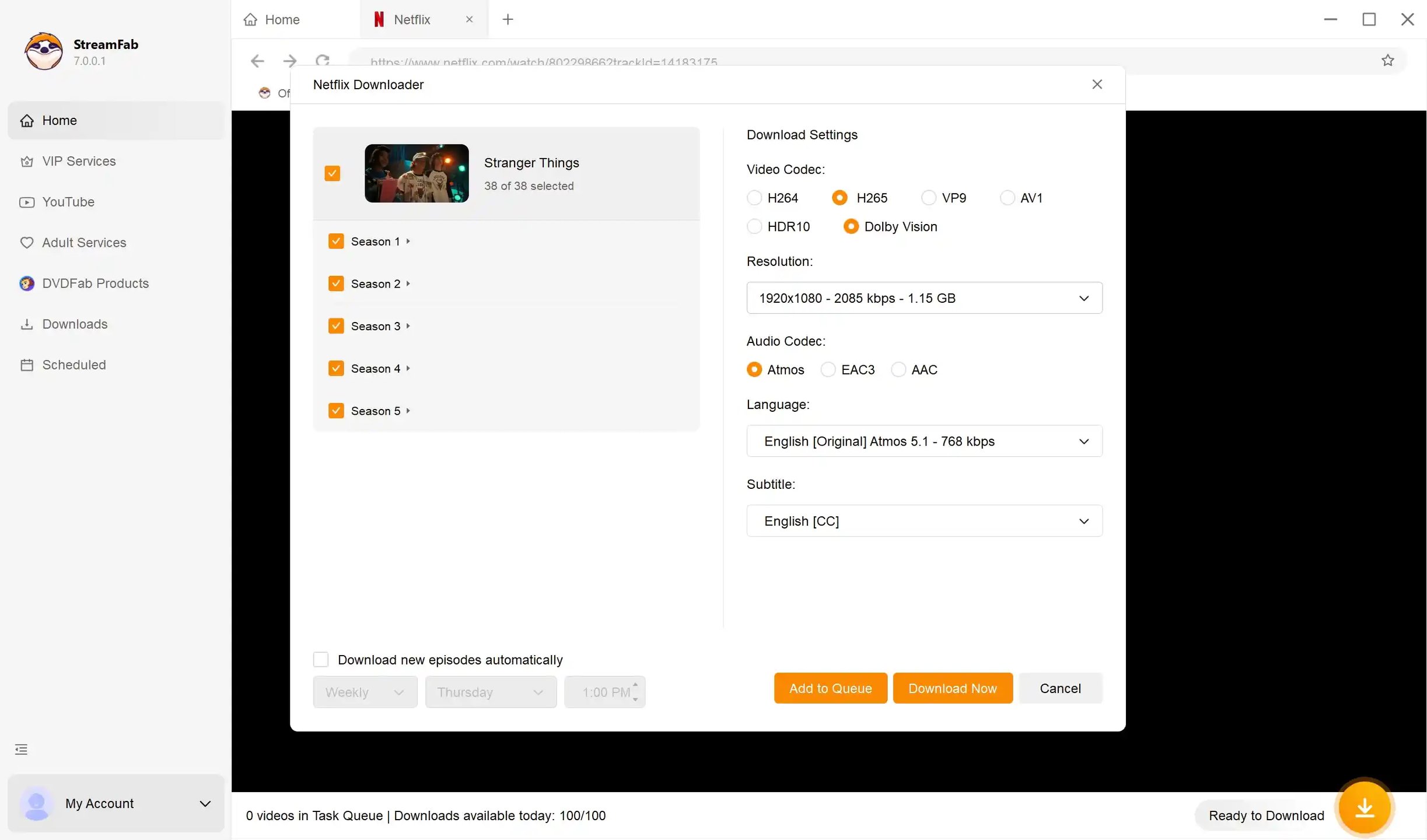
In a June 2026 macOS check at 24 Mbps, a Netflix episode was saved at 1080p with HDR10 and Dolby Atmos in a file of about 538.6 MB. On a Windows 10 Pro system with an i5-9400F, 16GB of memory, and StreamFab v7.0.1.7, a season queue produced file sizes that tracked episode length.
A 30-day trial is available per streaming service, with three trial downloads during the trial; quotas and platform terms still apply. This fit is for authorized paid-streaming workflows, not for unidentified APKs or ordinary public-web links. The StreamFab Video Downloader page provides the current desktop entry point.
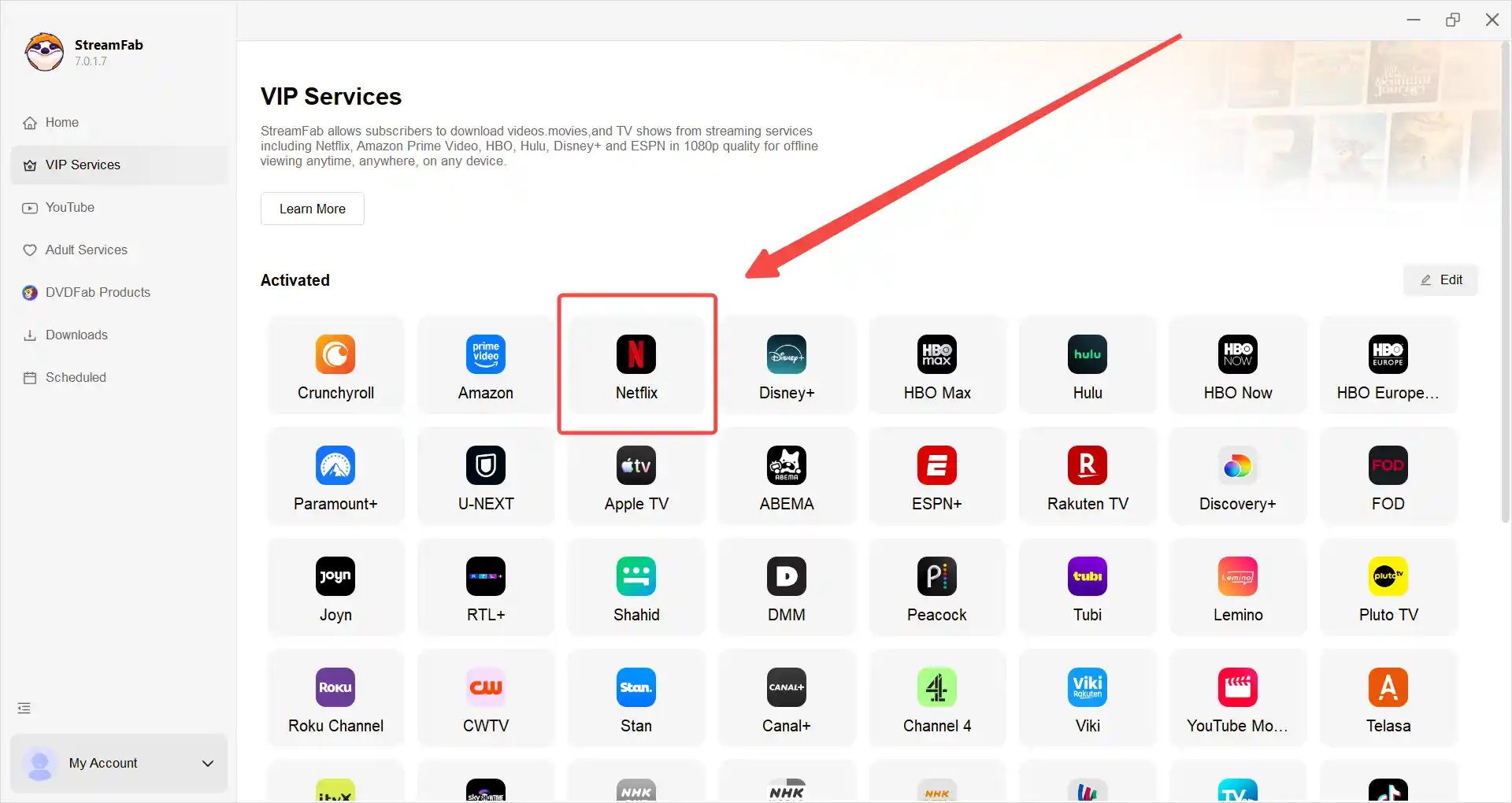
Choose the supported streaming service.
Select a service from the desktop interface or enter an authorized video URL.
Customize the file
Choose the available video, audio, subtitle, and metadata options.
Add the download
Start the download or place the authorized file in the queue.
- Platform fit: Supports authorized paid-streaming workflows on Windows and Mac.
- File and audio choices: MP4/MKV output with Dolby Atmos and EAC3 5.1 where the service provides them.
- Batch organization: Batch queues, subtitles, and metadata help organize personal offline files.
- Service scope: It is for authorized access under platform terms, not general web-video downloads.
- Updates: Service changes can require software updates.
- Hardware load: Desktop processing may use more system resources than a browser tool.
- Trial limits: Trial terms and quotas apply by service.
Fit judgment: choose this category when platform coverage and file control matter more than a lightweight browser workflow.
Android readers can review the separate StreamFab Android app page for its current scope.
VideoProc Converter AI
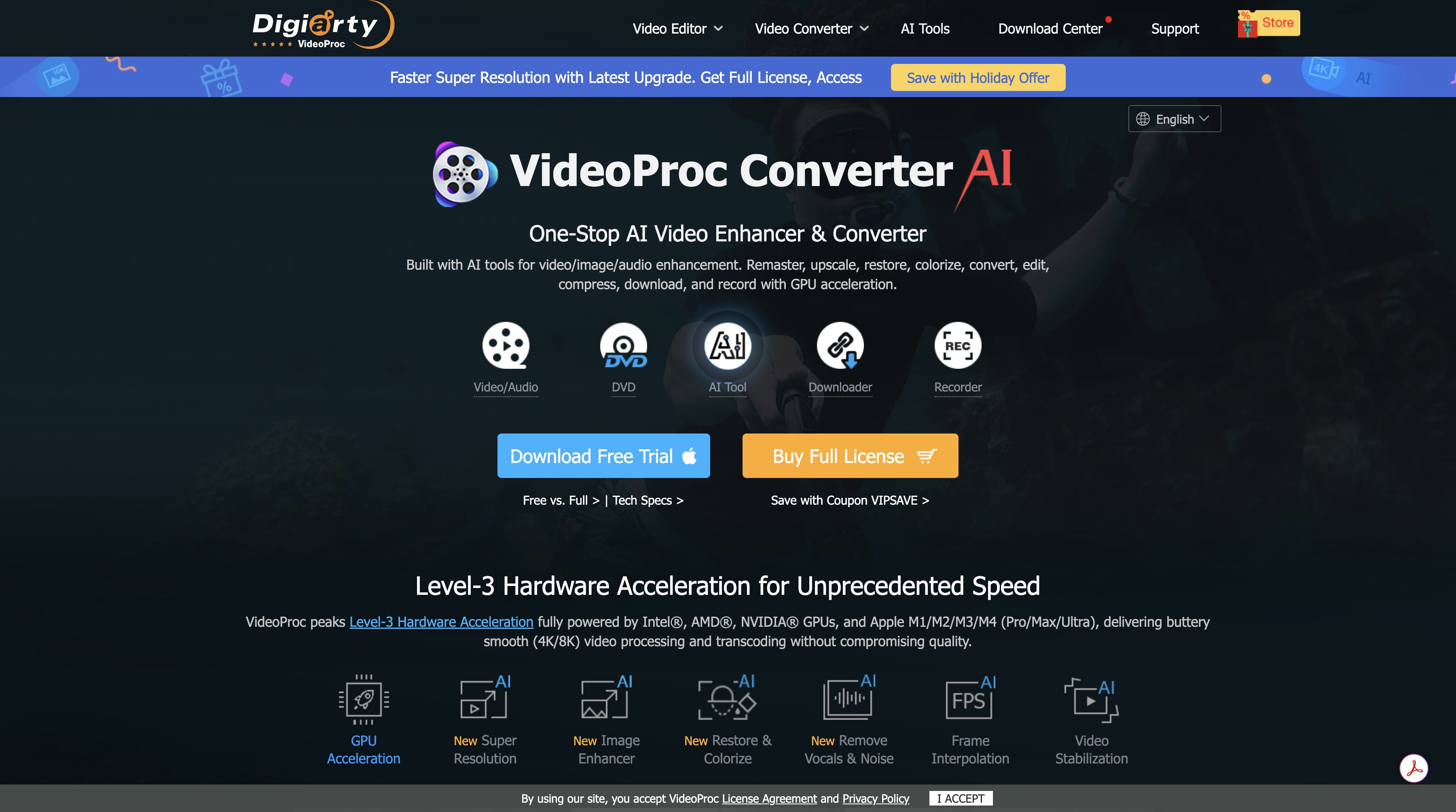
VideoProc Converter AI combines downloading with conversion, editing, and screen recording. It fits readers who plan to work on a file after saving it; for a single quick download, the wider toolset may be more than necessary.
- One-stop workflow: Downloading, conversion, and basic editing stay in one desktop app.
- Conversion choices: Output settings can be adjusted for a target device or file type.
- Editing tools: Trimming and enhancement tools help when the saved file needs cleanup.
- Broad desktop scope: Windows and Mac users can use the same general workflow.
- More than a downloader: Extra tools add setup and menu choices for a one-file task.
- Paid feature gates: Some conversion and editing functions require a paid plan.
- Learning curve: New users may need time to find the right conversion controls.
4K Video Downloader+
4K Video Downloader+ is a focused desktop choice for YouTube and public web media. It is a better fit for straightforward link-based downloads than for paid streaming accounts.
- Focused interface: A paste-link workflow keeps ordinary public-web downloads easy to scan.
- Format choices: Select from the formats and resolutions offered for the source video.
- Channel and playlist tools: Subscription-style queues can help follow public channels.
- Subtitle support: Available subtitles can be selected when the source provides them.
- Limited free tier: Free-use limits can affect frequent downloads.
- Paid-streaming boundary: Its positioning is public web media rather than paid streaming.
- Plan differences: Features and limits depend on the current edition.
VideoHunter
VideoHunter offers a clean desktop workflow for readers who want a conventional downloader with a trial. Check the exact URL before relying on it for a particular site.
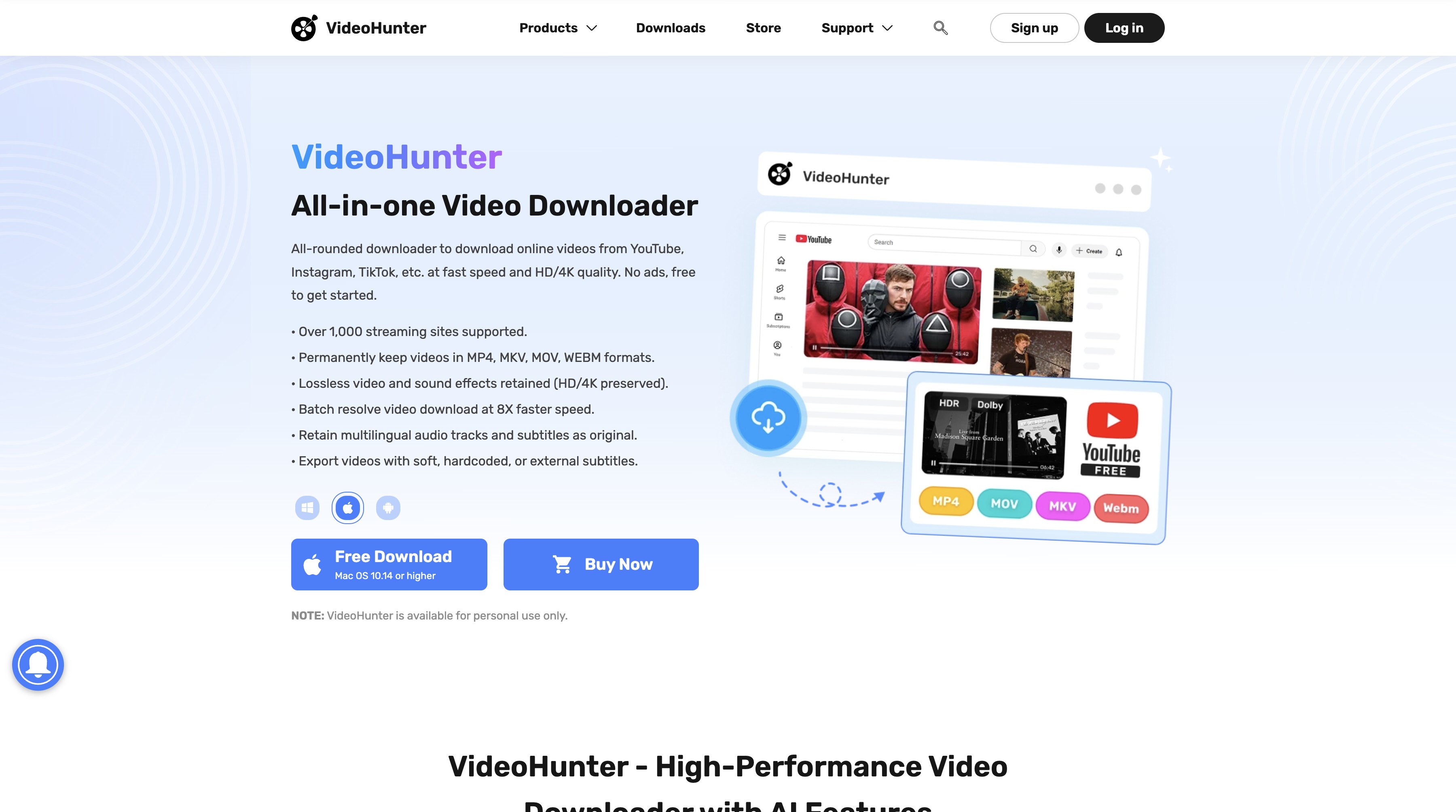
- Clear interface: The main download flow is easy to locate.
- Resolution choices: Select among the options returned for the source.
- Built-in conversion: Basic format conversion is available for local playback.
- Trial access: A trial can help check a specific URL before a purchase decision.
- Trial limits: Trial allowances can restrict repeated downloads.
- URL coverage: Support should be confirmed for each service or page.
Lightweight Desktop Tools
Lightweight desktop tools suit public web media when you want fewer controls and a short path from link to file. They are less suitable when the source requires paid-account handling or a platform-specific workflow.
ByClick Downloader
ByClick Downloader uses a browser-assisted workflow and is Windows-focused. It can suit readers who prefer automatic link detection for public media and do not need a Mac application.
- Browser detection: A detected public-media link can shorten the path to a format choice.
- Simple controls: The interface keeps the main download action visible.
- Common public sites: It targets mainstream public-media workflows.
- Format selection: Choose an available output format before saving the file.
- Windows focus: Readers on macOS need a different desktop option.
- Older design: The interface is less modern than newer desktop tools.
- Paid features: Some useful controls require the paid edition.
YTD Video Downloader & Converter
YTD Video Downloader & Converter is a basic link-to-file tool for Windows and Mac. It fits occasional public-video downloads when advanced automation is not a priority.
- Straightforward flow: Paste a link, select an output, and review the local file.
- Basic conversion: A simple conversion step is available after downloading.
- Built-in playback: Check a file without opening a separate player first.
- Ad-supported limits: Free-use restrictions can slow a repeated workflow.
- Older interface: The design may feel dated on current desktop systems.
- Slower site updates: New site support may arrive later than readers expect.
Fit judgment: pick a lightweight desktop tool for a narrow public-media task; use a broader platform-specific option when the source or account rules demand it.
Online and Android Options
Browser tools are convenient for a short public clip, while Android apps need package-level checks. Treat online services as an option to evaluate, not as a substitute for confirming permissions and the source's terms.
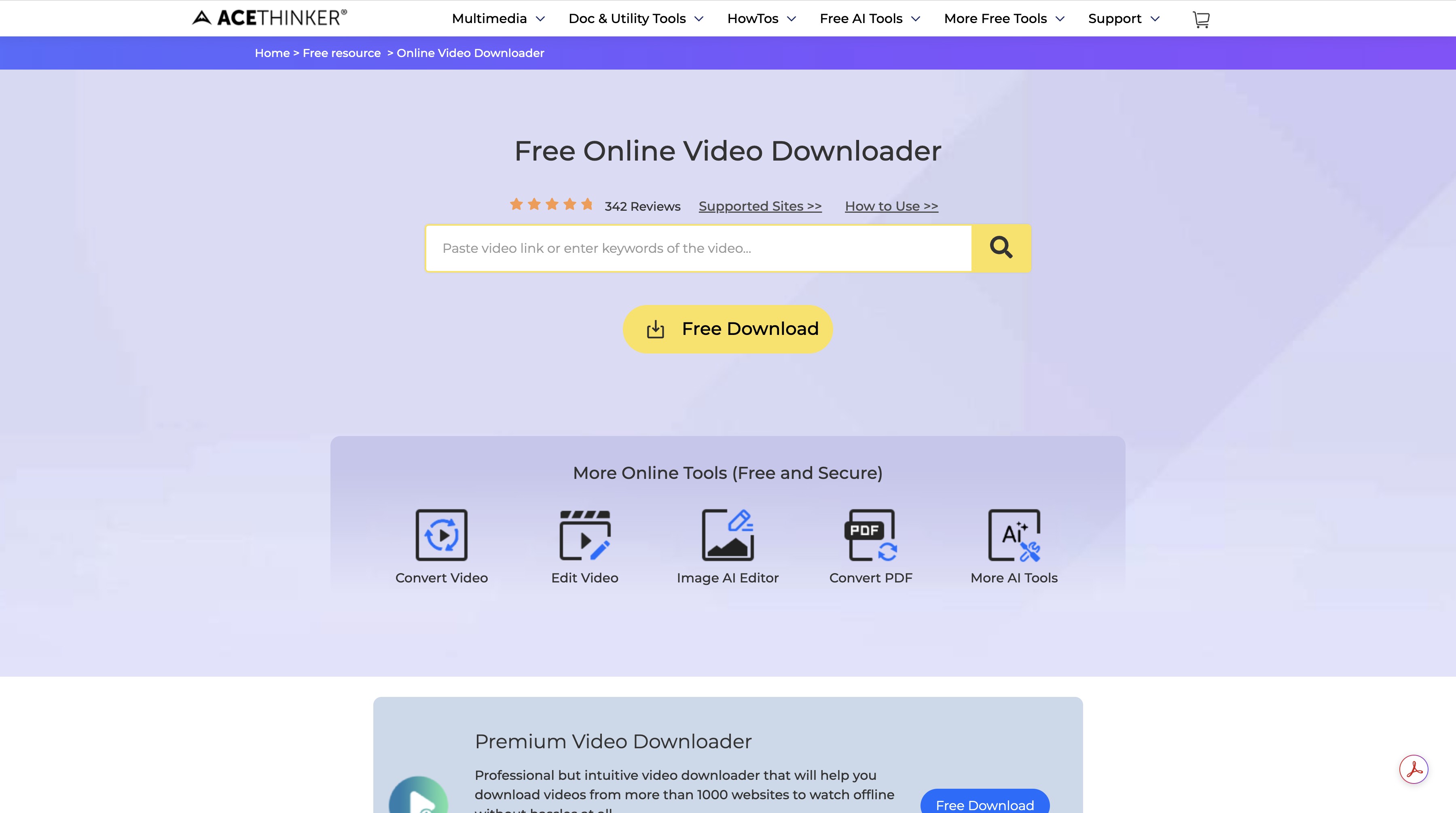
AceThinker
AceThinker's browser workflow is aimed at a quick link paste and a short public-media task. It avoids installation, but browser-based availability and output choices can change.
- No desktop install: The workflow runs in a browser.
- Short path: Paste, analyze, and select an available file.
- Device flexibility: A browser can work across supported phones and computers.
- Output variance: Resolution and format choices depend on the source and service.
- Advertising: Promotional elements can compete with the download action.
- Few controls: Playlist, subtitle, and account features may be limited.
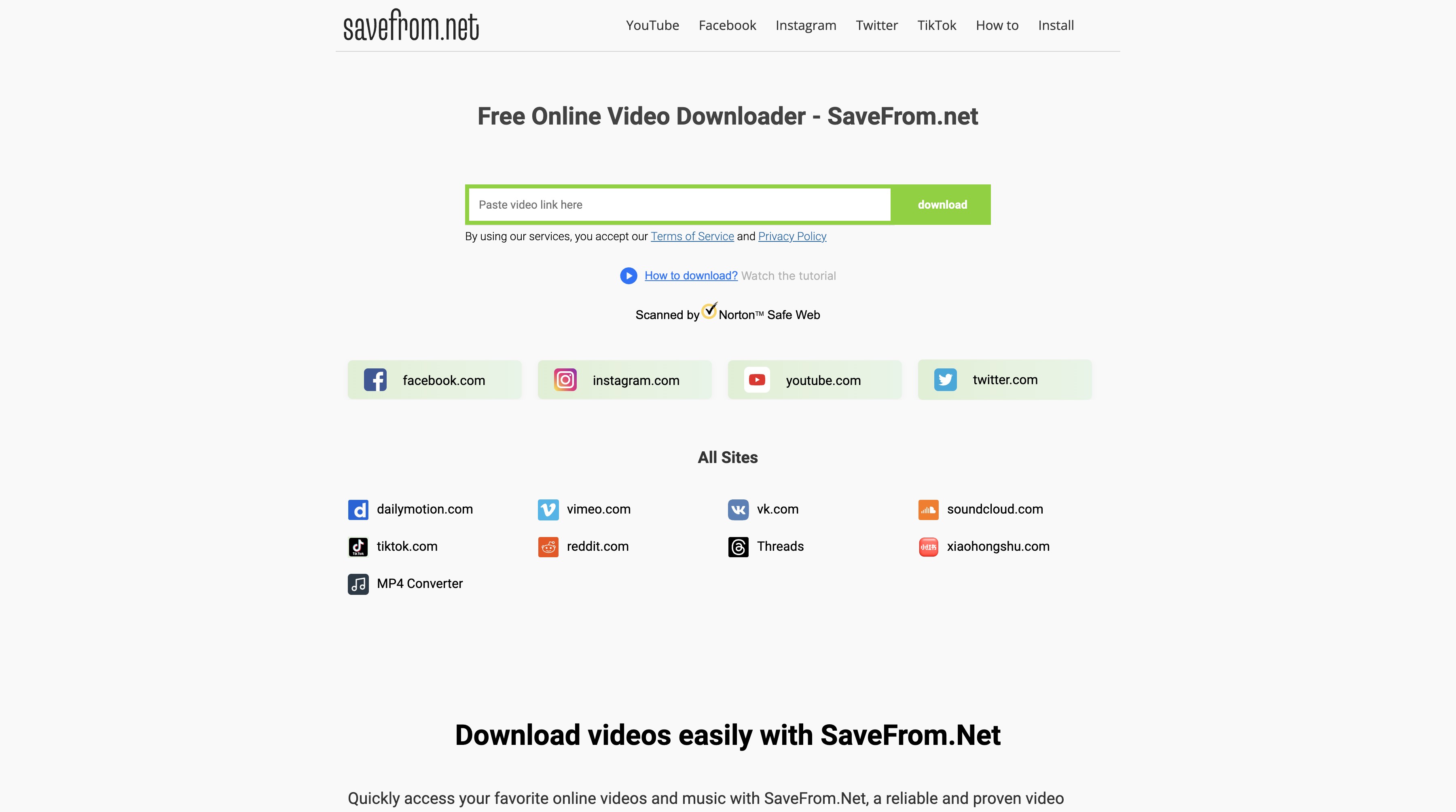
SaveFrom.net
SaveFrom.net is a familiar browser name, but its page can contain distracting advertising and its support is inconsistent across sources. Use a current, authorized public-media workflow only when the page and file destination are clear.
- Browser access: No desktop installer is required for a short task.
- Familiar workflow: The page follows a paste-and-select pattern.
- Aggressive advertising: Misleading prompts can make the real action difficult to identify.
- Inconsistent results: A link may fail depending on the source and current endpoint.
- Limited controls: Advanced queues and account-aware features are not its focus.
Fit judgment: online tools are for narrow, authorized public-media tasks; Android installs and paid-streaming workflows need stronger identity and platform checks.
Playing Downloaded Videos Locally
Once an authorized file is saved, local playback is a file-management step rather than a Videoder identity test. Use a maintained player that supports the file's container, video codec, audio track, and subtitle format.
Operation Steps
For an authorized local file, use a maintained player and follow its installer prompts.
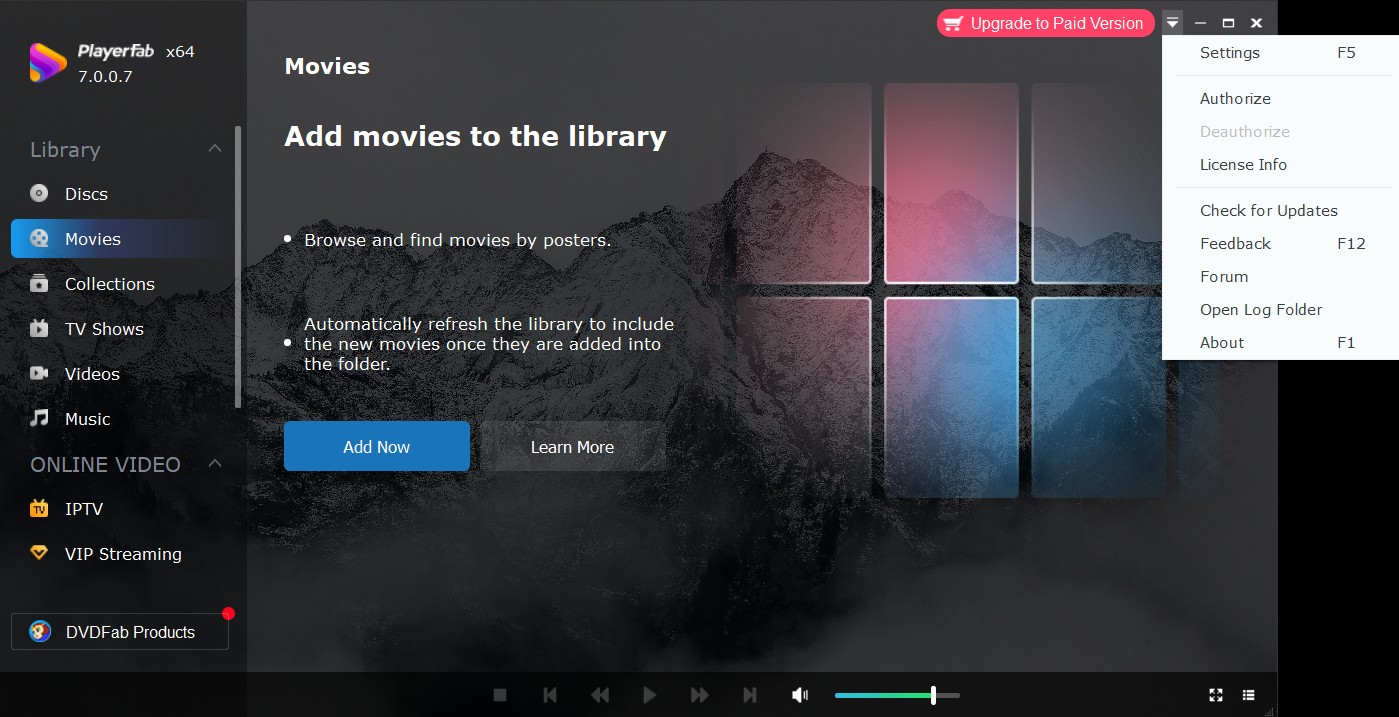
PlayerFab can open local video files and lets you check audio and subtitle selections in one place.
After installation, open the saved file from its folder and confirm that the selected container, audio track, and subtitles play as expected.
Frequently Asked Questions
Can I still find a trustworthy Videoder APK for a current Android phone?
A same-name listing does not establish the original project. Match the publisher, package ID, exact version, permissions, scan result, source URL, and update date before installing; if those signals conflict, choose a maintained source.
Does the current Videoder app download YouTube videos or audio?
The same-name Google Play listing checked in September 2026 says YouTube downloading is unsupported. Older MP3 or MP4 instructions should not be treated as current without matching version evidence.
Which alternative fits paid streaming versus ordinary web videos?
Choose a desktop option by platform and authorized use. StreamFab fits authorized paid-streaming offline copies where platform terms and applicable law permit it; focused tools fit ordinary public-web media.
Is an old Videoder version safer or more compatible than a newer APK?
An old version label does not prove safety or modern compatibility. Compare the package, permissions, scan signal, source, and update history, then prefer a maintained release with a clear support path.
Update Log
- September 2026: a same-name Google Play listing is published by HB_Techno_Apps and states that YouTube downloading is unsupported.
- September 2026: the original web presence was unreachable, while SourceForge shows a 2017 update signal.
- September 2026: SaveMedia.Website and BitDownloader endpoints are unavailable.
Videoder Conclusion for 2026
An unknown package cannot receive a brand-level safety verdict.
- For Android, verify the package, publisher, permissions, scan signal, and update history before installing any Videoder APK or old version.
- For Windows or Mac public-web media, a focused desktop or browser workflow may be enough when the source and permissions are clear.
- For authorized paid-streaming offline copies, use a desktop option whose supported services and platform terms match your account and location.
That identity-first approach answers “is Videoder safe” more accurately than a blanket yes or no, and it keeps the alternative choice tied to the file and service you actually intend to use.

Evaluating the Audials One 2026 free trial? I tested its 720p caps, examined if is audials legal under Fair Use
By Erika Leen - Sep 29, 2026
Are you thinking of purchasing NoteBurner and unsure if it’s worth the investment? In this NoteBurner review, let’s delve into its product lines, particularly the NoteBurner Video Downloader’s pros and cons.
By Marcia Hatcher - Sep 28, 2026
Read our in-depth Audials review for 2026. Is Audials safe and legal for Amazon Prime? Discover actual test results, Widevine DRM fixes, and better alternatives.
By Erika Leen - Sep 28, 2026
TuneFab’s Amazon downloader suits a focused desktop routine, while VideOne covers multiple services. Compare their workflows, license structures, and output checks with StreamFab, then use the numbered setup and maintenance steps for authorized personal offline viewing.
By Erika Leen - Sep 24, 2026