








As someone who loves watching movies and TV shows on my computer, there is a limitation frustrates me. I recently discovered an original Hulu series called Midcentury Modern that I found fascinating. I traveled to Bali last month and wanted to watch the show online while lying on the beach, but when I arrived I received an error message: "This content is not available in your region." This made me very distressed, so when I came back, I decided to find a way to watch Hulu offline on laptop and PC. Next, I will introduce it to you in detail.

how to want hulu offline on laptop and pc?

Can You Watch Hulu Offline on Laptop & PC?

The answer is "NO!"

Hulu officially only supports offline viewing on mobile devices (you can check out the devices that support watching Hulu offline in the image below), allowing downloads through its mobile app. Unfortunately, laptops and PCs are excluded - neither the web version nor desktop apps offer offline playback due to licensing and platform policy restrictions. If you’re looking for offline viewing on a laptop, the official option is still limited at this time. For a broader understanding of official rules, you can also refer to Hulu download limit.

how to want hulu offline on laptop and pc: the devices that hulu support to download videos

How to Watch Hulu Offline on Laptop?

If you want a more flexible way to manage offline viewing on a computer for personal use, this part may be worth your attention. Please make sure you have lawful access to the content under a valid subscription, and always follow Hulu’s terms and your local copyright rules.

1. StreamFab Hulu Downloader

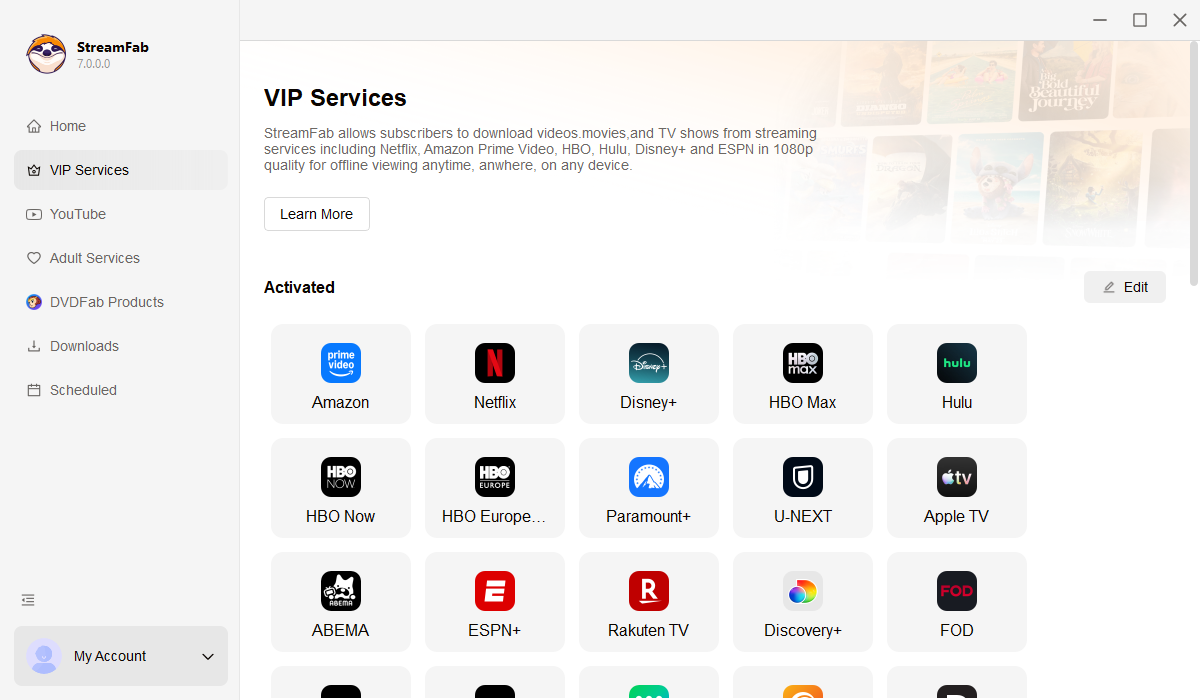
Typically, you can only watch Hulu offline on the mobile app. If you already have lawful access to a title under a valid subscription and want a more device-friendly way to manage personal offline viewing on a computer, StreamFab Hulu Downloader is one option some users consider.

how to want hulu offline on laptop and pc: streamfab hulu downloader

Download Hulu movies and TV shows in up to 1080P/4K quality and EAC3 5.1/AAC 2.0 audio track.

You may see phrases like "rip videos from Hulu" used loosely online. In this article, I’m only discussing offline viewing management for personal use, based on content you can already watch under a valid subscription. The actual availability and quality depend on the title and your account access, but the goal is to keep the viewing experience device-friendly while staying within Hulu’s terms and local rules.

 Excellent features of StreamFab:
  • You can watch Hulu offline on laptop and PC in original lossless 1080P/4K (it depends on the resolution of the videos).
  • Save Hulu to MP4 or MKV format for flexible offline watching, you don't need to convert the videos' format by other tools.
  • Save subtitles and audio tracks of the language you prefer.
  • Use offline viewing features only during your valid subscription period, and keep everything strictly for personal use.
  • Availability can vary by title and region, so please follow Hulu’s location policy and your local rules when you watch offline.
  • You can send the videos to your mobile devices, no need to install the application and download it again.
  • You can bulk download and auto download, which can help you to save time.

Tutorial of StreamFab Hulu Downloader

Below is a high-level workflow for managing personal offline viewing on a computer during a valid subscription (without going into overly detailed step-by-step operations):

Step1
Download and install StreamFab Hulu Downloader from the official website.
Step2
Open the tool and navigate to Hulu within the built-in browsing experience.how to want hulu offline on laptop and pc: step 2 of streamfab
Step3
Sign in to your Hulu account and make sure you’re only selecting titles you can already watch under your subscription.how to want hulu offline on laptop and pc: step 3 of streamfab
Step4
Choose the show or movie you want to manage for personal offline viewing, and let the tool prepare the task.how to want hulu offline on laptop and pc: step 4 of streamfab
Step5
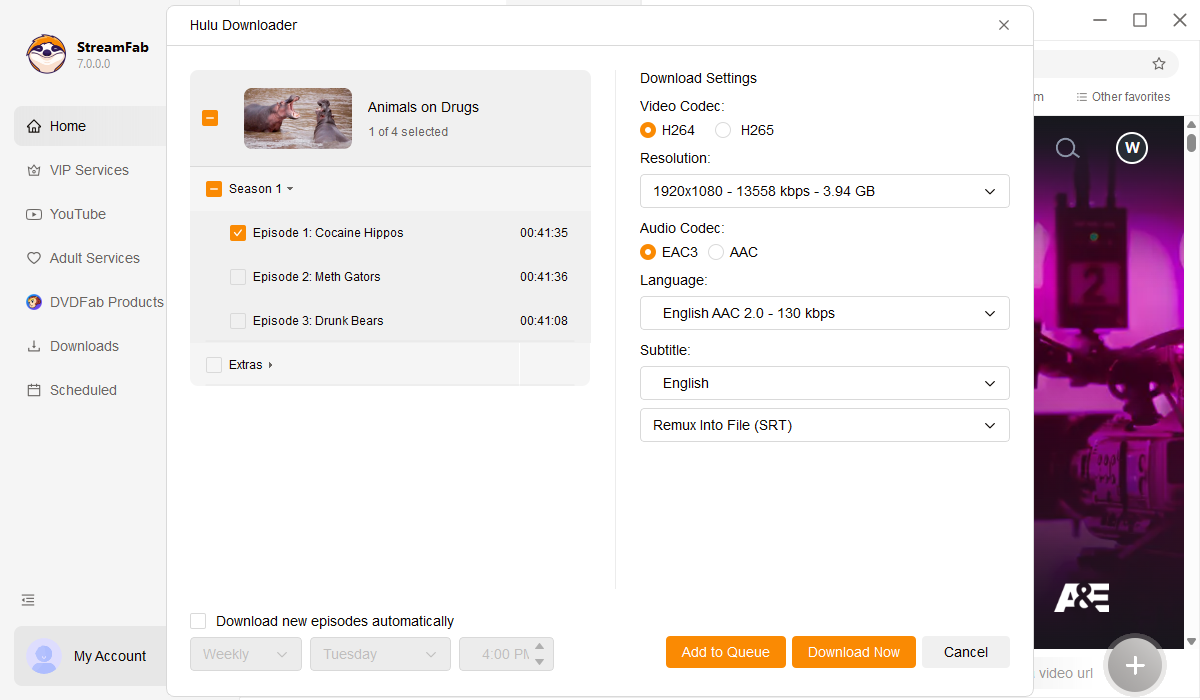
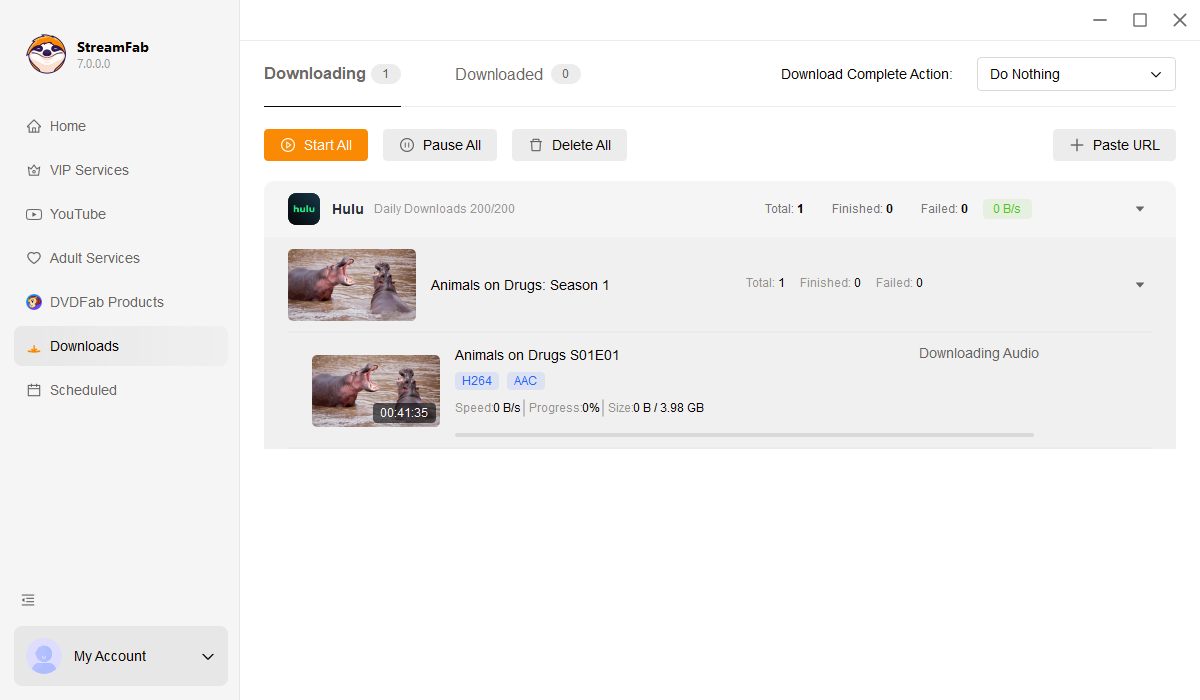
Adjust the playback preferences you need (such as resolution, subtitles, and audio language), then start the offline saving task and wait for it to finish.how to want hulu offline on laptop and pc: step 5 of streamfab

2. PlayOn Home

For users who mainly want to time-shift specific clips or live programs for personal viewing, PlayOn is often mentioned in discussions like record on Hulu. As with any third-party option, please use it only with content you can legally access, keep it strictly personal, and follow Hulu’s terms and local rules.

Tutorial of PlayOn Home

Step1
Download and install the PlayOn Home on your computer.
Step2
Click the Channels and find Hulu, log into your Hulu account.
Step3
Find the show or movie you want to watch offline, just click "Record". PlayOn will start to record.
Step4
Once a recording is finished, you’ll have a file for personal playback on your device, subject to your local rules and Hulu’s terms.
tips icon
But please note that if you are a Mac user, you need to download PlayOn Cloud, the price will higher than PlayOn Home.

how to want hulu offline on laptop and pc: playon home

FAQs

1. Can I Watch Hulu Offline Abroad?

Hulu doesn’t let you stream from just anywhere. If you’re headed abroad and want to catch up on your shows offline, best to check Hulu’s official stance for your destination first. And remember, only use their download feature if it’s actually supported there. Stick to watching personally, within Hulu’s rules and any local laws.

2. How to Watch Hulu Offline on My Phone?

First of all, download the Hulu application in your App Store or Google Play, log in to your account, search for the programme you want to watch offline, you can find the download icon in the menu bar, click on it and wait for the download to complete.

Conclusion

While Hulu officially restricts offline viewing to mobile devices, you may still have options to manage personal offline viewing on a laptop or PC during a valid subscription. If you prefer a more device-friendly experience for commuting or travel, StreamFab Hulu Downloader is one option to consider—just keep everything strictly personal and make sure your use aligns with Hulu’s terms and your local rules.

tips icon
Legal & Compliance Note
This article is for informational purposes only. Please use any offline viewing option only with content you can legally access under a valid subscription, keep it strictly for personal use, and do not share, redistribute, or use it commercially. Always follow Hulu’s Terms of Use and your local copyright laws.