




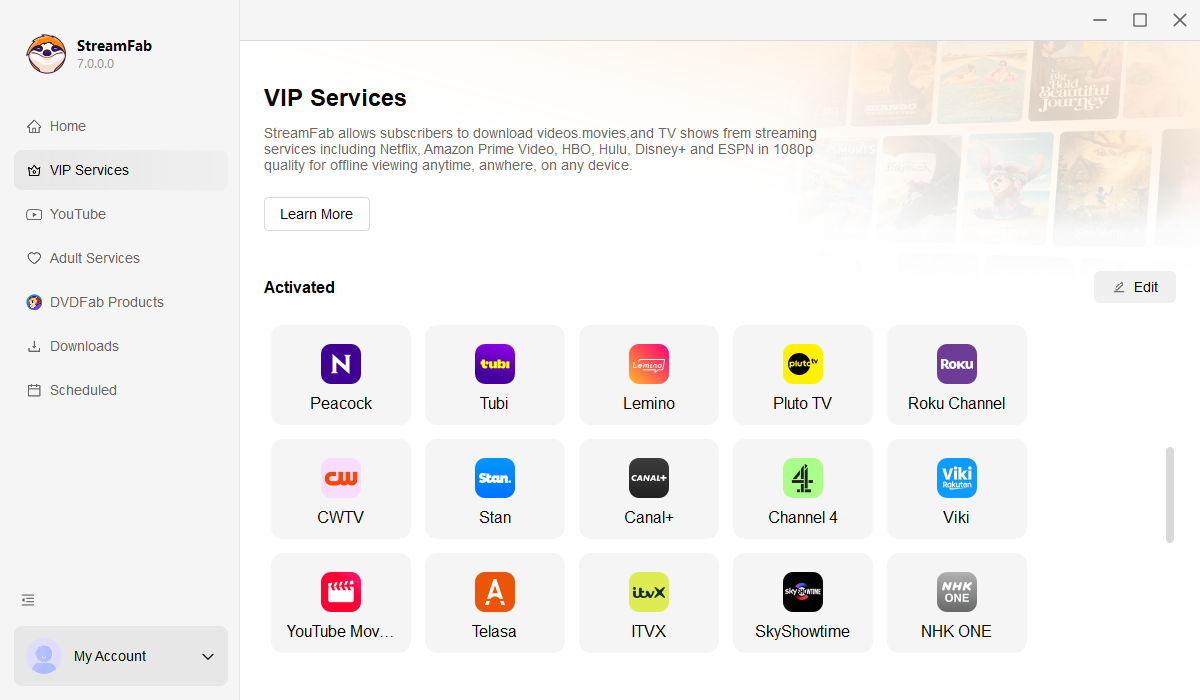
• Download videos from all Pluto TV regional sites

    Download on-demand videos from Pluto TV

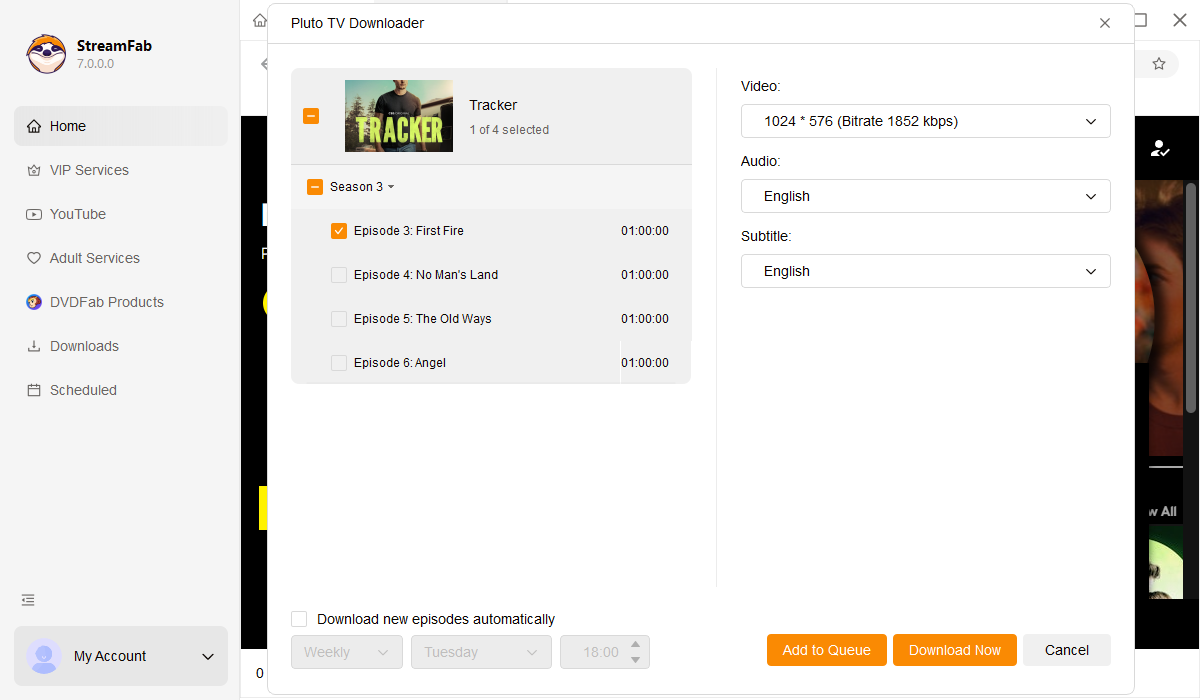
  • Download new Pluto TV episodes and movies at a scheduled time

    Auto-download new Pluto TV content on a schedule

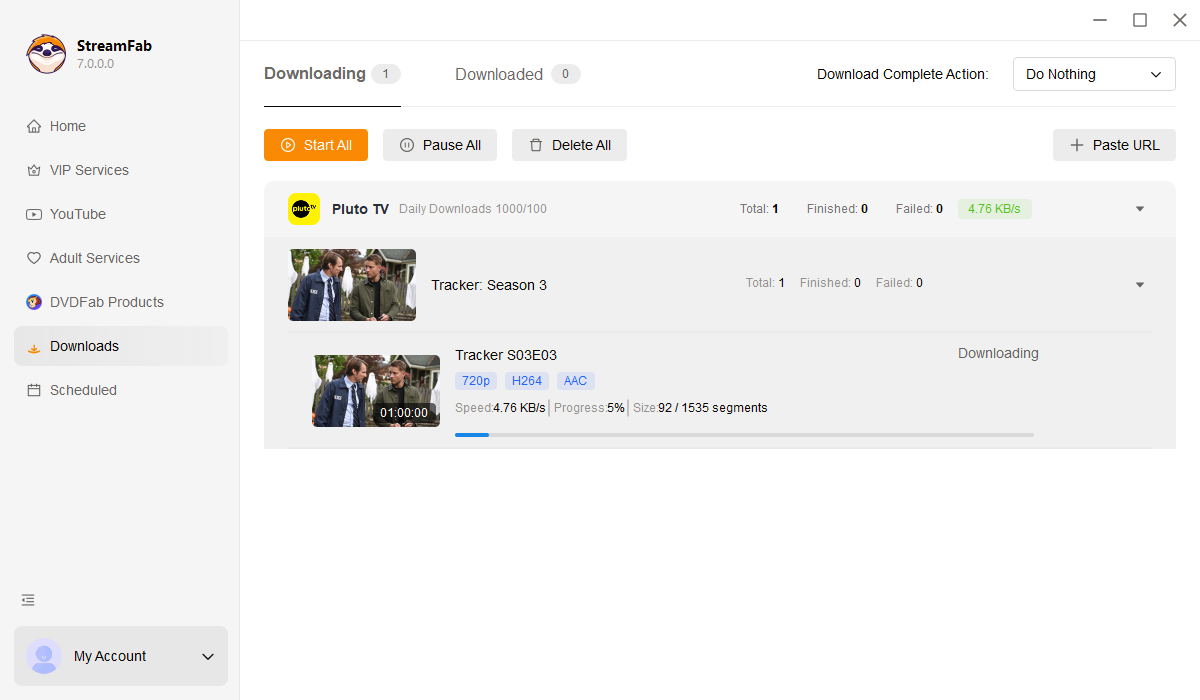
  • Download Pluto TV videos in 720p

    Save Pluto TV videos in 720p HD with AAC 2.0 audio

  • Explore Pluto TV videos with its in-built browser

    Browse Pluto TV content with the built-in browser

Why Do You Need StreamFab Pluto TV Downloader?

Videos come and go

Your favorite Pluto TV titles can vanish overnight

You finally found a great documentary on Pluto TV last weekend — something about the Apollo missions that you planned to finish tonight. But when you open the app, the title is gone. No warning, no notification, just removed from the catalog. This happens regularly on Pluto TV because its on-demand library is built on rotating licensing agreements with studios like Paramount, Lionsgate, and MGM. When a deal expires, titles vanish instantly. Unlike paid platforms that sometimes announce upcoming removals, Pluto TV gives no advance notice. 


A film that was available yesterday could be gone today, and there is no guarantee it will ever return. For anyone who watches Pluto TV regularly, this creates a frustrating pattern of discovering great content only to lose access before finishing it. StreamFab Pluto TV Downloader solves this by letting you save any on-demand title as a permanent local file the moment you find it. Developed by the StreamFab team — a video software company trusted by tens of millions of users over 20+ years — StreamFab ensures your favorite Pluto TV content stays on your hard drive long after it leaves the platform.

On-demand videos come and go on streaming services
Download all Pluto TV videos

Escape the constant ad interruptions on Pluto TV

Imagine settling in for a Friday night movie on Pluto TV. Five minutes into the opening scene, a loud commercial break cuts in — and it happens again every 10 to 12 minutes throughout the film. Pluto TV is one of the most ad-heavy free platforms available, inserting roughly 5 to 8 minutes of unskippable advertisements per hour of content. Over a standard 2-hour movie, that adds up to 10 to 16 minutes of forced commercial interruptions. There is no premium tier, no ad-skip button, and no way around it. On top of the ads, Pluto TV offers no offline download feature at all. If your Wi-Fi drops during a commute, a flight, or a road trip, your entertainment disappears entirely. 


StreamFab Pluto TV Downloader removes every ad during the download process and saves your Pluto TV content as clean, offline-ready files. No more waiting through commercials. No more buffering. Just your shows and movies, ready to watch on your schedule. With StreamFab's 20+ years of engineering expertise behind it, StreamFab receives weekly updates that keep pace with platform changes, typically resolving compatibility issues within 24 to 48 hours.

pluto tv downloader

What Can StreamFab Pluto TV Downloader Do?

Excellent Downloading Quality

Save Pluto TV videos in 720p HD with AAC 2.0 audio

You have probably noticed that free streaming platforms do not always deliver the sharpest picture — especially when your internet connection fluctuates and the stream drops to a pixelated mess. With StreamFab Pluto TV Downloader, that inconsistency is gone. The software captures Pluto TV's on-demand content at 720p HD resolution, which is the maximum quality the platform provides, and saves it directly to your hard drive without re-encoding or compressing the video. That means you get the exact same picture quality Pluto TV delivers from its servers, stored permanently on your device. 


The audio side is equally well handled. Pluto TV streams in AAC 2.0 stereo, and StreamFab preserves this track at its native bitrate of 128 to 192 kbps. Dialogue stays crisp, background music maintains its dynamic range, and you avoid the jarring volume spikes that typically come with Pluto TV's ad breaks — because those ads are removed entirely. Whether you are watching on a laptop, tablet, or connecting to a TV, the 720p picture looks sharp and the AAC 2.0 audio sounds clean and balanced.

pluto tv video downloader
Multiple Format Available

Save Pluto TV downloads as MP4 or MKV for any device

Think about the last time you wanted to watch a downloaded video on your TV, only to discover the file would not play because the format was not supported. That frustration disappears with StreamFab Pluto TV Downloader. The software saves your Pluto TV content in either MP4 or MKV format — two of the most universally compatible container formats available. MP4 is the default choice and the safest option for everyday use. 


Plug a USB drive into a smart TV, transfer a file to your phone, or open it on a laptop — MP4 plays instantly on virtually every device manufactured in the last decade without requiring additional codec packs. MKV format is better suited for users who manage a home media library with Plex, Emby, or Jellyfin. MKV supports embedding multiple subtitle streams and metadata within a single file, making it the preferred archival format for organized collections. Both formats preserve the original 720p H.264 video stream and AAC 2.0 audio without any re-encoding, so what you download is exactly what Pluto TV delivers.

free pluto tv downloader
Save and Remux SRT Files

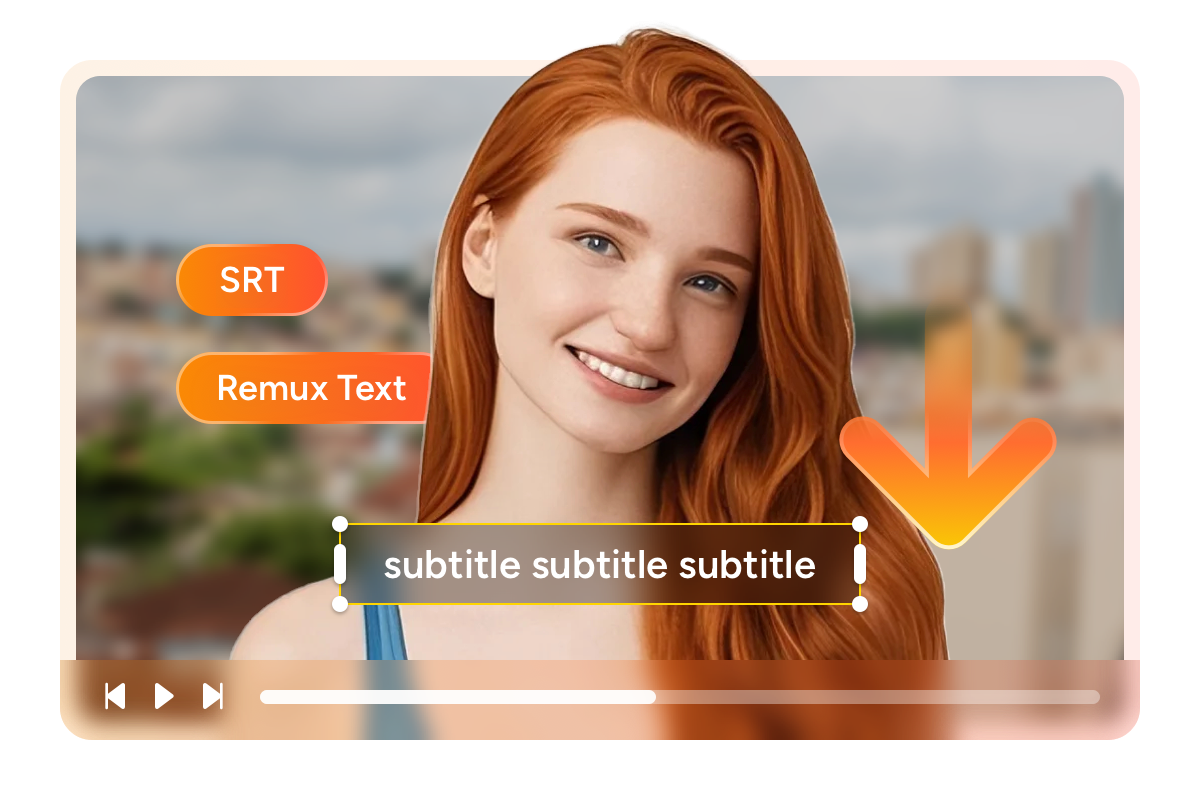
Save subtitles as SRT files or embed them in the video

Have you ever struggled to follow dialogue in a movie because background noise drowned out the actors? Subtitles solve this, and StreamFab gives you full control over how they are saved. You can embed subtitles directly into the MP4 or MKV file so they appear automatically during playback — perfect for watching on a tablet or TV where you do not want to manage separate files. 


Alternatively, you can save subtitles as standalone SRT text files, which gives you the flexibility to toggle them on or off in any media player. SRT files are especially helpful if you enjoy international content on Pluto TV and want easy access to English captions. Both modes preserve the original subtitle timing from the Pluto TV stream. When batch downloading multiple titles, your subtitle preference applies consistently across the entire queue.

free pluto tv video downloader

A Seamless Downloading Experience

download videos from pluto tv

Schedule Mode and Auto Download

Never miss a new addition to Pluto TV's catalog. Set your preferred schedule and StreamFab downloads fresh content automatically.

download videos from pluto tv

Save Pluto TV Videos in Batch

Queue up dozens of Pluto TV movies or a full series season and let StreamFab process them all in one automated session.

download as mp4

Preset Audio and Subtitle Language

Pre-select your preferred language for audio and subtitles. StreamFab matches your system language by default and applies it to every download.

download as mp4

Free You from Ads-interruptions

StreamFab automatically strips all advertisements during download — no more 5 to 8 minutes of commercials per hour interrupting your films.

More Than Downloading

Save Metadata

Keep your downloads organized with full metadata

If you have ever scrolled through a folder of downloaded video files named something like "video_12847.mp4" and had no idea what each one was, you understand why metadata matters. StreamFab Pluto TV Downloader automatically saves detailed information with every download — the movie title, release year, genre, cast, director, season and episode numbering for series, and cover artwork. This metadata is embedded directly into the output file and recognized by media server platforms like Plex, Kodi, Emby, and PlayerFab. 


Instead of managing a disorganized folder of mystery files, you get a polished library where every title appears with its proper poster, cast list, and synopsis. A downloaded Pluto TV documentary shows up under the correct genre with full production details. A saved TV series organizes itself into seasons with proper episode numbering. For anyone building an offline collection from Pluto TV's extensive free catalog, metadata turns scattered downloads into a personal streaming experience that rivals the real thing.

download videos from pluto tv

What Pluto TV Viewers Say About StreamFab

launch pluto tv downloader
Step 1. Launch StreamFab and Select Pluto TV

Download and install StreamFab on your Windows or Mac computer. Open the program and click Streaming Services in the left panel, then select the Pluto TV card.

Step 2. Browse Pluto TV and Choose Your Content

Use the built-in browser to access Pluto TV's on-demand library. Search for or browse to the movie or show you want to download.

Step 3. Start Ad-Free Downloading

Play the video and a download panel will appear. Select your format and subtitle preferences, then click Download Now. Ads are automatically removed during the process.

System Requirements

Icon
Windows 11/10 (32/64 bit)
Intel i3 or above
4GB of RAM or above
40GB of free hard disk space or above
Live Internet connection required

Related Articles

  • Can I Download Pluto TV Content? Yes — and here is Exactly How
    Can I Download Pluto TV Content? Yes — and here is Exactly How

    Pluto TV wouldn’t let me download — so I found a way. StreamFab made it possible to save shows offline, no ads, no limits. The guide below is: step-by-step, user-tested, and 100% Sailor Guardian-approved.✨

    By Nicole Lopez - Apr 8, 2026
  • Can You Watch Pluto TV Offline? 2026 MP4 Download Solutions
    Can You Watch Pluto TV Offline? 2026 MP4 Download Solutions

    Can you download movies on Pluto to watch offline? No official offline mode exists, but this 2026 technical guide explains how to handle SSAI and DRM to extract Pluto TV to MP4 using reliable third-party downloaders.

    By Erika Leen - Mar 17, 2026
  • Can You Watch Pluto TV Offline in 2026? Natively No, But Here's How
    Can You Watch Pluto TV Offline in 2026? Natively No, But Here's How

    As a digital archive expert, I reveal the 2026 technical realities of FAST platforms like Pluto TV. Discover why official offline fail and how to use advanced 1:1 bitstream tools to watch Pluto TV without internet, strip SSAI ads, and build your offline media library seamlessly.

    By Jacob Harrison - Mar 26, 2026
Fair Use Policy: StreamFab is legal only for personal needs and it's not allowed to share the downloaded content with any third party.

To avoid being blocked by streaming providers, a StreamFab licensed account has a quota of 100 downloads per day, and 700 downloads per week from each supported streaming service. Whenever some of it is used up, it will refill during the next time cycle.