
Download XVideos Offline: 3 Safe Ways to Save MP4 Videos in 2026

Summary: Xvideos doesn’t offer any official download option, and like many users, I found streaming with ads and unstable network really frustrating. That’s why I explored and tested multiple download methods—and in this article, I’m sharing the three tools I actually use.
Quick answer: for adults 18+, the safer way to download XVideos offline is to start with authorized content, check platform terms and applicable law, then choose a desktop downloader for normal videos, an online tool for one-off clips, or a recorder only when detection fails.
XVideos Offline Download: Quick Safety Answer
XVideos remains a massive platform, but it still doesn't offer a simple official offline-download workflow for every video. My main recommendation is not to hunt for a universal download button. First check safety, authorization, quality needs, and device fit, then pick the workflow that matches the situation.
Safety Checklist Before You Download
The internet is full of "free downloaders," and the risky ones often hide redirects, bundled extensions, or browser-hijacking scripts behind fake "download sexy videos" buttons. For adult content, I use a simple rule: if a tool asks for unnecessary permissions, pushes an extension, or routes every click through ads, it is not worth using.
Before you save any XVideos video for personal offline viewing, check for:
- Signs of malware or browser hijacking ✅
- Strange CPU spikes or hidden background tasks ✅
- Suspicious permissions or bundled "extra" software ✅
- Official installers or clearly maintained web pages ✅
- Personal offline viewing only, where permitted by platform terms and applicable law ✅
Here are three practical workflows to save porn videos for private local viewing: a desktop downloader, a browser-based URL tool, and a recording fallback.
| Decision Point | StreamFab | LocoLoader | RecordFab |
|---|---|---|---|
| Method type | Desktop downloader with built-in browser | Browser-based URL paste tool | Playback recording tool |
| Best fit | Local MP4/MKV files and batch queues | One quick clip without installation | Live streams or failed detection |
| Not ideal for | A single temporary mobile clip | Large private archives | Fast batch downloading of normal videos |
| Typical quality | Depends on the source stream and current tool support | Often limited by what the page exposes | Depends on playback and recording settings |
| Batch support | Yes, for multiple videos | No, usually one at a time | Not the main use case |
| Install/privacy tradeoff | Requires Windows or Mac software | No install, but watch for redirects and permissions | Requires software and real-time playback |
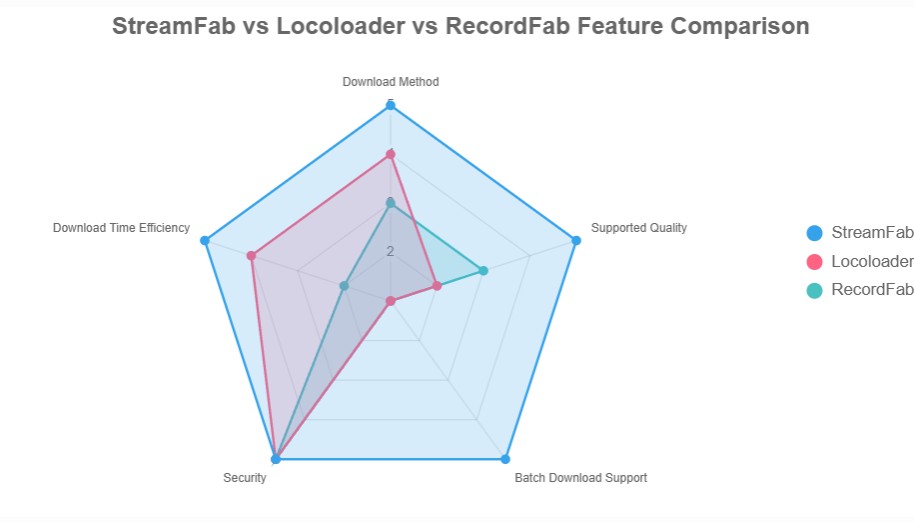
The decision is mostly about workflow. StreamFab is the best fit here when you want local MP4 or MKV files on Windows or Mac, LocoLoader is a lighter single-URL attempt, and RecordFab is a fallback when a normal downloader cannot detect a live stream or page.
Three Methods to Archive XVideos
Method 1: StreamFab for High-Quality MP4 Archives
Compatibility: Windows / Mac
Use StreamFab when you want a desktop local-file workflow rather than a quick mobile save. StreamFab All-In-One is a Windows and Mac app that can save supported videos as MP4 or MKV files, with batch downloading, subtitle download, audio-language selection, metadata writing, and ad handling available where supported by the service and source.

StreamFab is my top pick for building a high-quality personal archive. It uses a built-in browser to detect video streams directly, which is far more reliable against the site’s 2026 security updates.
- It keeps the workflow inside a built-in browser, which reduces exposure to fake on-page buttons.
- It saves supported videos as MP4 or MKV, which is easier to manage than a browser-only cache.
- You can add multiple videos to a queue when you are building a private local library.
- The free trial is limited, so it is not ideal if you only need one temporary mobile clip.
Before installing any desktop downloader, scan the installer, avoid bundled extensions, and use the official build rather than a re-uploaded copy.
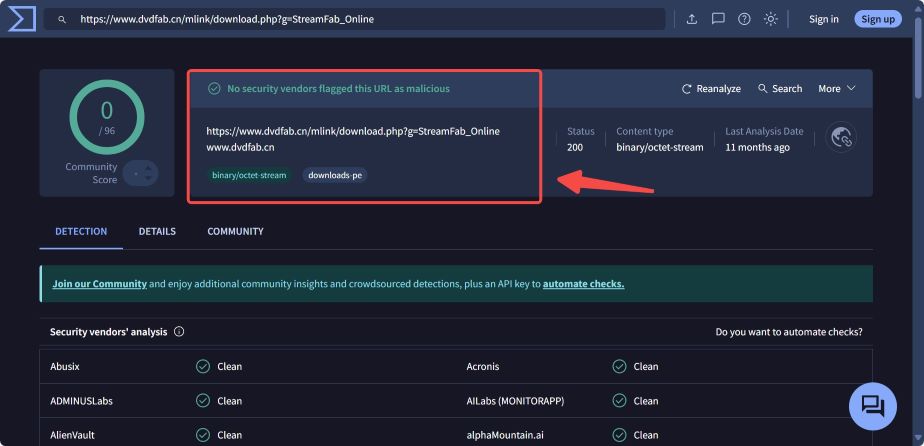

Download StreamFab video downloader
Install the software on your Windows or Mac device and open the interface.
Open XVideos in the built-in browser
You have two options to open the XVideos website.
Option 1. Paste the video link into the Homepage's address bar to find the video you want to download.
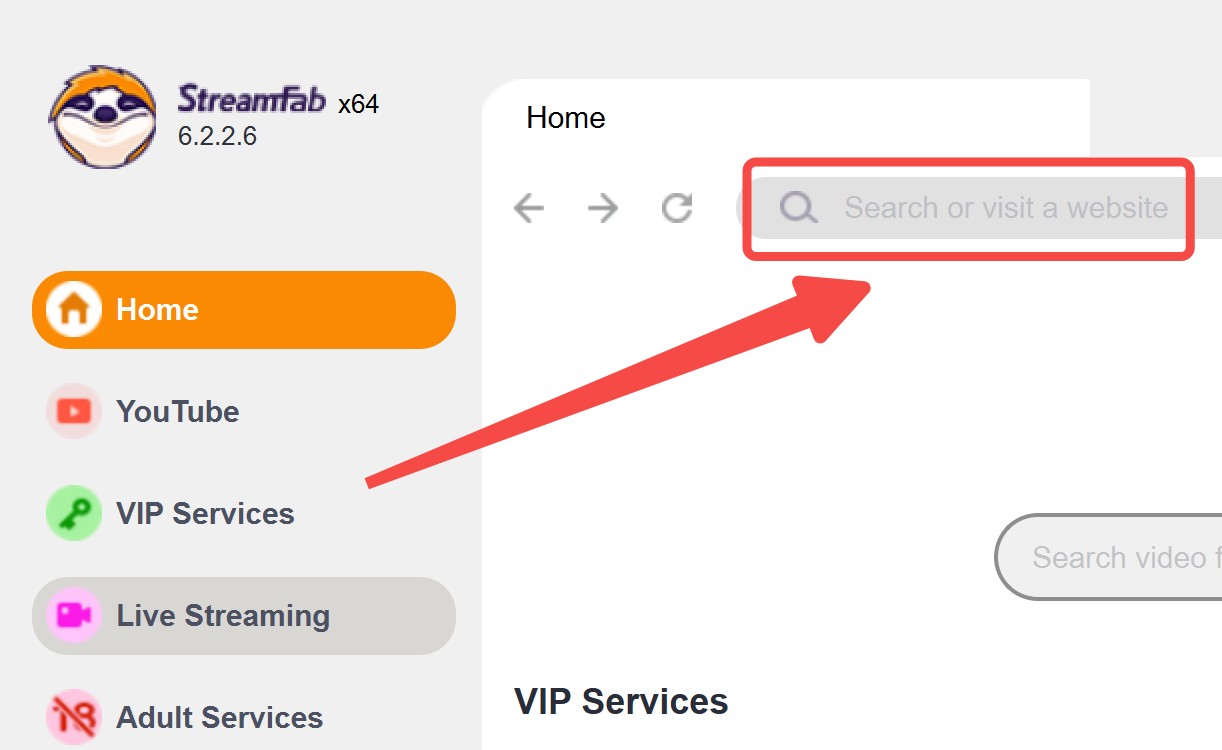
Option 2. Click the adult services to find the XVideos button.
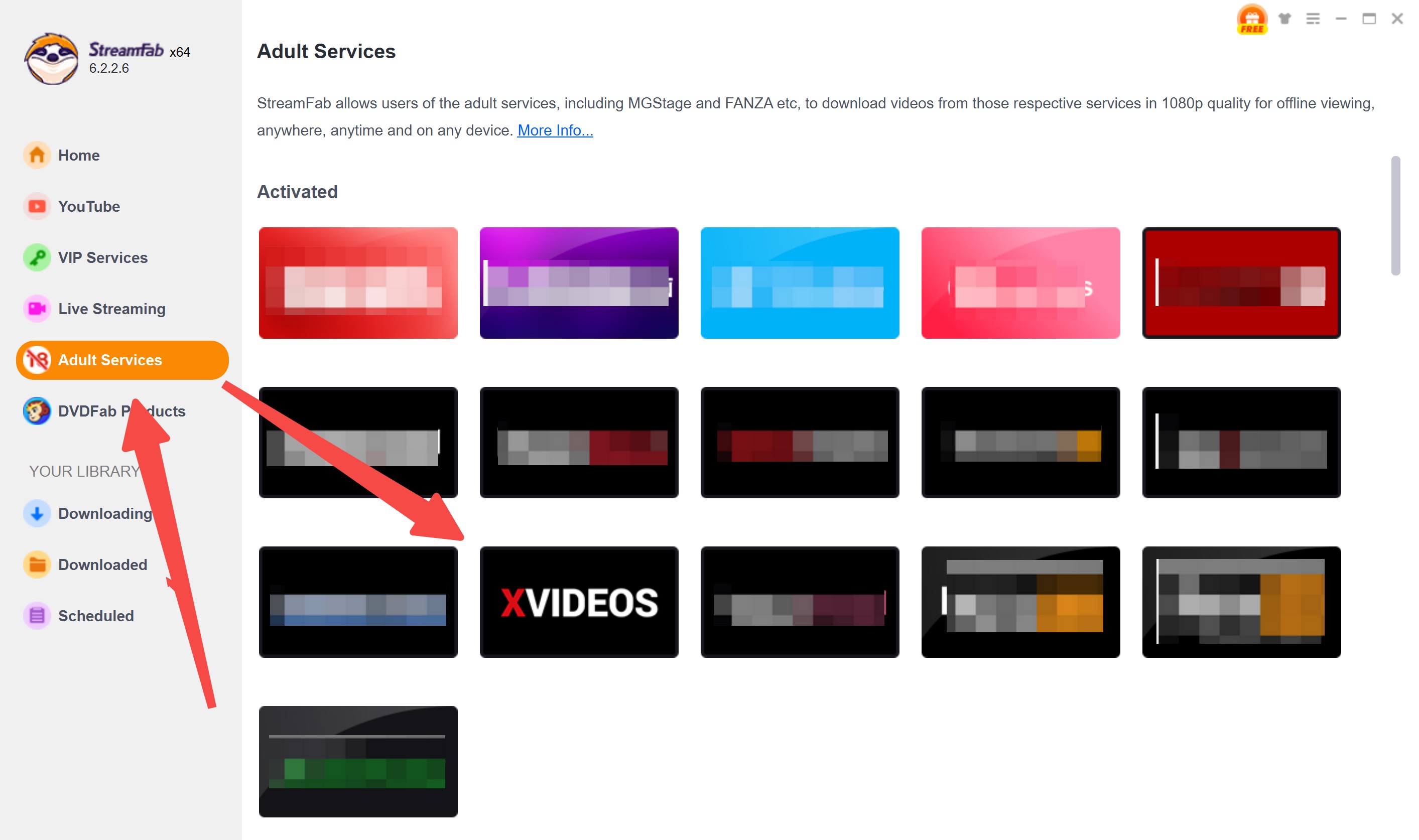
Customize the XVideos output
Play the video on XVideos. When the tool detects the stream, open the download panel and choose the available quality and format. The options depend on the source video, the visible stream, and the tool’s current support.
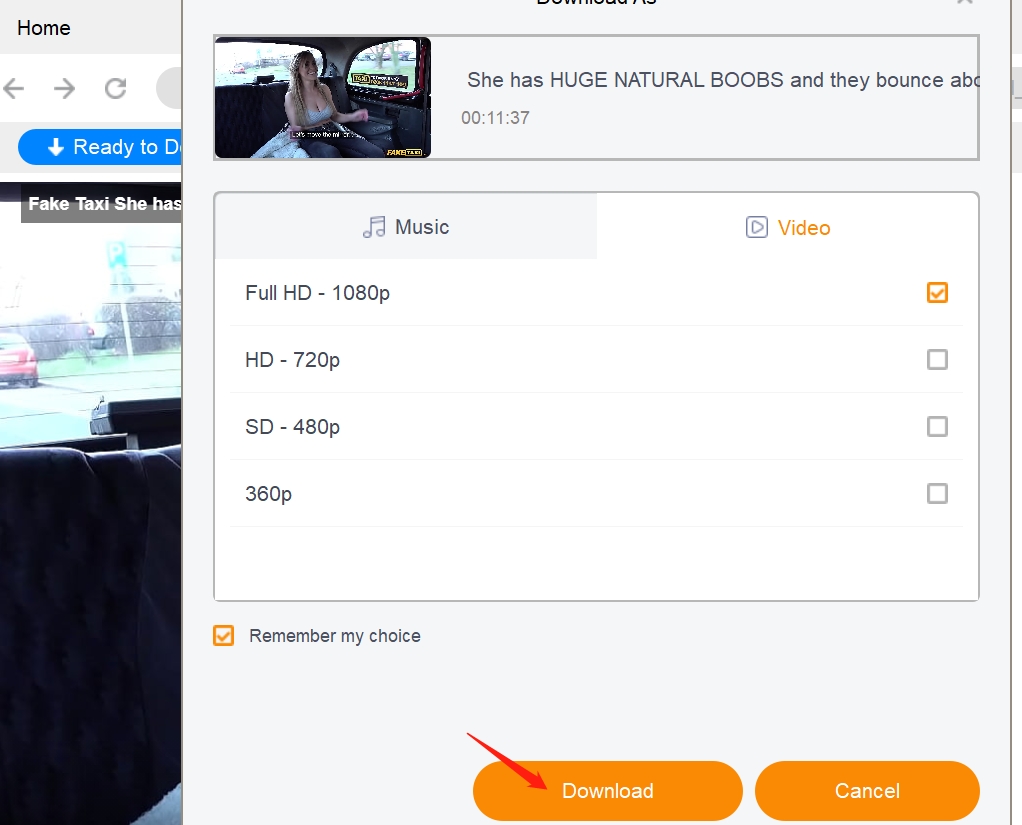
Click the download button
After customization, download the video right away or add it to the queue for later processing.
Note: Quality and formats: MP4 is the safest default when you want broad playback support. MKV is useful when preserving multiple tracks matters. If a tool only shows 360p or 480p, the issue may be the visible stream, HLS/M3U8 detection, or outdated tool support. Try an updated desktop workflow before settling for low quality, and use recording only as a fallback.r18 com alternative for additional features and support.
Method 2: LocoLoader for Quick Clips
Compatibility: Web-based (Windows / Mac / Mobile)
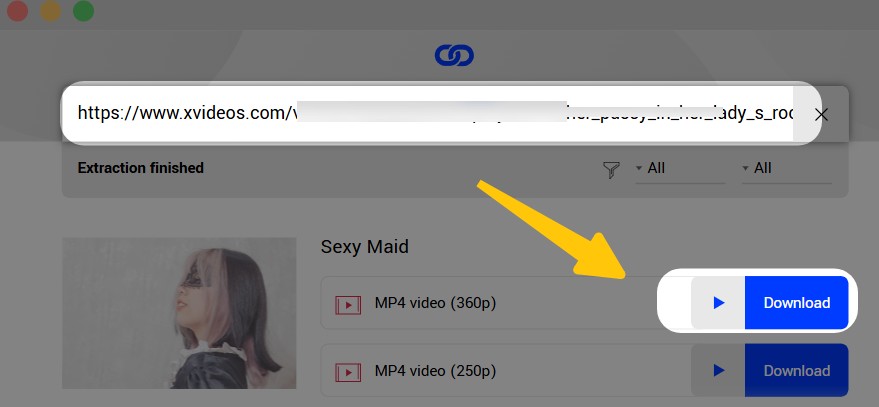
LocoLoader can be convenient when you want to try one URL without installing software. I would not treat it as the main workflow for a large private archive, but it has a place when speed and no-install access matter more than batch control.
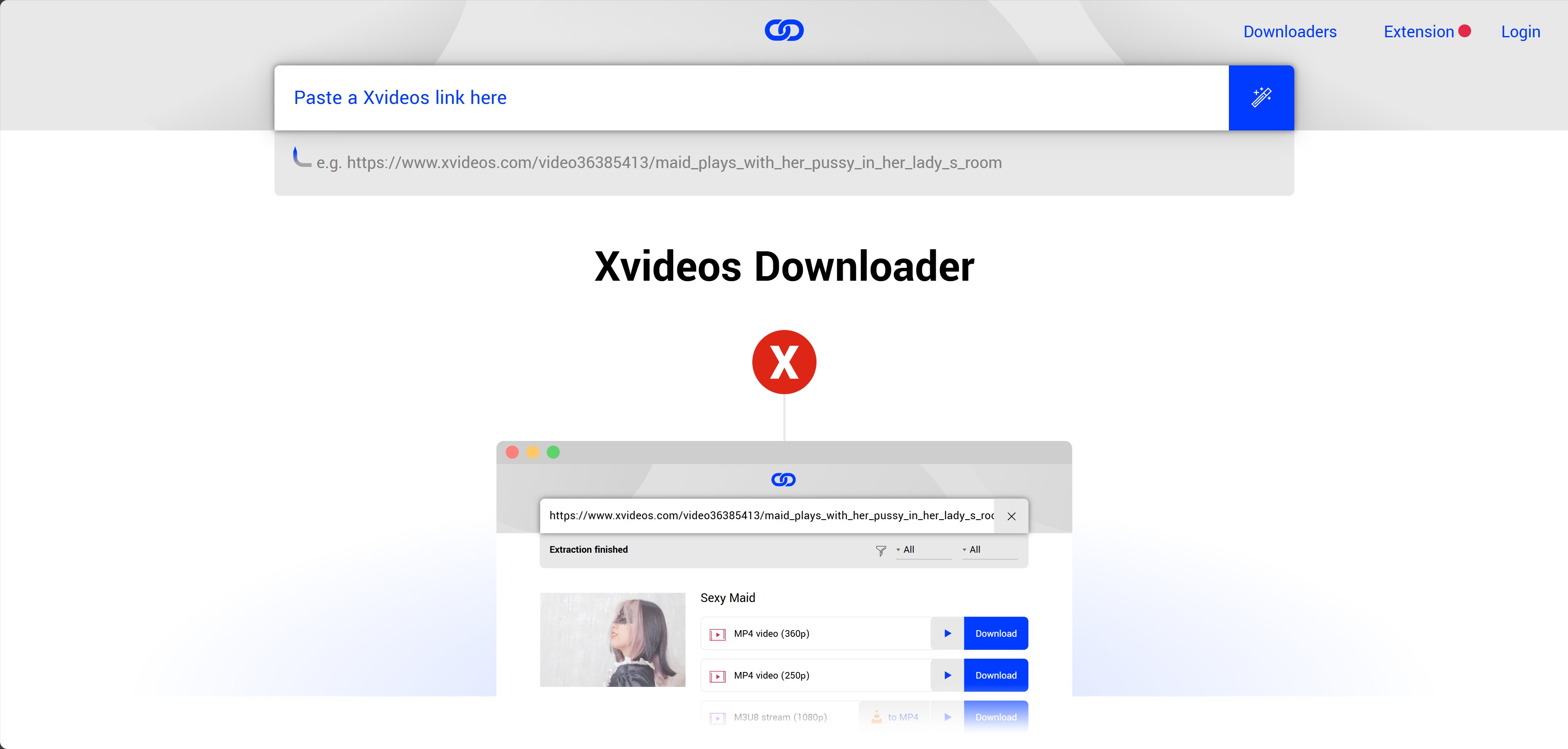
- Instant Access: No software to install; just paste and go.
- Resolution Limits: Quality is usually capped between 360p and 480p.
- One-by-One: You have to process each video manually; there is no batch feature.
For this method, avoid browser extensions and extra permissions. If the page only returns low-resolution options or redirects through too many ads, switch back to the desktop workflow above instead of forcing the download.
Method 3: RecordFab for Live Streams
Compatibility: Windows
Sometimes a normal downloader cannot detect a page or live stream. That is where RecordFab fits: it records playback to MP4 at supported quality settings, so it works best as a fallback rather than the first choice for ordinary batch downloading.
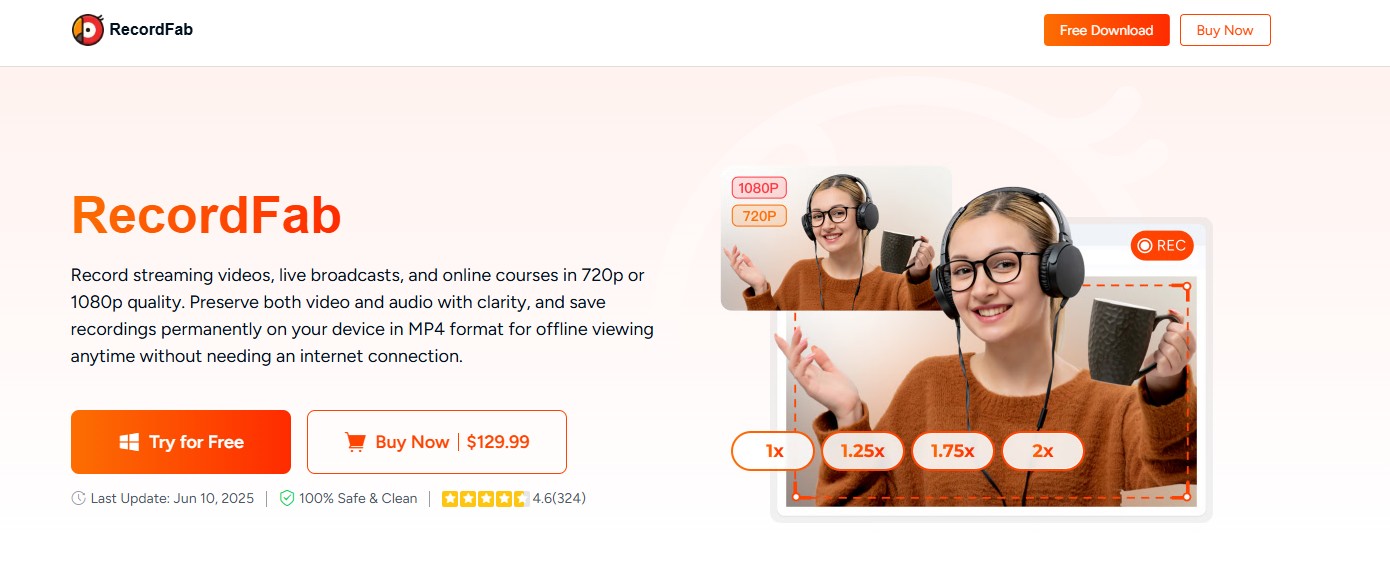
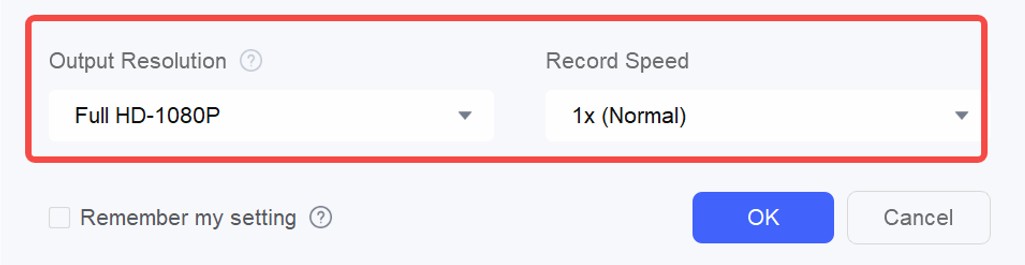
- Live-stream fallback: Useful when the content is live or a standard downloader cannot detect the stream.
- Focused capture: Designed to record the playback area rather than the whole desktop.
- MP4 output: Creates a local file, though size and quality depend on playback and recording settings.
- Recorded files are usually larger than direct downloads.
My practical rule is simple: use recording for live streams or detection failures, and use a downloader for ordinary XVideos pages when the stream is detected properly.
When an XVideos Download Fails
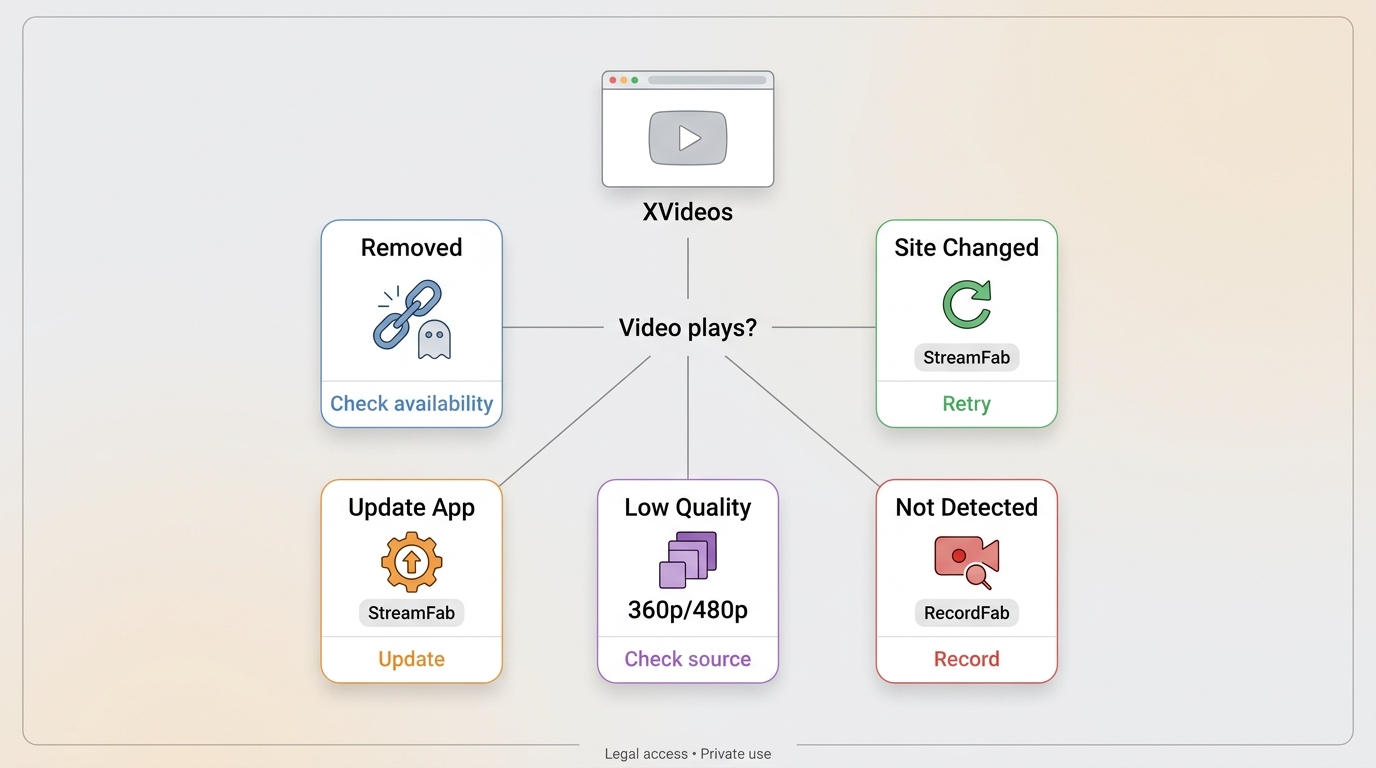
A failed XVideos download is usually caused by one of five things: the video was removed, the site changed, a plugin or tool build is outdated, the page only exposes 360p or 480p, or the stream format is not detected correctly.
Check whether the source still plays, update the official tool, try the desktop workflow for HD, and use recording only when direct download fails. If a recorded file is oversized, lower the recording setting or reserve recording for live content.
Mobile Offline Viewing on iPhone and Android
For iPhone or Android, be stricter about data safety. Check the app’s data-safety label, file location, storage permissions, redirects, and whether it pushes browser extensions or unrelated apps. Mobile web tools can be useful for one clip, but broad Android downloader comparisons belong in a dedicated mobile-download guide rather than this XVideos workflow.
FAQs
Why does an XVideos downloader only show 360p or 480p?
The available quality depends on the source video, the visible stream, HLS/M3U8 detection, and whether the tool is current. If you only see 360p or 480p, try an updated desktop workflow before accepting the lower-quality file.
What should I do if an XVideos download stops working?
First check whether the video still plays on XVideos. If it does, update the official tool build, retry detection, and switch to recording only when the page or live stream cannot be detected by a normal downloader.
Is it safe to use an online XVideos downloader?
It can be convenient for a single clip, but treat redirects, extension prompts, unnecessary permissions, and forced app installs as red flags. Do not use an online tool for large private archives or sensitive browsing sessions.
Can I save XVideos for offline viewing on iPhone or Android?
Sometimes, but mobile safety matters more than the download button. Check data-safety labels, storage permissions, redirects, file location, platform terms, and applicable law before saving anything for personal offline viewing.
Which method is best for a private local archive?
Use StreamFab for local MP4/MKV files and batch queues on Windows or Mac, LocoLoader for a quick single-URL attempt, and RecordFab as the fallback for live streams or detection failures.
Conclusion
The three workflows serve different needs: StreamFab for high-quality local MP4/MKV files and batch queues, LocoLoader for quick single clips, and RecordFab for live streams or detection-failure fallback. None should be treated as guaranteed safe or guaranteed effective, so stick with official builds, cautious permission checks, and personal offline viewing where permitted.
Also, since this article is about XVideos, a reminder: it's for adult audiences (18+) only. Tools must be used responsibly for content you are authorized to access. Stick with official, updated builds, scan installations, and keep your system secure. XVideos can change how pages and streams work, so avoid re-uploaded installers, suspicious extensions, and shady builds.
Update Log
This guide is part of an ongoing effort to provide accurate and safe methods for content archiving. I regularly monitor site changes to ensure these recommendations stay functional.
Latest Update: July 21, 2026
- Site Compatibility Audit: Updated the guide around current XVideos download failures, low-quality detection, and live-stream fallback scenarios.
- Product Data Refresh: Updated the use-case matrix for StreamFab, LocoLoader, and RecordFab.
- New FAQ Integration: Added clearer answers on HD limits, failed detection, online-tool safety, and iPhone/Android offline viewing.
Responsibility Statement: This guide is informational and intended for adults 18+. Use these workflows only for content you are authorized to access, where permitted by platform terms and applicable law, and keep installations limited to official builds.

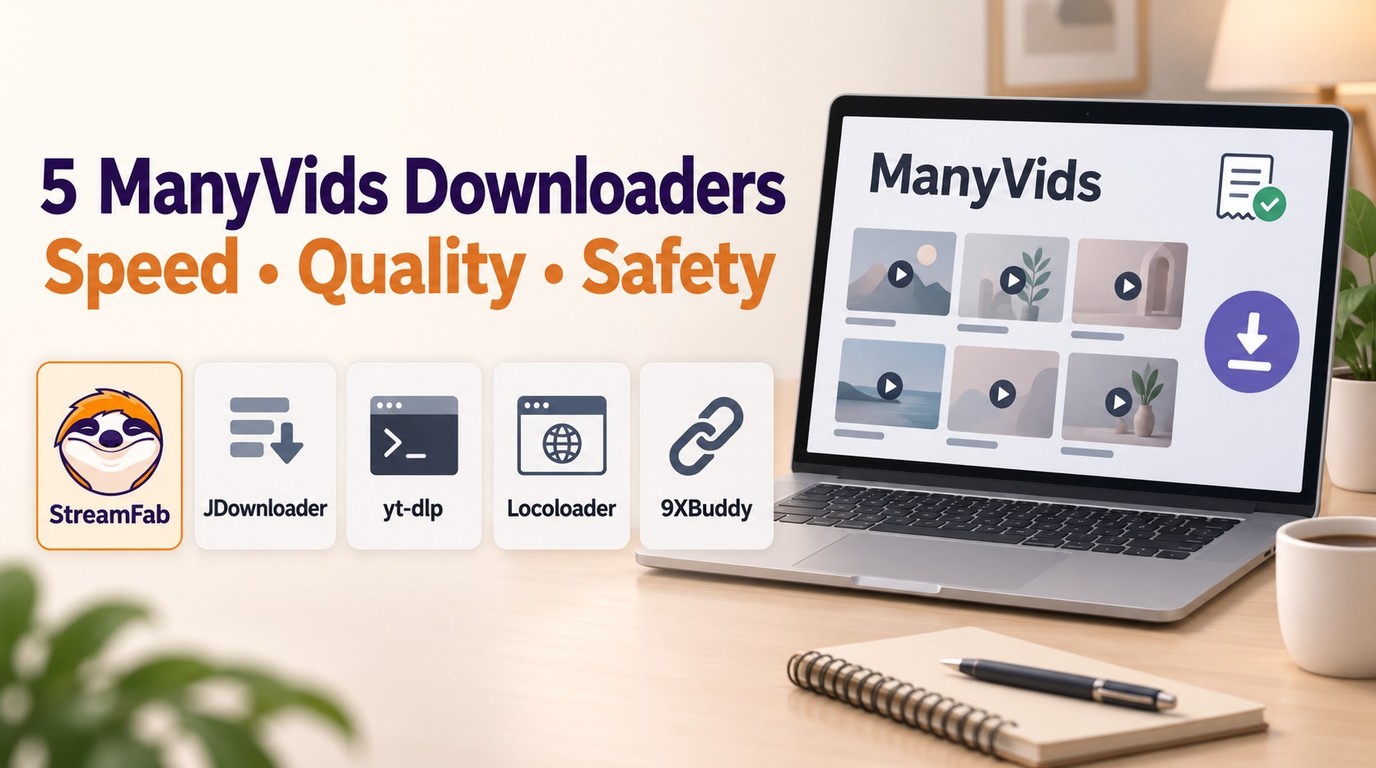
In July 2026, I tested 5 ManyVids video downloaders on a 47-title Vid Bundle archive project. Only one delivered consistent 1080p with batch automation. Here's the ranked breakdown — with legal context, safety checks, and a full comparison table.
By Jacob Harrison - Oct 13, 2026
Pornhub Premium has no official download button. Compare local-file methods by device, understand 1080p and 4K output, and follow the StreamFab workflow. Practical checks address access errors, incomplete files, wrong resolution, and blank or green playback.
By Erika Leen - Sep 24, 2026
R18.com was closed in 2022 and is no longer accessible. It is advisable to consider other alternatives.
By Erika Leen - Aug 19, 2026

Want to download Pornhub 4K video? Follow our detailed guide for a seamless download experience and enjoy ultra-high-definition content offline anytime, anywhere.
By Erika Leen - Aug 19, 2026