
18+ xHamster Video Download Risks and Authorized Offline Options (2026)

Summary: The lower-risk route is to use xHamster’s official playback options or obtain the creator’s permission. Consider a local MP4 workflow only when the platform terms and applicable law allow it, you have valid access, and the file remains for personal use.
- Confirm that you are authorized to access and save the video.
- Prefer an official offline option or a copy supplied by the rights holder.
- If local saving is permitted, choose a supported format and keep the file private.
xHamster Offline Playback Status in 2026
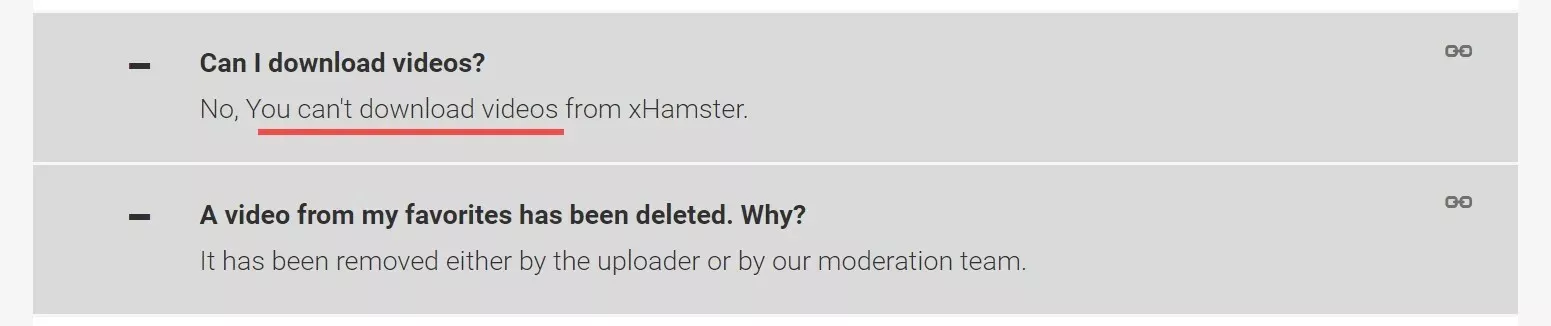
xHamster playback may be interrupted by buffering, changing video links, browser-session problems, unsupported videos, or temporary site changes. The platform does not provide a general-purpose local MP4 workflow for every video, so the first step is to confirm whether an official option or creator-authorized copy is available.
A local-file workflow should be considered only for content you are authorized to access and save, where permitted by xHamster’s terms and applicable law. Do not share, republish, sell, or otherwise distribute saved material. The sections below explain the limitations, privacy considerations, and lower-risk alternatives before discussing software options.
- Access and Use Conditions: Obtain software from its official website, review requested permissions, and scan installers with current security software. These checks reduce risk but do not guarantee anonymity or eliminate every security concern.
- Before considering local saving:Confirm that you have valid access and permission to save the specific video
. Follow xHamster’s terms, applicable law, and any conditions set by the content rights holder.
Common xHamster Playback Issues and Fixes
Playback trouble does not necessarily mean that a downloader is required. First reload the page, test another browser, confirm that the video is still available, and check whether network filtering or a stale session is interrupting playback.
If playback or an authorized saving attempt still fails, check for a changed or unsupported link, start a fresh browser session, clear the relevant cache, review extension permissions, and remember that free web tools may limit quality or reject some videos. For recording software, review browser hardware-acceleration and capture settings if the result is blank. My editorial judgment is simple: after the same route fails twice, switch to a permitted alternative instead of repeatedly submitting the same link.
1. Privacy and Local Data Management
Privacy depends on the software source, requested permissions, account behavior, device access controls, and how any local file is stored.
On a shared computer, browser history is only one concern. Saved files, recent-file lists, media-player history, cloud synchronization, backups, and operating-system search indexes may also expose sensitive material to other users.
Use a personal account, encrypted device storage, appropriate file permissions, and secure deletion practices where available. A local copy may reduce repeated streaming, but it does not provide anonymity or remove the need to manage sensitive data carefully.
2. When Authorized Offline Viewing Helps
When the platform terms and rights holder permit local saving, an offline file can reduce buffering and allow smoother playback without an active connection. It should remain a private copy for the authorized user rather than a substitute for permission or lawful access.
A built-in browser may simplify sign-in and video selection within a desktop workflow, but it should not be treated as a privacy or anonymity feature. Shared-device access, local storage, account records, and application data still require careful management.

Safety Checks for xHamster Downloaders
1. Security Checks That Matter
No download or recording tool can be declared risk-free from a limited review. Before installing or authorizing one, apply the following checks:
1. Installation Environment Verification
- Download the installer from the product’s official website and confirm that the operating system is supported.
- Scan the installer and installation directory with current security software, and stop if the signature, publisher, or scan result is unexpected.
2. Program Operation Security
- Review browser-extension permissions and avoid tools that request unrelated access to browsing data, files, or websites.
- Check the privacy policy and application settings before signing in, and do not assume that a tool collects no data unless that claim is independently documented.
3. Ad and Bundling Verification
- Cancel installation if it introduces unexpected bundled software, redirects, browser changes, or unrelated extensions.
These checks reduce avoidable risk, but they do not guarantee privacy, continued site compatibility, or account safety. Local-file access controls remain important, especially on shared devices.
2. Best Route by Need

I prioritize authorization, valid access, software source, requested permissions, local-file controls, and a route that matches the reader’s actual frequency and quality needs.
- Safety: The xHamster downloader shall be clean and verified as safe to use
- Easy operation: It will be simple and easy to learn how to download xHamster videos
- Clarity and quality: The downloaded xHamster videos shall not be blurred.
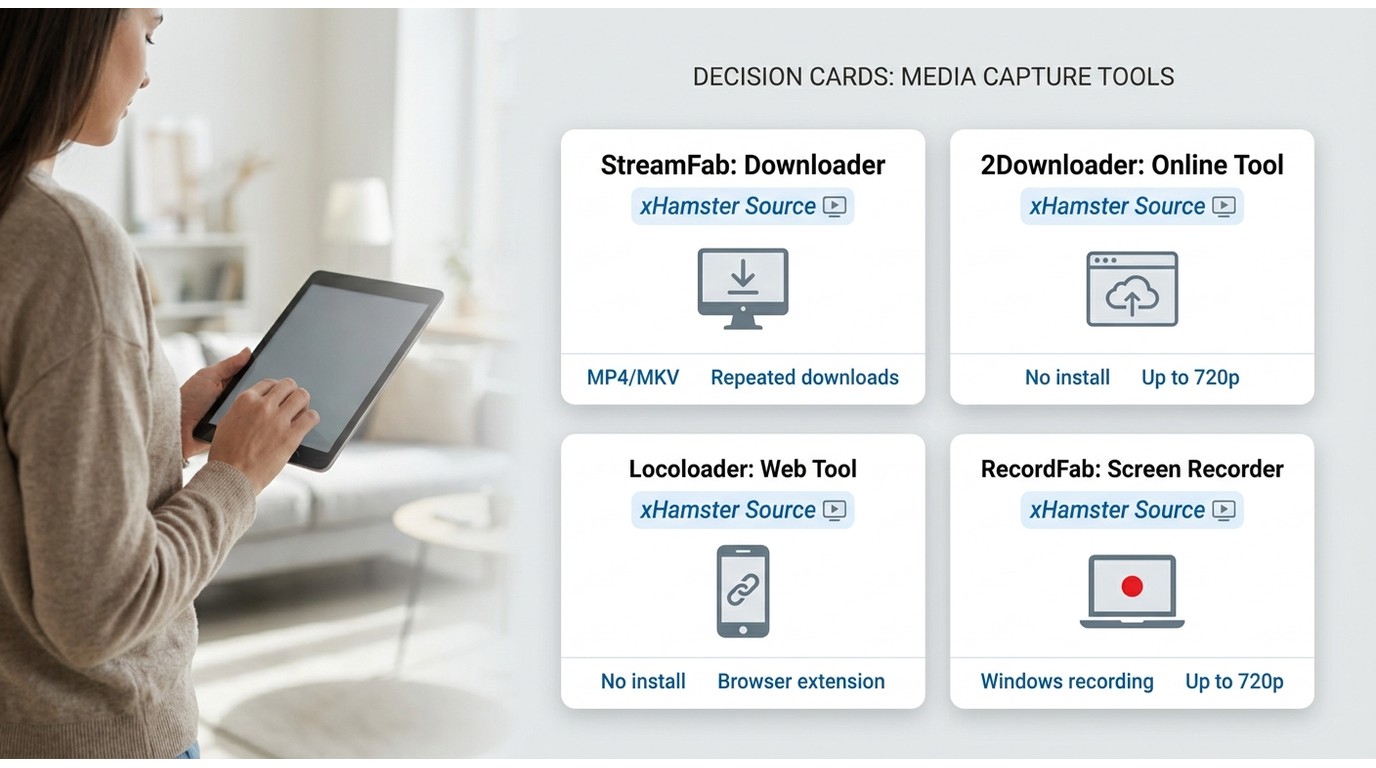
The following table describes four different workflows rather than ranking them by unsupported performance claims. Start with official or creator-authorized access, then consider a software route only if local saving is permitted.
Availability and product positioning are summarized as of July 2026; actual support may vary by video, operating system, browser, and service changes.
| Route | Best fit | Install needed | Typical output | Current status or main limit | Not ideal for |
|---|---|---|---|---|---|
| Official or creator-authorized copy | The lowest-risk offline option | Usually no additional tool | Format supplied by the platform or rights holder | Availability depends on the specific video and permission | Videos without an authorized local-copy option |
| StreamFab | Repeated desktop workflows when local saving is permitted | Windows or Mac application | MP4 or MKV, with quality dependent on the source and supported service | Commercial desktop software; service support may change | A reader who needs one occasional public-video file at no cost |
| 2Downloader | A lightweight web route to consider for an eligible public link | No desktop installation | Output and quality depend on current site support | Current availability was not independently confirmed | Sensitive accounts, repeated use, or predictable quality |
| Locoloader | Readers comfortable reviewing browser-extension permissions | Browser extension for the full workflow | Depends on the extension and source video | Current xHamster-specific support was not independently confirmed | Readers unwilling to grant extension permissions |
| RecordFab (from the same DVDFab Software product family as StreamFab) | A Windows recording fallback for visible, authorized playback | Windows application | A recording of the permitted playback session | Uses a different recording workflow and may require capture-setting adjustments | Batch saving or maximum source-quality output |
Four Offline Options and Their Risk Trade-Offs
Before using any software, confirm that the video is eligible for local saving, that you have valid access, and that the platform terms and applicable law permit the intended personal use. The options below serve different needs and should not be treated as substitutes for authorization.
StreamFab: Desktop Local-File Workflow
Relative to xHamster’s official feature set, StreamFab is an external desktop alternative for authorized personal offline viewing and remains subject to the service terms and applicable law. It supports MP4/MKV output, batch and scheduled workflows, and quality options that depend on the source and supported service. I would reserve it for repeated desktop use rather than a single occasional public-video file.
Use StreamFab Video Downloader only with supported services and videos you are authorized to access and save for personal offline viewing.
- 🔒 Obtain the installer from the official StreamFab website and scan it with current security software before installation.
- ⚠️ Review storage locations and device access controls before saving sensitive local files.

- Desktop workflow forsupported streamingand video-saving requirements
- Built-in browser tosimplify sign-in and selectionwithin the application workflow
- Quality options up to4Kwhen supported by the source, service, and access level
- Save eligible videos in MP4/MKVfor playback on compatible personal devices
- Use batch and scheduled tasksfor repeated workflowswhen local saving is authorized
- Includes selectable audio, subtitles, and metadata where supported

- Trial availability and usage limits depend on the current product terms
How to download xHamster videos with StreamFab?
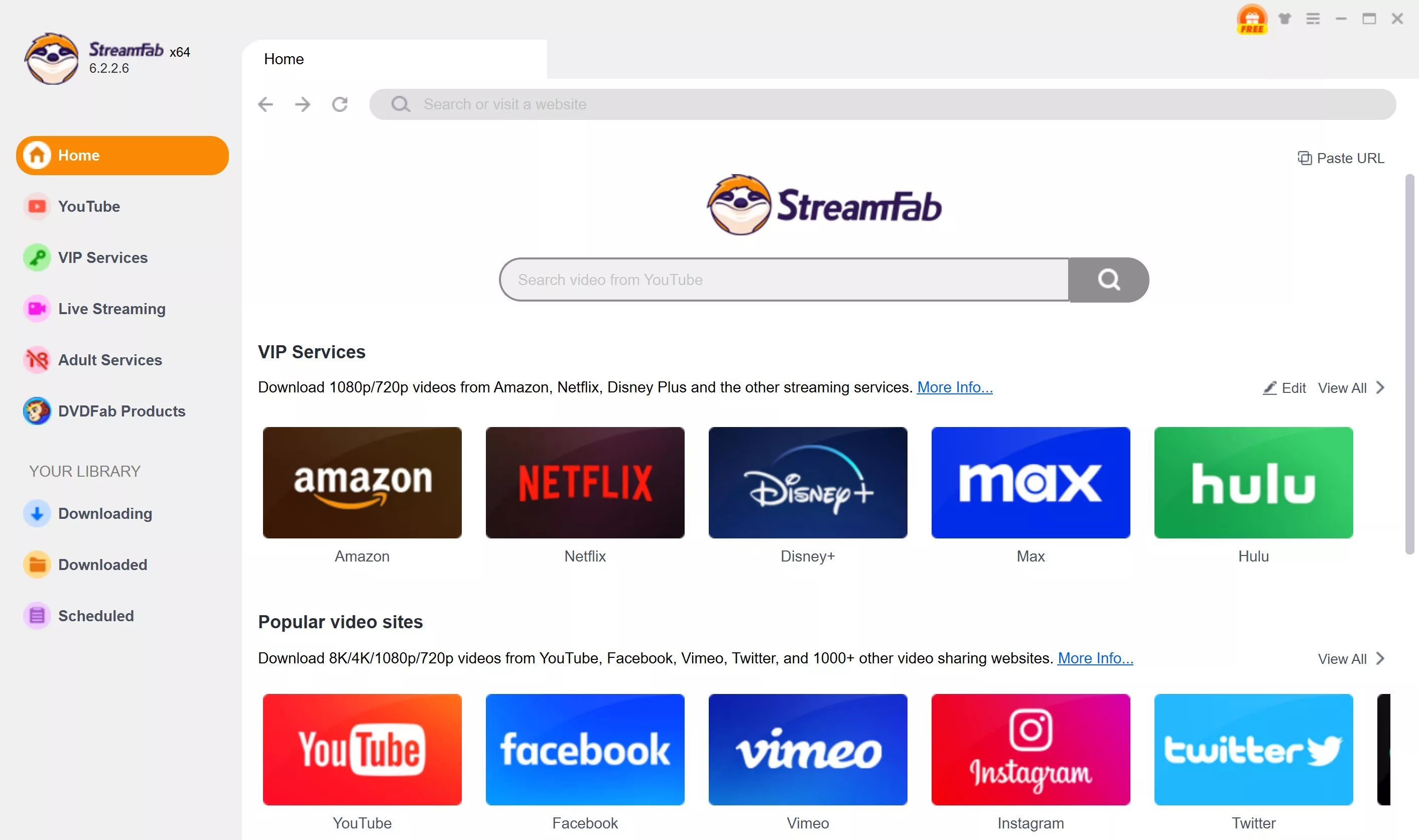
Choose the streaming service
Tap the Adult Service on the left channel to find the xHamster site. You can also copy and paste your video URL directly into the address bar on the Homepage.
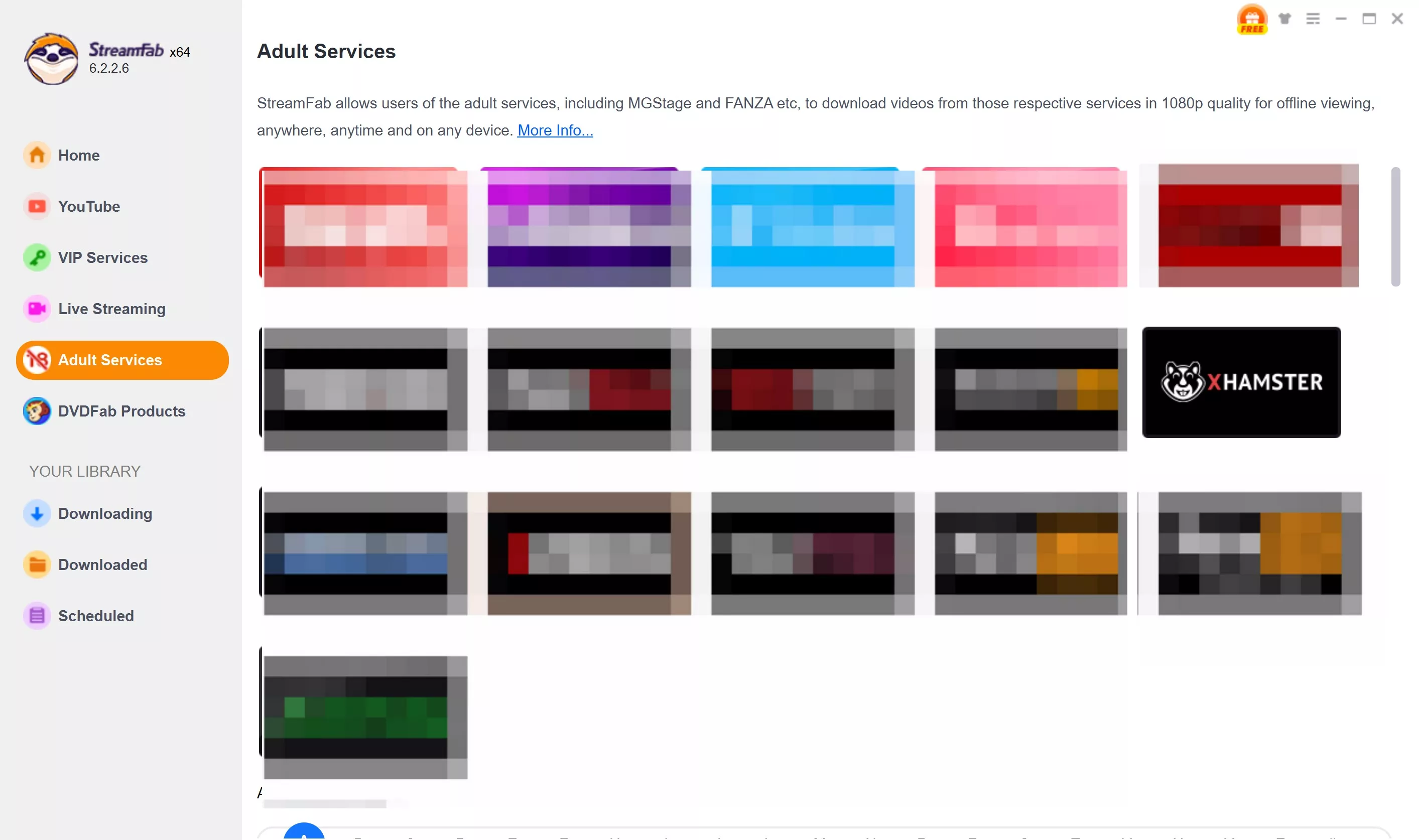
Customize the xHamster videos
Search for an xHamster video and play it, then a pop-up window will ask for your video options. You can choose the audio and subtitle language.
Click the download button
After customization, you can download it right now or add it to the queue.
Expert Pro Tip: If the video does not load, clear the StreamFab built-in browser cache and start a fresh authorized session. If the same attempt fails twice, confirm current service support before choosing another permitted route.
Note: StreamFab's parsing engine also extends beyond one platform. For broader archiving needs, see saving OnlyFans content, or XVideos archiving.
2Downloader: One-Off Web Option
2Downloader may be considered as a lightweight web option for an eligible public link, but its current availability was not independently confirmed for this update. Avoid entering sensitive account credentials, and do not rely on it for predictable quality or repeated use.

This route may suit an occasional eligible public link when no installation is preferred. I would not use it on a public or shared computer, enter account credentials, or depend on it for frequent downloads and consistent quality.
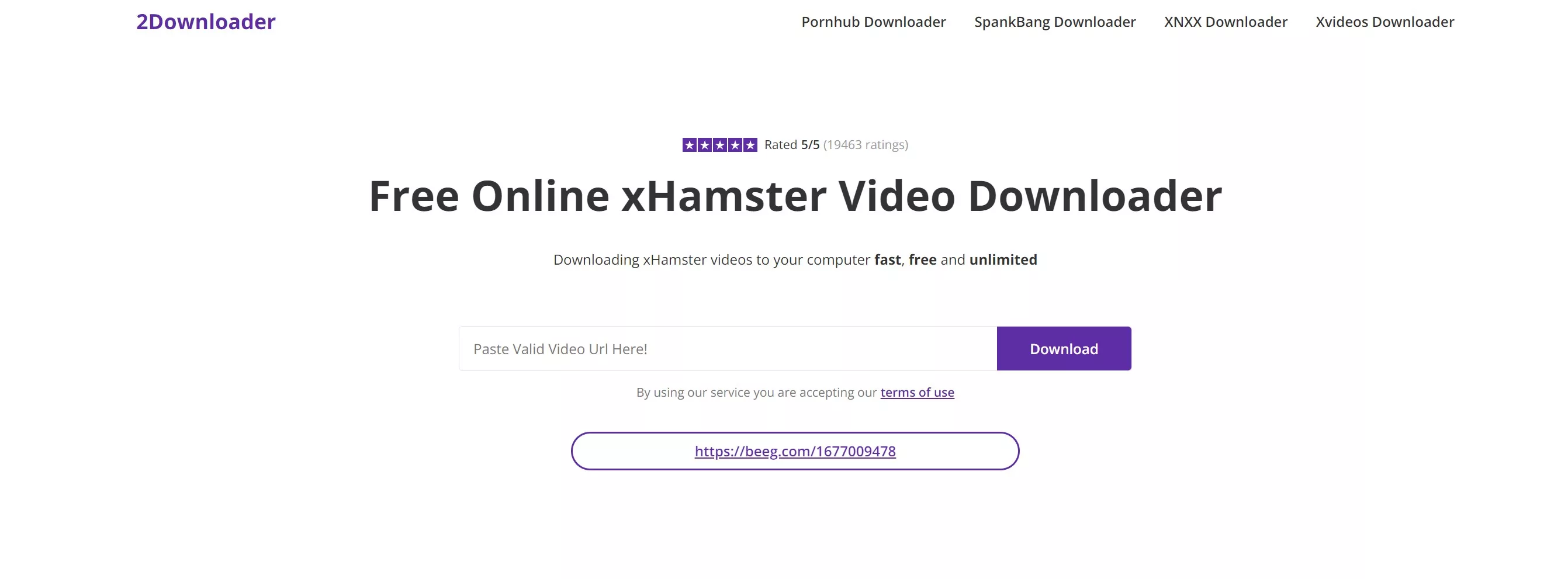
- 🔒 Confirm the website address, avoid credential requests, and stop if the page opens unexpected redirects or downloads.
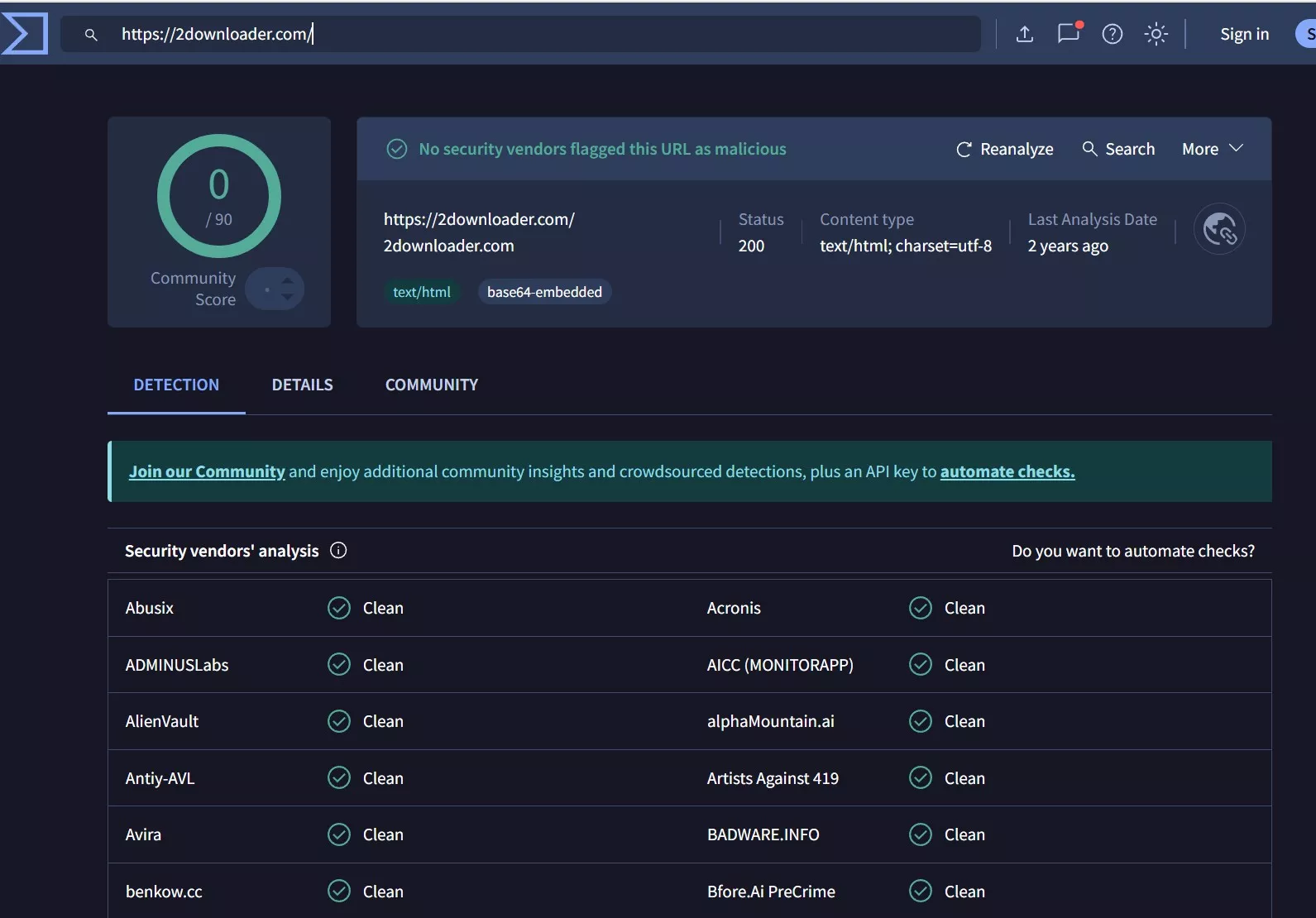
- No desktop installation when the website is available
- Output choices depend on current site and link support
- Lightweight workflow for an eligible one-off public link
- Current site availability was not independently confirmed
- Output quality may be limited or inconsistent
- Some links may be unsupported or stop working after site changes
How to download xHamster videos with 2Downloader?
Copy & Paste
Copy the URL of the xHamster video that you like to download and then paste it into the download input bar of the 2 Downloader xHamster video downloader.
Initiate download
Hit the "Download" option attached on the right side of the input bar. The downloading process will be started automatically.
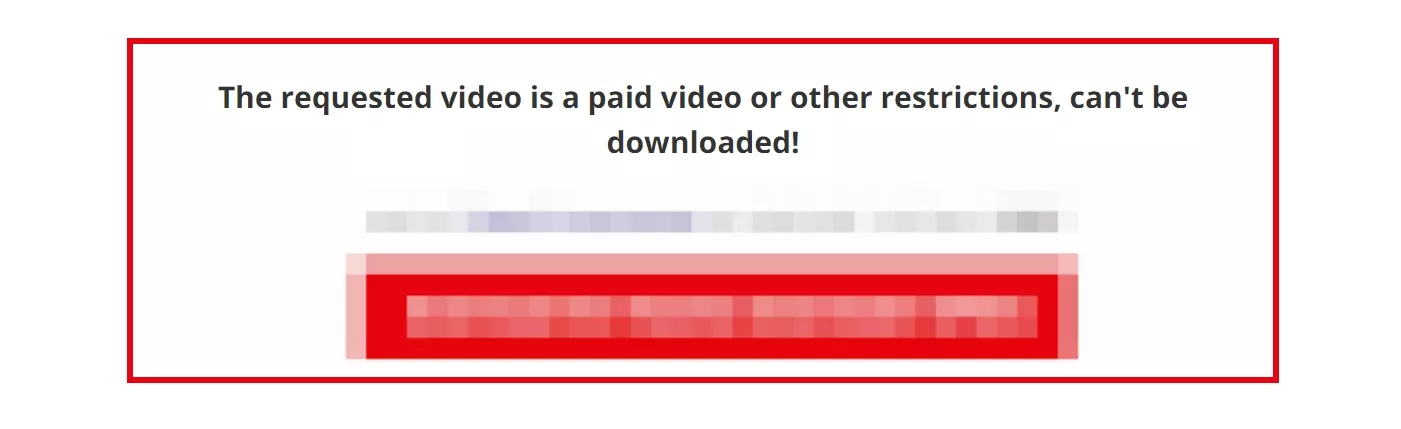
But not all videos are downloadable, you have to try. If you see a pop-up window like the pic below, it means that this video is not supported. You have to choose another tool.
Save the download
Once the download process is over, right-click and go to the "Save link as" option, or for smartphone users, go to "Touch & hold" & then the "Download Link" option.
Locoloader: Browser Extension Workflow
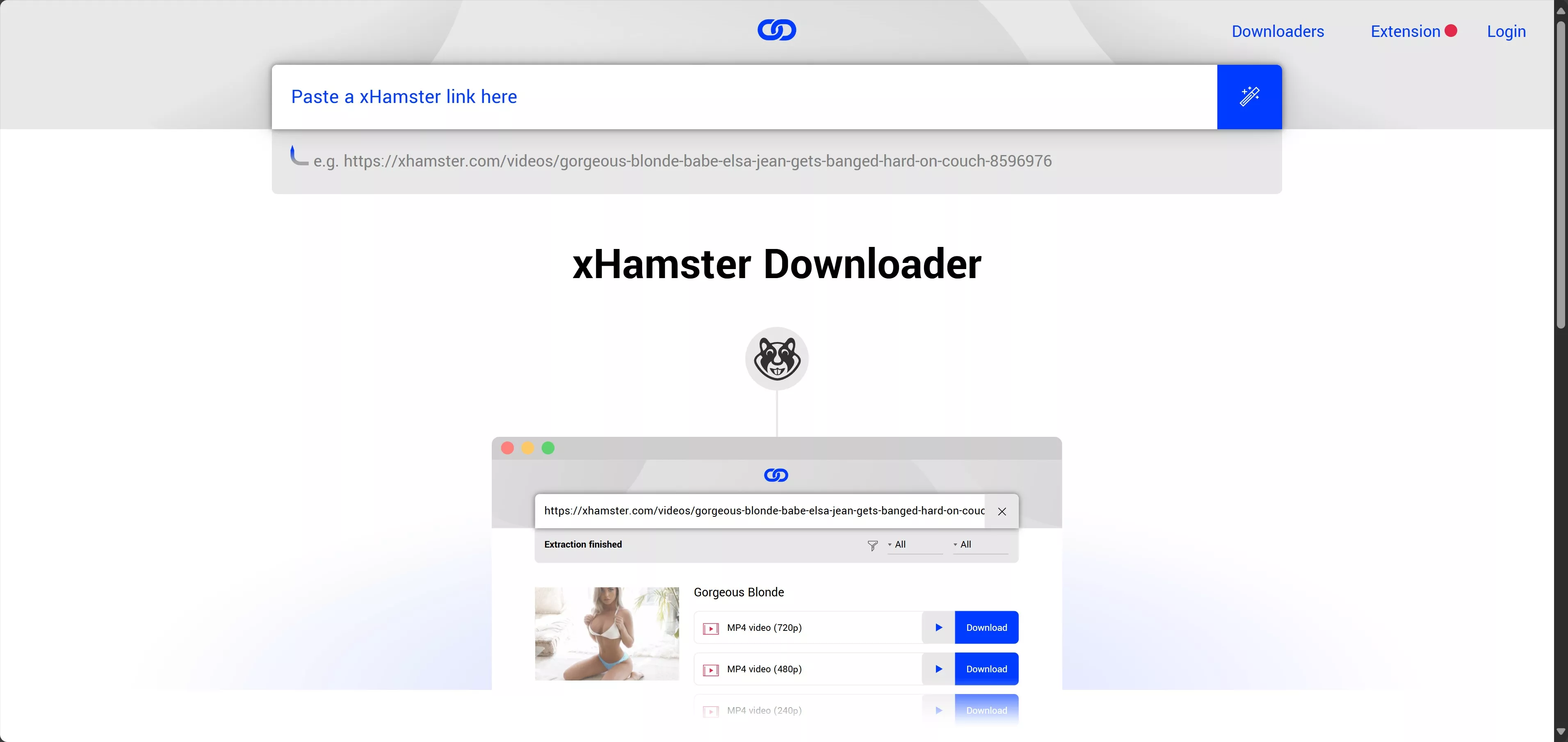
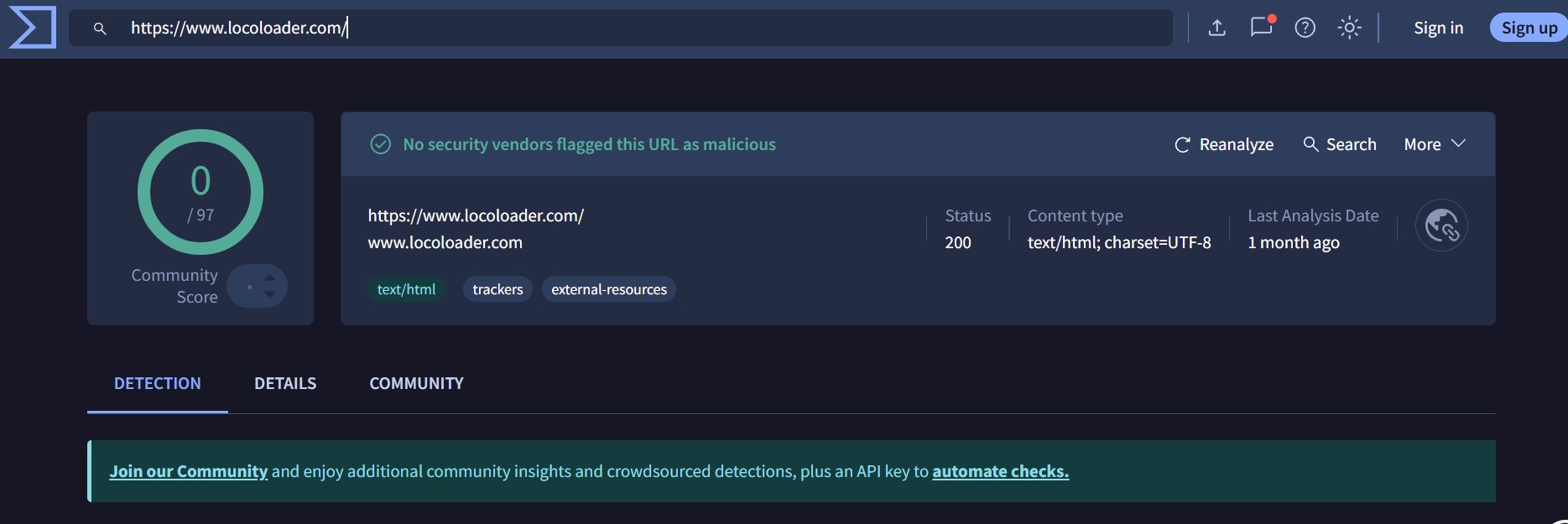
Locoloader provides a browser-based workflow that may require an extension for full functionality. Current xHamster-specific compatibility and maximum output quality were not independently confirmed, so review its permissions and supported-site information before using it with an eligible link.
This route may suit readers who prefer a browser workflow and are comfortable reviewing extension permissions. It is less suitable when current site compatibility, predictable quality, or minimal browser access is a priority.
- 🔒 Review the extension’s requested permissions and remove it when it is no longer needed.
- ⚠️ Obtain the extension from its official distribution channel and stop if unrelated permissions are requested.
- Browser-based workflow
- Extension-assisted operation where supported
- No separate desktop application for the basic route
- Current xHamster-specific quality and compatibility were not independently confirmed
- Browser permissions and site changes may interrupt the workflow
How to download video from xHamster with Locoloader?
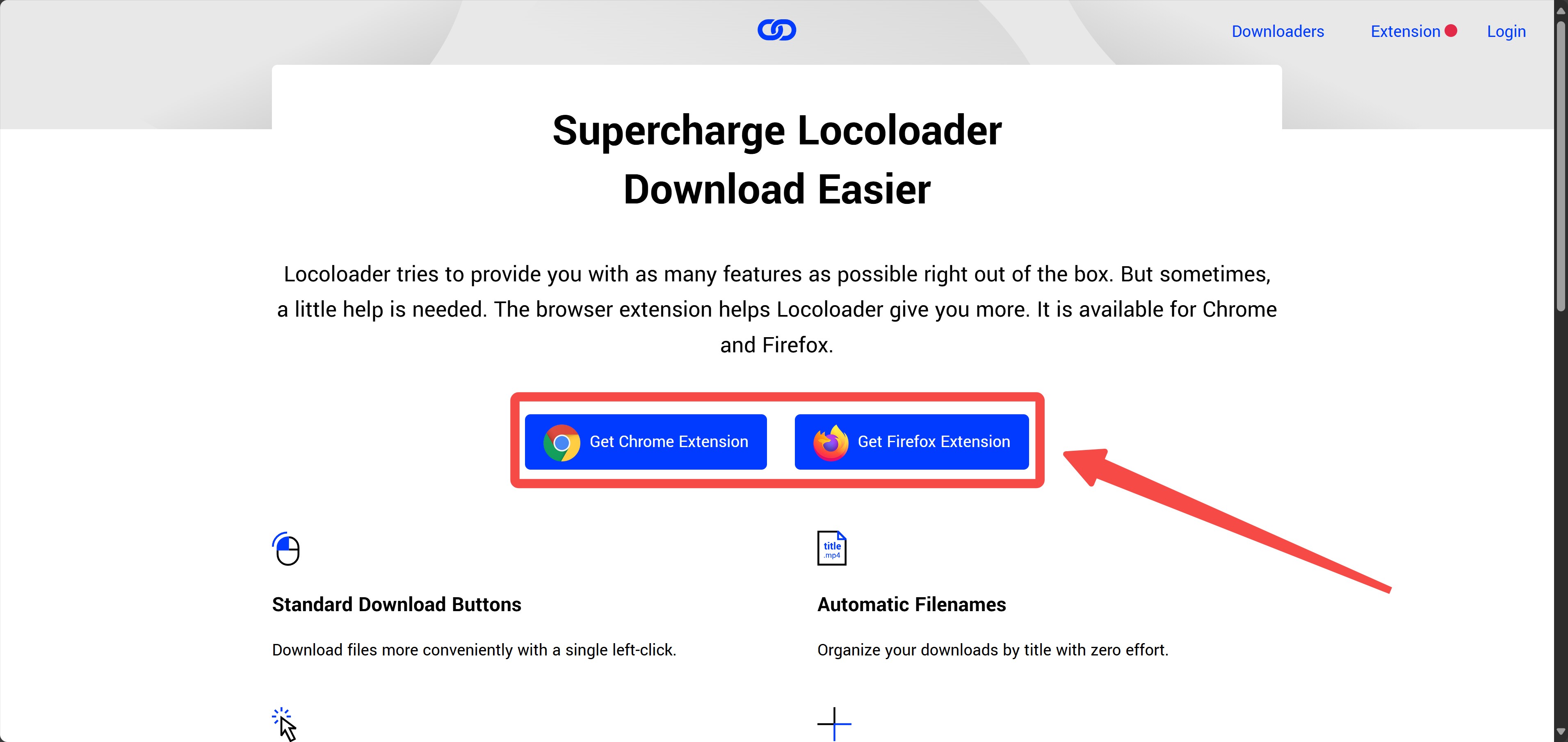
Install the extension
Install the Locoloader extension from its official sites. There are Chrome and Firefox versions here.
Initiate download
Copy & paste the link of the xHamster video you want into the download input bar of Locoloader xHamster Downloader.
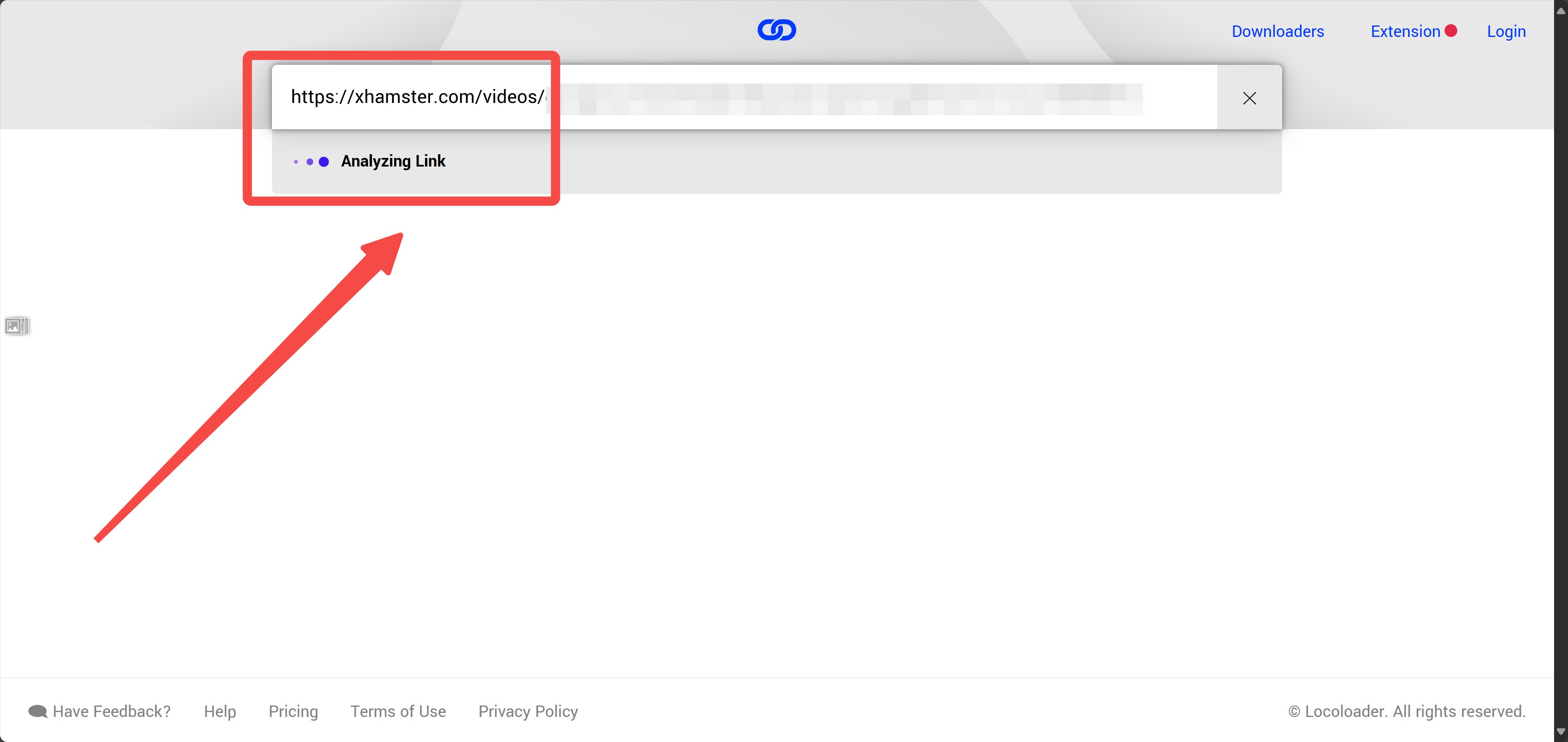
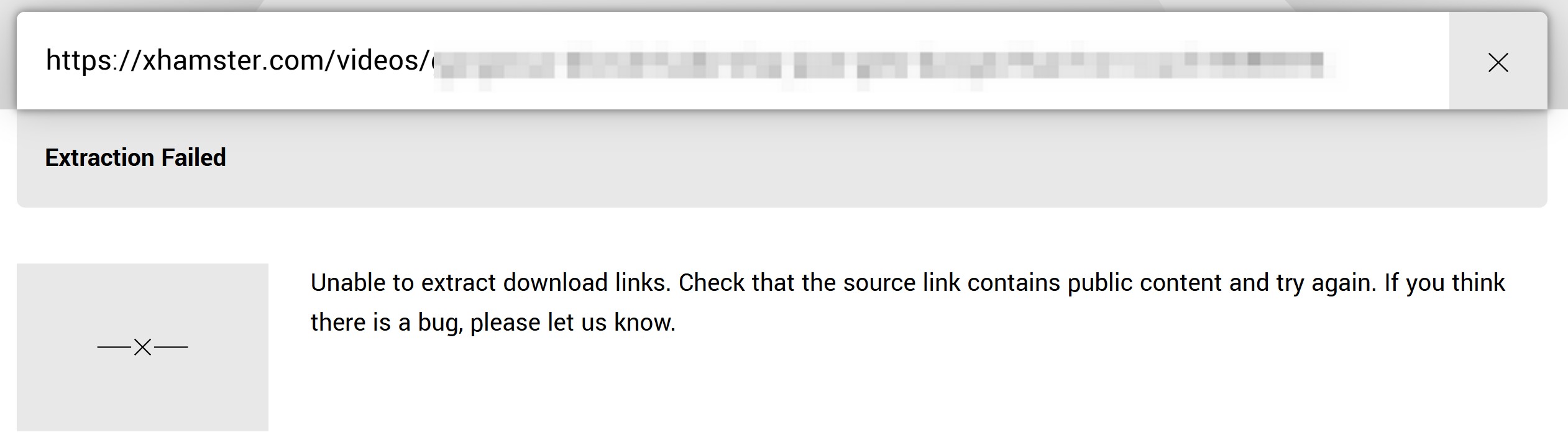
But not all videos are downloadable, you have to try. If you see a notice like the pic below, it means that this video is not supported. You have to choose another tool.
Save the download
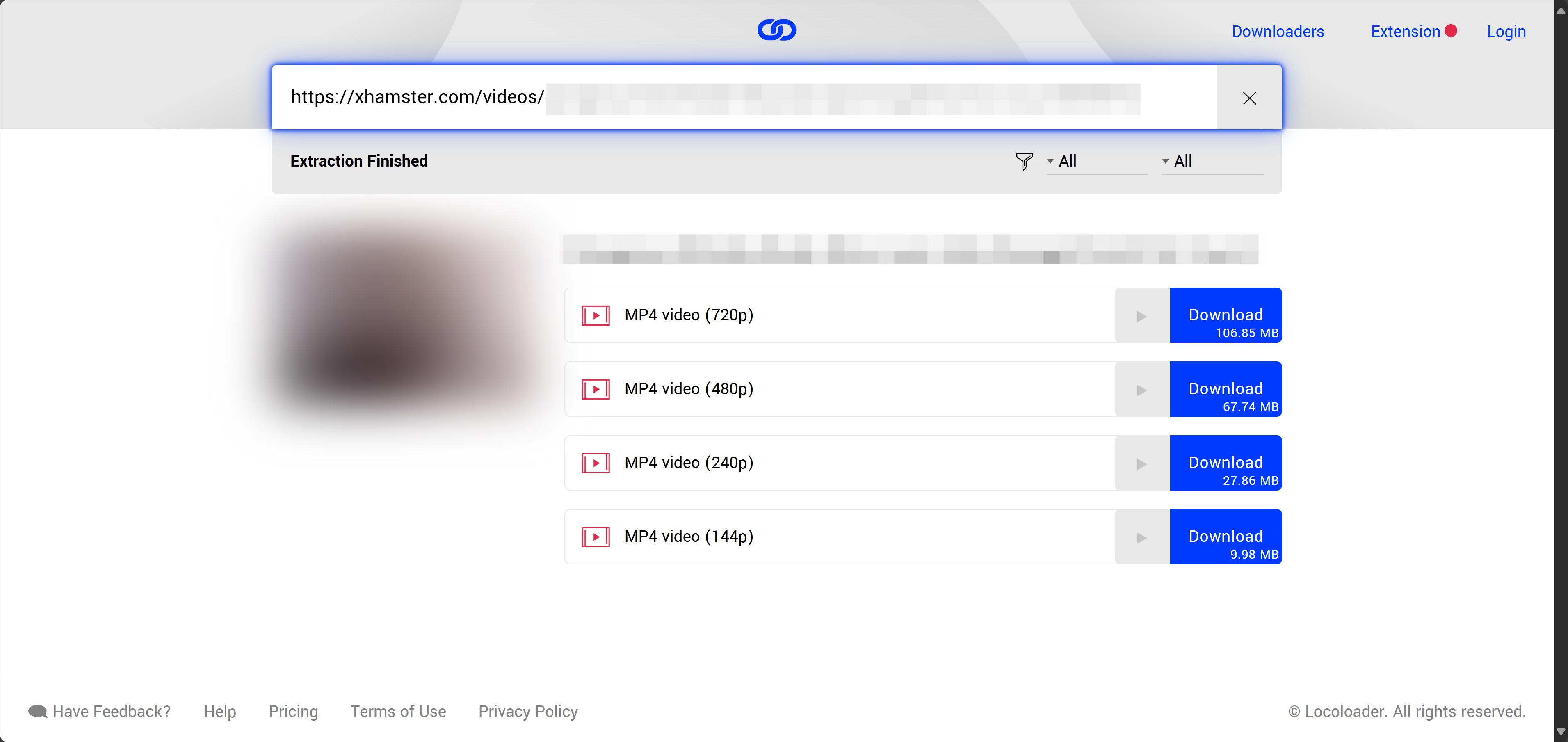
After the extraction, choose your preferred quality and click the "Download" option to start.
RecordFab: Recording Fallback
RecordFab, from the same DVDFab Software product family as StreamFab, uses a different technical path: it records only a playback session that the user is already authorized to view. Use it only with valid access, where personal recording is permitted by the platform terms and applicable U.S. law, and never distribute the result. It is a Windows fallback when direct saving is unavailable, not the preferred route for batch work or maximum source-quality output.
This route is intended for a visible playback session that the user has valid permission to access and record. It may help when a permitted direct-saving route is unavailable, but it is Windows-only and is not the best fit for batch workflows or maximum source-quality files.
- 🔒 Obtain the RecordFab installer from its official website and scan it with current security software.
- ⚠️ Record only visible content you are authorized to play, and review the output folder on shared devices.
- Records an authorized visible playback session with available audio
- Provides a recording fallback when permitted direct saving is unavailable
- Uses a built-in browser for the recording workflow
- Output quality depends on the playback and recording environment
- Capture settings may need adjustment if the result is blank
- Intended for private, authorized use rather than redistribution
- Not designed for batch source-file downloads
- Only the Windows version is available now
How to download video from xHamster with RecordFab?
Install RecordFab
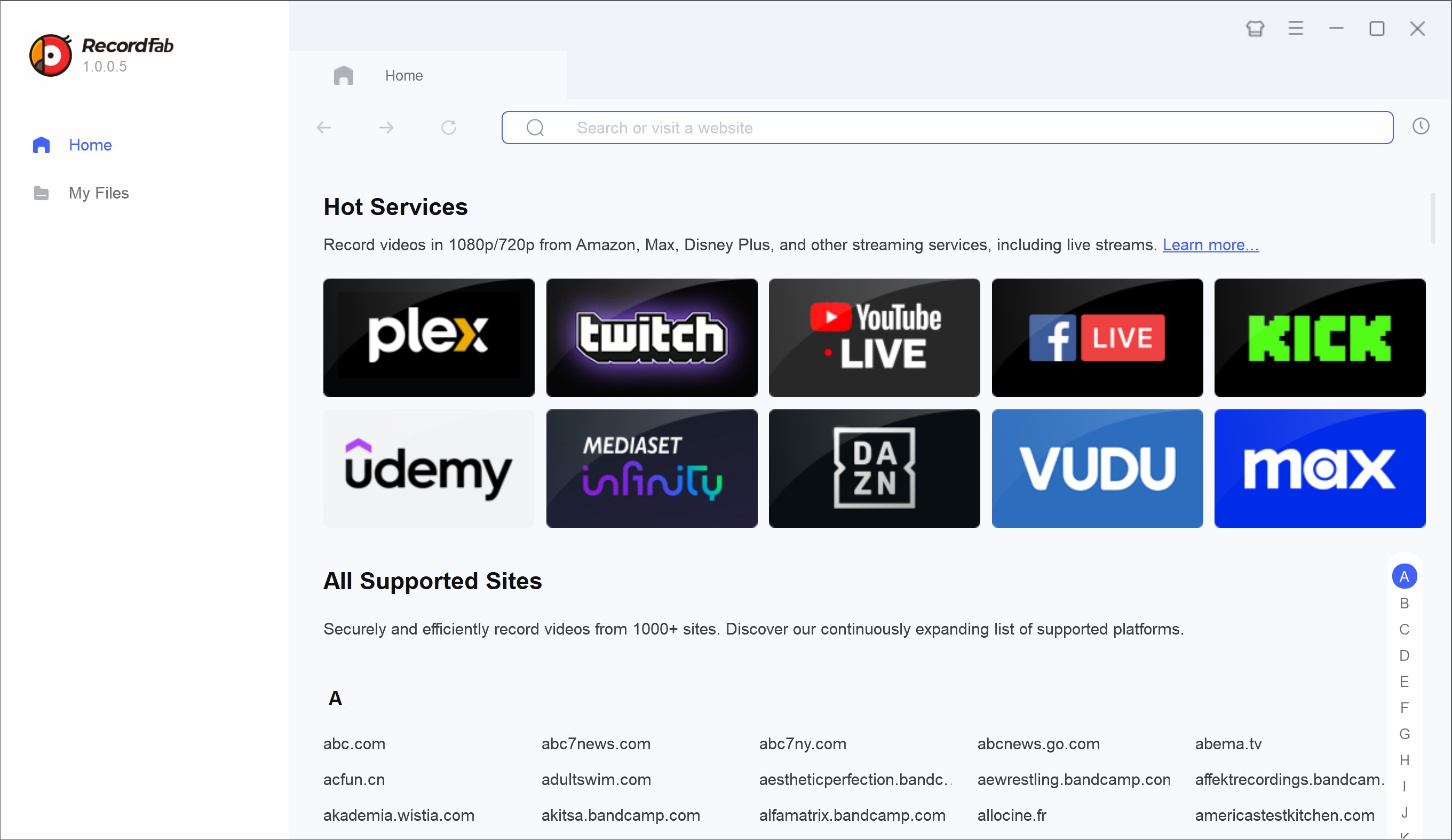
Download and install RecordFab on your device and launch it
Navigate to xHamster
Paste the xHamster video URL into the address bar of RecordFab to navigate to it.
Play the video
Play the xHamster video to activate the "Start" button. You can adjust the settings like quality and speed after the click.
Wait for the recording
Keep track of your recording in real-time. Click "Stop" to finish the recording at any time.
FAQs
Can subtitles be saved with an xHamster video?
Subtitle availability depends on whether the source video provides a separate or embedded track and whether the selected tool supports it. See the StreamFab subtitle guide for general subtitle settings.
Why do xHamster saving attempts fail randomly?
Common causes include changed links, unsupported videos, stale sessions, temporary site updates, extension-permission problems, free-tool limitations, or incorrect recording settings. Start a fresh session and switch to another permitted route if the same attempt fails twice.
Could saving a video affect my xHamster account?
Account consequences depend on xHamster’s terms and the specific activity. Save content only when you have valid access and authorization and when the intended personal use is permitted by the platform terms and applicable law.
Conclusion
The first decision is not which downloader to install. Confirm that you are an adult, have valid access, and are permitted to save the specific video. An official offline option or a copy supplied by the rights holder carries less risk than relying on an unverified web tool or extension.
For an authorized one-off public link, a functioning web route may be sufficient. For repeated permitted desktop workflows, StreamFab offers MP4/MKV output and batch handling where the source is supported. RecordFab is a separate recording fallback for authorized visible playback on Windows. My editorial recommendation is to choose the least intrusive route that meets the need and keep every local copy private.


In July 2026, I tested 5 ManyVids video downloaders on a 47-title Vid Bundle archive project. Only one delivered consistent 1080p with batch automation. Here's the ranked breakdown — with legal context, safety checks, and a full comparison table.
By Jacob Harrison - Oct 13, 2026
Pornhub Premium has no official download button. Compare local-file methods by device, understand 1080p and 4K output, and follow the StreamFab workflow. Practical checks address access errors, incomplete files, wrong resolution, and blank or green playback.
By Erika Leen - Sep 24, 2026

R18.com was closed in 2022 and is no longer accessible. It is advisable to consider other alternatives.
By Erika Leen - Aug 19, 2026

Want to download Pornhub 4K video? Follow our detailed guide for a seamless download experience and enjoy ultra-high-definition content offline anytime, anywhere.
By Erika Leen - Aug 19, 2026