
Adult Video Downloader: 8 Options and Current US Status

Summary: To properly inform you about sex to make your experience enjoyable, here we will list the top 8 ways to download any sex videos for free in high definition.
Here’s the short answer: an adult video downloader can help with authorized offline viewing when a site has no usable download button. The right option depends on the source, device, and platform rules. For adults 18+, save only content you are authorized to access where permitted by platform terms and applicable law.
If you are researching how to download adult videos, start with the source and your intended playback device, not a blanket quality claim. This guide covers a quick workflow, current US status for eight named options, and the safety limits that matter before you save an adult video MP4 or MKV file.
Choose an Adult Video Downloader Safely
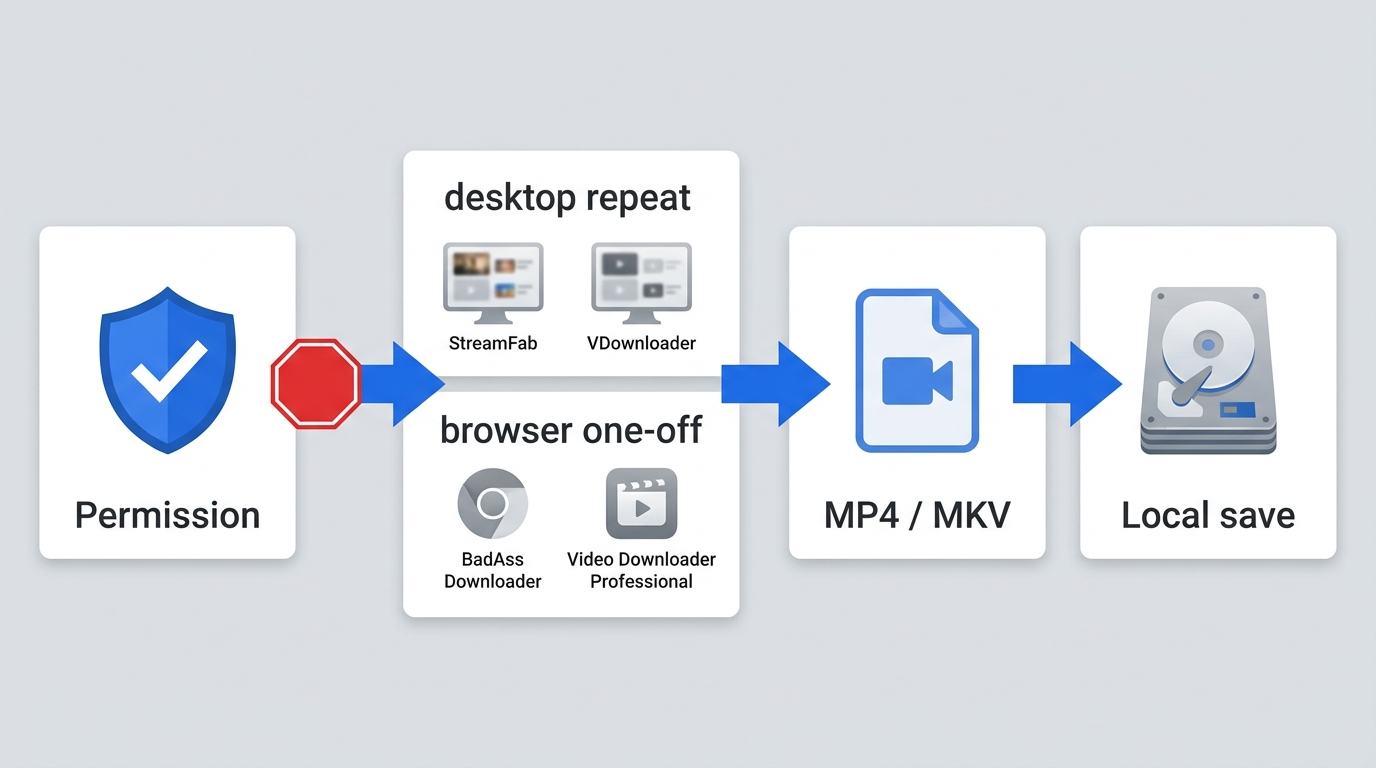
Before choosing an adult video downloader, confirm that the exact product has an official download location, a clearly identified developer, a current listing or support page, and reasonable permission requests. Avoid tools that ask for unnecessary credentials, expose you to repeated pop-ups, or cannot explain how account information is handled. No downloader is risk-free.
Quick workflow: 1. Confirm you are authorized to access the video. 2. Check the site’s terms and applicable law. 3. Choose a browser or desktop option that fits your device and frequency of use. 4. Select a compatible format, such as MP4, then save the file to local storage.
| Option | Free or paid | Install and device | Format and batch | US status |
|---|---|---|---|---|
| StreamFab | Free trial; paid plans | Windows and Mac app | MP4/MKV; batch tools | Available for supported sources |
| VDownloader | Paid desktop option | Windows installation | Selectable output | Available |
| BadAss Downloader | Browser-based service | No installation | Single URL workflow | Reachable; support varies |
| Video Downloader Professional | Chrome extension | Chrome desktop browser | Detected media; no batch focus | Listed in Chrome Web Store |
| Internet Download Manager | Paid desktop option | Windows installation | General download management | Available |
Status checked August 2026; availability and site support may change.

Adult Video Downloader Options Compared
Current adult video downloader choices include desktop apps, online video downloader services, browser extensions, and download managers; their fit varies by device and workflow. Browser tools generally fit an occasional public URL, while installed desktop software is more practical for repeat or batch work. Adult Offline, SaveFrom, and XDownloader need separate status notes before they can be treated as current choices.
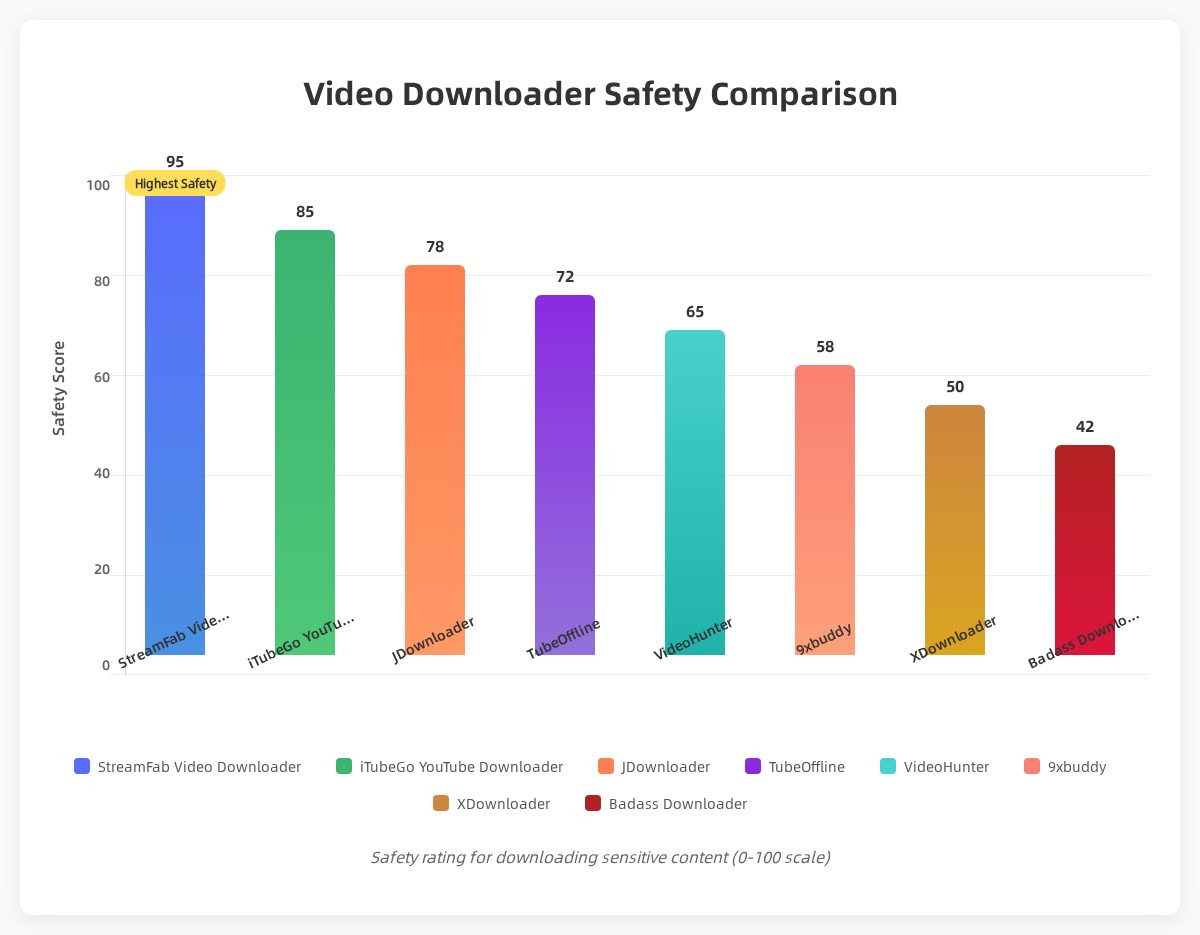
1. StreamFab: Desktop Workflow for Supported Sites
StreamFab is a desktop option for Windows and Mac that uses a built-in browser or direct URL workflow on supported sources. It can save source-dependent quality up to 4K where supported, with MP4 and MKV output choices and batch handling for repeat tasks. It is best suited to people who regularly save authorized videos or need batch handling; it is not ideal if you want a no-install browser tool for one public URL. Its xHamster support is relevant when you need to download xHamster video files for authorized offline viewing.

- Enjoy your favorite sexy videos without being disturbed by pop-ups or unrelated advertisements during playback.
- Videos are saved in MP4 by default, and you can also convert them to other formats or devices for easier viewing.
- The batch save feature lets you queue multiple clips so they’re ready for offline viewing later.
- The built-in browser supports various popular adult sites.
When subtitles matter, choose the available language and review the output settings before saving. The StreamFab subtitle download settings can help you choose between embedded subtitles and separate files when the source supports them.
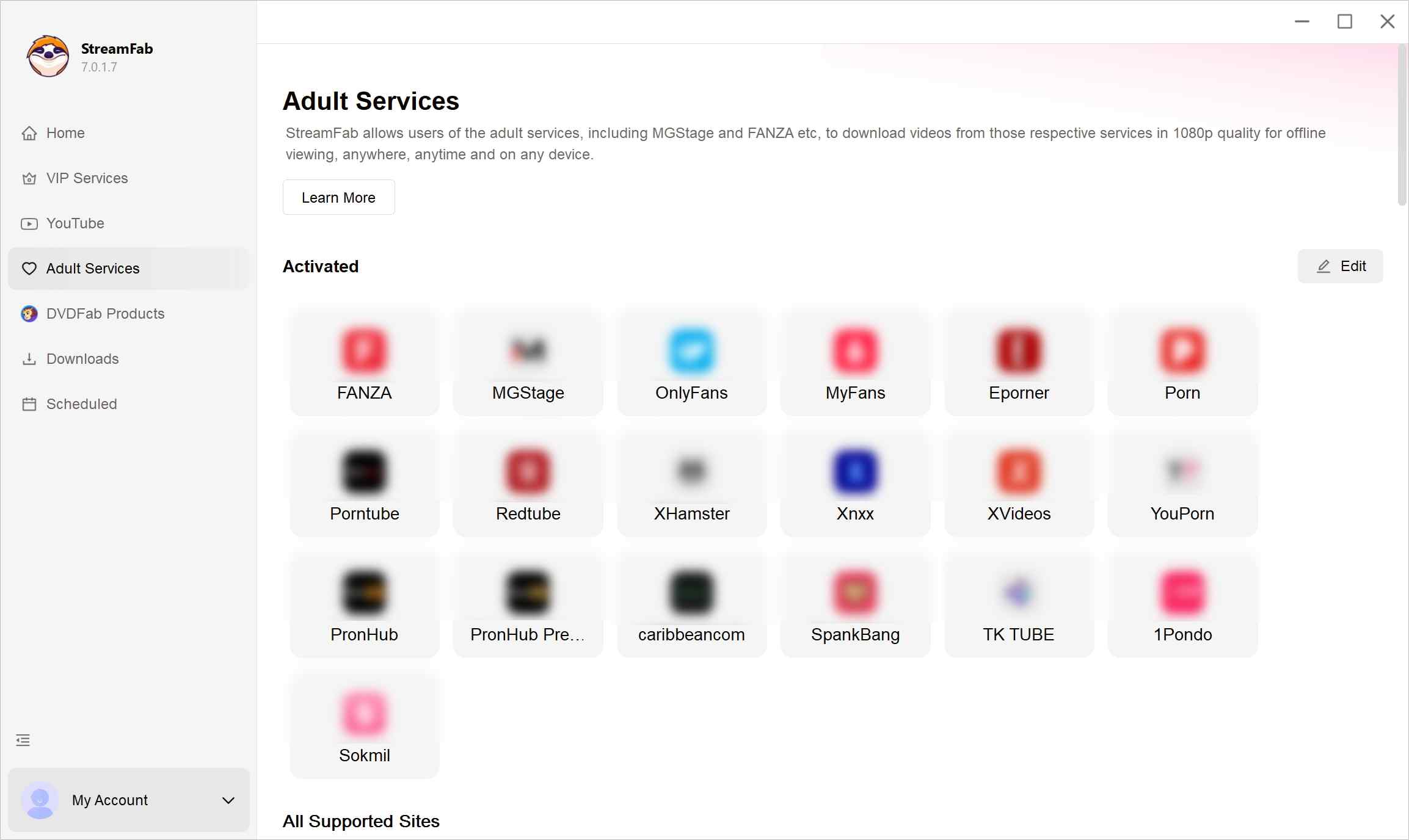
Choose the streaming service and select the video
Use the built-in browser to sign in to the service you normally watch and start playing a video that you’re allowed to save for personal use.
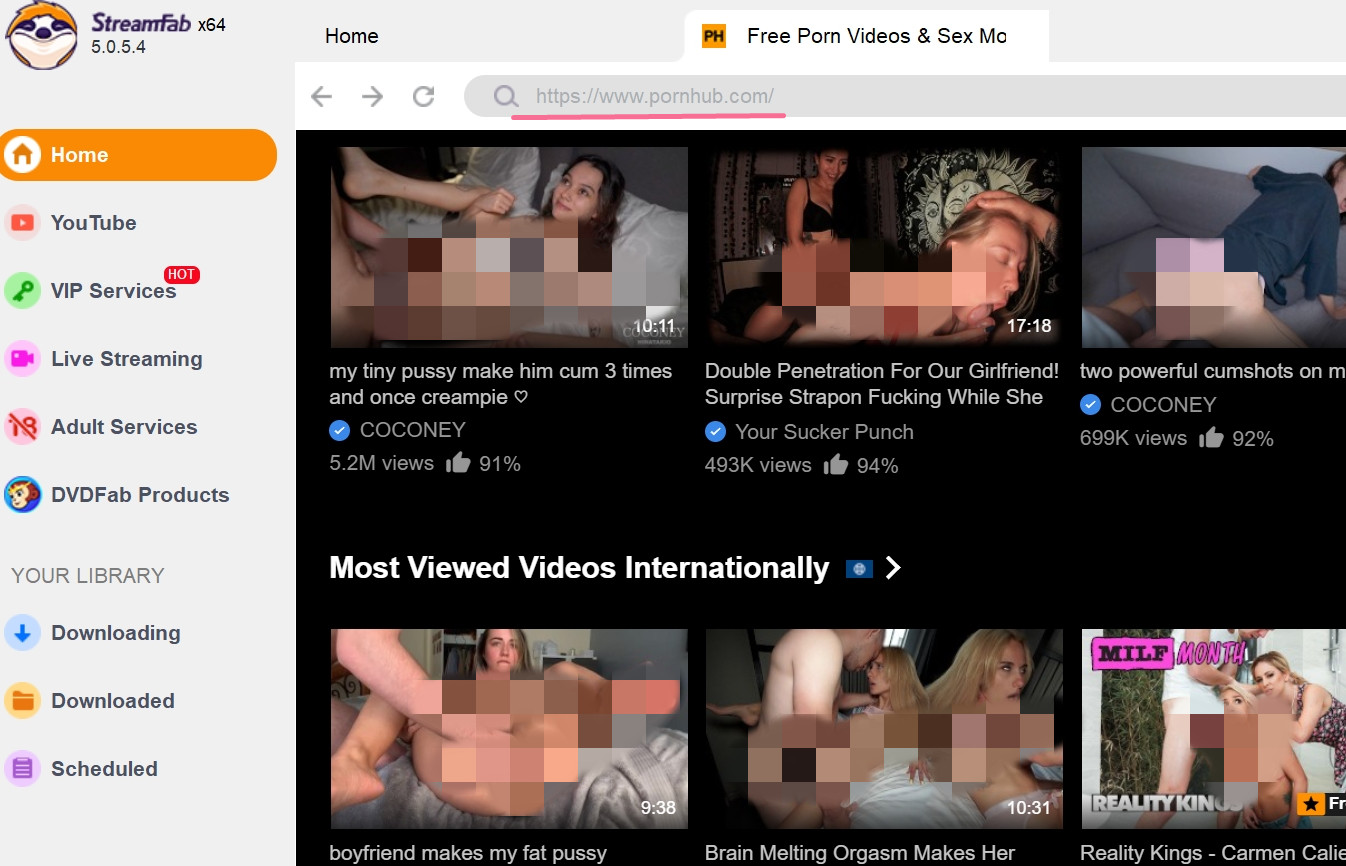
Customize the file
While the video is playing, StreamFab usually detects it and offers several options such as resolution, file size, and subtitles. Adjust these settings according to your device and storage space.
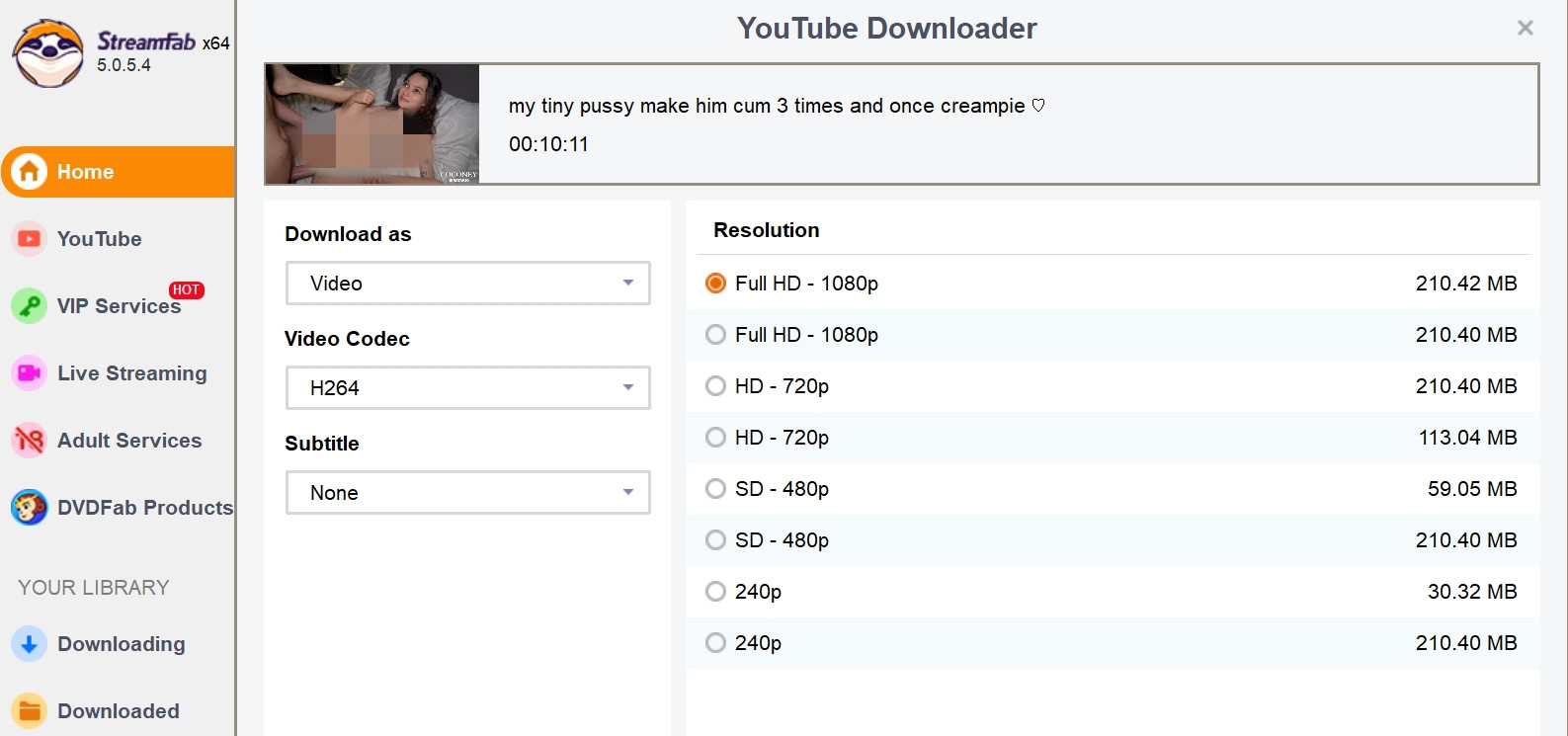
Click the download button
Confirm your choices, then let the program handle the saving process in the background so you can continue browsing.
2. Adult Offline: No Longer a Downloader
Adult Offline should not be treated as a current adult video downloader recommendation. Its domain now redirects to an unrelated widget, so the former URL-paste workflow and platform claims are no longer useful for US readers. Use one of the active options in the comparison table instead.
No Longer Identifiable: The former domain redirects to an unrelated widget.
Recommendation Status: It should not be selected as a current downloader.
No Install Claim: The former browser-based workflow is no longer a usable comparison point.
Active Alternatives: Choose from the verified active options in the comparison table.
Site Support: Check the exact product and current source compatibility before use.
Adult Offline no longer provides an identifiable downloader workflow.
Do not enter credentials or paste links into an unrelated redirected page.
Select an active option from the comparison table instead.
*Check the source, permissions, and current US availability before using any online video downloader.
3. VDownloader: Windows Desktop Option
VDownloader remains a Windows desktop option with a URL-based workflow and selectable output on supported adult sites. It fits Windows users who prefer an installed application for routine URL saves. It is not ideal for Mac, mobile, or no-install users.
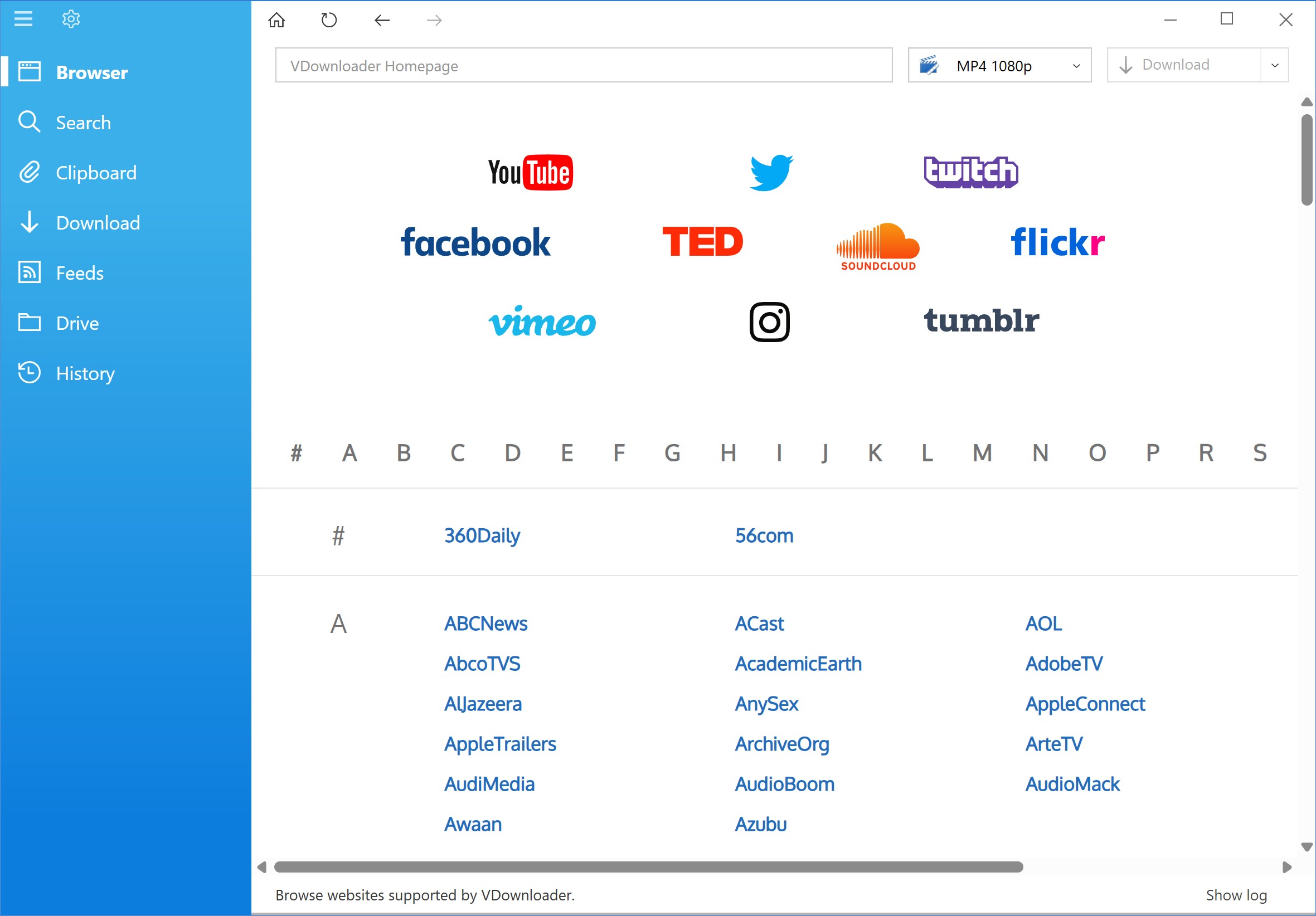
Installed URL Workflow: It uses a URL-based workflow on supported adult sites.
Selectable Output: Available output choices can be selected for local playback.
Windows Fit: It suits Windows users who prefer an installed application for routine URL saves.
Platform Locked: This software is mainly designed for Windows systems, so Mac or mobile users will need to look elsewhere.
Installation Required: Unlike web tools, this requires a local installation on your PC.
Install and launch VDownloader on your Windows PC.
Search for or paste a video URL from a supported site.
Select your preferred file format and resolution to complete the save.
4. SaveFrom: Unavailable in the United States
SaveFrom is unavailable in the United States. If you are located in the United States, consider another active option in this article, such as StreamFab.
SaveFrom is unavailable as a service in the United States and should not be ranked as a current option for US readers. Its former browser and extension workflow is not a practical recommendation here; use one of the active methods in the comparison table.
Unavailable: SaveFrom is not a current service option in the United States.
Browser Integration: Its former extension workflow should not be treated as an active US recommendation.
Alternative Choice: Use the active options in the comparison table.
Current Availability: Service availability and supported sites can change.
5. BadAss Downloader: Browser-Based Option
BadAss Downloader is a browser-based option for people who prefer a one-off URL workflow without installing desktop software. Its current site support and performance can vary by source. It is not ideal for batch workflows or for readers who want an ad-free installed environment.
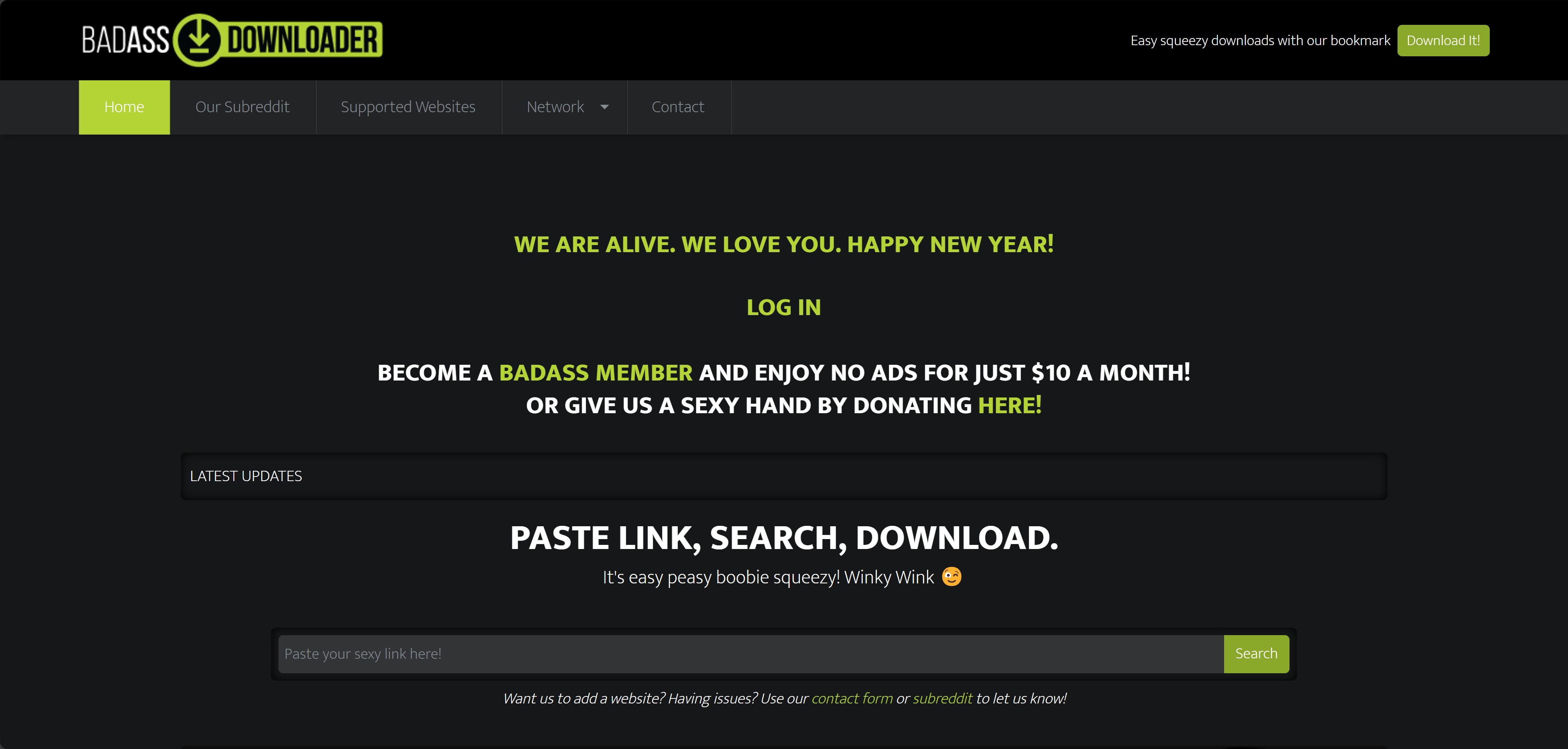
One-Off Browser Use: Site support varies by source.
No Installation: It can suit readers who prefer not to install desktop software.
Simple URL Workflow: It can suit occasional clips when the source is supported.
Ad-Heavy Experience: Since it is a free web-based tool, you should be prepared to navigate a few pop-ups or ads during the search process.
Manual Effort: There is no batch mode here; you’ll have to handle every video individually by copying and pasting links one by one.
6. Video Downloader Professional: Chrome Extension
Video Downloader Professional remains listed in the Chrome Web Store. It can suit Chrome users who want to save browser-detected public media, but detection and downloadable formats vary by site. It is not designed for mobile, other browsers, protected streams, or batch-focused work.
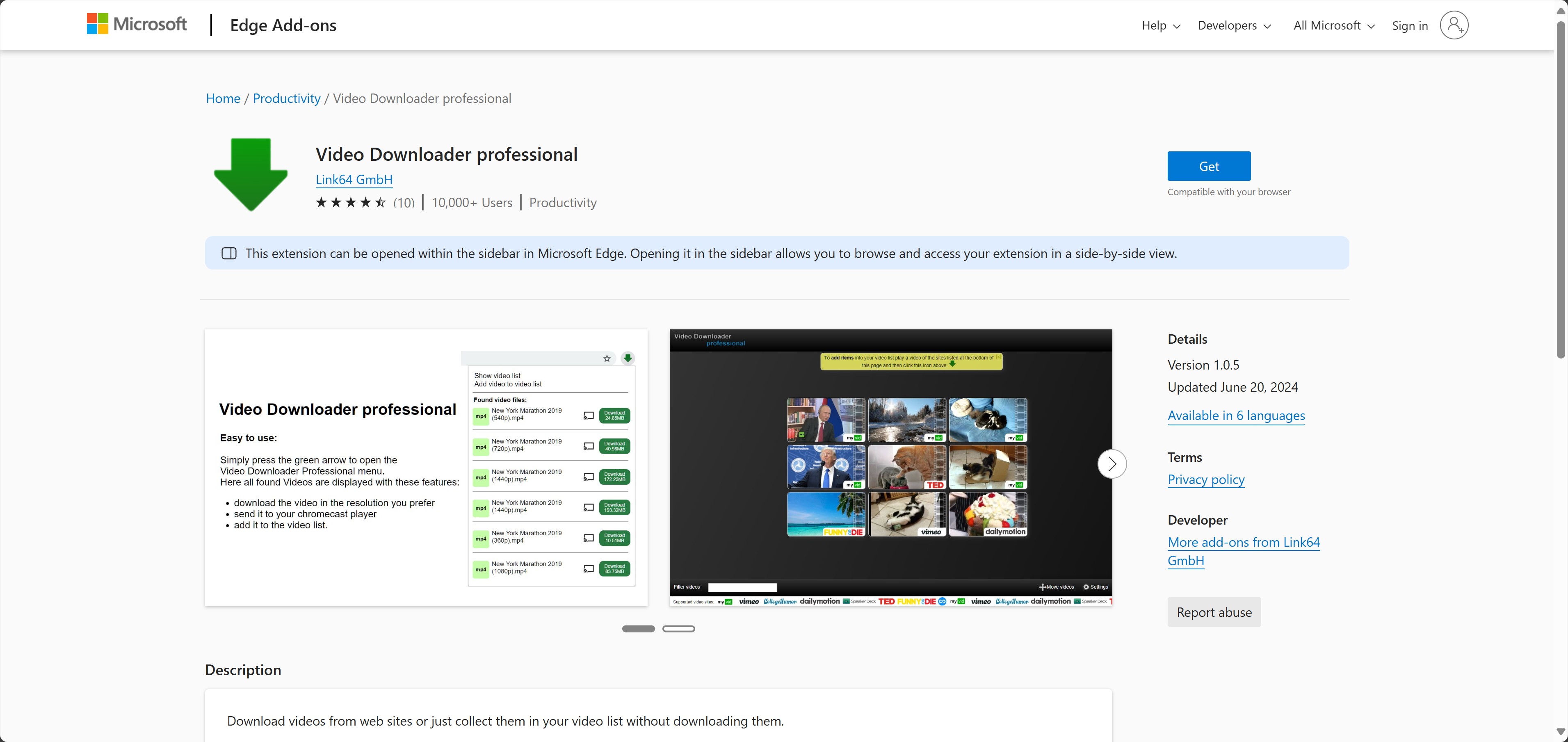
Seamless Integration: It can detect some browser media while you watch.
Pre-Save Verification: You can click on the video in the extension menu to check the file size and confirm the name before saving.
Instant Action: The extension menu may show available detected files.
Browser Locked: This is a dedicated Chrome extension, so it won’t help you on other browsers or mobile apps.
Manual Trigger: You still need to open the extension and click the button for each specific video you want to keep.
7. Internet Download Manager: Installed Download Manager
Internet Download Manager is an installed Windows download manager that uses segmented downloading. That approach may improve transfer efficiency, but actual speed and available media options vary by site, connection, and stream. It fits Windows users who already want a general download manager, not readers who need a guaranteed detector for every streaming page.
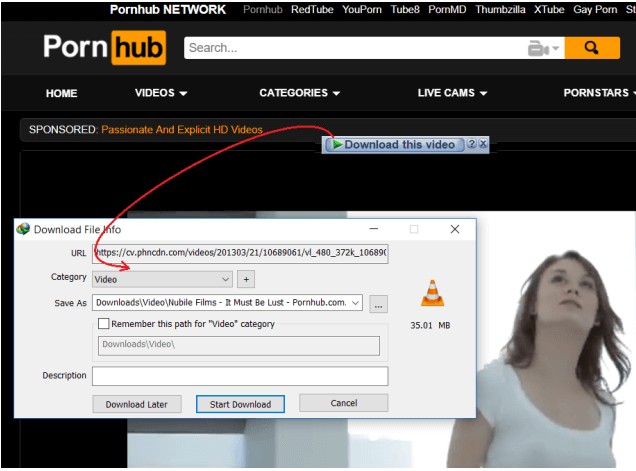
Segmented Downloading: Segmented transfers may improve efficiency, depending on the site and connection.
Browser Integration: Its browser integration can surface available downloads on supported pages.
Site-Dependent Detection: Available media options vary by site and stream.
Technical Barriers: As adult platforms update their streaming protocols to tighten delivery, IDM may show fewer download options on certain pages than it did in the past.
Desktop Requirement: This is not a web-only tool; you need the full IDM software installed on your computer for the browser extension to function.
8. XDownloader: Identity and App Status Unclear
Several Android apps use the name XDownloader. Before installing one, verify the developer, official URL, requested permissions, and current app listing. Readers looking for established mobile options can compare Android video downloaders with clearly identified developers and current listings.
Identity Unclear: Several Android apps use the XDownloader name.
Developer Information: Check the developer and official URL before installation.
Recommendation Status: Avoid installing an app until its developer and official URL are clear.
App Listing: Review the developer, permissions, privacy policy, and recent listing status.
Device Fit: Confirm compatibility with your phone or tablet before installing.
FAQs About Adult Video Downloads
1. Is local storage safer than cloud sync for adult videos?
Local encrypted storage can reduce accidental cloud syncing. Keep sensitive authorized files out of auto-synced folders, use device encryption where available, and consider an encrypted external drive for files you do not want uploaded by default.
2. Should I choose MP4 or MKV for offline playback?
MP4 is usually the safer default for broad device and player compatibility. MKV can be preferable when you need multiple audio or subtitle tracks and your player supports it. Check codec support, file size, source metadata, and your target device because neither container is universally better for every VR or standard video file. If you need to convert a URL into a compatible file, review these methods to convert a link to MP4.
3. What should I check before saving subscription content?
A paid subscription does not automatically grant permission to copy or retain content. Save only content you are authorized to access where platform terms and applicable law permit, protect your credentials, and consider account restrictions before using a downloader. For a deeper discussion of authorization boundaries, see how to download private videos safely.
4. Does a VPN make video downloads anonymous?
A VPN changes network routing and the IP information visible to some services, but it does not guarantee anonymity or change platform terms, account records, site logs, device behavior, or legal obligations. Do not treat privacy software as permission to ignore a service’s rules.
5. Can using automated tools lead to my account being banned on streaming platforms?
Heavy automated batches may coincide with analysis or access problems. Use conservative queues, follow the service’s terms, and stop if access failures appear. When account access matters, fewer concurrent tasks are the safer choice.
Conclusion: Choose Based on Source, Device, and Risk
Use a browser option for an occasional public URL, an installed desktop option for repeat or batch work, and no tool when authorization or platform rules are unclear. Check the exact product, its current US availability, and the permissions it requests before installing anything.
StreamFab is one Windows and Mac desktop option for supported sources and repeat workflows, with MP4 and MKV output choices. It is not the right fit for someone who wants a no-install tool for a one-off public link. Choose the workflow that matches your source, device, and authorization status.
Availability, supported sources, and browser detection can change.
Tool Status: Adult Offline is no longer treated as an active downloader, and SaveFrom is unavailable in the United States.
Identity Check: Several apps share the XDownloader name; check the developer and official URL before installing.
Safety Guidance: Review the developer, permissions, credential handling, and current availability before installing a downloader.
Browser Update: Browser extensions can detect different media depending on the site and its current delivery method.
Responsibility Statement: Use these options only for content you are authorized to access, where platform terms and applicable law permit, and do not share files commercially or with others.
Use notice: This article is for adults 18+ considering personal offline copies of content they are authorized to access. Follow applicable law and each service’s terms, and do not use downloaded files for commercial distribution or sharing.

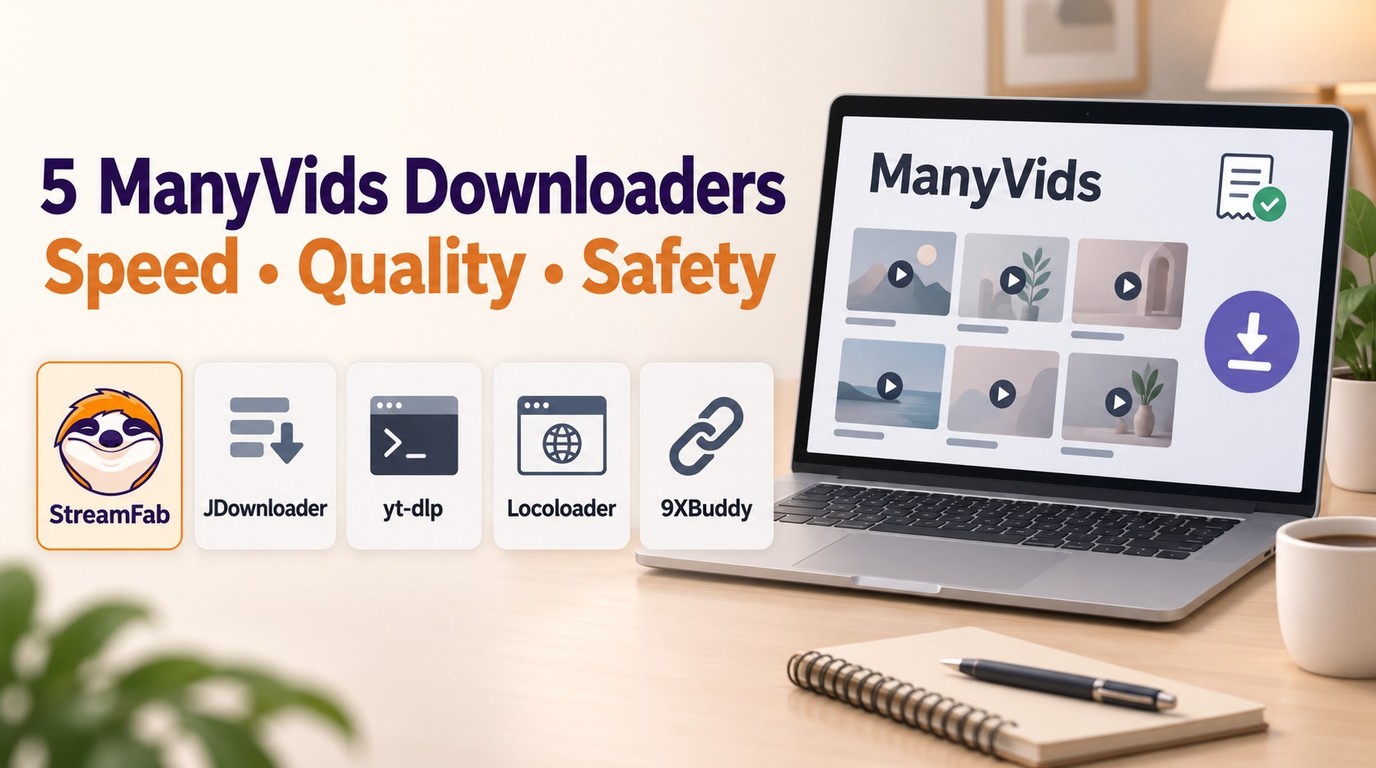
In July 2026, I tested 5 ManyVids video downloaders on a 47-title Vid Bundle archive project. Only one delivered consistent 1080p with batch automation. Here's the ranked breakdown — with legal context, safety checks, and a full comparison table.
By Jacob Harrison - Oct 13, 2026
Pornhub Premium has no official download button. Compare local-file methods by device, understand 1080p and 4K output, and follow the StreamFab workflow. Practical checks address access errors, incomplete files, wrong resolution, and blank or green playback.
By Erika Leen - Sep 24, 2026
R18.com was closed in 2022 and is no longer accessible. It is advisable to consider other alternatives.
By Erika Leen - Aug 19, 2026

Want to download Pornhub 4K video? Follow our detailed guide for a seamless download experience and enjoy ultra-high-definition content offline anytime, anywhere.
By Erika Leen - Aug 19, 2026