
How to Save, Download, or Rip OnlyFans Content on PC

Summary: Paid for OnlyFans but can't save it? We tested 4 tools to rip and save OnlyFans content in 2026—no black screen, full 1080p, zero account risk.
If you need to save OnlyFans videos or download OnlyFans videos on PC, start by confirming that you own the upload or have permission to create a local copy. A recording or saved file can still fail, so the workflow matters.
- Compare desktop saving, recording, and browser-based workflows for authorized content in the PC methods section, then use the phone-transfer and PPV guidance for those specific cases.
- Before saving, understanding the platform's rules protects you and the creators you support—read the legal & safety guide.
- For quick answers about account precautions, PPV messages, or black-screen files, browse the FAQ.
For authorized personal offline viewing only. Do not redistribute. 18+ only. You can save OnlyFans videos when you own the upload or have the creator’s authorization to make a local copy; paying for viewing access alone does not grant blanket copying rights. This guide covers PC downloads, phone transfer, and PPV checks.
A saved file is not useful unless it opens with both picture and sound. For creator content, viewing access and authorization to save a copy are separate; if you are recovering your own uploads, use your original files or an authorized export whenever available. The sections below cover desktop local copies, private phone transfer, and separately unlocked PPV items.
| Prerequisites | Valid OnlyFans account access; authorization to save the specific content |
|---|---|
| Desktop support | StreamFab: Windows / Mac; RecordFab: Windows |
| Output check | Open the saved file and confirm both picture and sound |
The sample size is limited, and individual creators' DRM settings may change over time. The results are for reference only.
Methods to Save & Rip OnlyFans Content on PC (by Scenario)
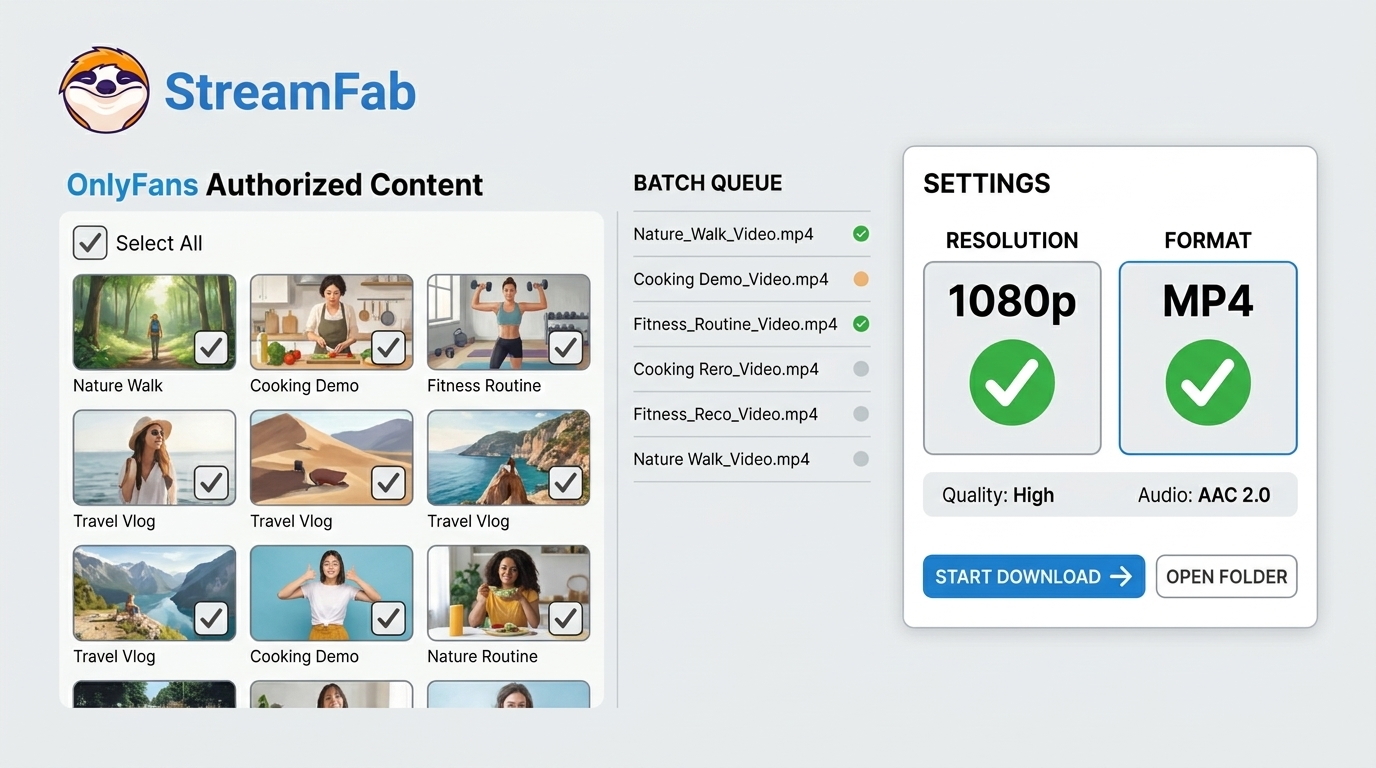
How to Save, Download, or Rip OnlyFans Content on PC depends on the authorized task: use a desktop local-file workflow for queues, screen recording for individual authorized captures, or a browser extension for occasional post extraction.
StreamFab OnlyFans Downloader supports authorized local copies, batch queues, and creator-update monitoring on Windows and Mac. RecordFab uses an individual recording workflow, while Locoloader is better suited to occasional authorized post extraction.
Option A: StreamFab OnlyFans Downloader for Desktop Local Copies
If you need to create an authorized local copy or manage authorized files from a creator's larger video library, desktop software supports a more organized workflow. StreamFab OnlyFans Downloader runs on Windows and Mac. If you want a broader comparison and hands-on pros/cons across the mainstream tools, check this OnlyFans downloader comparison.

Save OnlyFans videos you are authorized to copy as local files for personal offline viewing while your access remains valid.
This workflow uses batch queues and creator-update monitoring rather than a unique schedule download mode tied to a fixed weekly timer. You can queue selected videos you are authorized to access and save while that access remains valid.
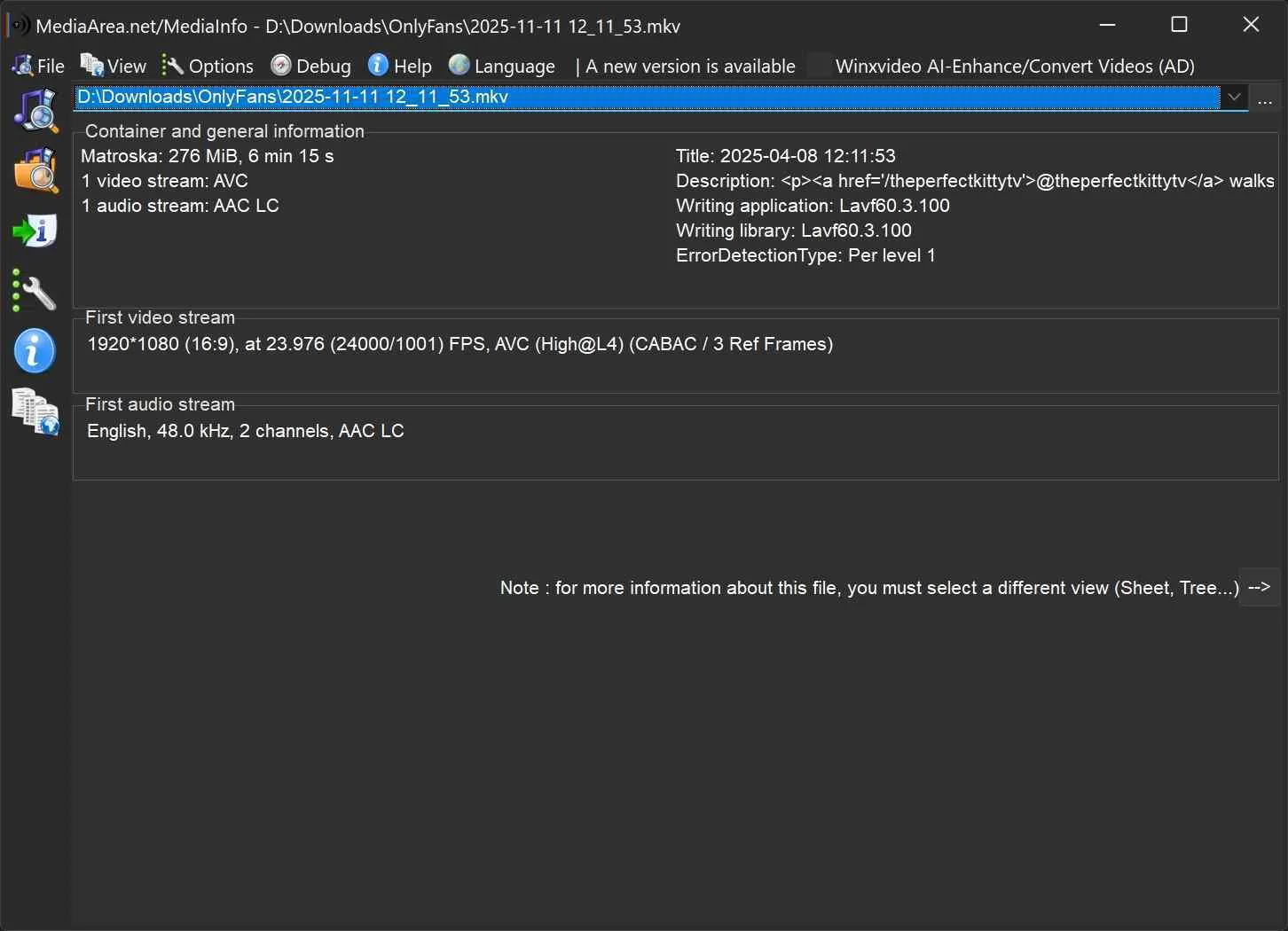
Available output can reach 1080p when the source offers it, with 720p also supported. The downloader saves H.264 video with AAC 2.0 audio in MP4 or MKV containers.
The MediaInfo screen displays the resolution, H.264 encoding, frame rate, and AAC audio details of a saved OnlyFans file.

- Save available OnlyFans video in up to 1080p with AAC 2.0 audio
- Supports batch queues and creator-update monitoring
- Outputs H.264 video in MP4 or MKV containers
- Works with accessible posts and messages you are authorized to save
- Full video downloads are provided during the trial period

- Interrupted downloads cannot be resumed; update the app or contact StreamFab Support if a task repeatedly fails
- Only three download opportunities during the trial period

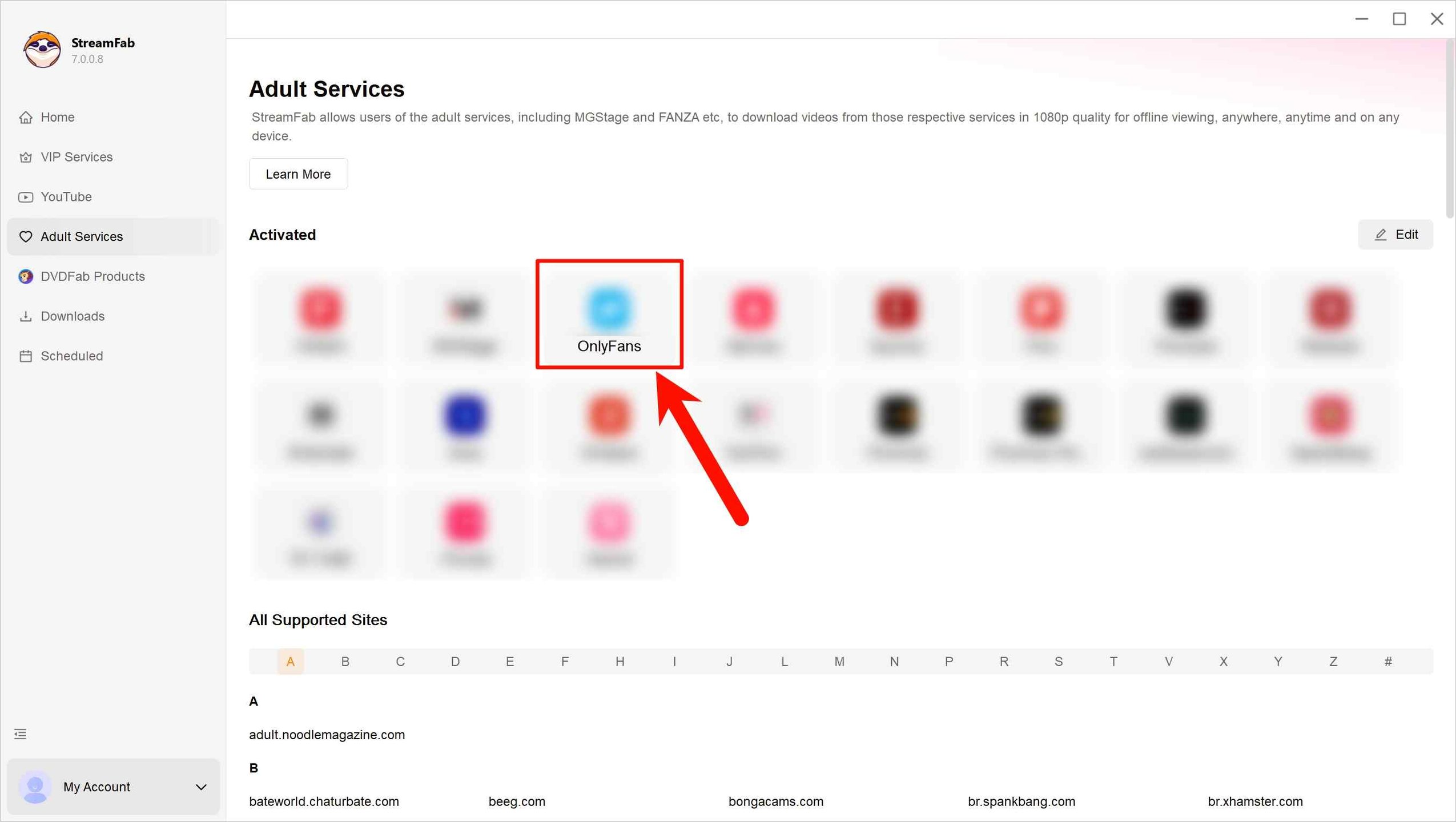
Log in to your OnlyFans account using the browser inside StreamFab. Open and play a video you are authorized to access and save so StreamFab can analyze it.
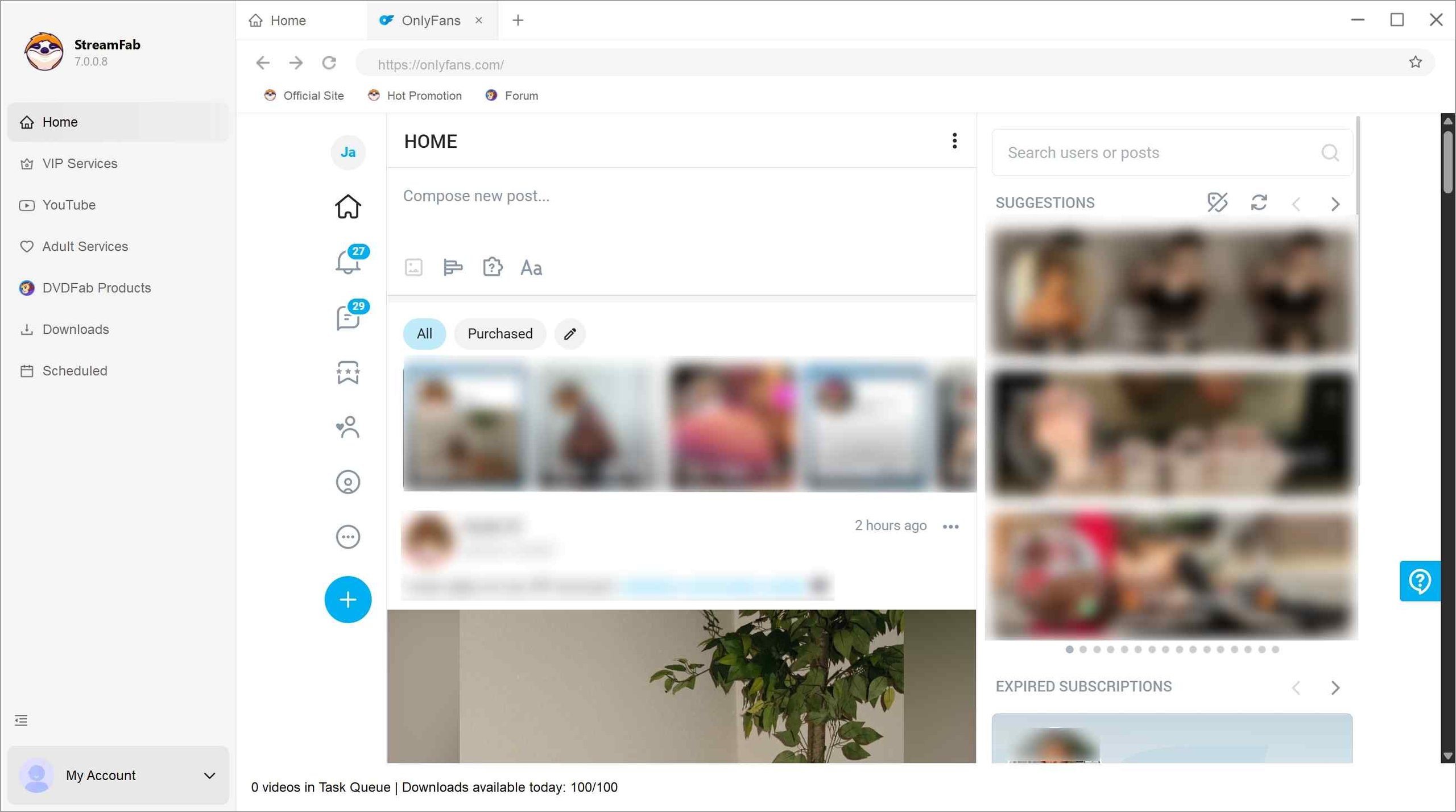
Select the available MP4 or MKV output settings, then download the authorized video immediately or add it to a batch queue. You can also enable creator-update monitoring while your access remains valid.
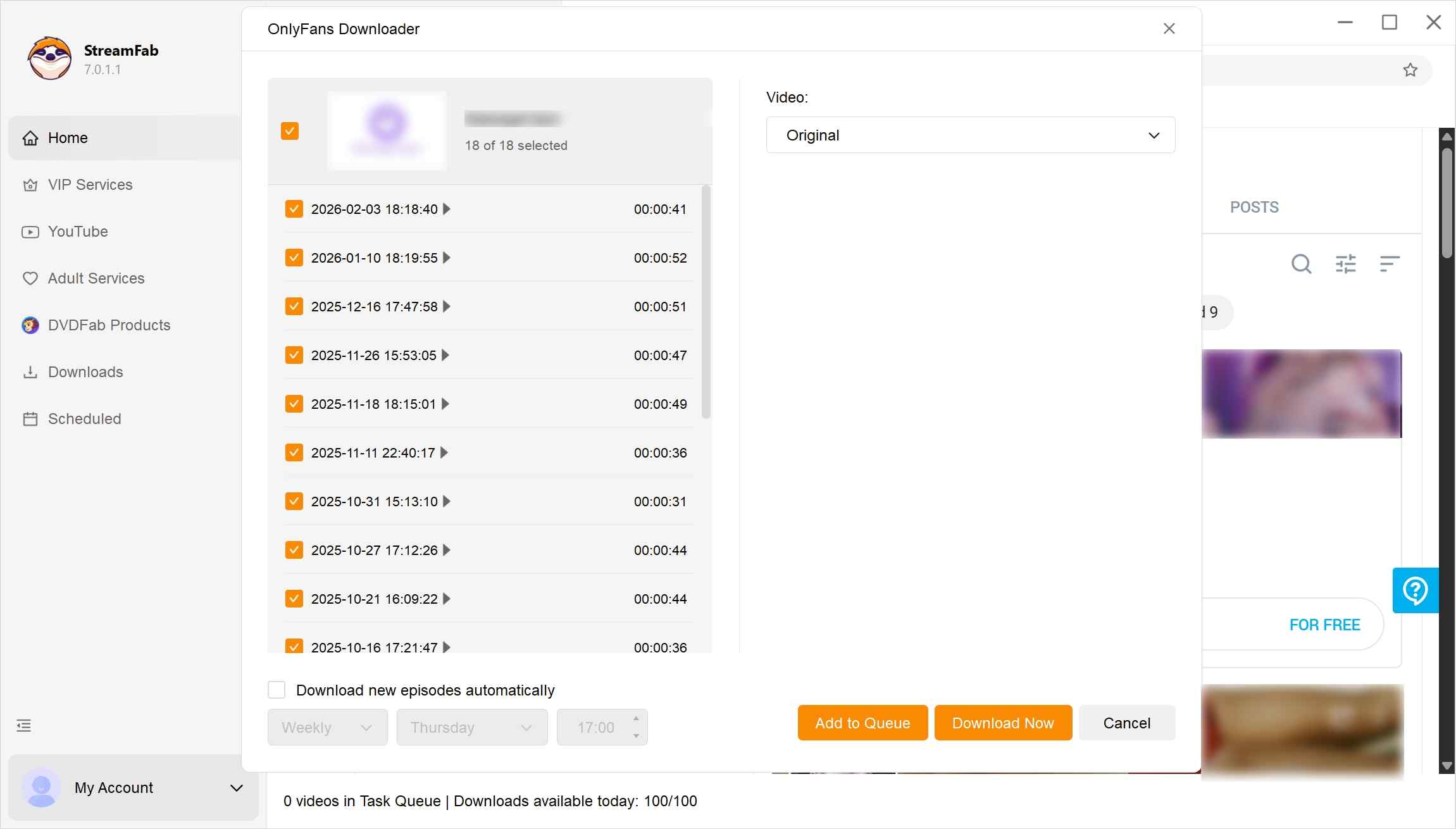
Option B: iDownerGo for Desktop Downloads
iDownerGo supports saving accessible OnlyFans videos on Windows and Mac. Use it only for content you are authorized to save for personal offline viewing; playback or analysis problems are covered in this OnlyFans playback and download troubleshooting guidance.

Although it has an OnlyFans module, it does not have a direct entry for OnlyFans; you have to manually enter the website address, and then it will give you a separate OnlyFans Downloader page. iDownerGo advertises selectable 1080p, 720p, and 480p video, AAC 2.0 audio, MP4 or MKV output, batch downloads, and message or chat downloads.
This MediaInfo screen shows the resolution, H.264 encoding, bitrate, and audio details of one file saved with iDownerGo.
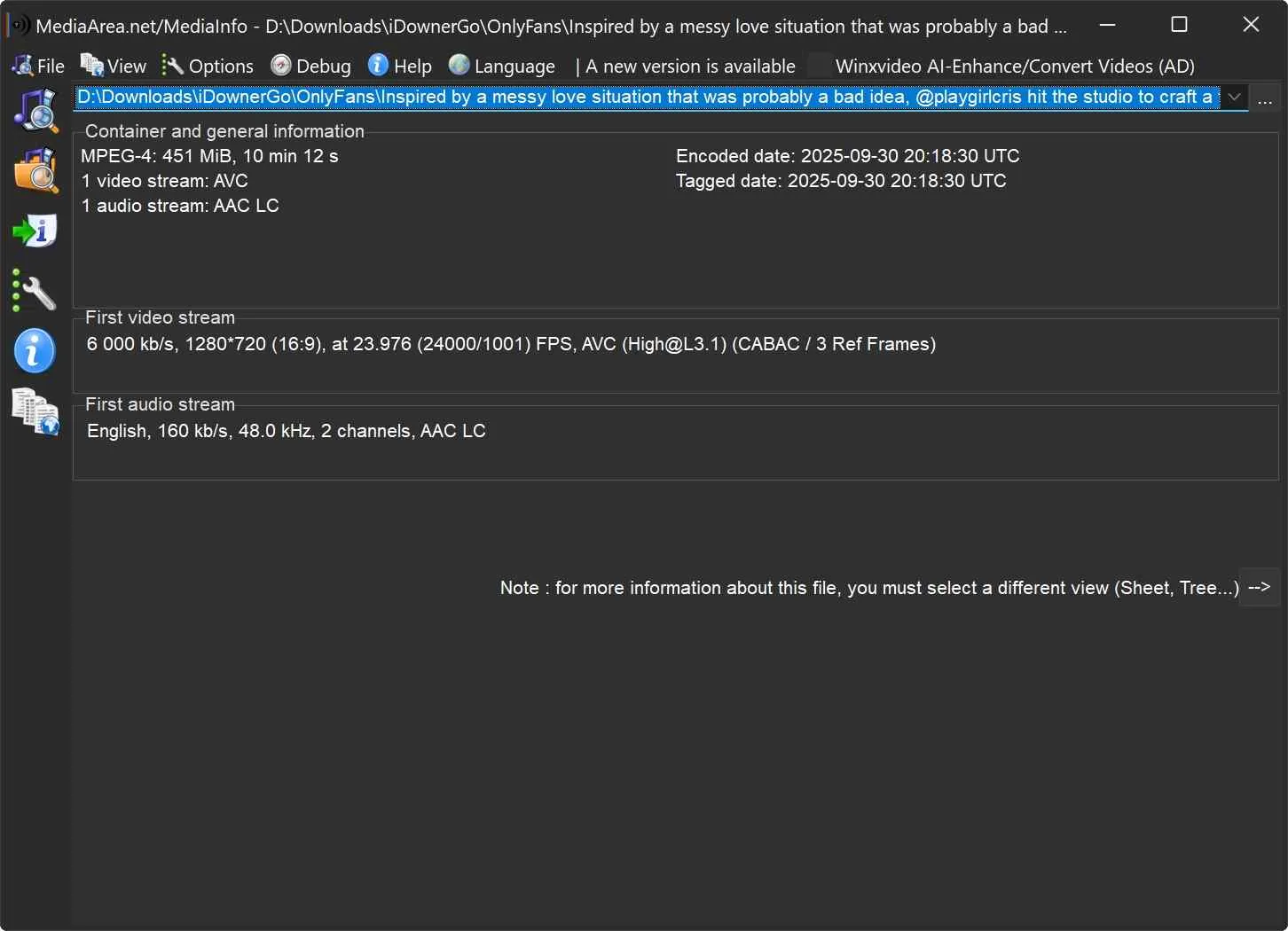
Choose the available video resolution and output container before starting the task. Its advertised OnlyFans audio output is AAC 2.0, while the audio-language setting controls the selected language rather than audio quality.
- Advertises selectable 1080p, 720p, and 480p video with AAC 2.0 audio
- Supports MP4 and MKV output
- Advertises batch and message or chat downloads
- Available quality remains limited by the source video
- Only AAC 2.0 audio is advertised for OnlyFans
- No direct OnlyFans entry in the shown workflow
- Use the trial to confirm current OnlyFans compatibility before purchase
Install iDownerGo on your PC device, and launch it. Type the URL of OnlyFans, press enter, and log in to OnlyFans with your account.
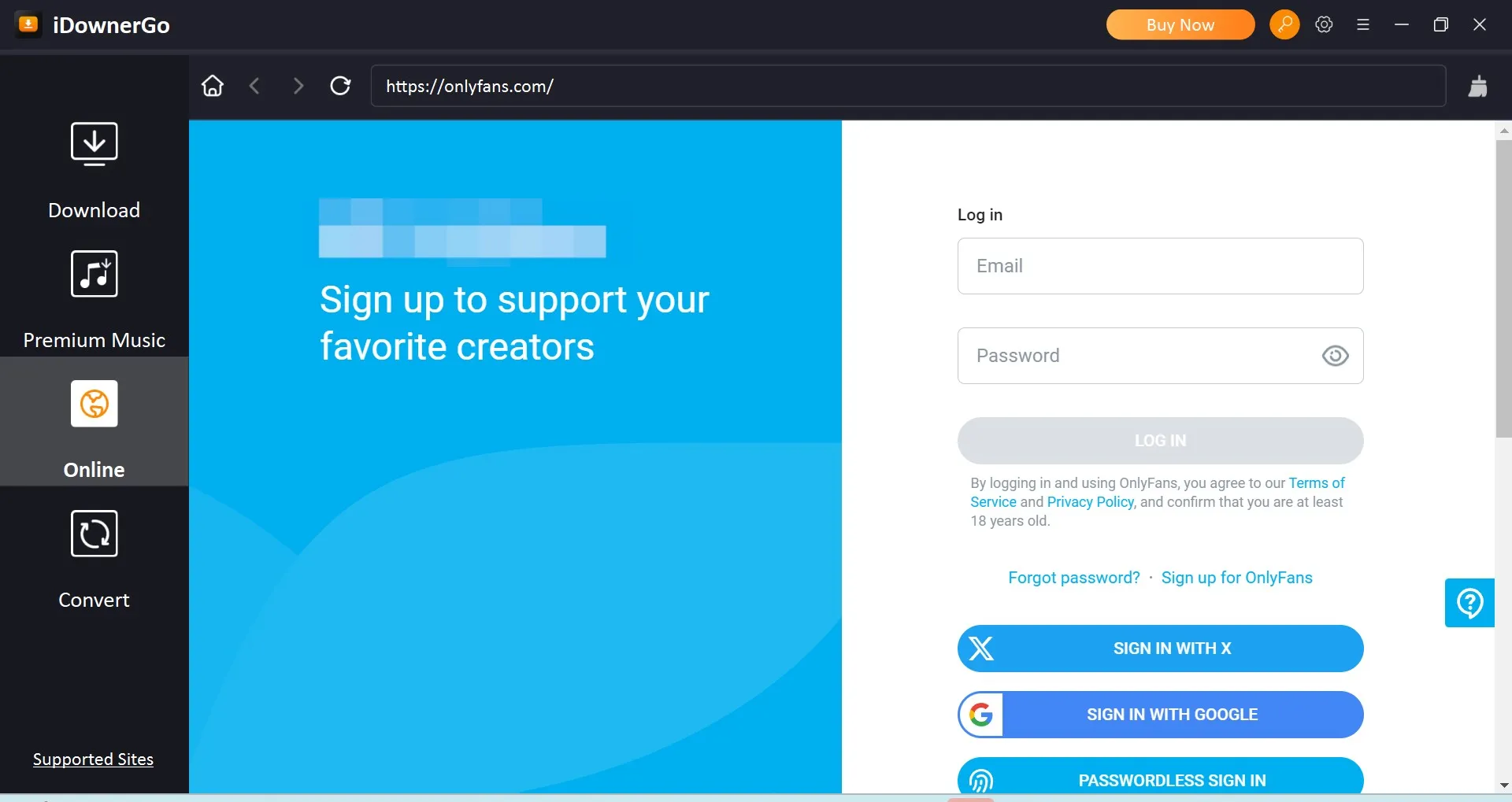
Find the content you are authorized to save from OnlyFans. Click the 'Download' button in the right corner to start.

When the task finishes, open the 'Downloaded' column and check that the saved file has both picture and sound.

Option C: RecordFab for Individual Recording Tasks
OnlyFans includes regular videos as well as creator live streams. RecordFab is a Windows recording product from the same brand family as StreamFab, but it uses an individual screen-recording workflow rather than a batch local-file download workflow. It captures on-screen playback and does not perform DRM decryption. Use it only to record content you are authorized to access and save.
Recording generally requires the video to play during the task, so it fits individual videos or live content better than a large queue. Select the available playback quality, start the recording, and check the finished file for both picture and sound.
The screenshot shows RecordFab recording controls, playback details, and Windows resource information during an active task.
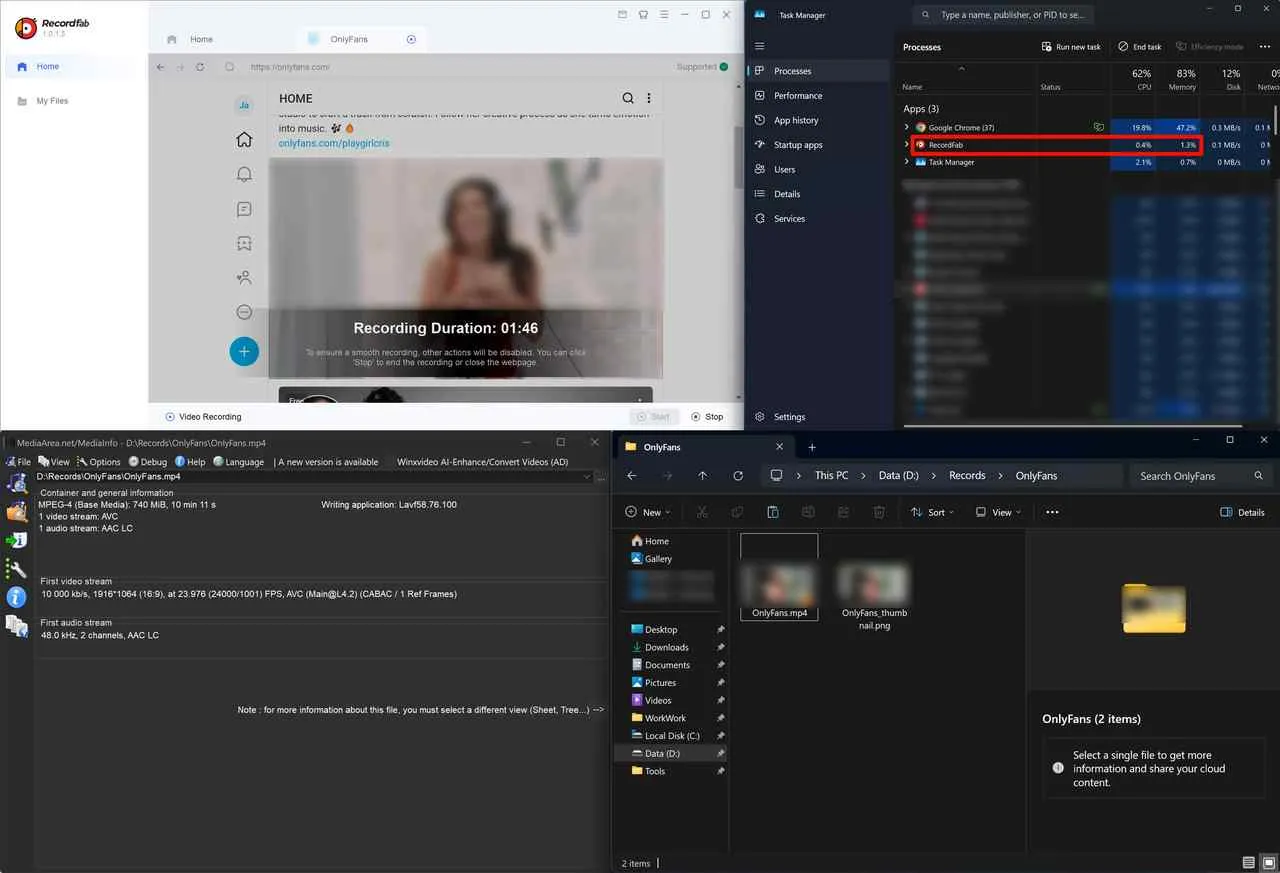
- Records authorized OnlyFans channel videos and live streams on Windows
- Uses an individual screen-recording workflow
- Lets you choose available recording quality and speed
- Auto-save the cover image
- Keeps playback and recording controls in one built-in browser workflow
- No batch saves, though; it’s one-by-one
- Recording tasks require the video to play during capture
- Windows only; no Mac version is available
Install RecordFab, open its built-in browser, go to OnlyFans, and sign in to your account.
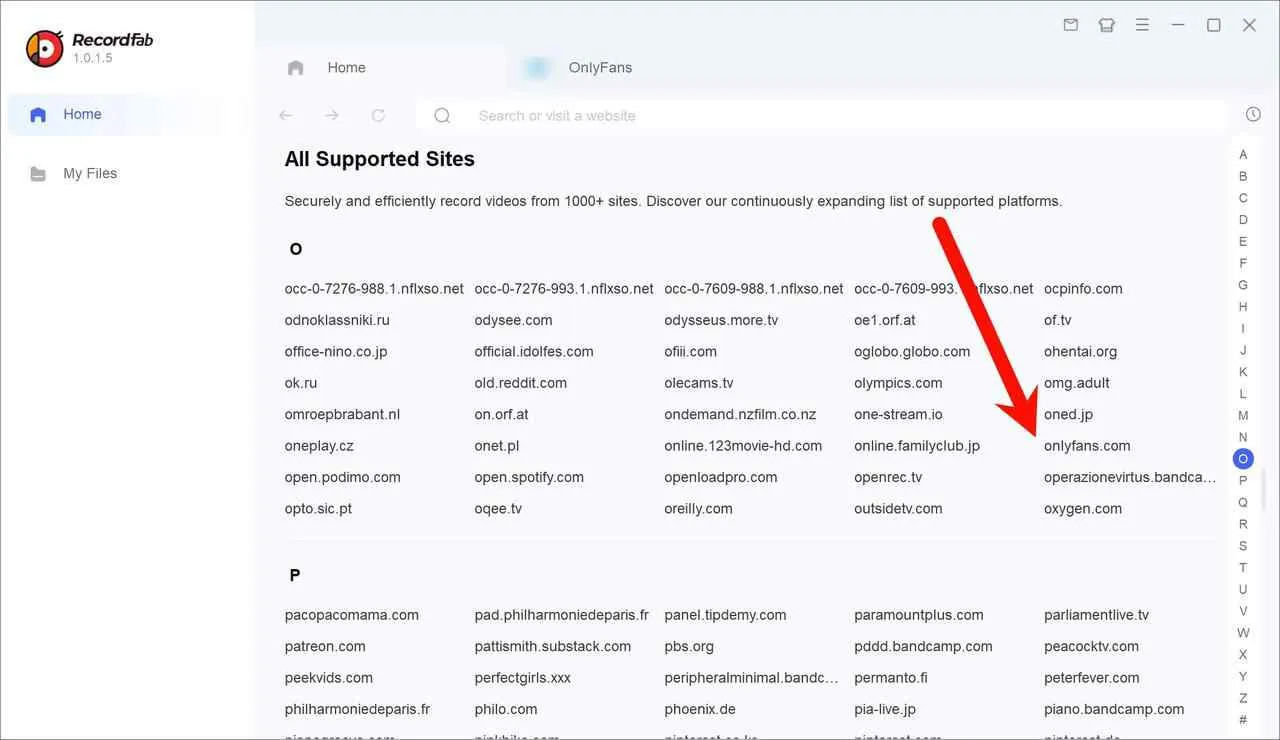
Open the authorized OnlyFans video you want to record, play it at the available resolution you need, and select “Start.”

Choose your recording quality and speed for screen recording OnlyFans. Confirm the settings, let the video play during capture, and select “Stop” when it finishes. Check the completed file in “My Files.”

Option D: Locoloader for Browser-Based Post Extraction
Locoloader supports an OnlyFans to MP4 workflow, with MKV also available for authorized local viewing. Its general extension instructions list routes for both Chrome and Firefox.
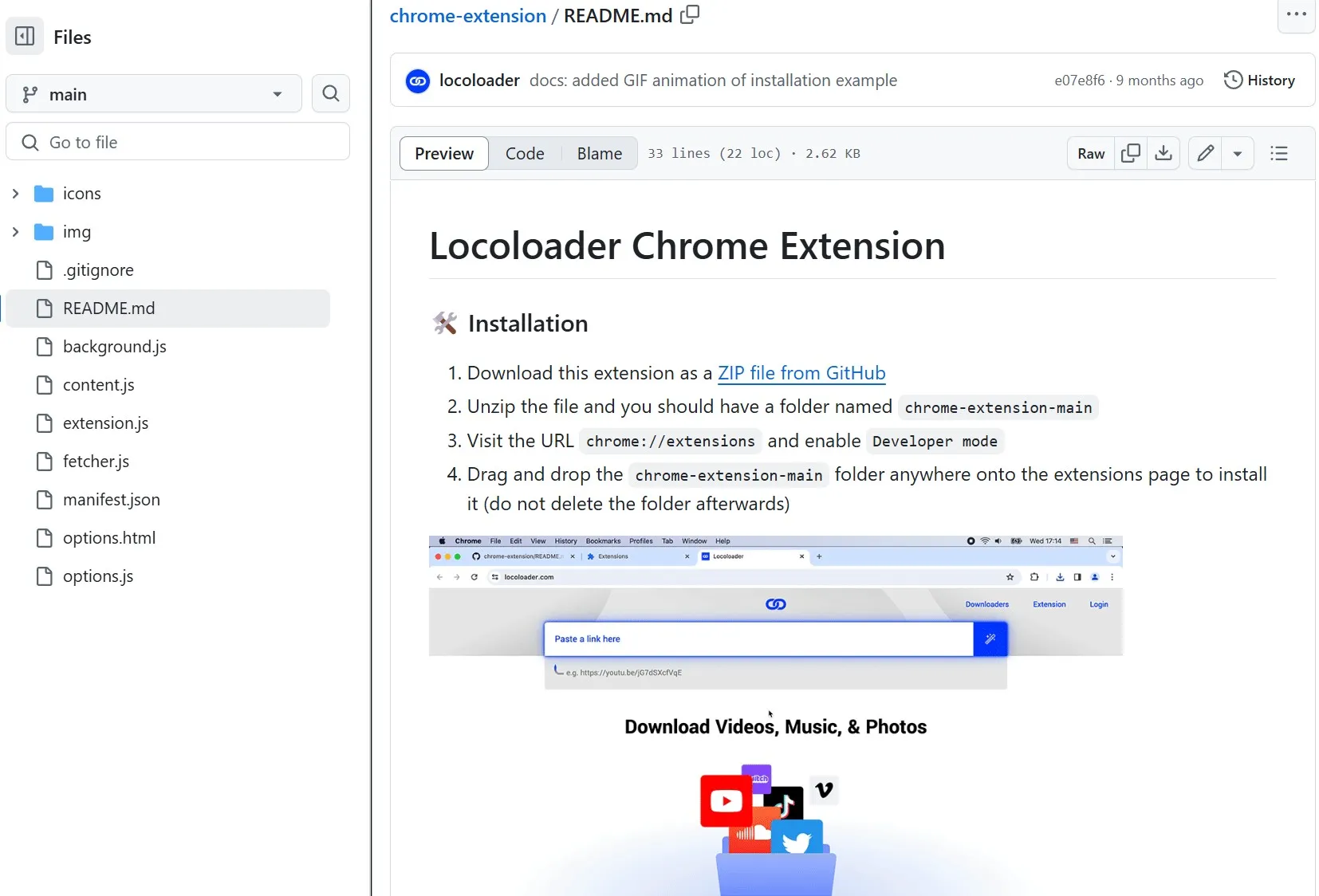
Follow Locoloader's current browser-specific installation instructions. The existing GitHub extension package remains another installation route for users who choose manual setup.
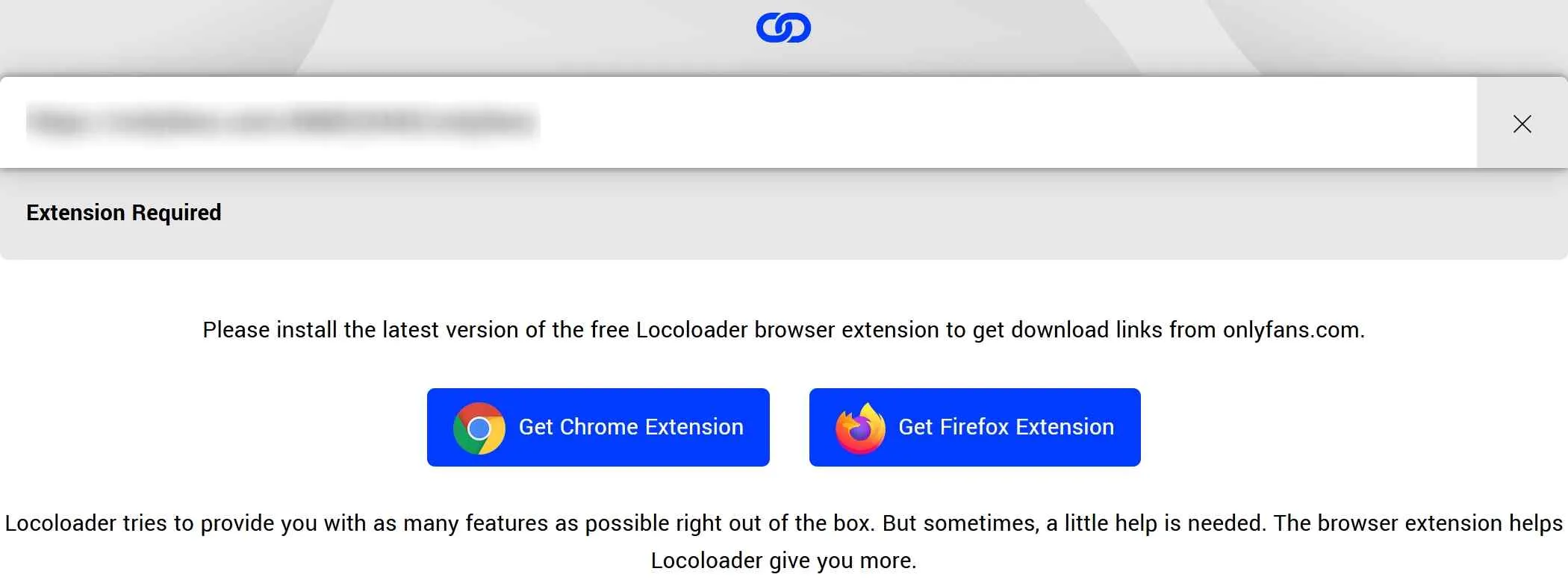
Locoloader offers two free extractions every six hours and costs $15 with monthly billing or $96 with annual billing, equivalent to $8 per month.
Locoloader pricing, as of October 2026: two free extractions every six hours, $15 billed monthly, or $96 billed annually.

It offers output choices from 240p to 1080p when those resolutions are available. Because it runs as a browser extension, task performance depends on the browser session, the source, and the connection.
Locoloader is positioned around post extraction. Its general extension page lists bulk playlist and gallery extraction, but private-message workflows and videos with additional viewing restrictions may require a different supported method.

- No need to install a separate desktop app
- Saves available OnlyFans post videos as MP4 files
- Clean, without pop-ups or redirect links
- Bulk playlist and gallery extraction is listed generally, but OnlyFans tasks may still require individual handling
- Videos with additional viewing restrictions may not produce a playable file
- Designed around post links rather than private-message workflows
Follow Locoloader’s current Chrome or Firefox installation instructions, or use the existing GitHub package for manual installation.
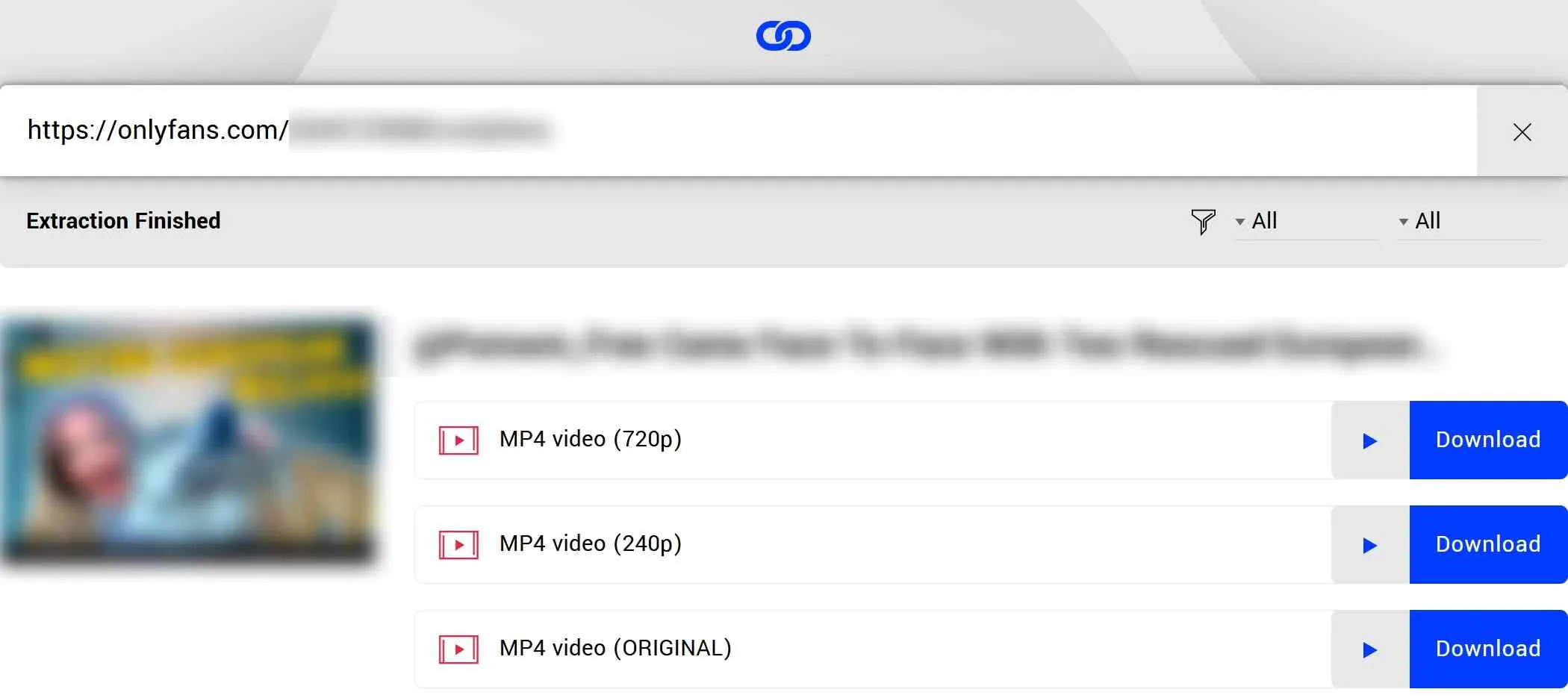
After successfully installing the Locoloader OnlyFans Extension, navigate to the official OnlyFans website, log in to your account, locate the authorized post video you wish to save, and click on ‘Copy link to post'.

The Locoloader page will display 'Extraction Finished' when analysis completes, allowing you to choose from the resolutions available for that post.
Reliable Method to Save Videos on iPhone/Android
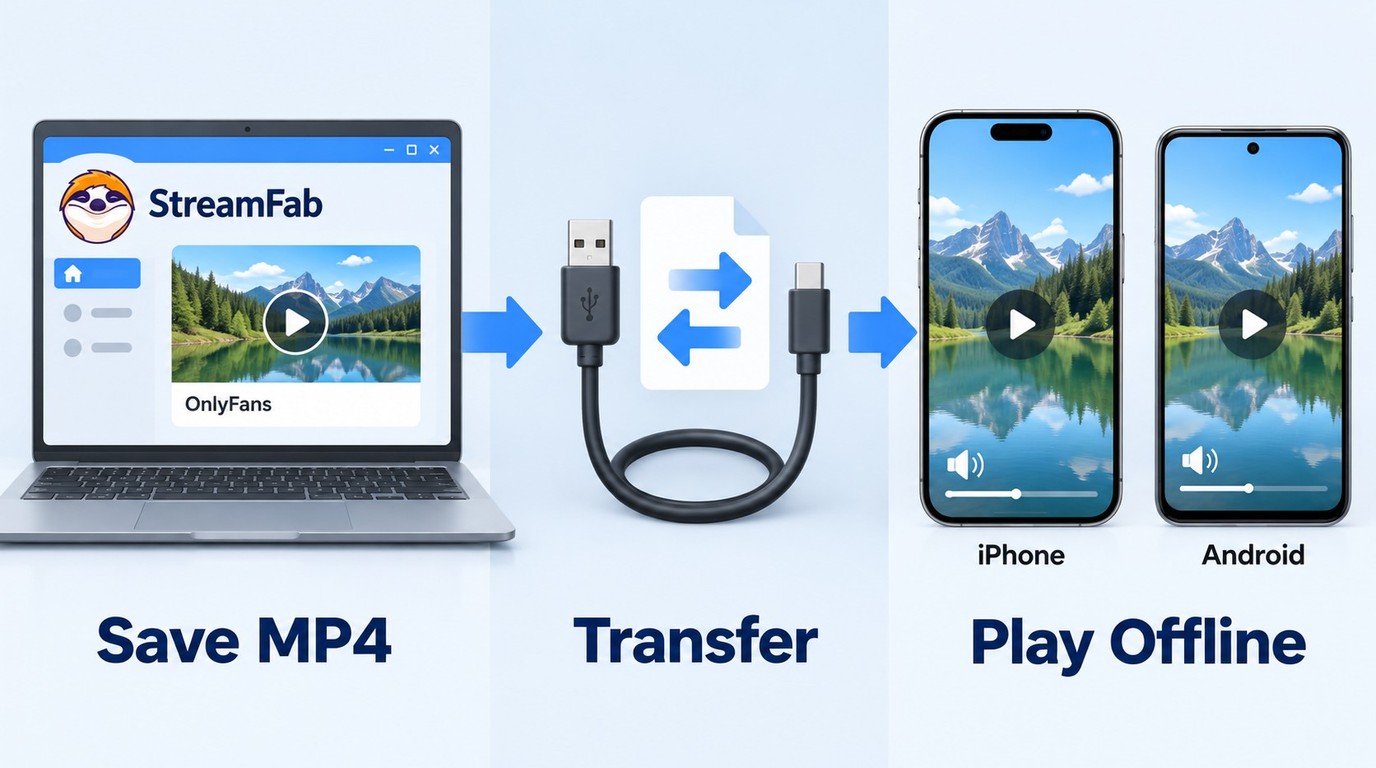
Direct saving on a phone can be inconsistent because mobile browsers and operating systems limit how streaming files are stored and opened. Transferring a saved MP4 to a phone copies the existing file; the phone needs a player that supports its video and audio codecs.
Mobile apps and browser tools differ in how they handle account credentials, file storage, and video playback. Use trusted software from its official download page, and save only content you are authorized to copy.
A Practical Workflow for Mobile Users:
- Use StreamFab OnlyFans Downloader on Windows or Mac to save an authorized video as a local file.
- Connect your phone via USB or use a personal cloud account such as Google Drive or iCloud.
- Transfer the MP4 file to your phone by USB or a private cloud account, then follow the steps to download OnlyFans videos on Android or download OnlyFans videos on iPhone to store and open it with a compatible player.
This is desktop saving followed by phone transfer, not a direct mobile download. You can use the trial to check the intended output file, and contact StreamFab Support if the file does not play correctly on the destination device.
After StreamFab OnlyFans Downloader finishes saving the authorized video on Windows or Mac, open the output folder.

Transfer the MP4 to your iPhone or Android device by USB or a private cloud account; do not create a public sharing link.
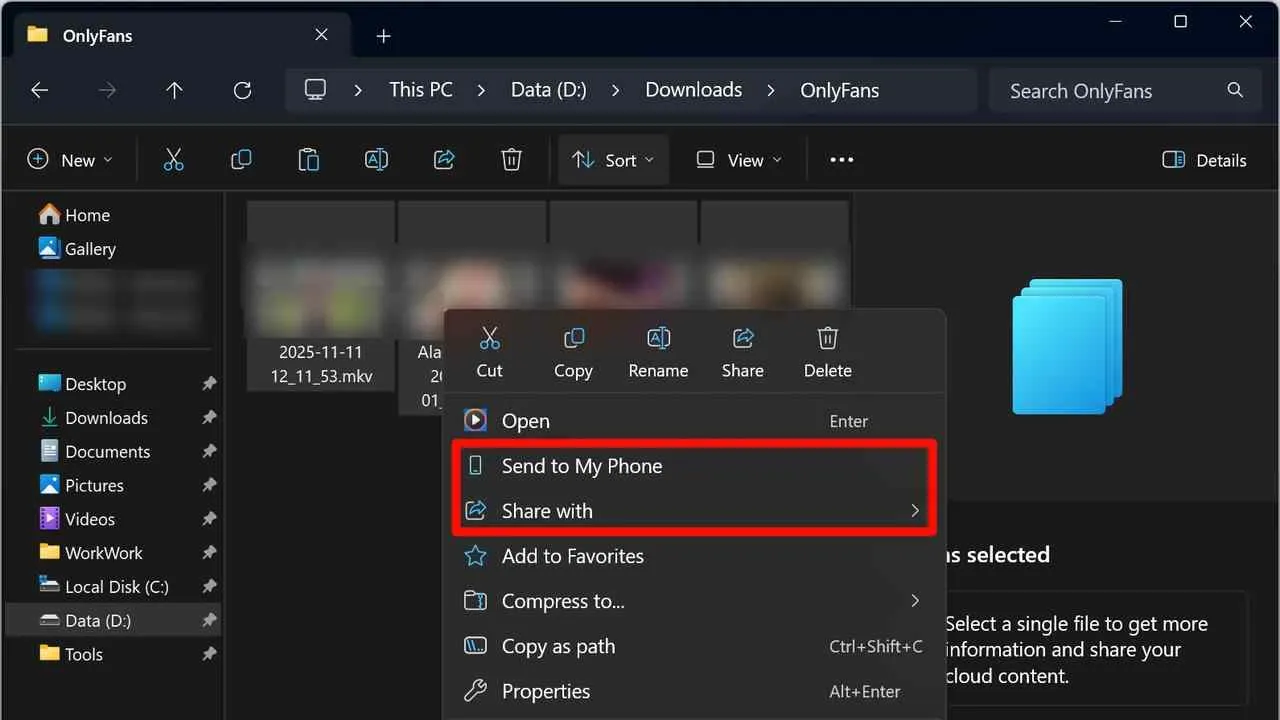
- Copies an existing MP4 file from a computer to a phone
- Allows multiple saved files to be transferred together
- Playback depends on the file codecs and the phone's media player
- Requires an extra step beyond downloading or recording
Overall Comparison of OnlyFans Video Saving Methods
StreamFab OnlyFans Downloader, RecordFab, iDownerGo, and Locoloader use different workflows. The useful distinction is whether you need desktop batch management, an individual screen-recording task, or an occasional browser-based post extraction.
For authorized local files and queues on Windows or Mac, StreamFab OnlyFans Downloader fits the desktop workflow. RecordFab, a recording product from the same brand, is designed for individual Windows recording tasks, while iDownerGo advertises desktop batches and Locoloader serves lighter browser-based extraction tasks.
| Method | Device | File output | Task style | Best fit |
|---|---|---|---|---|
| StreamFab OnlyFans Downloader | Windows / Mac | MP4 / MKV | Batch and monitoring | Authorized desktop local copies |
| iDownerGo | Windows / Mac | Advertised MP4 / MKV | Advertised batches | Authorized desktop local copies |
| RecordFab | Windows | Screen-recorded file | Individual recording tasks | Authorized recordings |
| Locoloader | Browser extension | Post extraction | Browser-based tasks | Occasional authorized post saves |
A creator-provided copy is the simpler route for an occasional item, while StreamFab OnlyFans Downloader is better suited to managing authorized local files and queues.
This visual groups the four methods by their general task style and content coverage.

Advanced Tips: Pay-Per-View (PPV) and Direct Messages
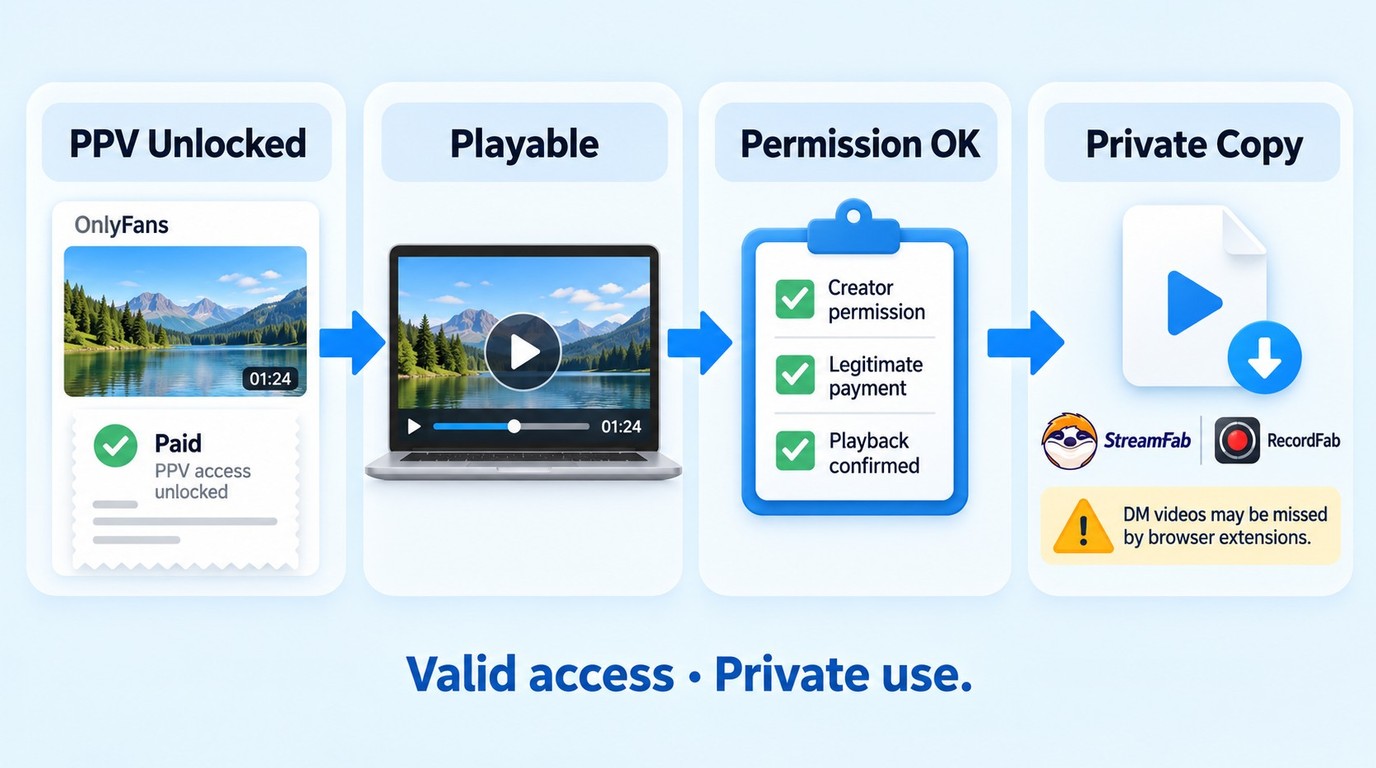
OnlyFans PPV videos are often delivered through Direct Messages and require a separate unlock beyond a creator subscription; the steps explaining how to download OnlyFans purchases begin with confirming that the item is unlocked and playable. Unlocking a PPV message grants viewing access, not ownership or blanket permission to copy it, so save a local copy only when the creator or applicable terms authorize you to do so.
A common question is: can you save an authorized PPV message? The video must first be unlocked and playable in the logged-in account. Browser extensions may not detect message-based videos, and recording results can depend on the current playback and capture environment.
If a PPV video is unlocked, playable in your account, and authorized for saving, StreamFab OnlyFans Downloader can analyze accessible message content through its built-in browser.
Open the creator conversation from the Messages tab and play the authorized item so the software can analyze it. If a message containing multiple videos is not detected correctly, reopen the item in the current version, use the trial to check compatibility, and contact StreamFab Support with the error details.
OnlyFans Subscriber Experiences on Reddit and Forums
Reddit reports show mixed, tool-specific outcomes rather than one universal result. A 2026 StreamFab commenter wrote, “Yes works for sure no issues,” while a 2023 commenter reported saving one StreamFab video at 720p. The 2023 post is a historical experience, not a current performance benchmark.
A separate 2026 StreamFab commenter described a limitation with a multi-video PPV message: “yes you can, but it kind of sucks or used to anyway, it struggled when trying to download a ppv with multiple videos in it.” For a multi-video PPV item that fails analysis, reopen it in the current version, use the trial to check compatibility, and contact StreamFab Support with the error details.
For Video Download Helper, a 2026 Reddit commenter reported, “Yeah I am using the Video Download Helper its working for normal videos. But for DRM it just produces corrupted video files.” My practical takeaway is to use a currently supported workflow for content you are authorized to save, then open the completed file and confirm that both picture and sound work.
Legal & Safety Considerations
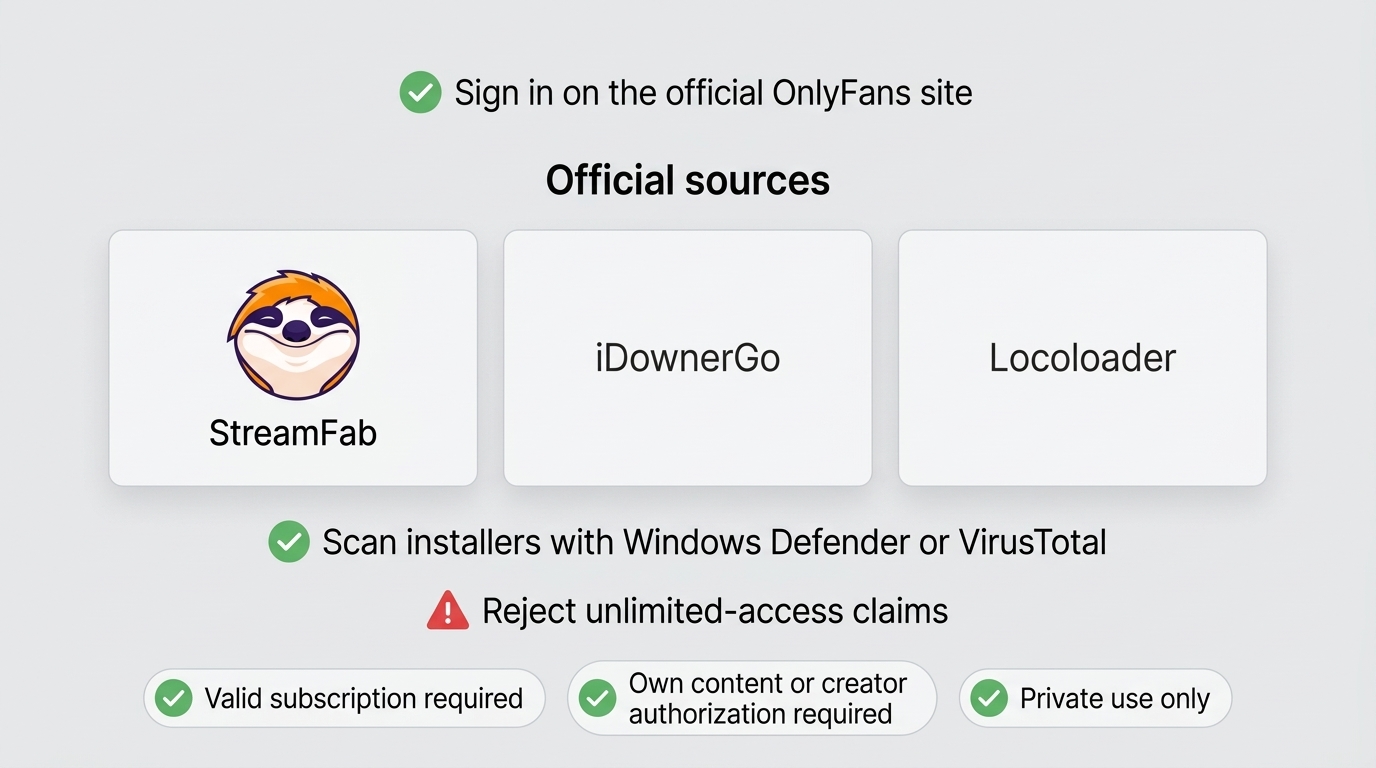
Personal Backup & Copyright: Save only content you own or have authorization to copy, and do not redistribute, sell, upload, or otherwise republish creator content. The specific permission required depends on the content and intended use.
OnlyFans Terms of Use: Follow the platform terms and any permission provided by the creator. A creator-provided download or explicit authorization may permit a local copy for the stated use; private use by itself does not create that permission.
Account Safety Rules:
- Never enter credentials on unknown sites: Only log in via the official OnlyFans site or the built-in browser of software downloaded from its official site.
- Source Credibility: Download installers only from official websites and avoid unofficial modified versions.
- Verify the Installer: Before running any .exe file, scan it with Windows Defender or VirusTotal.
- Beware of "Free Lunches": Treat promises of unlimited access to subscriber-only content as a warning sign.
Frequently Asked Questions (FAQ)
Why do some recordings show a black screen?
A black recording can result from playback restrictions or a capture problem. Confirm that the authorized video plays in your logged-in session, update the supported software, and check that the saved file has both picture and sound. For analysis or playback failures, follow the OnlyFans DRM troubleshooting guide and contact StreamFab support if the problem continues.
Can OnlyFans content be saved without a subscription or just a username?
No. A username does not grant access to subscriber-only content. An active subscription or a separately unlocked PPV message grants viewing access, not ownership or blanket permission to save a copy; the creator can provide an authorized copy or specific permission.
Will OnlyFans detect if I download their videos?
Downloading software does not change your obligations under the OnlyFans terms or the creator's content permissions. Use the official StreamFab installer, work only with content you are authorized to access and save, and never give your password or session credentials to unknown websites.
Can I pirate OnlyFans content if I've paid for it?
No. Paying for a subscription or unlocking a PPV message grants viewing access, not ownership or permission to pirate, copy, or redistribute creator content. An authorized local copy requires permission to access and save that specific item. Do not use unauthorized services or tools that promise permanent or unlimited saving; that use is not permitted. Keep authorized copies private and follow applicable law, OnlyFans terms, and the creator's permission for your specific use case.
Can I download purchased PPV messages?
Yes, if the PPV video is separately unlocked, playable in your logged-in account, and you have authorization to save a copy. StreamFab OnlyFans Downloader supports accessible videos in Direct Messages. If a message containing multiple videos fails analysis, update to the current version, use the free trial to check the item, and contact StreamFab Support with the error details.
How do I download videos from OnlyFans on my PC?
For content you are authorized to access and save, where permitted by platform terms and applicable law, install StreamFab OnlyFans Downloader from the official site on Windows or Mac. Sign in through its built-in browser, play the authorized video, select the available MP4 or MKV settings, and download it immediately or add it to the batch queue.
Conclusion
For authorized OnlyFans content, here’s the workflow I recommend:
- First, ask the creator for an authorized copy when that option is available.
- For content you are authorized to access and save, where permitted by platform terms and applicable law, use a desktop workflow on Windows or Mac to save the content as a local copy, then transfer the file privately to your phone if needed.
- Whatever you do, don’t enter your OnlyFans login into sketchy apps or mystery websites.
OnlyFans' mission is to protect creators' content. If you want to save content for offline viewing, do so in a manner that respects the law and platform rules. That balance matters—to you, to creators, and to the platform.

Convert authorized OnlyFans videos to MP4 on Windows or Mac using a desktop workflow or a permitted screen recording. Learn how file formats differ from delivery and access, what StreamFab’s output settings provide, and what four dated Reddit reports describe. Five FAQs cover installation, the trial, subtitles, batch selection, and source quality.
By Marcia Hatcher - Oct 13, 2026
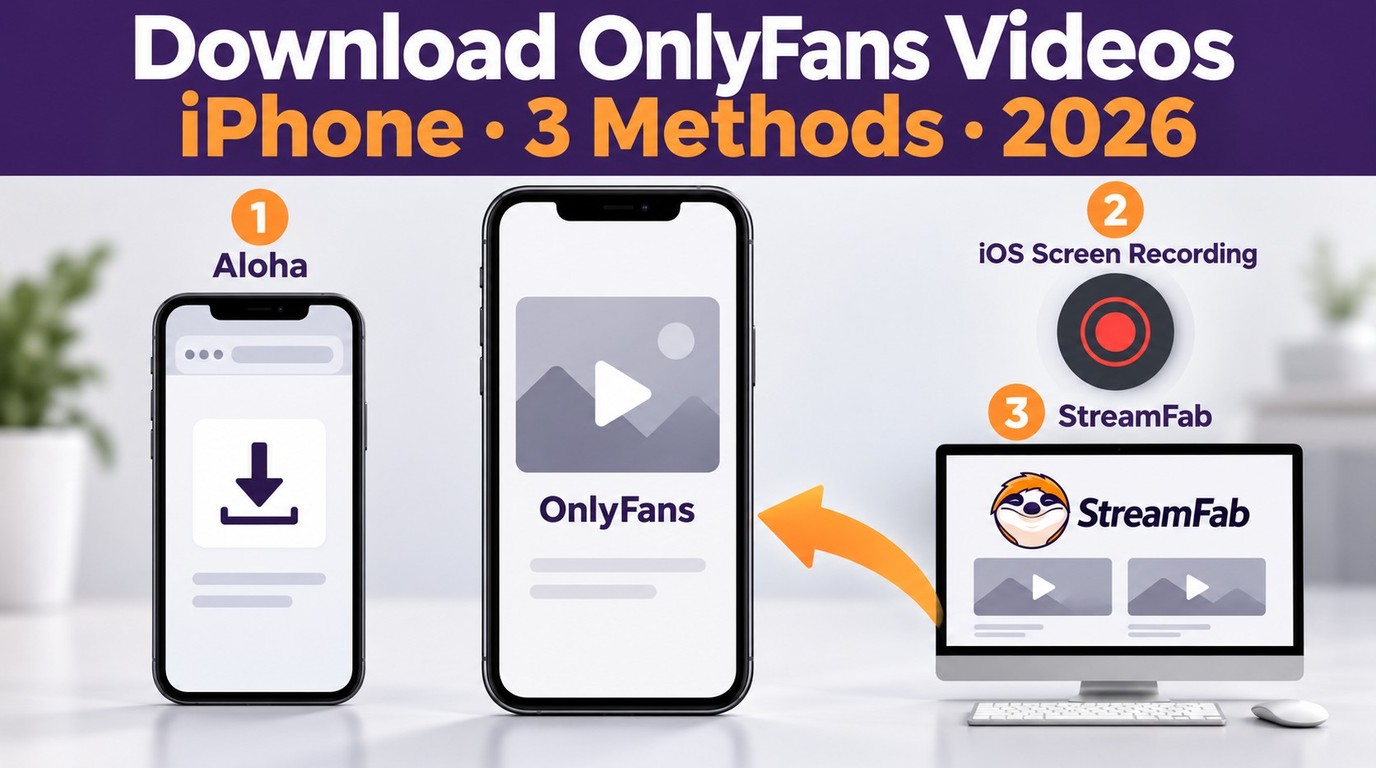
How to download OnlyFans videos on iPhone in 2026: 3 tested methods ranked by success rate, from Aloha browser to iOS screen recording to the PC transfer workflow.
By Erika Leen - Oct 13, 2026
Can you screen record OnlyFans in 2026? Fix the black screen on iPhone & PC with these tested methods — from OBS tricks to dedicated download tools.
By Marcia Hatcher - Oct 13, 2026
6 free and paid OnlyFans Chrome extensions tested for DRM support and reliability. Find which ones work in 2026—plus a desktop tool that handles protected content every time.
By Erika Leen - Oct 13, 2026